

GoTo Resolve vs Splashtop: Which Remote Desktop Is Right for You?
This guide compares GoTo Resolve vs Splashtop, highlighting key features, pricing, and security. GoTo Resolve is great for IT teams, while Splashtop is fast and affordable for individuals and small businesses.

By Ellie / Updated on September 2, 2025


GoTo Resolve vs Splashtop
Remote desktop software has become essential in today's fast-paced digital world. Whether you're an IT professional, a small business owner, or just need occasional access to your home PC, choosing the right tool can save time, reduce stress, and improve productivity. Among the top options, GoTo Resolve vs Splashtop is a common comparison, but which one truly delivers better performance? Let's dive deep.
What is GoTo Resolve?
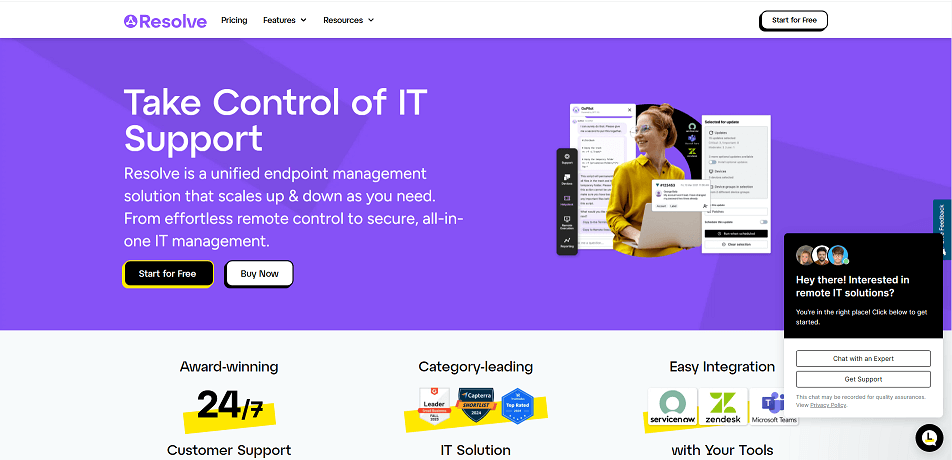
GoTo Resolve is a cloud-powered remote support solution built for IT departments and service professionals. It enables technicians to diagnose and fix problems on remote devices swiftly, no matter where users are located.
Key Features and Benefits
- Remote Monitoring: Keeps an eye on computers and alerts you when problems arise.
- Ticketing System: Includes 25 monthly support tickets to track and manage issues effectively.
- Endpoint Management: Supports up to 10 devices, ensuring they remain secure and up to date.
- Automated Tasks: Run up to 3 automated workflows to handle repetitive fixes and save time.
- Mobile Device Support: Extend support to smartphones and tablets, even from your own phone.
- Robust Security: Ensures safe sessions with strict data privacy protection.
Pricing Plans
- Remote Access: $23 per month
- Remote Support Plus: $44 per month
- Standard Endpoint Management: $57 per month
- Premium Endpoint Management: Contact sales for details
Advantages
- Quick and straightforward setup
- Intuitive for fast troubleshooting
- Ideal for smaller IT teams
- Automation reduces manual effort
- Mobile support adds flexibility
Disadvantages
- Free version has major restrictions
- Advanced features require higher-tier plans
- Limited international server coverage
What is Splashtop?
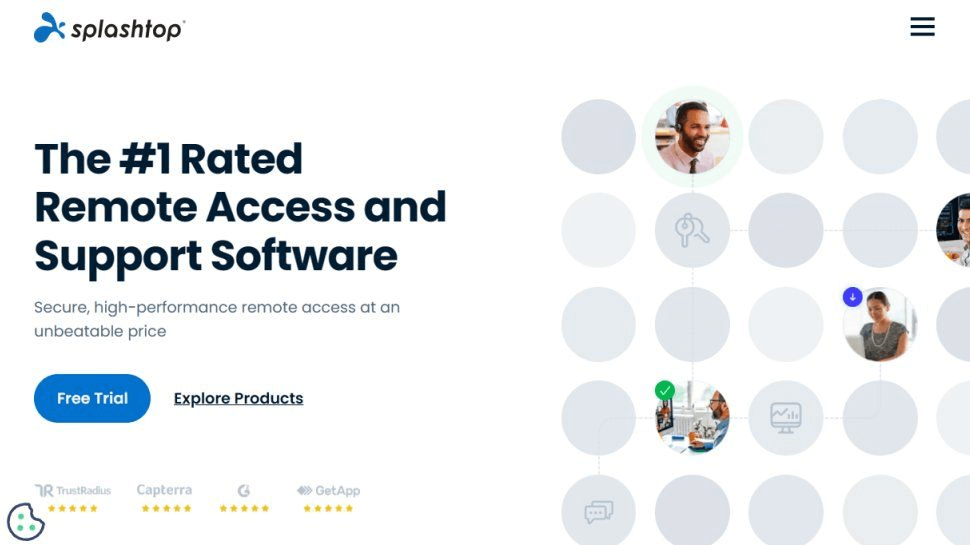
Splashtop is a powerful remote access and support solution designed for individuals, teams, and enterprises. Praised for its speed and affordability, it's a popular choice for IT support, remote work, and multimedia use. The Splashtop vs GoTo Resolve comparison is also common, especially for users deciding between cost and functionality.
Key Features and Benefits
- Fast, Responsive Connections: Provides seamless remote access that feels almost local.
- High-Quality Streaming: Delivers crisp video and clear audio, ideal for media-rich tasks.
- Cross-Platform Compatibility: Works across Windows, macOS, Linux, iOS, and Android.
- Advanced Security: Protects sessions with strong encryption and authentication protocols.
- Affordable Plans: Offers excellent value for money without compromising performance.
Pricing Plans
- Splashtop Personal: Free, but with feature limitations
- Solo: $5 per month
- Pro: $8.25 per month
- Performance: $13 per month
- Enterprise: Custom pricing available upon request
Users often compare Splashtop vs GoTo Resolve cost when evaluating which solution offers better value. Splashtop tends to be more affordable for individuals and small teams, whereas GoTo Resolve is priced higher due to enterprise-oriented features.
Advantages
- Quick and hassle-free setup
- Exceptional connection speeds
- Cost-effective pricing
- Broad device compatibility
- Strong built-in security protections
Disadvantages
- Free version has restrictions
- Premium features require paid tiers
- Lacks a built-in chat function
Feature Comparison
Let's take a closer look at Splashtop and GoTo Resolve by comparing their core features side by side. This breakdown highlights their strengths and differences, making it easier to see which solution fits your needs best.
1. Remote access and control
Splashtop stands out for its lightning-fast connections, giving users a smooth and responsive experience that feels almost as if they were sitting in front of the remote computer. It's especially useful for tasks that demand high performance, such as video editing, graphic design, or running software remotely without lag.
GoTo Resolve, on the other hand, focuses on reliability and ease of use. It allows IT teams and support professionals to take over devices quickly to diagnose and fix issues from anywhere. Its remote control is designed more for troubleshooting and problem resolution, ensuring that users get the assistance they need without unnecessary delays.
2. User interface
Splashtop offers a straightforward and uncluttered interface, making it easy for users to locate tools and features without confusion. Its clean layout ensures a smooth experience, whether you're a beginner or an advanced user.
GoTo Resolve also focuses on simplicity with an intuitive dashboard that guides users through tasks effortlessly. Even those new to remote support software can navigate it without much learning curve.
Both platforms prioritize ease of use, ensuring that users spend less time figuring out the software and more time getting work done.
3. Security features
Splashtop secures every connection with advanced encryption protocols, ensuring that all remote sessions remain private and protected. It also supports features like device authentication and two-factor authentication for added layers of defense.
GoTo Resolve places equal importance on safeguarding data. With built-in zero-trust access controls, session encryption, and multi-factor authentication, it provides a secure environment for IT teams and end users alike.
Both platforms are committed to keeping sensitive information safe, giving businesses and individuals confidence that their remote activities are well-protected.
4. File transfer
Splashtop makes sharing files between devices simple and efficient with its drag-and-drop functionality. Whether you're moving large files, documents, or media, the process is seamless and quick.
GoTo Resolve also offers reliable file transfer capabilities, enabling technicians and users to exchange updates, patches, or important documents during a support session without hassle.
5. Session recording
Splashtop includes the ability to record remote sessions, making it a valuable tool for training purposes, auditing, or reviewing completed tasks. This feature ensures that every action taken during a session can be revisited later for accuracy or learning.
GoTo Resolve also provides session recording, giving IT teams and support staff a reliable way to document interactions. These recordings can be used for compliance, quality assurance, or simply to track what occurred during a troubleshooting session.
6. Mobile device support
Splashtop offers seamless functionality on smartphones and tablets, allowing users to access and control remote devices from virtually anywhere. This flexibility is ideal for on-the-go troubleshooting or quick fixes without needing a desktop.
GoTo Resolve also delivers robust mobile support, enabling IT teams and support professionals to assist users directly from their mobile devices. Whether it's resolving issues or monitoring systems, you can stay productive even while away from your main workstation.
7. Integrations
Splashtop supports integration with a variety of third-party tools, helping streamline workflows and improve efficiency across different applications. This connectivity ensures that users can work seamlessly without constantly switching between platforms.
GoTo Resolve also offers extensive integration options with widely used business and IT management applications. By linking systems together, it simplifies processes, enhances collaboration, and keeps all your tools in sync.
AnyViewer: A worthy alternative to GoTo Resolve and Splashtop
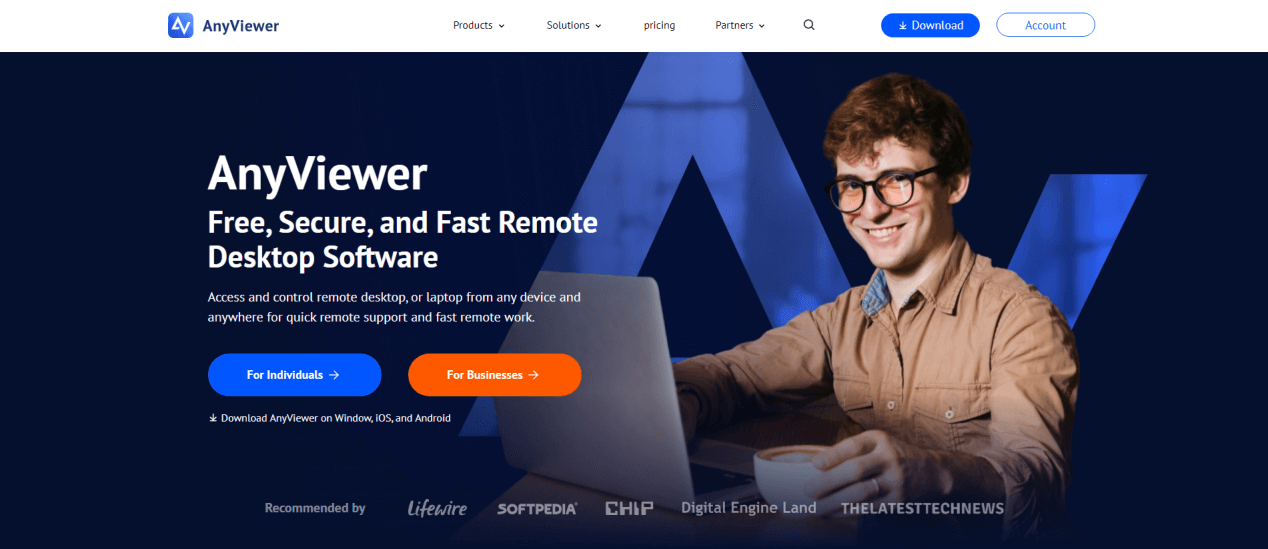
While GoTo Resolve and Splashtop excel in their own ways, AnyViewer is quickly becoming a top choice for individuals and businesses seeking a reliable, high-performance remote desktop solution. It combines speed, security, and flexibility, making remote access simpler and more efficient.
Key Features and Benefits:
- Cross-Platform Support: AnyViewer allows seamless remote control across Windows, macOS, iOS, and Android, ensuring you can manage multiple devices regardless of their operating system. This flexibility is ideal for mixed-device environments.
- Ultra HD Screen Mirroring: Professionals working with graphic design, video editing, or detailed presentations will appreciate crisp, high-definition visuals, which make remote work feel almost as if you were physically at the workstation.
- Unattended Access: AnyViewer supports unattended remote access, allowing you to monitor or control devices without requiring someone at the other end. This is perfect for IT admins, support teams, or anyone managing multiple computers remotely.
- Robust Security: Security is a top priority, with end-to-end encryption, two-factor authentication, and secure session protocols ensuring that sensitive data stays protected during every remote session.
- Ease of Use: The platform is designed for both beginners and advanced users, offering a clean, intuitive interface and a simple setup process. Even users with minimal technical experience can get started quickly, while power users can take advantage of advanced options.
- High Performance and Reliability: AnyViewer delivers smooth, low-latency connections, even over slower networks, minimizing lag and ensuring a productive remote session.
- Affordable Pricing: Compared to other professional remote desktop solutions, AnyViewer provides excellent value without sacrificing key features, making it a cost-effective option for small businesses, freelancers, and individuals alike.
For users looking for speed, flexibility, and a secure, user-friendly experience at an affordable price, AnyViewer stands out as an excellent alternative to traditional remote desktop tools like GoTo Resolve and Splashtop. Its combination of cross-platform capabilities, ultra HD visuals, unattended access, and robust security makes it a solution that fits both professional and personal remote access needs.
Conclusion
GoTo Resolve vs Splashtop both deliver strong remote desktop solutions, serving different needs. GoTo Resolve is great for IT support, managing tickets, and handling larger teams. Splashtop excels at fast, high-quality remote access for individuals or small teams, especially for multimedia tasks. AnyViewer is a solid alternative, offering speed, security, and flexibility across multiple platforms at an affordable price. The best choice depends on your needs, team size, and budget, but all three provide reliable and secure remote access.
Frequently Asked Questions
Is Splashtop better than LogMeIn for remote desktop?
Splashtop tends to be more budget-friendly for basic remote desktop use, offering fast and reliable access at a lower cost. LogMeIn, now part of GoTo Resolve, provides a broader set of advanced features. The best choice depends on your specific requirements and budget. Both deliver dependable remote connectivity.
Does GoTo Resolve support remote printing?
Yes. GoTo Resolve allows users to print documents from a remote computer directly to a local printer. This feature is particularly useful in business environments where remote work and printing are frequently needed.
Can I try Splashtop or GoTo Resolve before subscribing?
Both platforms typically offer free trials. This enables you to explore their features and evaluate which solution meets your needs before committing to a paid plan.
Which service handles scalability and concurrent sessions better?
GoTo Resolve is generally more robust for larger teams, supporting higher scalability and multiple concurrent sessions. It’s designed to serve growing businesses efficiently. Splashtop also scales well but is often more suitable for smaller to mid-sized teams.
Do either tool offer advanced diagnostics for administrators?
GoTo Resolve provides more comprehensive diagnostics for IT administrators, helping with in-depth troubleshooting and system monitoring. Splashtop focuses primarily on fast, direct remote control but still offers essential system insights.



 as a preferred
source on Google
as a preferred
source on Google