What Is Global Remote Control Software?

Global remote control software is a specialized category of remote access solutions designed for multinational organizations that need to manage computers, servers, and devices across different countries and time zones. Unlike standard remote desktop tools, global remote control software addresses the unique challenges of international operations: network latency across continents, firewall and NAT traversal, compliance with regional data regulations, and coordination among distributed IT teams.

Key characteristics of global remote control software

  • Cross-border connectivity: Establish connections between devices in different countries without VPN configuration
  • Optimized latency: Compression and routing technologies that minimize delays over long distances
  • Enterprise scalability: Support for managing hundreds or thousands of devices across global offices
  • Compliance-ready: Security features that meet international standards like GDPR, SOC 2, ISO 27001
  • Multi-language support: Interfaces and documentation available in multiple languages for global teams
Global remote control software visual
Why global remote control matters for enterprises

According to industry research, 67% of enterprises now operate across multiple countries, and 45% have IT teams distributed across at least three time zones. This geographic spread creates significant challenges for IT management - challenges that global remote control software directly addresses. From deploying updates to servers in Singapore while sitting in London, to providing real-time support to colleagues in New York from a Tokyo office, global remote control software makes true international collaboration possible.

Why Global Businesses Choose AnyViewer

Low latency and high speed remote access

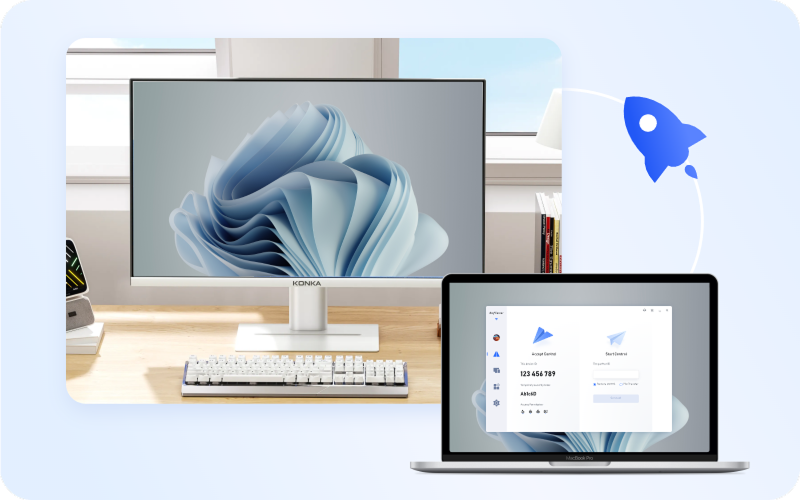
Global Server Connectivity

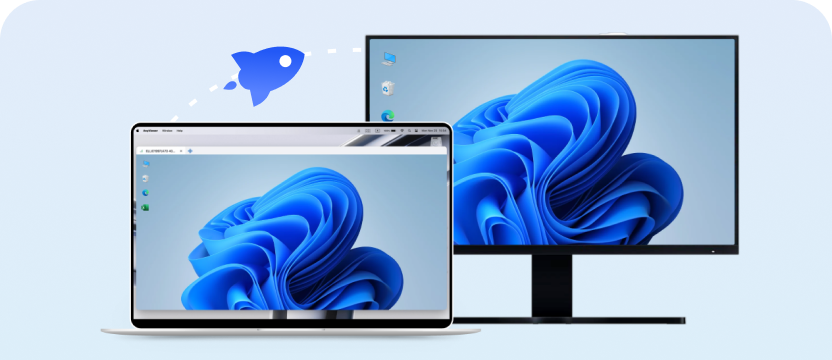
Access and control servers around the world with ease. AnyViewer enables seamless remote connections across countries and networks, effortlessly bypassing firewalls and NAT.

  • Supports connections across 190+ countries
  • Automatic firewall traversal without manual configuration
  • Works with IPv4 and IPv6 networks globally
Low latency and high speed remote access

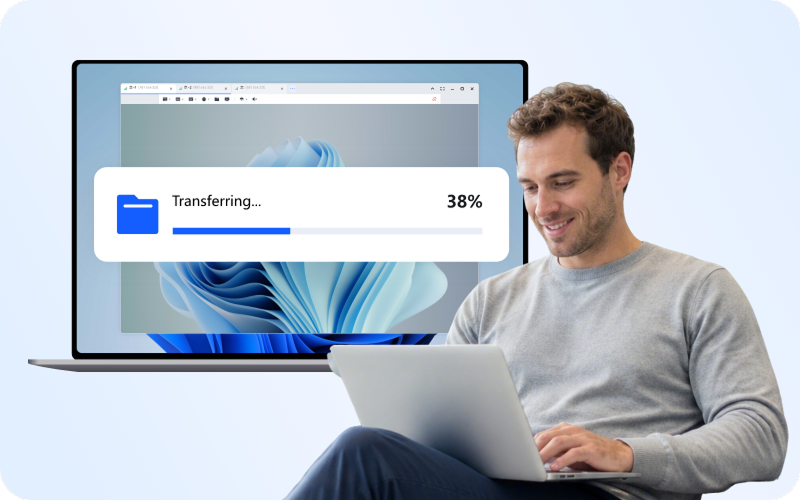
Low Latency, High Speed

Experience stable, high-speed connections optimized for global distances. AnyViewer ensures real-time responsiveness, allowing teams to collaborate, troubleshoot, and transfer files smoothly.

  • Average latency: <100ms for intercontinental connections
  • File transfer speeds up to 12 MB/s
  • Adaptive compression for varying network conditions
Scalable enterprise remote management

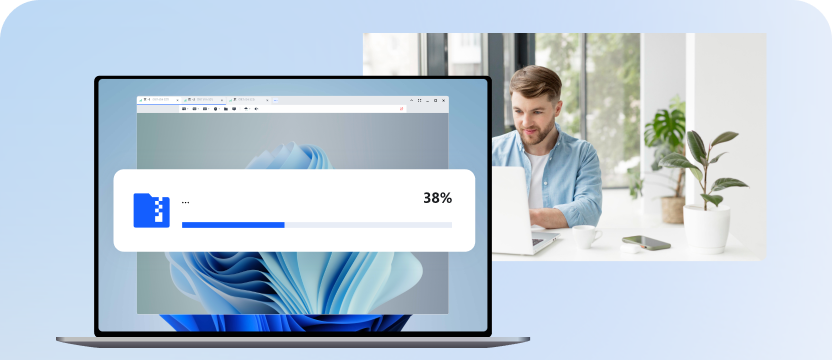
Scalable for Worldwide Enterprises

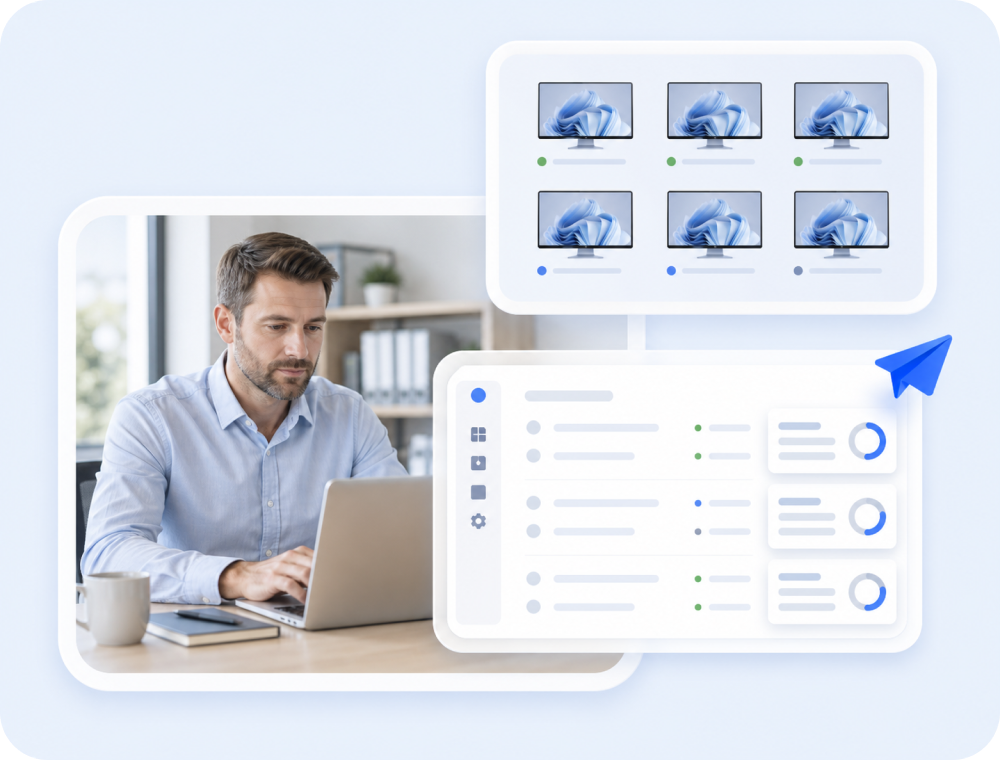
Easily scale from small teams to multinational operations. Manage unlimited devices, assign roles, and monitor sessions from a centralized dashboard for efficient global IT management.

  • Support for unlimited device registration
  • Centralized management dashboard
  • Role-based permissions for distributed teams

Top Use Cases for Global Remote Control

Managing international IT infrastructure

Managing International IT Infrastructure

Suitable crowd: IT administrators, system engineers, DevOps teams at multinational corporations

IT administrators at multinational corporations use AnyViewer to manage servers and workstations across global office locations. Instead of dispatching technicians to each site, IT teams can remotely deploy updates, troubleshoot issues, and monitor system health from a central location.

Key benefits:
  • Reduce IT travel costs by up to 80%
  • Deploy software updates to servers in multiple countries simultaneously
  • Monitor system health across all global offices from one dashboard
  • Resolve critical issues in minutes instead of days
Supporting international clients and partners

Supporting International Clients and Partners

Suitable crowd: Customer support teams, technical consultants, B2B service providers

Businesses with international clients use AnyViewer to provide real-time technical support across time zones. Support teams can instantly connect to client systems, diagnose problems, and deliver solutions without waiting for local staff to be available.

Key benefits:
  • Provide 24/7 support coverage across time zones
  • Reduce support ticket resolution time by 60%
  • Deliver patches and tools directly to client systems
  • Maintain support quality regardless of geographic distance
Coordinating global project teams

Coordinating Global Project Teams

Suitable crowd: Creative directors, project managers, design teams, engineering teams

Design studios, engineering firms, and creative agencies with teams in multiple countries use AnyViewer to collaborate on projects. Team members can access shared workstations, review designs together, and transfer large project files seamlessly.

Key benefits:
  • Access high-performance workstations from any location
  • Collaborate on design files in real-time across continents
  • Transfer large media files (video, 3D models) quickly
  • Maintain creative workflow continuity across time zones
Managing remote branch offices

Managing Remote Branch Offices

Suitable crowd: Operations managers, regional directors, branch office administrators

Companies with branch offices in different countries use AnyViewer to maintain operational continuity. Headquarters can monitor branch systems, provide training, and ensure compliance with corporate IT policies.

Key benefits:
  • Monitor all branch office computers from Screen Wall
  • Provide remote training to new branch employees
  • Enforce IT security policies across all locations
  • Reduce on-site IT staffing requirements at branches

Enterprise Features Comparison with Others

AnyViewer
Yes
Automatic
Yes
Yes
Yes
Yes
Yes
256-bit
Yes
Yes
Affordable
Full features
Feature TeamViewer Splashtop AnyDesk
Global Connectivity
Cross-border access Yes Yes Yes
Firewall traversal Automatic Manual Automatic
Proxy support Yes Yes Limited
Enterprise Features
Screen Wall monitoring Yes (Premium) No No
MSI mass deployment Yes Yes Limited
Role permissions Yes Yes Limited
Device grouping Yes Yes Yes
Security
ECC encryption AES-256 TLS/AES AES-256
GDPR compliance Yes Yes Yes
Session logging Yes Yes Limited
Pricing
Enterprise plan Expensive Moderate Moderate
Free version Limited Trial Limited

Security for Cross-Border Remote Access

When managing remote access across international boundaries, security and compliance are critical. AnyViewer provides enterprise-grade protection for global operations.

256-bit Elliptic Curve Cryptography

256-bit Elliptic Curve Cryptography (ECC)

All remote sessions are encrypted with ECC, providing military-grade security optimized for international connections where latency matters.

GDPR and international compliance

GDPR and International Compliance

AnyViewer's security architecture supports compliance with major international regulations including GDPR, SOC 2, ISO 27001, and regional data protection laws.

Role-based access control

Role-Based Access Control

Administrators can define precise permissions for each team member, ensuring that IT staff in different regions only access devices within their authorized scope.

Proxy support for enterprise networks

Proxy Support for Enterprise Networks

Establish connections through corporate proxy servers, ensuring compatibility with enterprise security policies and network architectures.

How to Access Global Servers

Step 1: Deploy & Assign

Entering a deployment code on the to-be-deployed device and approve the request, the devices will be displayed on the device list. Or automatic installation through AD domain using MSI installation package for mass deployment.
*AnyViewer can be deployed to unlimited remote devices in a domain by the admin account.

Deploy AnyViewer to global devices

Step 2: Regional Grouping & Security

Then, you can add users to your team and grant them to manage all added devices. Create custom roles and modify permissions for each role, remark team members, facilitating identification and management. And use blacklist and whitelist to set remote access permissions via account or device ID to improve device security further.

Assign permissions and group devices

Step 3: One-Click Control

After all settings, you can initiate control directly through the group.

Control global servers with one click
Free Download

Explore All AnyViewer Features

Remote Access

Enjoy smooth, stable remote access to your devices anytime, anywhere with AnyViewer's fast and easy-to-use connection features.

Unattended Remote Access

Unattended Remote Access

Securely access and control another PC anytime without requiring someone at the remote device.

Mobile Device Support

Mobile Device Support

Connect to and control computers from your mobile devices for flexible remote access anywhere.

Multi-Monitor Support

Multi-Monitor Support

View and switch between multiple remote monitors seamlessly during a remote session.

Smart Frame Rate

Smart Frame Rate

Automatically adjust frame rate based on network conditions to maintain smooth remote connections.

Remote Shutdown

Remote Shutdown

Remotely shut down or restart connected computers directly from the AnyViewer interface.

Remote Boot

Remote Boot

Wake and start remote computers remotely using supported Wake-on-LAN technology.

Remote Sound

Remote Sound

Hear audio from the remote computer in real time during remote sessions.

Shortcut Keys

Shortcut Keys

Use convenient keyboard shortcuts to quickly perform common actions during remote sessions.

Keyboard Mapping

Keyboard Mapping

Map keyboard keys between local and remote devices for a more natural typing experience.

Mouse Lock

Mouse Lock

Lock the remote mouse cursor to prevent interference during remote control.

3D Game Mouse

3D Game Mouse

Enable precise mouse control optimized for 3D applications and games during remote sessions.

True Color Mode

True Color Mode

Display the remote screen in full color depth for clearer and more accurate visuals.

Display in Separate Window

Display in Separate Window

Open each remote monitor in an independent window for easier multitasking and flexible screen management.

Virtual Screen

Virtual Screen

Create additional virtual monitors on the remote device to enable a true multi-screen remote control experience.

Administration

Easily manage remote devices, users, and permissions with powerful remote device management tools designed for both individuals and businesses.

Screen Wall

Screen Wall

Monitor multiple remote device screens at the same time in a single dashboard view.

Mass Deployment

Mass Deployment

Install and configure AnyViewer on many devices simultaneously for efficient IT deployment.

Deploy Team Devices

Deploy Team Devices

Quickly add and organize multiple team devices for centralized management.

Create Groups for Computers

Create Groups for Computers

Organize devices into groups for easier device management and access control.

Security and Privacy

Keep every remote desktop connection secure with advanced encryption, privacy protection, and trusted security technologies built into AnyViewer.

Access in Privacy Mode

Access in Privacy Mode

Black out the remote screen and disable input on the remote device to protect sensitive operations.

Blacklist and Whitelist

Blacklist and Whitelist

Control which devices are allowed or blocked from accessing your devices.

Lock Interface

Lock Interface

Restrict access to the AnyViewer interface to prevent unauthorized configuration changes.

Two-Factor Authentication

Two-Factor Authentication

Add an extra layer of account security with two-factor authentication verification.

Role Permission Management

Role Permission Management

Assign different permissions to users based on their roles for secure team management.

User Account

User Account

Manage users and devices centrally through a secure AnyViewer account system.

Third-Party Login

Third-Party Login

Sign in quickly using supported third-party accounts for convenient access.

Proxy Support

Proxy Support

Connect through proxy servers to adapt to restricted networks or enterprise environments.

Collaboration

Boost productivity with remote collaboration tools, including screen sharing, file transfer, real-time chat, and whiteboard during remote sessions.

Screen Mirroring

Screen Mirroring

Mirror one device's screen to another device for presentations or demonstrations.

Remote File Transfer Manager

Remote File Transfer Manager

Transfer files between local and remote devices quickly with an easy-to-manage file transfer interface.

Clipboard

Clipboard

Copy and paste text or files between local and remote computers instantly.

File Drag and Drop

File Drag and Drop

Move files between computers simply by dragging and dropping during a remote session.

Text Chat in Session

Text Chat in Session

Communicate instantly with remote users through built-in text chat during sessions.

Whiteboard

Whiteboard

Draw, annotate, and highlight directly on the remote desktop viewing for clearer communication.

Screen Recording

Screen Recording

Record remote sessions to review activities or keep operation records.

Screenshot

Screenshot

Capture screenshots of the remote desktop instantly during a session.

What Our Global Clients Say

Global IT Director

Manufacturing Firm

“AnyViewer has transformed how our teams in Europe and Asia collaborate. Remote management is fast, reliable, and secure — it feels like we’re all in the same office.”

Operations Manager

E-Commerce Company

“Managing multiple branch offices worldwide was always a challenge. With AnyViewer, we can monitor systems and support our teams instantly, no matter the time zone.”

Creative Director

Media & Entertainment Studio

“We rely on AnyViewer for high-performance remote access to our design workstations across continents. The speed and HD quality make collaboration seamless.”

Head of IT

International Logistics Firm

“Unattended remote access has been a game-changer for our global IT support team. We can troubleshoot issues instantly without interrupting local staff.”

CEO

Consulting & Finance Company

“The mobile access feature allows our executives to connect to office PCs while traveling internationally. AnyViewer keeps us productive and connected on the go.”

IT Administrator

Multinational Corporation

“AnyViewer is the best international remote work software. From mass deployment to role-based permissions, AnyViewer gives our global enterprise full control over all devices securely and efficiently.”

Frequently Asked Questions

  • What is global remote control software?

    Global remote control software is specialized remote access technology designed for multinational organizations managing devices across different countries and time zones. It addresses unique international challenges like cross-border connectivity, network latency optimization, firewall traversal, and compliance with regional data regulations. Key features include enterprise scalability, multi-language support, and centralized management dashboards for distributed IT teams.

  • Can I remotely access computers in different countries?

    Yes, AnyViewer enables remote access to computers and servers in any country with internet connectivity. The software automatically handles firewall and NAT traversal, allowing connections across international networks without VPN configuration. Whether you're accessing a server in Singapore from London or supporting a colleague in New York from Tokyo, AnyViewer provides seamless cross-border connectivity.

  • What is the best remote control software for international businesses?

    AnyViewer is one of the best global remote control software options for international businesses, offering enterprise features like Screen Wall monitoring, MSI mass deployment, role-based permissions, and 256-bit ECC encryption at competitive pricing. Unlike TeamViewer's expensive enterprise plans, AnyViewer provides full functionality including cross-border connectivity and unlimited device management at affordable rates.

  • How do I manage servers in multiple countries remotely?

    To manage servers across multiple countries with AnyViewer: 1) Install AnyViewer on all servers and log in with the same enterprise account, 2) Organize servers into groups by region or function, 3) Use Screen Wall to monitor all servers simultaneously, 4) Connect to any server with one-click control for maintenance and troubleshooting. This centralized approach eliminates the need for on-site IT staff at each location.

  • Is global remote control software secure for international operations?

    Yes, reputable global remote control software like AnyViewer is secure for international operations. AnyViewer uses 256-bit ECC encryption for all sessions, supports GDPR and international compliance standards, provides role-based access control for regional IT teams, and maintains detailed session logs for audit purposes. Enterprise features like proxy support ensure compatibility with corporate security policies across global offices.

  • What features do enterprises need for global remote control?

    Enterprises managing global operations need: 1) Screen Wall for centralized monitoring of multiple offices, 2) MSI deployment for mass software rollout across regions, 3) Role permissions for distributed IT team management, 4) Device grouping for organizing computers by location, 5) Session logging for compliance audits, 6) Proxy support for enterprise network compatibility. AnyViewer provides all these enterprise features at competitive pricing.

  • How fast is remote access across different countries?

    AnyViewer optimizes connections for international distances with average latency under 100ms for intercontinental sessions. The software uses adaptive compression to maintain performance across varying network conditions, achieving file transfer speeds up to 12 MB/s. Features like adjustable image quality and low-bandwidth modes ensure smooth operation even on connections spanning multiple continents.

  • Can I deploy remote control software to hundreds of computers globally?

    Yes, AnyViewer's MSI deployment feature allows IT administrators to install the software across hundreds of computers in global offices using Group Policy. This mass deployment capability eliminates manual installation at each location, enabling rapid rollout of remote access capabilities to entire multinational organizations from a central IT team.

  • Does AnyViewer work across firewalls in different countries?

    Yes, AnyViewer automatically traverses firewalls and NAT devices without manual configuration, enabling connections across international networks with different security architectures. This automatic firewall handling works in over 190 countries, allowing seamless remote access regardless of local network policies or corporate firewall rules.

  • How do I monitor multiple global offices remotely?

    AnyViewer's Screen Wall feature allows centralized monitoring of multiple office PCs simultaneously. Add computers from global offices to a single Screen Wall interface, view all screens in real-time, and instantly connect to any device that needs attention. This capability enables headquarters IT teams to monitor branch offices worldwide without traveling to each location.

  • Is AnyViewer compliant with international data regulations?

    Yes, AnyViewer's security architecture supports compliance with major international regulations including GDPR (Europe), SOC 2 (US), ISO 27001 (global), and regional data protection laws. Features like end-to-end encryption, role-based access control, and detailed session logging help multinational organizations meet audit requirements across different regulatory jurisdictions.

  • How does AnyViewer compare to TeamViewer for global enterprises?

    AnyViewer and TeamViewer both offer global remote control capabilities, but AnyViewer provides enterprise features like Screen Wall and MSI deployment at more affordable pricing. TeamViewer's enterprise plans are significantly more expensive, while AnyViewer offers comparable cross-border connectivity, 256-bit encryption, and unlimited device management at competitive rates. For cost-conscious multinational organizations, AnyViewer delivers enterprise functionality without premium pricing.

Other Remote Solutions

Remote Desktop solution

Remote Desktop

AnyViewer is the smooth remote desktop solution that connects you to any device, from anywhere. It's fast, secure, and free- with seamless support across all your platforms.

Remote Support solution

Remote Support

Need to assist clients or handle temporary help desk queries? AnyViewer for Remote Support offers instant, session-based connections via Device IDs with built-in chat and quick reboot shortcuts - no account binding required on the recipient side.

Remote Work solution

Remote Work

AnyViewer is the best free remote work software for accessing your office computer from home. Enjoy secure, fast remote desktop connection with unattended access, file transfer, and multi-monitor support.

Power Your Global Operations with AnyViewer

Ready to manage international operations with secure, high-speed remote access? AnyViewer enterprise solutions scale with your global business.

Enterprise-grade security | Unlimited device management | 24/7 global support