Why Choose AnyViewer for Screen Mirroring?

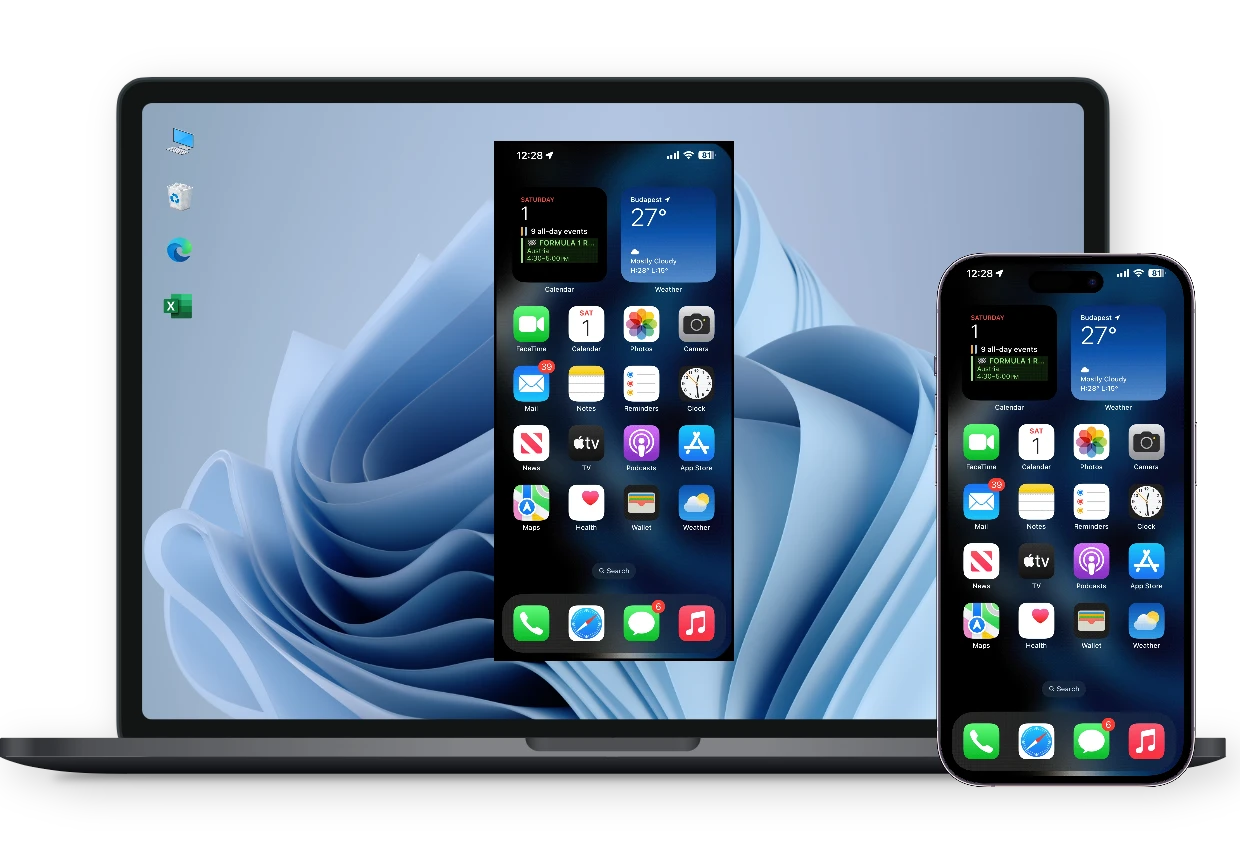
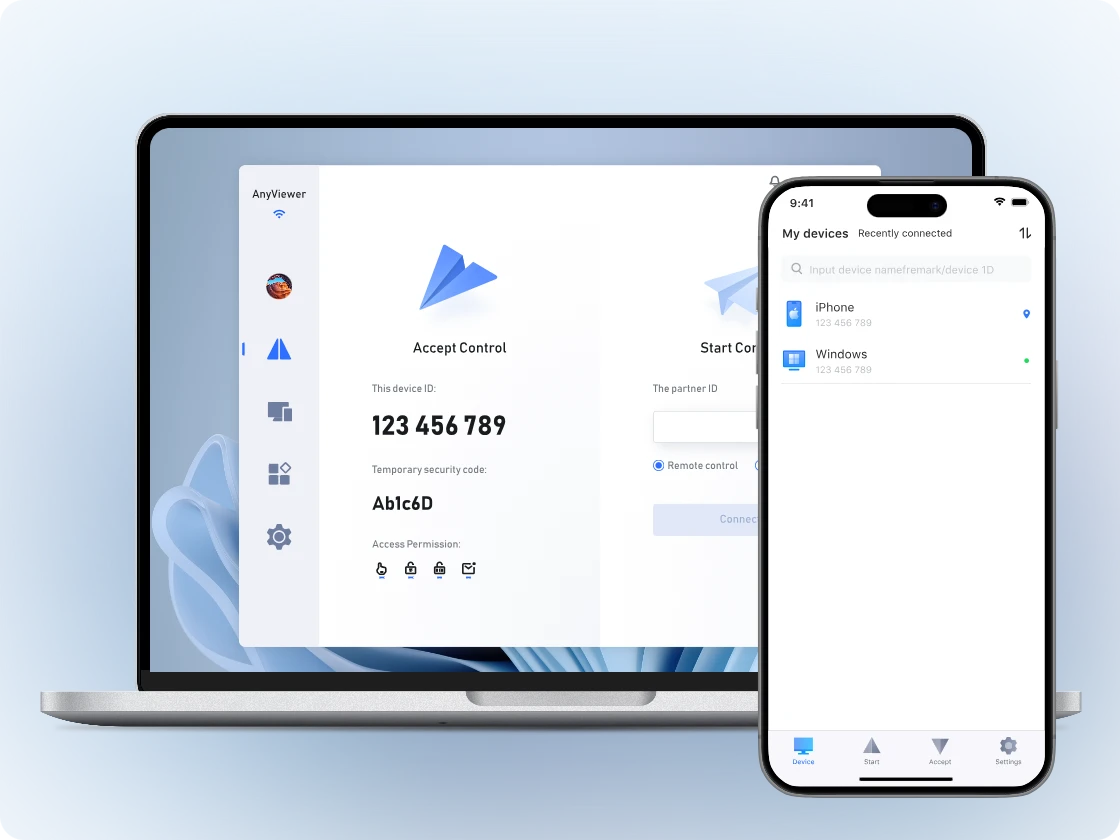
AnyViewer goes beyond standard wireless screen mirroring with a solution designed for high-performance streaming and effortless multi-device management.

Smooth 60 FPS Performance

Enjoy fluid streaming with support for up to 60 FPS. Whether demonstrating an app or viewing dynamic content, the display remains lag-free and as responsive as the original device.

Enjoy fluid streaming with support for up to 60 FPS. Whether demonstrating an app or viewing dynamic content, the display remains lag-free and as responsive as the original device.

Ultra-high Quality Image

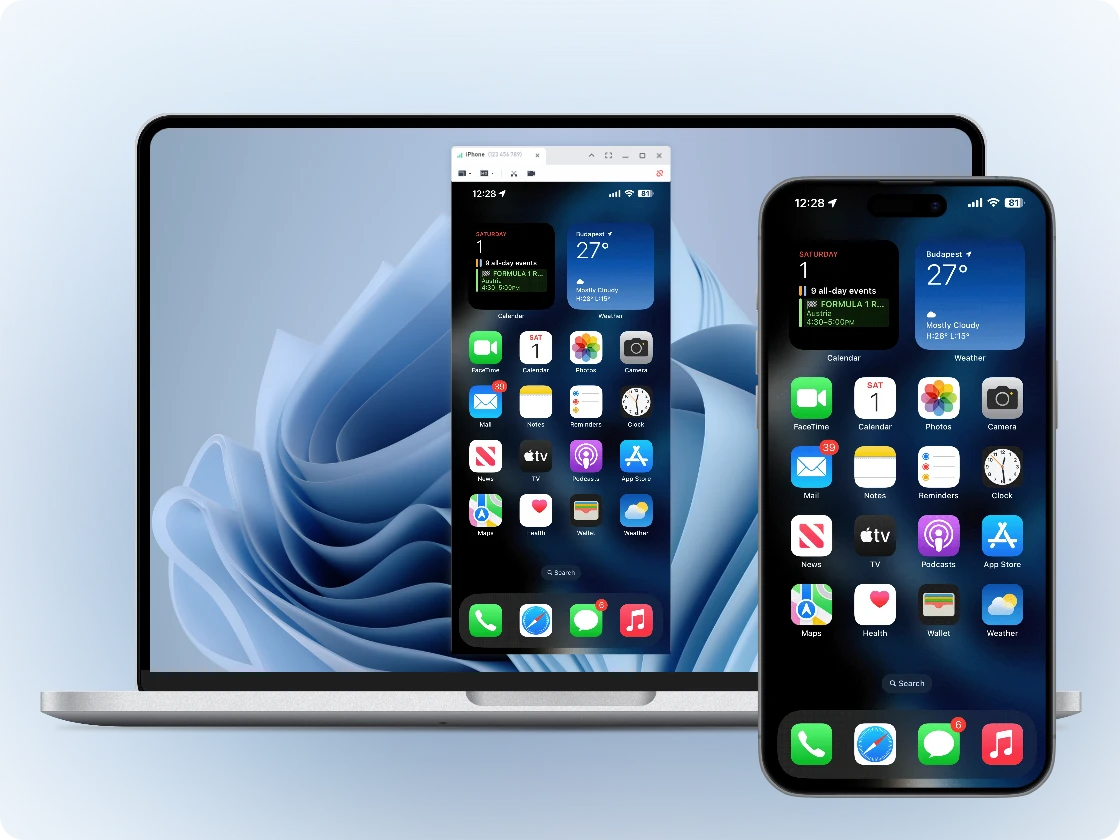
Experience crystal-clear visuals on a larger display. High-definition output ensures that every detail, icon, and text from the mobile screen is reproduced perfectly with sharp clarity and zero blur.

Experience crystal-clear visuals on a larger display. High-definition output ensures that every detail, icon, and text from the mobile screen is reproduced perfectly with sharp clarity and zero blur.

Instant Connection

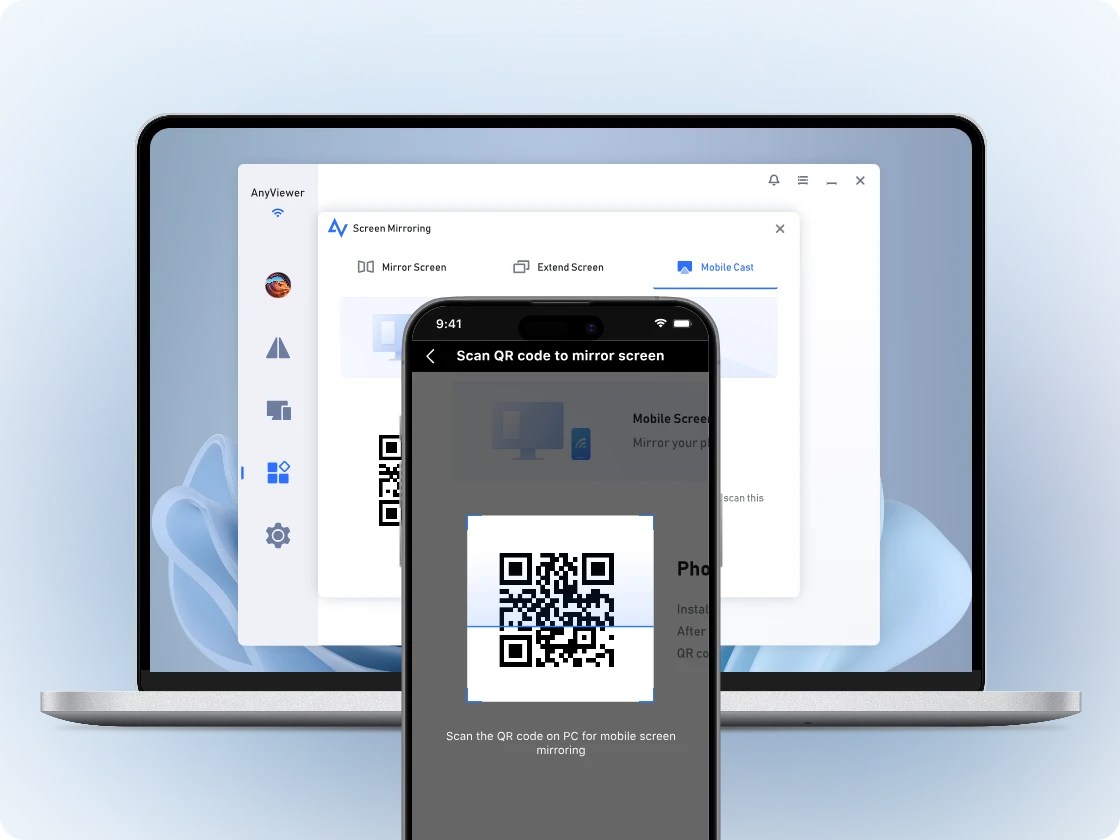
Connect devices in seconds via a simple QR code scan. Optimized technology ensures a stable connection with near-zero latency, eliminating the need for complex configurations or cables.

Connect devices in seconds via a simple QR code scan. Optimized technology ensures a stable connection with near-zero latency, eliminating the need for complex configurations or cables.

One-Click Capture & Recording

Easily capture screenshots or record screen activities during a mirroring session. Perfect for saving important information or creating high-quality video content without third-party apps.

Easily capture screenshots or record screen activities during a mirroring session. Perfect for saving important information or creating high-quality video content without third-party apps.

Multi-Platform Support

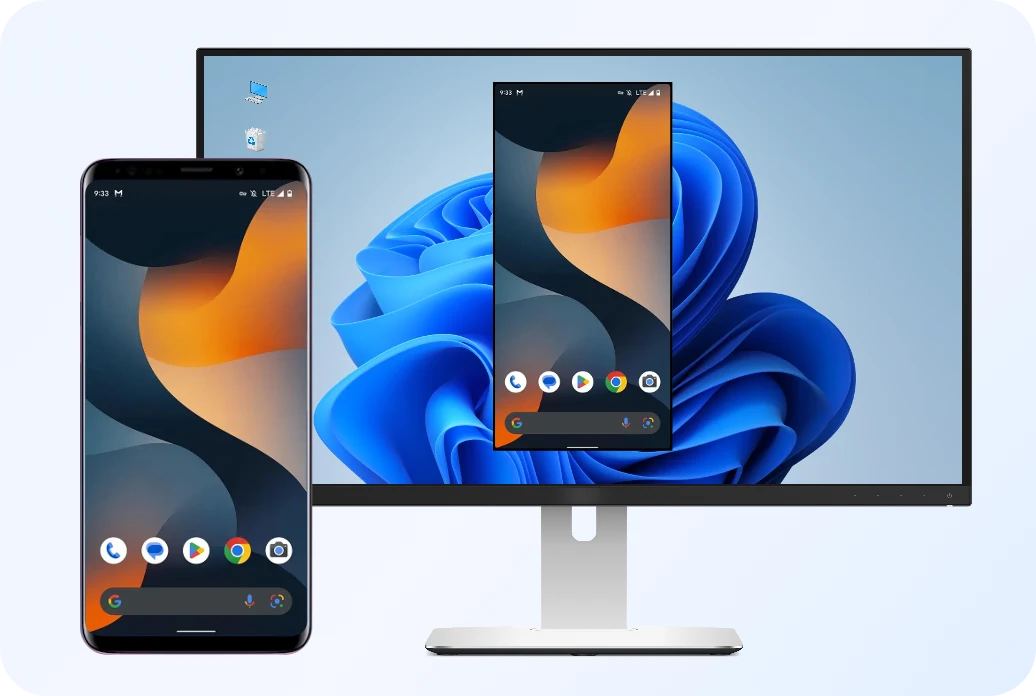
Mirror screens across iOS, Android, Windows, and macOS. Universal compatibility allows for seamless sharing to browsers or desktops, regardless of the operating system.

Mirror screens across iOS, Android, Windows, and macOS. Universal compatibility allows for seamless sharing to browsers or desktops, regardless of the operating system.

Bank-Level Security

Protect every session with End-to-End Encryption (ECC). Secure transmission ensures that screen content is shared only with authorized devices, keeping data private and safe.

Protect every session with End-to-End Encryption (ECC). Secure transmission ensures that screen content is shared only with authorized devices, keeping data private and safe.

Start Screen Mirroring in 3 Simple Steps

  • Step 1 Download & Install AnyViewer

    Download install, and launch AnyViewer on your computer and mobile device. Then sign in to the same account on both devices.

  • Step 2 Scan the QR code with mobile

    Open the mobile app and scan the QR code displayed on your desktop..

  • Step 3 Mirrored successfully

    Tap "Start Broadcast" to enjoy high-quality mobile screen mirroring to PC.

How Mobile Screen Mirroring Empowers Your Daily Life

Boost productivity and streamline technical tasks

  • Device Flexibility: Seamlessly switch between mobile devices and computers to work on the most convenient screen for the task at hand.
  • Instant Troubleshooting: Allow support staff to diagnose and resolve mobile issues on a PC in real-time, simplifying remote technical assistance.
  • Notification Management: Stay focused by viewing mobile notifications and messages on a desktop, eliminating the need to constantly check a phone.

Communicate ideas more effectively in meeting

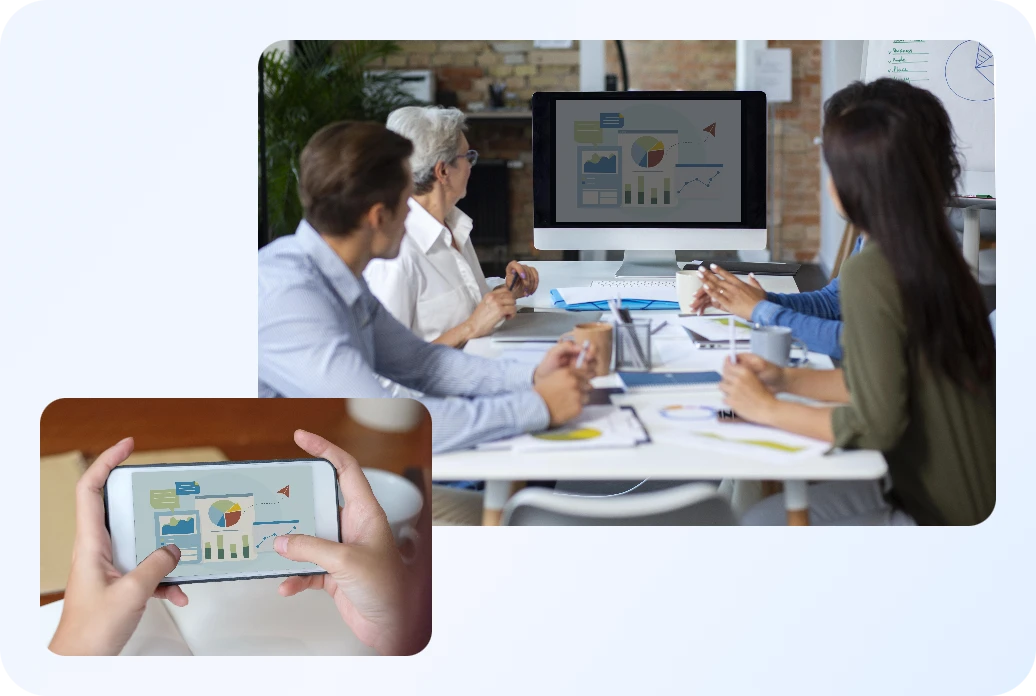
  • Seamless Demos: Cast slides, documents, and videos directly to a projector or large monitor for polished business presentations.
  • App Showcases: Perfect for workshops and live tutorials, allowing presenters to demonstrate new mobile app functionalities to the entire audience.
  • Mobile Whiteboarding: Use a tablet or phone as a handheld whiteboard, mirroring sketches and brainstorming notes to the main meeting screen in real-time.

Connect teachers and students through remote learning

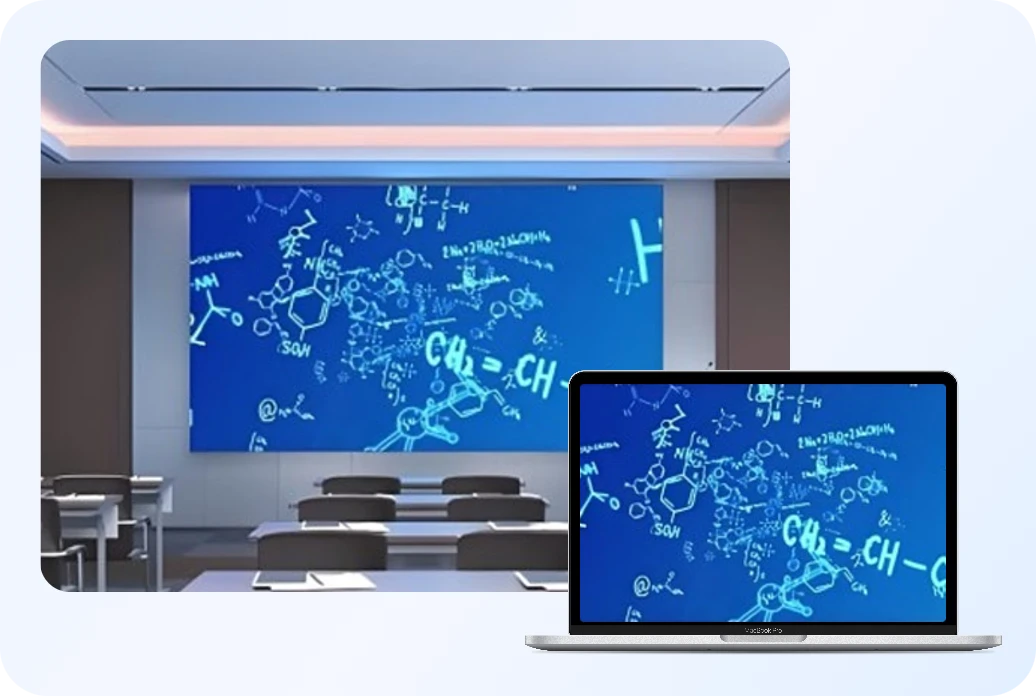
  • Classroom Teaching: Project educational apps and instructional videos to a larger display, ensuring every student has a clear view of the lesson.
  • Student Presentations: Empower students to mirror their research or creative projects directly from their devices for interactive class discussions.
  • Remote Digital Assignments: Facilitate hybrid learning by allowing students to mirror their work-in-progress to the teacher's computer for instant feedback.

Transform your viewing and gaming experience

  • Big-Screen Streaming: Elevate movies and TV shows by casting them from your phone to a larger monitor for a cinematic feel.
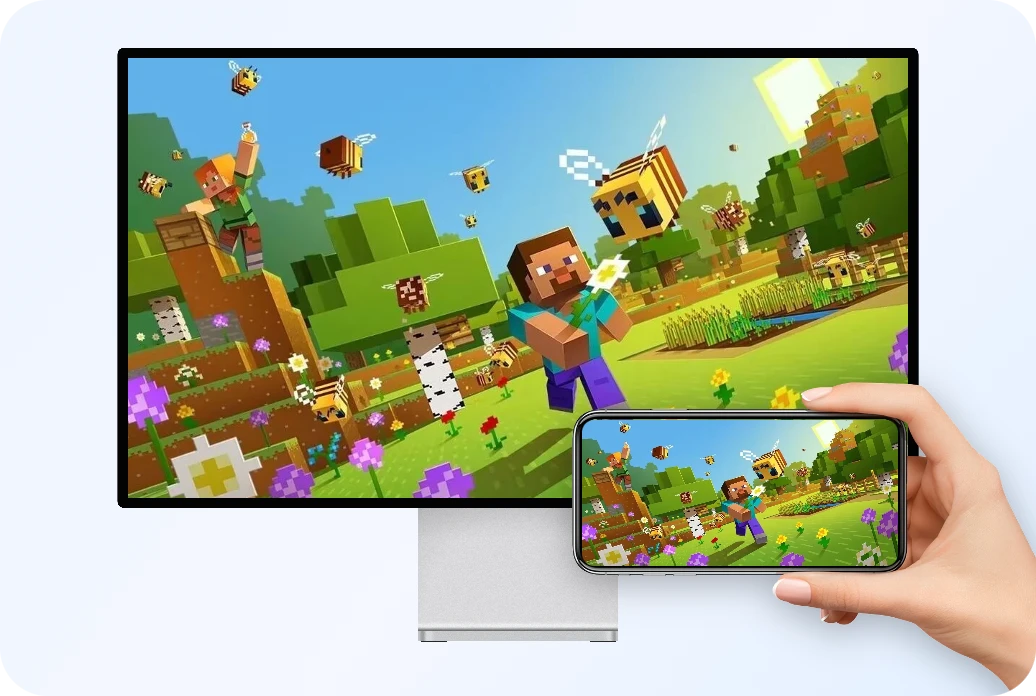
  • Immersive Gaming: Enjoy mobile games with better visibility and higher detail, providing a more engaging and responsive experience.
  • Memorable Sharing: Share photos and videos with friends and family on an expansive display, making collective viewing more engaging.

How AnyViewer Compares to Other Leading Tools

AnyViewer logo
AnyViewer
AirDroid Cast ApowerMirror LetsView
Local Casting Free Free Free Free
Remote Casting Free Paid Paid Not Supported
Max Frame Rate Up to 60 FPS Up to 60 FPS Up to 60 FPS Up to 60 FPS
Connection Speed Instant Moderate Moderate Moderate
Mirroring Time Unlimited Unlimited 10-min Limit (Free) Unlimited
Connection Methods QR Code / Device ID QR Code / PIN Code /
AirPlay / USB
QR Code / PIN Code /
Auto-Detect / USB
QR Code / PIN Code /
Auto-Detect / USB
Screen Shortcut Free Free Free (With Watermark) Free
Screen Recording Free Free Free (With Watermark) Free
Security ECC 256-bit Encryption Standard Encryption Standard Encryption Standard Encryption

FAQs

  • Is AnyViewer mobile screen mirroring free to use?

    Yes. AnyViewer provides high-quality screen mirroring for both personal and commercial use at no cost. You can enjoy professional features without worrying about hidden fees.

  • Can I cast phone to PC if devices are on different networks?

    Yes. Simply log into the same AnyViewer account on both your computer and mobile device. Once logged in, select the mobile device from the computer's list and click "Remote Control" (for Android) or "View Screen" (for Android and iOS) to start the remote session.

  • Does screen mirroring require a USB cable or special hardware?

    No. AnyViewer provides a completely wireless experience. It supports both local connections via QR code and seamless cross-network connections, eliminating the need for messy cables or extra hardware.

  • Can I record the screen while mirroring?

    Absolutely. AnyViewer includes built-in tools for one-click screen recording and capturing screenshots. This is perfect for creating tutorials, saving meeting notes, or documenting mobile workflows.

  • Is my data safe while mirroring my screen?

    Yes. All sessions are protected with End-to-End Encryption (ECC). This bank-level security ensures that your screen content is only visible to authorized devices and remains completely private.

What Our Users Say?

Kevin

I rely on AnyViewer for streaming videos from my Android phone to my computer. The quality is top-notch, and I haven't experienced any connectivity issues.

Rachel

I use AnyViewer to share travel photos and videos with my family on a bigger screen. It's user-friendly and lets me enjoy memories with everyone in the room.

Sophia

I use AnyViewer daily to mirror my iPhone screen to my PC for gaming. It supports high-definition streaming, and I haven't encountered any delays. Fantastic app!

Ryan

I've tried several Android screen mirroring tools, but AnyViewer stands out for its simplicity and effectiveness. Whether I'm streaming games or sharing photos, it handles everything seamlessly.

Chris

I love using AnyViewer to mirror my Android phone to my computer. It helps me showcase apps and videos during presentations smoothly. Highly recommended!

Jessica

AnyViewer is a lifesaver! I can effortlessly mirror my iPhone screen to my PC without any lag. It's easy to set up and works like a charm every time.

Experience Seamless Screen Mirroring Today

Ready to elevate your mobile screen mirroring experience? No cables, no complex setup—just fast and professional
wireless streaming for all your devices.

Download Now