

10 Best TeamViewer Alternatives for Android in 2026 [Free & Paid]
As remote work evolves in 2026, Android users need tools that handle touch gestures and mobile data efficiently. This guide reviews the top 10 TeamViewer alternatives for Android to help you find the perfect mobile-to-PC solution.

By Ellie / Updated on February 27, 2026


Searching for a remote access solution that actually works on your phone? TeamViewer is a legend in the industry, but it’s no longer the only way to control your PC from an Android device.
With 2026 bringing major upgrades in cross-platform stability and streamlined troubleshooting, choosing the right tool depends on your specific mobile needs. Below is a comprehensive comparison of the 10 best TeamViewer alternatives for Android, analyzed by speed, touch-optimization, and value.
Quick Comparison Table: Top Alternatives vs. TeamViewer
| Tool | Free (Android) | File Transfer | Core Advantage | Best For |
| TeamViewer | Personal Only | Yes | Industry Standard | Enterprise |
| 1. AnyViewer | Comm. Free | Fast | Android Optimized | IT & Remote Work |
| 2. Splashtop | LAN Only | Paid | 60 FPS Performance | Creative/Designers |
| 3. RustDesk | Open Source | Yes | Data Privacy | Tech Enthusiasts |
| 4. Zoho Assist | Basic Free | Yes | Mobile Diagnostics | Customer Support |
| 5. Microsoft RD | Free | No | Native Windows Tech | Win Pro Users |
| 6. LogMeIn Pro | Trial Only | Yes | 1TB Cloud Storage | Large Corporations |
| 7. Chrome RD | Free | No | Google Ecosystem | Casual/Home Use |
| 8. Guacamole | Open Source | Basic | Clientless (Browser) | Developers |
| 9. DWService | Open Source | Yes | Web Dashboard | Lightweight Access |
| 10. Supremo | Basic Free | Yes | Tiny Installation | Quick Support |
The 10 Best TeamViewer Alternatives for Android (2026)
Choosing a TeamViewer alternative for Android isn’t the same for everyone. What works for an IT expert may not suit a casual user. Your best option depends on your needs. Below is a clear breakdown of the top 10 alternatives to help you decide.
1. AnyViewer: The Speed Specialist
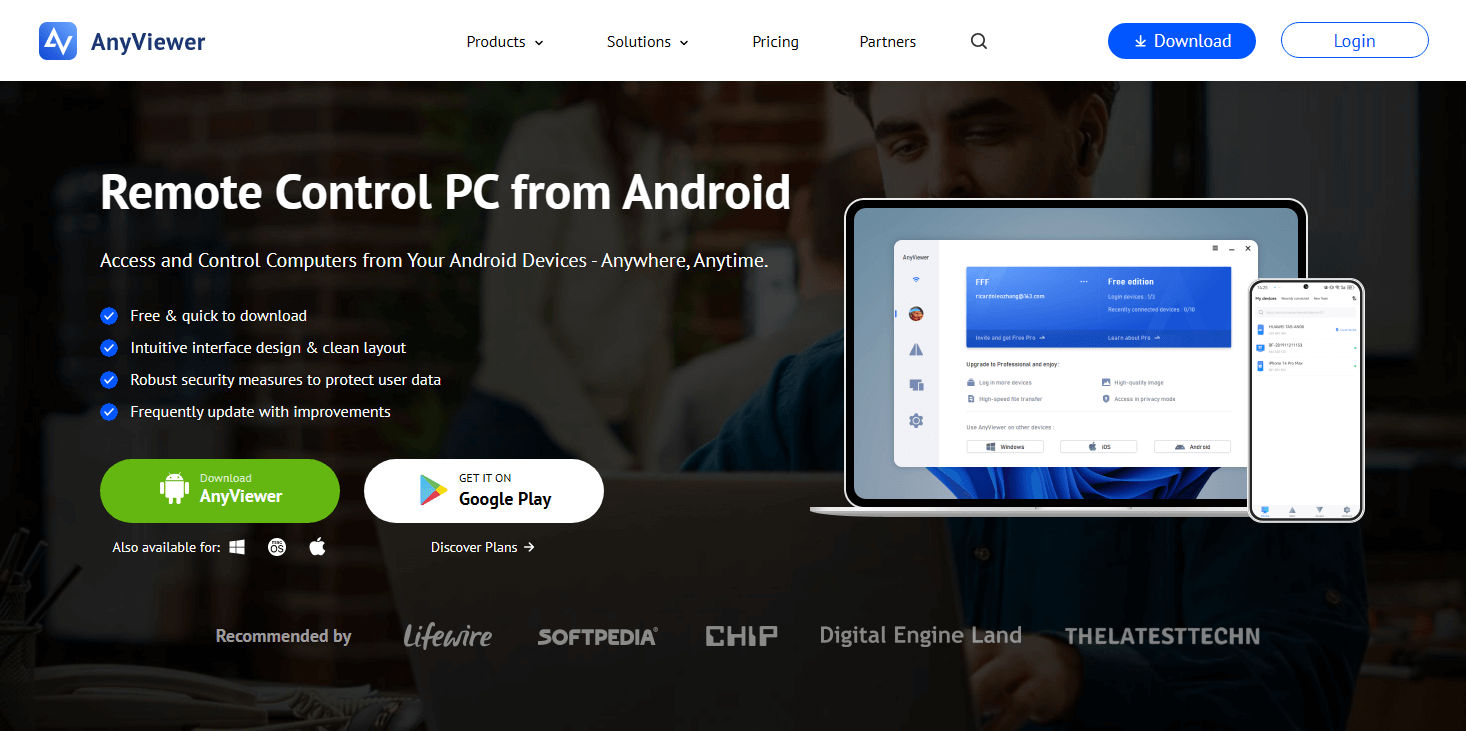
AnyViewer has emerged as a top-tier Android-to-PC remote desktop solution. It delivers a smoother mobile experience than TeamViewer, especially for users who need to provide remote support on the go via the AnyViewer Android app. Starting a session is simple: just generate a connection code on your desktop and enter it into your phone.
The app is optimized for mobile efficiency. It features a virtual mouse and dedicated shortcut keys (like Ctrl+Alt+Del) that make navigating Windows from a touchscreen much easier. Whether you're on Wi-Fi or 5G, it maintains a stable connection without the heavy battery drain often seen in older remote desktop apps.
Key Android Features
- Low-latency mobile streaming: Optimized for cellular data.
- Touch Mode vs. Mouse Mode: Toggle between natural gestures and a virtual cursor.
- Fast Mobile File Transfer: Move files from your PC directly to your Android downloads folder.
Pros
- Simple gesture commands (pinch-to-zoom, two-finger scroll).
- Free for commercial use.
- Ad-free mobile interface.
Cons
- Some advanced power-management features (like WOL) are still being refined for the mobile client.
2. Splashtop: The Creative’s Choice
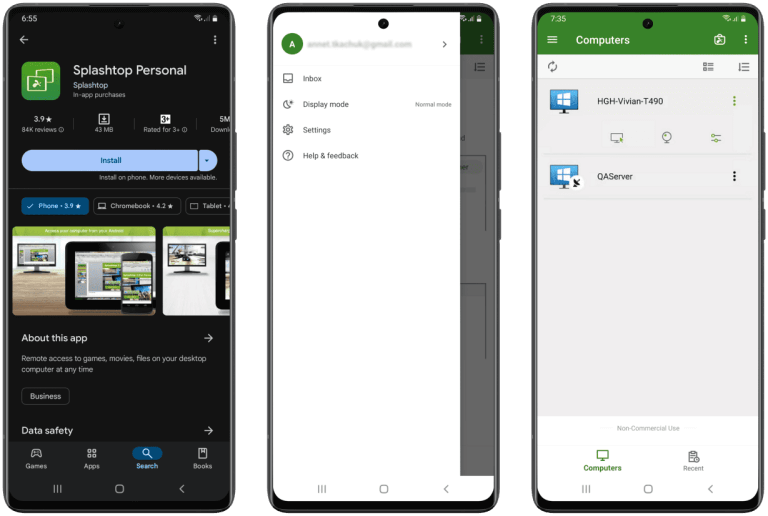
Splashtop is the gold standard for high-performance tasks on Android. If you want to use your Samsung Galaxy Tab or Pixel Tablet as a portable workstation to run Adobe Premiere or AutoCAD, this is it. It is one of the few apps that feels "native" on high-refresh-rate Android screens.
Key Android Features
- 4K streaming at 60 FPS: Perfect for high-end Android tablets.
- S-Pen & Stylus Support: Pressure sensitivity works through the remote connection.
- Android Widget support: Launch your favorite remote PC directly from your home screen.
Pros
- Industry-leading sound and video sync.
- Stable for long creative sessions.
Cons
- The Android mobile-to-mobile (controlling a phone from a phone) feature requires a pricier add-on.
3. RustDesk: The Privacy Powerhouse
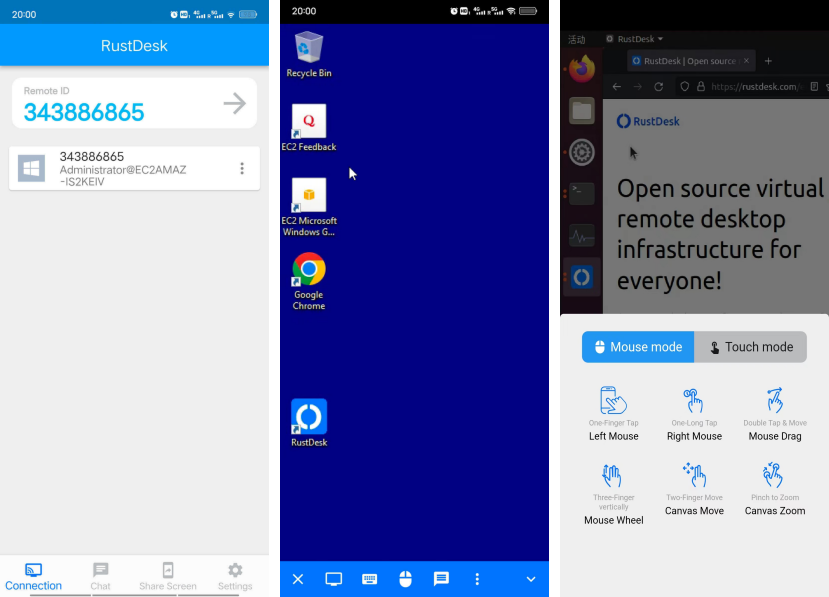
For Android users who dislike Google or TeamViewer’s data collection, RustDesk is the open-source hero. You can download the APK directly from GitHub or the Play Store. It allows you to set up your own relay server, ensuring your mobile data stays within your own network.
Key Android Features
- Lightweight APK: Small footprint that doesn't hog Android system RAM.
- Hardware Decoding: Uses your phone's GPU to make the stream smoother.
Pros
- No "commercial use" pop-up warnings.
- Full control over encryption keys on your mobile device.
Cons
- The Android UI can be a bit "clunky" on foldable phones or non-standard aspect ratios.
4. Zoho Assist: The Support Standard
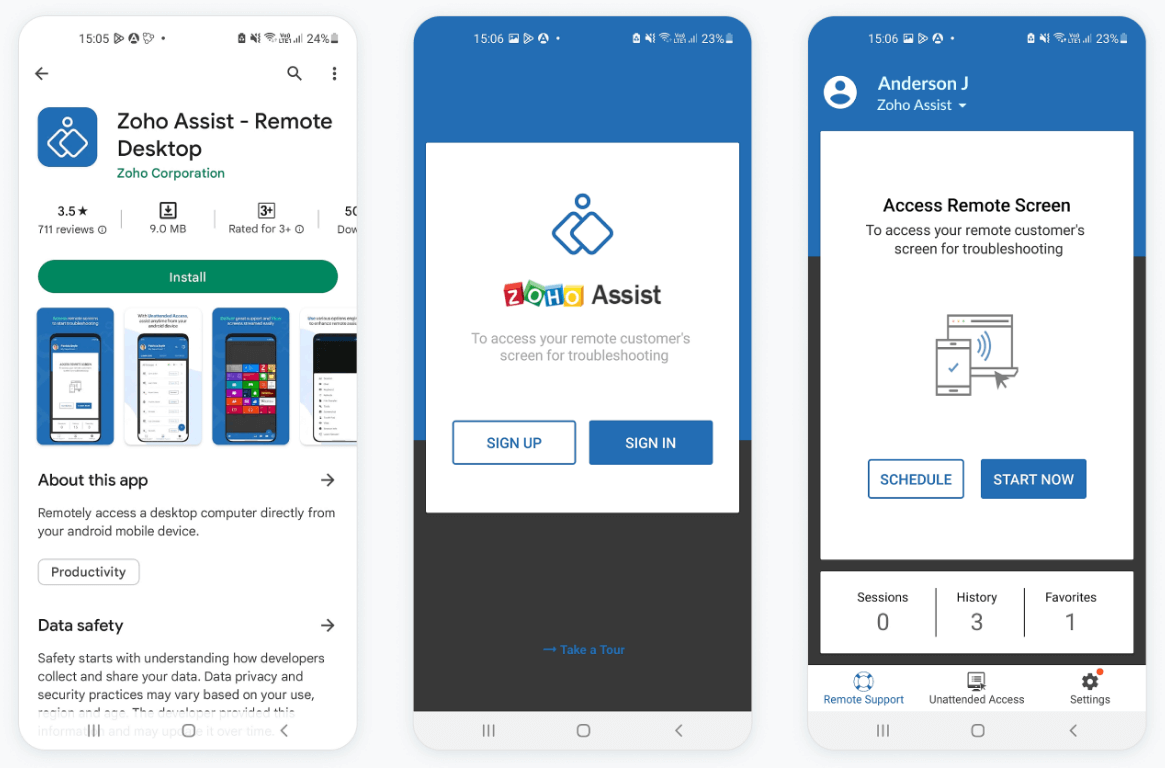
Zoho Assist is built for IT helpdesks. Its Android app is designed for "Technician on the Move" scenarios. If a client’s PC crashes while you’re out at lunch, you can provide full remote support right from your smartphone.
Key Android Features
- Unattended Access: Manage "headless" Android devices (like digital signage or POS systems).
- Mobile Screen Sharing: Allows you to broadcast your Android screen to a technician.
Pros
- Includes mobile diagnostic tools (check the remote PC's CPU/RAM from your phone).
- Google Workspace integration.
Cons
- The mobile interface feels a bit corporate and "dry."
5. Microsoft Remote Desktop: The Windows Native
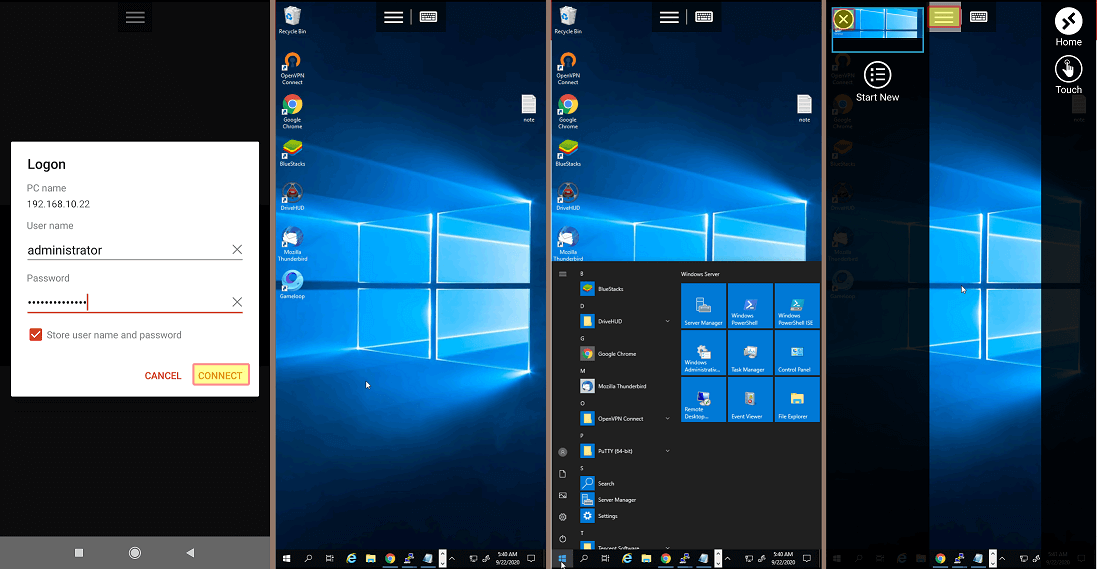
If you are strictly a Windows user, Microsoft’s official Android RDP client is the most seamless choice. It uses the same technology built into Windows Pro, meaning you don't need to install any "host" software on the computer.
Key Android Features
- Android TV Compatibility: You can actually install this on an Android TV box to use your TV as a giant monitor.
- Native Multi-Touch: Supports Windows gestures (swipe from right for charms, etc.) via the touchscreen.
Pros
- Completely free.
- Supports Azure Virtual Desktop for enterprise users.
Cons
- Requires a VPN or complex Port Forwarding to work outside of your home Wi-Fi.
6. LogMeIn Pro: The Enterprise Suite
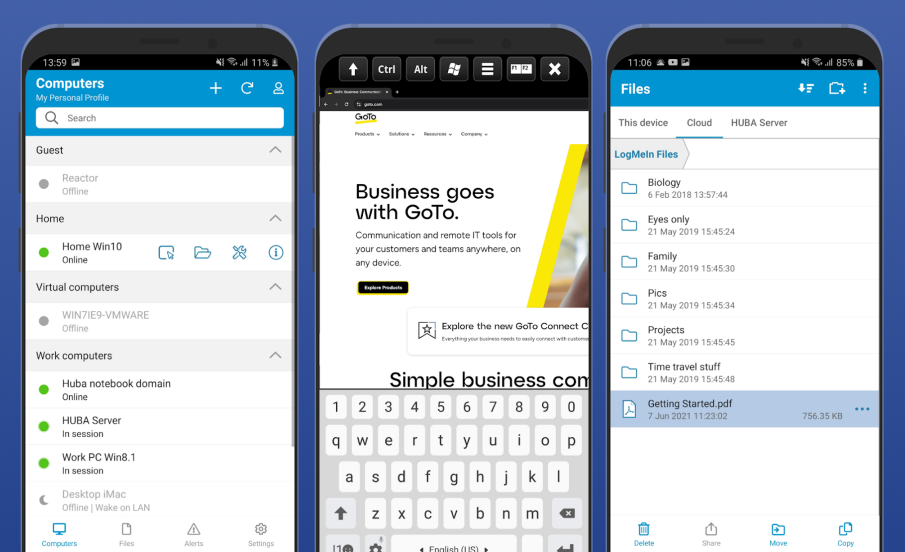
LogMeIn Pro is the "heavy-duty" option. On Android, it offers a very polished experience, including a unique "Flick" multi-monitor switching gesture that lets you flick your finger to switch between monitors in a remote office setup.
Key Android Features
- Cloud Storage Integration: Access your 1TB LogMeIn storage directly through the Android app.
- Remote Sound: High-fidelity audio streaming to your Android speakers.
Pros
- Extremely secure (AES-256).
- Reliable for enterprise-scale deployments.
Cons
- The most expensive subscription on this list.
7. Chrome Remote Desktop: The Minimalist
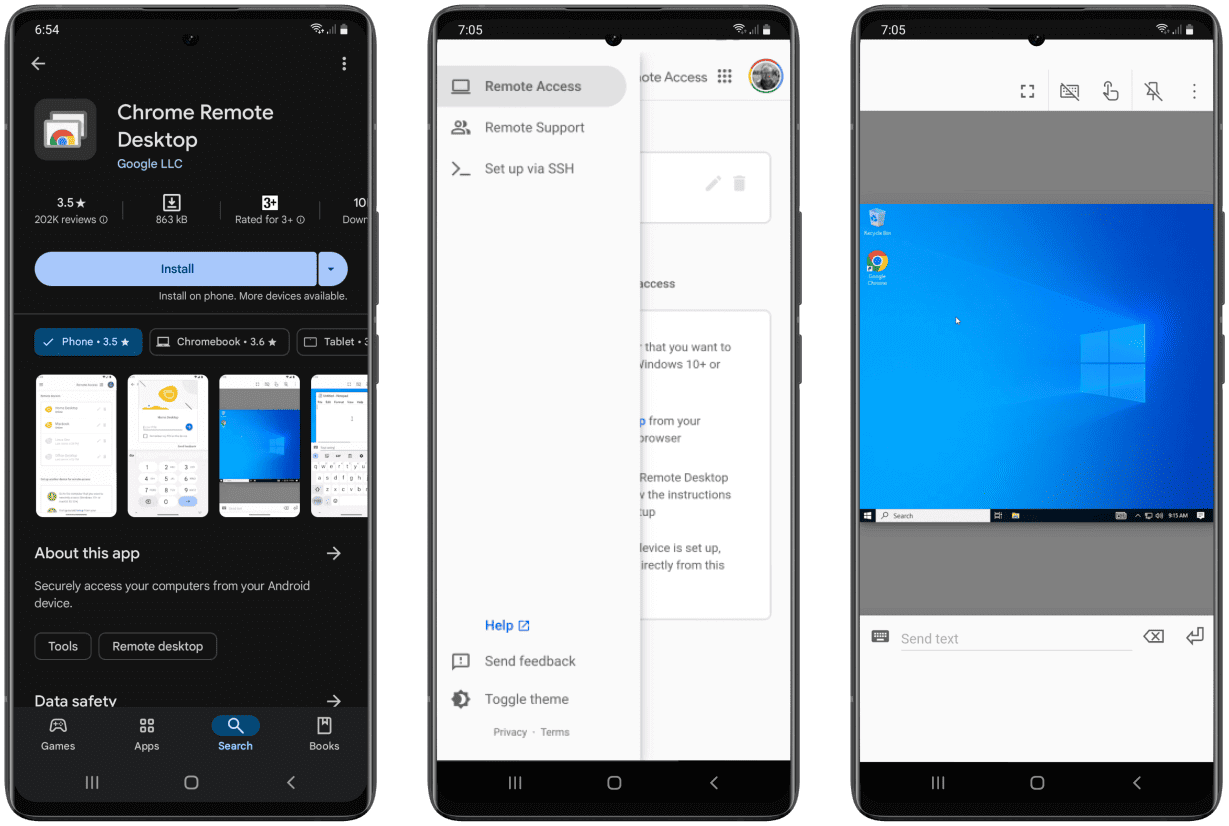
Developed by Google, this is the most "Android-friendly" app because it links directly to your Google Account. There are no passwords to remember, just open the app, tap your computer name, and you're in.
Key Android Features
- System-level Integration: Works perfectly with Android’s "autofill" and Google login.
- Minimalist UI: No complex menus; just your screen and a toggle for a virtual keyboard.
Pros
- 100% free forever.
- Extremely low setup time.
Cons
- No way to transfer files between your Android phone and the PC.
8. Apache Guacamole: The Clientless Gateway
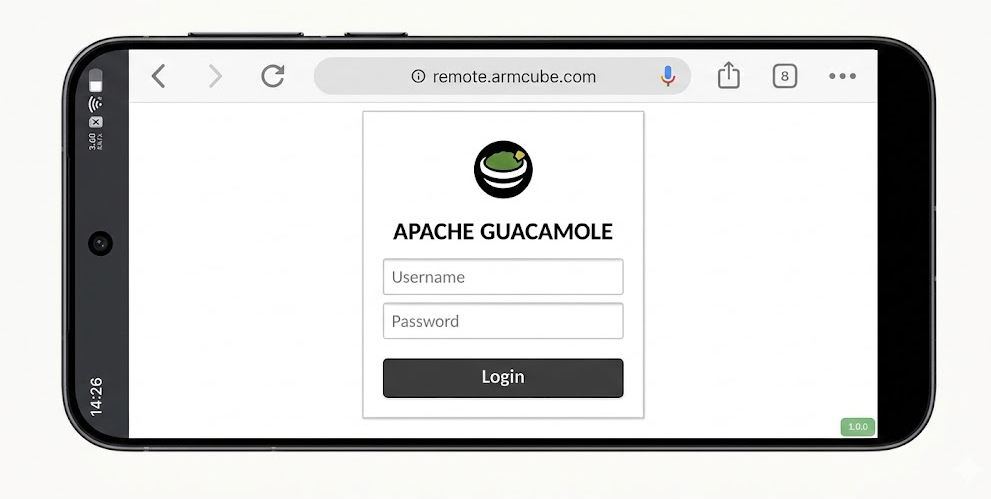
Guacamole is unique because you don't install an app. You simply go to a specific URL in your Chrome or Edge browser on Android. It’s a "clientless" gateway that is perfect if you don't want to clutter your phone with apps.
Key Android Features
- Browser-Based: Works on any Android device, regardless of OS version or access to the Play Store.
- Protocol Support: Access RDP, SSH, or VNC from a single browser tab.
Pros
- Zero footprint on your mobile device.
Cons
- No "pinch-to-zoom" or mobile-optimized gestures since it runs in a web browser.
9. DWService: The Web-Based Utility
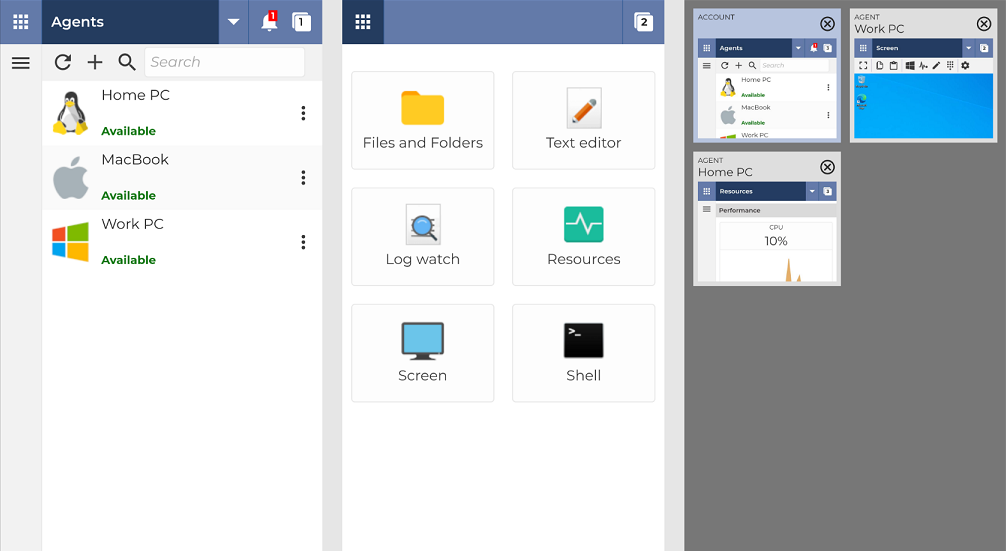
Similar to Guacamole, DWService focuses on web-based access but offers a more user-friendly "Dashboard" for Android users. It’s great for quick file management; you can browse your PC’s hard drive in a mobile-friendly list view without actually "streaming" the whole desktop.
Key Android Features
- Mobile File Manager: Drag and drop files from your phone to your PC via a web UI.
- Resource Monitor: Check your PC’s temperature and stats from your Android browser.
Pros
- Open-source and free.
- Very light on mobile data.
Cons
- The screen refresh rate is too slow for gaming or video editing on your phone.
10. Supremo: The Lightweight Alternative
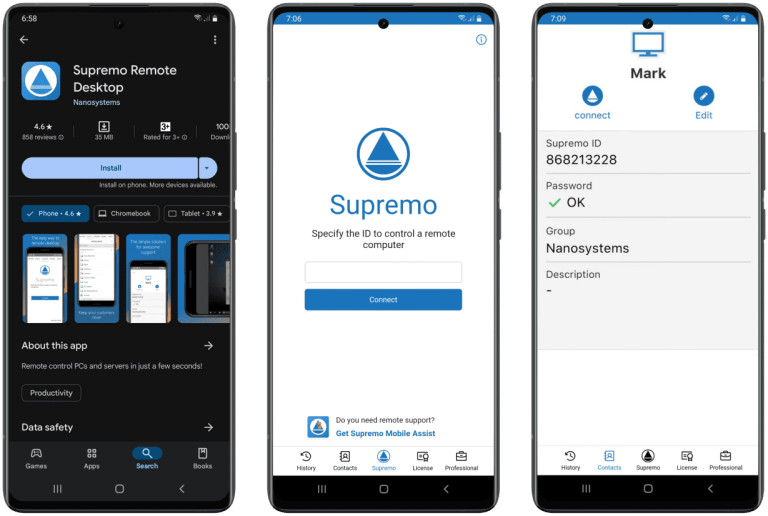
Supremo is a "no-frills" tool. Its Android app is very small and focuses on getting you connected as fast as possible. It is particularly popular for Android users who need to provide support to elderly family members because the desktop side is so easy to start.
Key Android Features
- Portrait & Landscape Modes: Quickly snaps to your phone's orientation.
- Encrypted Stream: Uses high-level encryption even on mobile networks.
Pros
- No installation required on the PC side.
- Affordable for small businesses.
Cons
- Android 14+ Compatibility: Some users report stability issues on the very latest Android versions.
Conclusion
Finding the right TeamViewer alternative for Android means choosing a tool that makes a mobile screen feel like a native desktop. While many options exist, AnyViewer is our top recommendation. It strikes a perfect balance with high-speed remote desktop performance and a mobile-first interface, all while remaining free for commercial use. Whether on a smartphone or tablet, AnyViewer delivers the most seamless, lag-free experience available in 2026.



 as a preferred
source on Google
as a preferred
source on Google