
12 Best Remote Customer Assistance Software Compared
Compare 12 remote customer assistance tools for live troubleshooting, unattended maintenance, and browser-based guidance. Find the right fit for your support team.

By Ellie / Updated on November 6, 2026


What is remote customer assistance software?
Remote customer assistance software helps support agents view a customer’s screen, guide them through a task, or control a device with authorization.

Choose the type that matches your support workflow:
- Attended remote support: Help a customer who is present and can approve the connection.
- Unattended remote access: Maintain authorized devices after access has been configured in advance.
- Co-browsing: Guide customers through a website or application without necessarily accessing the entire desktop.
For hands-on troubleshooting, look for remote support software with screen viewing, remote control, chat, and file transfer. For recurring maintenance, compare unattended remote access options.
How to choose remote customer assistance software
Before comparing products, answer these questions:
| Question | What to check |
| What do customers need help with? | Full desktop troubleshooting, website guidance, or ongoing device maintenance |
| Which devices need support? | Supported operating systems and whether each allows viewing or full control |
| How does the customer join? | Download, installation, session code, and approval requirements |
| How many technicians need access? | Licensed users, concurrent sessions, and device limits |
| What controls does your team need? | Authentication, permissions, recording, and access removal |
| What is the total cost? | Billing term, add-ons, renewal price, and required support features |
If several technicians share responsibility for customer devices, review role permission management before choosing a plan.
12 best remote customer assistance software
The following tools cover different support workflows, including desktop remote control, co-browsing, and endpoint management. Compare them by your customer’s task and your team’s requirements rather than treating every product as a direct replacement.
1. AnyViewer
Best Fit: Individuals and support teams that need remote troubleshooting, file transfer, and unattended access to authorized computers.
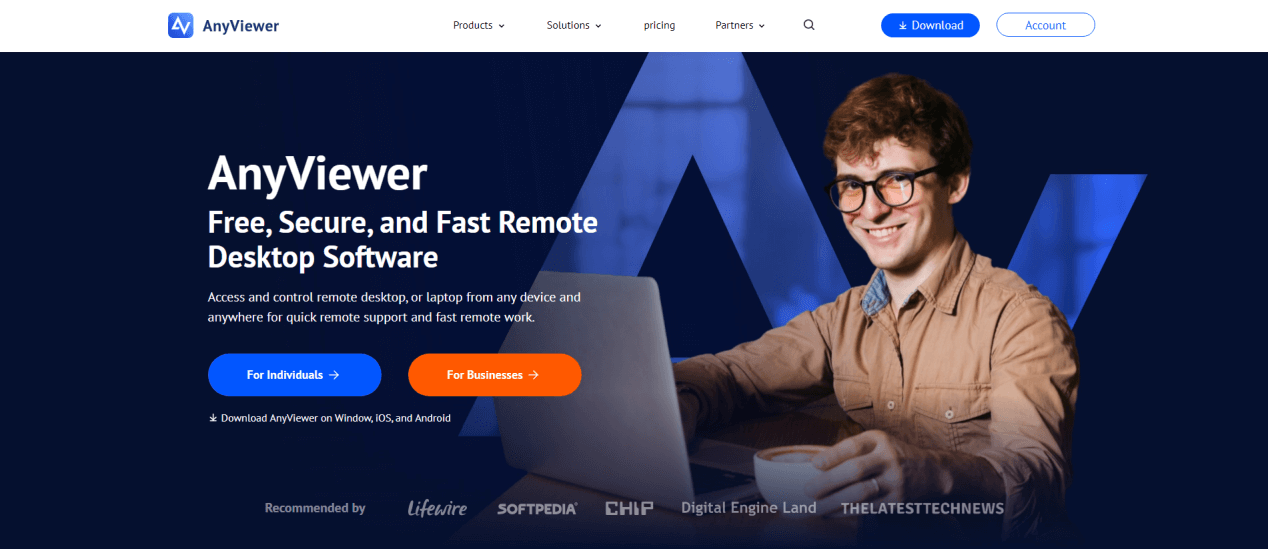
AnyViewer combines remote control, chat, and file transfer for support tasks on supported devices. Technicians can connect to a customer’s computer, inspect the issue, and guide the customer during the session.
For one-time assistance, send a remote control request and ask the customer to approve it. For recurring maintenance, configure unattended access with the device owner’s authorization.
Teams that manage multiple users and devices can explore AnyViewer for business for deployment and access-management options. Available features and connection limits depend on the platform and plan.
Support tasks you can handle with AnyViewer:
- Diagnose issues remotely: View and control a supported computer with authorization.
- Communicate during troubleshooting: Use chat to explain changes and confirm results.
- Move support files: Use remote file transfer to exchange documents or troubleshooting resources.
- Maintain authorized devices: Configure unattended access before maintenance is needed.
- Organize team access: Review user and device permissions as your support operation grows.
Pricing and plans
AnyViewer offers free and paid plans. Compare the current device limits, licensed users, and support features before choosing.
- Free: $0/month (up to 3 devices)
- Solo: $3.99/month (up to 5 devices)
- Team: $15.99/month (up to 30 devices)
- Enterprise: $25.99/month (up to 100 devices)
Supporting more customers or adding technicians? Review the current AnyViewer plans to find the capacity and management features your team needs.
How to start a customer support session with AnyViewer
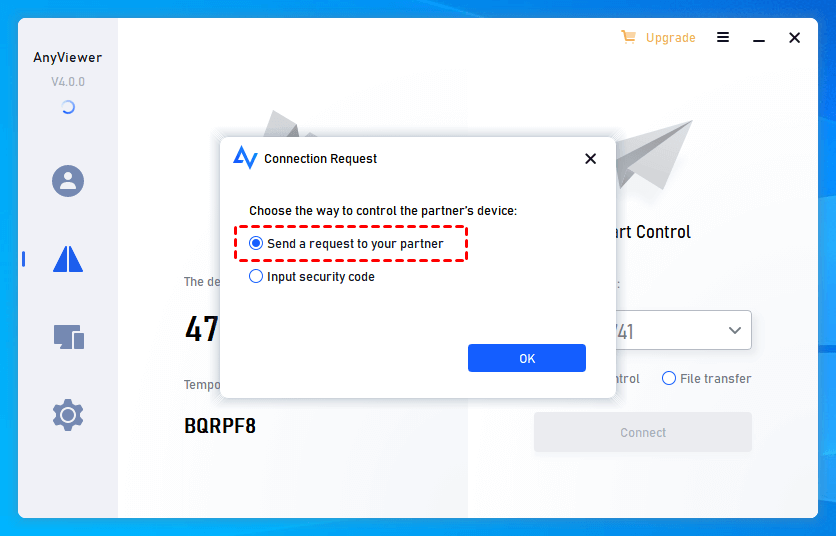
- Prepare both devices. Download and open AnyViewer on the technician’s and customer’s computers.
- Request access. Ask the customer for their device ID, enter it on your computer, click Connect, and send a remote control request.

- Get approval. Ask the customer to review and accept the request.
- Resolve the issue. Explain your actions, complete the necessary troubleshooting, and ask the customer to test the result.
2. TeamViewer
Best Fit: IT support teams helping customers across different operating systems and device types.
TeamViewer stands out as a powerful remote customer assistance software, enabling support teams to connect to desktops, tablets, and smartphones from anywhere in the world. With its multi-user session capability, several technicians can collaborate in a single session, ensuring quicker and more effective problem resolution for customers.
Its session recording feature allows support teams to capture every detail of an interaction, which can later be used for staff training, quality checks, or detailed documentation. The platform also supports secure file transfers and unattended access, making it possible to assist customers even when their devices are not actively in use.
Key Features:
- Remote access and device control
- Screen sharing for real-time assistance
- Video conferencing for interactive support
- Unattended access for off-hours troubleshooting
- Secure file transfer between devices
- Session recording for training and compliance
- Multi-user collaboration in a single session
Pricing (Billed Annually):
- Remote Access: $24.90/month (1 user)
- Business: $50.90/month (1 user)
- Premium: $112.90/month (up to 15 users)
- Corporate: $229.90/month (up to 30 users)
- Tensor: Contact for a custom quote
Free Trial: 30 days (Business plan only)
Check Before Buying: Confirm licensed users, concurrent connections, and whether mobile support and your required management features are included.
3. Recursive Labs
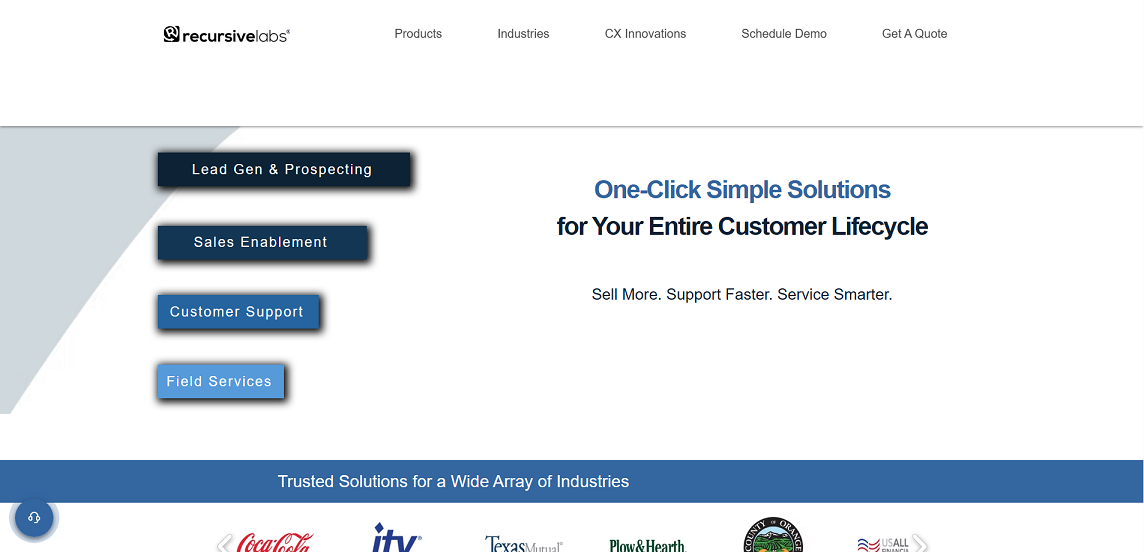
Best Fit: Customer service teams guiding users through online forms, purchases, and other website tasks with co-browsing.
Recursive Labs offers a remote customer support software solution that runs entirely in the customer's web browser, no downloads required. Through its co-browsing feature, support agents can view the customer's screen in real time and communicate via integrated video chat. Agents can guide users by selecting options, toggles, and dropdowns or adding on-screen annotations, all without the customer needing to install any software.
Privacy is a key focus. Customers can mask sensitive information and control exactly what the agent can view before the session begins. Additionally, the platform includes session recording to support training, compliance, and risk management.
Key Features:
- Remote access and control via browser
- Real-time screen sharing
- Video conferencing for interactive support
- Session recording for compliance and training
- On-screen annotation tools
Pricing: Contact Recursive Labs for details
Free Trial: 30 days
Check Before Buying: Confirm website integration requirements, sensitive-data masking, browser compatibility, and whether customers need guidance within a website or full desktop support.
4. Cobrowse.io
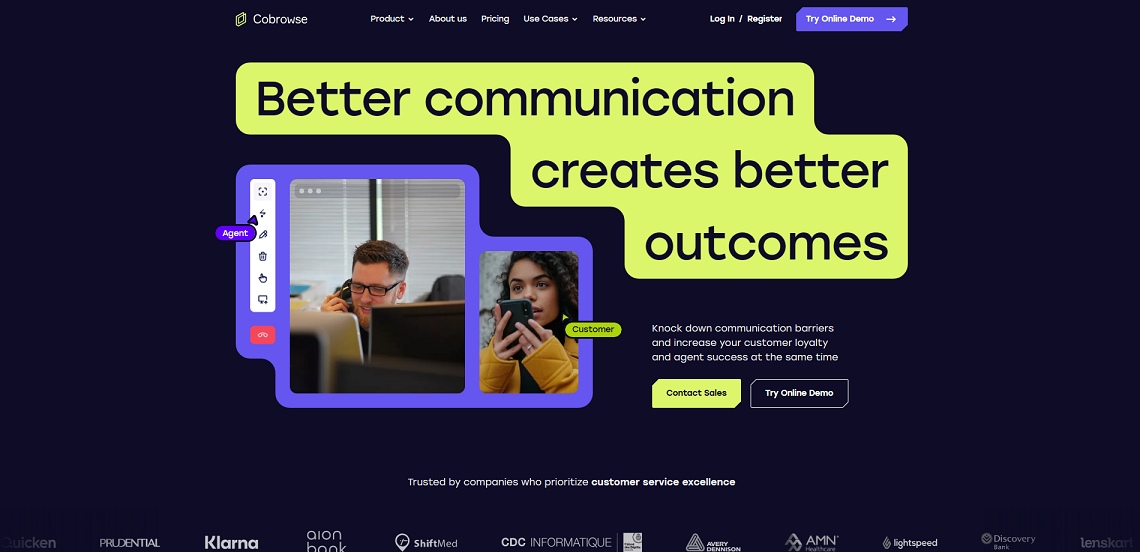
Best Fit: Businesses that want to embed co-browsing into their websites or mobile apps for contextual customer assistance.
Cobrowse.io is a remote customer assistance software designed for real-time co-browsing, allowing support agents to instantly view a customer's screen during a live session. Agents can highlight important information, add annotations, and record sessions for future training, documentation, or compliance purposes.
The platform also enables agents to request temporary device control, giving them the ability to perform actions on the customer's behalf. An additional agent presentation mode lets support teams share their screens with customers, creating a fully interactive support experience.
Key Features:
- Real-time remote access and control
- Screen sharing for instant collaboration
- File transfer capabilities
- Session recording for training and compliance
- On-screen annotation tools
Pricing (Billed Annually):
- Website Co-Browsing: $18 per agent/month
- All Platform Co-Browsing: $36 per agent/month
Free Trial: Not available
Check Before Buying: Check SDK integration effort, supported platforms, data-redaction controls, and which screen-sharing or remote-control capabilities your deployment requires.
5. GoTo Resolve
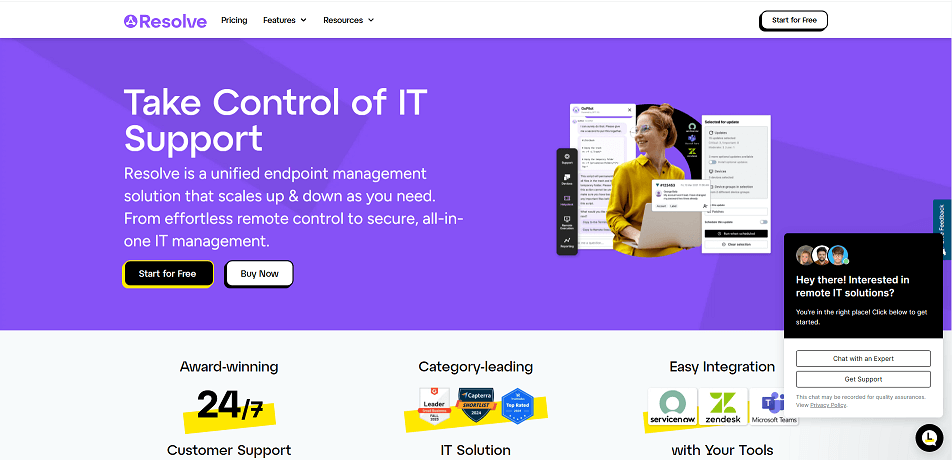
Best Fit: IT teams evaluating remote support alongside ongoing device monitoring and management.
GoTo Resolve, previously known as GoToAssist, is a cloud-powered remote customer support software designed for IT teams to provide seamless support to both desktop and mobile users. It offers secure remote access and screen sharing, enabling agents to troubleshoot and resolve issues from anywhere.
With its unattended access feature, agents can connect to and manage devices even when the end user isn't present. Multiple agents can collaborate in a single support session, and every interaction can be recorded for training, documentation, and compliance purposes.
Key Features:
- Remote access and control
- Real-time screen sharing
- Unattended access for off-hours support
- File transfer capabilities
- Session recording for compliance and training
- Multi-agent collaboration tools
Pricing (Billed Annually):
- Free: $0/month (up to 3 agents)
- Standard: $57/month (1 agent)
- Premium: Contact GoTo Resolve (up to 3 agents)
- Remote Support: $40/month (1 agent)
Free Trial: 14 days
Check Before Buying: Confirm the current product offering, technician and device limits, and which monitoring, automation, and support features are included in your quote.
6. Zoho Assist
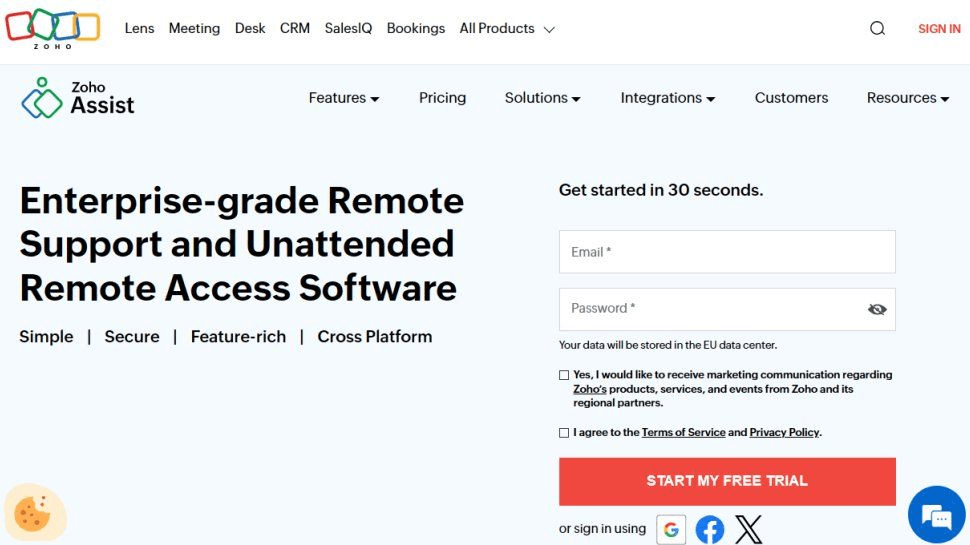
Best Fit: Help desks that need on-demand customer support and unattended access, particularly teams already using Zoho applications.
Zoho Assist is a feature-rich remote customer assistance software that enables agents to connect with a wide range of devices, including desktops, laptops, mobile devices, and servers. During a live support session, agents can enhance guidance by annotating the customer's screen with shapes, text, or drawings.
The platform supports screen sharing, voice and video chat, and session recording for training, compliance, or reference. It also allows unattended device access, enabling support without the end user being present, and facilitates secure file transfers of up to 2GB.
Key Features:
- Remote access and control across devices
- Screen sharing for interactive support
- Video conferencing with voice and video chat
- Unattended access for off-hours assistance
- File transfer up to 2GB
- Session recording for documentation and training
- On-screen annotation tools
Pricing (Billed Annually):
- Free Plan: $0/month (limited features)
- Remote Support Standard: $10/month (1 technician)
- Remote Support Professional: $15/month (1 technician)
- Remote Support Enterprise: $24/month (1 technician)
- Unattended Access Standard: $10/month (up to 25 unattended computers)
- Unattended Access Professional: $15/month (up to 25 unattended computers)
Free Trial: 15 days
Check Before Buying: Compare remote support and unattended access plans separately. Check technician licenses, unattended device capacity, integrations, and advanced session features.
7. Splashtop
Best Fit: Technicians providing on-demand desktop assistance, with recurring access to managed computers where needed.
Splashtop is a versatile remote customer assistance software that enables IT teams and support agents to securely access and control desktop and mobile devices. During a session, up to two agents can assist the user simultaneously, communicating via built-in chat or voice call for a more personalized support experience.
The platform includes session recording for documentation or training purposes, along with secure file transfer between connected devices. Businesses can also customize the Splashtop interface to reflect their branding, ensuring a consistent customer experience.
Key Features:
- Remote access and control
- Screen sharing for real-time guidance
- Unattended access to configured, online devices
- File transfer between devices
- Built-in voice calling and live chat
- Session recording for compliance and training
- Customizable interface for brand consistency
Pricing (Billed Annually):
- SOS: $17/month per concurrent technician
- SOS+10: $19/month per concurrent technician
- SOS Unlimited: $34/month per concurrent technician
- Splashtop Remote Support: $47.90/month (up to 25 computers)
- Enterprise: Contact Splashtop for custom pricing
Free Trial: 7 days
Check Before Buying: Confirm the exact Splashtop product and plan, concurrent technician limits, unattended computer capacity, and mobile viewing or control support.
8. RemotePC HelpDesk
Best Fit: Support teams helping customers join remote troubleshooting sessions through an invitation or session code.
RemotePC HelpDesk is a robust remote customer support software designed to support both desktop and mobile users through seamless remote sessions. Support agents can take full control of user devices while maintaining communication via chat or video calls to resolve issues quickly and effectively.
The software also lets agents schedule and record support sessions, share their screens, and transfer files, improving the overall support experience.
Key Features:
- Remote access and device control
- Real-time screen sharing
- Video conferencing and chat communication
- Unattended access for off-hours support
- Secure file transfer
- Support session scheduling
Pricing:
- Team: $29.95/month (up to 50 computers)
- Enterprise: $59.95/user/month (up to 100 computers)
Free Trial: 7 days
Check Before Buying: Review technician licensing, session limits, customer download requirements, and platform-specific support. Confirm unattended access separately if you need ongoing maintenance.
9. BeyondTrust Remote Support
Best Fit: Organizations with formal security requirements that need controlled remote support for employees, customers, or external users.
BeyondTrust Remote Support offers a comprehensive remote customer assistance software solution that enables agents to connect with a wide range of devices, including workstations, servers, and systems running Windows, Linux, macOS, iOS, and Android. Its unattended access feature allows technicians to access devices even when users are offline.
The platform is highly customizable, allowing businesses to tailor the interface to their brand identity. Additionally, it includes end-of-session surveys, allowing customers to provide feedback immediately after support interactions.
Key Features:
- Remote access and control across multiple platforms
- Screen sharing for collaborative troubleshooting
- Unattended access for anytime support
- Secure file transfer
- Branding and interface customization
- Post-session customer satisfaction surveys
Pricing: Contact BeyondTrust for detailed pricing
Free Trial: Available upon request
Check Before Buying: Review deployment options, technician permissions, audit requirements, identity integrations, and the full cost of your proposed configuration.
10. ConnectWise ScreenConnect Support
Best Fit: IT service providers and help desks that need configurable remote support workflows for multiple customers.
ConnectWise ScreenConnect Support is a comprehensive remote customer assistance software that provides both attended and unattended support for desktop and mobile devices. It also includes meeting features, allowing agents to engage with customers through chat and audio during live sessions.
The platform enables agents to annotate screens, transfer files, and even print documents directly from the customer's device. Support agents can also share their screens to guide customers more effectively.
Key Features:
- Remote access and control
- Screen sharing for real-time collaboration
- Unattended device access
- Secure file transfer
- On-screen annotation tools
- Remote printing capabilities
- Integrated chat and audio communication
Pricing (Billed Annually):
- Remote Support One: $28/month (single license)
- Remote Support Standard: $43/month per concurrent technician
- Remote Support Premium: $53/month per concurrent technician
- Remote Unattended Access: $31/month (starting at 25 agents)
Free Trial: 14 days
Check Before Buying: Compare concurrent session limits, unattended access capacity, deployment options, and the availability of required integrations and customization features.
11. Endpoint Central MSP
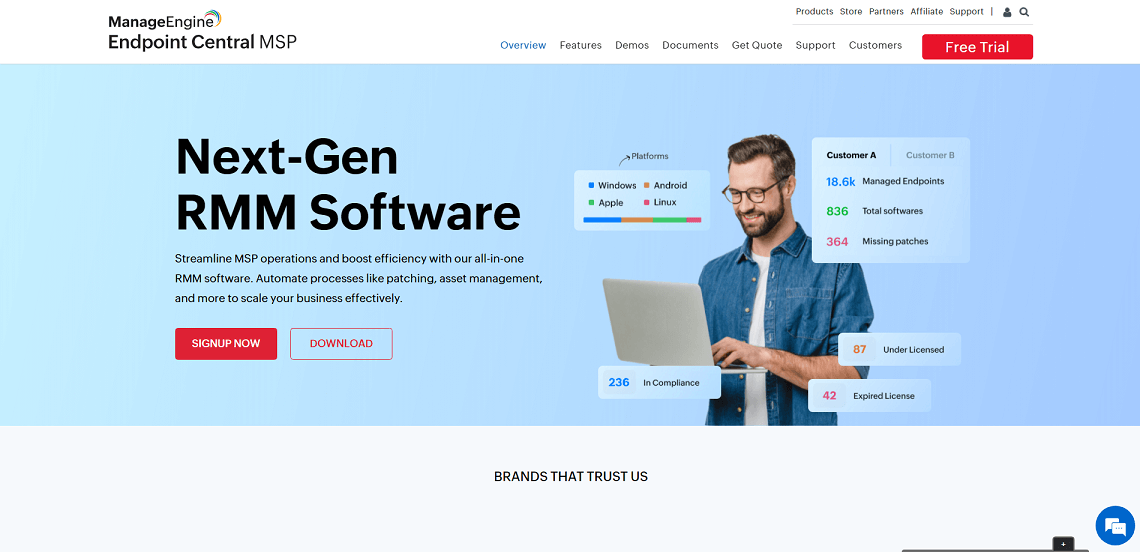
Best Fit: Managed service providers that need remote troubleshooting as part of broader customer endpoint management.
Endpoint Central MSP, developed by ManageEngine, is a powerful endpoint management solution tailored for managed service providers (MSPs) overseeing IT infrastructures. It offers a remote desktop management feature that allows MSPs to quickly and effectively connect to and control desktop devices.
While remotely connected, MSPs can engage with users through chat, audio, and video communication. The platform also provides tools to restrict and manage USB device usage on connected computers. Beyond support, it offers application management capabilities, allowing MSPs to deploy or uninstall software across devices seamlessly.
Key Features:
- Remote access and control
- Video conferencing for user communication
- Unattended device access
- Secure file transfer
- Application deployment and removal
- USB device control and management
Pricing: Contact ManageEngine for detailed pricing
Free Trial: 30 days
Check Before Buying: Review managed endpoint and technician licensing, agent deployment requirements, customer separation, and which management modules are included. Consider whether you need a full management platform or only remote support.
12. LogMeIn Rescue
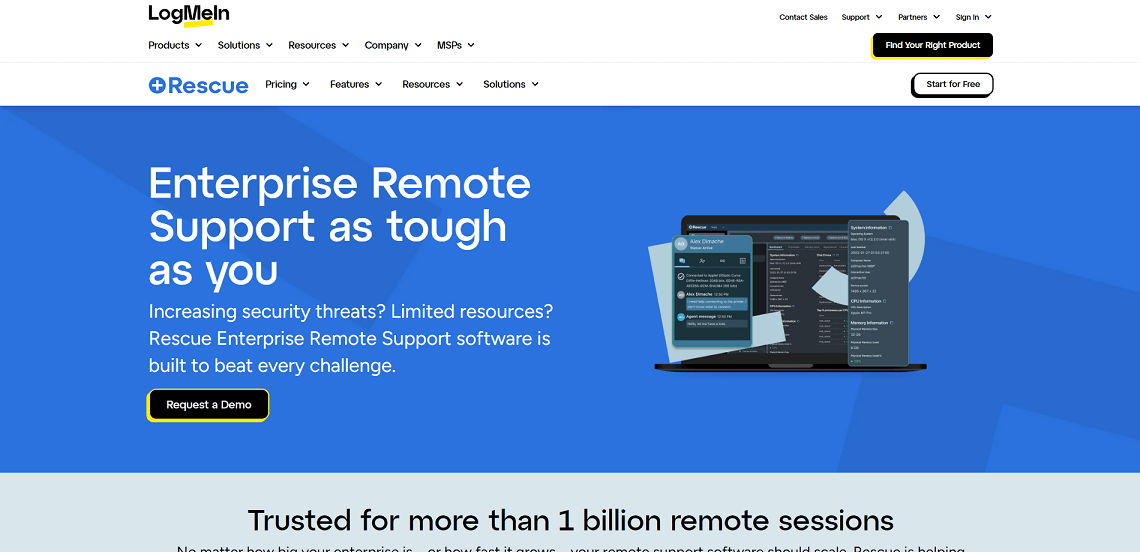
Best Fit: Help desks handling on-demand customer support that requires technician collaboration and desktop or mobile troubleshooting.
LogMeIn Rescue is a trusted remote IT support solution designed to provide seamless technical assistance across desktop and mobile devices. Support agents can communicate directly with customers via chat and video and can invite additional agents to collaborate on complex issues.
The software supports both attended and unattended device access, enabling flexible support scenarios. It also facilitates secure file transfers and allows businesses to customize the interface with their branding for a consistent customer experience.
Key Features:
- Remote access and device control
- Screen sharing for real-time troubleshooting
- Video conferencing and chat support
- Unattended access for off-hours assistance
- Secure file transfer
- Multi-agent collaboration
- Customization and branding options
Pricing (Billed Annually):
- Rescue Remote Support: $108.25/month
- Mobile Support Add-on: $37.50/month
Free Trial: 14 days
Check Before Buying: Confirm technician licensing, mobile support entitlements, supported device capabilities, and whether required integrations and reporting features are included.
Which remote customer assistance tool should you choose?
Start with the support experience you need to deliver:
- Hands-on computer troubleshooting: Prioritize remote control, chat, file transfer, and a clear customer approval process.
- Website or application guidance: Consider whether co-browsing is sufficient before requesting full desktop access.
- Recurring maintenance: Compare unattended access, deployment, and device permissions.
- A growing support team: Check technician licensing, concurrent sessions, and management features.
If your workflow involves direct troubleshooting and recurring device support, evaluate AnyViewer’s business options against your device and team requirements.
Conclusion
Choose remote customer assistance software around your customers’ devices, your support workflow, and your team’s access requirements. Test the connection and customer approval process before committing to a plan.
To evaluate AnyViewer, start with a support session on a supported device. If you need more capacity or team management, compare the available plans.


 as a preferred
source on Google