
Top Effective Remote Assistance Tools for Operators
This guide evaluates the industry's leading platforms providing remote assistance to operators, including AnyViewer, TeamViewer, AnyDesk, and LogMeIn Rescue, highlighting key technical features such as screen walls, True Color rendering, AR guidance, and essential selection criteria.

By Ellie / Updated on August 6, 2026


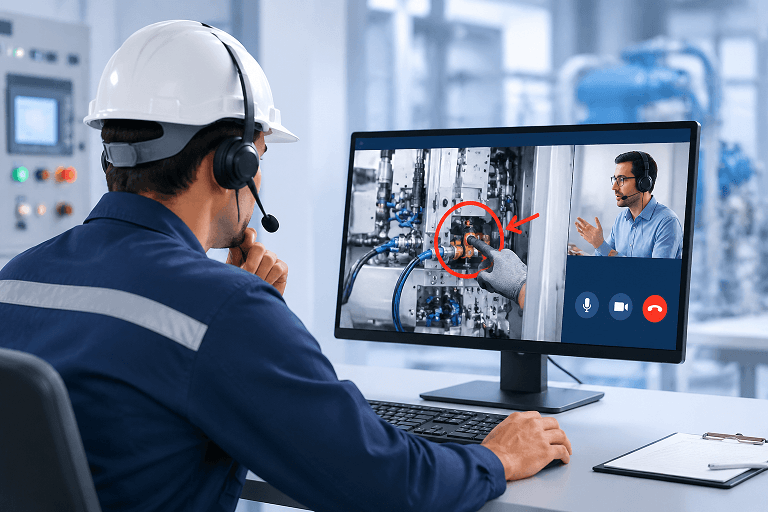
Equipment downtime and on-site operational errors cost industrial facilities thousands of dollars every hour. When frontline technicians encounter complex technical failures, waiting for an expert to travel on-site creates a costly productivity bottleneck. Implementing remote assistance to operators solves this exact challenge by bridging the gap between field personnel and off-site specialists in real-time. This guide provides a detailed analysis of the most effective remote assistance tools available, evaluating their core features, performance capabilities, and suitability for industrial and enterprise environments.
Detailed Overview of Effective Remote Assistance Tools
When evaluating remote assistance software for industrial environments and frontline operations, technical decision-makers require deep visibility into platform architecture, performance capabilities, and deployment suitability. Below is an in-depth analysis of the industry's most effective remote assistance tools, detailing their core technical features and operational strengths.
1. AnyViewer
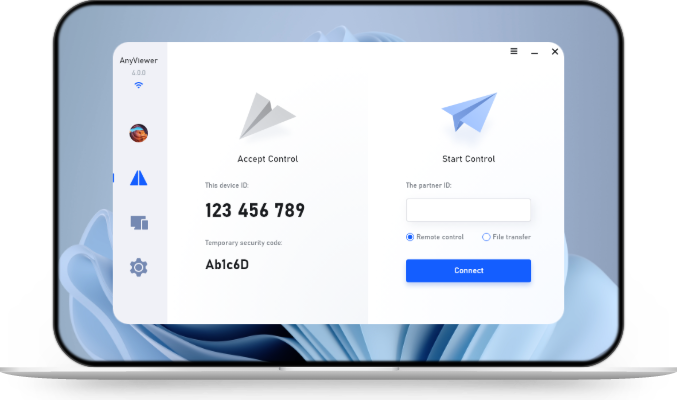
Overview & System Architecture: AnyViewer is a high-performance, streamlined remote desktop and support solution designed to bridge the gap between heavy enterprise software and nimble, user-friendly connectivity. It enables off-site technical specialists and supervisors to establish rapid, secure connections with field workstations and mobile endpoints without complicated network configurations.
Core Technical Capabilities for Operators:
- Screen Wall (Multi-Screen Monitoring): Empowers supervisors and operations centers to monitor up to 24 remote device screens simultaneously within a single, centralized dashboard. It features adjustable refresh intervals and an instant one-click transition to full remote control, making it exceptionally effective for supervising multiple industrial terminals or remote systems at once.
- True Color Display Rendering: Provides high-fidelity color accuracy and crisp image transmission. This is vital for operators inspecting intricate control panels, software dashboards, and detailed error logs where visual distortion could lead to misdiagnoses.
- Cross-Platform Adaptability: Accommodates diverse operational ecosystems, offering native cross platform remote support across Windows workstations, macOS environments, and Android-based industrial tablets or handhelds.
- Streamlined Connection Workflows: Features an intuitive interface that bypasses steep learning curves, allowing non-technical field operators to initiate secure support sessions instantly.
Operational Value: Ideal for organizations seeking a fast, stable, and lightweight connection framework that avoids resource-heavy software bloat while guaranteeing powerful multi-device oversight via its screen wall functionality.
2. TeamViewer (Assist AR)
Overview & System Architecture: TeamViewer Assist AR is an industry-standard enterprise solution tailored for complex physical machinery maintenance, leveraging augmented reality to connect off-site experts with frontline technicians.
Core Technical Capabilities for Operators:
- Advanced 3D Annotations & AR Overlays: Experts can draw digital arrows, highlight components, and place spatial notes directly onto the operator's live camera feed. These markers dynamically "stick" to real-world machinery parts even if the camera moves or shifts angles.
- Optical Character Recognition (OCR): Automatically scans and recognizes text characters printed on physical hardware, equipment plates, or error displays, allowing technicians to copy and paste serial numbers or error strings instantly.
- Comprehensive Audit Trail & Session Recording: Automatically logs troubleshooting paths and records video sessions from the expert's perspective, creating ready-to-use assets for compliance auditing and internal training.
Operational Value: Best suited for large-scale industrial operations, heavy manufacturing, and complex equipment maintenance where real-world visual guidance is essential.
3. AnyDesk
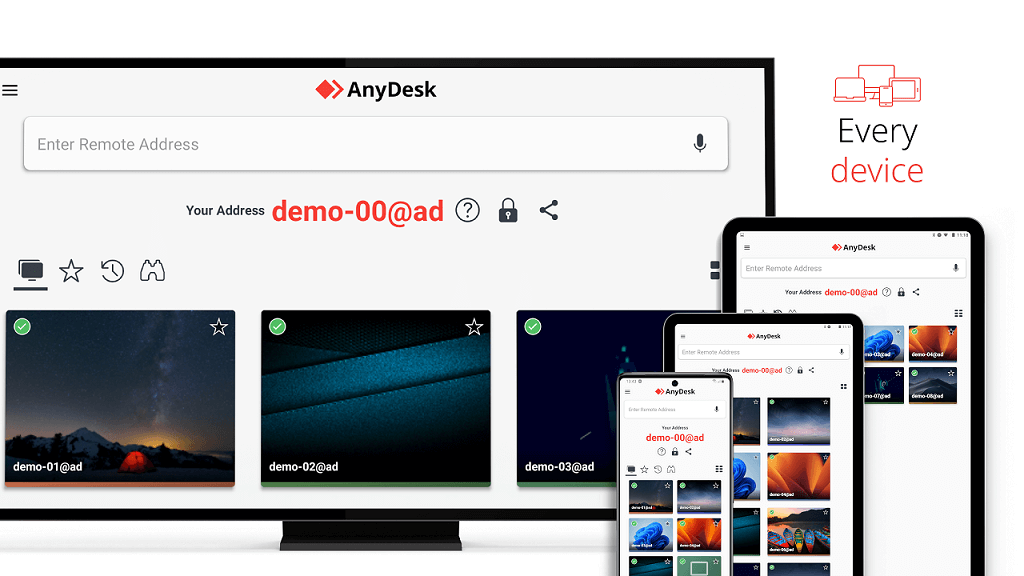
Overview & System Architecture: Built around a proprietary high-performance video codec known as DeskRT, AnyDesk is engineered specifically for ultra-low latency and efficient data compression in demanding environments.
Core Technical Capabilities for Operators:
- Ultra-Low Latency Streaming: Delivers high frame rates and near-instantaneous response times, ensuring that operators handling fast-paced machinery or graphical interfaces experience zero perceptible input lag.
- Lightweight Executable Framework: Functions as a compact, portable binary file requiring minimal CPU and memory usage, making it ideal for legacy industrial computers or restricted hardware terminals.
- Dynamic Bandwidth Adaptation: Automatically adjusts data transmission rates to maintain a stable, fluid connection even on factory floors or remote sites with restricted network bandwidth.
Operational Value: Highly effective for industrial facilities, remote field locations, and environments dealing with volatile or low-bandwidth network infrastructure.
4. LogMeIn Rescue
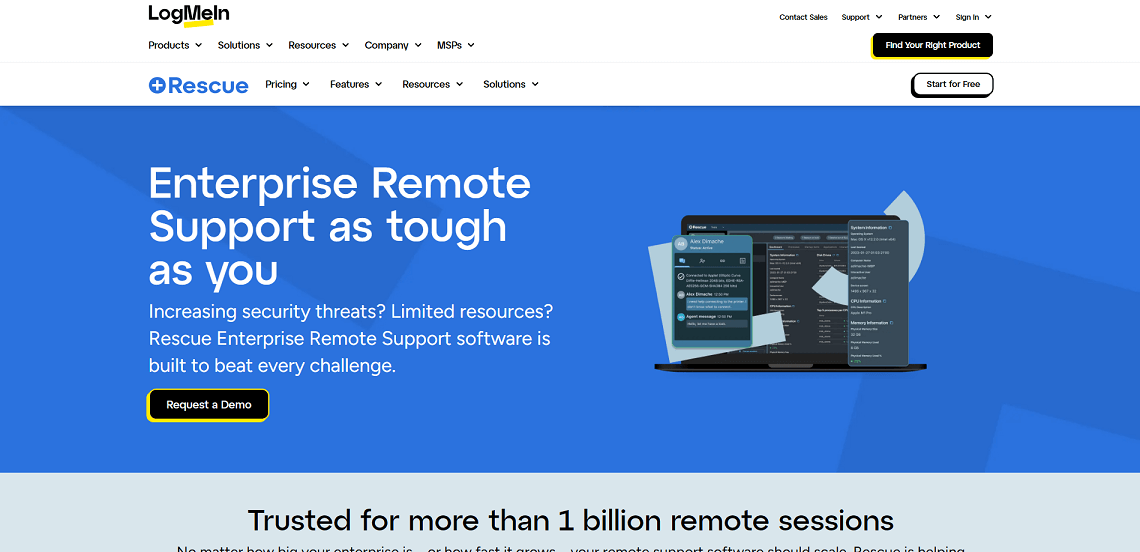
Overview & System Architecture: LogMeIn Rescue is an enterprise-grade, service-management-focused support platform optimized for helpdesk teams handling high volumes of simultaneous operator service requests.
Core Technical Capabilities for Operators:
- Multi-Session Handling & Queuing: Empowers support engineers to manage up to 10 concurrent remote sessions simultaneously via a tabbed console interface, utilizing global auto-routing queues to distribute requests efficiently.
- Extensive Enterprise Integration: Integrates seamlessly with leading IT Service Management (ITSM) ticketing platforms, CRM systems, and Active Directory environments to streamline incident logging and user authorization.
- Automated Device Diagnostics: Instantly pulls system metrics (such as memory utilization, OS versions, and hardware configurations) upon connection, accelerating technical evaluation before troubleshooting begins.
Operational Value: Tailored for corporate IT service centers, centralized enterprise helpdesks, and managed service providers (MSPs) managing extensive device fleets and high-ticket volumes.
Key Criteria for Selecting the Right Tool
When evaluating remote assistance software for operational teams, consider the following technical and security benchmarks:
- Visual Precision & Multi-Screen Oversight: Check whether the platform supports tools like screen walls for centralized multi-device monitoring alongside high-fidelity rendering (such as True Color modes) to prevent misreading critical diagnostic data.
- Network Adaptability: The software must maintain stability in variable network conditions, including low-bandwidth factory environments.
- Cross-Platform Support: Verify compatibility across all hardware endpoints used by your workforce, including Windows, Android, and Mac devices.
- Enterprise Security: Demand end-to-end encryption (RSA/AES), multi-factor authentication, and strict role-based access control.
Conclusion
Deploying the right remote assistance tools is crucial for bridging the gap between field operators and off-site experts. By leveraging secure, high-performance solutions like AnyViewer, organizations can optimize remote support for operators, ensure visual accuracy, and maintain continuous operational efficiency.



 as a preferred
source on Google
as a preferred
source on Google