

TeamViewer Corporate vs Tensor: Which Plan Fits Your Enterprise?
This article compares TeamViewer Corporate vs Tensor, showing their differences in features, security, and scalability. Corporate works well for mid-sized companies, while Tensor is built for large enterprises with advanced needs.

By Ellie / Updated on September 2, 2025


TeamViewer Corporate vs Tensor
When it comes to remote access and IT support, TeamViewer has positioned itself as one of the most trusted names worldwide. Businesses of all sizes rely on it for secure connections, troubleshooting, and collaboration. However, if you're a growing company or a large enterprise, one question quickly arises: Should you opt for TeamViewer Corporate or invest in TeamViewer Tensor?
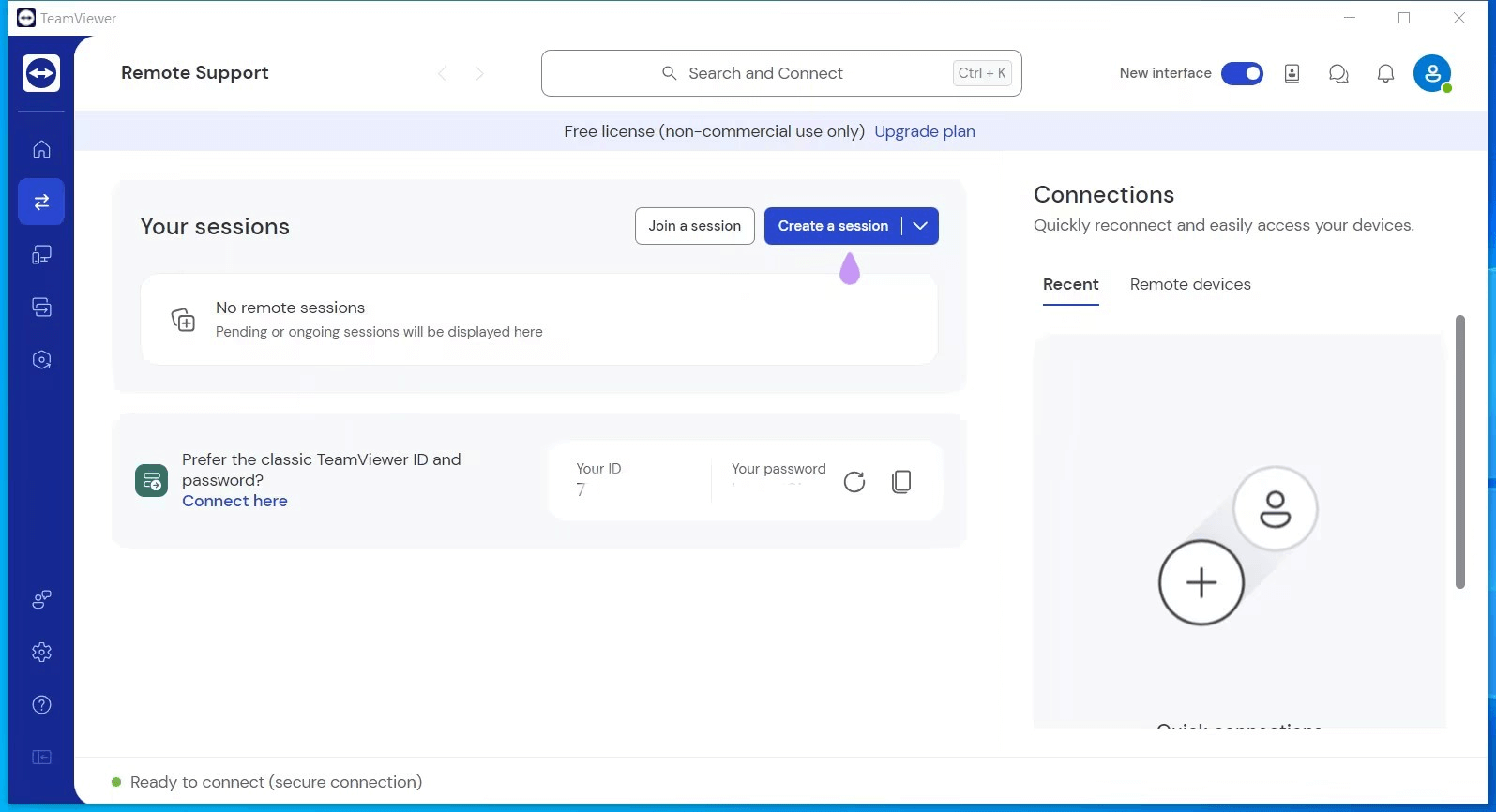
What is TeamViewer Corporate?
The Corporate plan sits among TeamViewer's advanced subscription tiers. It's tailored for larger businesses, managed service providers, and professional teams that demand powerful remote access functions, detailed administrative oversight, and enhanced management tools.
What is TeamViewer Tensor?
TeamViewer Tensor takes things further. It's a cloud-driven enterprise connectivity solution designed to simplify and accelerate IT management across large infrastructures. Built on the backbone of the world's largest remote access network, powering connections for over 1.7 billion devices, Tensor offers scalable performance that grows with your organization. Delivered as a SaaS platform, it equips enterprises with cutting-edge connectivity and live support tools in a ready-to-use package.
Detailed feature comparison of TeamViewer Corporate and Tensor
Choosing the right plan starts with understanding how its features overlap and where they stand apart.
Security Features
Available in both Corporate and Tensor:
- Granular access management for precise control
- AES 256-bit encryption for secure data transfer
- Trusted Devices verification
- Two-factor authentication for added protection
- Blocklist and allowlist to manage access permissions
Exclusive to Tensor:
- Conditional Access Router supporting up to 100 parallel sessions with scalable options
- Time-based access restrictions or permissions
- Comprehensive audit log with API support for full auditability
- Security Key Redirection for enhanced authentication
- Ability to hide functions in the Full/Host client
- Multiple Single Sign-On (SSO) integrations, including ADFS, Azure AD, G Suite, Okta, OneLogin, and Centrify
- Option to disable account activation emails for SSO users
Platform Coverage
Shared by both Corporate and Tensor:
- Attended remote support for instant assistance
- Mobile-to-mobile connections (Corporate requires an add-on; Tensor includes it by default)
- Support for all TeamViewer-compatible operating systems
- Headless system support for devices without a user interface
- Access via web app for convenience
Key difference:
- Corporate: Mobile-to-mobile functionality requires an additional add-on
- Tensor: Mobile-to-mobile support is built in and ready to use
Remote Access & Remote Work
Features available in both Corporate and Tensor:
- VPN support for secure connections
- Unattended remote access for continuous management
- Remote printing capabilities
- Black screen mode for privacy during sessions
- Wake-on-LAN to power on devices remotely
- Multi-monitor support for efficient workflows
- Comprehensive remote administration and support
- Remote session toolbar with VoIP, video, and chat
- Switch sides functionality for collaborative troubleshooting
- File transfer and queuing
- QuickSupport module for fast assistance
- Host installation via QuickSupport
- Control of UAC prompts during sessions
- Terminal server and Windows Server support
- Session recording and playback
- Detailed connection reports
- Ability to create charge rates
Key difference:
- Corporate: Service case creation limited to 45 per hour
- Tensor: Service case creation increased to 60 per hour
Service Queue & Support
Shared features in both Corporate and Tensor:
- Service Queue functionality (Classic and Remote)
- Assignment of service cases to team members
- Notifications, chat, and reporting for service cases
- Customer satisfaction rating tracking
- SOS button for urgent support
- UAC (User Account Control) support during sessions
- Comprehensive service case reporting
User & Device Management
Features available in both Corporate and Tensor:
- Mass deployment via MSI, Endpoint Manager, or similar tools
- Creation of device groups and management of connected devices
- Access to TeamViewer modules for various functions
- Dedicated connection groups for organized workflows
- Find nearby contacts quickly
- Group sharing for collaborative management
- Company-wide address book
- Device and user policy management
- Customizable device information
- Remote worker activation
- Enhanced enterprise-level functions
Key differences:
Corporate:
- Default 30 licensed users
- Up to 10 concurrent sessions (expandable with additional channels)
- Limit of 15 device policies
Tensor:
- Licensed users determined by contract, offering flexible scalability
- No fixed cap on concurrent channels (depends on license and Conditional Access Router)
- Limit of 60 device policies
Software Integrations
Shared by both Corporate and Tensor:
- TeamViewer API for custom integrations
- Web Chat SDK for embedding support chats
- Integration with FreshService, Zendesk Chat, Zendesk Support, JIRA, ServiceNow, MS Dynamics, and Jamf Pro
- Active Directory Connector for centralized user management
Key differences:
Corporate:
- API rate limit of 36,000 requests per 24 hours
Tensor:
- Higher API rate limit of 48,000 requests per 24 hours
- Access to REACH API for extended connectivity
- Microsoft Entra ID support with SCIM provisioning for advanced identity management
Service & Support
Both plans offer essential support options, but Tensor goes a step further with tools for managing subscriptions and accounts.
Corporate:
- Phone & ticket support
Tensor:
- Phone & ticket support
- Customer Portal for subscription management
Summary table
| Category | Corporate License | Tensor License |
| Security | Standard (AES, 2FA, allowlist, trusted devices) | Enterprise-grade (adds SSO, audit logs, conditional access, security key redirection) |
| Mobile-to-Mobile Support | Add-on | Included |
| Service Case Creation | 45/hour | 60/hour |
| Device Policies Limit | 15 | 60 |
| Licensed Users | Default 30 | Flexible (depends on license) |
| Concurrent Sessions | Max 10 channels | Scalable with Conditional Access Router |
| API Rate Limit | 36,000/24h | 48,000/24h + REACH API |
| Integrations | Standard ITSM & AD | Extended (adds SCIM with Entra ID) |
| Support | Phone + ticket | Phone + ticket + Customer Portal |
| Target Audience | Mid-size businesses | Large enterprises with stricter security & compliance needs |
Final Takeaway:
- Corporate is best suited for mid-sized companies that require multi-user licensing, IT support, and scalability of up to 10 concurrent sessions.
- Tensor is designed for large enterprises needing compliance, auditability, SSO, advanced security, and unlimited scalability.
Think of Corporate as a professional/enterprise solution, while Tensor is a true enterprise-grade platform with compliance and integration capabilities for large organizations.
AnyViewer: Enterprise-ready remote support at an affordable price
AnyViewer is a cost-effective yet powerful remote support solution built to meet the needs of modern enterprises. Unlike traditional enterprise software that often comes with complexity and steep licensing costs, AnyViewer delivers enterprise-grade performance, security, and scalability in a streamlined and budget-friendly package, making it the best TeamViewer alternative.
Key advantages for enterprises include:
- Unattended and Attended Access: Provide 24/7 IT support, remote maintenance, and troubleshooting across your organization without requiring on-site presence.
- Cross-Platform Enterprise Coverage: Enable secure connections across Windows, macOS, Android, and iOS, ensuring your workforce can stay productive from any device or location.
- Enterprise-Grade Security: Safeguard sensitive data with 256-bit encryption, two-factor authentication, device management policies, and strict access controls, ideal for organizations with compliance requirements.
- Fast and Reliable Performance: Support global teams with high-definition, low-latency sessions, even in bandwidth-constrained environments, ensuring seamless collaboration.
- Enterprise Scalability: Manage thousands of endpoints, deploy software in bulk, organize devices into groups, and assign role-based access to different IT staff for structured administration.
- Cost-Effective Licensing for Enterprises: Access the same level of functionality that large-scale solutions like TeamViewer Tensor provide, but at a fraction of the price, making it suitable for enterprises seeking maximum ROI.
- Simplified User Experience: Designed with an intuitive interface, AnyViewer minimizes the learning curve, allowing IT departments to onboard staff quickly and provide rapid support to employees and clients.
In summary, AnyViewer empowers enterprises with a secure, scalable, and budget-friendly remote support platform, helping IT teams reduce costs, streamline operations, and maintain high productivity without sacrificing enterprise-level functionality.
Conclusion
When evaluating TeamViewer Corporate vs Tensor, it’s clear that each plan is tailored to different enterprise needs.TeamViewer Corporate is ideal for mid-sized companies seeking professional-grade features and multi-user management, while TeamViewer Tensor is built for large enterprises requiring advanced security, compliance, SSO, and unlimited scalability.
For businesses looking for a cost-effective, enterprise-ready alternative, AnyViewer delivers secure, scalable, and high-performance remote support across all major platforms, combining enterprise-grade functionality with simplicity and affordability. Ultimately, the best choice balances your IT support requirements, budget, and long-term growth strategy.



 as a preferred
source on Google
as a preferred
source on Google