

10 Best RealVNC Alternatives in 2026
A comprehensive guide comparing the top 10 RealVNC alternatives in 2026. It highlights modern solutions that offer better performance, 60 FPS streaming, easier firewall traversal (NAT), and more flexible pricing models for individuals and SMBs.

By Ellie / Updated on March 30, 2026


For decades, RealVNChas been a staple in the remote access world. Built on the open-source VNC (Virtual Network Computing) protocol, it provided a reliable way to view and control computers from a distance. However, as we move through 2026, the remote desktop landscape has shifted.
Modern businesses now demand more than just screen sharing; they require low-latency performance for 3D tasks, seamless firewall traversal without complex port forwarding, and rigorous security frameworks like Zero Trust. Furthermore, recent changes in RealVNC’s licensing and the inherent limitations of the aging VNC protocol have led many IT administrators and individual users to seek more modern, cost-effective alternatives.
In this guide, we explore the best RealVNC alternatives available today, analyzing their features, pricing, and why they might be a better fit for your specific workflow.
Quick Comparison of 10 RealVNC Alternatives
| Tool | Best For | Key Advantage | Pricing Focus |
| AnyViewer | Personal & SMBs | High-Speed 60 FPS & Best Free Version | Free / Budget Pro |
| Splashtop | Creative Pros | 4:4:4 Color & High Reliability | Mid-Range |
| TeamViewer | Enterprise | Global Fleet Support & AR Tools | High-End |
| AnyDesk | Low Bandwidth | Lightweight DeskRT Codec | Mid-Range |
| Zoho Assist | MSPs & Helpdesks | 100% Cloud-Based (No Install) | Subscription |
| RemotePC | Remote Workers | Best Flat-Rate "Always-On" Access | Annual Flat Rate |
| HelpWire | Small Helpdesks | Completely Free for Commercial Use | Free |
| RustDesk | IT Enthusiasts | Open-Source & Self-Hosting | Free |
| Chrome RD | Casual Users | Zero-Install Chrome Utility | Free |
| Microsoft RDP | Windows Users | Native OS Integration (No Bandwidth Waste) | Included with Win Pro |
Top 10 RealVNC Alternatives for 2026
As remote desktop technology evolves, these leading solutions offer the modern performance, enhanced security, and cost-effective licensing that today’s diverse users require.
1. AnyViewer: The Best High-Performance All-Around Alternative
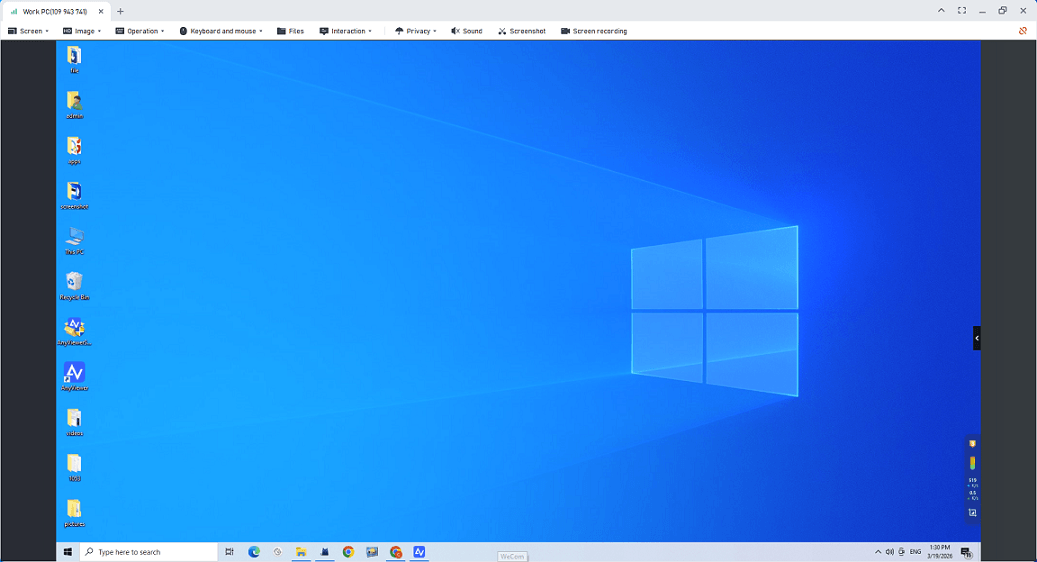
Forget expensive "enterprise" software and laggy connections. AnyViewer is the modern, user-friendly remote desktop choice to control your computer from anywhere. While older tools like RealVNC can be pixelated or slow, AnyViewer uses proprietary high-speed technology to make your remote connection feel as smooth as sitting right in front of your PC. It’s the perfect balance of advanced features, ease of use, and unbeatable value.
Best For:
- Personal & Home Users: Ideal for students, remote workers, or helping family members fix tech issues from afar.
- Small Businesses (SMBs): Perfect for startups and small teams who need high-speed remote access and file sharing without a dedicated IT department or a massive budget.
Why Choose AnyViewer in 2026?
- Best Free Version: Unlike other tools that constantly block you, AnyViewer's free version is packed with features and built for real daily use.
- Fast & Smooth: Enjoy 60 FPS high-definition video. No lag, no pixelation—just a fluid, "local-feel" experience.
- Set Up in Seconds: No complicated network settings or firewall headaches. Just install and connect instantly.
- Drag-and-Drop 2TB Files: Move massive folders or 4K videos at blazing speeds—up to 2TB per file.
- One-Click Access: Easily manage multiple remote workstations or servers without a local operator.
- Privacy First: Use "Privacy Mode" to black out the remote screen so nobody can see what you're working on.
- Any Device, Anywhere: Works perfectly across Windows, Mac, iPhone, and Android.
- Instant Setup: Skip the complexity of manual port forwarding, making deployment instantaneous and worry-free.
2. Splashtop: The Performance Leader
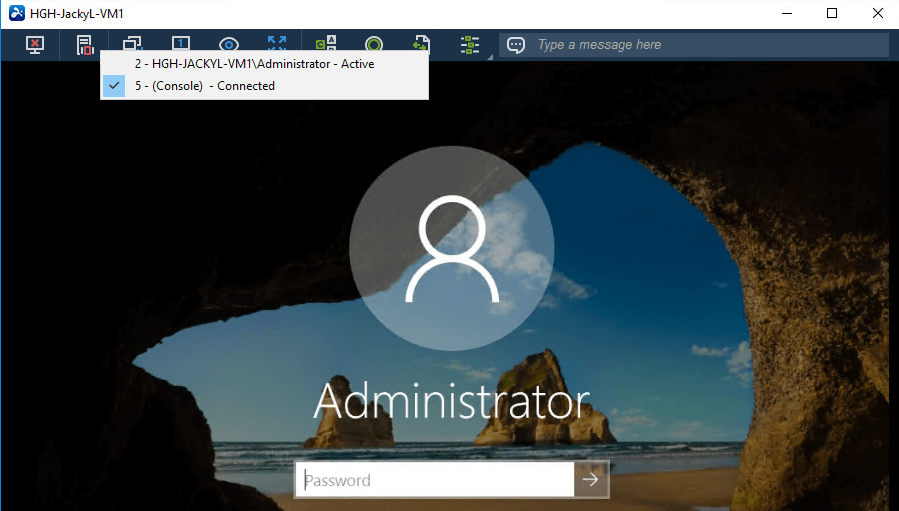
Splashtop is frequently cited by G2 and TrustRadius as the top-rated alternative for usability and performance. It uses a high-performance engine that delivers a "local feel" even over long distances.
- Best For: Creative professionals (video editors, architects) and IT support teams.
- Key Features: 4:4:4 color accuracy, remote stylus support, and robust SSO (Single Sign-On) integration.
- Pros: Exceptional reliability; much more affordable than TeamViewer; specialized versions for education and retail.
- Cons: The interface can feel slightly fragmented due to having multiple different versions (Personal, Business, SOS).
3. TeamViewer: The Enterprise Gold Standard
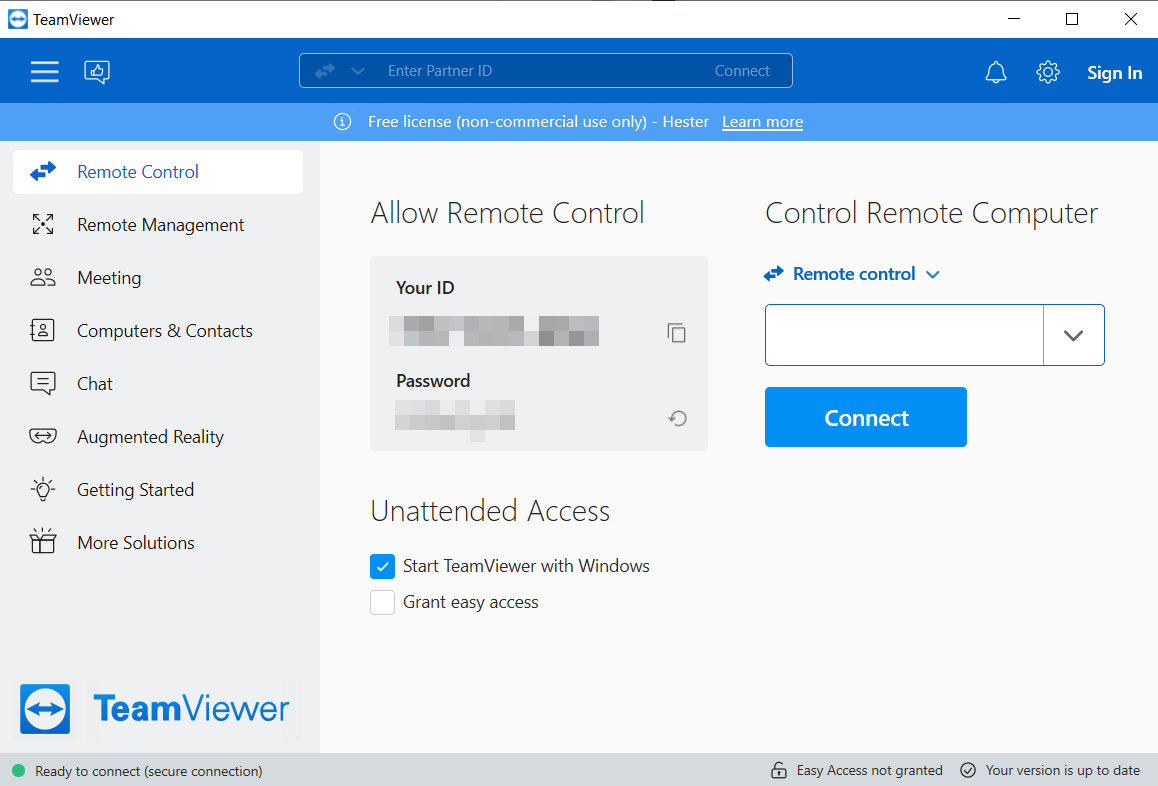
Despite being the most expensive option on the list, TeamViewer remains the dominant force for large-scale enterprise deployments that require maximum compatibility.
- Best For: Global corporations with massive, diverse device fleets.
- Key Features: AR-based remote support (TeamViewer Assist AR), IoT device integration, and exhaustive security logging.
- Pros: Works on almost every OS imaginable; unmatched feature set.
- Cons: Extremely high cost; frequent "commercial use detected" blocks on the free version.
4. AnyDesk: The Lightweight Speedster
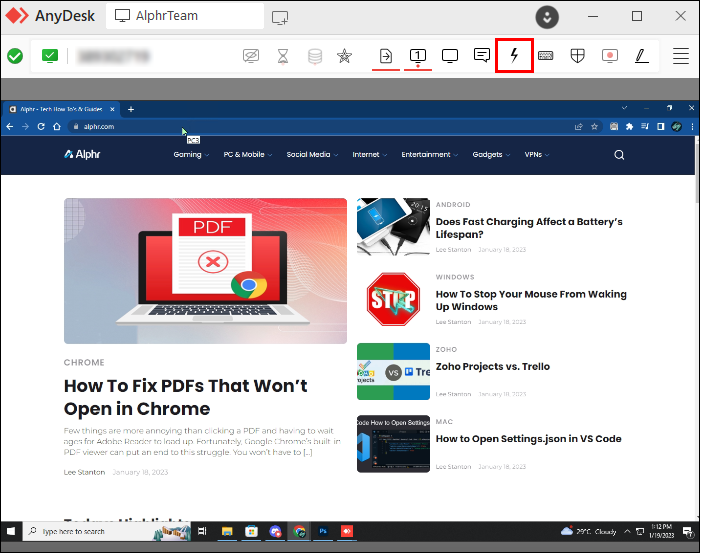
AnyDesk is known for its proprietary DeskRT codec, which allows for smooth operation even in areas with poor internet connectivity.
- Best For: Users in low-bandwidth environments or those who prefer a portable, no-install solution.
- Key Features: Small file size (approx. 5MB), whiteboard tools for collaboration, and screen recording.
- Pros: High frame rates; very responsive interface.
- Cons: The pricing structure has become increasingly complex and expensive for small businesses recently.
5. Zoho Assist: Best Cloud-Based Support
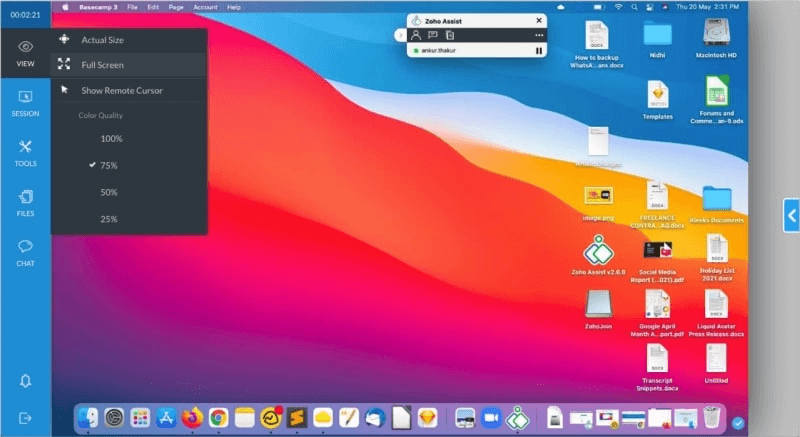
Zoho Assist is a purely web-based solution, meaning you can initiate a support session directly from your browser without installing a local client.
- Best For: Managed Service Providers (MSPs) and customer service teams.
- Key Features: Browser-based console, voice/video chat, and seamless integration with the Zoho ecosystem (CRM, Desk).
- Pros: No installation required for the technician; great reporting tools.
- Cons: Performance can sometimes lag behind native-app solutions like Splashtop or AnyViewer.
6. RemotePC: Best for Always-On Access
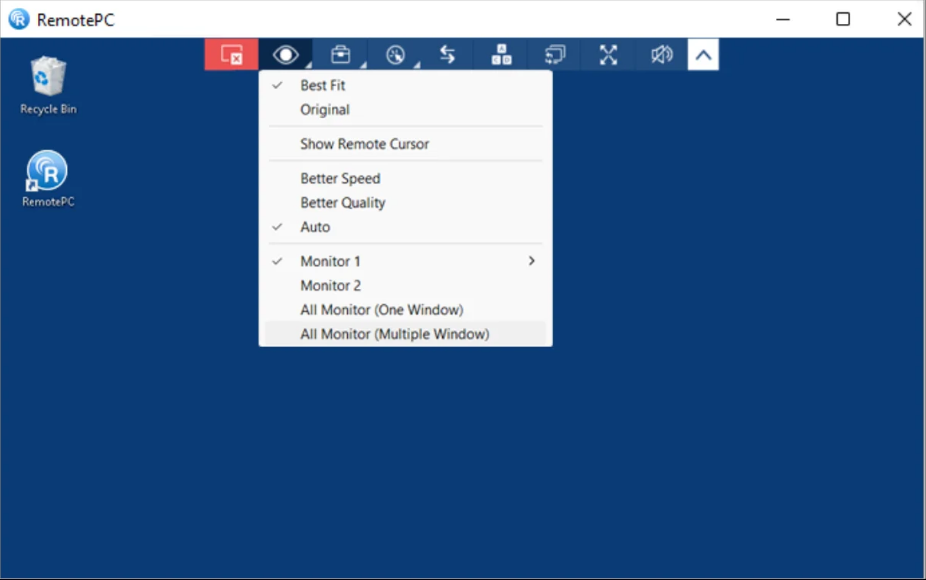
RemotePC excels in providing simple, reliable access to a fixed number of computers, often at a very competitive annual flat rate.
- Best For: Remote workers who only need to access their office PC from home.
- Key Features: Web-link sharing, remote printing, and "Always-on" unattended access.
- Pros: Simple "Value for Money" pricing; includes a functional web-browser viewer.
- Cons: The user interface feels a bit dated compared to AnyViewer or Splashtop.
7. HelpWire: Free Alternative for Remote Support
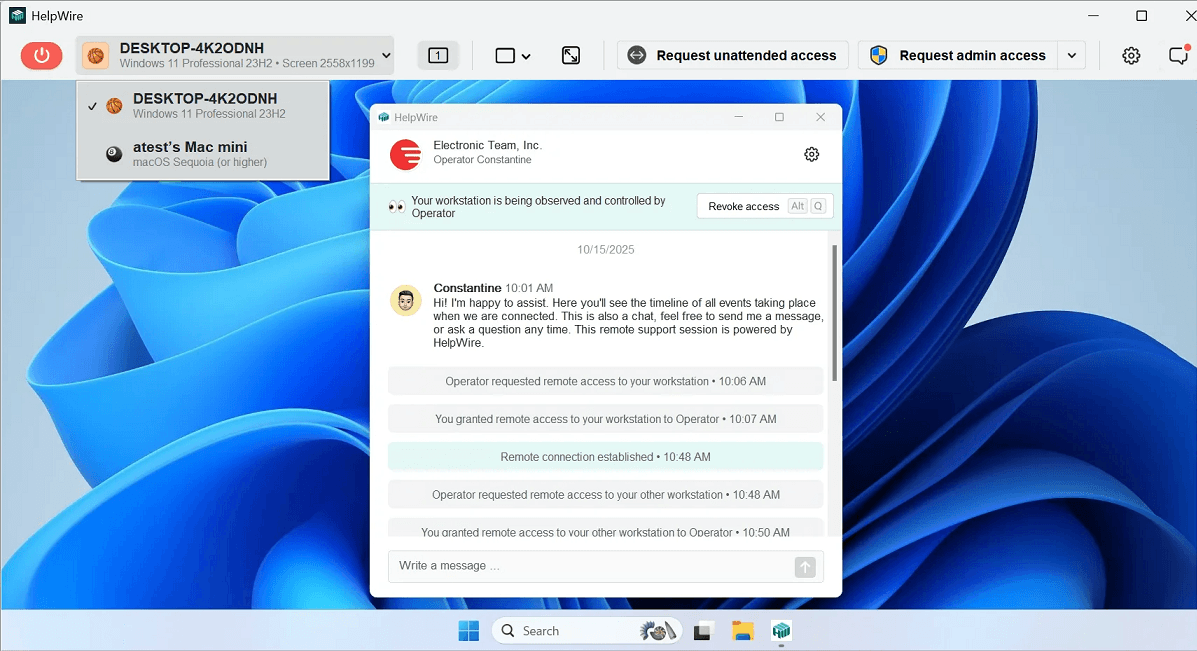
If you are looking for a completely free tool for both personal and commercial use, HelpWire is the standout choice in 2026.
- Best For: Small IT helpdesks and providing support to family/friends.
- Key Features: Unique connection URLs (no passwords needed), built-in support chat, and an operator dashboard to manage multiple clients.
- Pros: 100% free; no "commercial use" nag screens; very simple for the end-user.
- Cons: Lacks advanced features like session recording or complex endpoint management.
8. RustDesk: The Open-Source Alternative
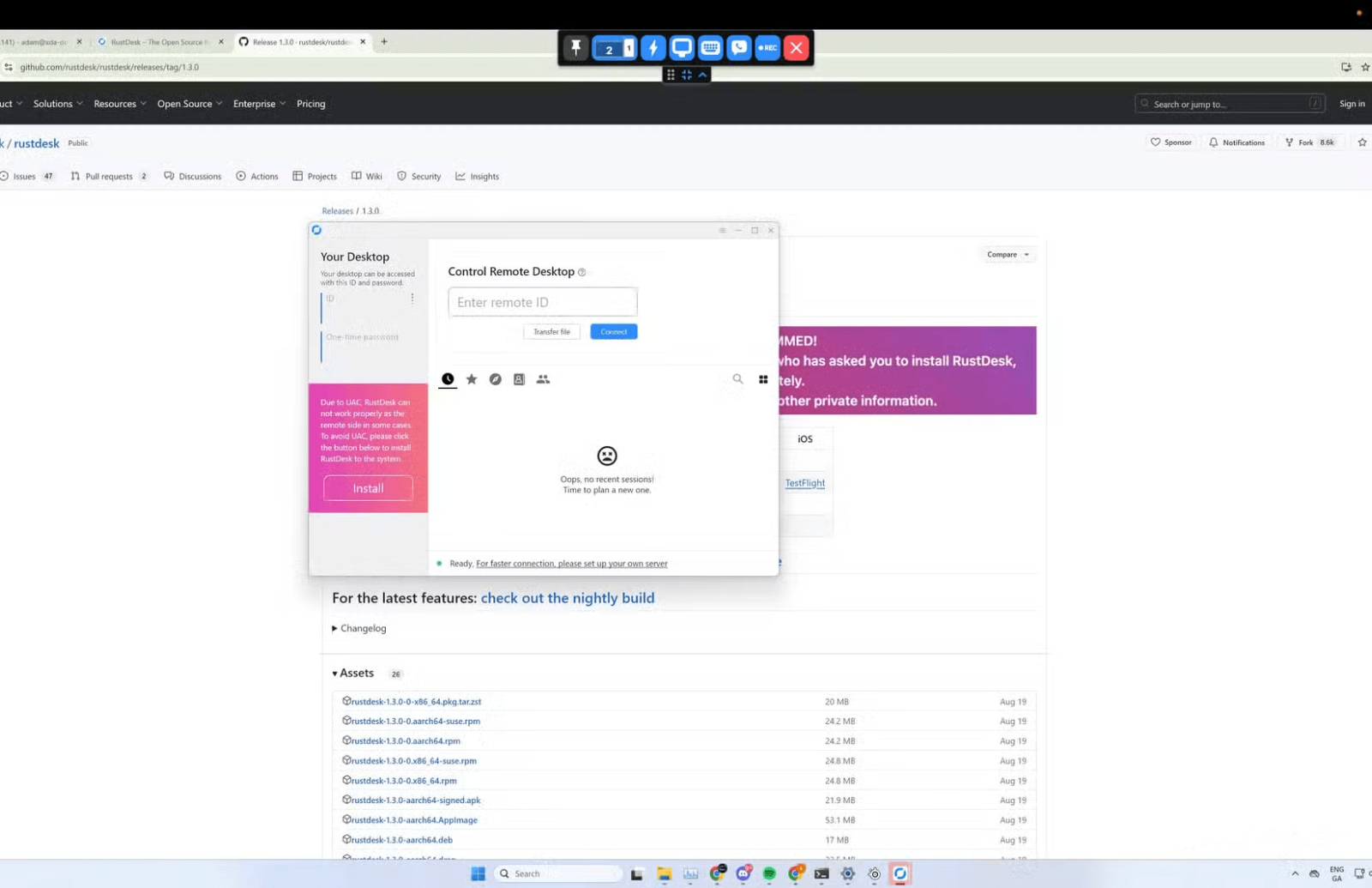
As data privacy becomes a top priority in 2026, RustDesk has emerged as the leading open-source choice for those leaving RealVNC. It is a powerful tool that allows you to host your own "Relay Server," giving you total control over your data.
- Best For: IT enthusiasts and companies that want to own their data and server infrastructure.
- Key Features: Built with the Rust language for high security; supports End-to-End Encryption (E2EE); allows self-hosting to avoid public network lag; offers a "portable" version that runs without installation.
- Pros: Completely open-source and free; no reliance on big-tech cloud services; clean, modern interface.
- Cons: Setting up your own server requires some Linux and networking knowledge; performance may dip slightly on very slow internet compared to AnyDesk.
9. Chrome Remote Desktop: The Ultimate Zero-Install Utility
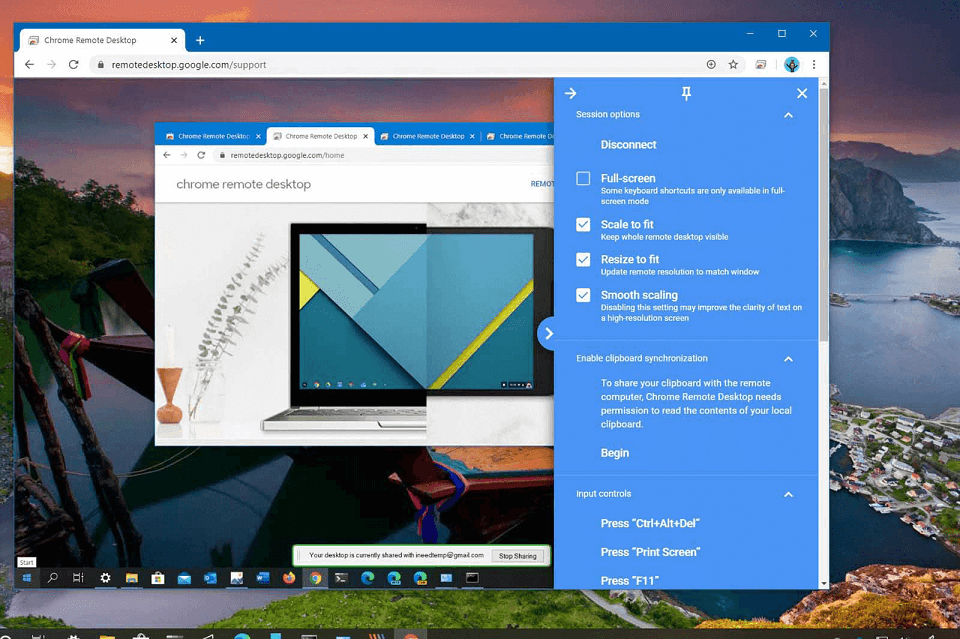
Google’s offering is the definition of simplicity. It operates entirely within the browser, making it a perfect RealVNC alternative for quick, ad-hoc tasks.
- Best For: Students and casual remote workers.
- Key Features: WebRTC-based streaming, Google Account synchronization, and simple mobile apps.
- Pros: 100% free; no complex firewall setup; works on any device that can run a Chrome browser.
- Cons: Limited features; no file transfer capabilities; basic multi-monitor support.
10. Microsoft Remote Desktop (RDP): The Windows Native King
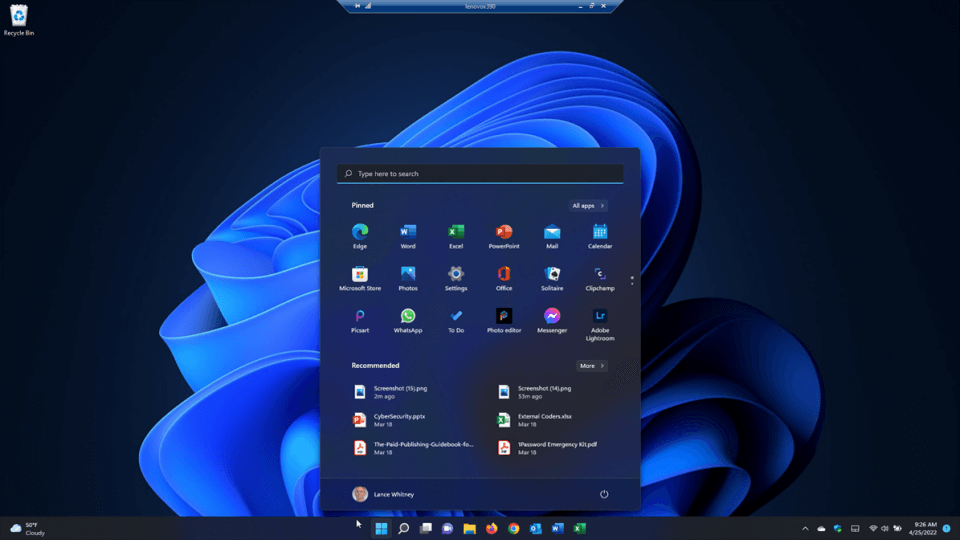
If you are operating entirely within a Windows environment, the built-in RDP protocol is technically superior to VNC because it integrates directly with the OS kernel.
- Best For: Internal office networks and Windows power users.
- Key Features: Local resource redirection (printers/drives), NLA (Network Level Authentication), and 4K multi-monitor support.
- Pros: Already included with Windows Pro/Enterprise; zero bandwidth waste.
- Cons: Requires Windows Pro on the host side; difficult to set up over the internet without a VPN.
Why Look for a RealVNC Alternative?
While RealVNC is a mature product, several factors often drive users to switch:
- Outdated Protocol: The VNC protocol is over 20 years old. It is pixel-based and data-intensive, which often leads to significant lag on low-bandwidth connections compared to modern protocols or proprietary high-speed codecs.
- Complex Configuration: Traditional VNC often requires manual port forwarding and firewall adjustments (port 5900). Modern alternatives use "firewall-friendly" NAT traversal, making setup instantaneous.
- Pricing Shifts: Recent updates to RealVNC Connect's subscription models have made it less attractive for small teams or individuals who previously relied on its free versions.
- Feature Gaps: Many users now require advanced features like 4K multi-monitor support, 60 FPS gaming/video editing capabilities, and comprehensive RMM (Remote Monitoring and Management) tools that basic VNC lacks.
Conclusion
As we progress through 2026, the shift away from the legacy VNC protocol is accelerating. While RealVNC was a foundational pioneer, today’s digital workflows demand ultra-low latency, high-speed data handling, and instant, zero-config deployment, requirements that older protocols struggle to meet.
For those seeking the best overall performance, AnyViewer has emerged as the premier choice. It bridges the gap between power and value, delivering professional-grade features, including fluid 60 FPS 1080p streaming and massive 2TB file transfers, at a price point that remains highly accessible for both individuals and scaling businesses.



 as a preferred
source on Google
as a preferred
source on Google