

Top Remote Desktop UK Solutions
Remote desktop UK software lets you work from anywhere safely and easily. This guide covers the best options and highlights AnyViewer for its fast, secure, and simple remote access.

By Ellie / Updated on October 29, 2025


Remote desktop in the UK
The way we work has drastically changed over the past few years, with remote and hybrid work models becoming the new standard across the United Kingdom. One technology that has played a critical role in this transformation is remote desktop UK solutions. Whether you're a freelancer, a small business owner, or managing a large corporate network, UK remote access tools allow you to connect to your systems securely and efficiently from anywhere.

In essence, a remote desktop gives users the ability to access and control another computer over the internet as if they were sitting right in front of it. This is especially valuable in the UK, where many companies have adopted hybrid or fully remote work environments. Employees can easily access their office desktops, software, and files without being physically present, leading to better flexibility and productivity.
In this article, we’ll explore everything you need to know about remote desktop in the UK, including its benefits, the best remote desktop UK software options, how to choose the right one, and what trends are shaping the future of UK remote access technology.
What is remote desktop and how does it work?
A remote desktop UK solution is a software or technology that allows you to access and control one computer (the host) from another device (the client) over an internet or network connection. Essentially, it mirrors the host’s screen and transmits mouse clicks and keyboard inputs in real time. It’s like sitting in front of your office PC while actually working from your living room, coffee shop, or even on a train across the UK.
When you connect to a remote desktop, your computer or mobile device acts as a viewer that communicates with the remote host through a secure protocol such as RDP (Remote Desktop Protocol) or VDI (Virtual Desktop Infrastructure). The host computer processes all the data and applications, while the client device simply displays the interface. This means even devices with low hardware capacity can run high-end software remotely.
The process involves:
Step 1. Establishing a Connection: The remote desktop client sends a connection request to the host machine.
Step 2. Authentication: The user enters login credentials to ensure secure access.
Step 3. Session Creation: Once verified, the desktop of the host computer appears on the client device.
Step 4. Real-Time Control: The user can now open files, run applications, and perform tasks just like being physically present.
This setup is particularly powerful in industries like IT support, finance, healthcare, and education. For example, a London-based IT technician can troubleshoot servers in Manchester without leaving the office. Similarly, remote educators can access institutional systems from anywhere using UK remote access tools.
As long as there’s a stable internet connection, remote desktop UK technology breaks geographical barriers, offering seamless digital access that supports today’s flexible work culture.
Why remote desktop solutions are essential for UK businesses
In the modern UK business landscape, where hybrid and remote work are becoming standard, remote desktop UK solutions are no longer optional; they’re a necessity. They enable businesses to stay operational, secure, and connected, regardless of location or time zone.
One of the biggest reasons companies in the UK are embracing UK remote access technology is continuity. Even in cases of unexpected disruptions, like transport strikes, weather issues, or health emergencies, employees can still access their work systems securely from home. This minimizes downtime and ensures ongoing productivity.
Another key advantage is data security. UK companies, particularly those operating under GDPR, must maintain strict data privacy. Remote desktop UK solutions with built-in encryption and secure authentication methods ensure sensitive information stays protected, even when accessed remotely.
Moreover, businesses save on costs associated with hardware, office space, and travel. Teams can collaborate efficiently through shared virtual environments, and IT teams can provide remote maintenance without the need for physical presence.
In short, for UK businesses striving to remain competitive, agile, and secure, adopting remote desktop UK technology is a strategic move toward digital transformation and operational resilience.
Types of remote desktop solutions in the UK
The UK’s remote work ecosystem has diversified rapidly, and with it, so have the types of remote desktop UK solutions available. Whether you’re a freelancer needing quick access to files or a large enterprise requiring secure virtual workstations, there’s a UK remote access solution that fits your needs. Let’s break down the main categories and their unique advantages.
Cloud-based remote desktops
Cloud-based solutions are becoming increasingly popular across the UK due to their scalability and flexibility. With cloud remote desktop UK systems, your entire desktop environment, applications, data, and system settings reside on a cloud server. You can access it through any internet-connected device, whether it’s a laptop, tablet, or smartphone.
These solutions are offered by major providers such as Microsoft Azure Virtual Desktop (AVD), Amazon WorkSpaces, and Citrix Cloud. The benefits include:
- No need for on-premise servers or complex setups.
- Automatic updates and backups for better security.
- Seamless scalability, you can easily add or remove users.
- Excellent disaster recovery options.
For small to medium UK businesses, this means less time managing infrastructure and more time focusing on productivity.
Virtual Desktop Infrastructure (VDI)
VDI is a powerful technology that allows multiple users to run virtual desktops hosted on centralized servers. It’s perfect for large UK corporations, universities, and government organizations that need strict control over their data and applications.
With VDI, users get consistent performance and a familiar desktop experience while IT administrators manage everything centrally. This centralized management helps maintain compliance with UK data protection laws and ensures smooth UK remote access operations.
Remote Desktop Protocol (RDP) solutions
RDP-based solutions, such as Microsoft Remote Desktop, remain one of the most commonly used options. They enable secure, encrypted connections between the host and client, making them ideal for UK remote access.
RDP solutions are easy to set up, affordable, and compatible with Windows environments, making them especially popular among UK-based SMEs and freelancers looking for the best remote desktop UK options.
Best remote desktop software in the UK
Finding the best remote desktop UK software depends on your business size, technical requirements, and security priorities. Below are the top-rated remote desktop UK tools widely used by individuals and companies across the region.
AnyViewer
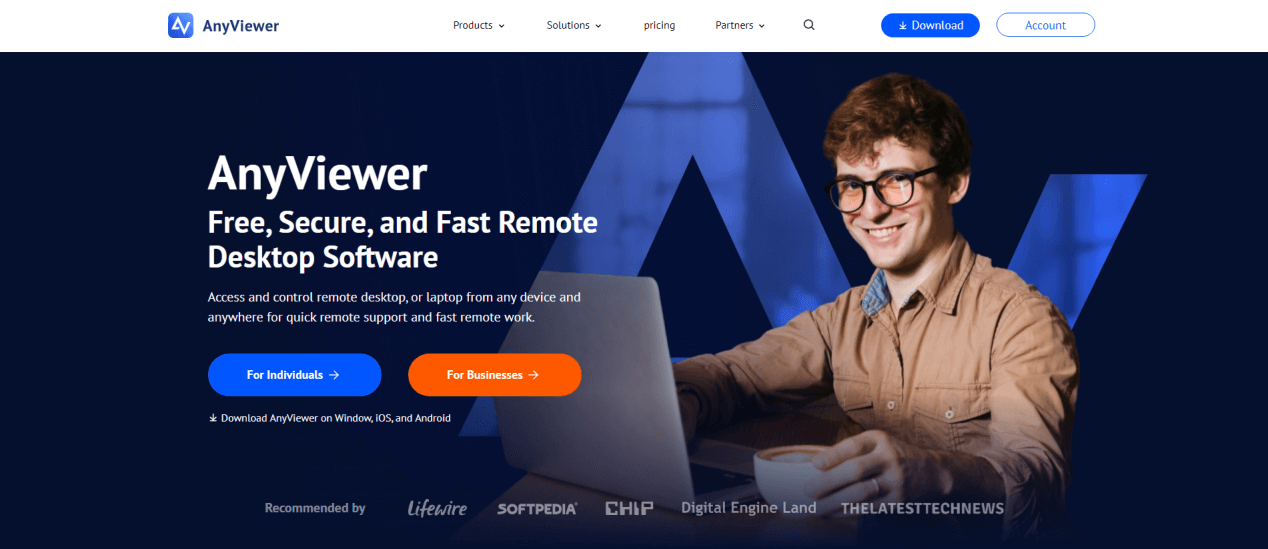
AnyViewer has rapidly become one of the most reliable and user-friendly remote desktop solutions in the UK. This software is designed for both personal and professional users who need fast, secure, and stable remote access. Its combination of high-speed connections, enterprise-grade security, and intuitive design makes it an excellent alternative to traditional remote desktop tools like TeamViewer or AnyDesk.
Key Features of AnyViewer
- Ultra-Fast Connection Speeds: AnyViewer uses advanced data compression and transmission technologies to minimize lag and maintain smooth performance, even when operating over slower UK broadband connections. This ensures a fluid experience for real-time file transfers, remote support, and application usage.
- End-to-End Encryption: Security is a major priority for AnyViewer. It uses Elliptic Curve Cryptography (ECC) encryption to secure all data transfers, keeping your sessions private and compliant with UK GDPR and other data protection standards.
- One-Click Remote Access: Unlike more complex systems that require multiple configurations, AnyViewer allows you to set up and connect with a single click. This makes it ideal for non-technical users or teams who need quick deployment.
- Cross-Platform Support: AnyViewer is compatible with Windows, macOS, iOS, and Android, allowing users to access their computers from virtually any device.
- Multi-Monitor Support: For professionals using multiple displays, common in IT, design, or financial sectors, AnyViewer supports seamless switching between screens during remote sessions.
- File Transfer & Clipboard Synchronization: AnyViewer allows drag-and-drop file transfers between local and remote computers, as well as clipboard sharing for copying and pasting text or links. This makes collaboration easier and faster for remote teams.
- Unattended Access & Device Management: Businesses can register devices under one account to enable unattended remote access. IT teams in the UK can monitor, control, and troubleshoot multiple endpoints without needing end-user confirmation each time.
- Multi-Session Management: With its premium plans, AnyViewer supports managing multiple remote sessions simultaneously, perfect for IT service providers and managed service companies offering remote assistance to clients.
Why UK Businesses Choose AnyViewer
UK companies and freelancers are adopting AnyViewer because it combines affordability, ease of use, and robust security, qualities that make it perfect for both small businesses and enterprise environments. Unlike TeamViewer, which can be expensive for commercial use, AnyViewer offers flexible pricing plans, including a free version for personal users and affordable subscriptions for businesses.
Additionally, UK-based IT support teams appreciate its low latency and quick setup process, which reduces time spent configuring networks or firewalls. It’s also favored by remote workers and hybrid teams, as it enables fast, stable connections to office PCs and servers from anywhere in the country.
Microsoft Remote Desktop
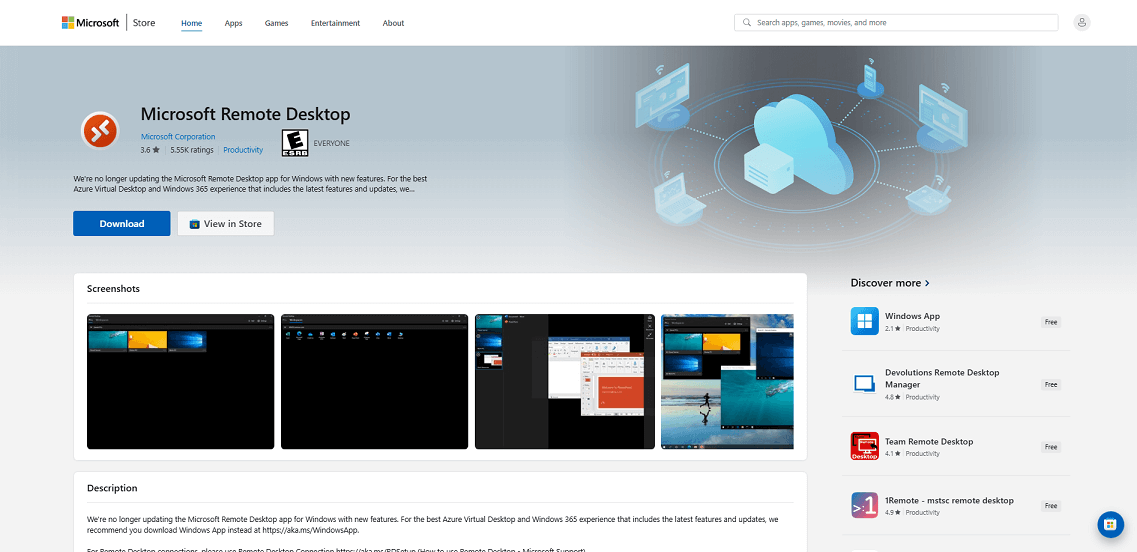
As part of the Windows ecosystem, Microsoft Remote Desktop remains the go-to choice for most UK businesses. It’s free, reliable, and integrates seamlessly with Windows environments, making it especially valuable for IT administrators managing multiple workstations within a corporate network.
Key features include multi-session support, data encryption, and easy deployment through Microsoft Azure. Users can connect to their office PCs securely, access apps, and transfer files as though they were physically present.
However, Microsoft Remote Desktop is primarily optimized for Windows-to-Windows connections, so users operating on macOS or Linux may face limitations. That said, its integration with Azure Virtual Desktop (AVD) allows larger enterprises to build scalable virtual desktop infrastructures in the cloud, ideal for remote and hybrid UK teams.
AnyDesk
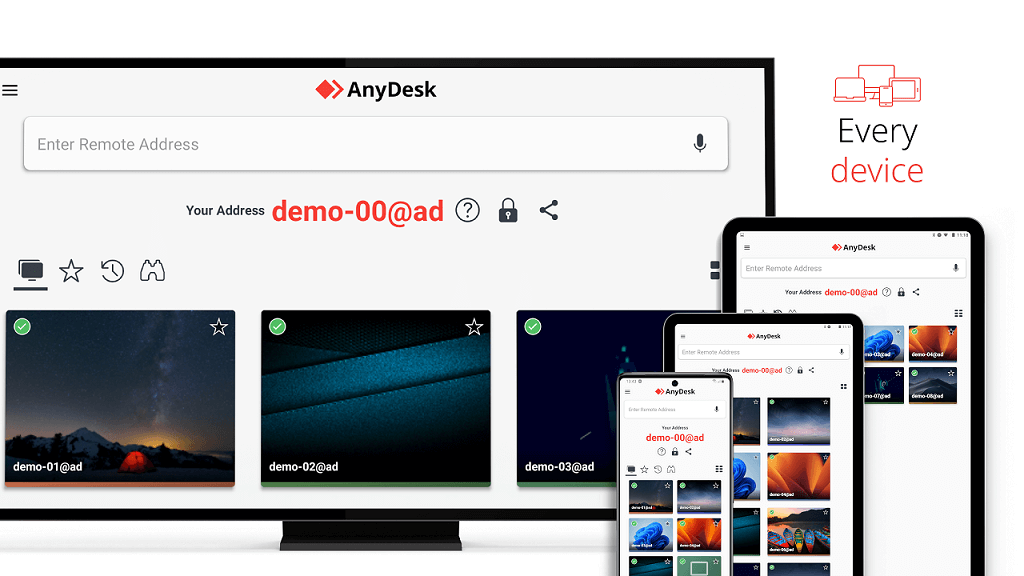
AnyDesk is lightweight, fast, and perfect for both personal and professional use. UK freelancers and IT support teams favor it for its low latency and simple interface. Supporting multiple platforms, including Windows, macOS, Linux, iOS, and Android, it’s highly versatile.
Its proprietary DeskRT codec ensures smooth performance even on low-bandwidth connections, a crucial advantage for users in rural UK areas with inconsistent internet speeds. AnyDesk also offers file transfers, remote printing, session recording, and multi-user collaboration tools, making it ideal for both technical support and business management.
TeamViewer
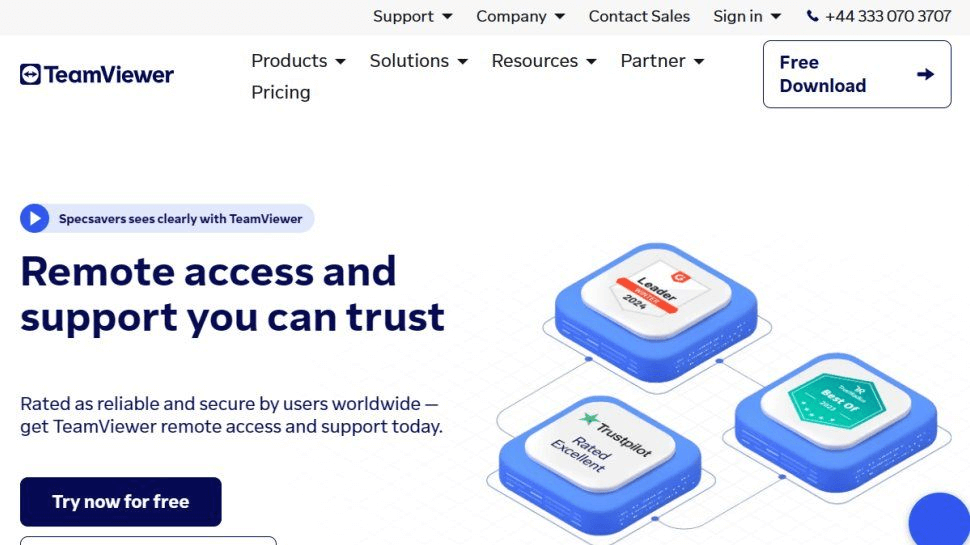
TeamViewer is one of the most recognized names in remote access globally and in the UK. It’s widely used for IT support, remote maintenance, and team collaboration. TeamViewer’s strengths include strong encryption, file transfer capabilities, cross-platform compatibility, and IoT device access, making it a favorite for UK tech companies.
Its augmented reality (AR) support, known as TeamViewer Pilot, allows technicians to guide clients visually using smartphones or tablets, an invaluable feature for field support teams across industries. However, its commercial licenses can be expensive, which may deter small businesses or startups.
Chrome Remote Desktop

This free, browser-based solution from Google is simple yet effective. Users can access their computers through any Chrome browser or mobile device without complex setup or additional software installations. It’s best suited for light usage, such as checking emails, editing documents, or accessing files remotely.
While it lacks the advanced features found in paid solutions, Chrome Remote Desktop is secure, stable, and perfect for individuals or small teams seeking a straightforward tool for occasional access.
Splashtop
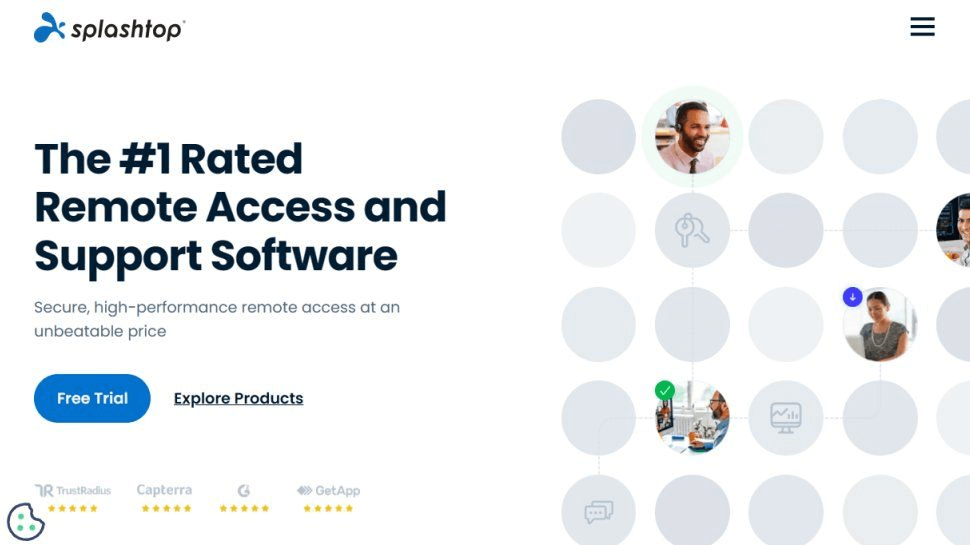
Splashtop is growing rapidly in popularity across the UK for its enterprise-grade security combined with affordable pricing. It offers TLS and 256-bit AES encryption, multi-monitor support, and HD video/audio streaming, features highly valued by designers, editors, and engineers working remotely.
Its Splashtop Business Access plan is ideal for professionals needing high performance, while Splashtop SOS is perfect for IT technicians providing on-demand remote support.
With centralized admin controls, two-factor authentication, and user activity logs, Splashtop meets both small business and enterprise security needs under UK data protection laws.
How remote desktop boosts hybrid work models
The hybrid work model, where employees split time between home and office, is now the backbone of many UK organizations. Remote desktop technology acts as the bridge that connects these environments, enabling seamless collaboration and consistent performance regardless of location.
Employees using remote desktop solutions enjoy:
- Uniform access to corporate software and systems.
- High productivity without being limited by device or location.
- Enhanced security since all data resides on centralized servers, not personal laptops.
For employers, hybrid models supported by remote desktop systems also reduce costs associated with physical office space, IT infrastructure, and commuting allowances. Furthermore, it boosts employee satisfaction, as team members can enjoy work flexibility while maintaining full access to office tools and data.
In the post-pandemic UK workplace, this blend of freedom and structure has become the new norm, and remote desktops are the technological foundation making it possible.
Conclusion
Remote desktop UK technology has become the cornerstone of modern digital work across the United Kingdom. Whether you’re a freelancer accessing projects from home, an IT administrator providing remote IT support services, or a business leader supporting hybrid teams, remote access tools provide unmatched flexibility, efficiency, and security.
Among the many options available, AnyViewer stands out for its fast performance, strong security, and easy setup. It’s ideal for both personal users and businesses that need reliable UK remote access without complicated configuration. As remote and hybrid work continue to grow, using a trusted tool like AnyViewer helps ensure smooth collaboration, secure connections, and consistent productivity across any distance.



 as a preferred
source on Google
as a preferred
source on Google