

Best Remote Desktop Software for Overseas Use
Discover the best remote desktop software for working overseas. This guide covers top tools like AnyViewer and TeamViewer that help you connect, share files, and manage devices securely from anywhere in the world.

By Ellie / Updated on October 16, 2025


Remote Desktop Software for Overseas
Working across borders has never been easier, or more essential, than in today’s global economy. Whether you're managing a team in another country, providing remote IT support services from afar, or accessing your office computer while traveling, remote desktop software makes it possible to stay productive without being physically present. But not all remote access tools are built the same. The best remote desktop software for overseas use combines speed, security, and seamless connectivity to ensure that distance never becomes a barrier to collaboration.

In this article, we’ll dive deep into what makes a remote desktop tool stand out, explore the top 10 software options, and provide insights on how to pick the right one for your global workflow.
Let’s start by understanding what remote desktop software is and why it’s so critical for international operations.
Why It’s Crucial for Overseas Teams
Imagine managing a design team in New York, while your developers work in India, and your clients are based in Europe. Without reliable remote access tools, collaboration becomes a logistical nightmare.
Remote desktop software bridges this gap by enabling:
- Real-time access to systems and files across regions.
- Quick troubleshooting without physical presence.
- Secure file transfers between international teams.
- Reduced downtime due to immediate access to resources.
For businesses expanding globally, it’s not just a convenience; it’s a necessity. With cyber threats and data breaches on the rise, choosing software that prioritizes encryption, authentication, and stability is vital.
Top 10 Best Remote Desktop Software for Overseas Use
When it comes to remote desktop tools, the market is full of options, but not all are optimized for international connectivity. Below are the 10 best remote desktop software solutions that combine reliability, performance, and security for overseas operations.
1. AnyViewer
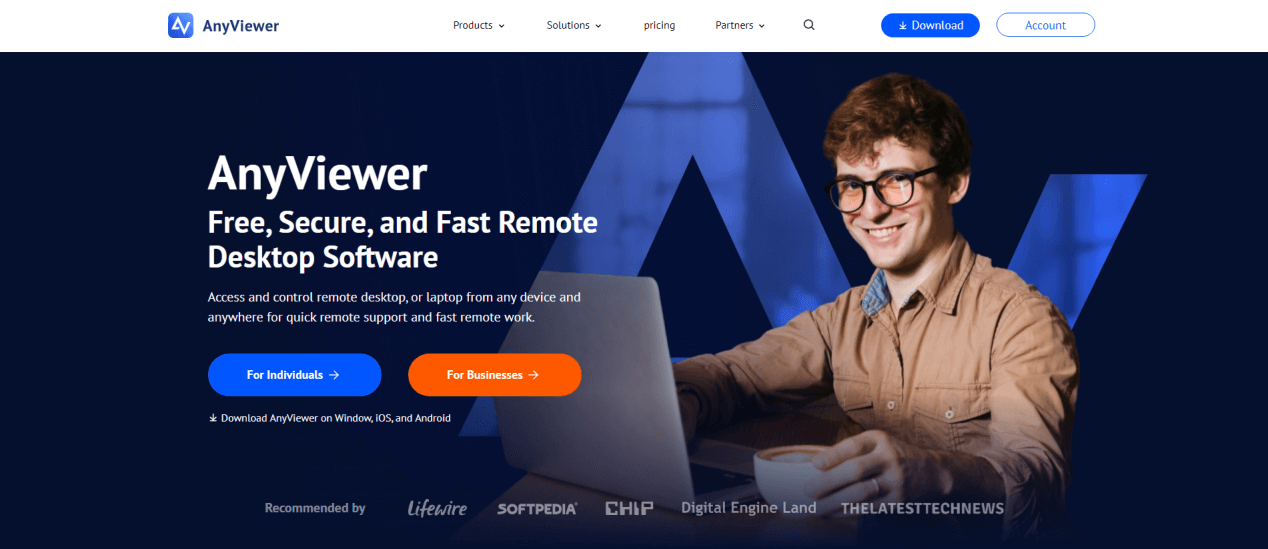
AnyViewer has quickly become a global favorite for businesses and individuals who need seamless, secure, and high-performance remote access across borders. Designed with international connectivity in mind, AnyViewer allows users to access and control remote computers, transfer files, and collaborate in real time, no matter where they are in the world.
What makes AnyViewer stand out is its cross-network connectivity, enabling users to connect between different countries and network environments without the need for a VPN or complex setup. It’s powered by advanced encryption protocols, two-factor authentication, and privacy mode, ensuring all overseas connections remain private and protected.
For global enterprises, AnyViewer offers multi-session management, screen wall monitoring, and unattended remote access, allowing IT teams to manage remote offices and devices efficiently. With its low latency and stable connections, AnyViewer ensures smooth performance even when connecting across continents.
Pros:
- Excellent stability and low latency for international connections
- Enterprise-grade encryption and two-factor authentication
- Cross-platform support (Windows, macOS, Android, iOS)
- Unattended access and file transfer features
- Free plan available with scalable business upgrades
Cons:
- Some advanced features (like Ultra HD mode) require a premium plan
- macOS version has limited functions compared to Windows
Ideal Use Case
Perfect for global businesses, IT administrators, and remote teams who require reliable, high-speed, and secure overseas access to computers and servers.
2. TeamViewer
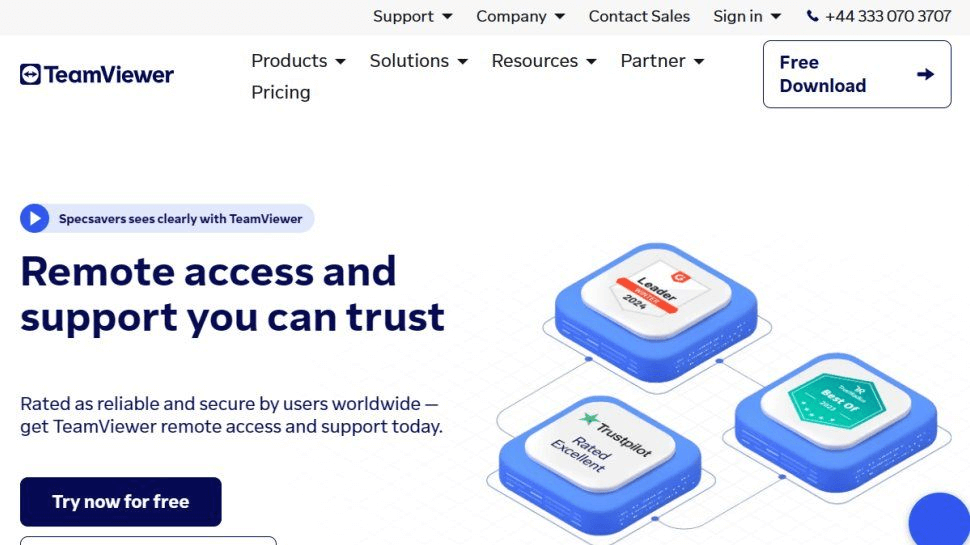
TeamViewer is one of the most popular remote access tools globally, and for good reason. It provides high-speed, encrypted connections, making it perfect for overseas collaboration. The software supports multi-platform use including Windows, macOS, Linux, Android, and iOS. It also allows file transfer, remote printing, and online meetings, all from one platform.
For global teams, TeamViewer offers global access points to reduce latency and ensure smooth performance, no matter where your team members are located.
Pros:
- Excellent cross-platform support
- High-level security (AES 256-bit encryption)
- File transfer and chat included
- Free for personal use
Cons:
- Expensive for business licenses
- May slow down on low-bandwidth networks
Ideal Use Case
Best for businesses and IT support teams that need secure, stable access to multiple devices across different countries.
3. Chrome Remote Desktop

Chrome Remote Desktop is a free, browser-based solution offered by Google. It allows you to remotely access your desktop through any Chrome browser or mobile app. It’s simple to use, requires minimal setup, and works across multiple platforms.
While it doesn’t have advanced features like session recording or chat, its ease of use, reliability, and free access make it a popular choice for individuals and small teams needing overseas access.
Pros:
- 100% free to use
- Easy installation and cross-platform compatibility
- Backed by Google’s security standards
Cons:
- No file transfer or chat features
- Limited functionality for business users
Ideal Use Case
Ideal for personal use, freelancers, and small businesses that need occasional overseas access without complex configurations.
4. Microsoft Remote Desktop
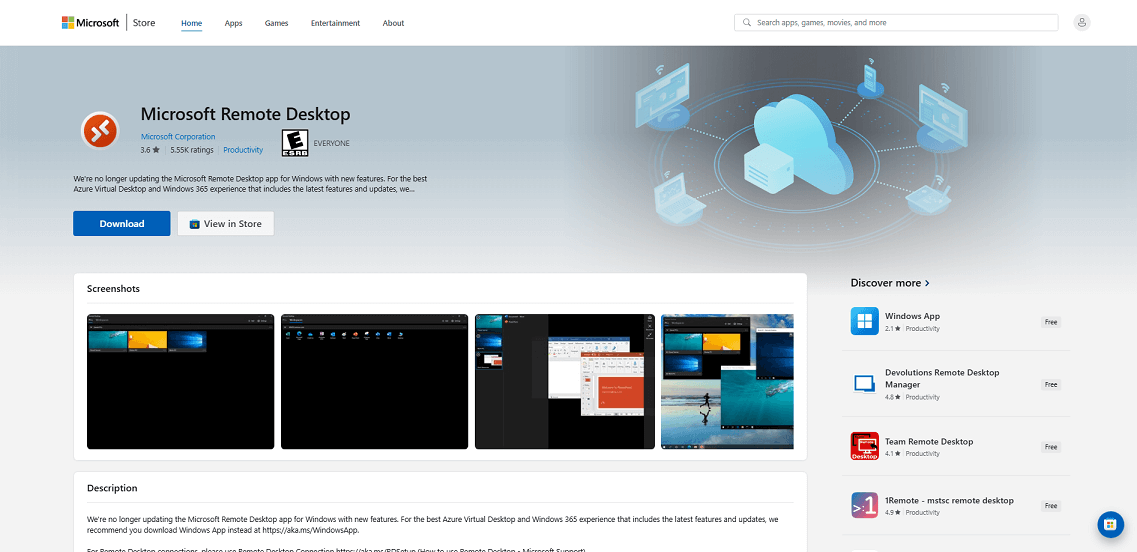
Microsoft Remote Desktop (RDP) is a powerful built-in tool for Windows users. It allows seamless remote access to PCs and servers across different locations. With support for multi-session management, clipboard sharing, and secure connections, it’s a trusted choice for enterprises.
For overseas use, RDP offers Gateway Server support, which improves stability and security when connecting through public networks.
Pros:
- Built into Windows, no need for extra software
- Strong security and encryption
- Supports enterprise-level networks
Cons:
- Complicated setup for non-technical users
- Limited features on non-Windows systems
Ideal Use Case
Best suited for corporate IT departments and Windows-based organizations that require high-level remote control.
5. Splashtop
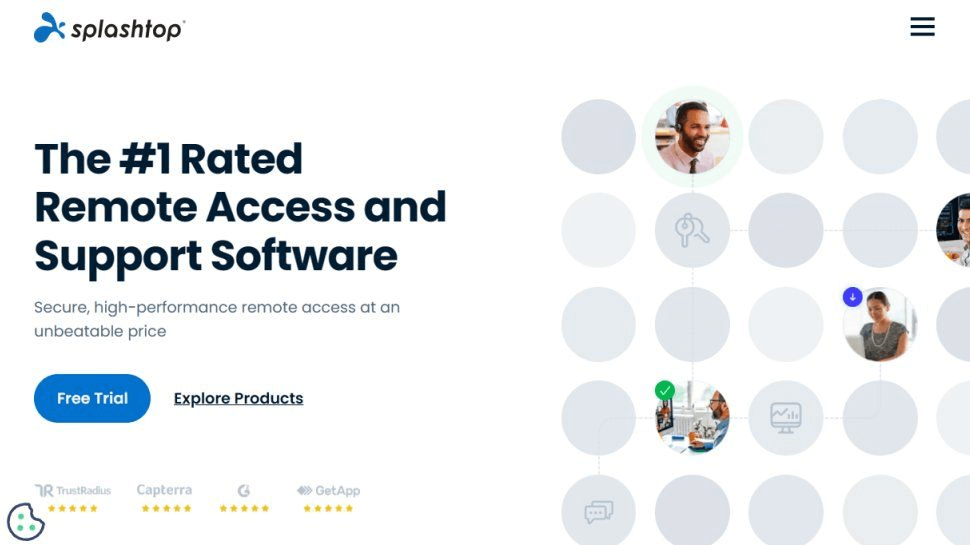
Splashtop is a high-performance remote access solution known for its smooth streaming and low latency, even across continents. It’s particularly popular among creative professionals who need to access graphic-heavy applications remotely.
It provides multi-monitor support, remote printing, file transfer, and team collaboration tools. Plus, Splashtop’s AES-256 encryption and device authentication ensure complete data protection during overseas sessions.
Pros:
- High-definition streaming performance
- Easy-to-use interface
- Affordable for teams and individuals
- Excellent mobile support
Cons:
- Requires internet access for setup
- Limited free version
Ideal Use Case
Perfect for creative teams, IT support, and education professionals working across global locations.
6. Zoho Assist
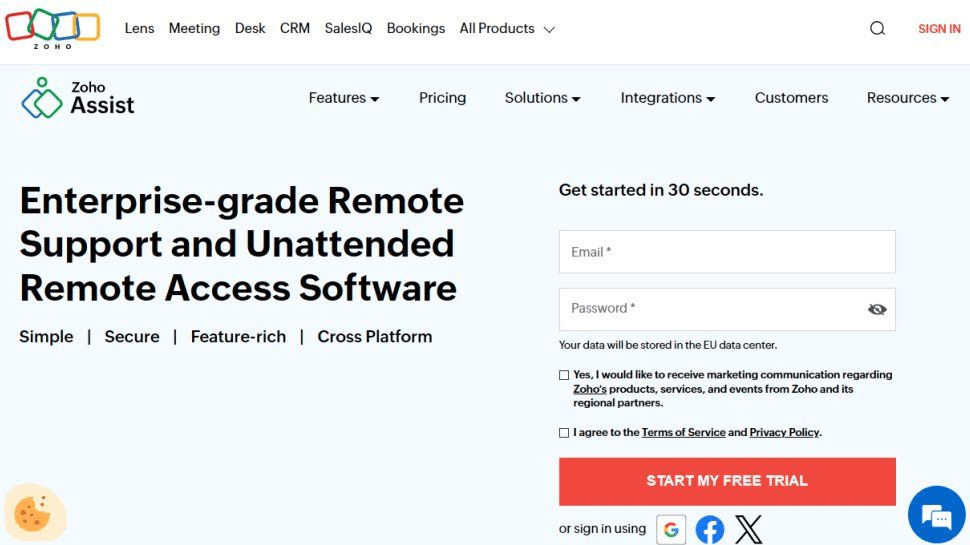
Zoho Assist is a cloud-based remote support and access software designed for IT help desks and global support teams. It allows on-demand remote sessions, file sharing, and multi-user collaboration.
What makes it great for overseas work is its browser-based connectivity, which eliminates the need for complex installations, and its multi-region data centers, which enhance speed and reliability for international users.
Pros:
- Browser-based, no installation required
- Excellent for customer support teams
- GDPR and HIPAA compliant
- Affordable and scalable
Cons:
- Interface can feel complex for beginners
- Limited offline access
Ideal Use Case
Best for IT support companies and customer service teams serving global clients.
7. Parallels Access
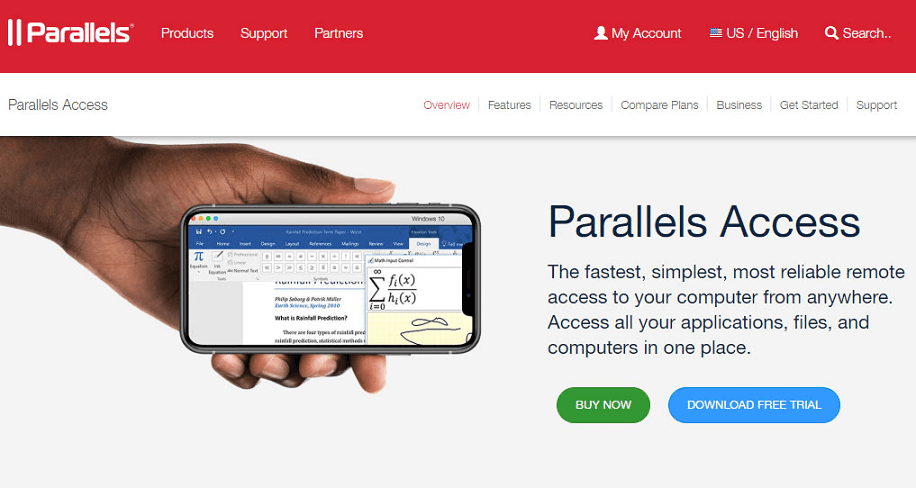
Parallels Access stands out for its mobile-optimized experience, offering smooth desktop access via smartphones and tablets. It includes “Applification” technology, which converts desktop programs into touch-friendly mobile apps.
For overseas professionals, Parallels Access offers stable, high-speed connections and adaptive streaming that adjusts quality based on network conditions, making it ideal for those traveling or working on the go.
Pros:
- Optimized for mobile and tablet use
- Easy to use and responsive interface
- Strong performance even on slow connections
Cons:
- Limited collaboration tools
- Lacks advanced file transfer options
Ideal Use Case
Ideal for digital nomads, travelers, and remote professionals who frequently access desktops from mobile devices.
8. LogMeIn
LogMeIn is a premium remote desktop solution tailored for businesses and enterprise users. It offers remote access, file sharing, multi-monitor support, and user management. It’s also equipped with LastPass integration for password security and cloud storage for file sharing.
Its global data centers make it ideal for overseas connections, providing stable and encrypted access worldwide.
Pros:
- Enterprise-grade security and stability
- File sharing and cloud backup included
- Multi-user management
Cons:
- Premium pricing
- Complex setup for new users
Ideal Use Case
Perfect for large organizations and IT administrators managing international operations.
9. RemotePC
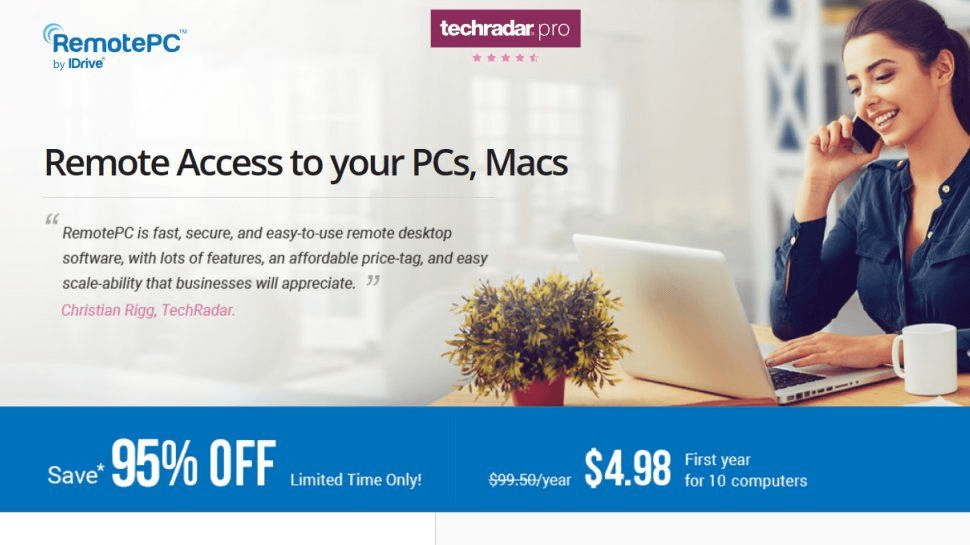
RemotePC is a highly efficient tool offering always-on remote access for both personal and business users. It’s cloud-based, secure, and allows file transfer, voice chat, and multiple user logins.
Its data centers are globally distributed, ensuring fast connections even for overseas users. With its simple setup and affordable pricing, RemotePC is a solid option for small to medium-sized businesses.
Pros:
- Affordable plans
- Great for teams and individuals
- Reliable global connectivity
Cons:
- Interface can be outdated
- Limited customization
Ideal Use Case
Great for small businesses, educators, and freelancers working with international teams.
10. VNC Connect (RealVNC)
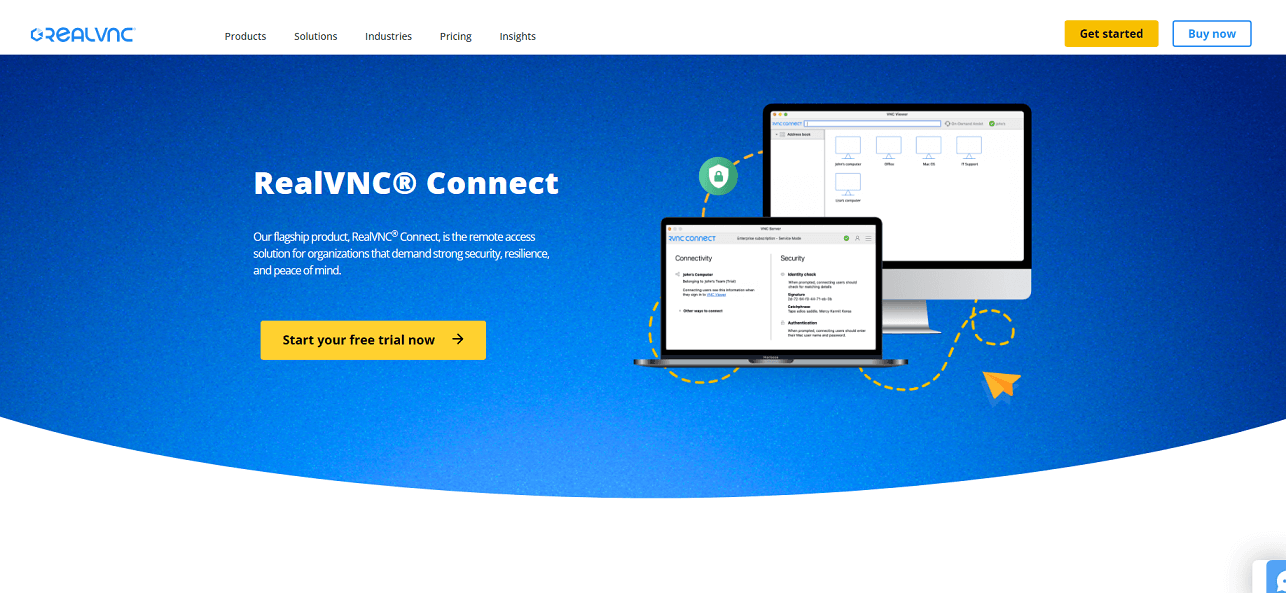
VNC Connect by RealVNC is a secure and flexible remote access software used by enterprises worldwide. It emphasizes security, offering multi-factor authentication, session encryption, and granular access control.
It supports all major operating systems and works well across long distances, making it perfect for overseas remote management.
Pros:
- Strong security and access controls
- Lightweight and efficient
- Great for technical users
Cons:
- Interface feels dated
- Advanced setup may require IT knowledge
Ideal Use Case
Best suited for IT professionals and technical administrators who need reliable, secure overseas access.
How to Choose the Right Remote Desktop Tool for You
Finding the perfect remote desktop software for overseas work involves more than just reading reviews. You need to evaluate your organization’s specific requirements, such as team size, security standards, and operational goals.
Consider Your Team Size
If you’re running a small remote team, go for cost-effective tools like AnyViewer or RemotePC. These offer fast, reliable access without overwhelming you with enterprise-level features.
For larger organizations, software like TeamViewer, LogMeIn, or Microsoft RDP provides multi-user management, audit logs, and advanced admin control. These features are crucial for keeping large, globally distributed teams organized and secure.
Evaluate Security Needs
When working across countries, data security becomes paramount. Different nations have different cybersecurity laws and data protection regulations (e.g., GDPR in the EU, CCPA in the US). Choose software that meets international compliance standards.
Tools like AnyViewer, TeamViewer, and LogMeIn are certified for business-grade encryption and compliance, making them reliable for sensitive data transfers and confidential business operations.
Test Connectivity and Latency
Before committing to a remote desktop solution, test its performance under real-world conditions. Set up a test connection between your overseas locations and evaluate:
- Connection time and stability
- Lag during real-time interactions
- File transfer speed
- Audio/video synchronization
Software such as AnyViewer and Splashtop are known for minimizing lag, even with slower international connections, making them ideal for teams spread across multiple continents.
Conclusion
Choosing the best remote desktop software for overseas use depends on your business goals, team size, and security needs. For speed and simplicity, go with AnyViewer. If you need enterprise-grade features, TeamViewer or LogMeIn are unbeatable. And if you’re looking for a budget-friendly, cross-platform solution, Zoho Assist or RemotePC are excellent options.
With the right remote access tool, borders disappear, teams unite, and productivity thrives, no matter where in the world you are.



 as a preferred
source on Google
as a preferred
source on Google