
Remote Commissioning Solutions: A Complete Guide & Workflow
This guide explores remote commissioning solutions, detailing their core benefits, step-by-step implementation frameworks, and the role of reliable remote desktop tools like AnyViewer in optimizing industrial and IT deployments.

By Ellie / Updated on August 13, 2026


Traditional on-site system configuration and testing are giving way to advanced remote commissioning solutions. Modern engineering teams face immense pressure to accelerate project delivery times while slashing expensive travel overheads. By leveraging specialized platforms and secure software tools, operations teams can configure, test, and validate equipment, PLC controllers, and software environments from anywhere in the world.
What Are Remote Commissioning Solutions?
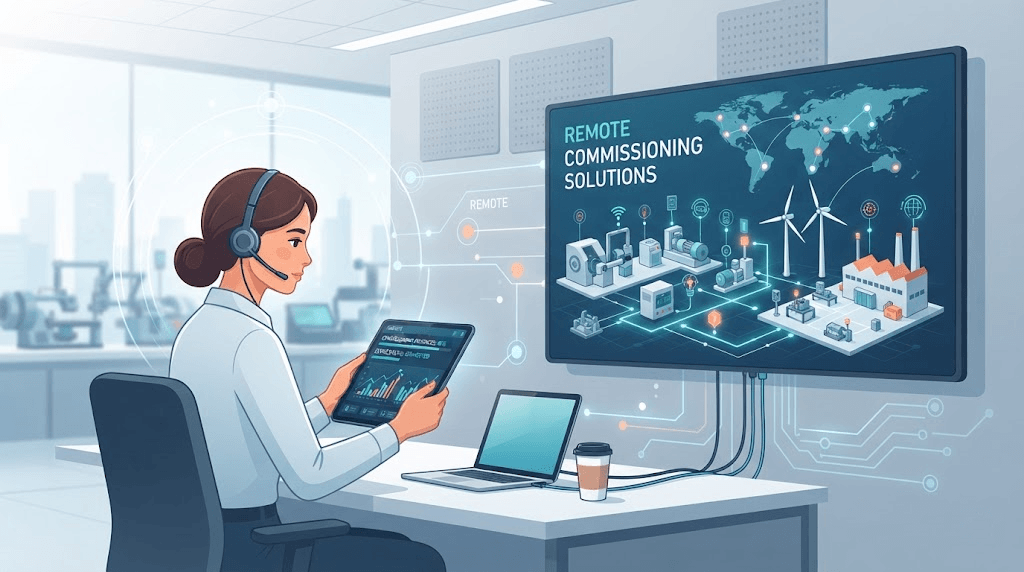
Remote commissioning solutions refer to the digital technologies, cloud platforms, and software tools that enable engineers to deploy, configure, test, and troubleshoot industrial systems, machinery, and IT infrastructure without being physically present at the site.
Rather than sending an on-site technician to manually adjust settings or run diagnostics, these solutions utilize secure tunnels, IoT gateways, and remote desktop technology. This setup bridges the gap between headquarters and remote facilities, allowing personnel to interact with remote hardware and software environments as if they were sitting directly in front of the console.
Key Benefits of Remote Commissioning Solutions
Adopting a remote deployment workflow offers distinct operational and financial advantages for modern organizations:
- Drastic Cost Reduction: Eliminate thousands of dollars in travel expenses, flights, and lodging for routine configuration and troubleshooting tasks.
- Accelerated Time-to-Market: Complete commissioning cycles in hours instead of weeks by removing scheduling bottlenecks and travel delays.
- Real-Time Expert Access: Connect top-tier engineering specialists to remote or overseas job sites instantly, bypassing geographical limitations.
- Enhanced Safety: Keep engineers out of hazardous industrial environments during initial testing phases.
- Scalable Operations: Manage multiple deployment sites simultaneously from a centralized control room.
How to Implement Remote Commissioning: A Step-by-Step Framework
Deploying a successful remote commissioning workflow requires a structured, multi-phase approach to ensure security, stability, and efficiency.
Step 1: Network Architecture and Security Setup
Before establishing any remote connection, secure the data pipeline.
- Deploy Secure Gateways: Utilize industrial IoT gateways or VPN appliances to bridge the remote site.
- Enforce Encryption: Ensure all data traffic passing between the host and remote target uses end-to-end encryption protocols.
- Access Control: Implement role-based access control (RBAC) and multi-factor authentication (MFA) to restrict unauthorized access.
Step 2: Pre-Commissioning and Virtual Simulation
- Off-Site Validation: Run initial software checks, firmware updates, and configuration testing in a staging environment.
- Dry Runs: Simulate operational sequences to catch logic errors before establishing a live connection with physical hardware.
Step 3: Live Execution and Collaborative Testing
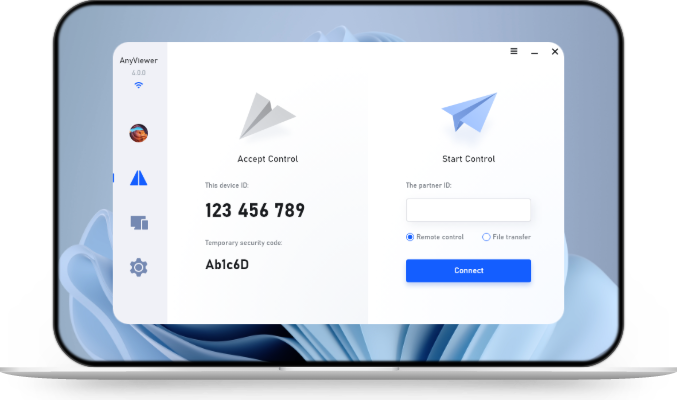
- Establish Session: Initiate the secure remote connection using dedicated desktop management utilities. For instance, engineering teams frequently rely on AnyViewer to establish stable, low-latency connections to remote target machines, allowing them to access configuration consoles, view detailed logs, and run diagnostics smoothly.
- Step-by-Step Verification: Coordinate with local personnel while your core engineering team executes software parameter adjustments, input/output (I/O) checks, and diagnostics.
- Log Everything: Record session activities and generate automated validation logs for compliance and auditing.
Step 4: Post-Commissioning Monitoring and Handover
- Continuous Access: Set up persistent monitoring channels for ongoing maintenance.
- Client Handover: Transfer administrative credentials and provide training on how to utilize the remote management dashboard moving forward.
The Role of AnyViewer in Streamlining Remote Engineering Workflows
When executing remote deployments, having an intuitive and reliable remote desktop connection layer is vital for bridging central engineering teams and physical staging sites. AnyViewer fits naturally into this architecture by addressing everyday operational challenges during the setup phase:
- Seamless Workstation Bridging: Engineers can instantly access remote control panels, update deployment software, and inspect system states without complex configuration hurdles.
- Accurate Visual Diagnostics: With native True Color support, technical staff can accurately examine complex HMI screens, graphical interfaces, and software dashboards without visual degradation or color distortion.
- Stable Connection Management: Built to maintain reliable session performance across variable network conditions, ensuring uninterrupted parameter tuning and real-time troubleshooting during critical deployment windows.
Conclusion
Embracing remote commissioning solutions allows engineering teams to break free from geographical constraints, cut operational expenditures, and drastically accelerate project delivery timelines. By combining secure network architectures with intuitive desktop management utilities like AnyViewer, organizations can streamline complex deployments, ensure precise visual diagnostics, and maintain robust control over remote industrial and IT environments from anywhere.



 as a preferred
source on Google
as a preferred
source on Google