

Best 6 pcAnywhere Replacements in 2026
Searching for a pcAnywhere replacement? Discover the top remote desktop software for 2026, including AnyViewer, Splashtop, TeamViewer, and AnyDesk. Compare security, speed, and pricing to find the perfect Symantec pcAnywhere alternative for your business.

By Ellie / Updated on March 19, 2026


The Legacy of pcAnywhere and Why It’s Time to Move On
Symantec’s pcAnywhere was once the backbone of remote IT support. It allowed technicians to take control of distant workstations, transfer files, and perform system maintenance as if they were physically present. However, the world of IT changed. In 2012, a significant source code leak compromised the security of millions of users, leading Symantec to eventually discontinue the product.
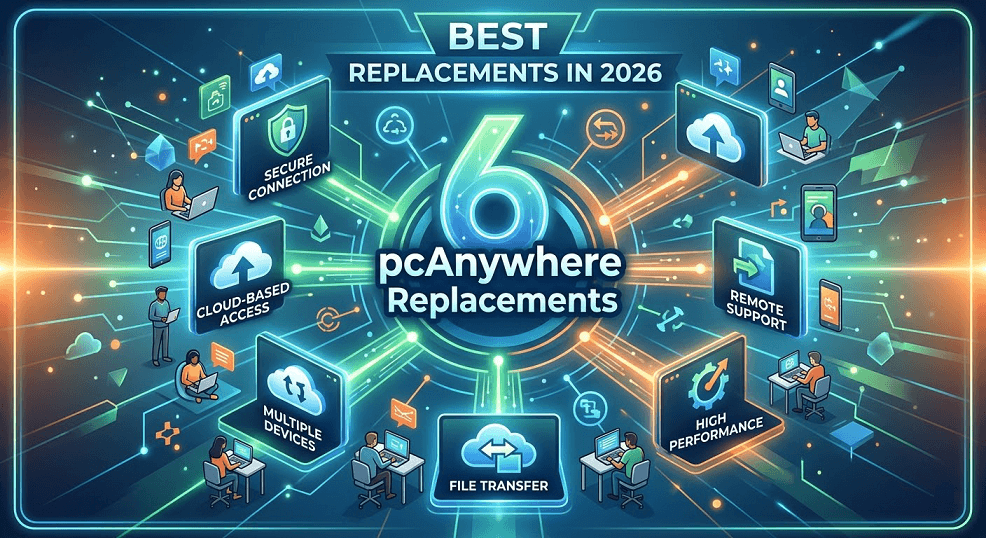
By 2026, running pcAnywhere is not just an outdated practice; it is a massive security liability. Modern operating systems like Windows 11 and macOS Sequoia require drivers and security protocols that legacy software simply cannot support. If you are still looking for a pcAnywhere replacement, you aren't just looking for a tool; you are looking for a secure, scalable, and compliant ecosystem.
Key Criteria for a Modern pcAnywhere Replacement
When evaluating a replacement, you shouldn't just look for "remote control." A 2026-grade solution must excel in the following five pillars:
- Security & Compliance: Unlike the aging security of the early 2000s, modern tools must offer AES 256-bit encryption, Multi-Factor Authentication (MFA), and compliance with standards like GDPR, HIPAA, and PCI-DSS.
- Performance (Latency): Users now expect 4K streaming and 60 FPS (or even 240 FPS for creative professionals) during remote sessions.
- Unattended Access: The ability to remotely into a server or workstation without a user present at the other end.
- Cross-Platform Support: Managing a fleet that includes Windows, Linux, macOS, iOS, Android, and even IoT devices.
- Centralized Management: An admin console that allows for granular permissions, session logging, and automated deployment.
Top 6 pcAnywhere Replacements for 2026
1. AnyViewer: The Best Value for SMBs
AnyViewer has quickly moved from being a "newcomer" to a top-tier pcAnywhere replacement. It is one of the best remote desktop solutions that designed for users who find TeamViewer too expensive and Windows RDP too limited.
- Why it’s a great replacement: It offers a "Forever Free" version for personal use and highly aggressive pricing for businesses. Unlike pcAnywhere, which required complex port forwarding, AnyViewer uses an Elliptic Curve Cryptography (ECC) encryption provider to bypass firewalls securely.
- Key Features: High-speed file transfer, multi-monitor support, and a mobile app that allows you to control a PC from an iPhone or Android device with surprising fluidity.
- Best for: Small businesses, remote workers, and IT enthusiasts who need professional features without the "Enterprise" price tag.
2. TeamViewer Remote: The Enterprise Titan
TeamViewer is perhaps the most recognized name in the industry. It has evolved from a simple support tool into a massive platform that includes Augmented Reality (AR) support for field technicians.
- Why it’s a great replacement: Its "Conditional Access" feature allows enterprises to manage rules for who can connect to what, mirroring the level of control large corporations used to crave with pcAnywhere.
- Best for: Global enterprises that need a "do-it-all" tool regardless of cost.
3. AnyDesk: The Lightweight Speedster
Built by former TeamViewer developers, AnyDesk uses a proprietary codec called DeskRT to provide nearly instant feedback, even on low-bandwidth connections.
- Why it’s a great replacement: pcAnywhere was often used in industrial settings with poor internet. AnyDesk excels in these environments, maintaining a stable connection where others lag.
- Best for: MSPs (Managed Service Providers) and IT pros who prioritize speed and a small software footprint.
4. Zoho Assist: The Cloud-Native Choice
Zoho Assist is a completely browser-based or lightweight agent solution. It requires no complex installation on the technician's side, making it the polar opposite of the "heavy" pcAnywhere installations of the past.
- Why it’s a great replacement: It integrates perfectly with helpdesk software (like Zoho Desk or Zendesk), creating a seamless workflow from ticket to remote session.
- Best for: Customer support teams and internal IT helpdesks.
5. NinjaOne: The Integrated IT Manager
If your use of pcAnywhere was primarily for "background" management and patching, a dedicated RMM (Remote Monitoring and Management) tool like NinjaOne might be the better choice.
- Why it’s a great replacement: It combines remote control with automated patching, scripting, and software deployment.
- Best for: IT Managers who want to automate the "boring" parts of their jobs.
6. Splashtop: The Best All-Rounder
Splashtop has emerged as the premier pcAnywhere replacement for many because it offers a similar "performance-first" feel but with a modern security stack.
- Why it’s a great replacement: It is significantly more affordable than TeamViewer while offering high-performance features like 4:4:4 color accuracy and high-fidelity audio.
- Best for: Creative professionals (video editors, architects) and IT departments looking for a cost-effective enterprise solution.
Conclusion
Finding a pcAnywhere replacement is an opportunity to modernize your IT workflow. While pcAnywhere served the industry well during the "dial-up" and early broadband eras, today's hybrid work environments demand more. Whether you prioritize the lightning speed of AnyDesk, the enterprise-grade control of TeamViewer, or the balanced performance of Splashtop, the move to a modern platform will improve your security posture and your team's productivity.
Don't wait for a security breach to force your hand. Evaluate these alternatives today and bring your remote support into the current decade.



 as a preferred
source on Google
as a preferred
source on Google