

Top 5 Remote Session Recording Software to Improve IT Support
Want to make IT support easier, improve team accountability, and stay compliant with regulations? Remote session recording software can help. In this article, we'll look at the top 5 tools, explain their key features, and help you choose the right one for your needs.

By Ellie / Updated on September 17, 2025


Looking for the best remote session recording software?
In today's IT-driven world, offering remote IT support services is not just a convenience; it's a necessity. But how do you ensure every session is secure, documented, and compliant with organizational and industry standards? Enter remote session recording software.
This powerful class of tools helps businesses record, store, and review remote access sessions, improving training, accountability, and data security. Whether you're an IT admin, a Managed Service Provider (MSP), or part of a compliance-heavy industry, recording remote sessions gives you the control and visibility you need.
Let's explore what makes this remote recording session software category so critical and dive into the top 5 tools you can use today.
Why remote session recording software matters?
Remote session recording software does more than just capture screen activity, it empowers organizations to:
- Maintain detailed logs for compliance and audits
- Review technician actions for quality assurance
- Train new IT support members efficiently
- Resolve disputes with verifiable session playback
- Secure sensitive interactions with local or cloud-based encrypted storage
Whether you're handling internal IT issues or managing multiple client networks, having a record of each remote session brings peace of mind and operational clarity.
Top 5 remote session recording software options
Here are the five best tools to consider if you're serious about recording remote desktop sessions for better accountability, compliance, and support quality:
1. AnyViewer – Lightweight, secure & free for all use cases
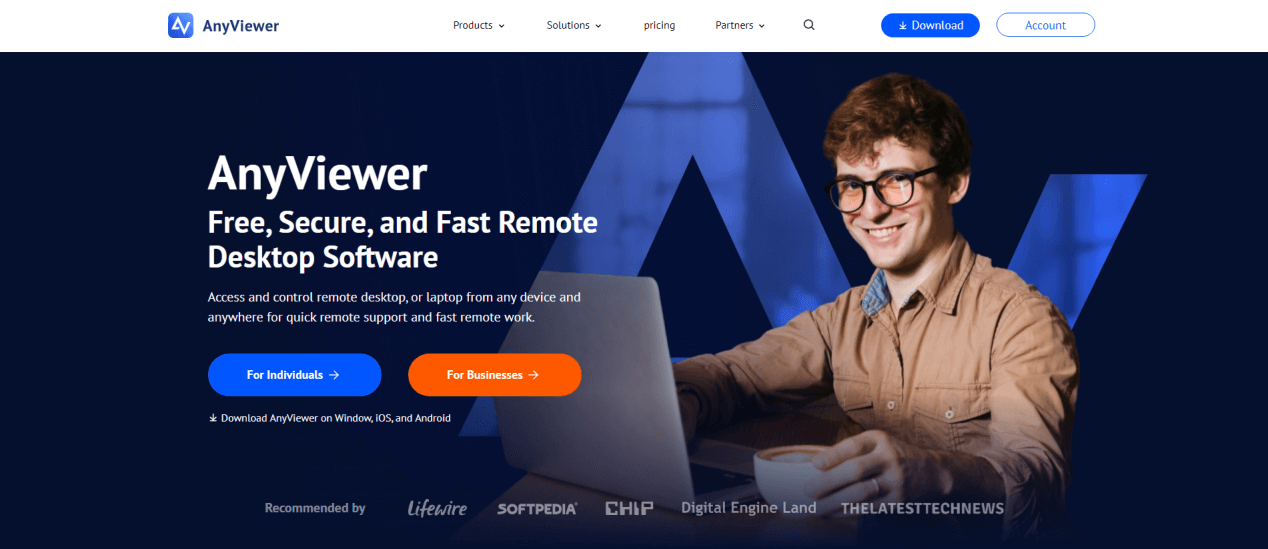
AnyViewer is a versatile remote access and control tool that comes packed with remote recording session software capabilities. And here's the best part: it's completely free for all users, regardless of commercial use.
Key Features:
- High-quality recording and smooth performance
- Cross-platform support for Windows and macOS
- Secure, encrypted files stored locally
- Multi-monitor support
- Session chat, file transfer, screen sharing
Best for:
- IT teams are looking for an affordable yet feature-rich solution
- MSPs and corporate environments requiring data control and compliance
Security:
Recorded sessions are stored locally by default, minimizing the risk of data leaks and ensuring control over sensitive information.
Why choose AnyViewer?
It's cost-effective, easy to use, and offers enterprise-level features without a price tag, making it ideal for both beginners and professionals.
2. TeamViewer – Enterprise-grade with built-in session recording
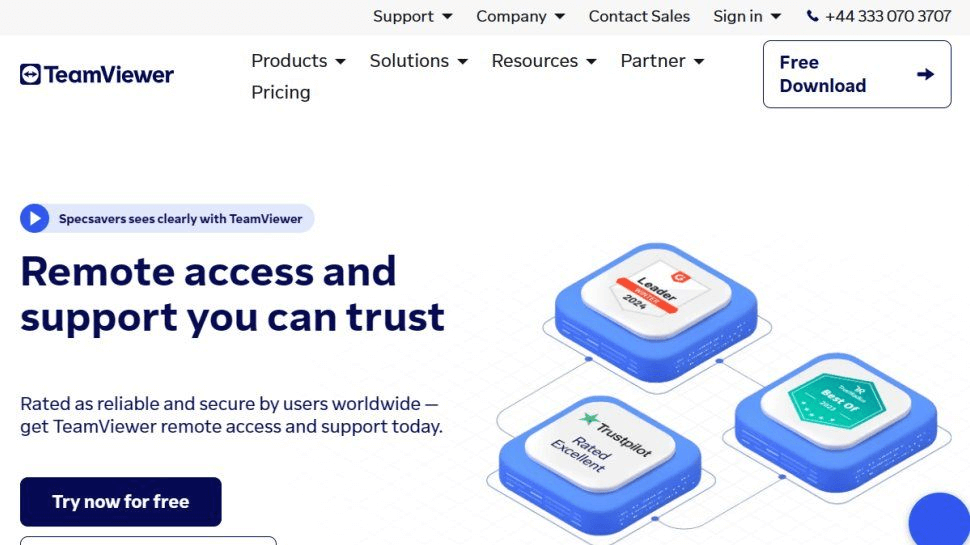
TeamViewer is a household name in remote access and support. Its built-in session recording feature is particularly useful for training, documentation, and compliance.
Key Features:
- Manual session recording across devices
- Cross-platform access
- Session export in AVI format
- Remote support for Windows, macOS, Linux, mobile
Best for:
- Enterprises needing a trusted, scalable remote support tool
- Organizations in regulated industries
Security: All session recordings are encrypted and stored securely, and access can be restricted to authorized users only.
Note: Session recording is available only in paid versions.
3. Zoho Assist – Great for MSPs & SMBs with compliance needs
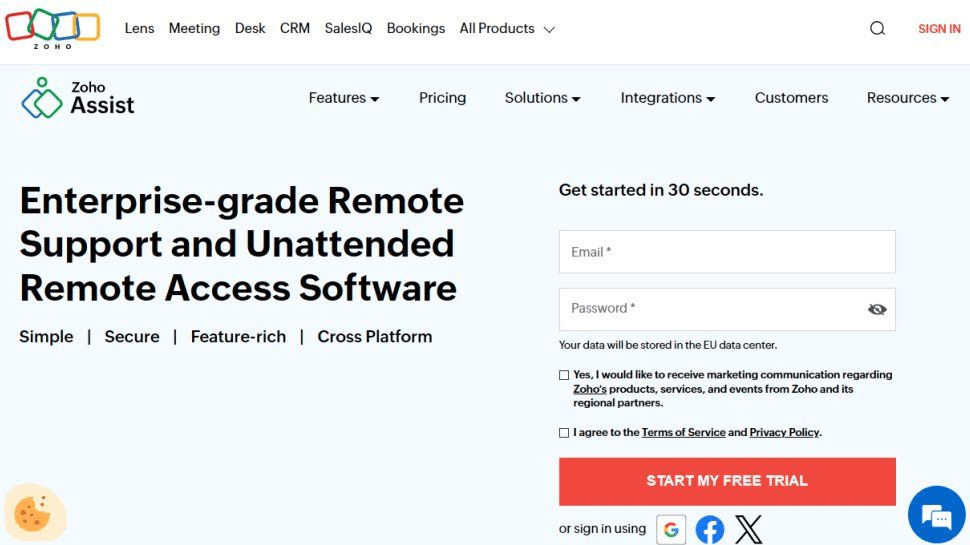
Zoho Assist is a cloud-based remote support platform designed for managed service providers and small-to-medium businesses. It allows secure remote session recording to enhance service visibility.
Key Features:
- Auto-recording for attended/unattended sessions
- Role-based access controls
- Scheduled session management
- Cloud or local storage options
Best for:
- MSPs handling client environments with regulatory requirements
- IT departments need a scalable SaaS solution
Security: Zoho ensures end-to-end encryption and adheres to industry standards for compliance, including GDPR and HIPAA.
Why it stands out: Zoho Assist makes it simple to automate recording while managing user roles and storage.
4. Splashtop – Fast, secure with session capture options
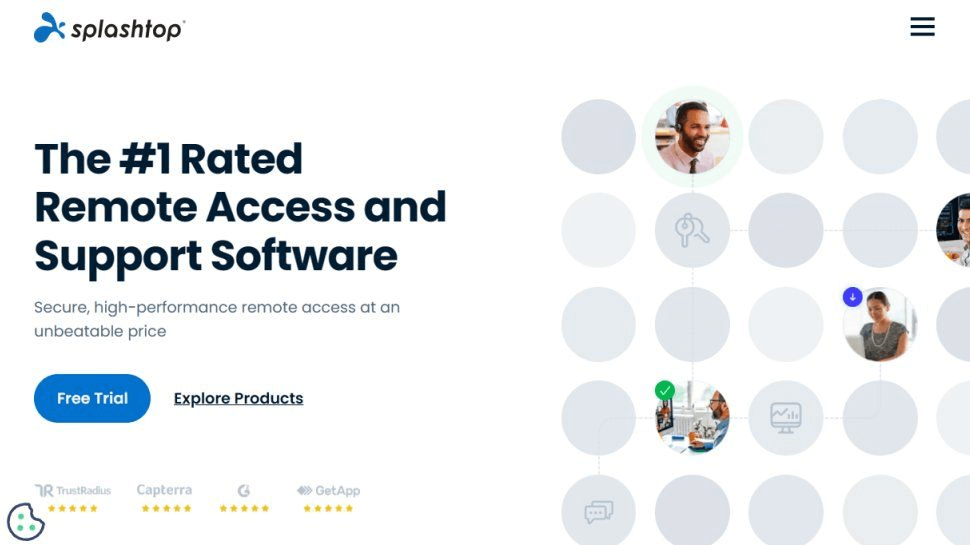
Splashtop offers high-performance remote access with flexible screen recording and session capture features ideal for helpdesk teams.
Key Features:
- Record sessions on demand
- Support for multiple monitors
- Fast 4K streaming & performance optimization
- Granular permission controls
Best for:
- Education, healthcare, and enterprise IT support
- Teams needing HD-quality remote interaction playback
Security: Data is secured with TLS and AES-256 encryption, and Splashtop complies with SOC 2, HIPAA, and GDPR.
Pro tip: Combine session recording with Splashtop's in-session annotation and file sharing for maximum productivity.
5. ConnectWise ScreenConnect – Full visibility for IT teams
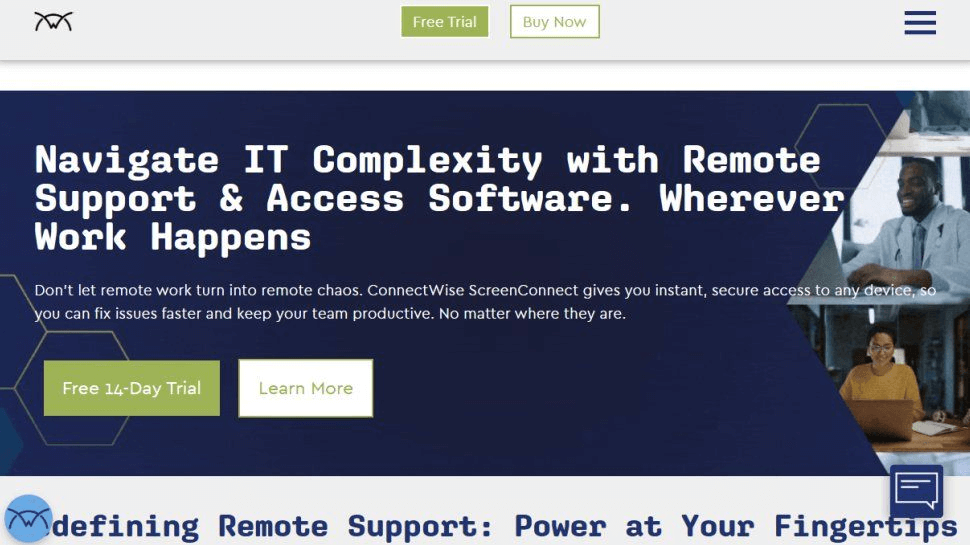
ConnectWise ScreenConnect (formerly ScreenConnect) is a powerful remote support tool that includes automatic session recording for both attended and unattended sessions.
Key Features:
- Auto-recording for all sessions
- Centralized access to session history
- Exportable session playback
- Customization via extensions and APIs
Best for:
- Mid-size to large IT support operations
- Organizations needing detailed analytics and full traceability
Security: ConnectWise employs two-factor authentication, SSL encryption, and customizable access policies.
Enterprise-ready: It's tailor-made for MSPs and IT pros who demand total control and transparency in support environments.
How to choose the right tool
When selecting remote session recording software, keep these key factors in mind:
- Budget: Is the software free, or does it require a paid license? Some tools offer robust features at no cost, while others charge for session recording.
- Storage Options: Does it store recordings locally, in the cloud, or both? Local storage gives you more control, while cloud storage offers remote access. Hybrid options are best for flexibility.
- Compliance: Ensure the tool meets industry standards like GDPR, HIPAA, or SOC 2. Look for encryption, access controls, and audit logs if compliance is critical.
- Automation: Can it auto-record sessions? Automatic recording ensures nothing is missed and reduces human error, especially helpful for busy IT teams.
- Ease of Use: Is the interface user-friendly? A simple dashboard, easy playback access, and quick setup make the software practical for teams of all skill levels.
Choose a tool that fits your team's workflow, security needs, and technical capacity for the best results.
Final thoughts
In an age where remote support is part of everyday operations, remote session recording software isn't a luxury, it's essential. Whether you're aiming for improved service quality, legal compliance, or smoother internal training, the right remote recording session software can transform how your team operates.
AnyViewer stands out as the most cost-effective, secure, and user-friendly option, especially for those seeking full remote desktop session recording functionality without a steep price tag. However, depending on your team size, industry, and technical needs, other options like TeamViewer, Zoho Assist, Splashtop, and ConnectWise may be better aligned.
Make your choice wisely, and let every remote session count.



 as a preferred
source on Google
as a preferred
source on Google