

Remote Connection Software: Reliable Solutions for Modern Businesses
Remote connection software lets employees and IT teams connect to computers from anywhere. It improves productivity, supports hybrid work, and keeps businesses running smoothly. Tools like AnyViewer offers secure, fast, and flexible access for work, IT support, and education, making remote work easier and more efficient.

By Ellie / Updated on October 11, 2025


Why Remote Access Tools Matter in Today's World
Remote connection software has become the backbone of today's digital workplaces. With businesses increasingly adopting hybrid and remote work models, these tools provide the essential bridge that connects employees to company systems from anywhere in the world. But remote access isn't just about convenience; it's about efficiency, security, and scalability in a globalized environment.
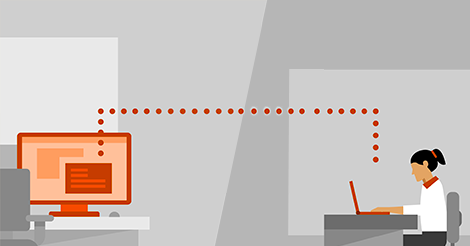
From IT support teams fixing issues remotely to creative professionals accessing high-powered workstations, remote connection tools are transforming how we operate. This guide dives deep into everything you need to know, how these tools work, which ones lead the market, and how to secure your connections. Whether you're a small business owner or an enterprise IT manager, understanding this technology can help you make smarter, safer, and more strategic decisions for your organization.
Let's explore how remote connection software reshapes productivity and drives innovation in the digital age.
Types of Remote Connection Methods (RDP, VPN, VNC, SSH, etc.)
Different remote access needs call for different methods:
- RDP (Remote Desktop Protocol): Commonly used in Windows environments for full desktop control.
- VNC (Virtual Network Computing): Cross-platform and open-source, great for flexibility.
- VPN (Virtual Private Network): Focuses on secure network-level access rather than individual desktops.
- SSH (Secure Shell): Ideal for secure command-line access to remote servers, popular among developers.
Each method has its pros and cons. RDP offers rich graphical interfaces but can be bandwidth-intensive. SSH is lightweight but requires technical know-how. VPNs provide security but may need additional configuration.
Choosing the right method depends on your business's needs, whether it's graphical remote control, network-level access, or server management.
Top Features to Look for in Remote Connection Software
Before choosing a remote connection solution, it's important to understand which features truly make a difference. The right set of tools can enhance performance, security, and usability, ensuring a smooth and reliable remote access experience.
Multi-Platform Compatibility
In today's diverse tech landscape, businesses rely on a mix of operating systems, Windows, macOS, Linux, Android, and iOS. A good remote connection tool must support all major platforms to ensure seamless connectivity.
For example, AnyViewer allows users to switch between devices effortlessly, accessing a Mac from a Windows PC, or controlling a Windows server via a smartphone. This level of flexibility eliminates compatibility headaches and ensures that everyone, regardless of device, can connect without disruption.
Cross-platform compatibility also extends to browsers. Many modern tools, such as Chrome Remote Desktop, enable access directly from web browsers without installing heavy software. This ensures quick connections and minimal setup, an essential feature for mobile professionals and IT teams.
Simply put, the more versatile the software, the more efficient your operations become.
Security and Encryption Standards
Security is the heart of any remote connection software. When you're accessing sensitive data over the internet, encryption is your first line of defense. Look for tools that offer AES-256-bit encryption, TLS 1.2+ protocols, and multi-factor authentication (MFA) to ensure your sessions are safe from interception.
Leading remote connection providers now implement zero-trust frameworks, which means no device or user is trusted by default. Each connection is verified and monitored in real time. Moreover, features like session recording, audit trails, and IP whitelisting allow organizations to maintain compliance with data protection laws such as GDPR and HIPAA.
For businesses handling confidential information, like financial institutions or healthcare organizations, these measures are non-negotiable. Always remember: a secure connection isn't optional; it's essential.
Performance and Speed Optimization
Nothing is more frustrating than lag or connection drops during a critical remote session. The best remote connection software prioritizes speed through advanced data compression, low-latency streaming, and dynamic bandwidth management.
Modern platforms use adaptive algorithms to adjust video quality and transmission speed based on available bandwidth. This ensures a smooth experience even on slower networks. Cloud servers located strategically around the world also help reduce latency, enabling faster communication and screen mirroring.
For businesses that deal with graphics-intensive applications, like designers or engineers, performance optimization is crucial. Remote desktop solutions like Splashtop and Parallels Access are known for their superior speed and frame-rate handling, making them ideal for demanding tasks.
High-speed remote connections mean higher productivity and happier teams.
User Management and Access Control
When multiple users are accessing systems remotely, it's essential to maintain control. That's where user management and access control come in.
A powerful remote connection platform allows administrators to assign roles, define permissions, and monitor activity. For instance, you can restrict certain employees to view-only access or allow full control to senior IT staff.
Advanced tools also integrate with Active Directory (AD) or Single Sign-On (SSO), simplifying user authentication. This ensures that only authorized personnel can access critical systems, reducing the risk of internal breaches.
Moreover, administrators can view session logs and generate detailed reports on who accessed what and when, vital for maintaining security compliance and accountability.
The Best Remote Connection Software in 2025
With so many remote connection tools available, choosing the right one can be challenging. To make things easier, here's a look at some of the top-performing software in 2025, each offering unique strengths in speed, security, and usability.
AnyViewer
AnyViewer has quickly gained recognition as a remote desktop solution for its combination of simplicity, speed, and versatility. It allows users to access Windows, Mac, and mobile devices remotely with minimal setup. Its intuitive interface makes it easy for both beginners and tech-savvy users to connect without technical frustration.
Security is a key focus—AnyViewer uses ECC (Elliptic Curve Cryptography) encryption and requires device authorization, ensuring that only trusted users can establish a session. It also supports unattended access, enabling IT teams and business owners to monitor or manage systems without needing someone on-site.
For small businesses and freelancers, AnyViewer is particularly attractive due to its lightweight design, affordable pricing, and cross-platform functionality, making it a reliable yet budget-friendly solution.
TeamViewer
TeamViewer remains one of the most popular remote connection solutions in the world. Known for its intuitive interface, high security, and cross-platform functionality, it supports everything from remote desktop sharing to file transfer and VPN integration.
What sets TeamViewer apart is its enterprise-grade security. It uses 256-bit AES encryption, two-factor authentication, and end-to-end verification. The software is widely adopted in corporate environments for its reliability and ease of use.
Additionally, TeamViewer offers augmented reality (AR) features for real-time visual assistance, ideal for industries like manufacturing and engineering.
AnyDesk
AnyDesk has made a name for itself with ultra-low latency and a lightweight design. It provides near-instant connections and exceptional performance, even on low-bandwidth networks.
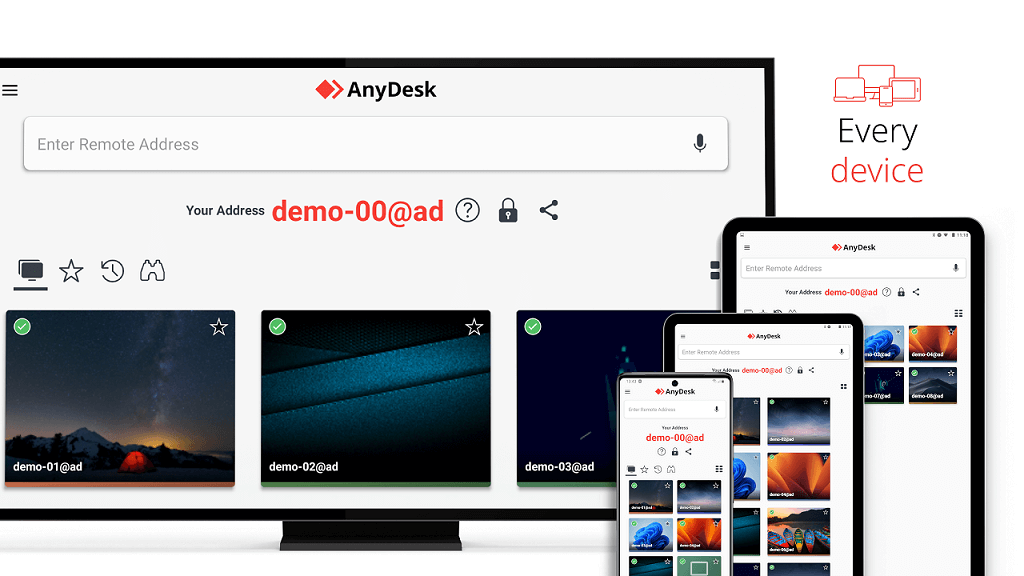
Businesses favor AnyDesk for its DeskRT codec, which compresses and transmits data efficiently, ensuring smooth visual experiences. It also supports unattended access, session recording, and robust encryption protocols.
For small and medium-sized enterprises, AnyDesk offers affordable plans and flexible deployment options, making it one of the most cost-effective solutions available.
Chrome Remote Desktop
For users seeking simplicity, Chrome Remote Desktop is a great choice. It's free, browser-based, and integrates seamlessly with Google accounts.

Although it lacks some enterprise-level features, it's perfect for freelancers, remote workers, and personal use. Setup is straightforward: install the extension, log in, and you're connected.
The main advantage is accessibility. Since it works entirely via Chrome, it's ideal for quick troubleshooting or occasional remote sessions without requiring heavy software installations.
Microsoft Remote Desktop
Microsoft Remote Desktop (RDP) is a staple in business environments, especially for organizations that run on Windows servers. It offers direct control of remote systems through secure RDP connections.
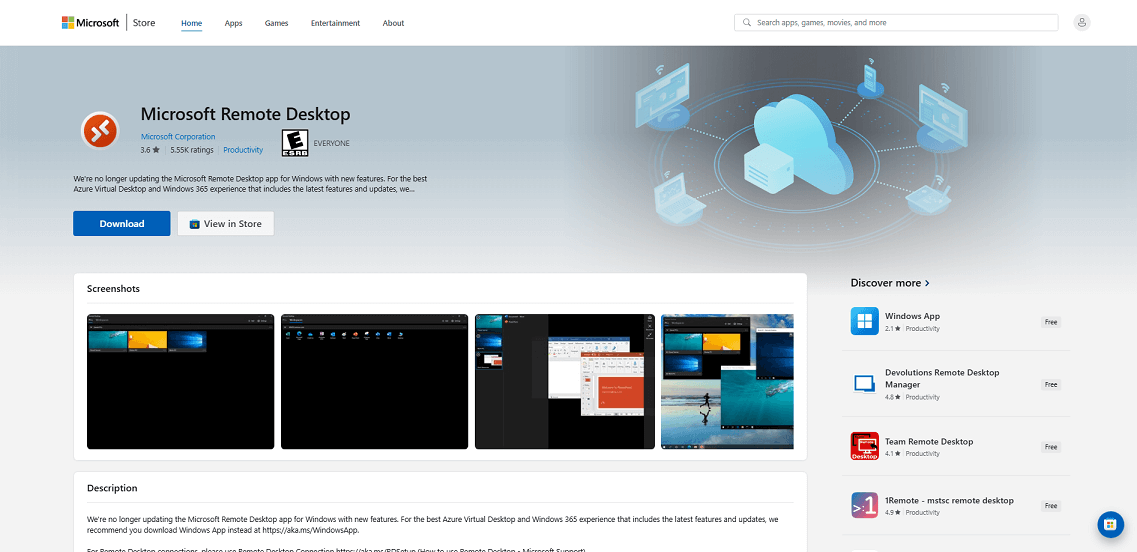
The software is efficient, stable, and integrated deeply into the Windows ecosystem. For enterprises, it supports advanced network-level authentication (NLA) and multi-session management.
Its biggest advantage lies in its seamless compatibility with Windows environments, making it the go-to solution for system administrators and IT departments managing large infrastructures.
Splashtop
Splashtop is renowned for high-performance remote desktop capabilities and excellent value for money. It delivers HD-quality audio and video streaming, making it ideal for professionals in creative fields or those who require smooth multimedia playback remotely.
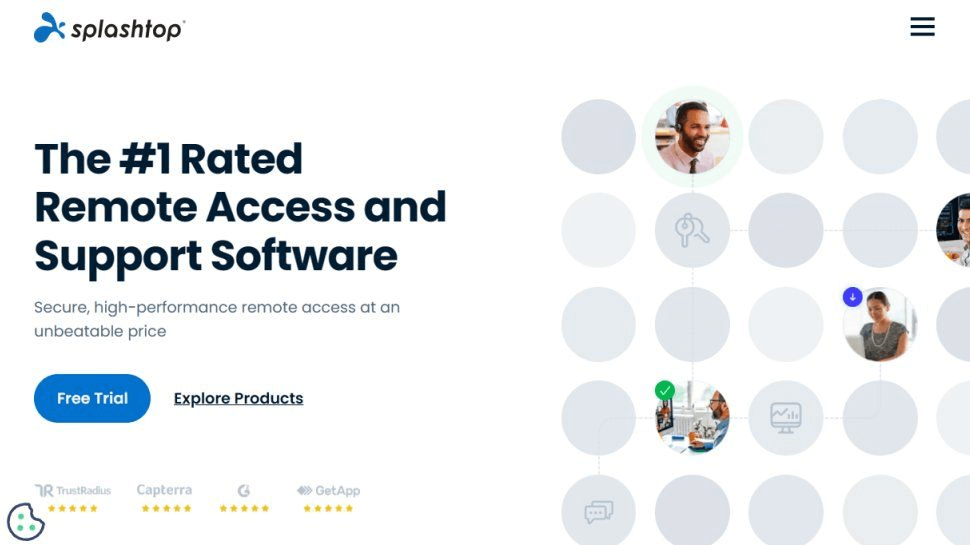
Key features include unattended access, multi-monitor support, mobile device connectivity, and role-based access controls. Security is robust, with TLS encryption and 256-bit AES protocols safeguarding sensitive data. Splashtop’s straightforward pricing model and easy deployment make it a top pick for both individuals and business teams seeking fast, secure, and reliable remote access.
Zoho Assist
Zoho Assist is a cloud-based remote support solution tailored for IT teams, helpdesk professionals, and businesses. It offers instant and unattended remote access, file transfer, multi-platform support (Windows, Mac, Linux, iOS, and Android), and session recording.
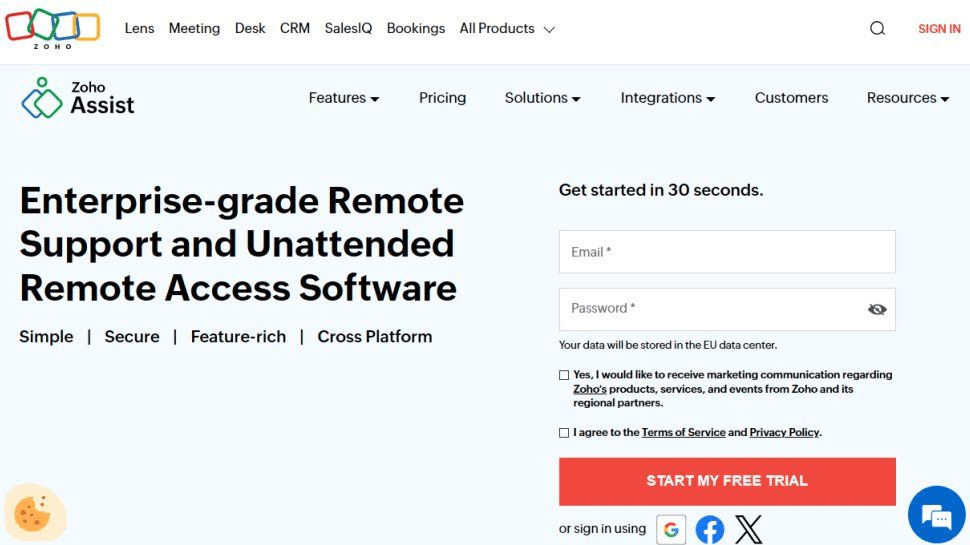
What sets Zoho Assist apart is its integration with Zoho’s ecosystem, including CRM and helpdesk tools, streamlining workflows for IT support teams. Its security measures include SSL and AES-256 encryption, along with detailed audit logs for accountability. Zoho Assist is particularly useful for teams providing remote troubleshooting and technical support, helping organizations maintain productivity and service quality without on-site visits.
Comparing the Top Remote Connection Tools
With so many options available, it's important to see how the leading remote connection tools stack up against each other. The comparison below highlights key features, pricing, and ideal use cases to help you find the best fit for your needs.
Feature Comparison Table
To help you choose the right remote connection software, here's a simplified comparison of the top players in the industry:
| Feature | AnyViewer | TeamViewer | AnyDesk | Chrome Remote Desktop | Microsoft RDP | Splashtop | Zoho Assist |
| Platform Support | Windows, macOS, iOS, Android | Windows, macOS, Linux, iOS, Android | Windows, macOS, Linux, iOS, Android | Web-based | Windows, macOS | Windows, macOS, iOS, Android | Windows, Mac, Linux, iOS, and Android |
| Encryption | ECC (Elliptic Curve Cryptography) encryption | AES-256, TLS | TLS 1.2, AES-256 | Google account security | NLA, SSL | AES-256 | TLS 1.2 |
| File Transfer | Yes | Yes | Yes | Limited | Yes | Yes | Yes |
| Unattended Access | Yes | Yes | Yes | No | Yes | Yes | Yes |
| Multi-User Sessions | Yes | Yes | Yes | No | Yes | Yes | Yes |
| Best For | Remote work | Enterprises, IT support | SMEs, developers | Freelancers, casual users | Corporations, admins | Creatives, educators | Support desks, SMEs |
Each tool brings unique strengths to the table. TeamViewer and AnyDesk lead in performance and cross-platform compatibility. Chrome Remote Desktop is ideal for individuals, while Splashtop and Zoho Assist provide excellent value for small to mid-sized businesses.
Pricing Overview
Pricing is a crucial factor in choosing remote connection software. Many providers offer free versions with limited features and premium plans for commercial use.
- AnyViewer: Free for any use; business licenses start around $47.88 per year.
- TeamViewer: Free for personal use; business licenses start around $50 per month.
- AnyDesk: Offers personal use for free, with business plans starting at approximately $15 per user/month.
- Chrome Remote Desktop: 100% free for all users.
- Microsoft RDP: Included with Windows Pro and Enterprise licenses, with additional cost only for server configurations.
- Splashtop: Affordable options from $5/month for individuals to $25/month for teams.
- Zoho Assist: Starts at about $10/month per technician, offering great scalability.
When budgeting, balance cost with required features. A free tool might be sufficient for individuals, but businesses often need enterprise-grade security, monitoring, and support, making paid versions worth the investment.
Which Tool Fits Your Needs Best?
Selecting the best tool depends on your goals:
- For cross-platform access and flexible remote work: AnyViewer is perfect for small to medium-sized businesses, remote teams, and individuals who need secure, fast, and easy-to-use access across Windows, Mac, and mobile devices.
- For IT support teams: Zoho Assist or TeamViewer offer the most robust remote troubleshooting features.
- For creative professionals: Splashtop provides superior image quality and responsiveness.
- For small businesses: AnyDesk combines affordability with reliability.
- For freelancers: Chrome Remote Desktop is free, lightweight, and quick to set up.
- For enterprise environments: Microsoft RDP remains unmatched for large-scale, Windows-based systems.
Ultimately, the best remote connection software is one that balances security, usability, and cost efficiency while fitting seamlessly into your existing IT infrastructure.
How Remote Connection Software Boosts Business Continuity
Maintaining smooth operations is critical for any business, and remote connection software plays a key role in keeping teams connected, systems running, and productivity uninterrupted, even during unexpected challenges.
Remote IT Support and Troubleshooting
One of the primary uses of remote connection software is providing instant IT support. Rather than waiting for an on-site technician, users can receive real-time assistance through a secure remote session.
IT professionals can diagnose problems, install software, or configure systems remotely. This minimizes downtime and ensures business operations remain uninterrupted. For large organizations with distributed teams, this approach saves time and resources while improving user satisfaction.
In addition, many platforms now include session recording, chat, and ticketing integration, creating a seamless workflow for helpdesk teams.
Disaster Recovery and Data Protection
Disaster recovery is a vital part of business continuity planning. With remote access software, employees can continue working even during unexpected disruptions like natural disasters, power outages, or pandemics.
Systems can be accessed securely from off-site locations, ensuring no downtime or data loss. Moreover, most remote connection platforms integrate with cloud backup solutions, allowing critical files to be retrieved and restored remotely.
This accessibility ensures that even in emergencies, businesses stay operational, protecting productivity and revenue streams.
Supporting Hybrid and Remote Teams
In 2025, hybrid work is the new normal. Companies blend office and remote operations to maximize flexibility. Remote connection software ensures that hybrid teams remain connected and productive.
Whether employees are in the office or halfway across the world, they can access shared servers, applications, and resources securely. Collaboration becomes seamless, communication remains fluid, and project delivery stays consistent.
This adaptability not only improves workflow efficiency but also enhances work-life balance, making it a win-win for both employers and employees.
Conclusion
The digital workplace thrives on connection, and remote connection software stands at the heart of this transformation. From small startups to global enterprises, these tools enable productivity, flexibility, and security at unprecedented levels.
As we move deeper into the era of hybrid work and global collaboration, choosing the right remote access solution will define how efficiently and securely businesses operate.
The future is clear: remote connection software is no longer a luxury, it's a necessity.



 as a preferred
source on Google
as a preferred
source on Google