

Top 10 Help Desk Remote Access Software for Fast IT Support
Discover the 10 best help desk remote access software options, including AnyViewer, TeamViewer, GoTo Resolve, and more. Learn about their features, integrations, pricing, and why they stand out for IT support teams.

By Ellie / Updated on September 17, 2025


What is the best help desk remote access software?
Help desk remote access software allows IT teams to access and troubleshoot users’ devices from any location, improving issue resolution times and overall efficiency.
Organizations often turn to these tools when travel is impractical, response times are slow, or hybrid and remote staff require timely technical support. Without an effective platform, minor technical issues can escalate, leading to reduced productivity and increased user frustration.
This guide provides an overview of the most reliable remote access solutions, highlighting features, performance, and usability to help IT teams select software that aligns with their operational needs.
10 best help desk remote access software
Here are the 10 best help desk remote access software solutions for reliable, secure, and efficient IT support.
1. AnyViewer — Best for reliable, secure, and cross-platform remote support
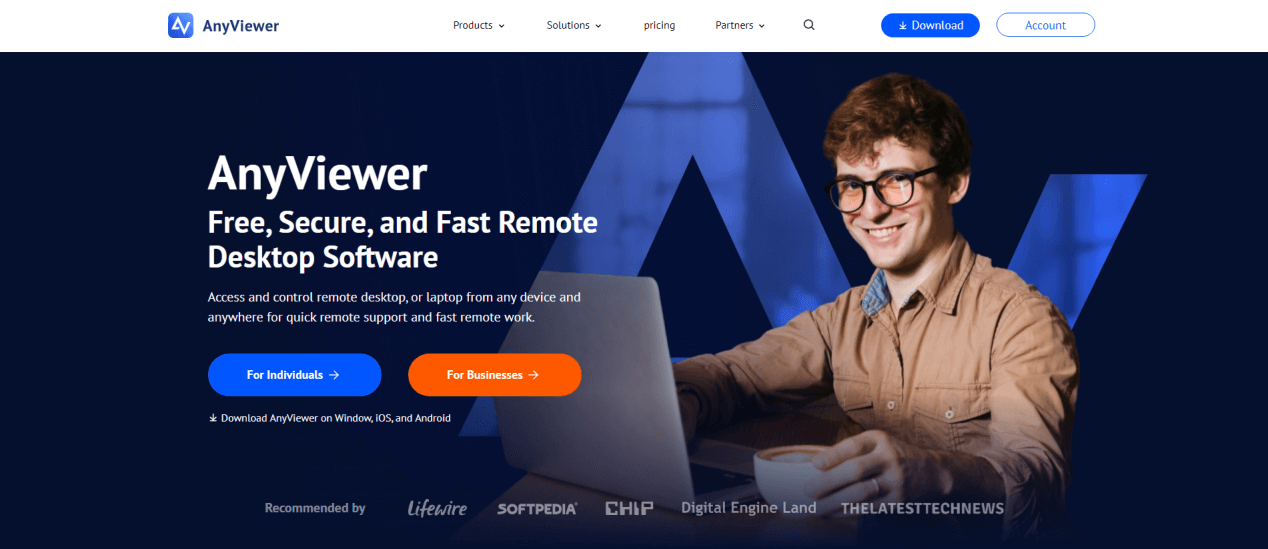
AnyViewer is a cutting-edge remote desktop solution designed to deliver fast, secure, and seamless access to any device. Perfect for IT teams, managed service providers, and professionals, it simplifies remote troubleshooting, collaboration, and device management.
Why AnyViewer Stands Out
AnyViewer combines speed, reliability, and security into one platform. High-definition remote sessions ensure smooth performance, even over slower networks. Its cross-platform support allows you to control Windows, macOS, and mobile devices effortlessly, desktop to desktop, mobile to desktop, or mobile to mobile. Strong end-to-end encryption and multi-factor authentication protect sensitive data during every session.
Key Features That Make AnyViewer the Top Choice
- Unattended Access: Manage and troubleshoot devices without needing someone on the other end.
- Multi-Device Monitoring: Quickly switch between multiple computers or mobile devices in a single session.
- High-Definition Screen Sharing: Diagnose issues, train staff, or collaborate remotely with crystal-clear visuals.
- Secure File Transfer: Easily transfer files between connected devices with drag-and-drop functionality.
- Screen Walls: Monitor multiple remote screens on a single dashboard, ideal for IT administrators overseeing several endpoints.
- Session Recording: Record remote sessions for auditing, training, or compliance purposes.
Why You’ll Choose AnyViewer
AnyViewer provides a comprehensive remote support experience on a single platform. Its intuitive interface allows both beginners and advanced IT professionals to start immediately, reducing downtime and increasing efficiency. By combining secure access, smooth performance, and centralized management, AnyViewer stands out as the go-to solution for all your remote support needs.
Pricing & Trial
A free plan is available for basic remote support. Paid plans start at $3.58 per month, offering enhanced features, priority support, and multi-device management.
2. Atera — Best for AI-driven remote troubleshooting
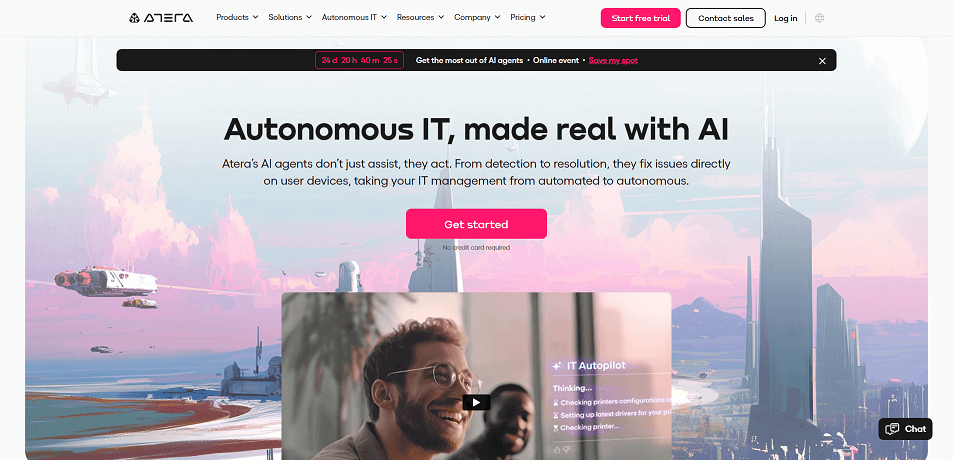
Atera is an all-in-one remote IT management solution designed for managed service providers (MSPs) and in-house IT teams. It delivers continuous remote monitoring, instant access, and powerful automation tools, with remote support serving as a central feature.
Why It Stands Out
Atera’s remote support is seamlessly built into its comprehensive remote monitoring and management (RMM) platform. This integration lets you troubleshoot, repair, monitor device performance, deploy patches, and manage support tickets—without switching tools. Its AI-powered ticketing system automatically classifies issues by keywords, generates concise summaries, and accelerates problem resolution. The result is faster service, less manual effort, and smoother remote sessions.
Key Features
- Unattended remote access for fixing problems without user intervention.
- Multi-monitor support to navigate complex workstation setups with ease.
- Splashtop integration for launching secure remote sessions.
Notable Integrations
Microsoft Teams, Slack, ServiceNow, Okta, Azure Active Directory, Microsoft Outlook, WhatsApp Notifications, monday.com, Jira Software Cloud, Acronis Cyber Protect Cloud, Google Sheets, and ChatGPT (OpenAI).
Pros
- Automatic device discovery
- Real-time CVE vulnerability scanning
- Unified network asset inventory
Cons
- Limited customization flexibility
- Certain capabilities require additional add-ons
Pricing & Availability
Free trial offered. Plans start at \$149 per technician per month (annual billing).
3. SetMe — Best for secure remote connections
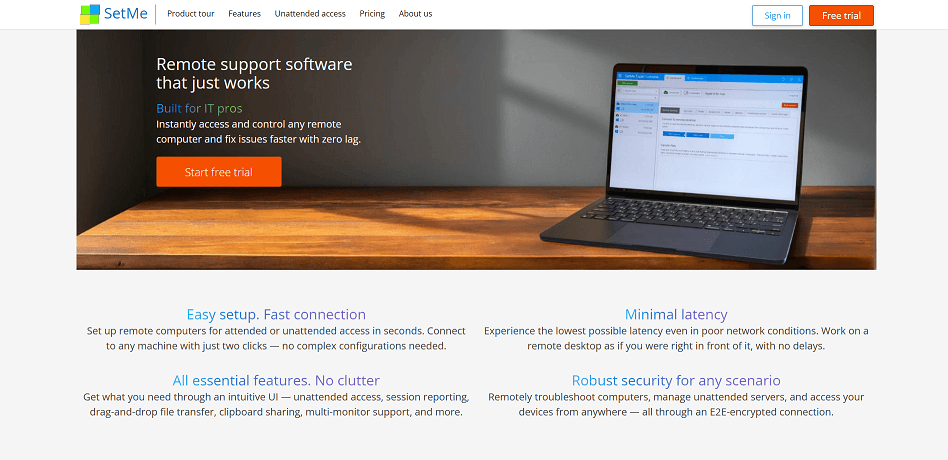
SetMe is a high-level remote desktop platform built to deliver safe, reliable access and control of computers from virtually anywhere.
Why It’s a Top Choice
SetMe uses end-to-end encryption powered by WebRTC technology, ensuring every remote session and file transfer is protected in real time. This makes it ideal for businesses that put data security first. With full cross-platform compatibility, it connects Mac and Windows systems seamlessly and supports effortless drag-and-drop file sharing—perfect for teams operating in diverse IT environments.
Key Features
- Detailed reporting and user management tools for tracking activity and maintaining oversight.
- Multi-session management enables support staff to handle multiple requests simultaneously, maximizing efficiency.
Integrations
No third-party integrations are currently supported.
Pros
- Simple drag-and-drop file transfers
- Works across Mac and Windows devices
- Strong encryption for safe communication and data exchange
Cons
- May have compatibility challenges with older systems or hardware
- Licensing capped at three users per plan
Pricing & Trial
15-day free trial available. Plans start at \$33 per seat per month (annual billing).
4. SuperOps — Best for managed service providers
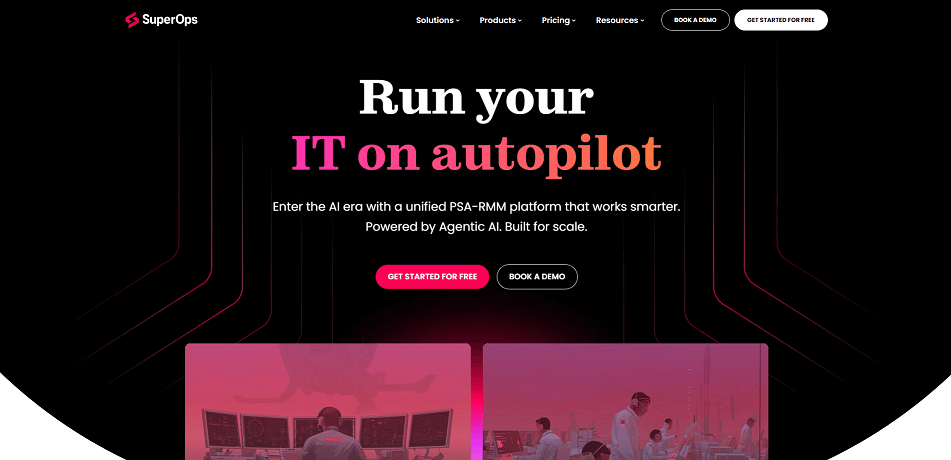
SuperOps is a unified PSA-RMM platform purpose-built for managed service providers (MSPs), combining IT management, help desk operations, and workflow automation in one solution.
Why It’s Worth Considering
SuperOps empowers MSPs to oversee complete IT infrastructures remotely. Its service desk feature gives technicians full ticket context, enabling effective communication with clients and quicker problem-solving. Built-in collaboration tools allow teams to work together seamlessly within the platform, streamlining remote support and reducing response times.
Key Features
- Advanced automation for time tracking, ticket routing, scheduling, and event-based workflow triggers.
- Automated invoicing and recurring billing for simplified financial processes.
- RMM tools for policy, asset, patch, network, and desktop management.
Integrations
Compatible with Splashtop, TeamViewer, Bitdefender, Xero, QuickBooks, Stripe, SentinelOne, Guardz, Hudu, Emsisoft, Microsoft Azure, and Webroot.
Pros
- Clean, intuitive user interface
- Strong automation capabilities for ticket and workflow management
- Robust asset management tools
Cons
- Limited multilingual support
- Client portal functionality could be more robust
Pricing & Trial
Free trial available. Plans start at \$79 per license per month (annual billing).
5. Front — Best for collaborative customer communication and shared inboxes
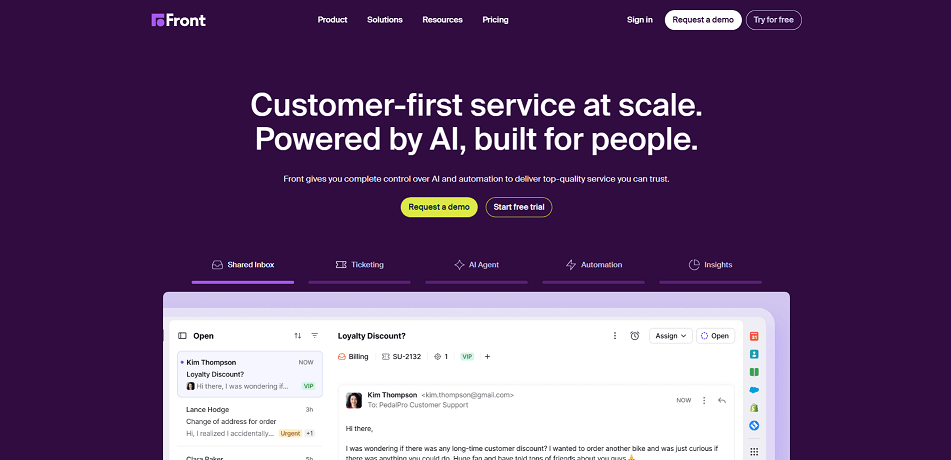
Front is a customer communication hub that blends remote support capabilities with powerful collaboration tools, helping teams respond faster and manage workflows more efficiently.
Why It Stands Out
Front centralizes emails, chats, social media messages, and SMS into a shared inbox, allowing teams to assign conversations to specific members for clear accountability. Internal comments within threads make it easy to exchange insights, share context, or request input without cluttering external communication.
Key Features
- Collision detection to prevent duplicate responses by notifying team members when someone else is handling a conversation.
- Automated workflows to streamline repetitive tasks—such as tagging an email as an SLA breach if unanswered within 30 minutes.
- Real-time notifications to keep everyone informed of progress and updates.
Integrations
Over 50 native integrations, including Asana, ClickUp, Drift, HipChat, Intercom, Jira, PagerDuty, Outreach, and Salesforce. Also supports APIs and Zapier connections for extended functionality.
Pros
- Snooze conversations or set follow-up reminders
- Prebuilt email templates for quick, consistent replies
- Live chat widget and chatbot capabilities
Cons
- Older conversations in long email threads can be hard to locate
- Steeper learning curve for new users
Pricing & Trial
7-day free trial available. Plans start at \$19 per user per month (annual billing).
6. GoToMyPC — Best for encrypted remote sessions
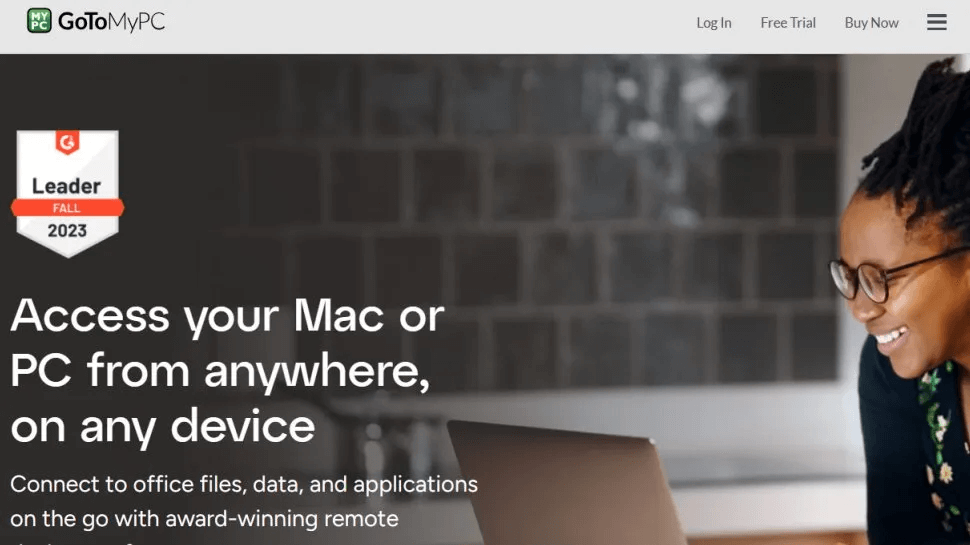
GoToMyPC is a remote desktop solution that enables users to access their computers securely from any internet-connected device. With browser-based access, it’s ideal for professionals needing to connect to their office PCs from home, on the road, or anywhere work takes them.
Why It’s a Strong Choice
Security is at the heart of GoToMyPC. All sessions are safeguarded with 128-bit AES end-to-end encryption, ensuring data remains private and secure from unauthorized access. Each computer is further protected by multiple layers of passwords and a unique access code, creating a robust defense against breaches.
Key Features
- Remote sound for streaming audio from the remote PC to your local device—perfect for hearing alerts or notifications in real time.
- Guest invitation to grant temporary access for collaboration or troubleshooting.
- Active connectivity monitoring to track connection status and maintain stable sessions.
Integrations
Supports RADIUS authentication.
Pros
- Strong encryption for secure remote access
- Effective multi-monitor support
- Reliable connectivity from virtually any location
Cons
- No support for Linux systems
- Continuous internet connection required
Pricing & Trial
Free trial available. Plans start at \$28.60 per computer per month.
7. TeamViewer — Best for cross-platform remote access
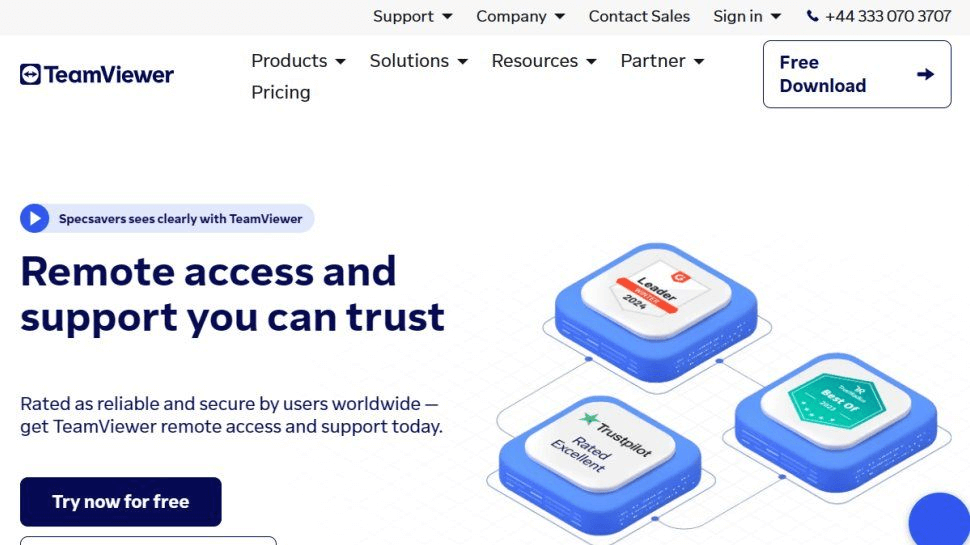
TeamViewer is a secure, user-friendly remote access and support platform designed to work seamlessly across a wide range of devices and operating systems.
Why It’s a Go-To Option
TeamViewer delivers true multi-platform connectivity, supporting Windows, macOS, Linux, iOS, and Android. You can connect from mobile to PC, PC to mobile, or even mobile to mobile. Additional capabilities include iPhone and iPad screen sharing, QuickSteps toolbars for faster navigation, and built-in session recording for training or compliance purposes.
Key Features
- Remote access for AR/VR hardware, IoT devices, and connected sensors.
- Strong security with encrypted sessions, two-factor authentication, and HIPAA compliance support.
- Drag-and-drop file transfer for easy data sharing.
Integrations
Works natively with Freshworks, Slack, ServiceNow, NinjaOne, Synology, Microsoft Teams, and Atlassian, with API access available for custom workflows.
Pros
- Flexible access control with role-based permissions
- Wake-on-LAN to connect to powered-off devices
- High-definition remote sessions with audio and video conferencing
Cons
- Performance may lag at times
- Pricing is higher than some alternatives
Pricing & Trial
14-day free trial available. Plans start at \$49 per user per month (annual billing).
8. Blitzz — Best for video-powered remote support
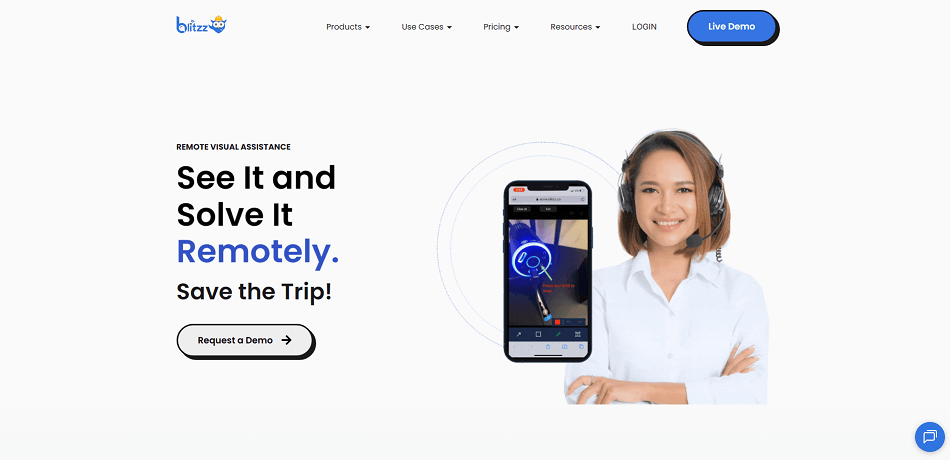
Blitzz is a remote support solution built around live video, helping businesses deliver fast and effective assistance to customers and field teams.
Why It Stands Out
Blitzz is particularly useful for field technicians like inspectors, claims adjusters, and service agents. Instead of traveling onsite, they can send a secure link to the customer, open a live video session, and diagnose issues remotely—saving both time and resources.
Key Features
- Invite participants via SMS, email, or WhatsApp—no app download required.
- Magnify live video streams for a closer look at details.
- Use pointing tools and collaborative markup during screen sharing to guide customers visually.
Integrations
Natively integrates with Salesforce, Cisco Finesse, GSuite, Okta, Cisco Teams, AWS S3 Cloud Storage, ServiceNow, and Zendesk. Also supports APIs and Zapier connections.
Pros
- No software installation required for end users
- Multiple invite options (SMS, email, WhatsApp) for convenience
- Real-time visual guidance with markup and zoom features
- Saves travel time for field teams
Cons
- Requires a stable internet connection for smooth video streaming
- Limited offline functionality
- May be less suitable for highly complex repairs requiring physical inspection
Pricing & Trial
14-day free trial and free demo available. Plans start at \$35 per user per month (annual billing).
9. ControlUp — Best for real-time monitoring
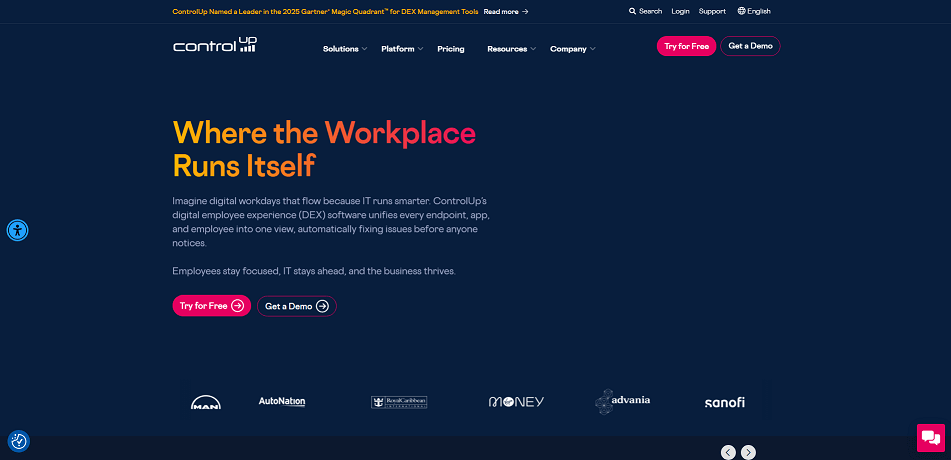
ControlUp is a digital experience monitoring and optimization platform that provides comprehensive insights into the health and performance of end-user environments, no matter where you are.
Why It Stands Out
ControlUp excels in real-time monitoring for Virtual Desktop Infrastructure (VDI), End-User Computing (EUC), and server environments. It can send alerts for critical failures and allows you to automate corrective actions such as clearing temporary files, freeing disk space, or logging off idle users. This proactive approach helps maintain system performance and user productivity.
Key Features
- Customizable dashboards to visualize resource performance at a glance.
- Script-based automation and remediation for routine tasks.
- Historical performance data for trend analysis and informed decision-making.
- User session management to ensure both security and productivity.
Integrations
Supports native integration with Citrix, Amazon Web Services (AWS), PowerShell, Windows Remote Desktop Services (RDS), and VMware Horizon. API access is also available for custom workflows.
Pros
- Role-based access controls for secure management
- Multi-tenancy support for large IT environments
- Automation features reduce manual intervention for common tasks
Cons
- May be overkill for smaller IT environments
- Some advanced features are complex and may require specialized staff
Pricing & Trial
21-day free trial and free demo available. Pricing is available upon request.
10. GoTo Resolve — Best for IT professionals
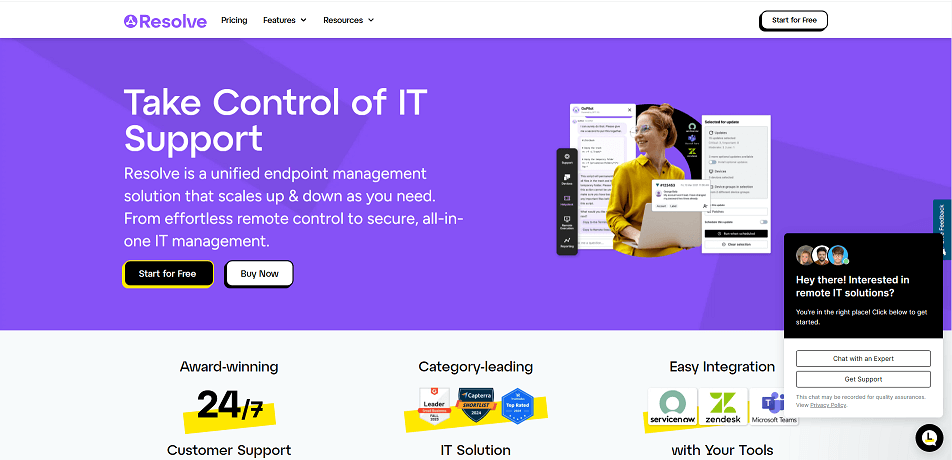
GoTo Resolve is a remote support and monitoring platform tailored for IT teams, offering tools to access, troubleshoot, and manage devices from anywhere.
Why It Stands Out
GoTo Resolve works seamlessly across Windows, macOS, and Linux systems, enabling IT professionals to provide remote assistance without needing the user on-site. The platform supports multi-monitor navigation and allows device restarts during active sessions, ensuring uninterrupted support.
Key Features
- Generate detailed diagnostic reports to identify hardware or software issues quickly.
- Invite team members to view or control sessions for training or collaborative troubleshooting.
- Highlight specific areas of the screen using annotation tools to guide users effectively.
Integrations
Supports native integrations with Zendesk, Microsoft Teams, Outlook, Docebo, Prezi, HubSpot, Marketo, ActiveCampaign, and Zoho CRM.
Pros
- Secure file transfers between devices during sessions
- Record sessions for quality assurance or future reference
- Manage multiple devices simultaneously
Cons
- Requires a fast, stable internet connection
- Pricing may be steep for freelance IT professionals
Pricing & Trial
14-day free trial available. Plans start at $57 per user per month.
Conclusion
Choosing the right help desk remote access software makes IT support faster, safer, and easier. AnyViewer stands out with its fast performance, strong security, cross-platform support, and useful features like screen walls, session recording, and unattended access. Whether managing multiple devices, helping clients remotely, or keeping IT operations smooth, AnyViewer provides a simple, all-in-one solution. With flexible plans and a free trial, it’s a great choice for IT teams, service providers, and professionals needing reliable remote access.



 as a preferred
source on Google
as a preferred
source on Google