| Category |
|
|
|---|---|---|
| Best For | IT service desks, customer support teams, and help desks needing seamless SaaS/ticketing integration. | Large enterprises, global corporations, and IoT/AR industrial field support. |
| Free Plan | Very basic. Good for occasional ad-hoc support, but highly restricted on advanced features. | Feature-rich but heavily restricted by aggressive "commercial use suspected" flags. |
| Ease of Use | Excellent (Web-based). Customers can join via a simple URL link or code without downloading heavy software. | Moderate. Feature-rich desktop interface that can feel slightly overwhelming for non-technical clients. |
| Performance | Reliable for standard IT troubleshooting, but can lag under low bandwidth compared to specialized protocols. | Industry-leading speed and low-latency global routing, though resource-heavy on older hardware. |
| Pricing | Flexible, billed per technician/session. Mid-range pricing that scales well for support teams. | Very expensive. Strict annual contracts tailored mostly for enterprise-level IT budgets. |
| Security | Strong. GDPR/HIPAA compliant with detailed session logs, 2FA, and granular technician permissions. | Enterprise-grade. Highly advanced security compliance, comprehensive audit logs, and conditional access policies. |
| Feature |
|
|
|---|---|---|
| One-Click Unattended Access | ||
| File Transfer | ||
| Multiple Sessions | ||
| Multi-Monitor Support | ||
| Virtual Screen | ||
| Mobile Access | iOS & Android | iOS & Android |
| Connection from | Windows, macOS, Linux, iOS, Android, Web Browser | Windows, macOS, Linux, iOS, Android, Chrome OS, Raspberry Pi, Remote Web Client |
| Connection to | Windows, macOS, Linux, iOS, Android, ChromeOS | Windows, macOS, Linux, iOS, Android, Chrome OS, Raspberry Pi |
| Security | TLS 1.2 + AES 256-bit + 2FA | AES-256 bit + RSA Verification + 2FA |
| Proxy Server | ||
| 3D Game Mouse | ||
| Smart Frame Rate | ||
| MSI Deployment | ||
| Privacy Mode | ||
| Role Permission Management | ||
| Real-Time Chat | ||
| Whiteboard | ||
| Screen Wall | ||
| Wake-on-LAN |
Feature Insight: When executing a comprehensive TeamViewer vs. Zoho Assist comparison, both tools cover essential remote features and high security. However, TeamViewer offers broader platform compatibility and more advanced visual controls.
Plans |
|
|
|---|---|---|
| For free |
Free for personal and business use
|
Free for strictly non-commercial use
|
| For single users |
Start from $10/month
|
From $24.90 to $50.90/month
|
| For teams |
Start from $15/month
|
Start from $112.90/month
|
| For corporations |
Start from $24/month
|
Start from $229.90/month
|
Pricing Insight: Evaluating which is better: TeamViewer vs. Zoho Assist comes down to your budget model. Zoho Assist offers a significantly lower cost threshold and higher channel flexibility per technician, whereas TeamViewer focuses its tier structure on larger volume user licenses and managed device counts at a premium price point.
| Security Measures |
|
|
|---|---|---|
| 256-bit AES encryption | ||
| 256-bit ECC encryption | ||
| Two-factor authentication | ||
| Permission-based access control | ||
| Remote control/file transfer permission management | ||
| Secure account-based access | ||
| Blacklist and whitelist | ||
| Privacy mode | ||
| Remote screen frame | ||
| Role permission management | ||
| GDPR compliant | ||
| Lock interface | ||
| Proxy support | ||
| Cloud Conditional Access (IP/Time restriction) | ||
| Single Sign-On |
Security Insight: Both Zoho Assist and TeamViewer deliver identical, comprehensive enterprise-grade security capabilities, offering full protection across encryption, session permissions, identity management, and compliance standards.
| Performance Metrics |
|
|
|---|---|---|
| Max Frame Rate | Up to 30 FPS (Optimized for static UI and text-heavy IT support sessions) | Up to 60 FPS (Adapts dynamically based on hardware and connection quality) |
| Latency & Responsiveness | Slight lag because its web-based system adds minor connection overhead. | Low baseline latency backed by global routing infrastructure; highly stable |
| Image & Color Fidelity | Standard color output, compressing images heavily to keep text sharp and easy to read. | High-definition display scaling with automatic or manual clarity adjustments |
| Bandwidth Adaptability | High dependence on a stable internet connection, slowing down noticeably on weak networks. | Dynamic bandwidth management that scales quality down automatically to prevent drops |
| Hardware Acceleration | Main reliance on the computer's CPU due to its lightweight, web-focused design. | Full hardware acceleration leveraging local GPU resources for smoother rendering |
| File Transfer Speed | A 2GB limit per file, which easily covers standard software patches and drivers. | Stable transfers, though speeds may throttle during high-load or long-distance sessions |
Insight: TeamViewer delivers a higher frame rate, lower latency, and better hardware-driven performance, while Zoho Assist operates as a lightweight, web-focused system optimized primarily for standard text-heavy IT support.
| Category |
|
|
|---|---|---|
|
Affordability and value of subscription plans
for tight budgets
Zoho offers budget-friendly tiering and a free plan; TeamViewer
has high upfront subscription costs for small teams.
|
||
|
Setup speed and ease when launching remote
sessions for clients
Zoho is entirely web-based with instant join links; TeamViewer
often requires local software installation for full features.
|
||
|
Feature depth and variety for handling daily
troubleshooting tasks
TeamViewer provides a broader set of advanced features; Zoho
covers all essential remote support tools but lacks deep extras.
|
||
|
Connection speed and stability during file
transfers and screen sharing
TeamViewer utilizes a robust proprietary network for lower
latency; Zoho is highly stable but can lag slightly on low
bandwidth.
|
||
|
Security standards and compliance for
protecting sensitive client data
Both provide enterprise-grade 256-bit AES encryption, 2FA, and
detailed session logs to meet compliance standards.
|
Insight: Zoho Assist provides superior affordability and web-based ease of setup for tight budgets, whereas TeamViewer commands a price premium to deliver deeper features and higher connection performance.
| Category |
|
|
|---|---|---|
|
Scalability and deployment efficiency across
thousands of global endpoints
TeamViewer excels at mass MSI rolling and silent background
updates; Zoho handles large fleets well but lacks TeamViewer's
advanced automation.
|
||
|
Identity management and access control via
corporate SSO and SAML protocols
Both integrate tightly with Azure AD/Okta, but TeamViewer
provides deeper conditional access policies and granular
role-based permissions.
|
||
|
Enterprise feature capability for
cross-platform integration and legacy systems
TeamViewer offers unmatched support for IoT, mobile devices, and
complex hardware; Zoho remains focused primarily on standard
PC/Mac support.
|
||
|
Global network infrastructure ensuring
zero-latency sessions across regions
TeamViewer owns a massive dedicated global routing network for
smooth speeds; Zoho relies heavily on public cloud nodes,
causing occasional cross-border latency.
|
||
|
Compliance standards and auditing required for
highly regulated industries
TeamViewer features comprehensive real-time session recording
storage and deep compliance tools; Zoho provides excellent
logging but less robust storage management.
|
Insight: TeamViewer excels in massive enterprise environments due to its superior deployment automation, broader device support, and global infrastructure, while Zoho Assist offers a simpler, standard remote support alternative with less administrative depth.
| Category |
|
|
|---|---|---|
|
Session initiation speed for guiding
non-technical users onto a call
Zoho relies on lightweight, web-based links or email invites;
TeamViewer often requires downloading the QuickSupport
executable file.
|
||
|
Diagnostic tools and command access available
directly within the dashboard
TeamViewer provides instant task manager, registry, and command
line integration; Zoho covers essentials but requires more
clicks for deep diagnostics.
|
||
|
Unattended access management for servicing
servers and off-hours computers
Both allow robust deployment of background agents, offering
secure passwordless access and device grouping for IT fleets.
|
||
|
File transfer capability involving large
system patches and data migrations
TeamViewer utilizes a drag-and-drop dual-window interface with
faster chunked transfers; Zoho handles files smoothly but lacks
speed on massive datasets.
|
||
|
Communication channels and tools for
interacting with users during a live fix
TeamViewer features high-fidelity voice, video, and
whiteboarding; Zoho offers reliable text chat and voice, but
video tools require higher tiers.
|
Insight: Zoho Assist offers faster, simpler session initiation for non-technical users via web links, whereas TeamViewer provides deeper built-in diagnostic tools, faster file transfers, and richer communication channels for complex IT troubleshooting.
| Category |
|
|
|---|---|---|
|
Automated detection of non-licensed commercial
activity through strict algorithm flags
Zoho delivers excellent commercial value with lower overhead;
TeamViewer offers strong capabilities but demands a much higher
revenue justification.
|
||
|
Price and affordability for balancing company
budgets
Zoho uses transparent commercial terms; TeamViewer aggressively
blocks connections flagged as commercial, causing frequent
support disruptions.
|
||
|
License terms and rules avoiding unexpected
lockouts or audits
Zoho allows monthly scaling and straightforward cancellations;
TeamViewer enforces strict, auto-renewing annual contracts that
are notoriously difficult to cancel.
|
||
|
Contract flexibility when changing team sizes
or cancelling
Zoho enables complete custom domain mapping and email setup in
standard tiers; TeamViewer allows branded clients but charges
premiums for advanced customization.
|
||
|
Brand customization for adding company logos
and domains
Zoho rarely disrupts connections with false positives;
TeamViewer uses aggressive algorithmic triggers that frequently
lock out legitimate users or free trials.
|
Insight: Zoho Assist provides flexible, budget-friendly terms and reliable connections, while TeamViewer enforces rigid annual contracts and aggressive commercial detection that can disrupt usage.
| Category |
|
|
|---|---|---|
|
Desktop OS compatibility for connecting
between PC, Mac, and Linux systems
Both platforms offer full, high-performance remote control and
unattended access setups across Windows, macOS, and major Linux
distributions.
|
||
|
Mobile control limitations when attempting to
manage Android or iOS devices
TeamViewer supports full remote control for a wider range of
mobile manufacturers; Zoho handles standard Android control well
but is more limited by OS permissions.
|
||
|
Browser-based flexibility for running sessions
without installing native apps
Zoho allows technicians to launch full-featured sessions
completely from a web browser; TeamViewer has a web app but
prefers its local client for full performance.
|
||
|
Ecosystem variation when navigating different
interfaces across platforms
Zoho maintains a highly consistent, clean UI design across
different operating systems; TeamViewer's various legacy and
modern versions can feel fragmented.
|
||
|
Zero-install remote connection directly via
web browsers
TeamViewer handles cross-platform remote printing and clipboard
sharing with fewer driver issues; Zoho handles basic file
transfers perfectly but can struggle with remote printing.
|
Insight: Zoho Assist offers a consistent, zero-install browser experience across desktop systems, whereas TeamViewer provides superior mobile device control and seamless hardware integrations like remote printing across different operating systems.
| Category |
|
|
|---|---|---|
|
High-frame-rate streaming for fluid visual
rendering
TeamViewer handles standard screen rendering better but tops out
at 60 FPS under ideal conditions; Zoho is optimized for text/IT
support and suffers from heavy stuttering and frame drops during
video loops.
|
||
|
Input response and latency when processing
rapid mouse and keyboard commands
Neither platform features dedicated gaming pipelines like
Moonlight or Parsec, but TeamViewer handles rapid cursor
position changes with less noticeable drift than Zoho's
support-oriented engine.
|
||
|
Audio streaming quality for syncing game sound
effects with on-screen action
TeamViewer features clean, low-latency system audio sharing
across Windows and macOS; Zoho offers VoIP/audio tools designed
for technician calls rather than high-fidelity game sound.
|
||
|
Hardware graphics acceleration utilizing host
GPUs to render heavy 3D game engines
TeamViewer can pass through basic hardware-accelerated rendering
for 3D UI; Zoho struggles with direct-input game engines,
frequently resulting in frozen video feeds or black screens.
|
||
|
Game controller pass-through for mapping
physical gamepads to the remote host
Both solutions completely fail here; neither software provides
native USB or virtual bus drivers to recognize or forward Xbox,
PlayStation, or generic controllers.
|
Insight: Both Zoho Assist and TeamViewer are entirely unsuited for remote gaming due to a total lack of gamepad redirection, though TeamViewer handles basic 3D rendering and standard frame rates slightly better than Zoho Assist's text-optimized support engine.
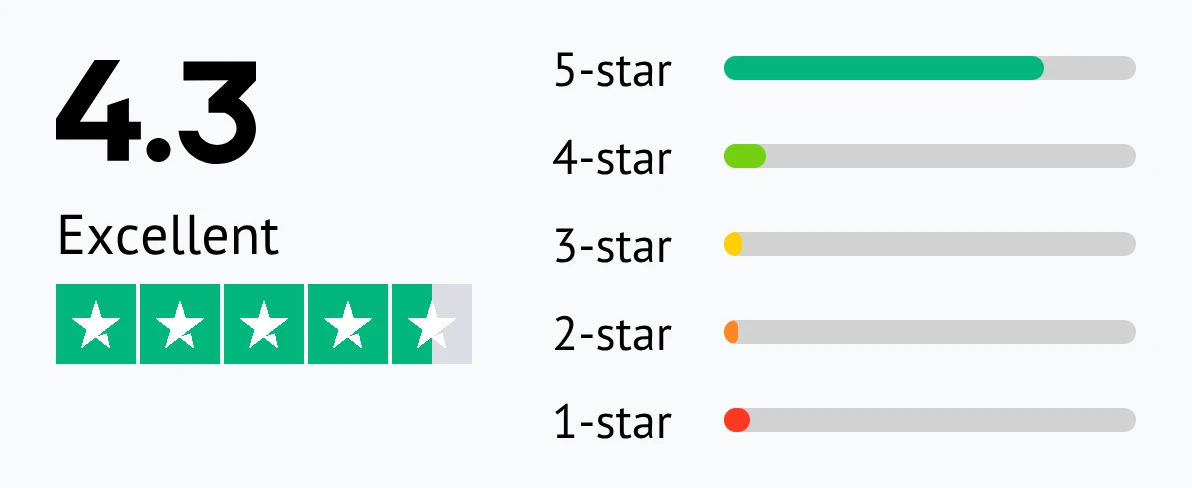
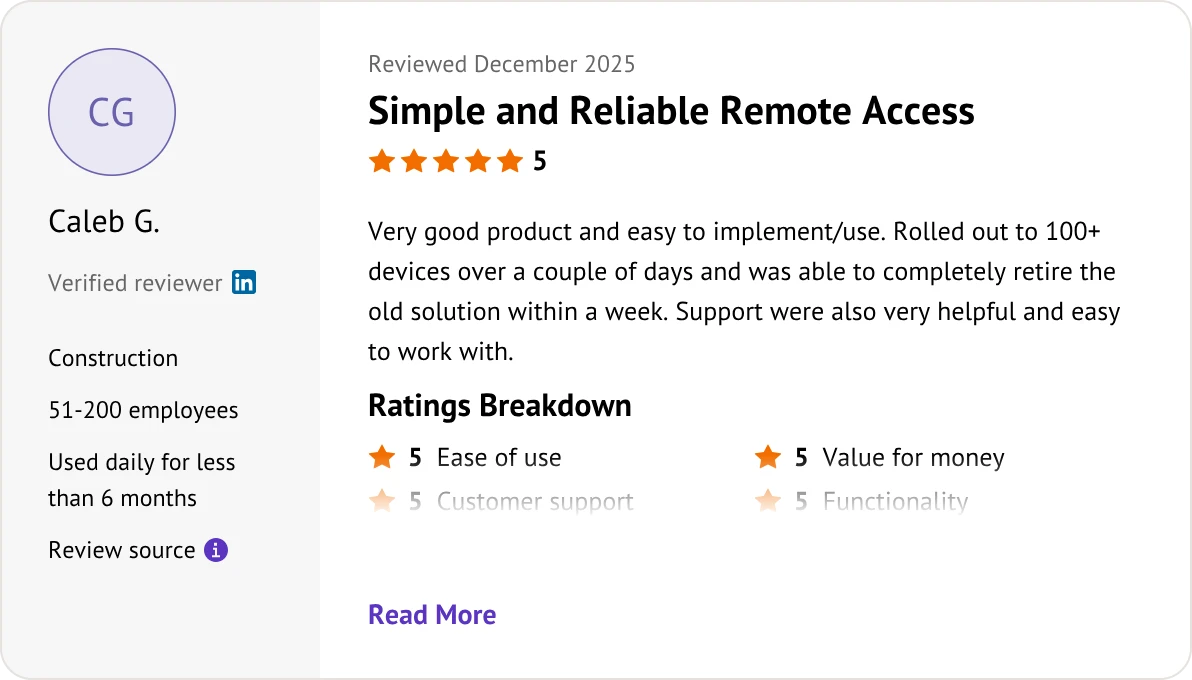
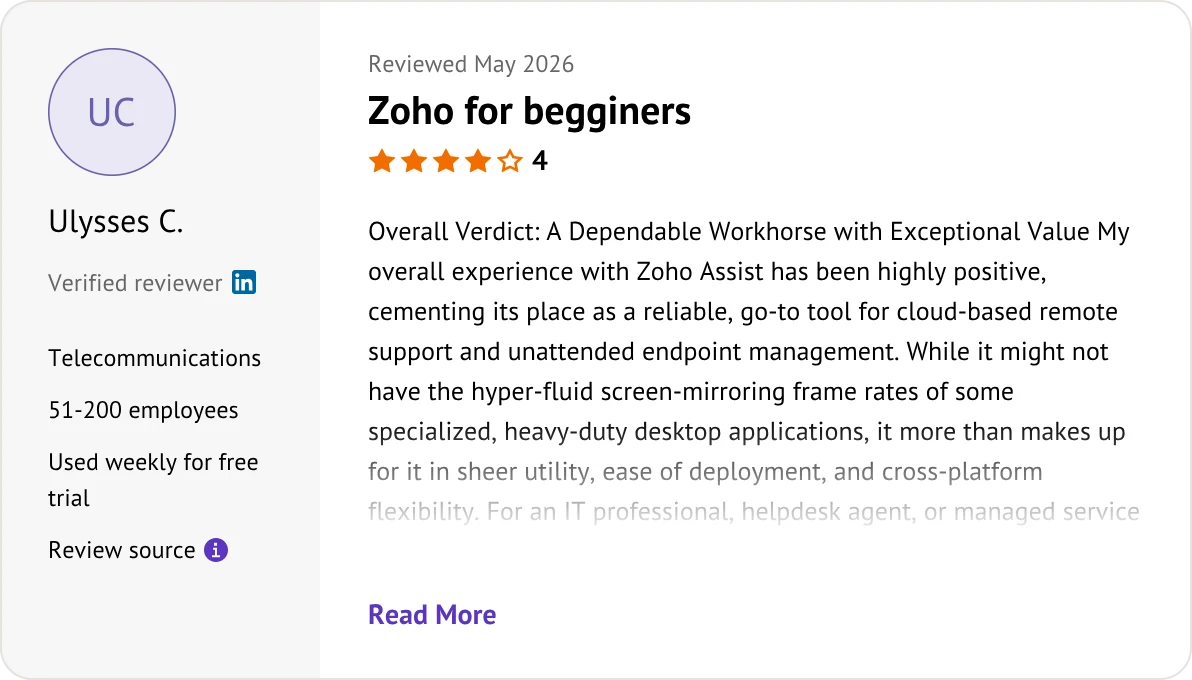
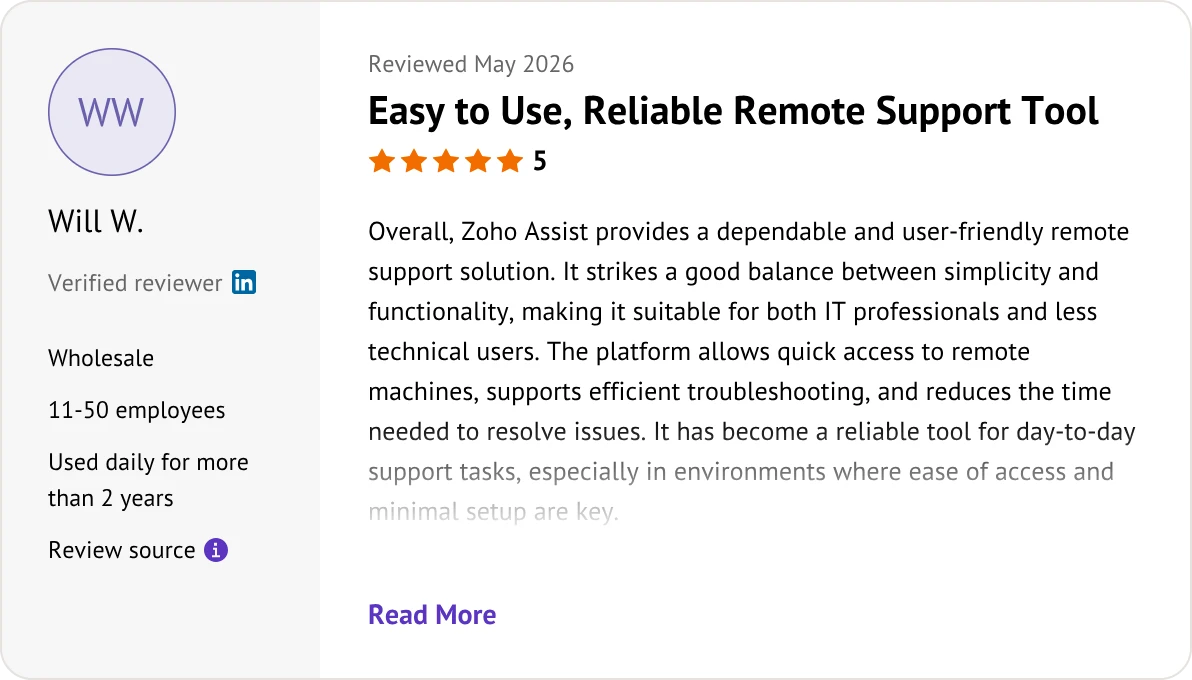
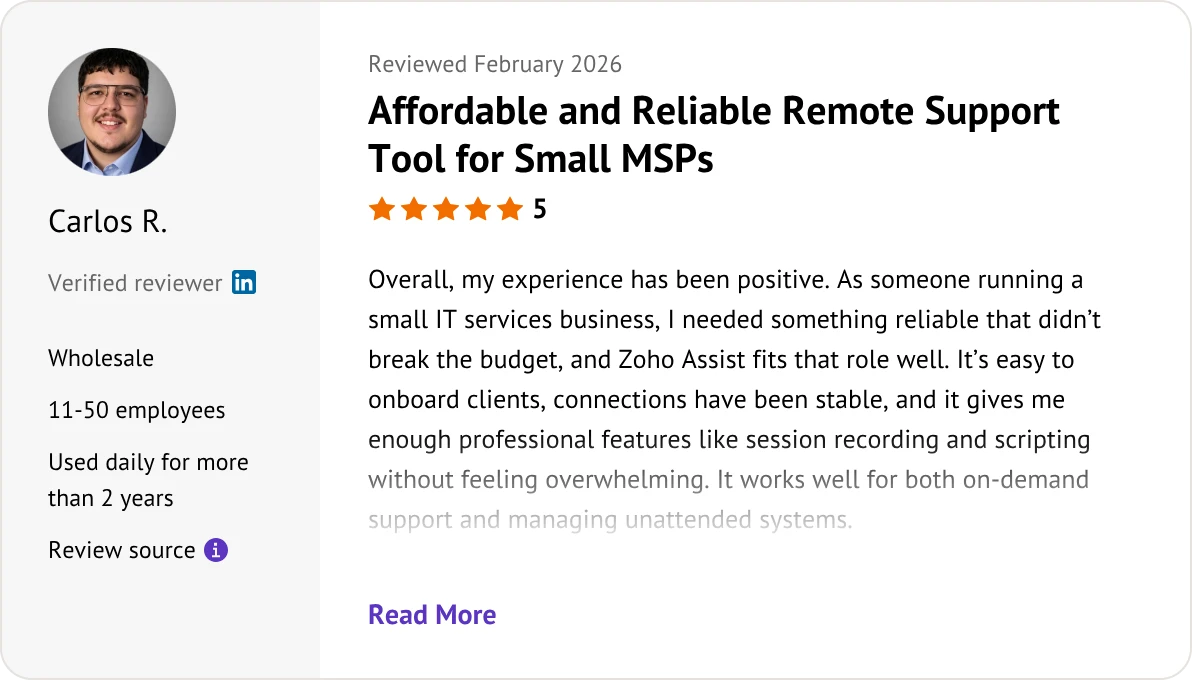
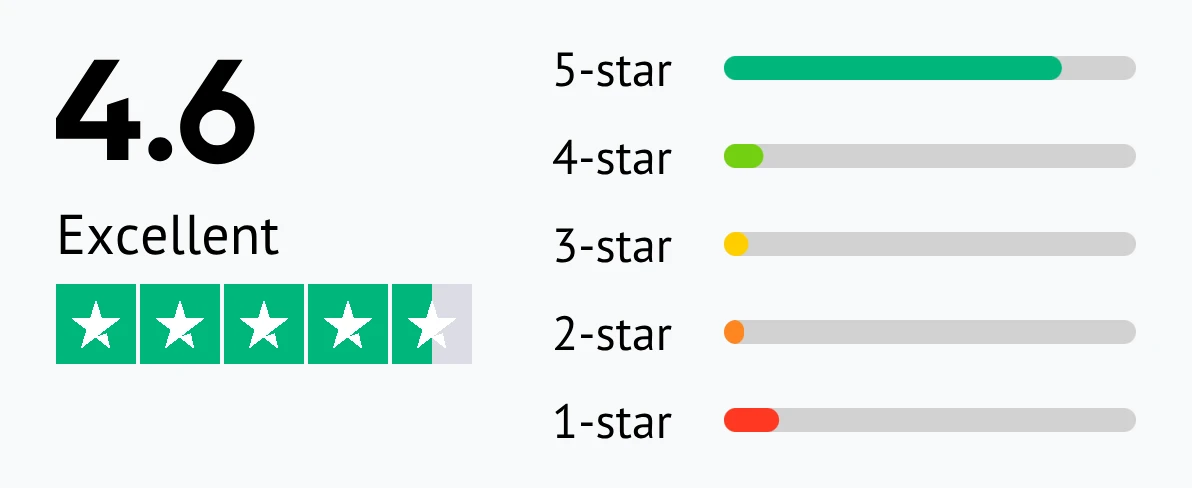
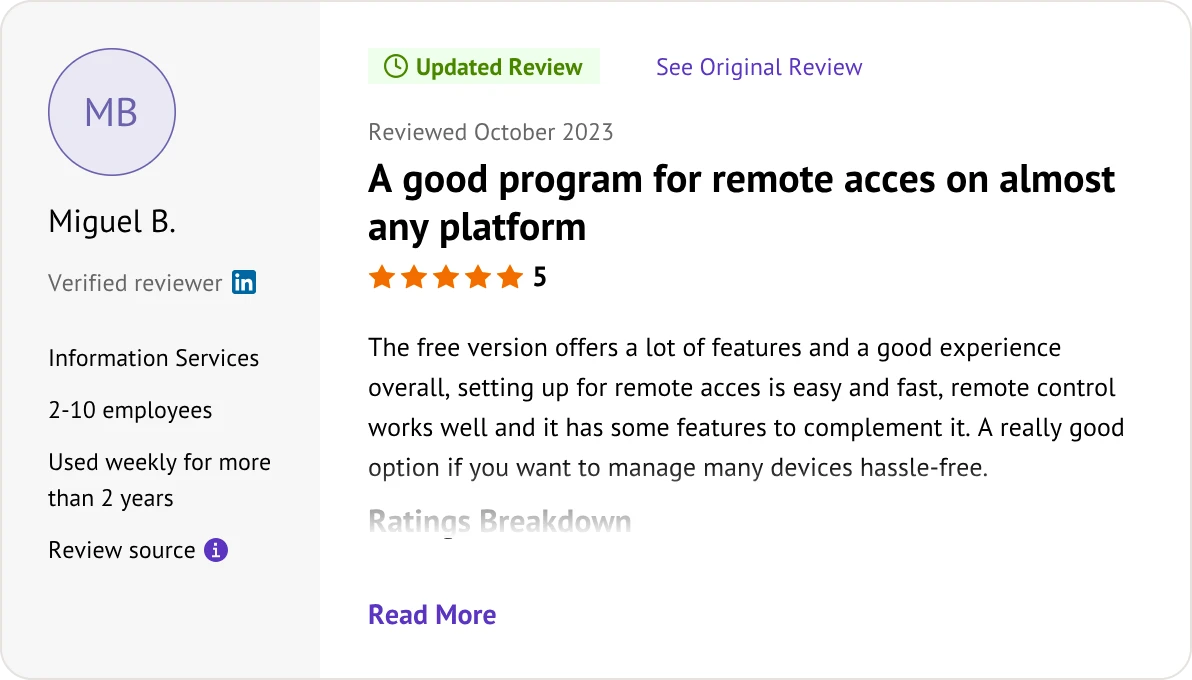
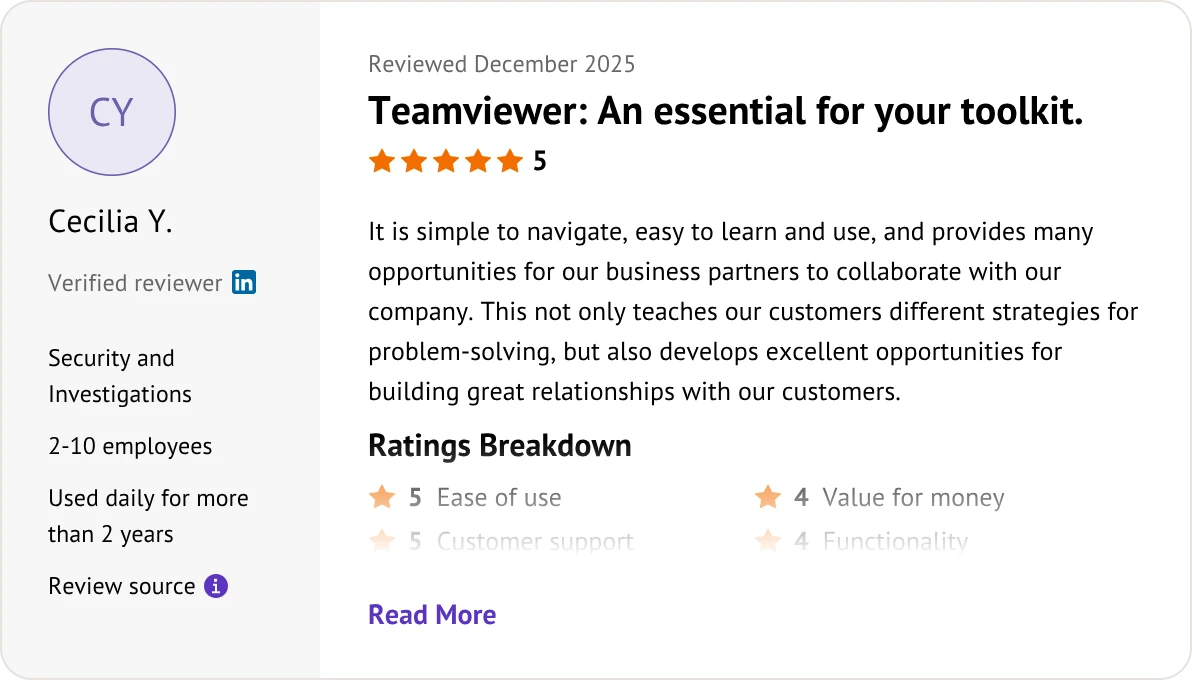
Customer reviews were taken from Software Advice on June 5, 2026.


Zoho Assist is a lightweight, affordable, cloud-based tool built for quick remote support and SMBs. TeamViewer is a heavy-duty, feature-rich desktop software built for complex corporate networks and large enterprise device management.
Yes, significantly. TeamViewer is known for its expensive pricing and rigid plans. Zoho Assist offers flexible, per-technician pricing that typically saves businesses 40% to 60% annually compared to TeamViewer.
Both offer free versions for personal use. However, TeamViewer strictly monitors usage and frequently blocks connections due to suspected commercial use. Zoho Assist’s free version is more limited in features but far less aggressive with account blocks.
TeamViewer wins on raw performance. It has a massive global network infrastructure that supports up to 60 fps. While Zoho Assist is perfectly fine for everyday IT support, TeamViewer handles high-end tasks like 3D rendering or video editing much better.
Both are highly secure. They both use AES 256-bit encryption, Two-Factor Authentication (2FA), and Privacy Mode (screen blanking). However, TeamViewer's huge market share makes it a bigger target for hackers, leading some users to prefer Zoho Assist's clean track record.
Yes. Zoho Assist allows you to easily set up, manage, and connect to remote servers or computers without any user on the other end, using simple bulk-deployment tools.
Yes, but with limitations. Due to mobile operating system restrictions, unattended access is highly limited on mobile devices for both platforms. TeamViewer has slightly wider compatibility with Android hardware, while Zoho Assist focuses more on controlling PCs from your phone.
No. TeamViewer natively supports Wake-on-LAN to power on offline computers. However, Zoho Assist does not support remote wake-up; the remote computer must already be turned on and connected to the internet to start a session.
If you already use the Zoho ecosystem (like Zoho Desk or CRM), Zoho Assist offers one-click remote support right from your tickets. While both tools connect with software like Jira or ServiceNow via API, Zoho Assist is uniquely powerful for Zoho users.
It is very straightforward. Zoho Assist offers a mass deployment wizard that lets you silently install its agent across your entire network of computers at once, without interrupting your end-users.
TeamViewer does not have a one-click cancel button. You must submit a written ticket at least 28 days before your renewal date, or you will be automatically locked into another full year. Zoho Assist allows easy, self-service cancellation directly from your dashboard.
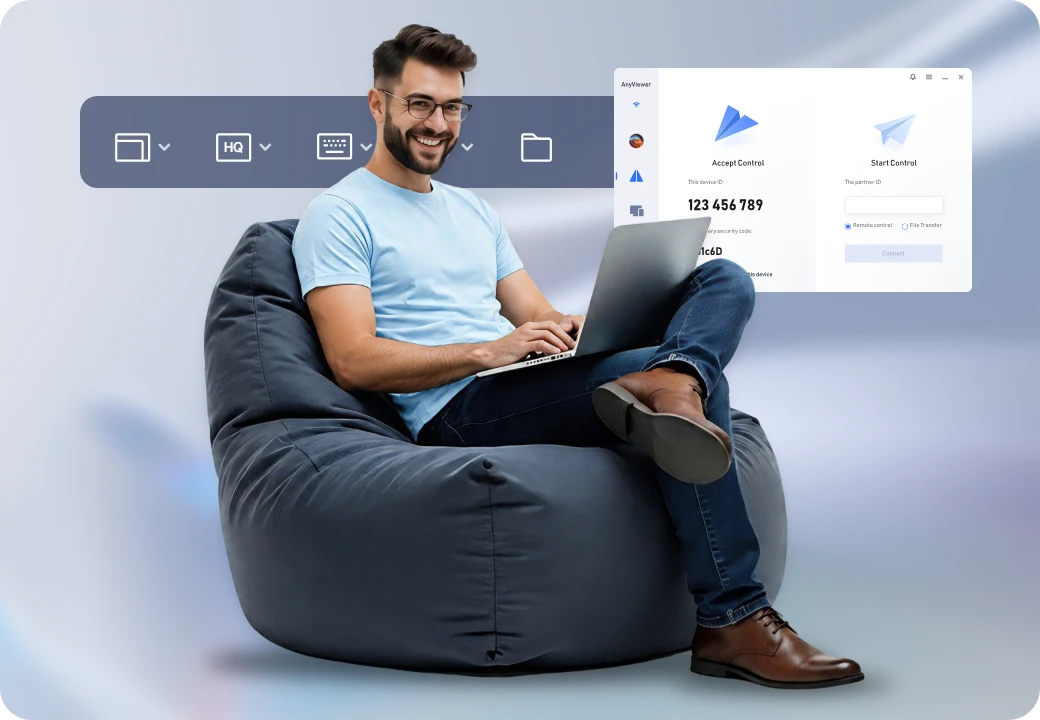
If Zoho Assist lacks the performance you need or TeamViewer is too expensive, AnyViewer offers a lightweight, high-performance alternative.
Choose the solution that best aligns with your budget and organizational scale: