This comprehensive TeamViewer vs. LogMeIn Rescue comparison highlights the core differences at a glance.
| Category | ||
|---|---|---|
| Best For | On-demand IT support and instant cross-platform troubleshooting. | Enterprise-grade IT helpdesks, call centers, and high-volume, multi-session customer support. |
| Free Plan | Available for strict personal use (frequent commercial-use triggers). | None. Strictly a premium, commercial-only solution with no personal free tier. |
| Ease of Use | Instant connection via ID/PIN; highly intuitive for client-side users. | Zero-install for end-users; connects via a single link or a 6-digit PIN code. |
| Performance | Dynamic bandwidth scaling; smooth responsiveness even on weaker connections. | Purpose-built for enterprise support; incredible stability with a powerful multi-window technician console. |
| Pricing | Premium-priced; rigid annual subscription tiers based on seats. | High enterprise cost; billed per technician seat with add-ons for mobile support. |
| Security | AES 256-bit encryption, two-factor authentication (2FA), and conditional access. | Permission-based controls, PIN validation, TLS 1.2 with AES 256-bit, and granular compliance logging. |
Below is a detailed feature check to assist in your TeamViewer vs LogMeIn comparison.
| Feature | ||
|---|---|---|
| Unattended Remote Access | ||
| On-Demand Support | ||
| Drag-and-Drop File Transfer | ||
| Multi-Monitor Navigation | ||
| Remote Printing | ||
| In-Session Audio & Chat | ||
| Session Recording & Auditing | ||
| Whiteboard & Screen Annotation | ||
| Clipboard Synchronization | ||
| Mobile Access | iOS & Android | iOS & Android |
| Connection from | Windows, macOS, Linux, iOS, Android, Chrome OS, Raspberry Pi, Remote Web Client | Windows, macOS, iOS, Android, Remote Web Client |
| Connection to | Windows, macOS, Linux, iOS, Android, Chrome OS, Raspberry Pi | Windows, macOS, iOS, Android, ChromeOS |
| Security | AES-256 bit + RSA Verification + 2FA | AES-256 bit + RSA Verification + 2FA |
| Black Screen / Hide Host Monitor | ||
| Remote Input Disable | ||
| Wake-on-LAN | ||
| Advanced Administration | ||
| Background System Diagnostics | ||
| Mass Deployment | ||
| Conditional Access Rules | ||
| Centralized Device Grouping & Policies | ||
| Integrated Patch Management |
Feature Insight: Both offer powerful remote control, but TeamViewer provides broader cross-platform support, while LogMeIn Rescue excels in fast IT helpdesk support and background troubleshooting.
Plans |
||
|---|---|---|
| For free |
Free for strictly non-commercial use
|
None
|
| For single users |
From $24.90 to $50.90/month
|
From $109.00/month
|
| For teams |
Start from $112.90/month
|
Billed strictly per seat (No bundle discounts)
|
| For corporations |
Start from $229.90/month
|
Custom Enterprise Pricing
|
Pricing Insight: TeamViewer offers much better value overall. Since LogMeIn Rescue charges strictly per technician, its costs skyrocket exponentially as your team scales up.
| Security Measures | ||
|---|---|---|
| AES 256-bit Session Encryption | ||
| RSA Private/Public Key Exchange | ||
| Two-Factor Authentication (2FA) | ||
| Single Sign-On (SSO) Integration | ||
| IP/Rule Restrictions | ||
| Granular Access Control Permissions | ||
| Mass Deployment Security Token Enforcement | ||
| Brute-Force Attack Protection | ||
| Session Black Screen | ||
| Lock Remote Input | ||
| Centralized Compliance Auditing & Reporting | ||
| Trusted Devices Verification | ||
| Zero-Trust Access Architecture | ||
| Anti-Phishing PIN Code Validation |
Security Insight: Both offer bank-grade security. TeamViewer excels in device-level control, while LogMeIn Rescue focuses on secure PIN validation to prevent support scams.
An in-depth look at performance metrics reveals how a LogMeIn Rescue vs TeamViewer matchup plays out across local and high-latency networks.
| Performance Metrics | ||
|---|---|---|
| Latency & Response Time | Near-instantaneous response with dynamically optimized routing to minimize input lag. | Perceptible lag on ultra-high-res screens, but highly stable. |
| Bandwidth Efficiency | Excellent; auto-scales image quality to keep sessions active even on 3G/poor connections. | Good; allows technicians to manually lower color depth for speed. |
| Frame Rate (FPS) | Delivers up to 60 FPS; smooth handling of transitions, animations, and video playbacks. | Standard 30 FPS cap; optimized for text and static IT troubleshooting. |
| File Transfer Speed | Fast, multi-threaded transfer protocol built for moving large files and bulk folders. | Moderate transfer speeds; reliable but slower when transferring massive gigabyte files. |
| CPU & RAM Overhead | Highly optimized and lightweight; minimal background resource impact on host systems. | Zero background footprint for clients; technician console is heavier. |
| Connection Stability | Superior recovery; instantly auto-reconnects during network drops or IP handovers. | Industry-leading; dedicated tech to survive safe-mode reboots. |
Insight: TeamViewer wins on speed and smoothness, while LogMeIn Rescue excels in zero-install client lightness and bulletproof reboot stability.
| Category | ||
|---|---|---|
| Cost impact on small business wallets
Both use annual billing; Rescue's per-tech cost hurts small
budgets.
|
||
| Time to install and configure client apps
TeamViewer requires app setup; Rescue is 100% zero-install via PIN.
|
||
| Capacity to expand managed endpoints
TeamViewer limits endpoints; Rescue allows unlimited devices but
bills per tech.
|
||
| Simultaneous remote technician channels
TeamViewer restricts channels; Rescue allows 10 simultaneous
sessions.
|
||
| Built-in monitoring & diagnostic
utilities
TeamViewer offers basic remote tools; Rescue excels in live
background diagnostics.
|
Insight: TeamViewer is much friendlier for tight small-business budgets, while LogMeIn Rescue wins on instant zero-install connections and high-volume helpdesk power.
| Category | ||
|---|---|---|
| Mass distribution & MDM/IoT
provisioning
TeamViewer scales global IoT fleets; Rescue targets on-demand
helpdesks.
|
||
| Enterprise SSO & perimeter control
Both offer top-tier enterprise SSO, AD sync, and access control.
|
||
| Pre-built ServiceNow & SAP workflows
Both integrate natively with ServiceNow, Salesforce, and Jira.
|
||
| Patch management & automation
TeamViewer supports basic patching; Rescue has zero patch features.
|
||
| Custom SLAs & volume discounting
Both enforce high-cost, rigid multi-year enterprise contracts.
|
Insight: TeamViewer wins on unattended IoT fleets and system patching, while LogMeIn Rescue is the gold standard for high-volume enterprise helpdesks.
| Category | ||
|---|---|---|
| Quick-connect & attended sessions
TeamViewer connects instantly via QuickSupport; LogMeIn Rescue is
powerful but creates slightly more end-user friction.
|
||
| Background unattended server & PC
management
Both platforms offer exceptional, highly secure unattended access
with deep machine control.
|
||
| In-session file transfer & safe-mode
reboot
TeamViewer delivers faster multi-monitor switching; LogMeIn Rescue
excels at presenting detailed background system info.
|
||
| Mobile device troubleshooting
TeamViewer natively controls a vast array of mobile ecosystems;
LogMeIn Rescue is largely limited to screen viewing.
|
||
| Ticket matching & agent assignment
Both handle multi-agent queues efficiently, though advanced routing
requires upgrading to their premium helpdesk packages.
|
Insight: TeamViewer is better for fast helpdesk responses and comprehensive mobile support, while both excel at unattended desktop management.
| Category | ||
|---|---|---|
| Commercial licensing & seat audits
TeamViewer aggressively blocks free users; Rescue enforces strict
per-seat licenses.
|
||
| Regulatory HIPAA & GDPR compliance
Both satisfy top regulations with unalterable enterprise session
logging.
|
||
| White-label client branding
Both allow deep custom branding of client apps and chat interfaces.
|
||
| Cross-platform IoT & mobile scaling
TeamViewer scales across IoT; Rescue supports mobile but skips IoT.
|
||
| Concurrent session channel limits
TeamViewer limits active channels; Rescue allows 10 simultaneous
sessions per tech.
|
Insight: Both excel in compliance. TeamViewer wins on IoT scaling, while LogMeIn Rescue leads in high-volume, multi-session support.
| Category | ||
|---|---|---|
| Desktop operating system compatibility
TeamViewer has native Linux tech apps; Rescue lacks a Linux
technician console.
|
||
| Mobile environment interactive control
Both offer full remote control and diagnostics for iOS and Android.
|
||
| Clientless web browser access
Rescue thrives on instant, zero-install client connections via a
browser PIN.
|
||
| IoT & embedded device provisioning
TeamViewer features dedicated IoT scaling; Rescue entirely skips
embedded tech.
|
||
| Headless server infrastructure management
TeamViewer easily manages headless CLI; Rescue requires an active
user desktop session.
|
Insight: TeamViewer dominates in headless server and IoT environments, while LogMeIn Rescue matches it on mobile and wins on frictionless web-based deployment.
| Category | ||
|---|---|---|
| Frame rate and graphic rendering quality
TeamViewer supports up to 60 FPS; Rescue caps at 30 FPS and drops
frames in 3D.
|
||
| Input latency and control responsiveness
TeamViewer handles mouse tracking better; Rescue suffers from severe
input lag in games.
|
||
| Peripheral and gamepad controller
redirection
Neither supports gaming controllers; both lack virtual USB gamepad
drivers.
|
||
| In-game audio streaming synchronization
TeamViewer streams basic stereo sound; Rescue filters audio strictly
for IT diagnostics.
|
||
| Hardware-based graphic encoding
acceleration
TeamViewer utilizes hardware acceleration; Rescue relies on
lightweight, CPU-bound mirroring.
|
Insight: TeamViewer is vastly superior for light gaming thanks to higher frame rates and lower lag, while LogMeIn Rescue is virtually unplayable.
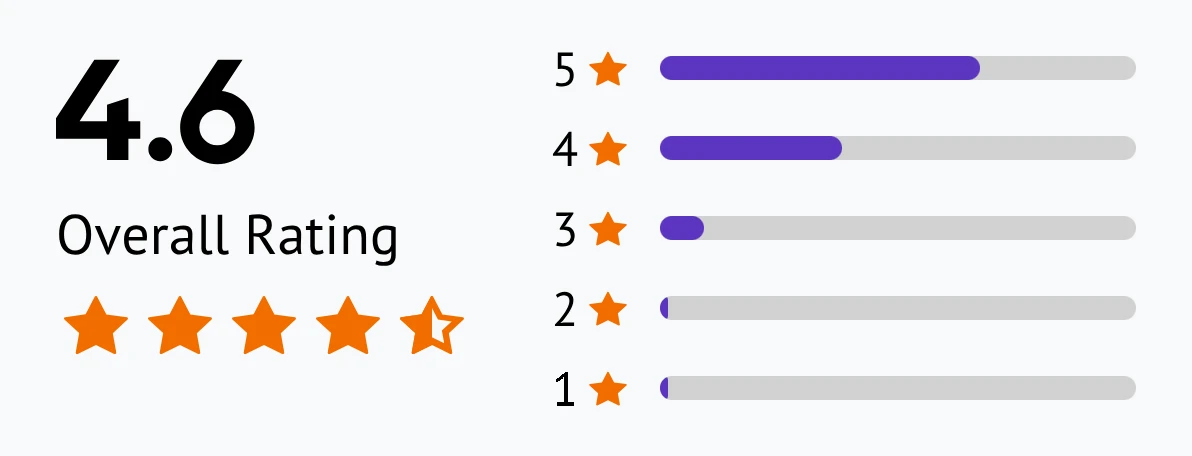
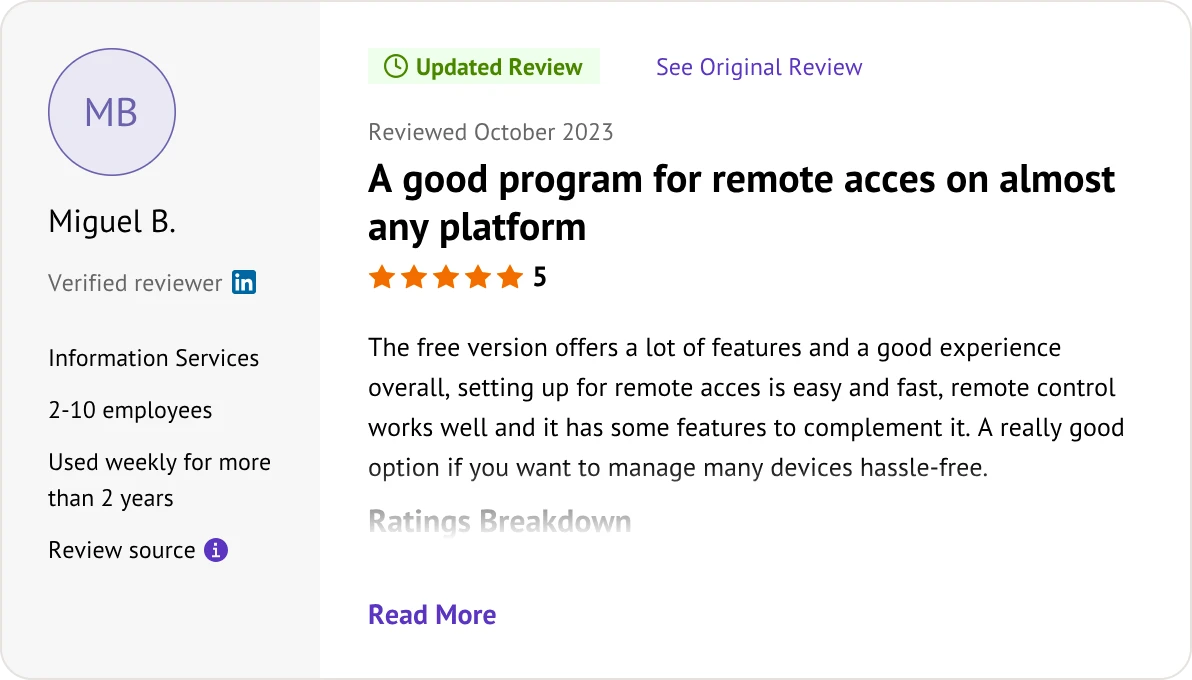
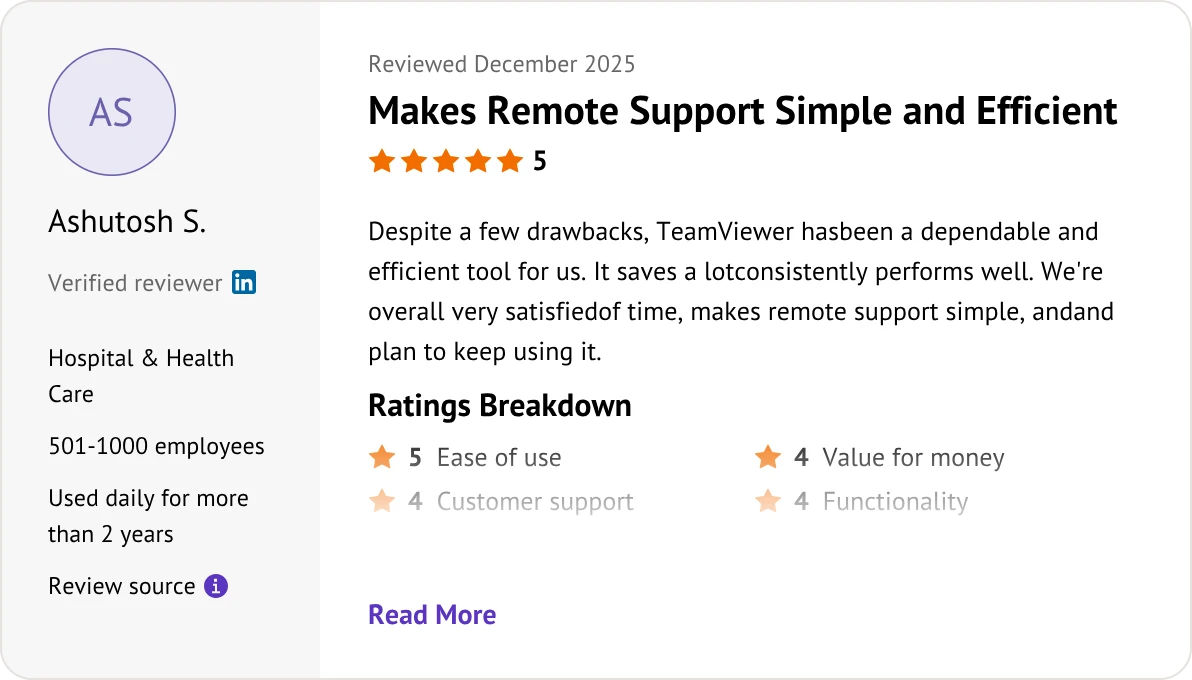
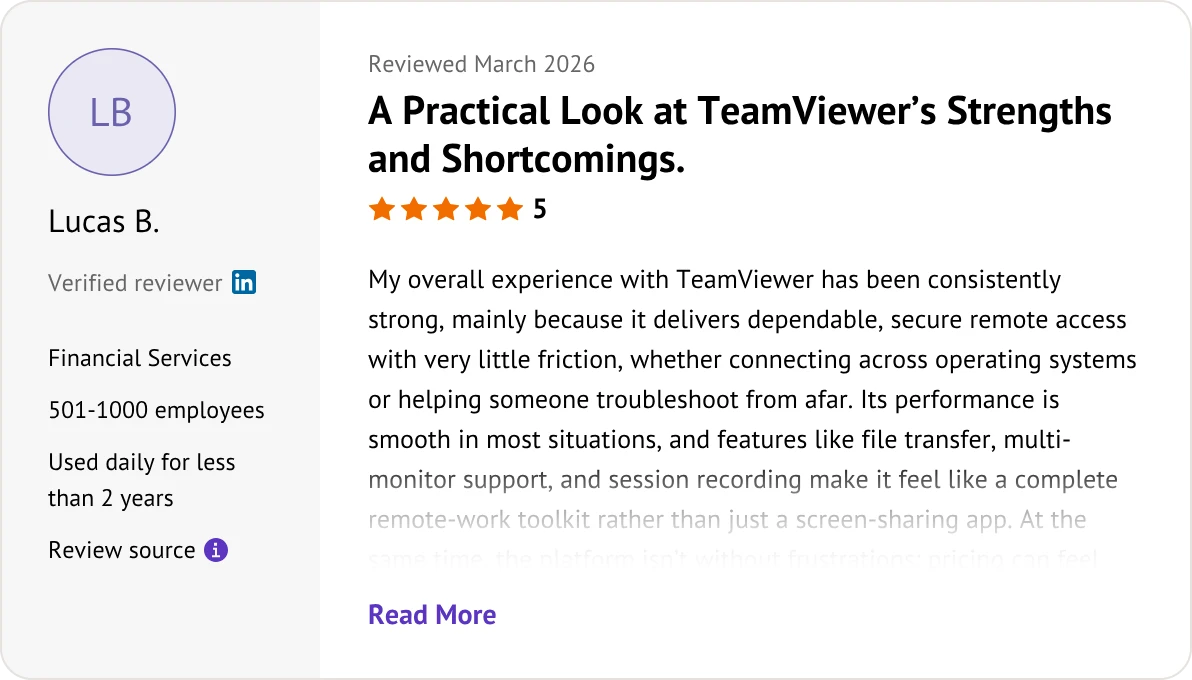
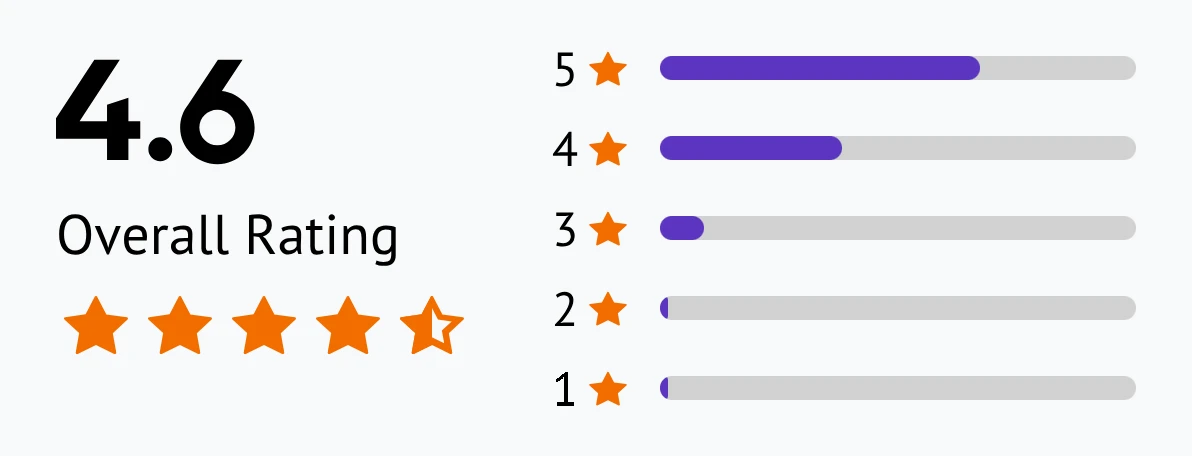
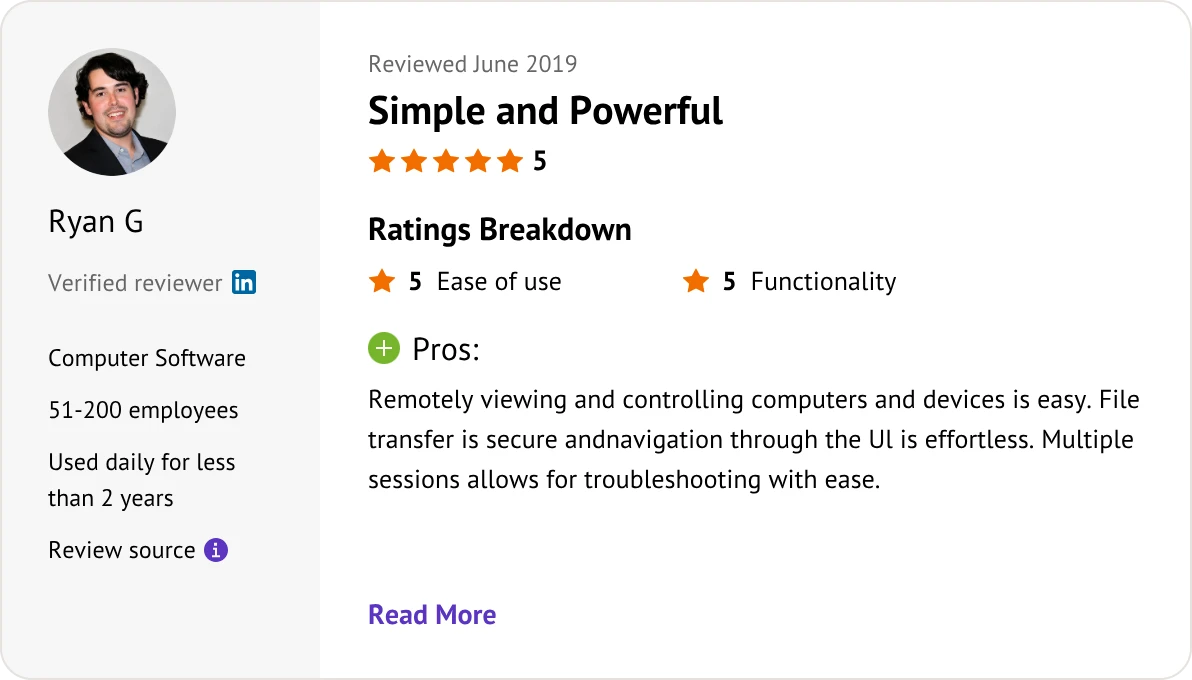
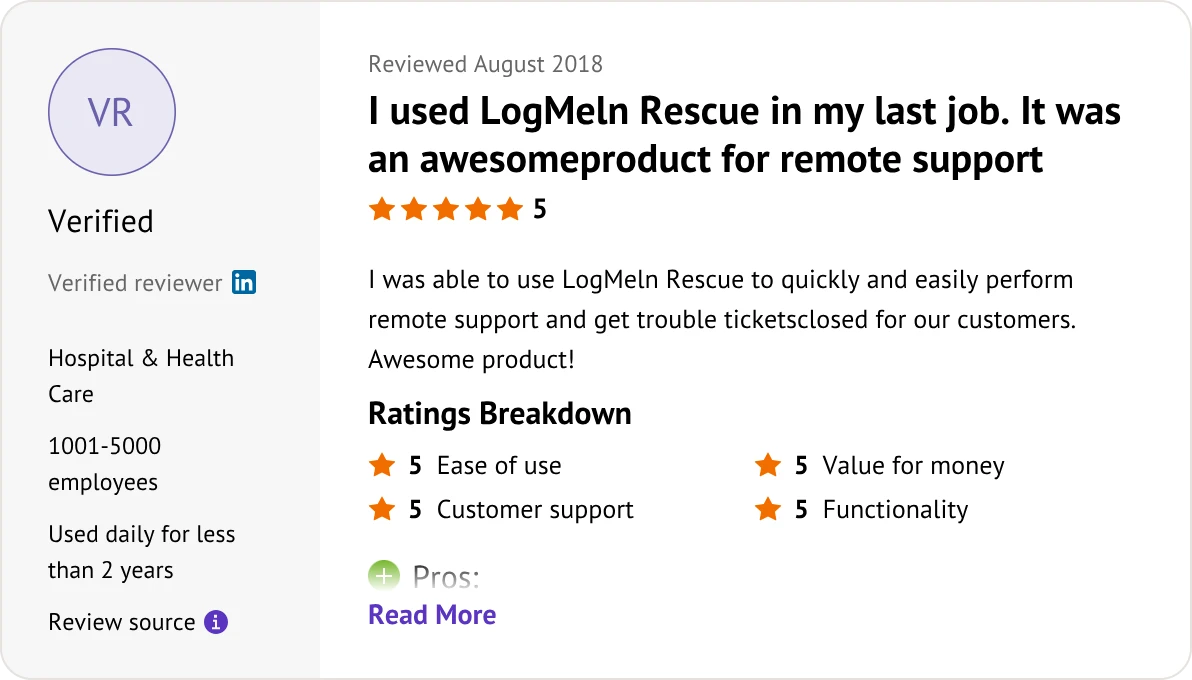
Customer reviews were taken from Trustpilot on July 6, 2026.


No. LogMeIn Rescue is strictly a paid enterprise tool. TeamViewer offers a limited free version for personal, non-commercial use only.
LogMeIn Rescue. It is purpose-built for large call centers, featuring advanced technician queuing, automated routing, and supervisor dashboards.
TeamViewer uses tiered licensing based on users and concurrent paths. LogMeIn Rescue uses a premium, fixed per-technician license model with unlimited endpoints.
TeamViewer usually requires a QuickSupport app download. LogMeIn Rescue offers a smoother clientless experience via a simple 6-digit browser PIN.
LogMeIn Rescue. It natively allows a single technician to run and toggle between up to 10 concurrent remote sessions within a tabbed console.
Yes. Both offer full remote viewing, control, and diagnostics for mobile platforms, though this typically requires a paid mobile add-on license.
TeamViewer. It provides native Linux technician clients and dedicated IoT management. LogMeIn Rescue lacks a Linux console.
TeamViewer. It is optimized for massive, persistent unattended device fleets. Rescue is primarily designed for attended, on-demand support.
LogMeIn Rescue. It allows highly granular customization of the customer applet UI, chat boxes, and connection landing pages.
Yes. Both provide AES-256 encryption, 2FA, and tamper-proof session logging to meet strict enterprise compliance audits.
TeamViewer. It leverages superior GPU hardware acceleration up to 60 FPS. Rescue is optimized for static UI troubleshooting and struggles with high-motion content.
LogMeIn Rescue. It offers deeper, out-of-the-box integrations with enterprise platforms like Salesforce, ServiceNow, and Microsoft Teams.
Pick the best fit for your technical setup and support needs.
If you need a more affordable alternative to TeamViewer and LogMeIn Rescue, AnyViewer is the perfect fit.

Line up your technical infrastructure and budget with the options below: