
Hypersensitive "Commercial Use" Filters
TeamViewer's automated detection constantly misflags free users as commercial, locking them out during simple personal tasks like helping family.


TeamViewer's soaring costs and aggressive licensing enforcement have driven a massive wave of users to look for alternatives. Here are the core pain points.
TeamViewer's automated detection constantly misflags free users as commercial, locking them out during simple personal tasks like helping family.

Once a flag occurs, TeamViewer connections aggressively terminate after just a few minutes, forcing users into a frustrating loop of constant reconnections.

TeamViewer's commercial plans are among the most expensive in the industry, featuring rigid annual contracts that price out startups and small businesses.

Subscribers frequently complain about TeamViewer's strict, hard-to-cancel auto-renewal policies and slow customer support when trying to resolve billing disputes.
The platform has morphed into a resource-heavy TeamViewer suite, causing noticeable performance lag and sluggishness on older computers.

Forced version updates, mandatory account creation, and complex permissions have overcomplicated what should be a quick, one-click TeamViewer setup.
| Software | Best for | Key Highlight |
|---|---|---|
 AnyViewer AnyViewer |
Small Teams & Personal Support | Unrestricted free tier & zero learning curve |
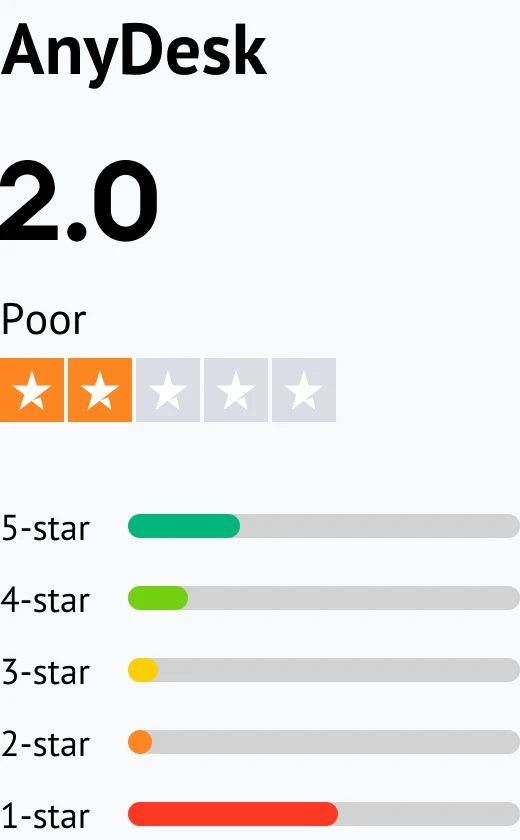
 AnyDesk AnyDesk |
High-Speed & Power Users | Low-latency & smooth performance |
 Splashtop Splashtop |
Budget-Conscious Teams | Enterprise features at half the price |
 Zoho Assist Zoho Assist |
Web-Based IT Support | Zero-install browser-based access |
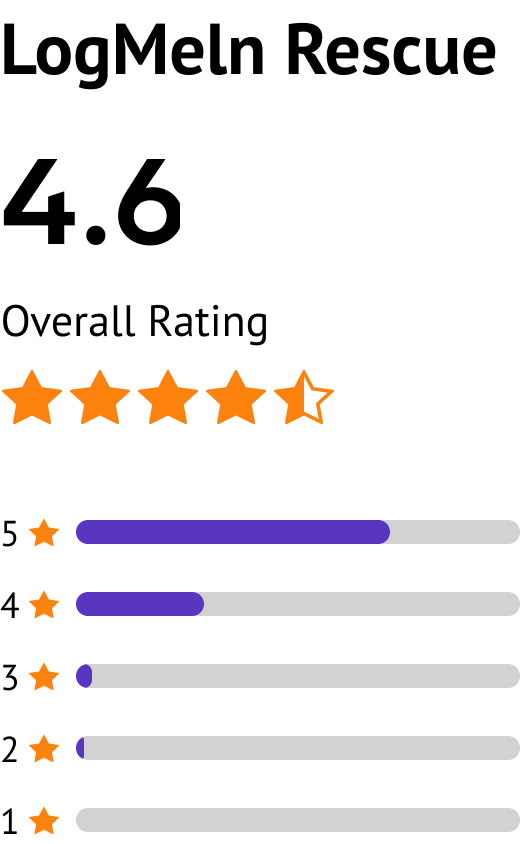
 LogMeIn Rescue LogMeIn Rescue |
Large Enterprise Help Desks | Top-tier security & granular controls |
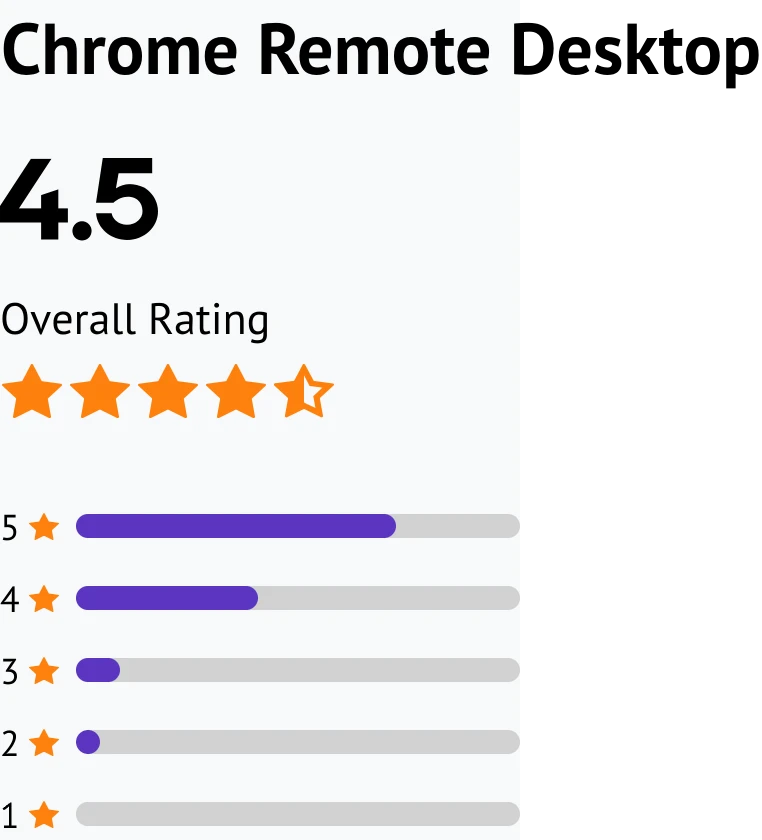
 Chrome Remote Desktop Chrome Remote Desktop |
Casual Personal Use | 100% free with simple Google setup |
While these options cover all needs, AnyViewer stands out as the top all-around choice for its completely unrestricted free tier and total ease of use. For other specific setups, Chrome Remote Desktop handles casual personal access, AnyDesk delivers low-latency speed, and tools like Splashtop, Zoho Assist, or LogMeIn Rescue provide specialized business and IT support.
AnyViewer delivers a secure, streamlined remote desktop experience featuring an unrestricted free tier and zero learning curve.
Individuals, freelancers, remote workers, small IT support teams, and budget-conscious businesses.
“AnyViewer represents an exceptional alternative for those seeking relief from TeamViewer's restrictive commercial-use tracking. By combining a generous free tier with reliable, high-speed connectivity and robust security, the platform provides a seamless remote experience without the risk of sudden user lockouts.”.
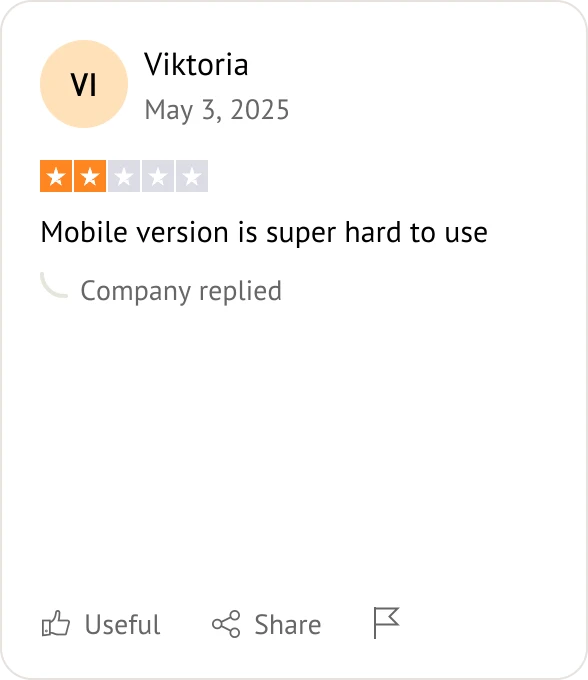
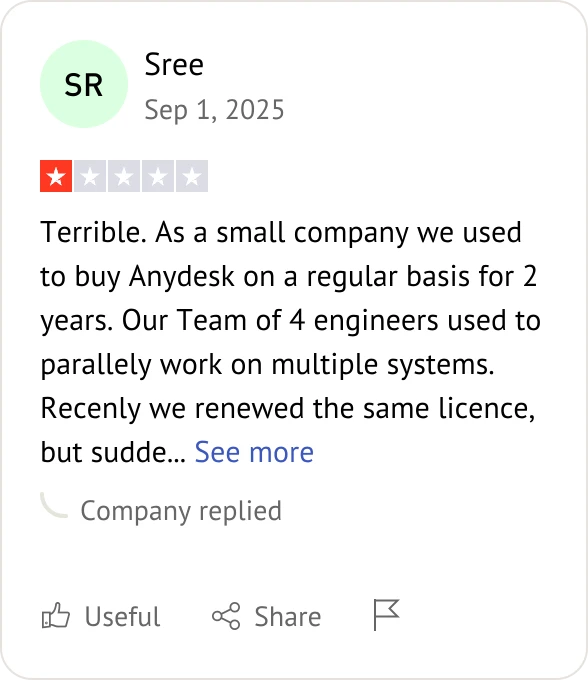
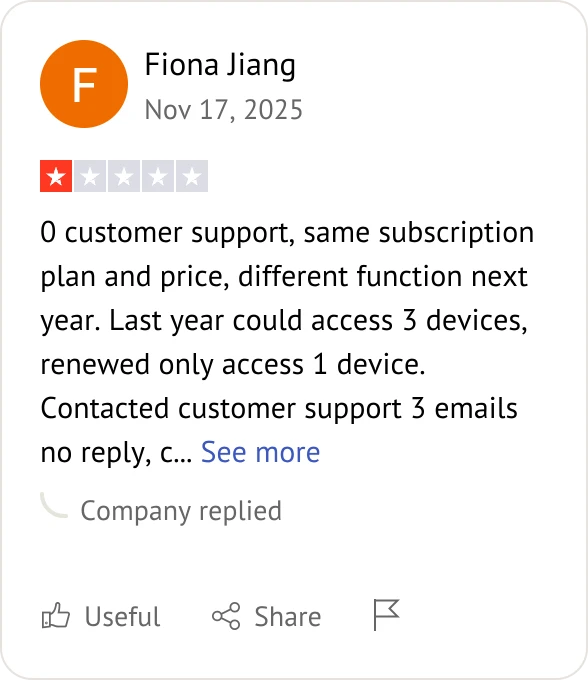
AnyDesk delivers a high-performance remote desktop experience designed for fluid, low-latency connections across complex networks.
Power users, system administrators, and large enterprise IT teams.
“AnyDesk remains a premium solution for high-speed remote access. While unnecessary for casual users, its low-latency rendering and advanced admin controls make it excellent for large-scale IT environments.”.
Splashtop provides enterprise-grade remote access features at up to half the price of TeamViewer.
Budget-conscious businesses, remote workforces, and IT departments.
“Splashtop offers an impressive combination of corporate-level tools and highly competitive pricing. For growing organizations requiring robust security and management features without high operational overhead, it represents an ideal, cost-effective alternative.”.
Zoho Assist enables instant, web-based remote support with no installation or setup required.
IT help desks, customer support teams, and remote technical support agents.
“Zoho Assist is an exceptional choice for immediate, on-demand customer support. By eliminating the need for client-side software downloads, it significantly reduces technical barriers for end-users and streamlines the entire troubleshooting process.”.
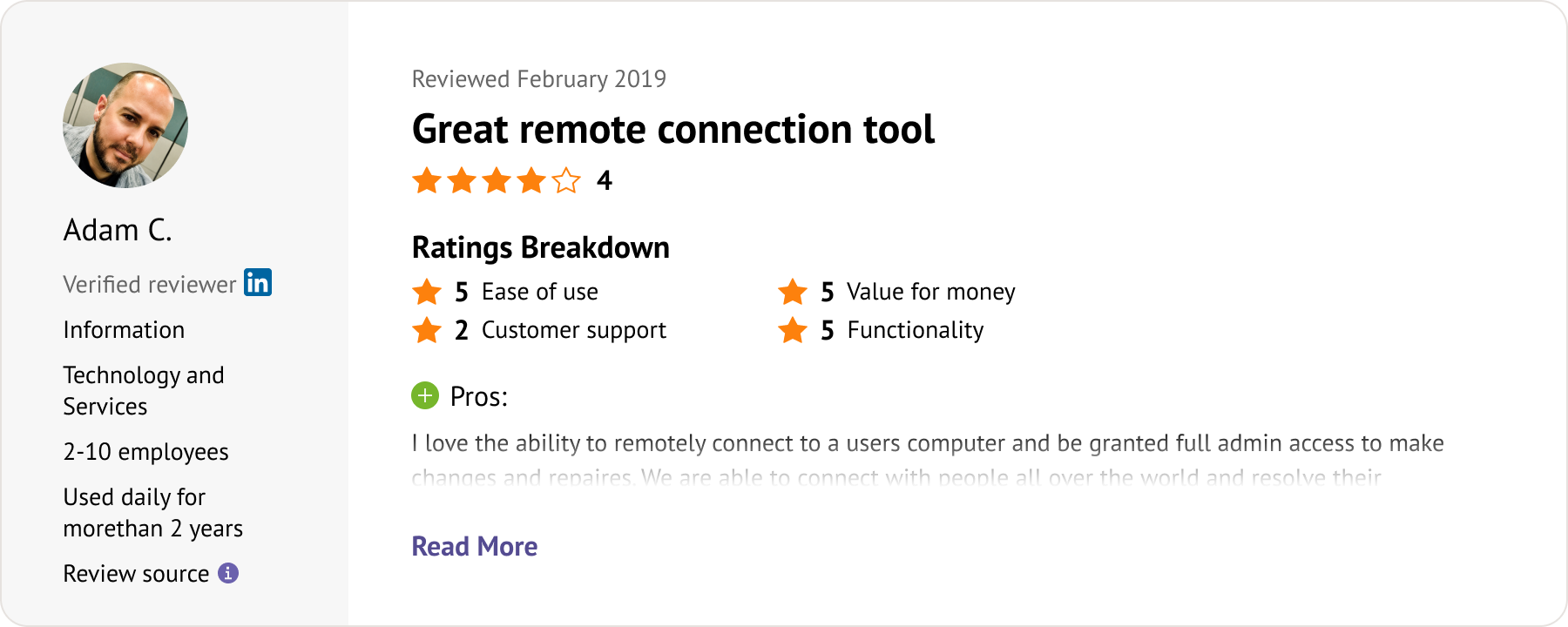
LogMeIn Rescue provides premium, massive-scale remote support equipped with top-tier security and granular administrative controls.
Large enterprise help desks and centralized corporate IT environments.
“LogMeIn Rescue is the absolute benchmark for massive corporate environments. While too costly and complex for smaller operations, its strict security compliance and comprehensive administrative oversight make it an indispensable tool for enterprise IT infrastructure.”.
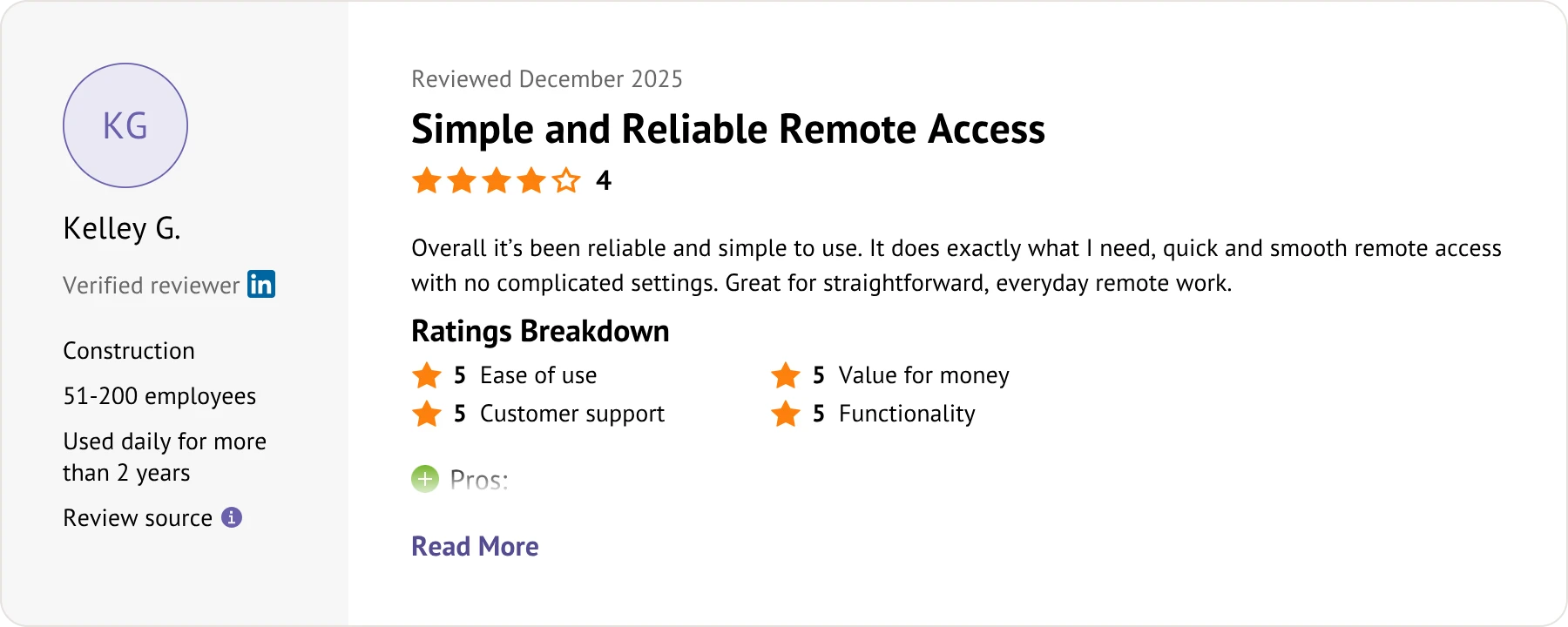
Chrome Remote Desktop delivers effortless, 100% free remote access using your Google account.
Individuals, families, and anyone needing quick, casual remote access.
“Chrome Remote Desktop is the ultimate minimalist solution for informal remote access. It lacks advanced IT features like built-in chat or mass deployment tools, but its zero-dollar price tag and effortless Google setup make it an unbeatable everyday utility.”.
| Category | TeamViewer | AnyViewer | AnyDesk | Splashtop | Zoho Assist | LogMeIn Rescue | Chrome Remote Desktop |
|---|---|---|---|---|---|---|---|
| Best for | All-in-One Enterprise IT | Budget-Friendly Access | High-Speed Remote Work | Budget-Conscious Teams | Web-Based IT Support | Large Enterprise Help Desks | Casual Personal Use |
| Free Commercial Use | No | Yes | No | No | Limited | No | Yes |
| Ease of Use | Medium | High | High | High | High | Medium | High |
| Cross-Platform Support | Windows, macOS, Linux, iOS, Android, ChromeOS, Raspberry Pi, Web access | Windows, macOS, iOS, Android | Windows, macOS, Linux, iOS, Android, FreeBSD, Raspberry Pi | Windows, macOS, Linux, iOS, Android, ChromeOS | Windows, macOS, Linux, iOS, Android, ChromeOS, Web access | Windows, macOS, iOS, Android | Windows, macOS, Linux, iOS, Android, Web access |
| Pricing | High | Low | Medium to High | Low | Low to Medium | Very High | Free |
These TeamViewer alternatives break the high-cost barrier by offering easier, highly specialized, and budget-friendly options tailored to every specific remote access need.
Both TeamViewer and its alternatives offer core remote access capabilities such as unattended access, file transfer, and remote management.
| Category | TeamViewer | AnyViewer | AnyDesk | Splashtop | Zoho Assist | LogMeIn Rescue | Chrome Remote Desktop |
|---|---|---|---|---|---|---|---|
| Unattended Access | |||||||
| File Transfer | |||||||
| Multi-Monitor Navigation | |||||||
| In-Session Chat | |||||||
| Session Recording | |||||||
| Two-Factor Authentication (2FA) | |||||||
| Remote Reboot | |||||||
| Privacy Mode | |||||||
| Role Permission Management | |||||||
| Mobile Access | |||||||
| Whiteboard & Annotation | |||||||
| MSI Deployment | |||||||
| Screen Wall | Limited |
While most alternatives achieve near-total parity with TeamViewer, AnyViewer stands out as a premier choice by matching every enterprise feature while uniquely offering advanced capabilities like Screen Wall.
For freelancers, startups, and growing IT support teams, software pricing is a critical dealbreaker when choosing a remote desktop platform. (July 2026 update)
| Category | TeamViewer | AnyViewer | AnyDesk | Splashtop | Zoho Assist | LogMeIn Rescue | Chrome Remote Desktop |
|---|---|---|---|---|---|---|---|
| Free Plan | Limited free use | Free for personal & commercial use | Personal use only | Limited trial/free use | Limited free version | No free plan (Trial only) | Completely free |
| Entry-Level Pricing | Expensive business plans | Low-cost plans | Higher starting price | Medium pricing | Budget-friendly pricing | Extremely expensive | Free |
| Commercial Usage | Paid license required | Included in free version | Paid license required | Paid required | Basic free tier / Paid for advanced | Strictly paid required | Limited business features |
| Managed Devices | High limits for enterprises | Flexible for individuals & teams | Limited on lower plans | Business-oriented device management | Scalable unattended access | Enterprise-grade endpoint limits | Basic only |
| Concurrent Sessions | Multiple enterprise sessions | Multiple sessions supported | Limited by license | Multiple session support | Scalable per technician seat | High multi-session concurrency | Single-session focused |
| Best Pricing Advantage | Enterprise management capabilities | Better value for small businesses | Mature enterprise ecosystem | Balanced remote | Great value for cloud IT support | Premium toolkit for major help desks | Completely free |
This pricing comparison reveals how modern alternatives successfully shatter TeamViewer's high-cost barrier by offering a flexible spectrum of budget-friendly, scalable, and completely free options.
Choosing secure remote desktop software is vital for businesses and IT professionals handling remote device management, corporate databases, and confidential files.
| Category | TeamViewer | AnyViewer | AnyDesk | Splashtop | Zoho Assist | LogMeIn Rescue | Chrome Remote Desktop |
|---|---|---|---|---|---|---|---|
| AES Encryption | |||||||
| ECC / RSA Encryption | RSA | ECC | RSA | TLS/AES | RSA | RSA | Google protocol |
| Two-Factor Authentication | Google account verification | ||||||
| Role Permission Management | |||||||
| Device Authorization | Google account-based | ||||||
| Privacy Mode | |||||||
| Blacklist / Whitelist | |||||||
| Remote Control Permission Settings | Basic only | ||||||
| GDPR Compliance | Google policy dependent | ||||||
| Proxy Support | |||||||
| Lock Interface |
While consumer options like Chrome Remote Desktop bypass crucial network and compliance guardrails, professional alternatives like AnyViewer and LogMeIn Rescue fully match TeamViewer's ironclad, enterprise-grade security architecture.
The speed and responsiveness of remote desktop software rely on critical factors like network bandwidth, latency optimization, screen-rendering protocols, and dynamic bandwidth adaptation.
| Category | TeamViewer | AnyViewer | AnyDesk | Splashtop | Zoho Assist | LogMeIn Rescue | Chrome Remote Desktop |
|---|---|---|---|---|---|---|---|
| Fast Home Network (100 Mbps) | Smooth | Smooth and responsive | Responsive | Smooth | Smooth | Smooth | Good |
| Office Network (25 Mbps) | Stable | Stable with minor delay | Responsive | Stable | Stable | Highly stable | Moderate |
| Slow Hotel WiFi (5 Mbps) | Noticeable delay | Usable for daily tasks | Moderate | Moderate | Moderate delay | Adaptive stability | Limited |
| Long Remote Sessions | Stable | Stable and consistent | Stable | Stable | Stable | Highly stable (Enterprise) | Basic only |
| Multi-Monitor Workflow | Smooth | Smooth switching | Smooth | Smooth | Smooth navigation | Advanced multi-display | Limited |
| High-Resolution Streaming | Good | Good rendering quality | Strong compression efficiency | Good | Standard quality | Good | Limited |
| Remote Gaming | Limited gaming optimization | Optimized for smoother 3D gameplay | Responsive controls | Moderate | Poor (Enterprise focused) | Poor (Strictly corporate IT) | Poor |
| Real-Time Remote Support | Strong support workflow | Stable remote troubleshooting | Fast remote response | Stable | Highly optimized helpdesk | Top-tier enterprise support | Basic only |
| File Transfer Speed | Fast | Stable large-file transfer | Fast transfer speed | Fast | Fast | Very fast | Limited |
| Mobile-to-PC Remote Access | Smooth | Smooth | Smooth | Smooth | Smooth | Stable | Browser dependent |
| Resource Consumption | Higher resource usage | Lightweight | Lightweight | Moderate | Moderate to lightweight | Higher resource usage | Very lightweight |
Traditional big-business software eats up a lot of computer memory just to stay stable. Modern alternatives are much lighter on your system, staying fast and responsive even on shaky internet.
To save you the guesswork, we put the top TeamViewer alternatives through rigorous daily workflows to see which ones actually remain lag-free on shaky internet connections.
| Software | Connect Time | Average Latency | 2GB File Transfer | Idle RAM Usage | CPU Usage During Session |
|---|---|---|---|---|---|
 TeamViewer TeamViewer |
2.5-3.2s | 70-95ms | 55-70MB/s | 280-350MB | 13-20% |
 AnyViewer AnyViewer |
1.2-1.6s | 45-58ms | 85-100MB/s | 110-150MB | 6-9% |
| AnyDesk |
1.3-1.7s | 45-60ms | 80-95MB/s | 140-180MB | 7-11% |
 Splashtop Splashtop |
1.5-2.0s | 45-65ms | 75-90MB/s | 220-290MB | 8-14% |
| Zoho Assist |
2.0-2.6s | 65-80ms | 60-75MB/s | 160-210MB | 9-14% |
| LogMeIn Rescue
|
3.5-4.5s | 75-100ms | 70-85MB/s | 320-410MB | 15-22% |
 Chrome Remote Desktop Chrome Remote Desktop |
2.0-2.8s | 80-110ms | N/A | 170-230MB | 8-13% |
Test Environment:
|
Observations:
|
||||
Different remote desktop users have different priorities. Some focus on affordability and simplicity, while others need advanced management, enterprise deployment, or gaming responsiveness.
Remote workers require reliable device access along with fast file transfer capabilities and seamless cross-device compatibility. Everyday remote work workflows typically prioritize user-friendly interfaces and connection stability over heavy enterprise management frameworks.
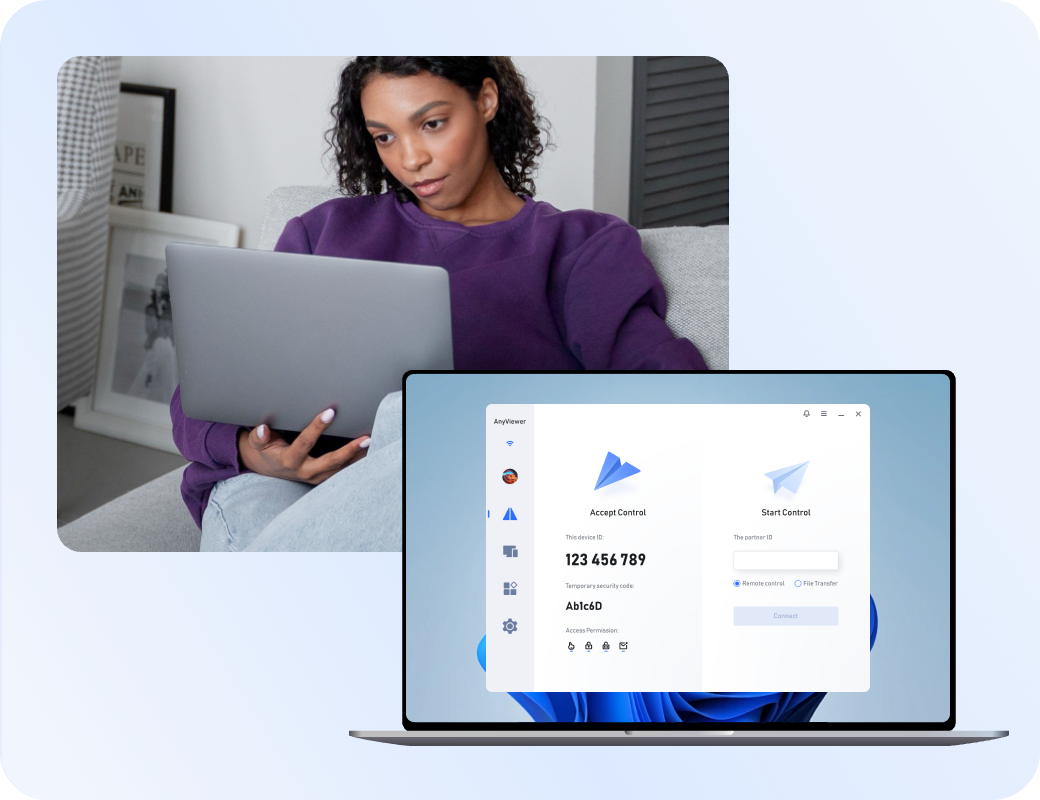
IT support teams prioritize concurrent multi-session handling, advanced security auditing, and robust background diagnostic tools over basic consumer-grade speed.

Small businesses prioritize cost-effective pricing, straightforward user management, and flexible multi-device deployment without steep learning curves.

Gamers prioritize ultra-low input latency, high-frame-rate rendering, and robust controller redirection over standard corporate file management utilities.

True cross-platform accessibility demands seamless ecosystem interoperability and uncompromised performance metrics, ensuring a frictionless experience across Windows, macOS, Linux, and mobile environments.

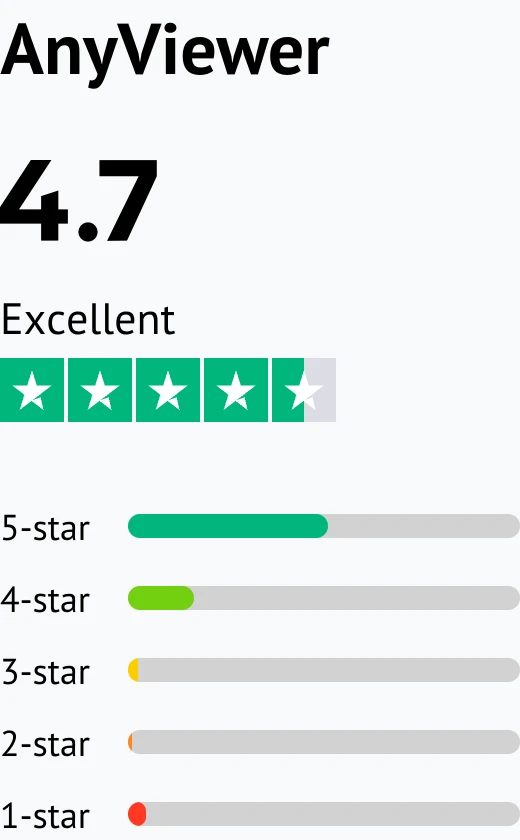
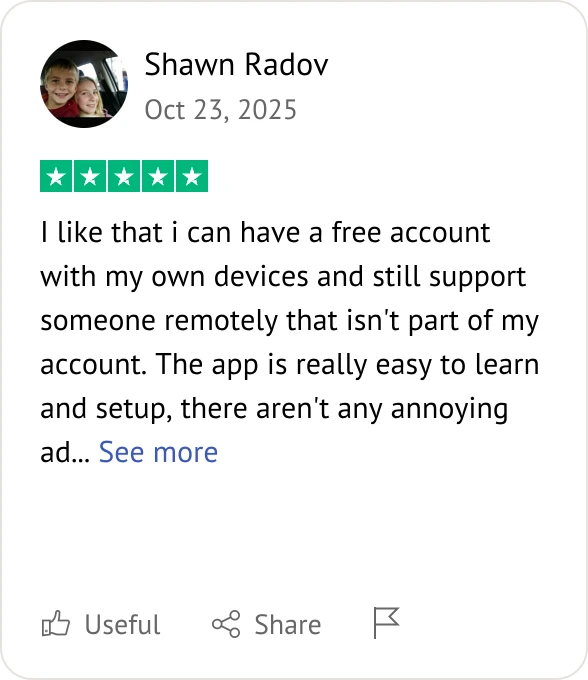
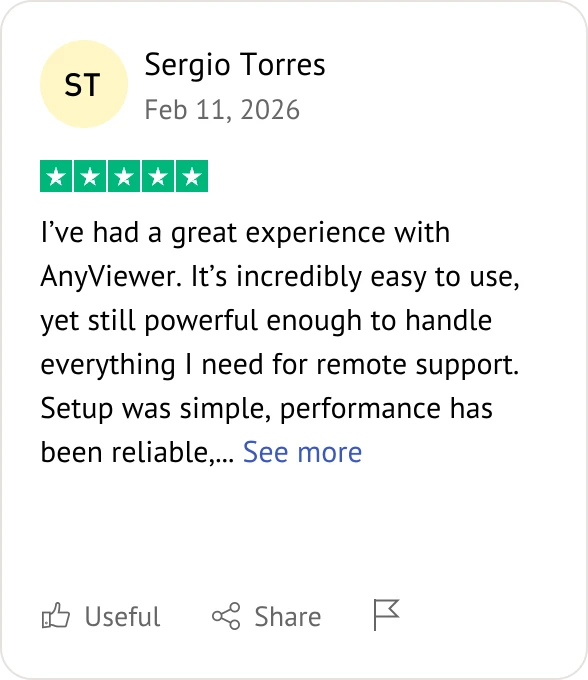
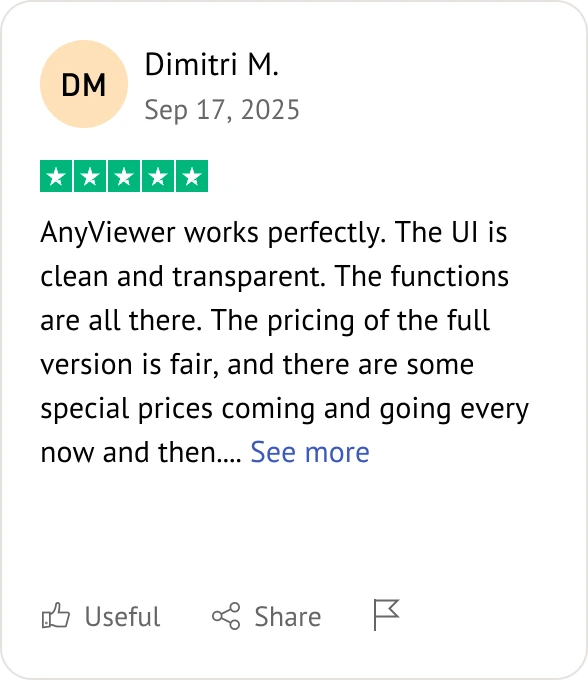
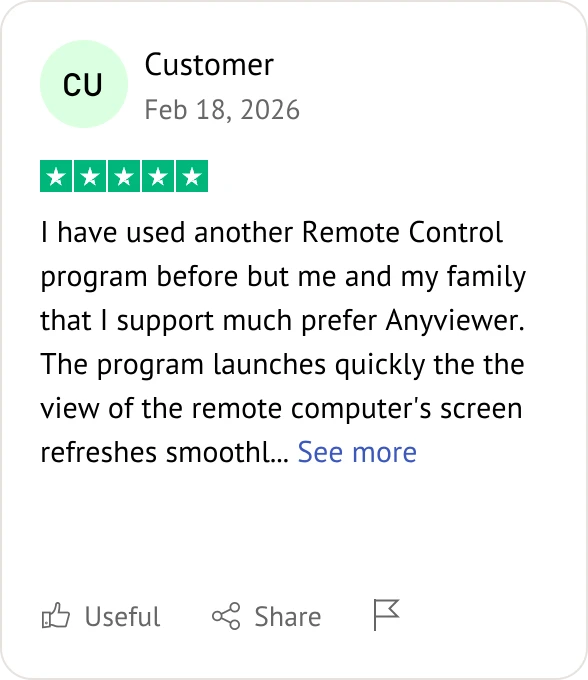
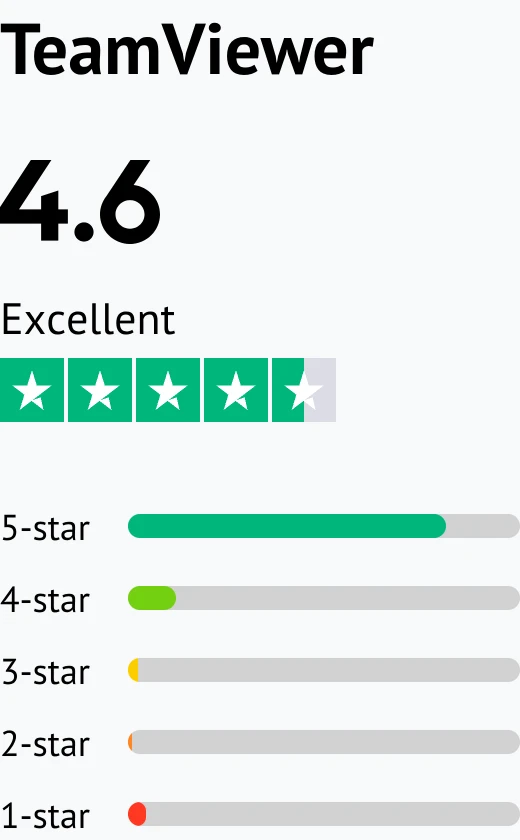
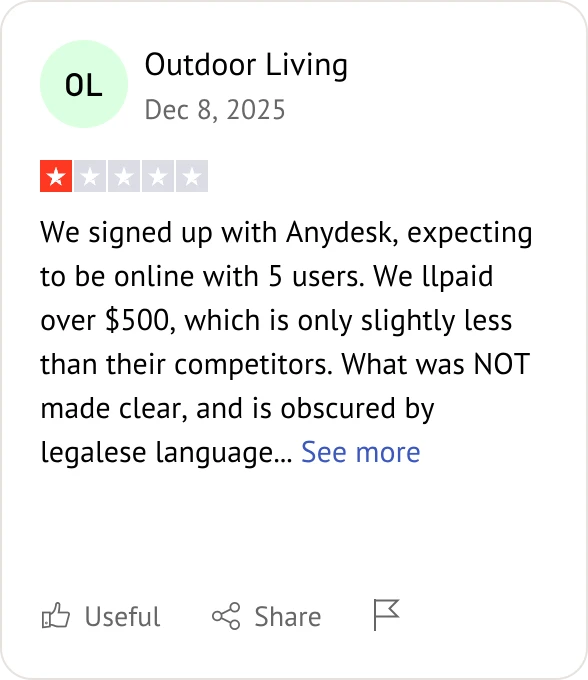
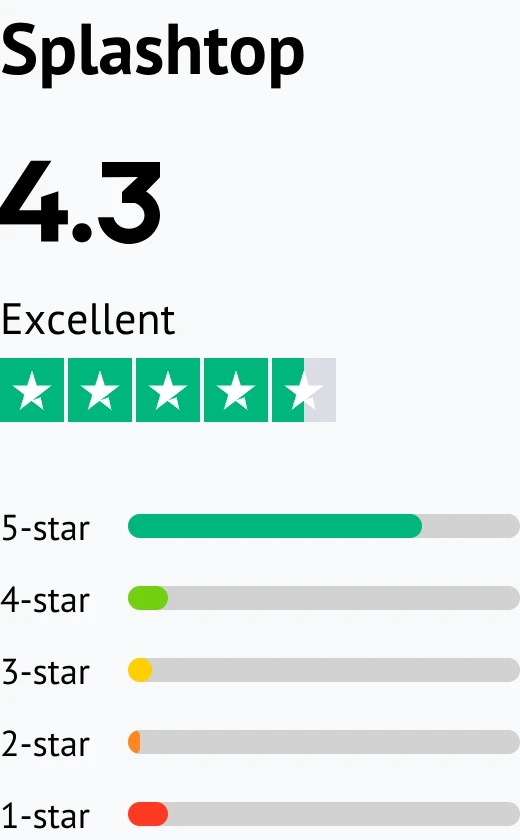
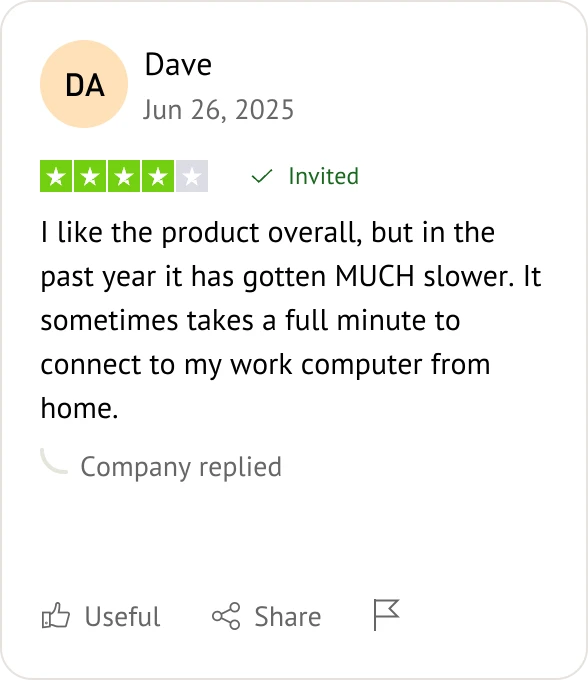
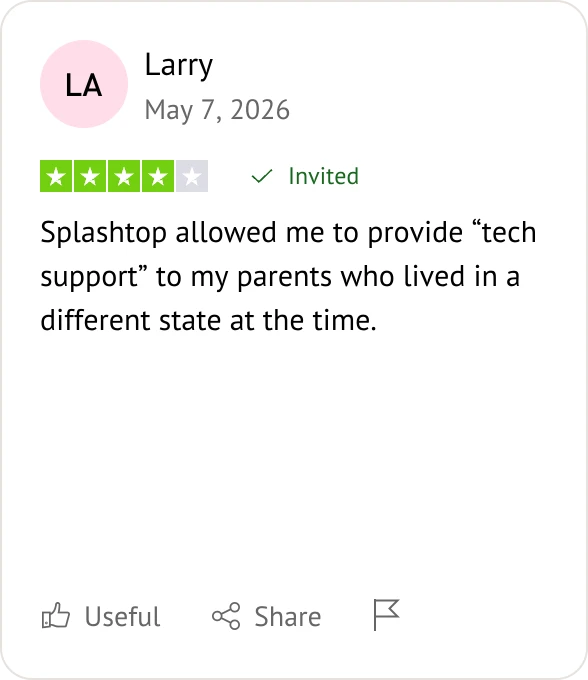
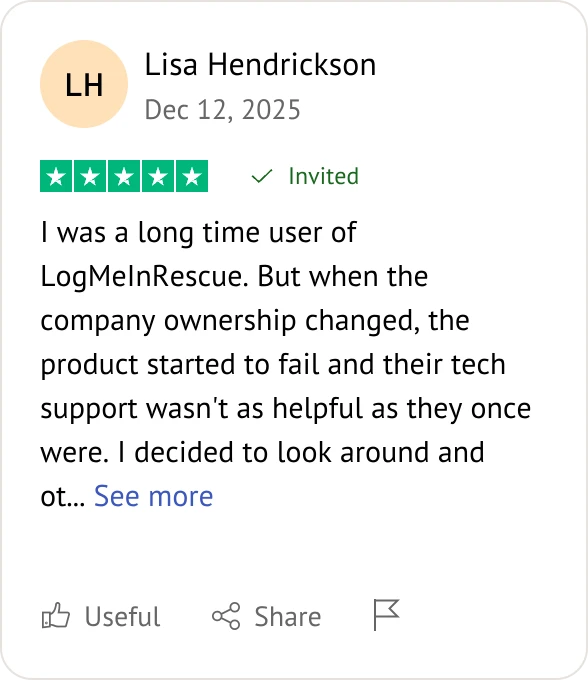
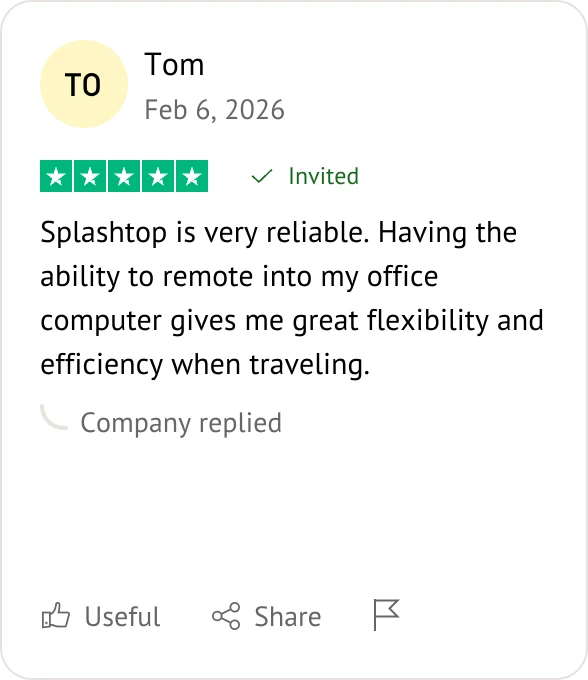
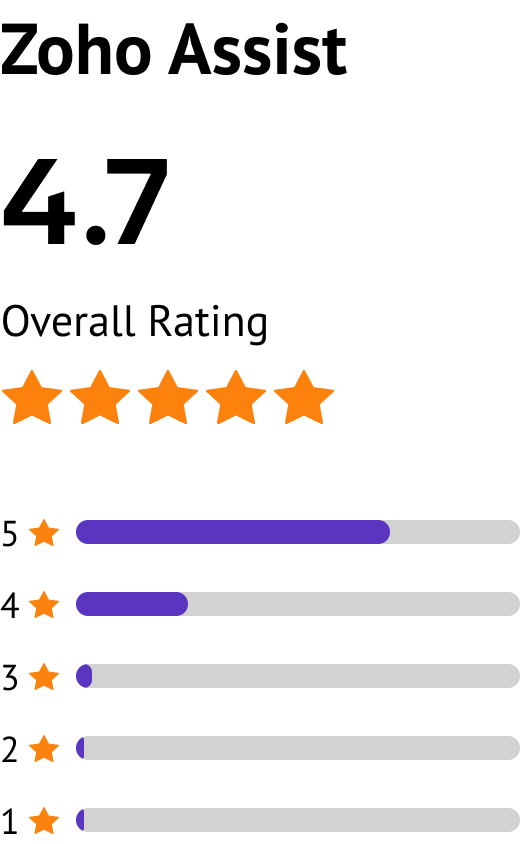
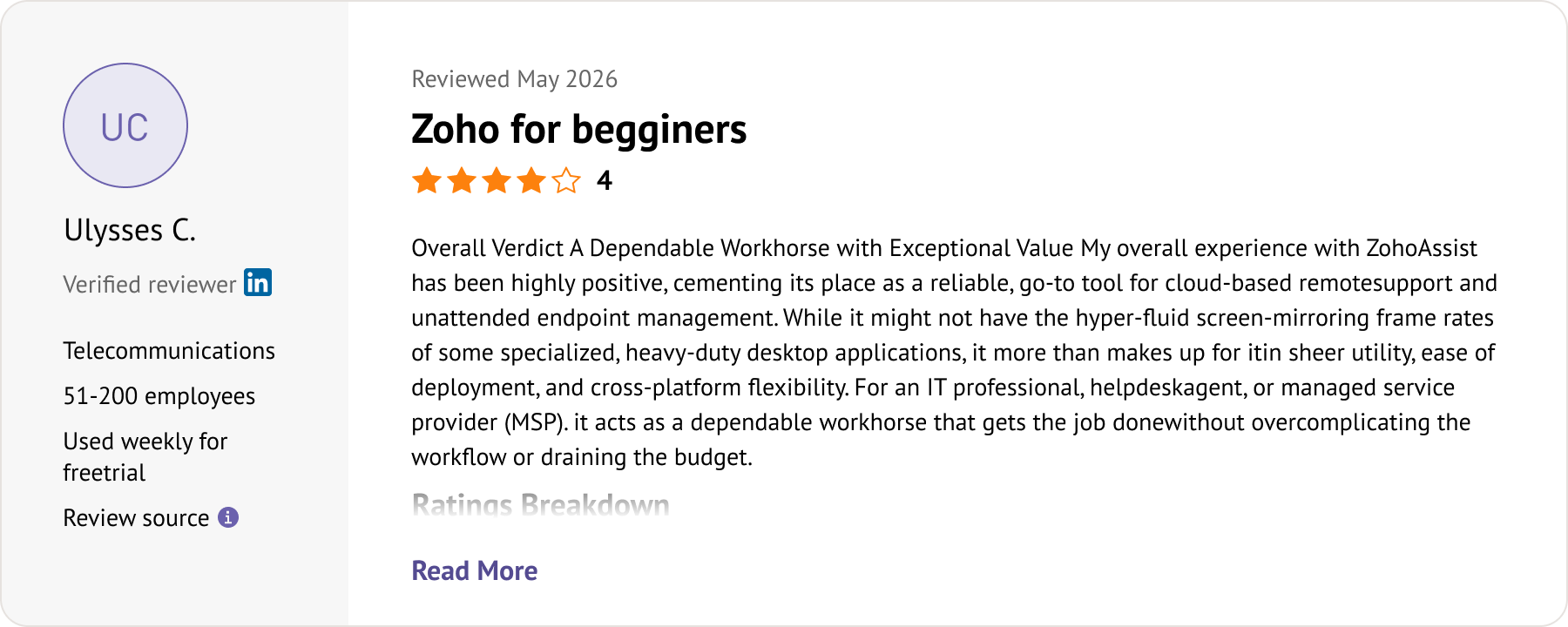
Customer reviews were taken from Trustpilot and Software Advice on May 20, 2026.
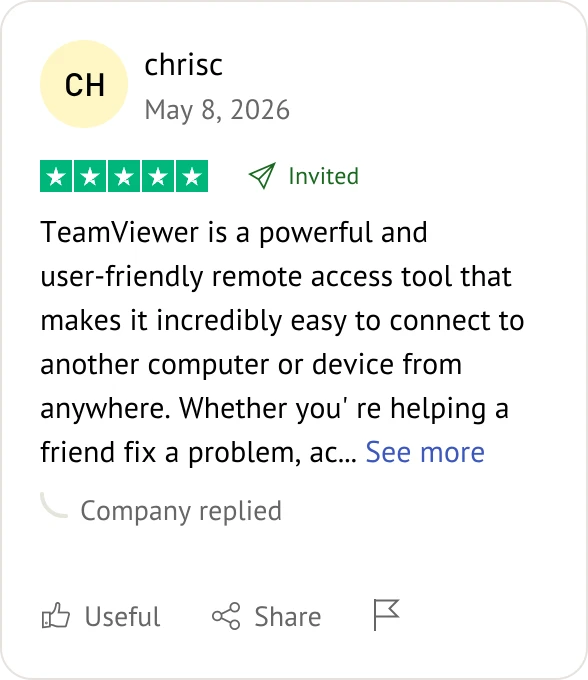
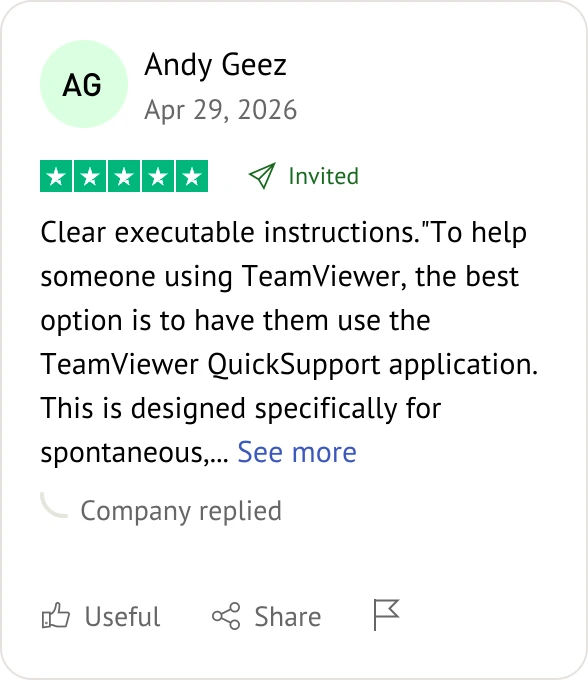
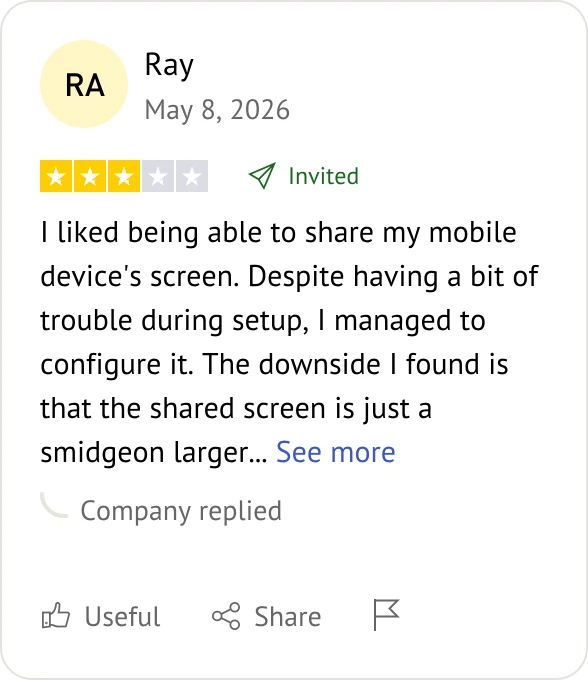
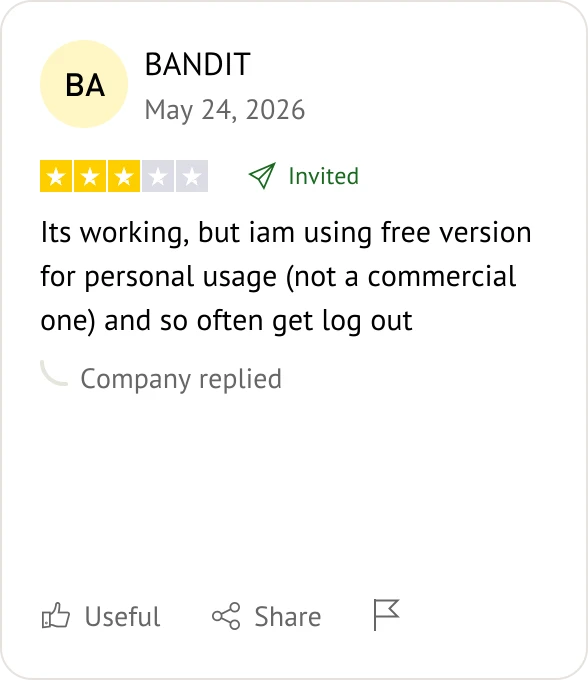
Users usually switch to avoid TeamViewer's frequent "commercial use suspected" session blocks on free accounts and its high subscription costs for small businesses.
AnyViewer and Chrome Remote Desktop are top choices. AnyViewer provides fast file transfers and multi-monitor support, while Chrome Remote Desktop offers simple, browser-based access.
Yes. Both AnyViewer and Chrome Remote Desktop allow commercial use on their free tiers without forcing you into paid licensing or imposing time-limit restrictions.
AnyViewer and AnyDesk are strong choices. AnyViewer features dedicated gaming-mode optimizations, while AnyDesk uses high-efficiency compression to minimize input lag during fast-paced tasks.
Top alternatives like Splashtop and AnyDesk match TeamViewer by using bank-grade 256-bit AES encryption, TLS protocols, mandatory multi-factor authentication (MFA), and comprehensive session logging.
Yes. Most allowed alternatives, including AnyViewer, AnyDesk, and Splashtop, fully support unattended access once you set up a secure access key or bind the device to your account.
AnyDesk is highly optimized for cross-platform workflows, offering fluid performance and precise input translation across Windows, macOS, Linux, iOS, and Android.
No. Web-centric platforms like Zoho Assist and Chrome Remote Desktop allow you to initiate and control remote sessions directly from a standard browser without local installation.
Splashtop and AnyViewer offer the most competitive team plans, providing robust user administration and remote access features at a fraction of TeamViewer's pricing.
Yes, but performance varies. AnyViewer and AnyDesk feature fast, dedicated file transfer pipelines, whereas lightweight tools like Chrome Remote Desktop lack high-speed native file sharing.
LogMeIn Rescue and Zoho Assist are ideal for IT desks because they prioritize deep diagnostic utilities, multi-session management, and direct integration with ticketing platforms.
Not necessarily. While higher bandwidth improves display resolution, tools like AnyDesk use highly efficient compression codecs to ensure stable, responsive control even on low-bandwidth networks.
Choose the alternative that perfectly aligns with your budget, team size, and daily operational needs.