| Category |
|
|
|---|---|---|
| Best For | Budget-conscious SMBs and single professionals | Large-scale global enterprises with massive IT infrastructure |
| Free Plan | Local network only (Paid add-on required for internet access) | Non-commercial use only (Monitored by aggressive timeout algorithms) |
| Ease of Use | Fragmented product lines; setup depends on selected subscription package | Full-featured but complex dashboard; steeper learning curve for end users |
| Performance | Solid color rendering; premium add-ons optimize creative streams | Standard high clarity but implements aggressive bandwidth compression |
| Pricing | Affordable specialized packages, though multi-endpoint scaling adds up | Premium enterprise tiers tailored exclusively for large-scale corporate budgets |
| Security | TLS (incl. TLS 1.2) key exchange, 256-bit AES session encryption, and 2FA | 4096-bit RSA key exchange, 256-bit AES session encryption, and 2FA |
| Feature |
|
|
|---|---|---|
| One-Click Unattended Access | ||
| File Transfer | ||
| Multiple Sessions | ||
| Multi-Monitor Support | ||
| Virtual Screen | ||
| Mobile Access | iOS & Android | iOS & Android |
| Connection from | Windows, macOS, iOS, Android, Chrome OS, Web Browser | Windows, macOS, Linux, iOS, Android, Chrome OS, Raspberry Pi, Remote Web Client |
| Connection to | Windows, macOS, Linux, iOS, Android | Windows, macOS, Linux, iOS, Android, Chrome OS, Raspberry Pi |
| Security | AES 256-bit + TLS Key Exchange + 2FA | AES-256 bit + RSA Verification + 2FA |
| Proxy Server | ||
| 3D Game Mouse | ||
| Smart Frame Rate | ||
| MSI Deployment | ||
| Privacy Mode | ||
| Role Permission Management | ||
| Real-Time Chat | ||
| Whiteboard | ||
| Screen Wall | ||
| Wake-on-LAN |
Feature Insight: While both Splashtop and TeamViewer match closely on daily operational and security tools, they differ slightly in niche OS compatibility and advanced display virtualization.
Plans |
|
|
|---|---|---|
| Free Tier |
Free for local network only
|
Free for strictly non-commercial use
|
| Entry-Level Tier |
Solo Plan: Start from $6.00/month
|
Single User Plan: From $24.90 to $50.90/month
|
| Mid-Level Tier |
Pro Plan: Start from $8.25/month/user
|
Premium Plan: Start from $112.90/month
|
| High-Level Tier |
Performance Plan: Start from $13.00/month/user
|
Corporate Plan: Start from $229.90/month
|
Pricing Insight:Splashtop offers a lower entry barrier for individual and small-team scaling, while TeamViewer requires a higher initial investment but provides significantly higher managed-device caps per tier.
| Security Measures |
|
|
|---|---|---|
| 256-bit AES encryption | ||
| 256-bit ECC encryption | ||
| Two-factor authentication | ||
| Permission-based access control | ||
| Remote control/file transfer permission management | ||
| Secure account-based access | ||
| Blacklist and whitelist | ||
| Privacy mode | ||
| Remote screen frame | ||
| Role permission management | ||
| GDPR compliant | ||
| Lock interface | ||
| Proxy support | ||
| Cloud Conditional Access (IP/Time restriction) |
Security Insight: Both show a unified standard in general data privacy, regulatory compliance, and granular user roles, differing only in high-level conditional network environment filtering.
| Performance Metrics |
|
|
|---|---|---|
| Max Frame Rate | Up to 60 FPS (Supports up to 240 FPS on high-tier performance plans) | Up to 60 FPS (Adapts dynamically based on hardware and connection quality) |
| Latency & Responsiveness | Ultra-low latency optimized for real-time video editing and 3D workflows | Low baseline latency backed by global routing infrastructure; highly stable |
| Image & Color Fidelity | Delivers crisp, high-fidelity rendering with 4:4:4 color accuracy on advanced tiers | High-definition display scaling with automatic or manual clarity adjustments |
| Bandwidth Adaptability | Employs smart profiles (Best Speed/Best Quality) to match your internet | Dynamic bandwidth management that scales quality down automatically to prevent drops |
| Hardware Acceleration | Cross-platform hardware acceleration leveraging NVIDIA, AMD, and Intel GPUs to ease CPU load | Full hardware acceleration leveraging local GPU resources for smoother rendering |
| File Transfer Speed | Provides fast, reliable transfer speeds via drag-and-drop or copy-paste | Stable transfers, though speeds may throttle during high-load or long-distance sessions |
Insight: Both support 60 FPS, low latency, and hardware acceleration, with Splashtop reaching 240 FPS for 3D workflows and TeamViewer providing stable global routing. Alternatively, AnyViewer delivers matching high-speed modes and True Color rendering at a lower cost.
| Category |
|
|
|---|---|---|
|
High-value pricing optimized for small
budgets
Splashtop offers a low-cost per-user model ($6-$8.25/mo), while
TeamViewer requires high upfront tier investment
($24.90-$112.90/mo).
|
||
|
Simple, zero-config setup for instant deployment
Both platforms feature plug-and-play clients and instant
unattended access without requiring dedicated IT configurations.
|
||
|
Professional tools for essential daily business tasks
Both vendors deliver a complete suite of daily essentials
including file transfer, real-time chat, multi-monitor display,
and whiteboard.
|
||
|
High device limits and flexible concurrent sessions
Splashtop implements strict device-per-user limits (2-10 PCs),
whereas TeamViewer limits concurrent channel usage per
subscription.
|
||
|
Robust 256-bit encryption and multi-layer security
Both guarantee equivalent bank-grade defense via AES 256-bit
encryption, mandatory 2FA, granular role permissions, and GDPR
compliance.
|
Insight: Both platforms deliver identical security, ease of setup, and daily work tools for small businesses. The main difference is cost: Splashtop offers highly affordable, budget-friendly pricing, while TeamViewer requires a much higher upfront investment for the exact same core features.
| Category |
|
|
|---|---|---|
|
Mass silent MSI deployment
Both support seamless background installation via MSI packages
and command-line parameters through SCCM or Intune.
|
||
|
Mass unattended endpoint monitoring
Both cap base unattended options per user, requiring separate
add-on modules (Remote Support Premium or Tensor) for massive
endpoint scaling.
|
||
|
Enterprise integration & API ecosystem
TeamViewer provides deeper native hooks into SAP, ServiceNow,
and Salesforce, whereas Splashtop relies more heavily on
third-party integrations.
|
||
|
Global connectivity performance
Both maintain robust global relay infrastructures, ensuring
low-latency handshakes and optimized data routing across
international borders.
|
||
|
Regulatory compliance & certifications
Both meet gold-standard enterprise compliance rules including
ISO 27001, SOC 2, HIPAA, GDPR, and localized data residency
laws.
|
Insight: Both platforms are evenly matched on security, speed, and large-scale deployment. The only major difference is integration: TeamViewer offers deeper connections to major corporate software, while Splashtop relies more on third-party tools.
| Category |
|
|
|---|---|---|
|
Instant access for fast client troubleshooting
Both provide seamless on-demand support (SOS/QuickSupport) via
simple link sharing or session codes without pre-installation.
|
||
|
Seamless monitoring for unattended, always-on devices
Both feature highly reliable Host installers for permanent, 24/7
background access and continuous server/endpoint monitoring.
|
||
|
Centralized ITSM integration and workflow automation
TeamViewer provides extensive native integrations with major
CRMs/ITSMs (SAP, ServiceNow, Salesforce), whereas Splashtop
handles fewer baseline platforms.
|
||
|
Advanced tools for deep system repair
Splashtop offers optimized remote reboot and rapid system
interactive diagnostic shortcuts, edgeing slightly ahead in
localized technician tool efficiency.
|
||
|
Complete session oversight and data protection
Splashtop delivers highly comprehensive session video recording
and granular event audit logging out-of-the-box across all
technician tiers.
|
Insight: Both tools are excellent for fast, 24/7 IT support. TeamViewer is better for large companies that need major software integrations, while Splashtop wins for technicians who want better repair tools and built-in security logs.
| Category |
|
|
|---|---|---|
|
Automated detection of non-licensed commercial activity
TeamViewer heavily enforces strict algorithmic detection on its
free tier, frequently generating false-positive commercial usage
blocks for private connections.
|
||
|
Transparent subscription costs and high-value licensing
Splashtop keeps pricing simple and transparent, while
TeamViewer's base cost is substantially higher and requires
expensive separate add-on modules.
|
||
|
Flexible renewal terms and easy cancellation process
Splashtop offers hassle-free, one-click online cancellation,
whereas TeamViewer strictly requires a 28-day advance written
notice to prevent auto-renewal charges.
|
||
|
Centralized management of user access and permissions
Both vendors deliver mature corporate dashboards providing
granular administrator role-based controls, group permissions,
and centralized policy enforcement.
|
||
|
Scalable concurrent sessions for high-volume device fleets
Splashtop scales cost-effectively by charging per managed
endpoint or allowing more parallel sessions per tech, while
TeamViewer charges premium rates for extra concurrent channels.
|
Insight: While both offer excellent corporate management tools, Splashtop is far superior for business operations due to its transparent pricing, easy cancellation policies, and hassle-free licensing compared to TeamViewer's strict rules and high hidden costs.
| Category |
|
|
|---|---|---|
|
OS coverage across desktop and mobile ecosystems
Both support major desktop and mobile systems, but TeamViewer
extends natively to specialized environments like Linux, Chrome
OS, and Raspberry Pi.
|
||
|
Attended and unattended mobile remote control
TeamViewer provides extensive unattended mobile control across
broader Android/IoT vendors, while mobile operating system
restrictions limit unattended access globally.
|
||
|
Desktop interface adaptation on smaller mobile screens
Splashtop offers superior auto-scaling, customizable virtual
trackpads, and precise touch-to-click mapping tailored for fluid
navigation on mobile screens.
|
||
|
High-fidelity color and performance mapping across devices
Splashtop leads in graphics fidelity by utilizing YUV 4:4:4 True
Color rendering, ensuring strict color accuracy across
cross-platform screens.
|
||
|
Zero-install remote connection directly via web browsers
TeamViewer features a full-featured, standalone Remote Web
Client, whereas Splashtop limits browser-based access to
specific high-tier web console environments.
|
Insight: TeamViewer excels at connecting to any device or browser, while Splashtop delivers superior display quality and easier touch navigation when working across different screens.
| Category |
|
|
|---|---|---|
|
High-frame-rate streaming for fluid visual rendering
Splashtop Performance features dedicated engine optimization
supporting up to 240 FPS, whereas TeamViewer remains capped at a
standard 60 FPS.
|
||
|
Sub-frame input latency and protocol optimization
Splashtop utilizes specialized low-latency streaming protocols
and hardware acceleration (NVIDIA/AMD/Intel) optimized for
real-time reactive gaming inputs.
|
||
|
Precise 3D mouse passthrough and camera rotation
Splashtop features a dedicated 3D Game Mouse mode for absolute
relative position tracking, avoiding the spin/stuck camera
glitch common in TeamViewer.
|
||
|
True Color 4:4:4 rendering for sharp game UI and text
Splashtop supports high-fidelity YUV 4:4:4 color space mapping
to prevent text bleeding, while TeamViewer uses standard
compression causing color artifacts on UI text.
|
||
|
Real-time audio sync and high-fidelity sound rendering
Splashtop delivers high-bitrate, synchronized stereo audio
pass-through directly mapped to game frames, avoiding the audio
lag frequently encountered over TeamViewer.
|
Insight: Splashtop is built for gaming, delivering the high frame rates and low latency that TeamViewer’s standard office-focused platform simply cannot match.
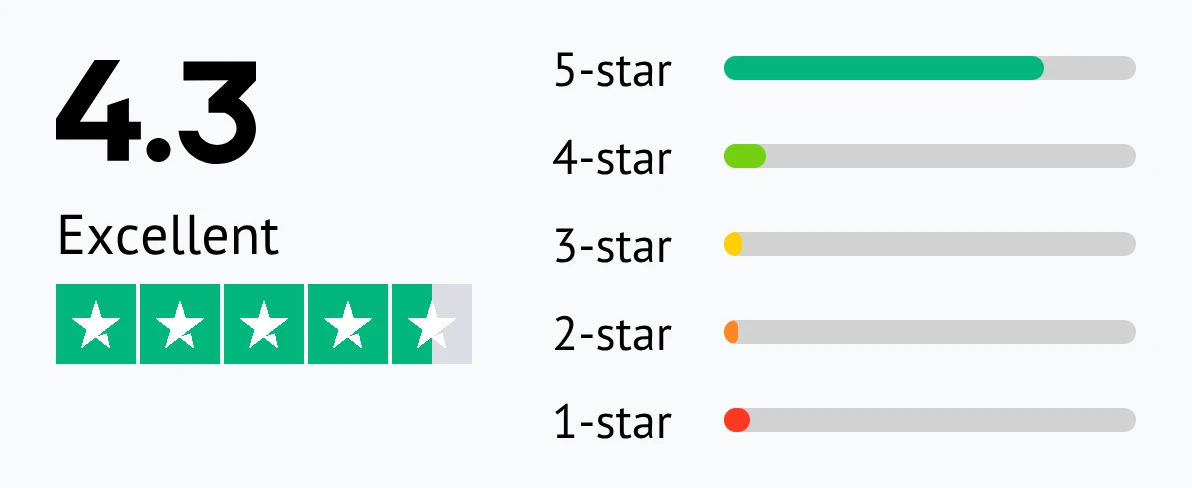
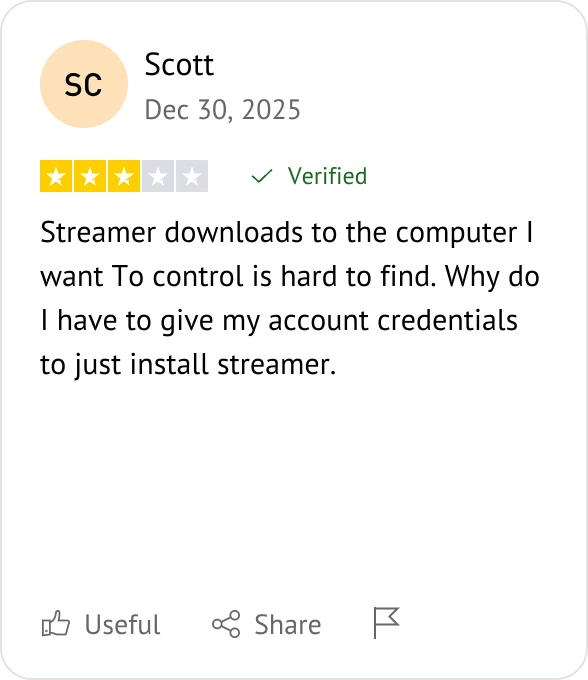
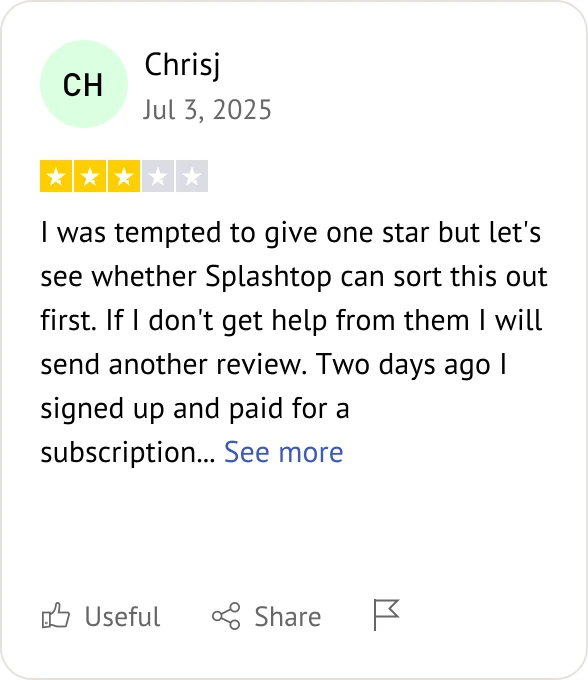
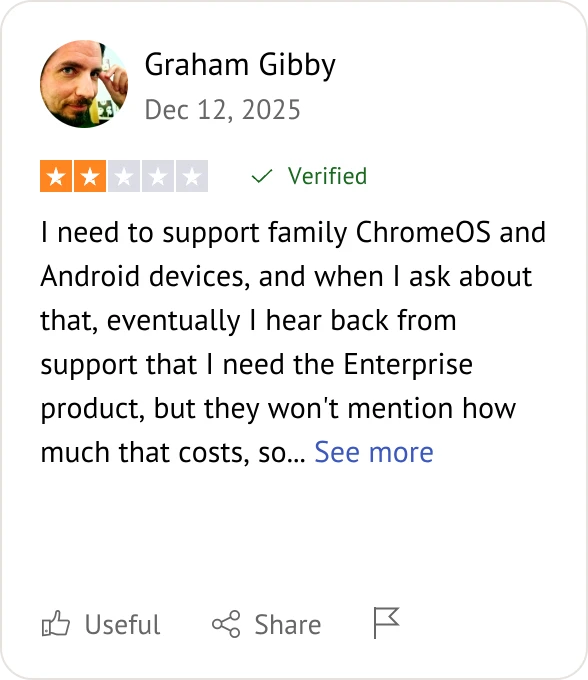
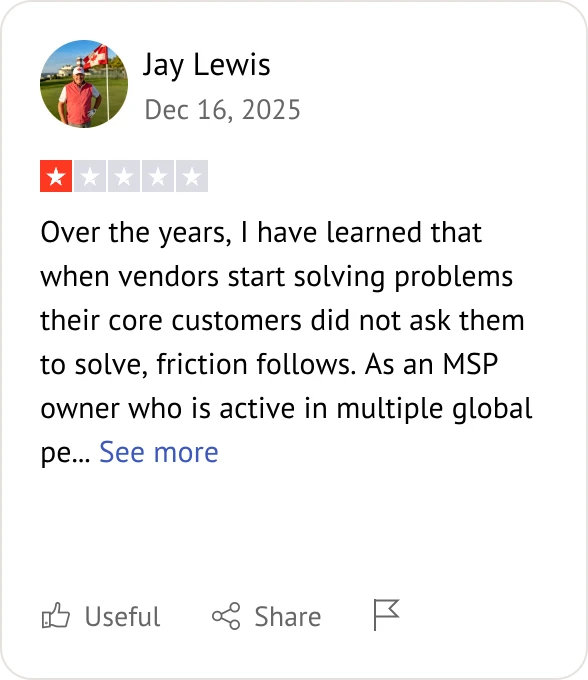
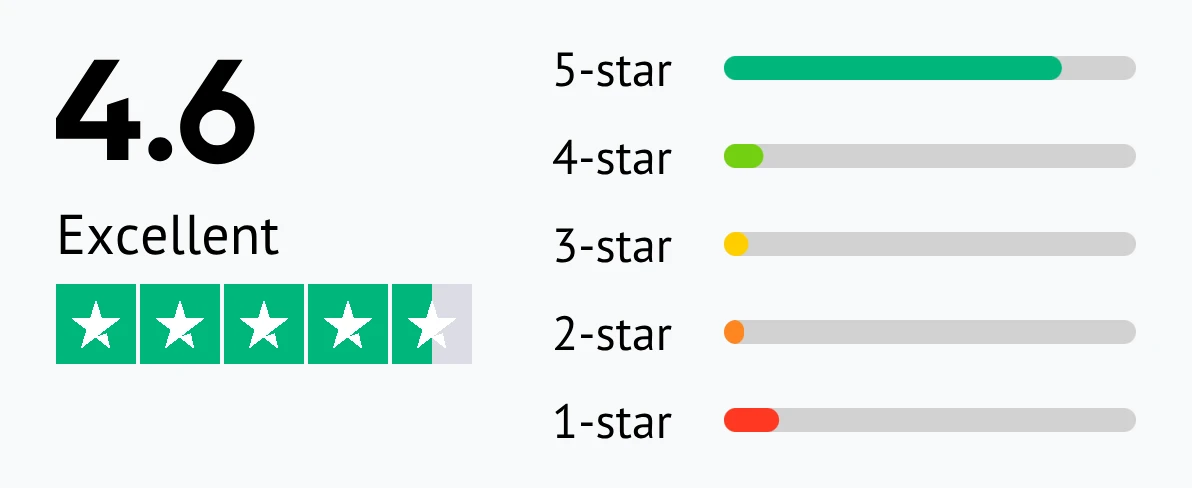
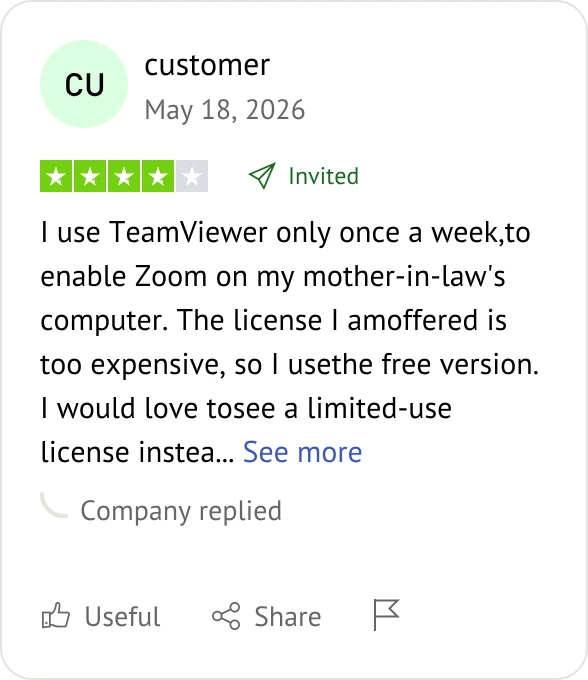
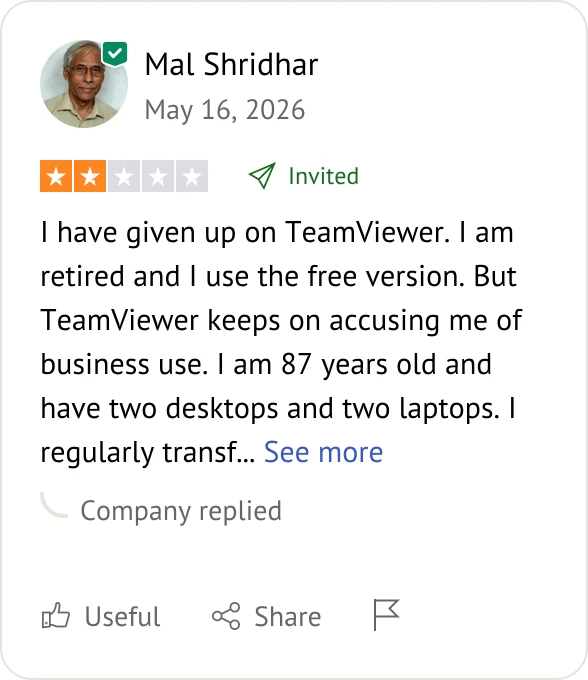
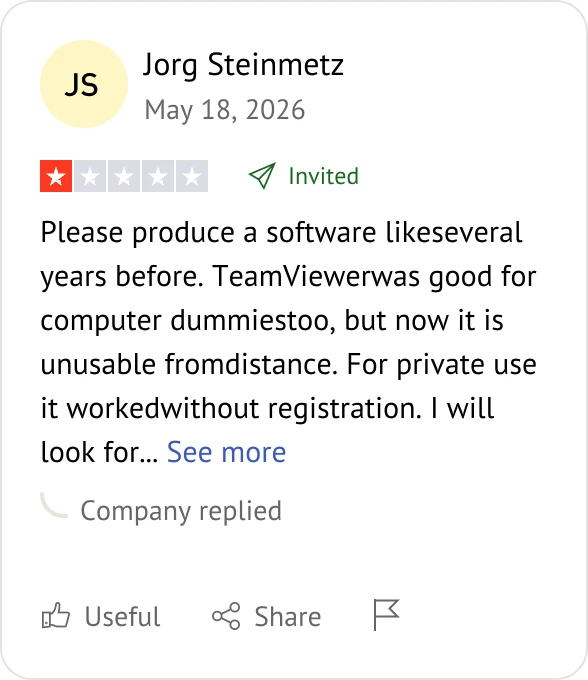
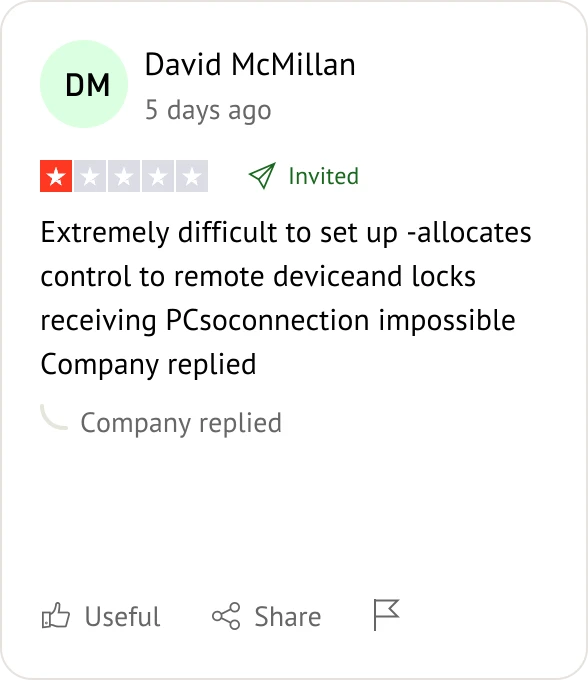
Customer reviews were taken from Trustpilot on June 2, 2026.


Splashtop is generally much more affordable. Splashtop offers straightforward, lower-priced subscriptions per user, whereas TeamViewer is known for higher pricing tiers and steeper commercial licensing costs.
TeamViewer offers a well-known free version for non-commercial use, though it frequently prompts users to upgrade. Splashtop primarily focuses on paid plans, offering a limited version (Splashtop Personal) that is free strictly for local home network use.
Splashtop is highly optimized for speed, delivering up to 60 FPS and low latency for resource-intensive tasks. TeamViewer also provides strong, stable performance, but users often favor Splashtop for high-frame-rate tasks like video editing.
Splashtop allows you to view multiple remote screens across multiple local monitors simultaneously with a simple toggle. TeamViewer also supports multi-monitor viewing, but the window configuration can sometimes be more complex depending on the license type.
Yes, security is a priority for both brands. Splashtop and TeamViewer protect data using AES 256-bit encryption, support Two-Factor Authentication (2FA), and comply with major industry standards like SOC 2 and GDPR.
TeamViewer has built-in, native Wake-on-LAN capabilities using its own network protocol. Splashtop also supports Wake-on-LAN, but Splashtop requires another active computer on the destination network to wake the sleeping machine.
Splashtop offers an intuitive mobile app with precise touch-gesture mapping for controlling a PC from a phone. TeamViewer also provides robust mobile-to-PC apps, though some users find the TeamViewer interface slightly less seamless on smaller screens.
TeamViewer supports unattended remote control for specific Android devices via specialized add-ons. Splashtop allows remote viewing of mobile screens but restricts full unattended remote control on iOS and many Android devices due to operating system limitations.
Splashtop is highly praised for its clean interface and simple deployment packages for large teams. TeamViewer offers incredibly robust management features for massive enterprises, but the TeamViewer backend can have a steeper learning curve.
Yes. Splashtop and TeamViewer deliver seamless cross-platform connectivity, allowing connections across Windows, macOS, Linux, iOS, Android, and Chrome OS.
TeamViewer allows technical support agents to launch remote sessions directly through a web browser using the TeamViewer web client. Splashtop offers web console management, but starting a session typically requires installing the local Splashtop viewer app.
Splashtop is highly rated for providing fast, accessible phone and email support across almost all paid tiers. TeamViewer provides enterprise-grade support, but lower-tier TeamViewer users often rely more heavily on community forums for help.

Select the remote desktop tool that aligns best with your specific deployment needs and budget.
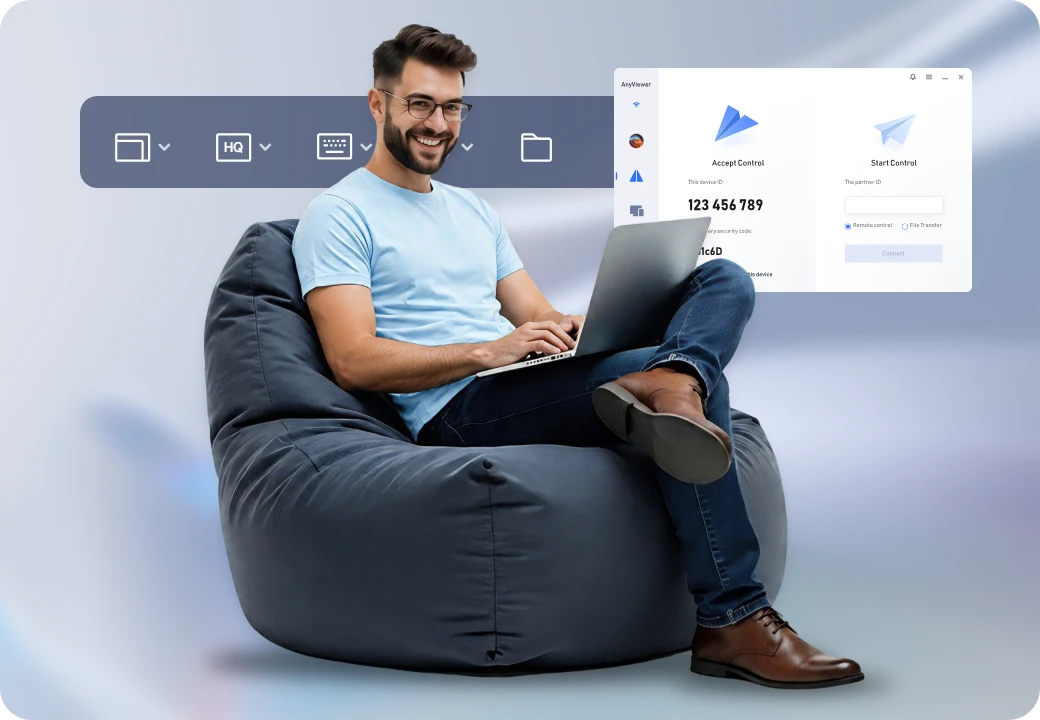
If Splashtop or TeamViewer feels too heavy for your wallet, AnyViewer offers a lightweight alternative.
Choose the solution that best aligns with your budget and organizational scale: