Whether you're an IT pro or a business owner, this Splashtop vs AnyDesk comparison 2026 helps you see how these leaders compare.
| Category | ||
|---|---|---|
| Best For | SMBs, IT teams, and 3D designers wanting high ROI | Tech support and developers needing speed and portability |
| Free Plan | LAN-only for personal use; focuses on full business trials | Limited personal tier with strict commercial-use detection |
| Ease of Use | Built for centralized enterprise deployment and multi-monitor setups | Portable green-app (no install required) for instant launch |
| Performance | Reliable 4K/60 FPS streaming for heavy video/3D editing | DeskRT engine delivers the lowest latency on weak networks |
| Pricing | High ROI; saves 40%-70% with transparent team pricing | Premium pricing for teams; expansion costs scale up quickly |
| Security | TLS (incl. TLS 1.2) key exchange, 256-bit AES session encryption, and 2FA | Strong encryption. Safe and secure with AES-256 encryption and 2FA |
| Feature | ||
|---|---|---|
| Unattended Access | ||
| File Transfer | ||
| Multi-Monitor Support | ||
| High-Performance 4K/60 FPS Streaming | ||
| SSO / Active Directory Integration | ||
| Remote Print | ||
| In-Session Chat | ||
| Session Recording | ||
| Mobile Access | iOS & Android | iOS & Android |
| Connection from | Windows, macOS, iOS, Android, Chrome OS, Web Browser | Windows, macOS, iOS, Android, Linux |
| Connection to | Windows, macOS, Linux, iOS, Android | Windows, macOS, iOS, Android, Linux, Chrome OS, Apple TV, Free BSD |
| Security | AES 256-bit + TLS Key Exchange + 2FA | TLS encryption + RSA |
| Wake-on-LAN | ||
| Remote Reboot | ||
| User Management / Role-Based Access | ||
| USB Device Redirection | ||
| Compliance (SOC 2, GDPR, HIPAA) | ||
| Device Grouping & Address Book | ||
| DeskRT Low-Latency Engine | ||
| Automated IT Patch Management |
Feature Insight: Splashtop excels in automated IT management, while AnyDesk wins on low-latency streaming and broader platform support.
Plans |
|
|
|---|---|---|
| Free Tier |
Free for local network only
|
Commercial use requires payment
|
| Entry-Level Tier |
Solo Plan: Start from $6.00/month
|
Solo Plan: Start from $23.12/month
|
| Mid-Level Tier |
Pro Plan: Start from $8.25/month/user
|
Standard Plan: Start from $49.90/month
|
| High-Level Tier |
Performance Plan: Start from $13.00/month/user
|
Advanced Plan: Start from $111.90/month
|
| Custom Tier | Enterprise Plan: Custom Enterprise plans available for larger needs | Ultimate Plan: Custom plans available for larger needs |
Pricing Insight: Splashtop offers a more predictable, cost-effective solution for teams, whereas AnyDesk’s pricing scales significantly higher for enterprise-level deployments.
| Security Measures | ||
|---|---|---|
| TLS 1.2 & AES 256-bit Encryption | ||
| Two-Factor Authentication | ||
| SSO (Single Sign-On) Integration | ||
| Role-Based Access Control | ||
| Device Authentication/Verification | ||
| Secure account-based access | ||
| Blank Screen | ||
| SOC 2 Type 2 Compliance | ||
| HIPAA & HITECH Compliance | ||
| GDPR & CCPA Compliance | ||
| Auto-Session Lock | ||
| Centralized Security Dashboard | ||
| IP Address Restriction | ||
| Remote Connection Notifications |
Security Insight: Splashtop offers superior enterprise-grade compliance and advanced administrative controls for highly regulated industries.
| Performance Metrics | ||
|---|---|---|
| Streaming Quality | Optimized for high-definition (up to 4K) and high-frame-rate (60 FPS) stability. | High-quality streaming with adaptive resolution adjustments based on network. |
| Protocol Engine | Proprietary high-performance engine tuned for reliability and consistency. | Proprietary DeskRT codec optimized for extremely low latency. |
| Latency Management | Low latency, highly consistent; ideal for video editing and 3D CAD work. | Ultra-low latency; specifically engineered for responsiveness on unstable networks. |
| Bandwidth Efficiency | Efficient; dynamically adjusts to maintain image quality on various connections. | Highly optimized; uses minimal bandwidth for fast transmission on slower links. |
| Frame Rate (FPS) | Stable, fluid frame rates (up to 60 FPS) even during intensive graphic tasks. | Highly responsive, prioritize speed and fluidity in quick interactions. |
| Connection Stability | Renowned for reliable, "always-on" connectivity; minimal packet loss issues. | Fast handshaking; connection can fluctuate more noticeably on high-congestion networks. |
Insight: Splashtop excels in stable, high-fidelity professional tasks, while AnyDesk prioritizes ultra-low latency and responsiveness for quick, agile support.
| Category | ||
|---|---|---|
| High value with predictable, lower costs
Splashtop provides more transparent, budget-friendly pricing tiers for small teams.
|
||
| Simple setup with no IT skills required
Splashtop offers a more guided, intuitive onboarding process for non-technical users.
|
||
| Rock-solid stability for daily remote work
Splashtop excels in sustained, reliable connectivity for consistent daily remote work.
|
||
| Lightning-fast connections for instant support
AnyDesk's DeskRT engine delivers superior responsiveness for instant, on-demand support.
|
||
| Essential security to protect business data
Splashtop includes robust, enterprise-grade compliance and audit tools by default.
|
Insight: Splashtop is the superior, reliable choice for small businesses needing stable daily operations, while AnyDesk excels specifically in rapid, on-demand support.
| Category | ||
|---|---|---|
| Granular access & device control
Splashtop offers superior policy enforcement, SIEM integration, and comprehensive audit logs.
|
||
| Strict regulatory compliance
Splashtop provides out-of-the-box support for SOC 2, HIPAA, and GDPR, essential for regulated
industries.
|
||
| Effortless mass deployment
Both platforms excel at MSI-based silent deployment and group policy management for thousands of
endpoints.
|
||
| Seamless ecosystem integration
Splashtop features extensive native support for SSO (SAML/Okta) and leading ITSM/PSA platforms.
|
||
| Global high-speed performance
AnyDesk's proprietary DeskRT engine delivers unmatched responsiveness across high-latency
international networks.
|
Insight: Splashtop leads in security and governance for regulated enterprises, while AnyDesk delivers superior responsiveness across challenging global networks.
| Category | ||
|---|---|---|
| Flexible attended & unattended connection modes
Both excel at flexible connection modes, allowing technicians to support users on-demand or
access offline machines.
|
||
| Comprehensive cross-platform device coverage
Both offer robust support across Windows, macOS, Linux, iOS, and Android for diverse device
environments.
|
||
| Advanced built-in remote diagnostic toolkits
Splashtop includes a more comprehensive suite of built-in diagnostic and session management tools
tailored for help desks.
|
||
| Seamless multi-technician session collaboration
Splashtop allows easier session transfers and multi-technician collaboration on a single remote
device.
|
||
| Integrated ticketing & service desk workflows
Splashtop offers deeper integration with RMM, PSA, and ticketing systems to streamline support
workflows.
|
Insight: While both platforms offer excellent connectivity, Splashtop is the more complete solution for IT teams, offering superior diagnostic tools and seamless ticketing integrations.
| Category | ||
|---|---|---|
| Stable daily connection workflows
Splashtop is optimized for consistent, "always-on" business stability with fewer
connection drops.
|
||
| Predictable commercial pricing models
Splashtop offers predictable, transparent pricing without hidden "commercial use"
upgrade triggers.
|
||
| Seamless cross-platform interoperability
Both offer excellent compatibility across Windows, macOS, Linux, and mobile devices for diverse
offices.
|
||
| Comprehensive productivity tool suites
Splashtop provides a more complete set of built-in tools like chat, file transfer, and
multi-monitor support.
|
||
| Detailed administrative audit reporting
Splashtop includes better logging and user management tools, which are vital for internal
business accountability.
|
Insight: Splashtop is the more reliable and transparent choice for professional business use, while AnyDesk offers more flexibility for diverse environments.
| Category | ||
|---|---|---|
| Broad operating system compatibility
Both support Windows, macOS, Linux, iOS, Android, and ChromeOS with native applications.
|
||
| Optimized mobile-to-desktop interaction
Splashtop provides more intuitive touch controls and optimized interfaces for mobile-to-desktop
interaction.
|
||
| Consistency of feature sets across devices
Both platforms strive for feature parity, though some advanced administrative tools are
Windows-centric.
|
||
| Network resilience on mobile & variable links
AnyDesk's DeskRT codec is highly resilient against jitter and latency common on mobile data
connections.
|
||
| Streamlined multi-platform fleet deployment
Splashtop offers a more centralized, user-friendly deployment process across varied device
fleets.
|
Insight: Splashtop excels in usability and fleet management, while AnyDesk offers better performance on unstable mobile networks.
| Category | ||
|---|---|---|
| Low-latency frame streaming
Splashtop is specifically engineered for high-performance 4K/60 FPS streaming with minimal input
lag.
|
||
| Input precision & responsiveness
Splashtop offers superior optimization for gaming-specific mouse movements and keyboard response
times.
|
||
| Visual fidelity & color accuracy
Splashtop supports high-fidelity 4:4:4 color depth, ensuring game visuals remain crisp and
vibrant.
|
||
| Controller & peripheral support
Splashtop features native USB device redirection, allowing seamless use of gaming controllers and
peripherals.
|
||
| Network stability for gaming
AnyDesk's proprietary DeskRT engine is highly resilient, maintaining connections over jittery or
unstable networks.
|
Insight: Splashtop provides a superior, high-fidelity experience for serious gaming, while AnyDesk is better suited for maintaining connectivity on unstable networks.
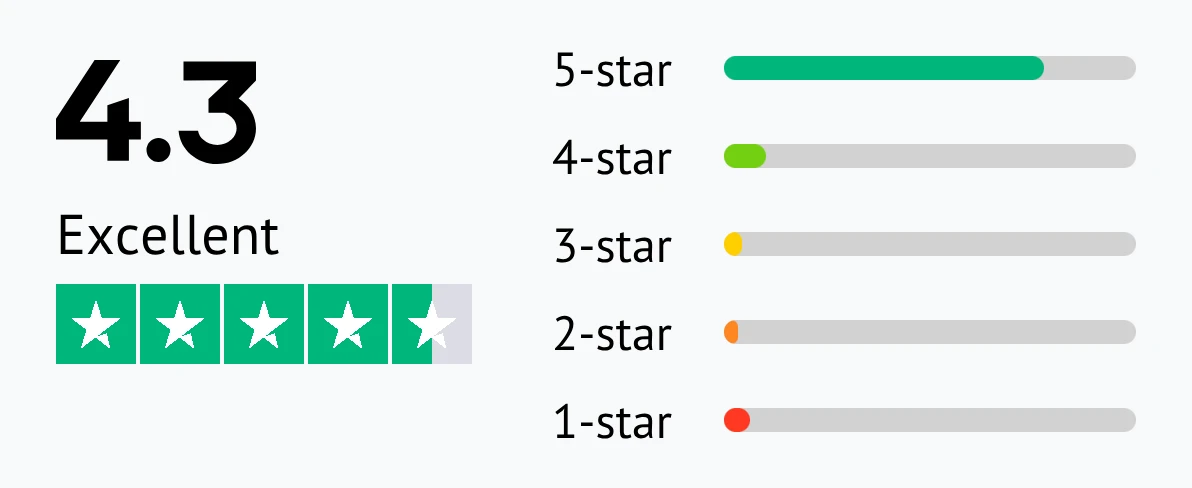
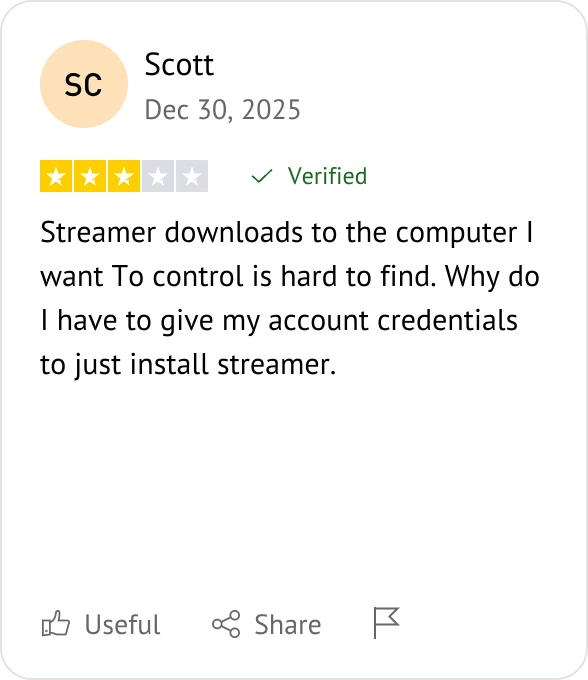
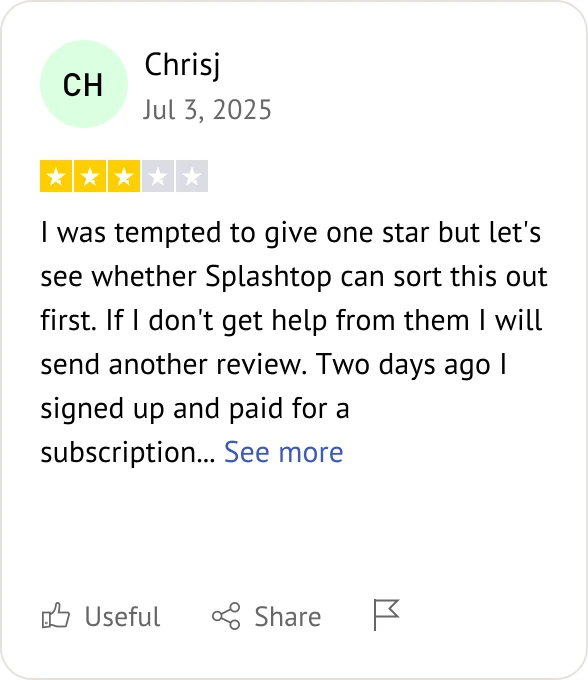
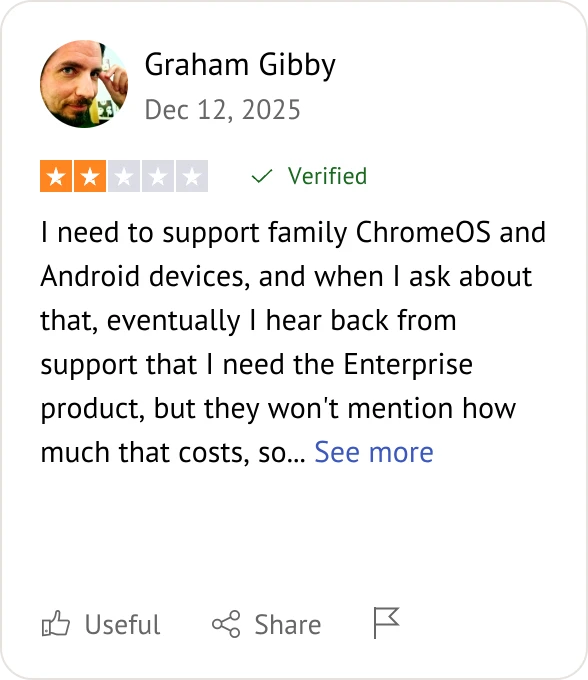
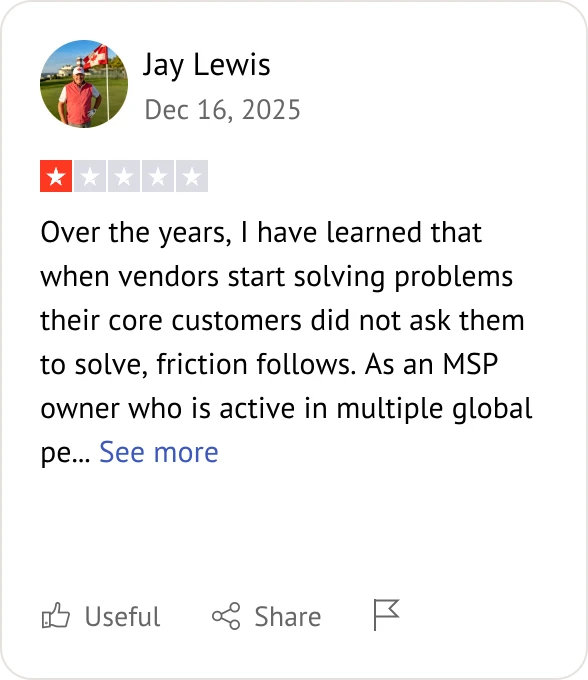
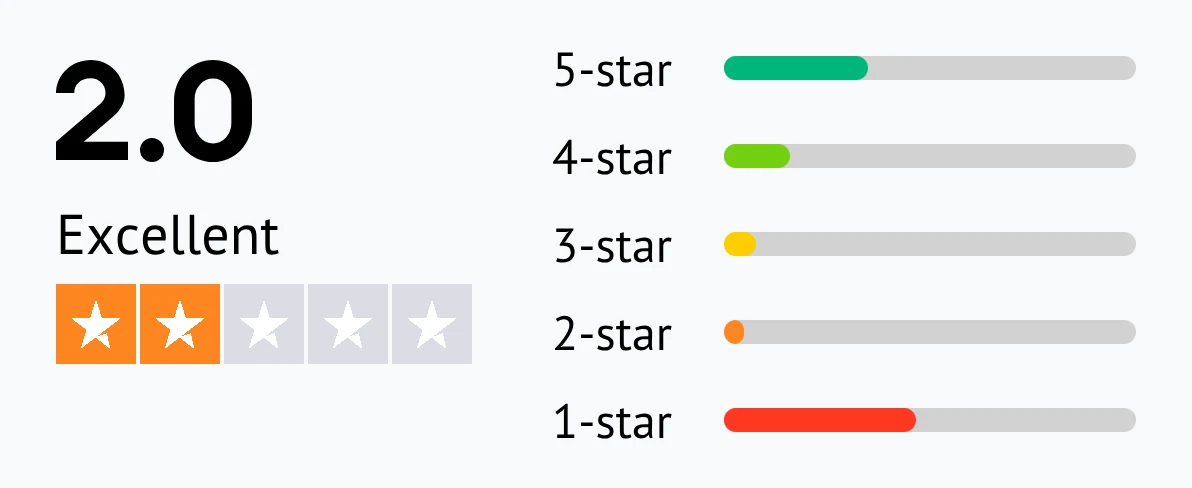
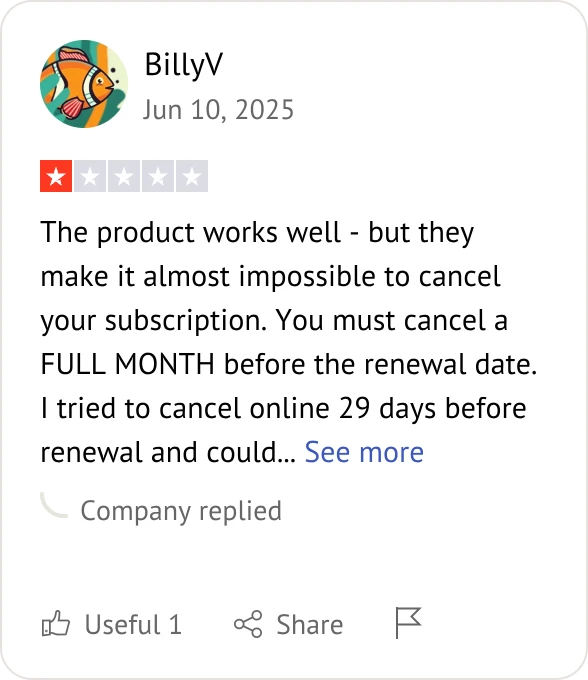
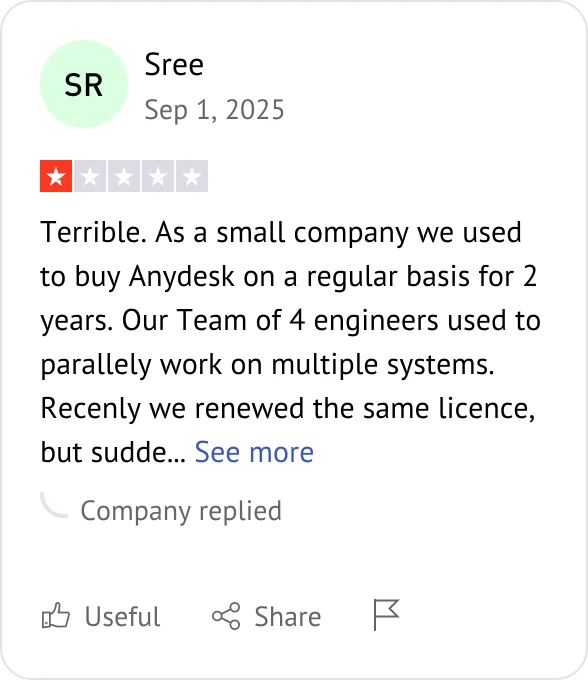
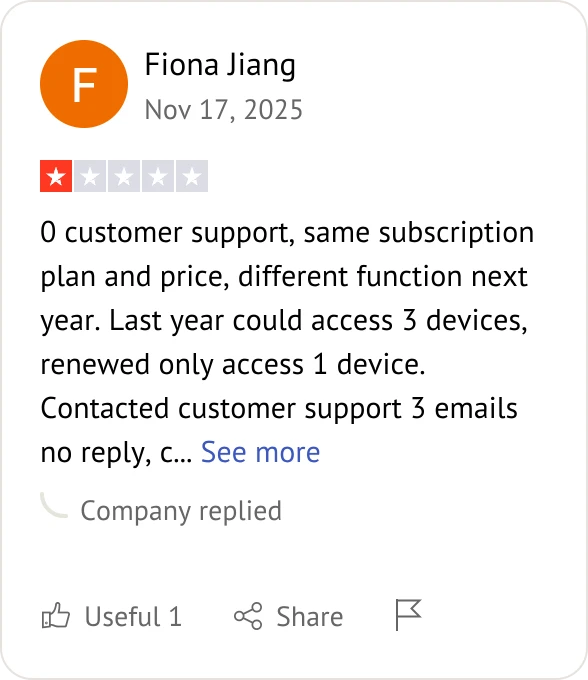
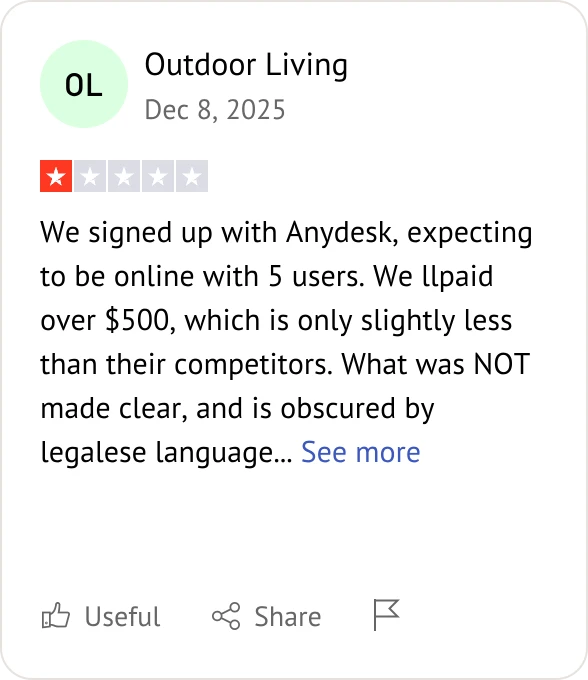
Customer reviews were taken from Trustpilot on July 1, 2026.


Need help choosing? Here are the top questions to consider in your AnyDesk vs Splashtop comparison.
Splashtop is widely cited for its predictable, lower-cost pricing tiers, often saving businesses significantly compared to AnyDesk's subscription models.
AnyDesk is often favored for its proprietary DeskRT codec, which is highly optimized for performance and low latency even on challenging network connections.
Splashtop typically wins in regulated industries, offering robust built-in compliance for SOC 2, HIPAA, and GDPR, along with advanced features like SSO/SAML integration.
Yes, both support Windows, macOS, Linux, iOS, and Android, though Splashtop is frequently noted for its broader support for Chromebooks and managed devices.
Both offer strong support for both modes; however, Splashtop is often preferred for enterprise-grade unattended access due to its centralized management and audit logs.
Splashtop is generally praised for its straightforward mass-deployment (MSI) tools, making it easier for IT admins to scale across thousands of endpoints.
AnyDesk is known for being extremely lightweight (around 3 MB) and simple to launch, whereas Splashtop provides a more structured, dashboard-driven experience for IT professionals.
Splashtop is often highlighted as the superior choice for help desk scenarios, as it allows for smoother session transfers and collaboration between technicians.
Splashtop is frequently the choice for creative professionals and remote gamers, as it excels in maintaining high visual fidelity (4:4:4 color depth) and frame rates.
Splashtop is often complimented for its clear, transparent business pricing, while some users find AnyDesk's commercial licensing triggers and pricing tiers less predictable.
Splashtop provides deeper native integrations with popular RMM, PSA, and ticketing systems, which is critical for IT support organizations looking to streamline workflows.
AnyDesk's "instant-on" design and portability make it highly effective for rapid, ad-hoc support calls where speed and minimal installation overhead are the top priorities.

Select the remote desktop tool that aligns best with your specific deployment needs and budget.
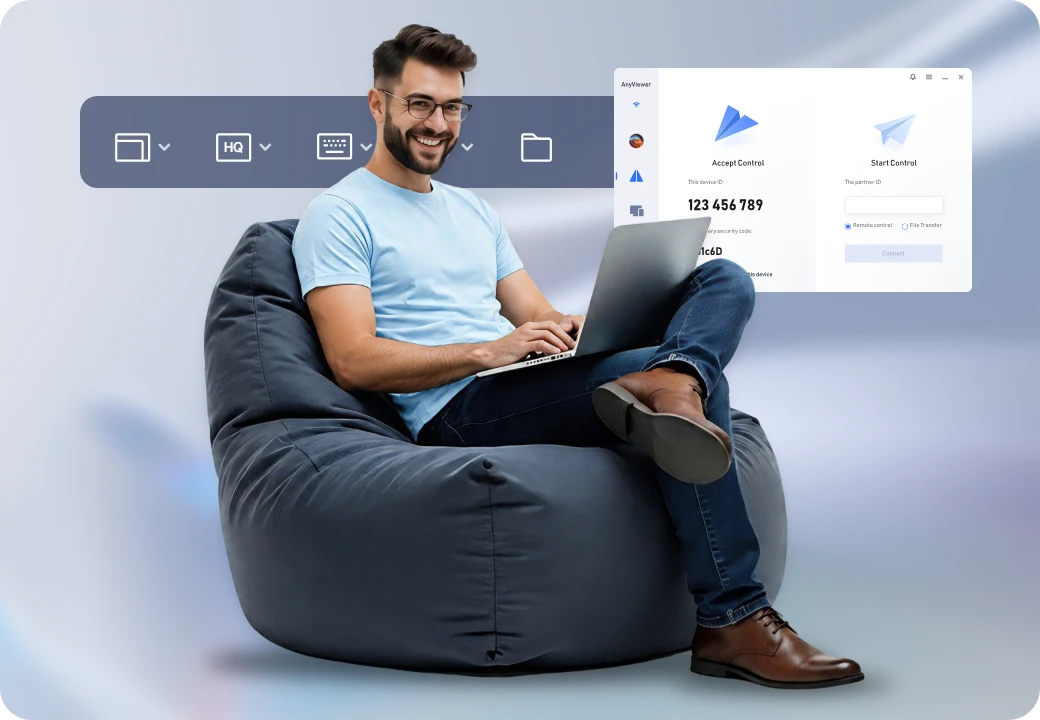
If Splashtop or AnyDesk are too pricey, AnyViewer offers a budget-friendly alternative without sacrificing performance.
Assess these solutions based on your specific technical and budget criteria: