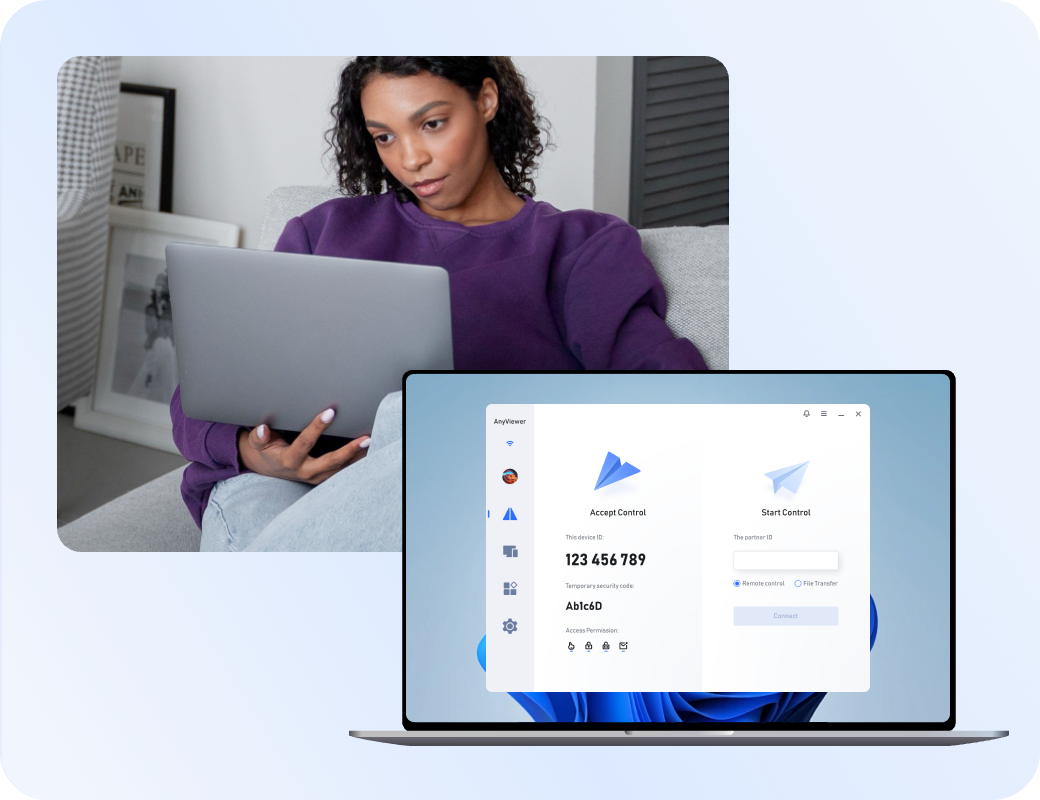
Start with AnyViewer for easier, safer and worry-free remote access to any device.

Why Look for a Splashtop Alternative?

While Splashtop is a widely used remote access tool, its complex pricing structures and rigid feature tiers have pushed many users to seek more flexible, cost-effective solutions.

Fragmented Pricing Tiers

Splashtop splits its features across multiple separate products, such as Business Access for remote work and SOS for IT support. If a small team needs both unattended access and on-demand remote support, they are often forced to juggle multiple expensive licenses.

Severely Limited Free Version

Splashtop Personal is only free if your devices are connected to the exact same local network (LAN). If you want to access your home PC from a coffee shop or while traveling, you are forced to purchase an "Anywhere Access" add-on or upgrade to a paid plan.

Cumbersome Mac Setup

Setting up a Mac as a host machine can be a frustrating experience. It requires navigating strict macOS privacy settings, and streaming remote audio to your local device demands the installation of extra virtual sound drivers that frequently cause bugs.

Outdated User Interface

Compared to modern, streamlined remote desktop alternatives, Splashtop's dashboard and mobile applications can feel dated. Managing large device lists, adjusting connection settings, or initiating file transfers often feels clunky and unintuitive.

Clunky Multi-Monitor Navigation

While Splashtop supports multiple monitors, the workflow isn't always seamless. Switching between different remote screens can feel sluggish on standard connections, and viewing multiple displays simultaneously often results in a cramped, hard-to-read layout.

Delayed Customer Support

Users on basic, personal, or lower-tier business plans often report frustrating delays when trying to resolve technical or billing issues. Fast, reliable customer service is typically reserved for high-paying enterprise subscribers.

Top Splashtop Alternatives Worth Trying

Software Best for Key Highlight
AnyViewerAnyViewer Free cross-network access No local-network limits on free plans
TeamViewerTeamViewer Enterprise compliance Zero-trust security and full audit logs
LogMeIn ProLogMeIn Pro Business remote work Premium office features with remote printing
AnyDeskAnyDesk Low-bandwidth networks Lightweight and smooth on weak Wi-Fi
Zoho AssistZoho Assist IT helpdesks & support Combined instant support and unattended access
RemotePCRemotePC Multi-computer scaling & SMBs Flat-rate pricing for high computer counts

Your ideal choice depends entirely on your primary bottleneck with Splashtop. If you are tired of local-network limits on free tiers, switch to AnyViewer. If you need to scale to a high volume of devices affordably, RemotePC's flat-rate pricing is your best option. For unified corporate IT management without fragmented licenses, TeamViewer or Zoho Assist remain your best bets.

1
AnyViewer - Best Free Cross-Network Splashtop Alternative for Remote Access

AnyViewer - Best Free Cross-Network Splashtop Alternative for Remote Access

AnyViewer delivers a secure, reliable remote desktop experience entirely free from geographic boundaries and local network restrictions.

Key Advantages:

  • Free cross-network access with zero local-only restrictions
  • Free high-speed file transfer and multi-monitor control without paywalls
  • Combined unattended access and instant support in a single workflow
  • Lightweight build and clean interface for fast connections

Recommended for:

Remote employees, freelancers, IT support technicians, and budget-conscious users.

Expert Review:

"AnyViewer is the perfect escape from Splashtop's restrictive local-network limits. By providing true cross-network access and essential remote features entirely for free, it gives budget-conscious users an unrestricted, high-performing workspace without the premium price tag."

2
TeamViewer: Best Enterprise Splashtop Alternative for Large-Scale Security

TeamViewer: Best Enterprise Splashtop Alternative for Large-Scale Security

TeamViewer delivers premium, secure remote management engineered for massive corporate networks and global IT infrastructure.

Key Advantages:

  • Zero-trust security and bank-grade encryption across all connections
  • Complete audit logs and session tracking for strict compliance auditing
  • Centralized device management built to scale for thousands of endpoints
  • Granular technician permissions that far outmatch basic remote platforms

Recommended for:

Large enterprise help desks and global corporate IT environments.

Expert Review:

TeamViewer is the definitive choice for enterprise environments where security is non-negotiable. While it comes at a premium price compared to Splashtop, its advanced zero-trust framework and complete audit logging provide the absolute control required for large-scale corporate compliance.

3
LogMeIn Pro - Best All-in-One Business Splashtop Alternative

LogMeIn Pro - Best All-in-One Business Splashtop Alternative

LogMeIn Pro provides a dependable remote access solution designed for comprehensive business workflows and remote office setups.

Key Advantages:

  • Premium office features including seamless remote printing
  • Included cloud storage for fast file sharing and backup
  • Multi-monitor support for a true workstation experience anywhere
  • Robust security framework with instant user access alerts

Recommended for:

Remote executives, office professionals, and small-to-medium businesses.

Expert Review:

LogMeIn Pro is the definitive choice for complete business remote work. While it positions itself at a premium price point compared to Splashtop, its seamless remote printing and rich office utilities provide everything needed to maintain a fully operational workstation from home.

4
AnyDesk - Best Low-Bandwidth Splashtop Alternative

AnyDesk - Best Low-Bandwidth Splashtop Alternative

AnyDesk provides a highly efficient remote desktop solution engineered for seamless cross-platform workflows and stable performance on limited networks.

Key Advantages:

  • Lightweight architecture that streams smoothly on weak Wi-Fi
  • Proprietary codec delivering fluid performance under low bandwidth
  • Seamless cross-platform operation across desktop and mobile systems
  • Minimal system footprint without complex driver configuration steps

Recommended for:

Cross-platform professionals, remote workers, and users with unstable internet.

Expert Review:

"AnyDesk is the ideal choice when you need reliable remote access without Splashtop's heavier network demands. By leveraging a lightweight application that remains smooth on weak Wi-Fi, it ensures your workflows stay fluid across any operating system."

5
Zoho Assist - Best IT Helpdesk & Support Splashtop Alternative

Zoho Assist - Best IT Helpdesk & Support Splashtop Alternative

Zoho Assist delivers a unified, cloud-based remote support solution tailored for customer-facing teams and IT helpdesks.

Key Advantages:

  • Combined instant support and unattended access in one dashboard
  • Browser-based console with zero software installation for clients
  • Native integration with popular ticketing and helpdesk systems
  • Cost-effective pricing that eliminates fragmented product packages

Recommended for:

IT support technicians, helpdesk teams, and customer service departments.

Expert Review:

Zoho Assist is the perfect remedy for Splashtop's fragmented licensing. By merging instant on-demand support and unattended endpoint management into a single cloud console, it provides helpdesks with a streamlined, cost-effective platform to assist clients anywhere.

6
RemotePC - Best Multi-Computer Scaling Splashtop Alternative

RemotePC - Best Multi-Computer Scaling Splashtop Alternative

RemotePC provides a highly scalable remote access solution built for growing business networks.

Key Advantages:

  • Flat-rate pricing based on device count instead of users
  • Unlimited user provisioning to easily support expanding teams
  • Centralized management dashboard for organized mass deployment
  • Multi-monitor mapping and integrated remote printing tools

Recommended for:

Small-to-medium businesses, IT administrators, and teams scaling their device counts.

Expert Review:

RemotePC is the perfect choice for expanding networks looking to avoid Splashtop's scaling fees. By utilizing flat-rate pricing for large computer counts while offering unlimited user access, it delivers highly cost-effective endpoint management for growing businesses.

Quick Comparison of the Best Splashtop Alternatives

Category Splashtop AnyViewer TeamViewer LogMeIn Pro AnyDesk Zoho Assist RemotePC
Best for High-Performance Teams & Media Creators Daily Use & Casual Remote Access Corporate IT & Managed Service Providers (MSPs) Fully Virtual Offices & Remote Executives Cross-Platform Teams & Field Technicians Customer Care & Outsourced Helpdesks Growing Businesses with Expanding Device Fleets
Free Commercial Use No Yes No No No Yes No
Ease of Use High High Medium High High High Easy
Cross-Platform Support Windows, macOS, Linux, iOS, Android, ChromeOS Windows, macOS, iOS, Android Windows, macOS, Linux, iOS, Android, ChromeOS, Raspberry Pi, Web access Windows, macOS, iOS, Android Windows, macOS, Linux, iOS, Android, FreeBSD, Raspberry Pi Windows, macOS, Linux, iOS, Android, ChromeOS, Web Windows, macOS, Linux, iOS, Android
Pricing Low Low High High Medium to High Low to Medium Medium

Insight: AnyViewer and Zoho Assist offer rare free commercial tiers. RemotePC scales most affordably via flat device rates, while TeamViewer and LogMeIn Pro are premium options reserved for heavy enterprise compliance.

Splashtop vs Alternatives Feature Comparison

While basic remote access is standard, these tools differ heavily in streaming speeds, bulk deployment, and multi-screen monitoring. Compare their core features below.

Features Splashtop AnyViewer TeamViewer LogMeIn Pro AnyDesk Zoho Assist RemotePC
Unattended Access
File Transfer (Drag/Drop)
Cross-Platform (Win/Mac)
Mobile App Support
Multi-Monitor Support
60 FPS Performance Streaming
Session Recording
In-Session Chat
Whiteboard & Annotation
Clipboard Synchronization
Remote Reboot
Privacy Mode
MSI Deployment
Screen Wall

Insight: Basic utilities are universal. The real dividers are performance and scale: choose AnyViewer or AnyDesk for smooth 60 FPS streaming, and RemotePC or TeamViewer for robust enterprise deployment.

Splashtop Alternatives Pricing & Licensing Comparison

Compare licensing structures, user limits, and free tiers below to find the most cost-effective fit for your team. (July 2026 update)

Plans Splashtop AnyViewer TeamViewer LogMeIn Pro AnyDesk Zoho Assist RemotePC
Free Plan Personal only (restricted to local network) Free Commercial Use Strict personal use (aggressive commercial blocks) No free version (Paid only) Strict personal use (frequent usage warnings) Free Commercial Use (1 tech / 5 unattended PCs) No permanent free tier (7-day trial)
Core Licensing Metric Per named user / tech Per account tier Per named user / channel Per computer bundle Per user / concurrent link Per technician / unattended pool Per computer fleet
User Limitations Max 10 PCs per user (Pro) Tiered device caps per log-in Strict concurrent connection limits Unlimited users per plan Tiered managed device caps Unlimited end-users Unlimited users on team plans
Entry Commitment 1 User minimum Zero commitment High financial entry barrier Rigid bundles (minimum 2-PC pack) 1 User minimum Flexible pay-as-you-go Low-cost 1 or 10-PC starter packs
Scaling Economy Linear: Predictable cost per added seat Highly Economical: Budget-friendly upgrades Exponential: Cost escalates quickly for teams Rigid: Price jumps sharply between bundle tiers Moderate-to-High: Billed per active channel Hybrid: Cheap for extra PCs, standard per tech Flat-Rate: Highly cost-effective for large device fleets
Best Pricing Advantage Highly competitive baseline rates for premium features 100% free commercial use, no network limits All-inclusive enterprise tooling under a unified license Fixed-cost bundles allowing unlimited user provisioning Pay only for active simultaneous sessions (channels) Budget-friendly scaling for unattended endpoints Unbeatable flat-rate savings for large device fleets

Insight: The true cost divider isn't the baseline price, but how the software handles growth. RemotePC and LogMeIn Pro favor organizations with massive user bases but fixed device counts due to their unlimited user model. Conversely, Splashtop and TeamViewer charge per user seat, making them more costly as your operational team expands.

Security & Encryption Comparison of Top Splashtop Alternatives

Basic encryption is standard, but true protection lies under the hood. Evaluate how each top alternative secures your remote infrastructure against unauthorized access.

Security Measures Splashtop AnyViewer TeamViewer LogMeIn Pro AnyDesk Zoho Assist RemotePC
ECC (Elliptic Curve Cryptography)
Peer-to-Peer (P2P) Direct Routing Limited
End-to-End 256-bit Encryption
Dynamic / Regenerating Session Codes
Privacy Mode (Blank Screen & Lock)
Client Interface Settings Lock
Device Blocklist & Allowlist
Role-Based Access Control
Two-Factor Authentication (2FA)
GDPR & Privacy Compliance

Insight: Baseline 256-bit encryption and compliance are universal. The actual security edge lies in architecture: AnyViewer, TeamViewer, and AnyDesk lead with dynamic session codes and P2P routing, with AnyViewer uniquely leveraging advanced ECC encryption.

Splashtop Alternatives Performance Testing

The right Splashtop alternative depends on your connection speed and daily tasks. Here is how the top options perform under pressure.

Conditions Splashtop AnyViewer TeamViewer LogMeIn Pro AnyDesk Zoho Assist RemotePC
Fast Home Network (100 Mbps) Excellent (Smooth 4K/60fps) Excellent (Near zero latency) Excellent Good (Consistent) Excellent (Lowest latency) Good Excellent
Office Network (25 Mbps) Very Good Excellent (Optimized ECC/P2P) Very Good Good Excellent Good Very Good
Slow Hotel WiFi (5 Mbps) Fair (Noticeable compression) Good (Dynamic scaling) Good Fair (Can lag) Very Good (DeskRT codec) Fair Good
Long Remote Sessions Highly Stable Highly Stable Stable (Occasional drops) Stable Highly Stable Stable Stable
Multi-Monitor Workflow Streamlined support Seamless switching Smooth transitions Good Very Good Fair Very Good
High-Resolution Streaming Excellent Very Good Very Good Standard Excellent Standard Good
Remote Gaming Good (If local) Very Good (Low input lag) Fair Poor Good Poor Poor
Real-Time Remote Support Very Good Excellent Excellent Good Very Good Excellent (Built for this) Good
File Transfer Speed Fast Very Fast Fast Average Fast Average Fast
Mobile-to-PC Remote Access Excellent Excellent (Intuitive touch) Very Good Good Very Good Good Very Good
Resource Consumption Moderate Low High High Very Low Moderate Moderate

Insight: While Splashtop remains a highly stable all-rounder on fast connections, AnyViewer and AnyDesk offer the best overall speed and low-bandwidth performance. In contrast, TeamViewer and Zoho Assist are best reserved for dedicated IT support, whereas LogMeIn Pro consistently struggles with high resource usage and noticeable lag under pressure.

Real World Performance of Splashtop and Top Alternatives

How do these tools actually perform under stress? Below is the raw data benchmarking speed, latency, and resource efficiency under identical working conditions.

Software Connect Time Average Latency 2GB File Transfer Idle RAM Usage CPU Usage During Session
Splashtop logoSplashtop 1.5-2.0s 45-65ms 75-90MB/s 220-290MB 8-14%
AnyViewer logoAnyViewer 1.2-1.6s 45-58ms 85-100MB/s 110-150MB 6-9%
TeamViewer logoTeamViewer 2.5-3.2s 70-95ms 55-70MB/s 280-350MB 13-20%
LogMeIn Pro logoLogMeIn Pro 2.6-3.4s 75-95ms 45-60MB/s 260-330MB 12-18%
AnyDesk logoAnyDesk 1.3-1.7s 45-60ms 80-95MB/s 140-180MB 7-11%
Zoho Assist logoZoho Assist 1.8-2.5s 60-80ms 40-55MB/s 90-130MB 7-12%
RemotePC logoRemotePC 2.3-3.0s 75-100ms 50-65MB/s 250-320MB 11-17%

Test Environment:

  • Windows 11 (Host & Client)
  • 200 Mbps Wi-Fi, 15km distance
  • 1080p dual-monitor setup
  • Averaged across 5 test runs

Observations:

  • AnyViewer achieves the fastest connection times and highest file transfer speeds, delivering excellent responsiveness with the lowest CPU/RAM footprint.
  • AnyDesk offers a highly consistent, reliable middle ground, closely trailing the leaders in responsiveness.
  • Zoho Assist maintains the lowest idle RAM consumption due to its light, web-centric architecture, though file transfer speeds are moderate.
  • TeamViewer and LogMeIn Pro show higher local resource consumption, typical of heavy legacy feature sets.

Splashtop Alternatives for Every Scenario

Performance priorities change by use case. From high-fps gaming to secure enterprise deployment and low-cost remote access, choose the right Parsec alternative for your workflow below.

Best Splashtop Alternatives for Remote Work

Remote workers require stable connections, fast file transfers, and ease of use over complex enterprise management.

Recommended Tools

  • AnyViewerLightweight remote access featuring minimal system footprint and unrestricted cross-network speed.
  • AnyDeskHigh-performance 60 FPS streaming ideal for responsive multi-monitor setups and intensive tasks.
  • RemotePCFlat-rate pricing with unlimited user access, perfect for budget-conscious growing teams.
Remote Work

Best Splashtop Alternatives for IT Support

IT technicians require prompt on-demand connections, robust session diagnostics, and unattended reboot capabilities to resolve issues efficiently.

Recommended Tools

  • Zoho AssistCloud-based platform featuring diagnostic command consoles, registry tools, and seamless ticketing integration.
  • TeamViewerEnterprise-grade toolkit offering reliable safe-mode reboots and extensive multi-session management tools.
  • AnyDeskFast, on-the-fly connectivity supporting custom, lightweight client generation for tailored customer support.
IT Support

Best Splashtop Alternatives for Small Business

Small businesses need a balance of secure user management, seamless deployment, and predictable pricing without heavy maintenance overheads.

Recommended Tools

  • RemotePCPredictable flat-rate annual bundles offering unlimited user provisioning for a fixed number of endpoints.
  • AnyViewerBudget-friendly scaling tiers combined with highly economical deployment policies for cost-conscious setups.
  • Zoho AssistFlexible pay-as-you-go model that scales affordably per technician without forcing massive bundle upgrades.
Small Business

Best Splashtop Alternatives for Remote Gaming

Remote gaming demands ultra-low latency, smooth 60 FPS video streaming, and precise peripheral tracking to ensure an immersive local feel.

Recommended Tools

  • AnyViewerIndustry-leading low network latency paired with a dedicated 3D game mouse orientation mode.
  • AnyDeskHighly responsive 60 FPS streaming engine that minimizes local input delay during fast-paced play.
  • TeamViewerRobust connection infrastructure capable of maintaining high-bandwidth graphic decoding over long distances.
Remote Gaming

Best Splashtop Alternatives for Cross-Platform Access

Multi-OS environments require flawless system interoperability and consistent performance across Windows, Mac, Linux, and mobile systems.

Recommended Tools

  • TeamViewerUniversal cross-platform compatibility delivering uniform administrative features across nearly all major operating systems.
  • AnyDeskUltra-light native applications built for exceptional cross-system fluidity and native mobile touch control.
  • AnyViewerOptimized cross-platform pipeline allowing smooth Windows and Mac control directly from iOS or Android devices.
Cross-Platform Access

What Users Say About Splashtop Competitors?

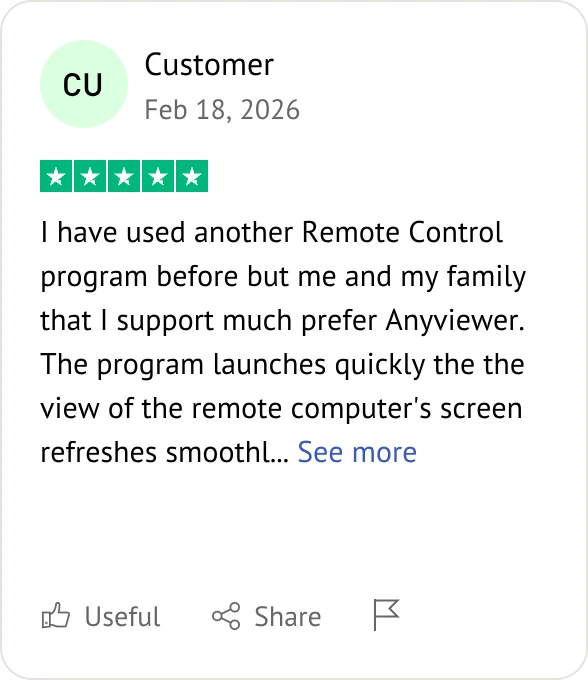
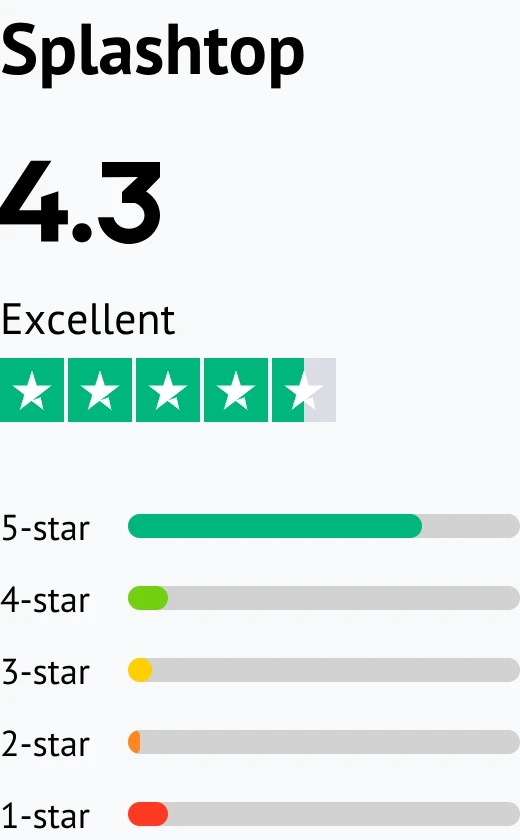
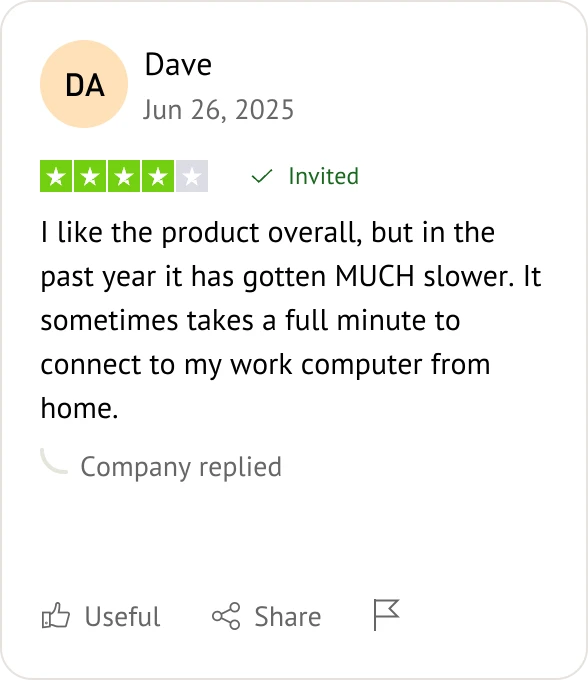
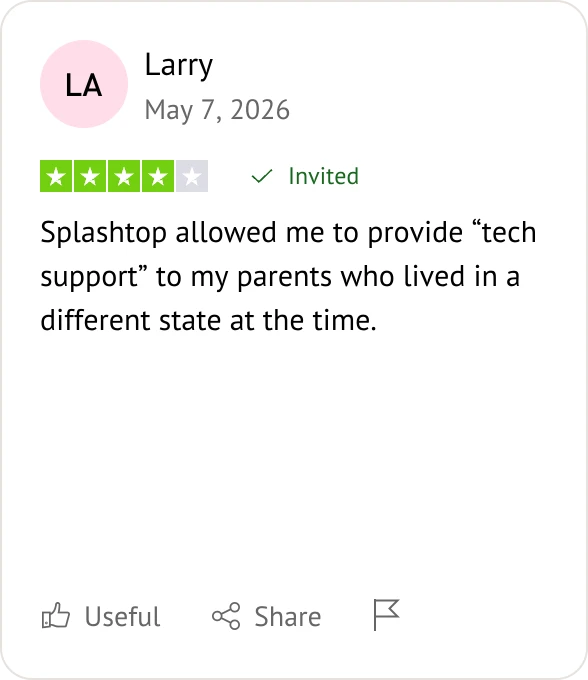
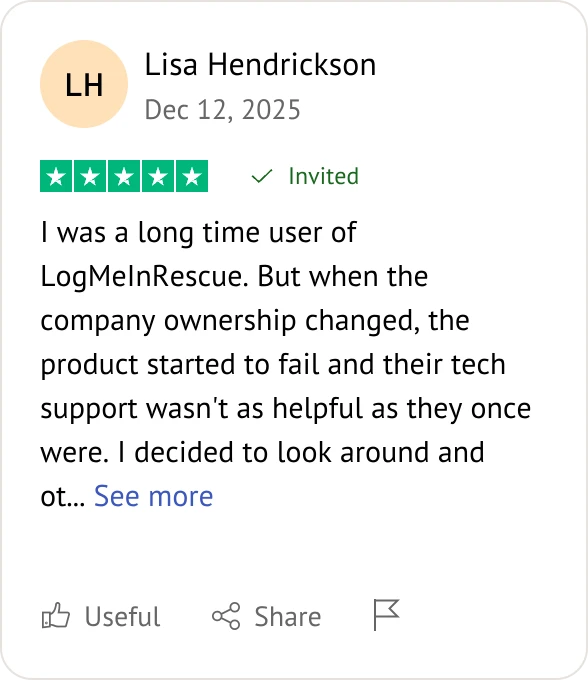
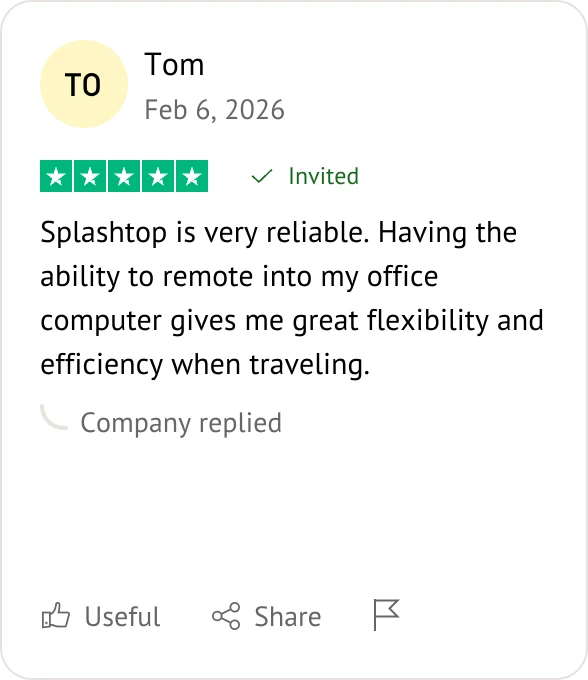
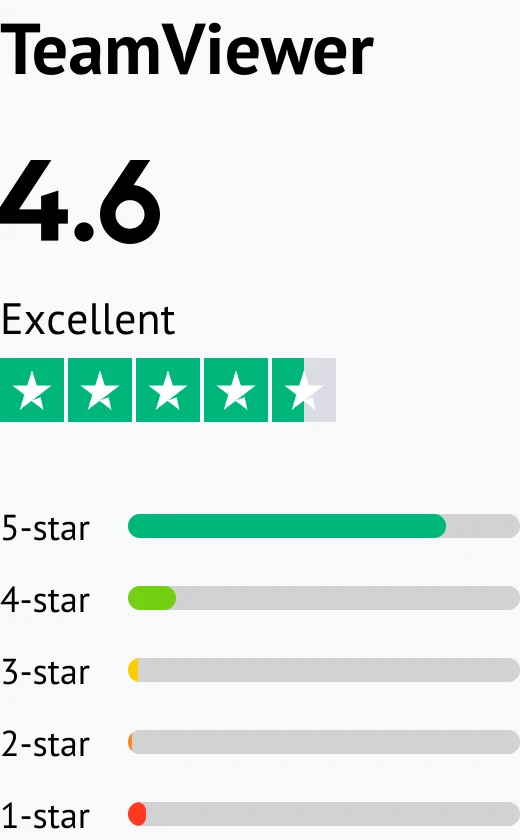
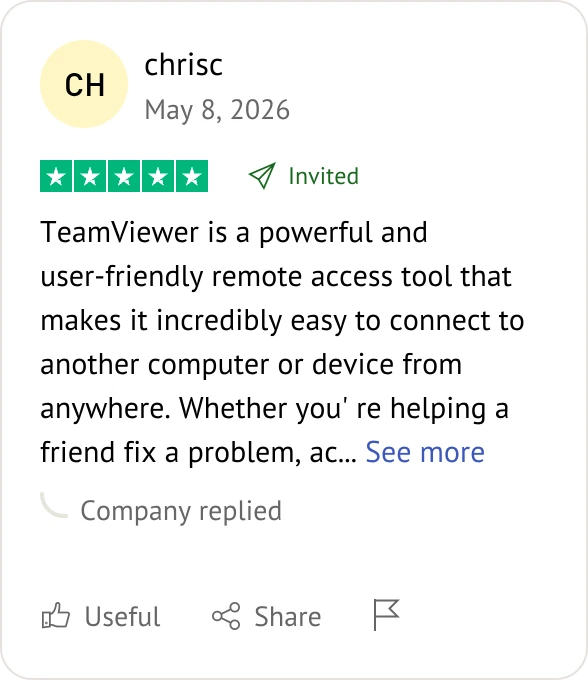
Customer reviews were taken from Trustpilot and Software Advice on July 15, 2026.

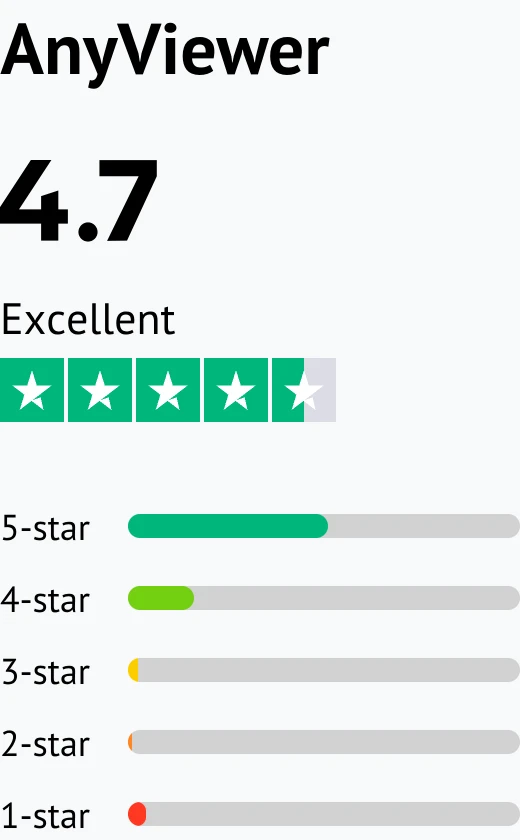
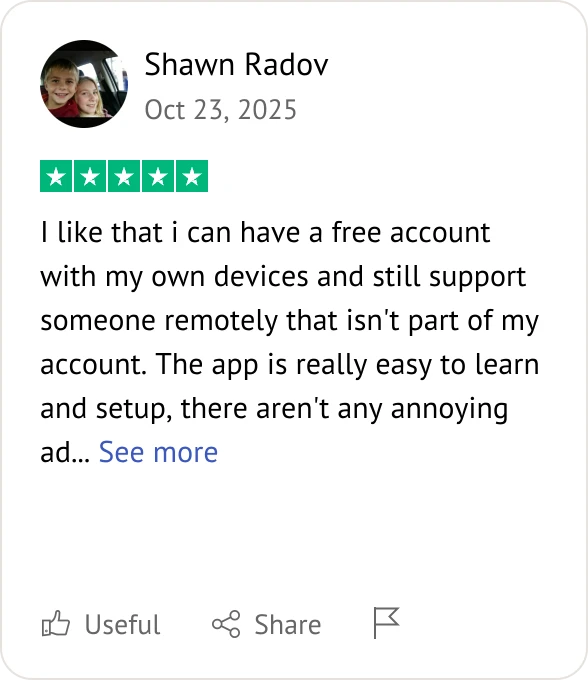
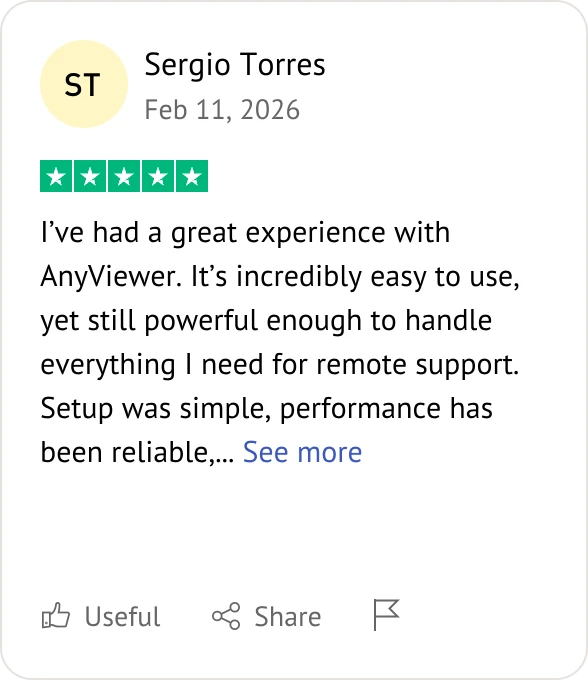
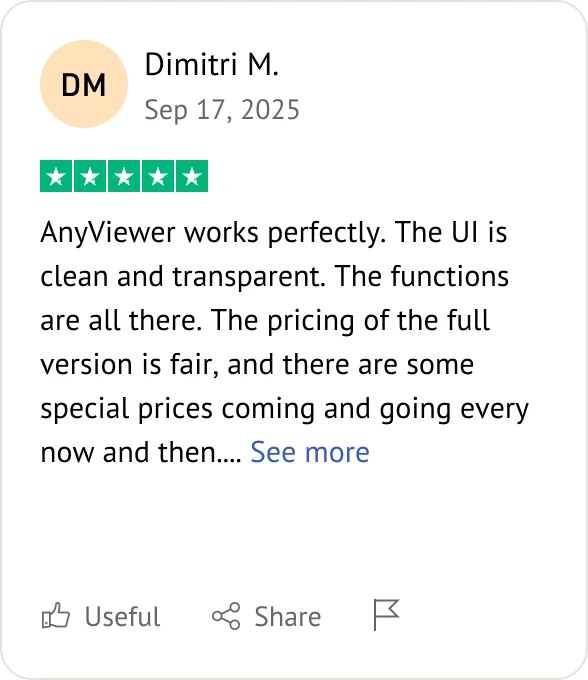
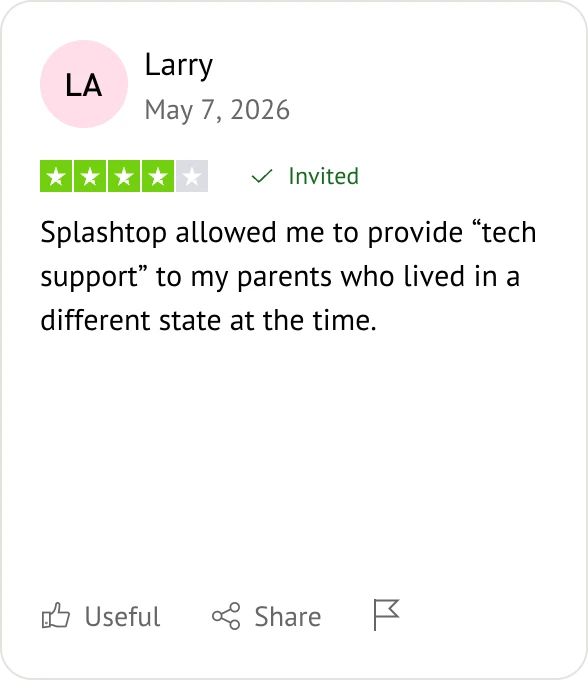
AnyViewer user review
Splashtop user review
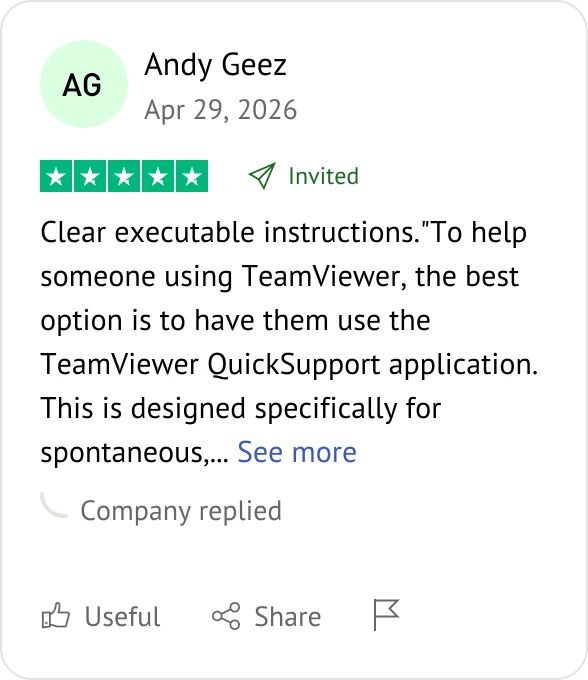
TeamViewer user review
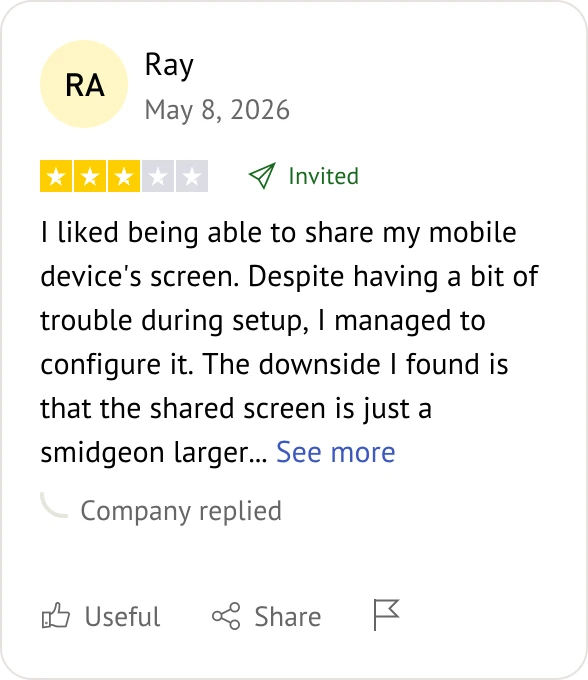
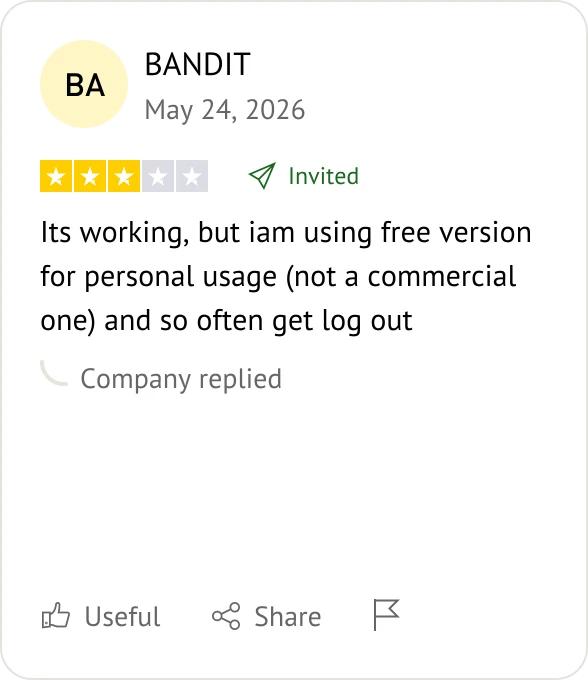
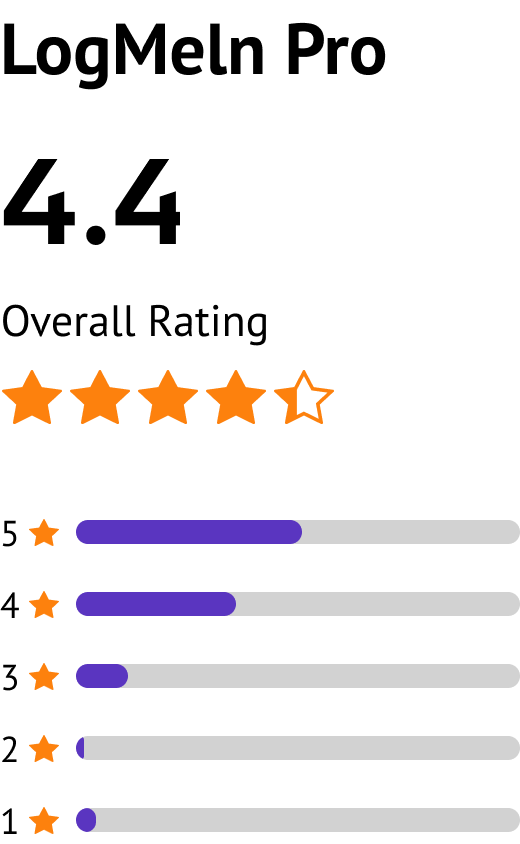
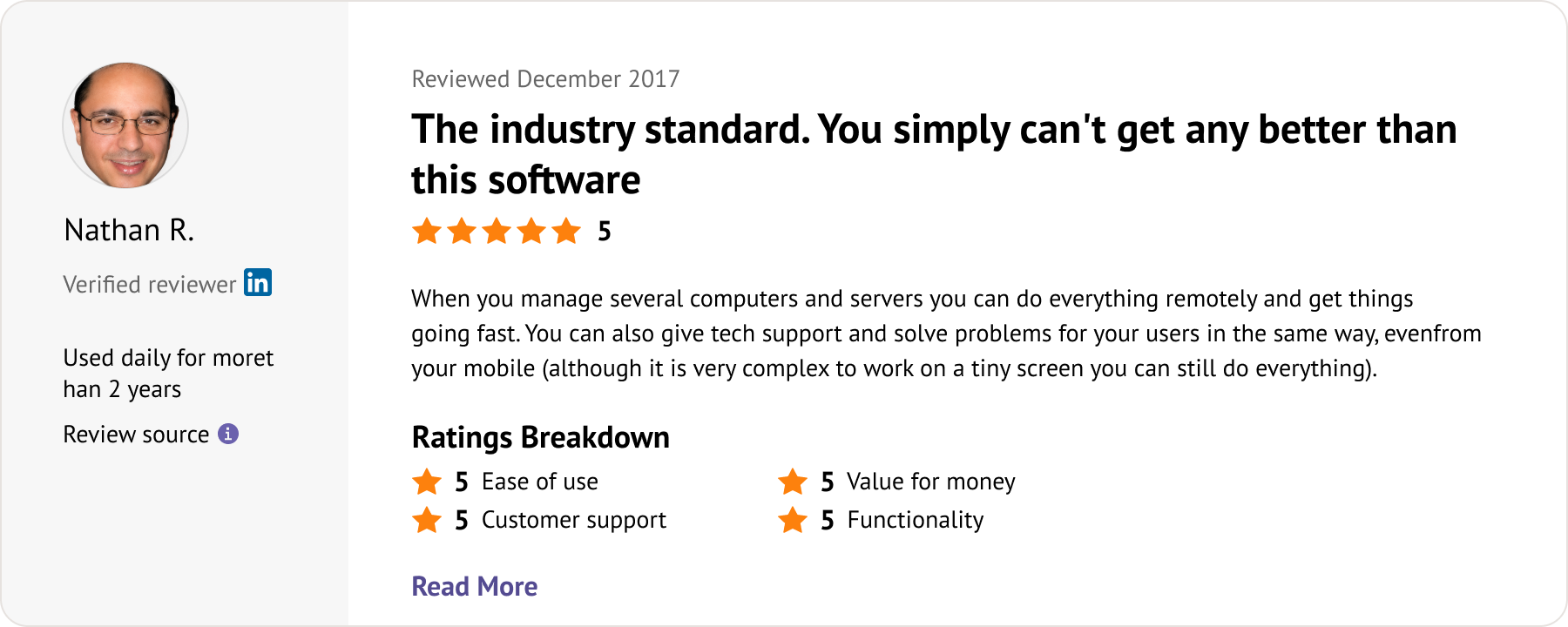
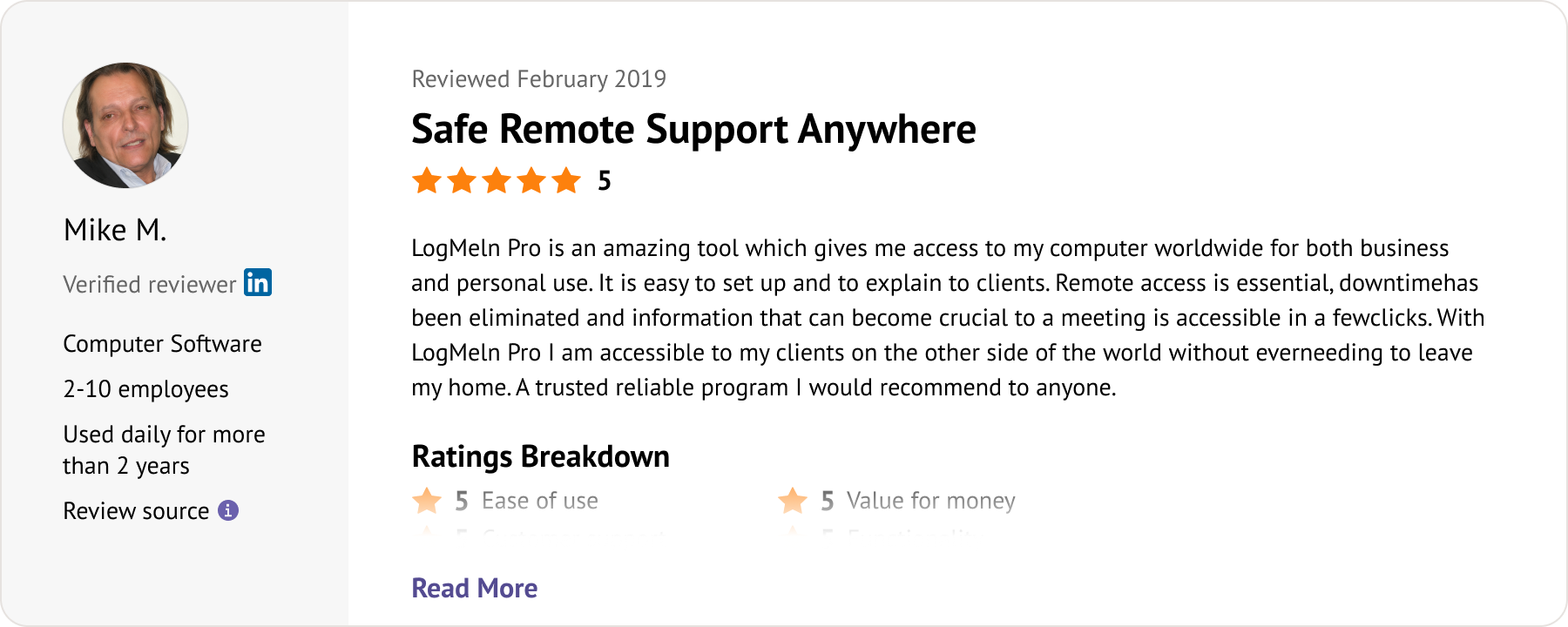
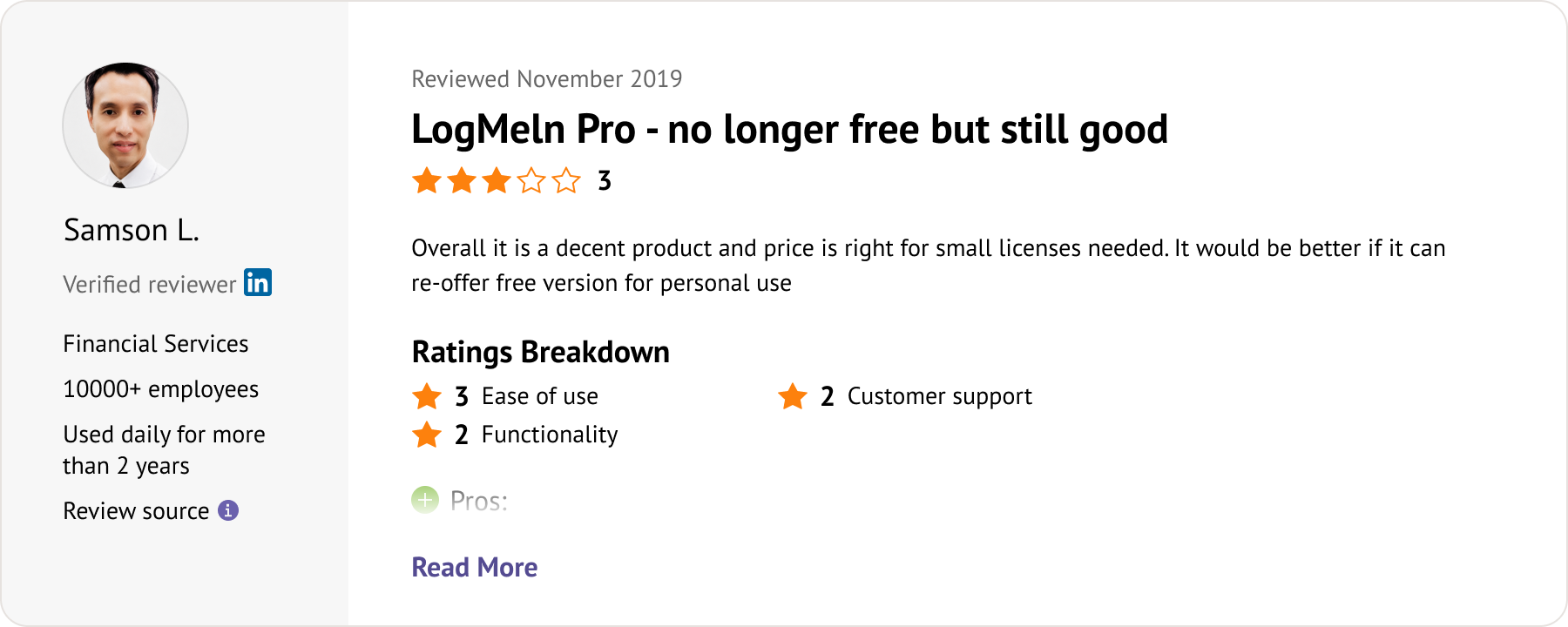
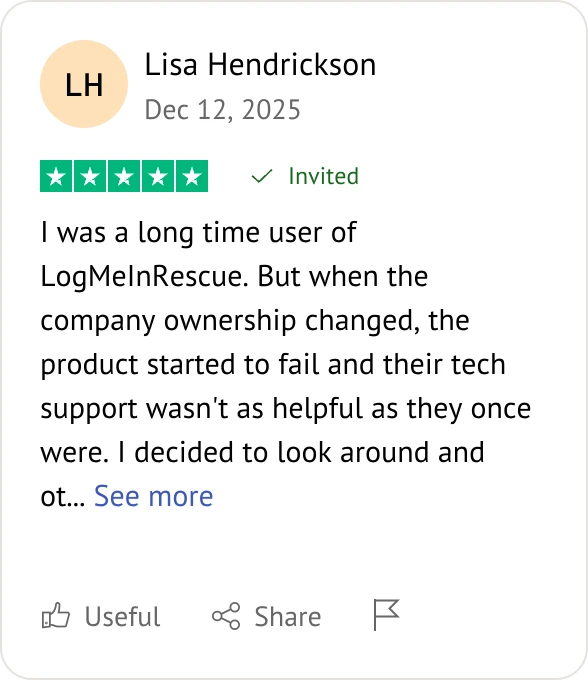
LogMeIn Pro user review
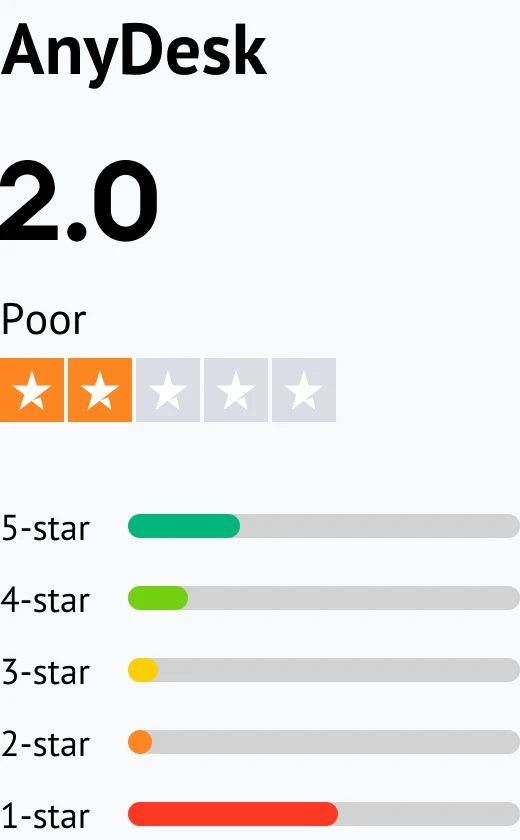
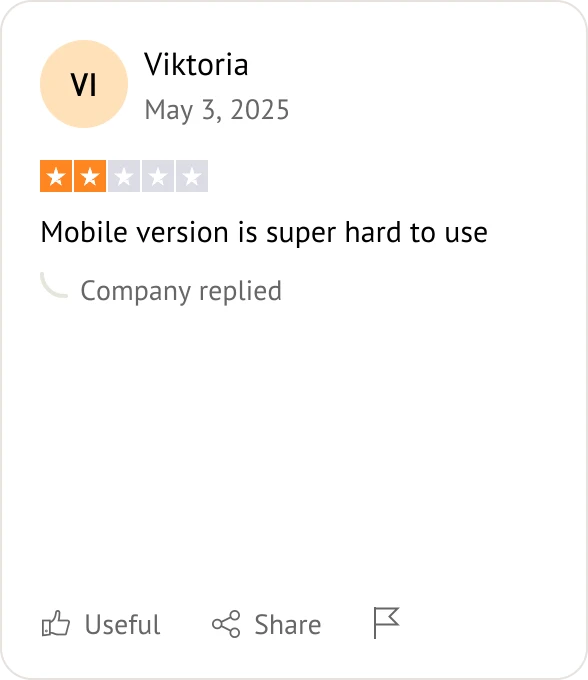
AnyDesk user review
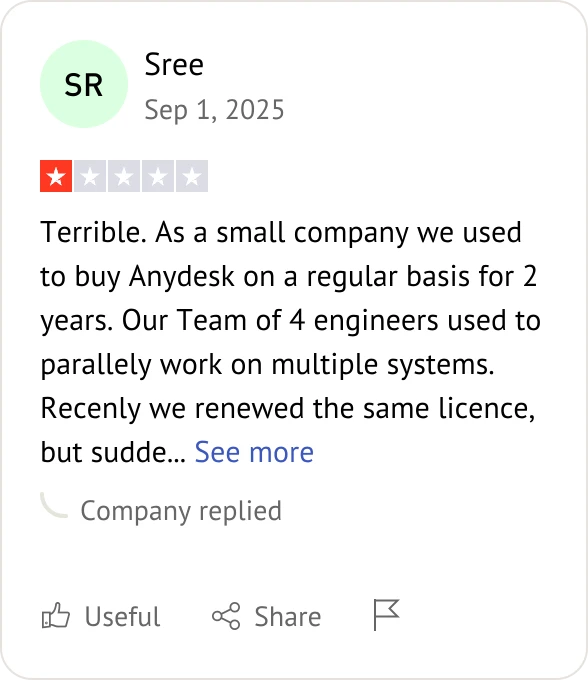
AnyDesk user review
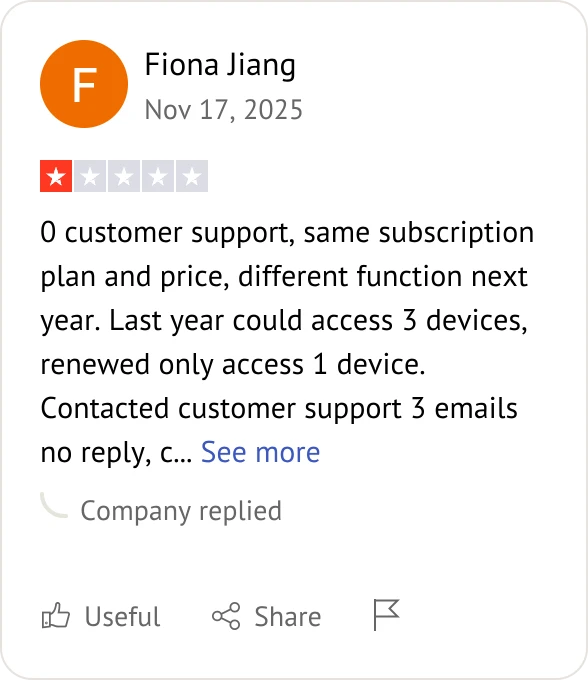
AnyDesk user review
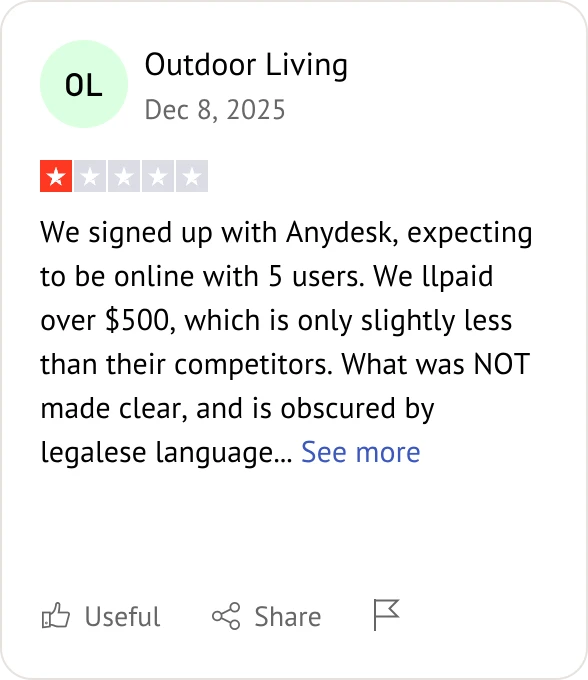
AnyDesk user review
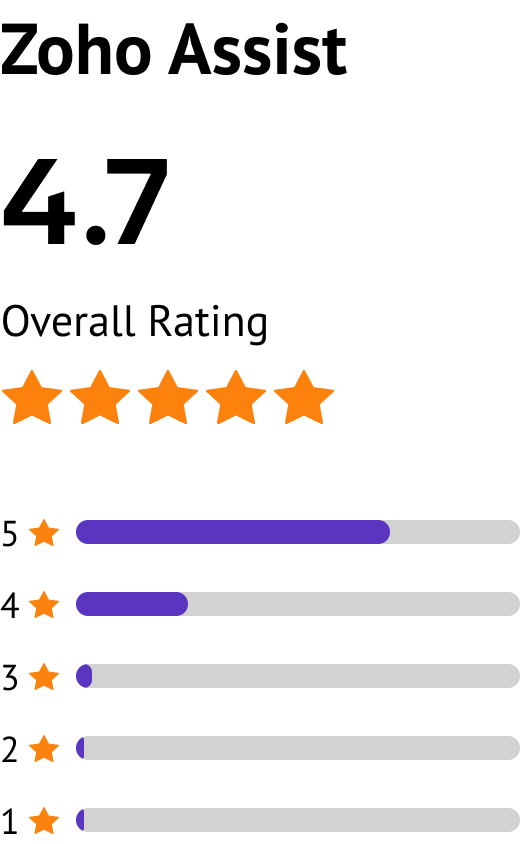
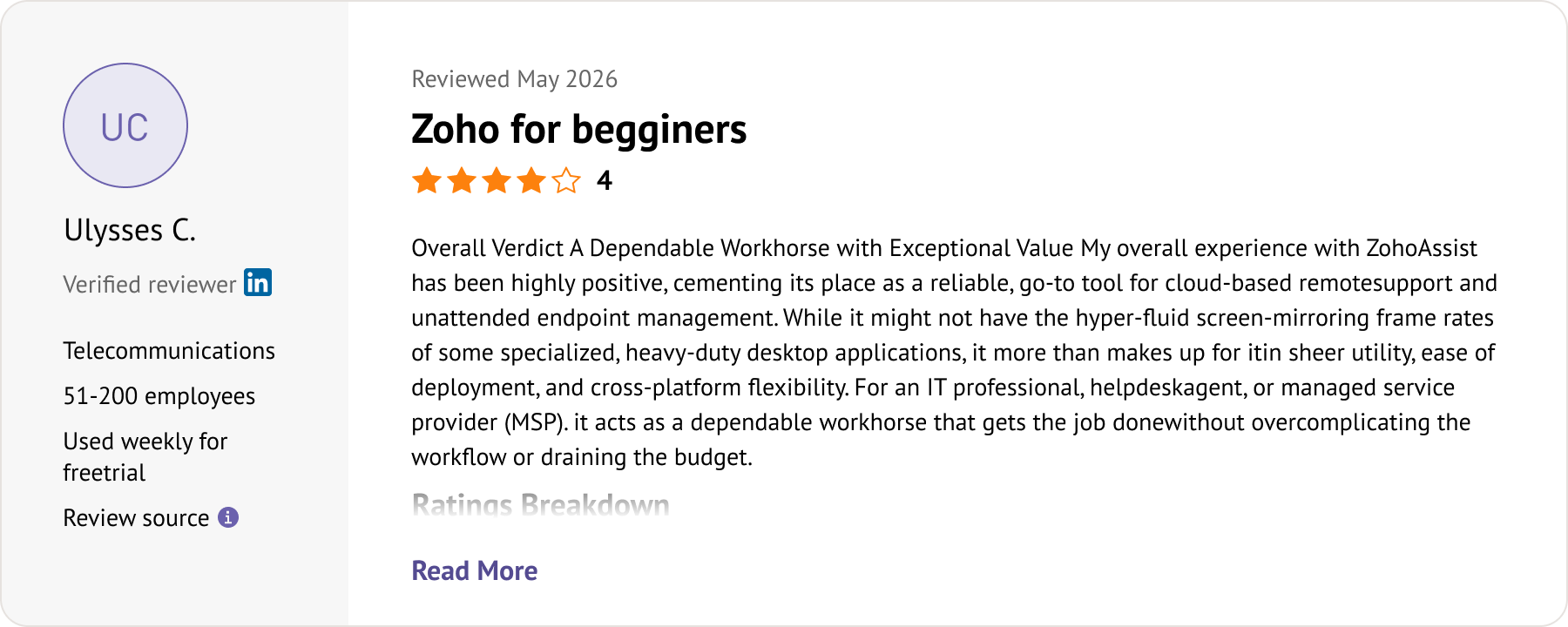
Zoho Assist customer review
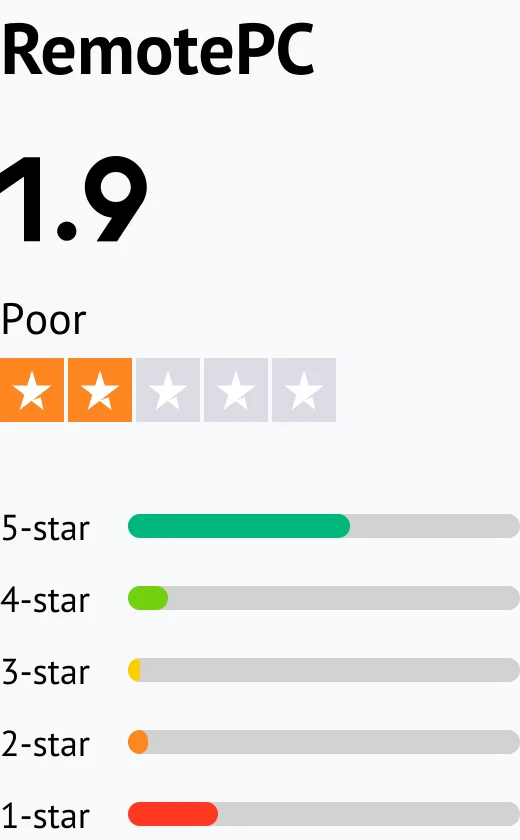
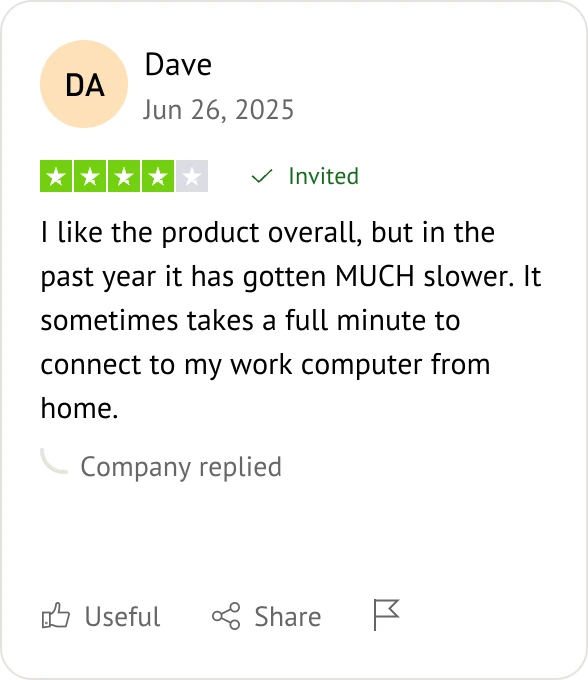
RemotePC user review

Frequently Asked Questions About Splashtop Alternatives

What is the best free alternative to Splashtop?

AnyViewer is widely considered the best free alternative. While Splashtop Personal restricts free access exclusively to your local home network, AnyViewer provides 100% free cross-network access with fast connection speeds and minimal system overhead.

Why do users look for alternatives to Splashtop?

Users primarily seek alternatives due to rising subscription costs, local-network restrictions on the free version, and key features, like multi-monitor independent window viewing, being locked behind more expensive pricing tiers.

Is Splashtop completely free for commercial use?

No. Splashtop Personal is strictly for non-commercial use on a local Wi-Fi network. Any commercial use, remote work, or connection outside your local network requires a paid Business Access or Remote Support subscription.

Which Splashtop alternative offers the best multi-monitor support?

AnyViewer and AnyDesk lead in multi-monitor usability. AnyViewer provides seamless multi-screen toggling and independent window management without forcing users into premium enterprise plans, while AnyDesk delivers smooth multi-monitor rendering.

What is the most cost-effective Splashtop alternative for small businesses?

RemotePC (offering flat-rate annual bundles for unlimited users) and AnyViewer (featuring budget-friendly commercial tiers with generous free options) offer the highest value and predictable scaling costs for growing teams.

How does AnyViewer compare to Splashtop in performance and pricing?

AnyViewer delivers faster connection setup times, lower CPU and RAM consumption, and P2P direct routing with True Color display support. While Splashtop locks basic cross-network commercial access behind annual subscriptions, AnyViewer offers unrestricted cross-network connectivity at a significantly lower total cost of ownership.

Which Splashtop alternative provides the lowest latency for resource-heavy tasks?

AnyViewer and AnyDesk excel in low-latency performance. Both leverage high-efficiency streaming engines supporting up to 60 FPS, making them ideal for graphics-heavy workflows, responsive remote navigation, and interactive tasks.

What is the best Splashtop alternative for IT support and unattended access?

Zoho Assist (best for browser-based on-demand support and diagnostic tools) and TeamViewer (best for legacy enterprise endpoint management) are top choices for IT helpdesk environments.

Are Splashtop alternatives secure enough for enterprise remote work?

Yes. Modern alternatives like LogMeIn Pro, AnyViewer, and TeamViewer implement enterprise-grade End-to-End 256-bit AES encryption, Two-Factor Authentication (2FA), dynamic session codes, and strict GDPR compliance to keep remote endpoints fully secure.

What are the key differences between Splashtop, AnyDesk, and TeamViewer?

Splashtop: Mid-market tool with strong core performance, though multi-monitor features are locked behind higher tiers. AnyDesk: Lightweight, high-fps streaming engine built for fast responsiveness and deep customization. TeamViewer: Extensive enterprise feature set and broad platform support, but carries the highest subscription price tag.

Are there lightweight or browser-based alternatives to Splashtop?

Yes. Zoho Assist provides lightweight cloud-based support without heavy local software installation, while AnyDesk offers a minimal, portable client option that runs instantly without complex setup.

Which Splashtop alternative is easiest to set up for unattended access?

AnyViewer and RemotePC offer the simplest unattended access configurations. Both support quick one-click account binding and permanent security codes, allowing users to connect to remote office PCs effortlessly without complex port forwarding or network reconfigurations.

Looking for a Powerful Alternative to Splashtop?

Discover which top-rated alternative fits your workflow best:

  • If you need free cross-network access, AnyViewer offers fast performance without network limits.
  • If you manage IT helpdesk support, Zoho Assist unifies instant support and unattended access in one tool.
  • If you scale a small business, RemotePC provides flat-rate pricing with unlimited user access.