| Category | ||
|---|---|---|
| Best For | SMBs & individuals needing basic, reliable access. | Large enterprises managing massive, complex IT setups. |
| Free Plan | 7-day free trial only (No permanent free tier). | Free for personal use (Triggers strict commercial blocks). |
| Ease of Use | Lightweight & simple dashboard, ideal for beginners. | Feature-rich & complex, designed for professional IT pros. |
| Performance | Good for standard office tasks; can lag on web/classic modes. | Industrial-grade speed, ultra-smooth multi-session handling. |
| Pricing | Dirt cheap (Low per-computer annual billing). | Premium pricing (Expensive per-user/concurrent model). |
| Security | Solid standard protection (TLS v1.2, 256-bit AES, 2FA). | Top-tier compliance (GDPR/HIPAA, advanced audits, BYOC). |
| Feature | ||
|---|---|---|
| Unattended Access | ||
| Drag-and-Drop File Transfer | ||
| Remote Printing | ||
| Multi-to-Multi Monitor Support | ||
| Session Recording | ||
| In-Session Text Chat | ||
| Built-in Voice & Video VoIP Chat | ||
| Mobile Access | iOS & Android | iOS & Android |
| Connection from | Windows, macOS, Linux, iOS, Android, Chrome OS, Fire OS, Remote Web Client | Windows, macOS, Linux, iOS, Android, Chrome OS, Raspberry Pi, Remote Web Client |
| Connection to | Windows, macOS, Linux, Android, Raspberry Pi, Chrome OS | Windows, macOS, Linux, iOS, Android, Chrome OS, Raspberry Pi |
| Security | TLS v1.2 / AES-256 bit + Personal Key + 2FA | AES-256 bit + RSA Verification + 2FA |
| Remote Reboot | ||
| Wake-on-LAN | ||
| Enterprise-Grade Script Deployment | ||
| Third-Party IT Integrations | ||
| AR Remote Assistance | ||
| Enterprise IoT Device Monitoring | ||
| Built-in Service Desk & Ticketing Integration |
Feature Insight: In this TeamViewer vs RemotePC comparison, RemotePC is the ultimate budget-friendly choice for daily remote access, while TeamViewer is an expensive, all-inclusive powerhouse built for complex enterprise IT management.
Plans |
||
|---|---|---|
| For free |
None
|
Free for strictly non-commercial use
|
| For single users |
Start from $1.84 to $6.22/month
|
Start from $24.90 to $50.90/month
|
| For teams |
Start from $18.72/month
|
Start from $112.90/month
|
| For corporations |
Start from $37.47/month
|
Start from $229.90/month
|
Pricing Insight: RemotePC offers cheap per-computer pricing, while TeamViewer demands premium per-user rates built for high-budget enterprise operations.
| Security Measures | ||
|---|---|---|
| AES 256-bit Session Encryption | ||
| Two-Factor Authentication (2FA) | ||
| Trusted Device Verification | ||
| Remote Screen Blackout (Privacy Mode) | ||
| IP / User Block and Allowlist | ||
| Session Idle Timeout (Auto-Disconnect) | ||
| Centralized Security Policy Deployment | ||
| Single Sign-On (SSO) Support | ||
| SOC 2 Type 2 & HIPAA Compliance | ||
| Advanced Conditional Access (Time/Location Rules) | ||
| Comprehensive Enterprise-Wide Admin Audit Logs | ||
| Bring Your Own Certificate (BYOC) Authentication | ||
| FIDO2 / Hardware Security Key Redirection | ||
| Windows LAPS Integration (Local Admin Passwords) | ||
| Exponential Brute-Force Attack Protection |
Security Insight: RemotePC covers all standard security basics, while TeamViewer delivers advanced, industrial-grade protection.
| Performance Metrics | ||
|---|---|---|
| Frame Rate (FPS) | Solid 30 FPS; stuttery on heavy video. | Up to 60 FPS; ultra-smooth animations. |
| Latency & Responsiveness | Good locally; slight lag over long distances. | Near-instant worldwide; zero noticeable delay. |
| Bandwidth Efficiency | Standard compression; requires stable internet. | Dynamic compression; smooth even on weak networks. |
| High-Res & Multi-Monitor Handling | Works fine; lags on heavy 4K layouts. | Industrial-grade; flawless on 4K monitor arrays. |
| File Transfer Speed | Average; best for docs and small folders. | Exceptional; dedicated pipeline maximizes throughput. |
| Resource Consumption | Feather-light; minimal impact on old PCs. | Noticeably heavier background footprint. |
Insight: RemotePC covers all standard security basics, while TeamViewer delivers advanced, industrial-grade protection.
| Category | ||
|---|---|---|
| Budget-friendly pricing with high return on
investment
RemotePC is highly budget-friendly; TeamViewer is too expensive for
small operations.
|
||
| Ability to add unlimited users without extra
fees
RemotePC allows unlimited users; TeamViewer charges strictly per user
and channel.
|
||
| Effortless setup and deployment for
non-technical teams
RemotePC allows unlimited users; TeamViewer charges strictly per user
and channel.
|
||
| Inclusion of essential remote access tools out
of the box
Both cover daily essentials; TeamViewer includes expensive enterprise
overkill.
|
||
| Reliable access to 24/7 live customer
support
RemotePC offers 24/7 support to all; TeamViewer prioritizes corporate
clients.
|
Insight: RemotePC offers affordable scalability for small businesses, while TeamViewer remains a pricey enterprise luxury.
| Category | ||
|---|---|---|
| Automated mass deployment across thousands of
global endpoints
TeamViewer handles flawless global rollouts; RemotePC lacks advanced
policy automation.
|
||
| Granular conditional access and zero-trust
security policies
TeamViewer features full zero-trust access; RemotePC uses basic role
permissions.
|
||
| Advanced identity management with automated SCIM
provisioning
TeamViewer automates lifecycles via SCIM; RemotePC only supports
basic SSO.
|
||
| Real-time audit trailing and enterprise SIEM
system integration
TeamViewer integrates directly with SIEM; RemotePC relies on standard
event logs.
|
||
| Complex multi-environment management and
regional compliance controls
TeamViewer provides multi-tenant structure; RemotePC lacks complex
profile isolation.
|
Insight: TeamViewer delivers a robust, zero-trust infrastructure for global enterprises, while RemotePC remains too basic for complex corporate environments.
| Category | ||
|---|---|---|
| Seamless on-demand attended remote support via
instant invitations
TeamViewer offers seamless QuickSupport apps; RemotePC sessions lack
custom branding.
|
||
| Deep integrations with external IT service desks
and enterprise CRM tools
TeamViewer integrates natively with major ITSMs; RemotePC relies on
basic APIs.
|
||
| Multi-session handling and seamless session
transfers between technicians
TeamViewer features smooth tabbed multi-sessions; RemotePC lacks easy
agent transfers.
|
||
| Mobile device troubleshooting including full
remote control and diagnostics
TeamViewer controls iOS/Android flawlessly; RemotePC mobile is mostly
viewing-only.
|
||
| Built-in background IT monitoring, patch
management, and asset tracking
TeamViewer embeds full RMM tools; RemotePC lacks advanced endpoint
tracking.
|
Insight: TeamViewer provides a powerhouse environment for multi-platform IT help desks, while RemotePC remains a basic access tool without deep service integrations.
| Category | ||
|---|---|---|
| Interruption-free licensing without
false-positive commercial blocks
RemotePC avoids false blocks; TeamViewer frequently triggers
disruptive popups.
|
||
| Strict adherence to global data privacy and
enterprise compliance
TeamViewer holds top compliance certs; RemotePC covers basic
standards.
|
||
| Financial predictability with transparent
contractual and billing terms
RemotePC offers flat-rate billing; TeamViewer enforces rigid
auto-renewals.
|
||
| Secure and fluid external access for third-party
vendors and clients
TeamViewer allows instant external links; RemotePC requires manual
provisioning.
|
||
| Broad operational versatility across commercial
server and host fleets
TeamViewer handles headless servers perfectly; RemotePC management is
basic.
|
Insight: RemotePC offers a transparent, hassle-free commercial model, while TeamViewer provides elite compliance bound by rigid contracts.
| Category | ||
|---|---|---|
| Seamless feature parity across major desktop
environments
Both deliver full-featured, high-speed performance across primary
desktop environments.
|
||
| Robust access to backend infrastructure and
headless servers
TeamViewer offers deep native Linux integrations; RemotePC works but
features feel basic.
|
||
| Full remote control and troubleshooting for
mobile ecosystems
TeamViewer provides full control over major mobile brands; RemotePC
is mostly view-only.
|
||
| Adaptability to diverse client fleets and
lightweight systems
TeamViewer fully supports Chromebook hosting; RemotePC restricts
newer ChromeOS to viewer-only.
|
||
| Frictionless clientless connectivity via modern
web browsers
Both provide excellent web-based portals for instant connection
without installing software.
|
Insight: TeamViewer rules the cross-platform arena with flawless control over mobile, Linux, and niche systems, while RemotePC remains best optimized for standard Windows and Mac environments.
| Category | ||
|---|---|---|
| High-frame-rate game display streaming
capabilities
RemotePC Performance Viewer hits 60 FPS; TeamViewer struggles with
high-motion gaming.
|
||
| Low-latency controller input and mouse
tracking
RemotePC minimizes input lag; TeamViewer exhibits noticeable cursor
delay in games.
|
||
| Native gamepad and hardware peripheral
pass-through
Neither supports native gamepads; RemotePC handles basic USB
redirection better.
|
||
| Real-time game audio and sound
synchronization
RemotePC syncs audio with 60 FPS video; TeamViewer suffers from
occasional audio drift.
|
||
| High-motion 3D graphics compression
quality
RemotePC maintains 3D graphics clarity; TeamViewer pixelates heavily
during fast movement.
|
Insight: RemotePC outpaces TeamViewer in gaming thanks to its 60 FPS Performance Viewer, though neither can match dedicated gaming-first software.
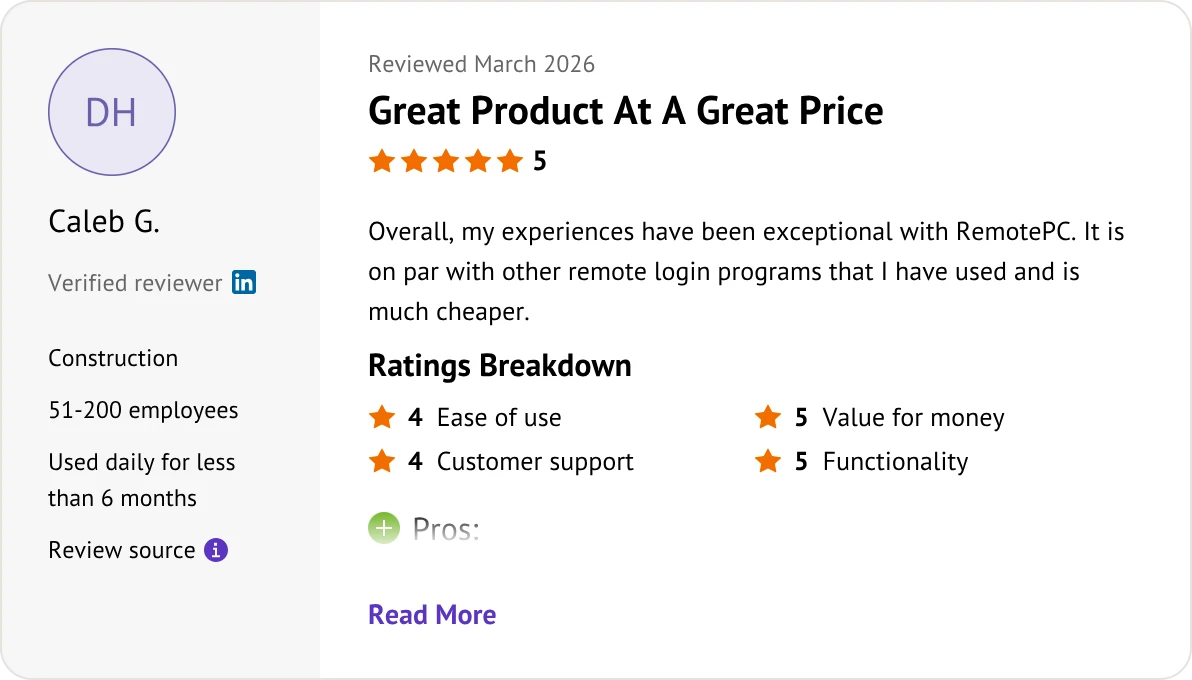
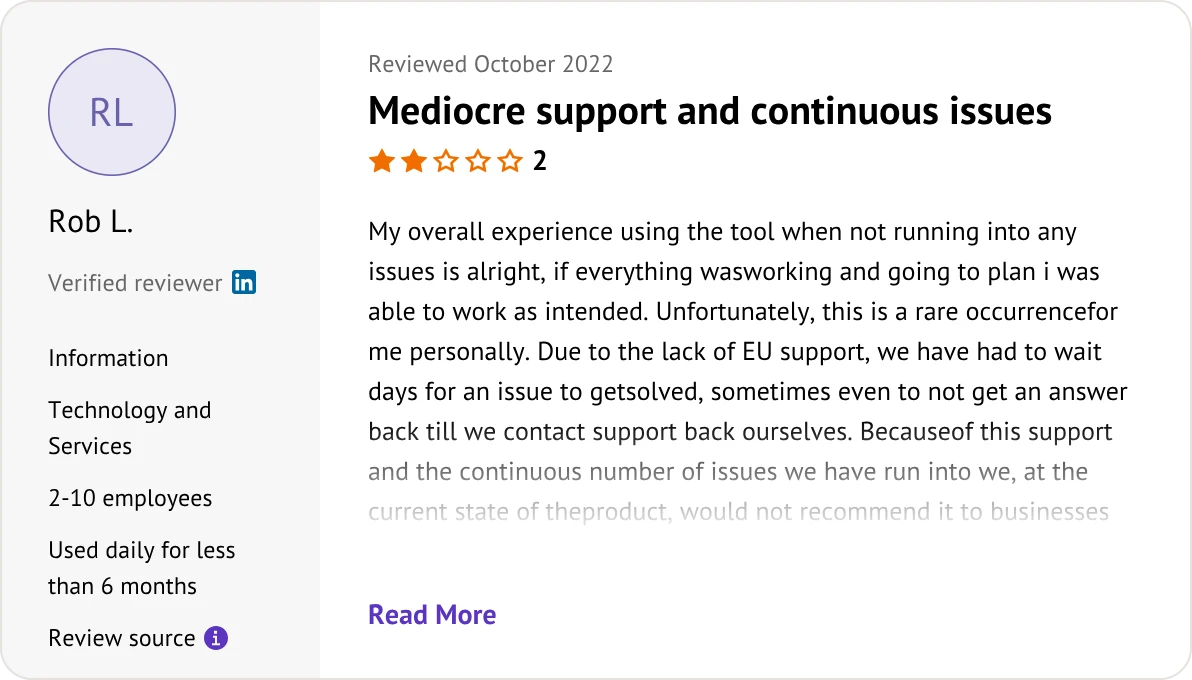
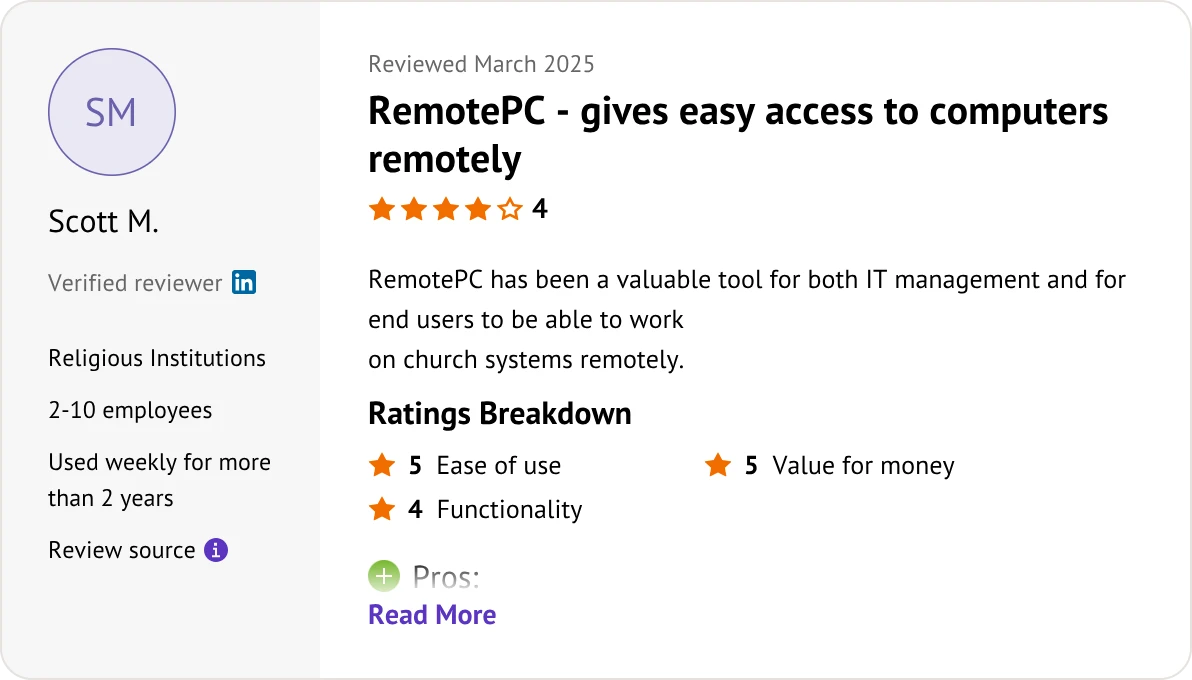
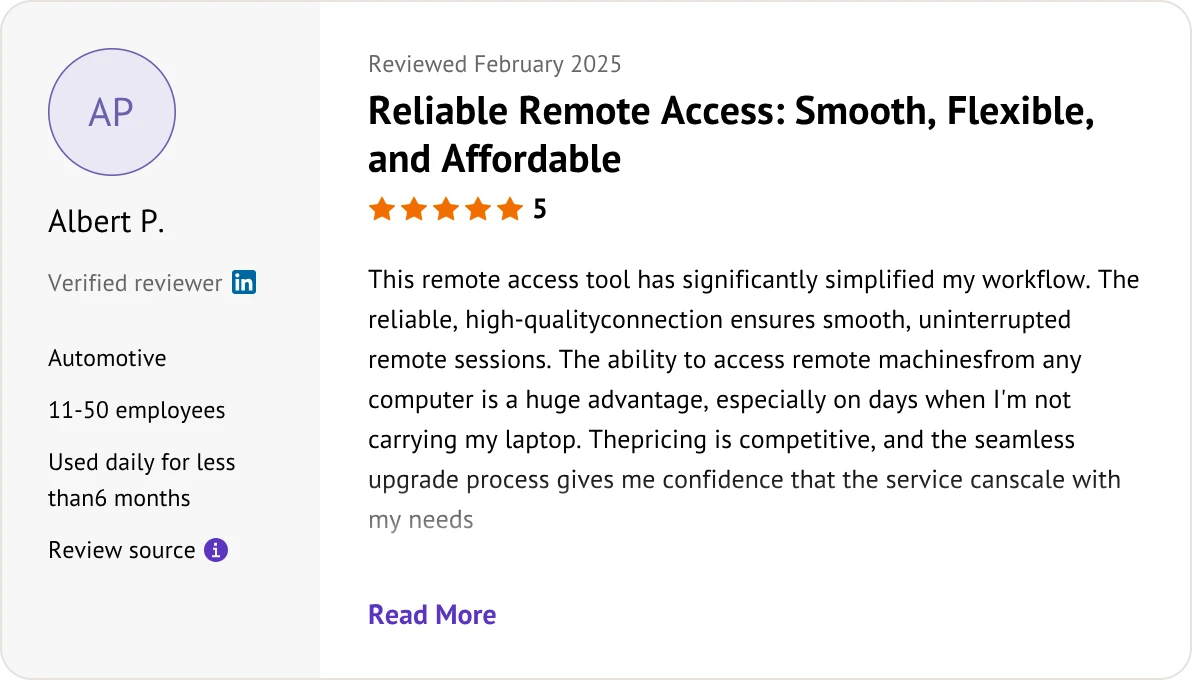
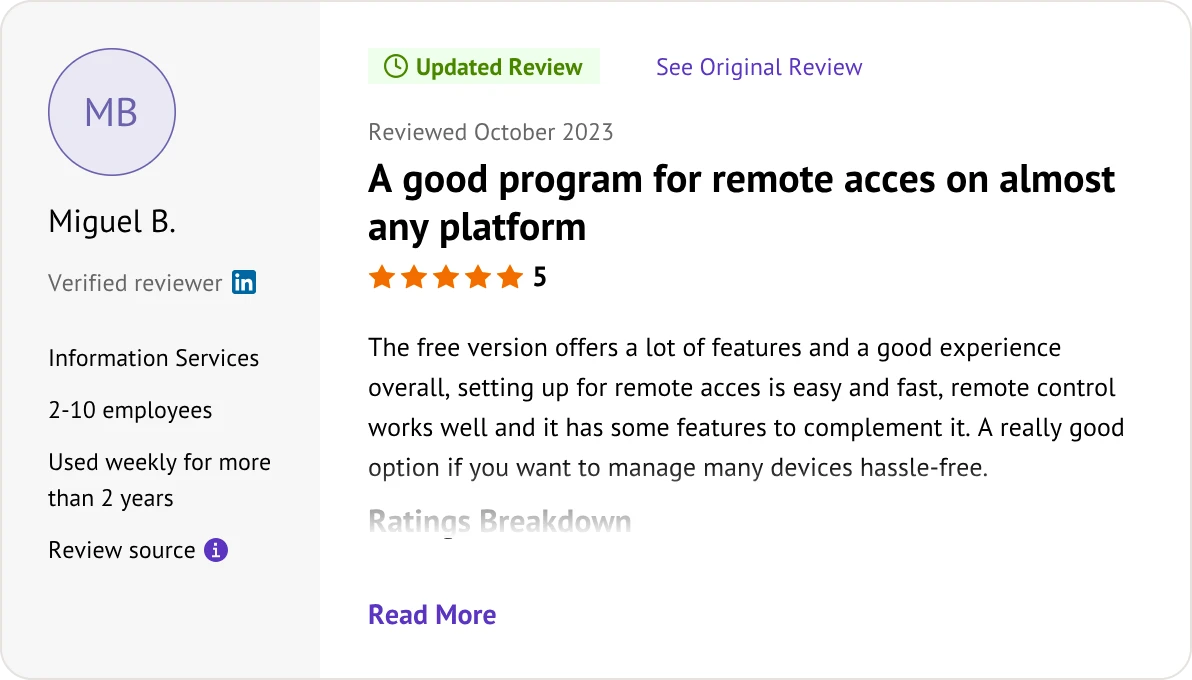
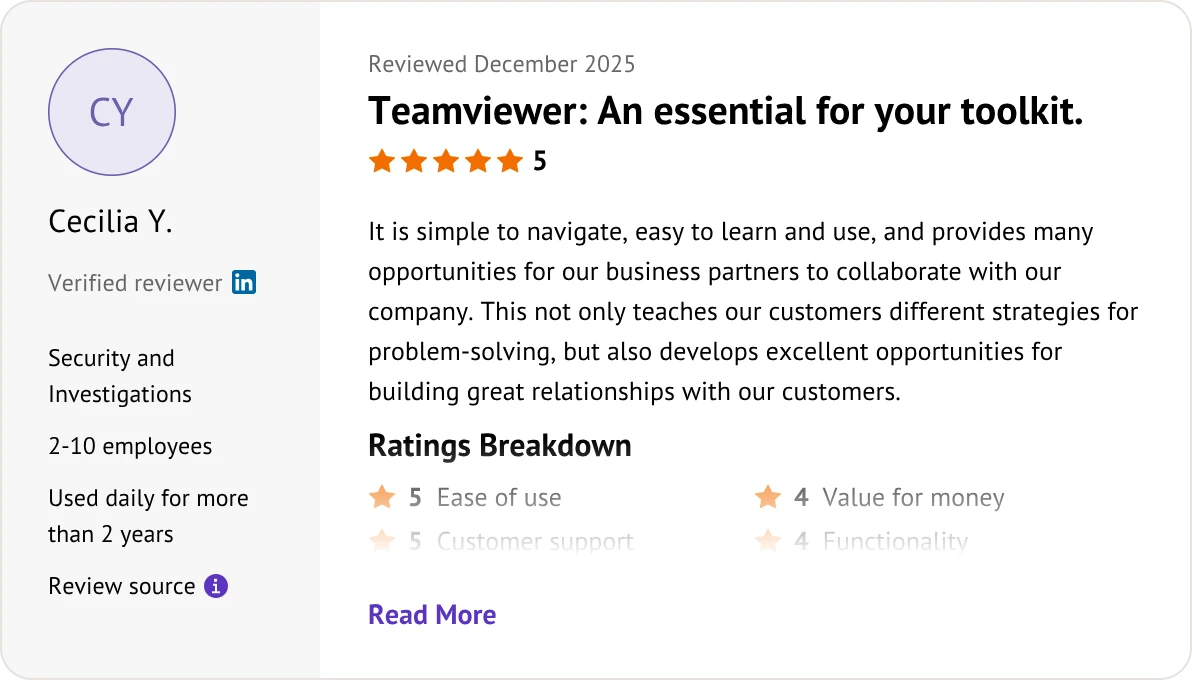
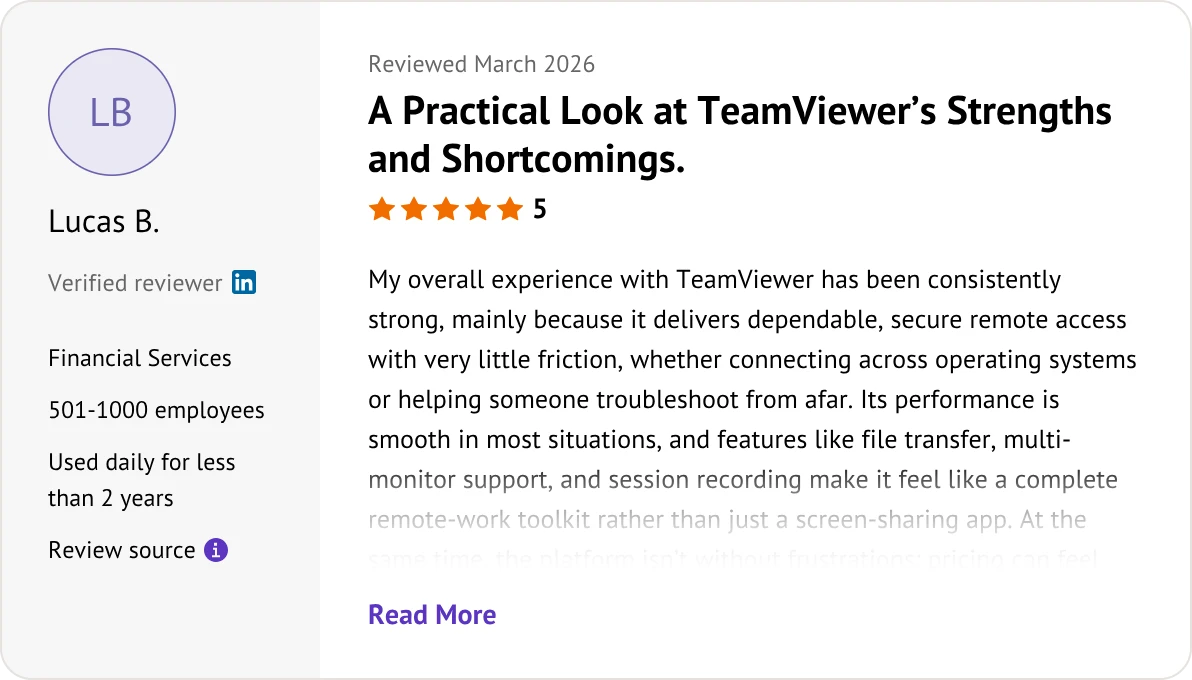
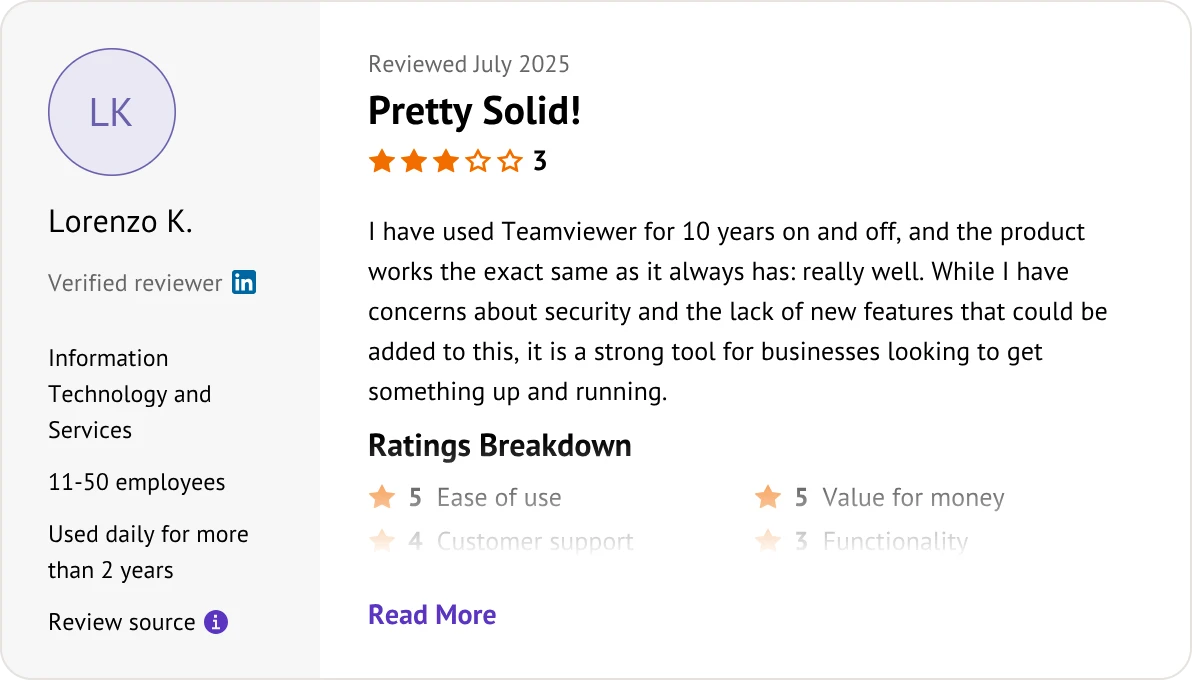
This TeamViewer vs RemotePC reviews comparison is based on customer feedback taken from Software Advice on July 9, 2026.


RemotePC is significantly cheaper. RemotePC charges a flat annual fee (starting around $22–$30/year), whereas TeamViewer charges a monthly fee (starting around $20–$35/month). RemotePC’s entire year often costs less than a single month of TeamViewer.
No. RemotePC is predominantly a paid business service, so it does not use aggressive user-tracking blocks. TeamViewer’s free tier is notorious for suddenly locking users out with disruptive "commercial use suspected" popups.
Only TeamViewer does. TeamViewer provides a long-term free version strictly for personal, non-commercial use. RemotePC does not have a permanent free tier and only offers a 7-day free trial (no credit card required).
RemotePC charges per controlled computer, while TeamViewer charges per technician. RemotePC allows an unlimited number of users or technicians to access a set number of devices. TeamViewer limits the number of licensed technicians or concurrent active sessions.
RemotePC performs better. RemotePC features a dedicated Performance Viewer that supports up to 60 FPS with low input lag. TeamViewer struggles with high-motion 3D graphics, often resulting in noticeable cursor delay and pixelation.
TeamViewer wins easily. TeamViewer offers a powerful mobile support ecosystem allowing full remote control over thousands of phone models. RemotePC’s mobile capabilities are highly restricted and mostly view-only.
TeamViewer is far superior. It provides a comprehensive RMM (Remote Monitoring and Management) ecosystem, automated script execution, and advanced policy deployment. RemotePC lacks the infrastructure required to manage thousands of complex corporate endpoints.
Yes, both do. RemotePC offers "Viewer Lite" through web portals, and TeamViewer allows technicians to launch full remote sessions directly from any modern web browser without installing local software.
They are equally secure. Both platforms utilize industry-standard, bank-grade AES 256-bit encryption, two-factor authentication (2FA), and secure TLS cryptographic protocols.
TeamViewer. TeamViewer has a long history of deep native Linux integration and command-line support. RemotePC supports Linux but offers a much more basic and bare-bones feature set.
RemotePC is much safer. TeamViewer is infamous for rigid auto-renewal clauses and requiring a strict 28-day written notice to cancel a subscription. RemotePC uses a straightforward, flat-rate annual model with no hidden terms.
TeamViewer. TeamViewer offers out-of-the-box native integrations with major ITSM and CRM platforms like ServiceNow, Zendesk, and Jira. RemotePC has weak third-party platform support and relies mostly on basic APIs.

Select the remote desktop tool that aligns best with your specific deployment needs and budget.
Ditch RemotePC and TeamViewer for AnyViewer’s high-performance, budget-friendly remote access.

Match your technical requirements and budget constraints with the right platform: