
Strict Hardware Limits
Parsec requires a powerful graphics card on the host computer to run. It won't work on basic office PCs, and you cannot use a Mac as the host machine, Apple devices can only be used to connect to other PCs.


While Parsec is highly popular for lag-free gaming and creative work, its strict setup requirements and paid upgrades have prompted many users to look for alternatives.
Parsec requires a powerful graphics card on the host computer to run. It won't work on basic office PCs, and you cannot use a Mac as the host machine, Apple devices can only be used to connect to other PCs.
Even if your computers are side-by-side on the same local network, Parsec must connect to the internet to log in. If your internet drops or Parsec's servers go offline, you are completely locked out of your machines.
Standard features like multi-monitor switching, virtual displays, and high-quality color modes (which keep on-screen text sharp and readable) are locked behind expensive paid monthly plans.
Designed for gaming, Parsec lacks basic office tools. There is no built-in file transfer, clipboard sharing can be inconsistent, and remote printing is not supported, forcing you to use cloud drives just to share a file.
Parsec completely lacks an iOS or iPadOS app. This means you cannot access your remote computer from your iPhone or iPad, leaving mobile users with no way to connect on the go.
Because Parsec streams your desktop like a live video feed, it demands a perfect connection. Even minor Wi-Fi hiccups or network lag will instantly turn your screen blurry and pixelated, or drop your connection entirely.
| Software | Best for | Key Highlight |
|---|---|---|
 AnyViewer AnyViewer |
Budget-conscious users & SMBs | Free multi-monitor & fast file transfer |
 TeamViewer TeamViewer |
Large enterprise IT support | Top-tier security & global scale |
 AnyDesk AnyDesk |
Lightweight, quick ad-hoc help | Tiny, instant-run lightweight app |
 Splashtop Splashtop |
Creative teams & businesses | Smooth, high-fidelity screen streaming |
 RealVNC RealVNC |
Secure, direct LAN connections | Works entirely over local offline LAN |
 RustDesk RustDesk |
Tech-savvy users & privacy advocates | 100% open-source and self-hosted |
There is no one-size-fits-all replacement for Parsec; the ideal alternative depends entirely on your specific workflow needs. While AnyViewer offers the best budget-friendly features and Splashtop delivers the closest high-fidelity streaming experience, TeamViewer and AnyDesk excel in enterprise security and quick support, whereas RealVNC and RustDesk remain the top choices for complete offline privacy and self-hosted control.
AnyViewer delivers a secure, reliable remote desktop experience for both daily work and casual gaming.
Freelancers, remote employees, casual gamers, and budget-conscious small teams.
“AnyViewer is the perfect escape from Parsec's expensive upgrades. By offering critical features like multi-monitor support and high-speed file sharing entirely for free, it gives budget-conscious users a reliable, high-performing remote workspace without the premium price tag.”.
TeamViewer delivers premium, massive-scale remote support equipped with industry-leading security and global connectivity.
Large enterprise help desks and global corporate IT environments.
"TeamViewer is the gold standard for massive corporate networks where security is non-negotiable. While it lacks Parsec's specialized gaming focus, its unmatched administrative controls and global scale make it the indispensable choice for enterprise IT infrastructure."
AnyDesk provides an ultra-compact remote desktop solution designed for instant deployment and fast, on-the-go technical assistance.
On-the-go IT technicians, remote professionals, and anyone needing fast, temporary computer access.
“AnyDesk is the perfect choice when you need to connect to a machine right away without dealing with Parsec's heavy hardware configuration. By offering a tiny, instant-run application that bypasses traditional installation, it delivers quick, hassle-free remote support exactly when time is critical.”.
Splashtop delivers smooth, color-accurate remote streaming coupled with robust business management features, making it the ideal alternative for performance-driven teams.
Creative studios, design teams, video editors, and growing businesses.
"Splashtop perfectly bridges the gap between Parsec’s high-performance streaming and true business infrastructure. By providing professional-grade color accuracy alongside critical corporate security like SSO and session auditing, it delivers a reliable remote workspace for creative teams who cannot compromise on visual quality."
RealVNC provides a secure remote desktop solution built for direct connections across local networks without relying on the cloud.
Privacy advocates, network admins, and secure offline environments.
"RealVNC is the perfect choice for breaking free from cloud ecosystems like Parsec. By focusing heavily on direct, local connections, it delivers absolute privacy and full infrastructure control without ever exposing your data to the public internet."
RustDesk provides a 100% open-source remote desktop solution that puts you in complete control of your data and infrastructure.
Tech-savvy users, self-hosters, and strict privacy advocates.
"RustDesk is the perfect choice for breaking away from proprietary apps like Parsec. By letting you run your own self-hosted servers, it delivers absolute privacy and platform independence without sacrificing connection speed."
| Category | Parsec | AnyViewer | TeamViewer | AnyDesk | Splashtop | RealVNC | RustDesk |
|---|---|---|---|---|---|---|---|
| Best for | Low-Latency Gaming & Editing | Budget-Friendly Work & Casual Gaming | Global Enterprise IT Support | Lightweight Ad-Hoc Support | Creative Teams & Businesses | Secure Offline LAN Connections | Self-Hosted Privacy & Geeks |
| Free Commercial Use | No | No | Yes | No | No | No | Yes |
| Ease of Use | Medium | High | High | High | High | Medium | High |
| Cross-Platform Support | Windows, macOS, Linux, Android, Web access | Windows, macOS, iOS, Android | Windows, macOS, Linux, iOS, Android, FreeBSD, Raspberry Pi | Windows, macOS, Linux, iOS, Android, ChromeOS | Windows, macOS, Linux, iOS, Android, ChromeOS, Web access | Windows, macOS, iOS, Android | Windows, macOS, Linux, iOS, Android, Web access |
| Pricing | High | Low | High | Medium to High | Low | Medium | Low |
While Parsec dominates in low-latency performance, its alternatives offer more cost-effective options tailored for free commercial use, enterprise support, and self-hosted privacy.
While Parsec and its top alternatives all provide essential remote access, their specialized features and performance capabilities vary significantly.
| Features | Parsec | AnyViewer | TeamViewer | AnyDesk | Splashtop | RealVNC | RustDesk |
|---|---|---|---|---|---|---|---|
| Unattended Access | |||||||
| Direct File Transfer | |||||||
| Multi-Monitor Display | |||||||
| 60 FPS Performance Streaming | |||||||
| True Color Display | Limited | ||||||
| Gaming Mouse | Limited | ||||||
| Built-In Session Recording | |||||||
| Whiteboard & Annotation | |||||||
| Clipboard Synchronization | |||||||
| Remote Reboot | Limited | ||||||
| Privacy Mode | |||||||
| Mobile Access | Limited | Limited | |||||
| MSI Deployment | |||||||
| Screen Wall | Limited |
Parsec excels in specialized high-performance streaming, whereas AnyViewer stands out as the most comprehensive solution for management-heavy tasks. While core remote capabilities are universal, software selection hinges on balancing high-speed performance needs against administrative feature requirements.
For freelancers and IT teams, balancing performance with budget is critical. Here is a pricing comparison of top Parsec alternatives to help you choose the right solution for your workflow. (July 2026 update)
| Plans | Parsec | AnyViewer | TeamViewer | AnyDesk | Splashtop | RealVNC | RustDesk |
|---|---|---|---|---|---|---|---|
| Free Plan | Yes (Personal) | Yes (Personal & Commercial) | Yes (Personal) | Yes (Personal) | Trial only | Yes (Personal) | Yes (Open Source) |
| Entry-Level Pricing | Mid-tier plans | Budget-friendly | Premium pricing | Premium pricing | Competitive | Tiered plans | Cost-effective |
| Commercial Usage | Paid required | Included in free version | Paid required | Paid required | Paid required | Paid required | Included in free version |
| Managed Devices | Account-linked, flexible | Tiered (3–100+ units) | Strict license-based | Registered node model | Computer/Asset-based | Device/Session-based | Unlimited (Self-hosted) |
| Technical Support | Ticket/Email | 24/7 Priority | 24/7 Priority | Ticket/Email | Phone & Ticket | Live Chat/Phone | Community/Discord |
| Best Pricing Advantage | Performance (Gaming/Design) | Commercial cost savings | Enterprise ecosystem | Scalability & Flexibility | Performance-to-price | IT compliance & audit | Data sovereignty/Control |
Selecting the right remote desktop tool requires balancing the cost-efficiency and flexibility of solutions like AnyViewer and RustDesk against the enterprise-grade reliability and dedicated support provided by platforms like TeamViewer and AnyDesk.
Compare the security features of Parsec against leading Parsec alternatives to ensure your remote infrastructure meets professional standards.
| Security Measures | Parsec | AnyViewer | TeamViewer | AnyDesk | Splashtop | RealVNC | RustDesk |
|---|---|---|---|---|---|---|---|
| AES-256 Encryption | |||||||
| Two-Factor Authentication | |||||||
| End-to-End Encryption | |||||||
| Clipboard/File Restriction | |||||||
| Role Permission Management | |||||||
| Trusted Device Authorization | |||||||
| Privacy Mode | |||||||
| Blacklist / Whitelist | |||||||
| Remote Control Permission Settings | |||||||
| Proxy Support | |||||||
| Lock Interface |
For enterprise-grade security and compliance, TeamViewer, AnyDesk, Splashtop, and AnyViewer are the top choices. RealVNC and RustDesk are ideal for self-hosted data control, while Parsec excels in performance but requires additional security hardening.
Selecting the right Parsec alternatives depends on your network environment and specific usage needs.
| Conditions | Parsec | AnyViewer | TeamViewer | AnyDesk | Splashtop | RealVNC | RustDesk |
|---|---|---|---|---|---|---|---|
| Fast Home Network (100 Mbps) | Ultra-smooth & Zero-latency | Fluid & responsive | Seamless interaction | Highly reactive | Consistent fluidity | Highly stable | Fast & Fluid |
| Office Network (25 Mbps) | Highly consistent | Stable with slight latency | Dependable connectivity | Adaptive responsiveness | Balanced stability | Reliable | Stable |
| Slow Hotel WiFi (5 Mbps) | High-fidelity optimization | Adequate for daily tasks | Perceptible latency | Acceptable performance | Moderate usability | Latency-prone | Adaptive but variable |
| Long Remote Sessions | Excellent consistency | Reliable performance | Steady connectivity | Consistent uptime | Reliable operation | Rock-solid reliability | Consistent |
| Multi-Monitor Workflow | Native, ultra-smooth | Seamless switching | Smooth transitions | Fluid multi-display | Streamlined support | Functional support | Seamless switching |
| High-Resolution Streaming | Superior (4K/60fps) | High-fidelity rendering | High-quality visual | Efficient compression | Balanced clarity | Standard rendering | Decent quality |
| Remote Gaming | Industry-best (144Hz+) | Optimized for low-latency gaming input | Basic interaction | Basic gaming support | Moderate performance | Not recommended | Basic support |
| Real-Time Remote Support | Functional | Robust support utility | Comprehensive features | Rapid interaction | Dependable support | Industry-standard | Effective |
| File Transfer Speed | Fast & efficient | Stable large-file transfer | High-speed throughput | Fast transfer speed | Speedy transfers | Reliable | Capable |
| Mobile-to-PC Remote Access | Smooth | Fluent navigation | Optimized mobility | Smooth mobile-link | Fluid interface | Stable | Smooth |
| Resource Consumption | GPU-accelerated (High) | Resource-efficient | High resource demand | Lightweight | Balanced usage | Extremely low | Very lightweight |
Parsec is unrivaled for high-performance streaming and gaming, whereas AnyViewer, TeamViewer, and Splashtop provide the best balance of stability and efficiency for general business productivity and IT support.
The following data compares the performance of top Parsec alternatives across standard operating conditions.
| Software | Connect Time | Average Latency | 2GB File Transfer | Idle RAM Usage | CPU Usage During Session |
|---|---|---|---|---|---|
 Parsec Parsec |
1.0–1.4s | 25–40ms | 80–95MB/s | 130–180MB | 4–7% (GPU optimized) |
| AnyViewer |
1.2-1.6s | 45-58ms | 85-100MB/s | 110-150MB | 6-9% |
| TeamViewer |
2.5-3.2s | 70-95ms | 55-70MB/s | 280-350MB | 13-20% |
| AnyDesk |
1.3-1.7s | 45-60ms | 80-95MB/s | 140-180MB | 7-11% |
| Splashtop |
1.5-2.0s | 45-65ms | 75-90MB/s | 220-290MB | 8-14% |
|
RealVNC
|
1.8–2.5s | 50–75ms | 50–65MB/s | 90–130MB | 8–12% |
| RustDesk |
1.2–1.7s | 35–55ms | 70–90MB/s | 70–110MB | 5–9% |
Test Environment:
|
Observations:
|
||||
Different remote desktop users have different priorities. Some focus on affordability and simplicity, while others need advanced management, enterprise deployment, or gaming responsiveness.
Remote gaming requires ultra-low latency, high frame rates, and precise input synchronization. Unlike general-purpose tools, these solutions prioritize high-bitrate streaming and rendering performance to ensure a smooth, near-native experience.
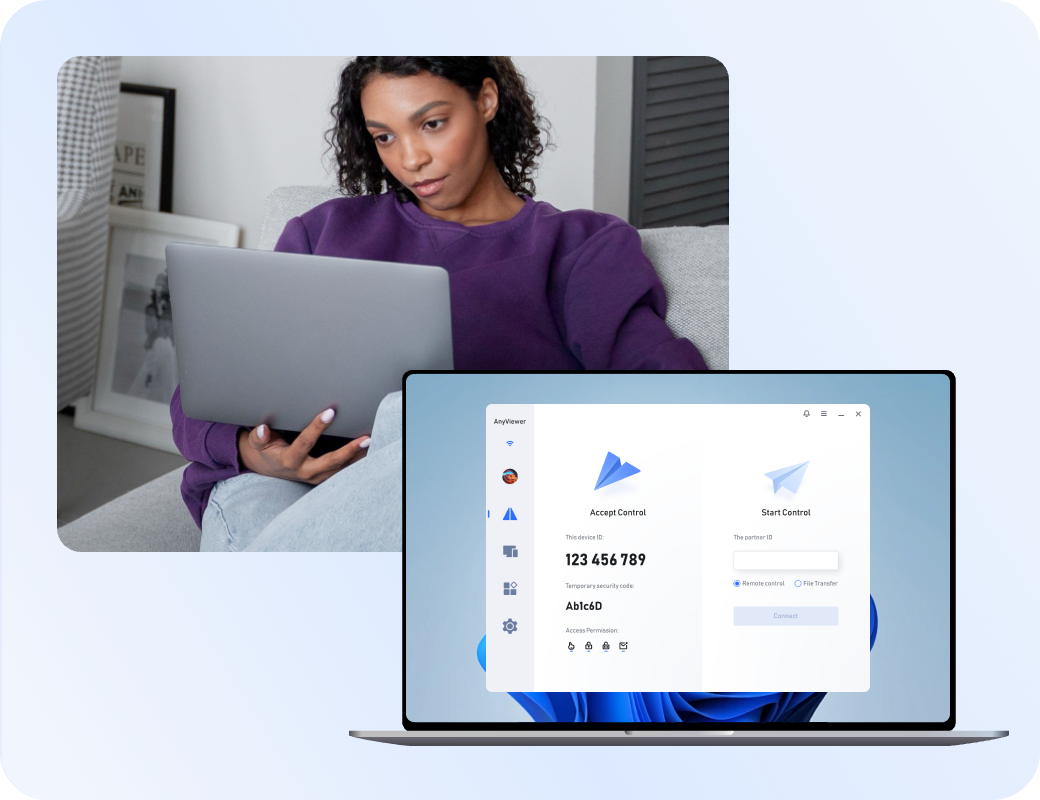
Remote workers need reliable access, fast file transfers, and cross-device compatibility. Priorities include stability and ease of use over complex enterprise features.
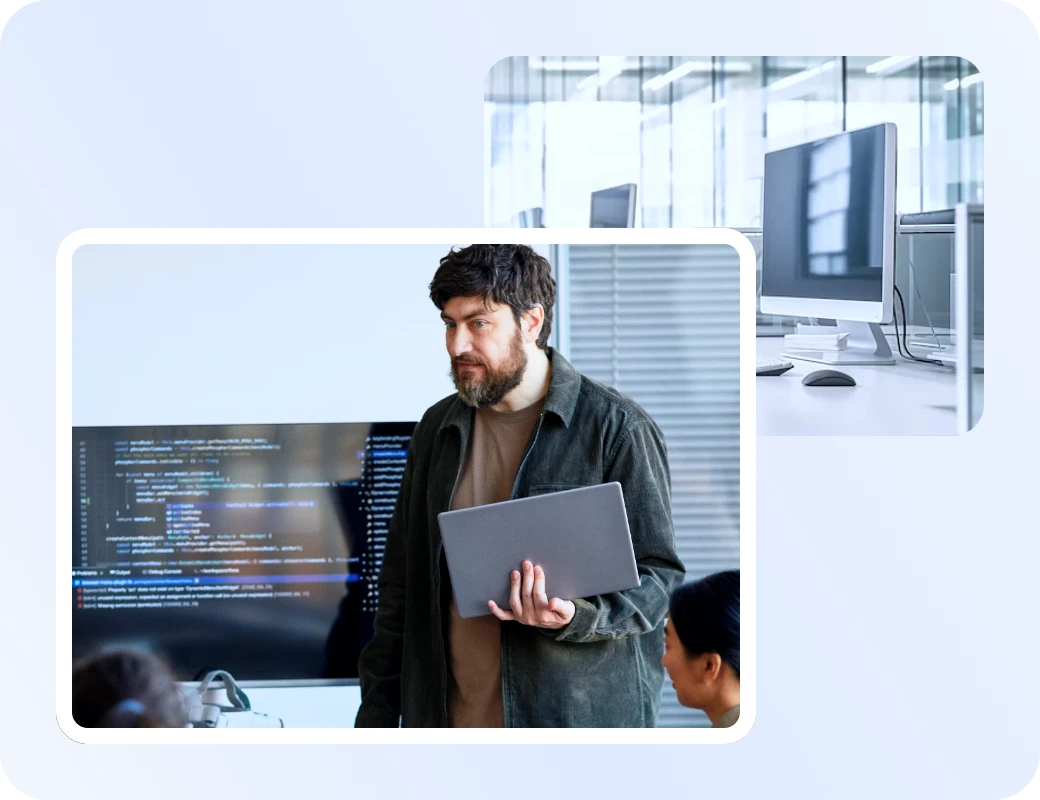
IT support demands robust administrative controls, session logging, and secure, on-demand access, prioritizing professional troubleshooting efficiency over consumer-level ease of use.

Small businesses need affordable, secure, and scalable access to manage devices and support teams. These tools balance cost-efficiency with professional management features.

Cross-platform access is essential for modern workflows, requiring seamless connections between diverse operating systems like Windows, macOS, Linux, and mobile.

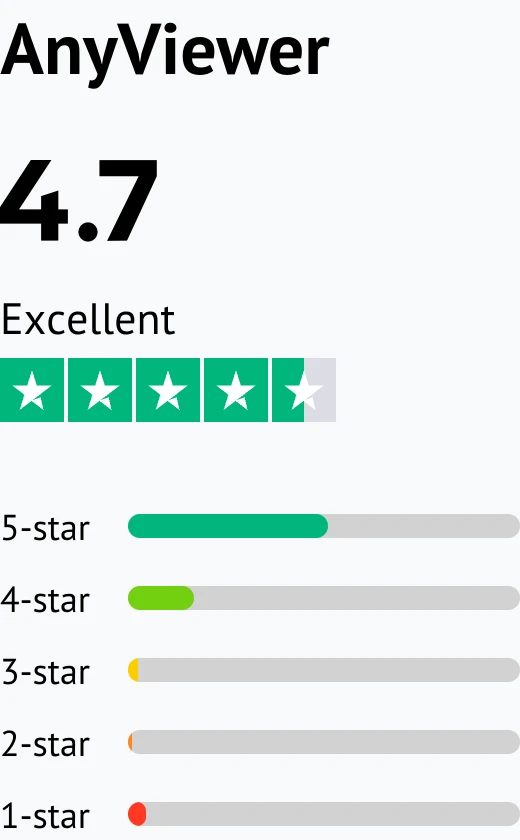
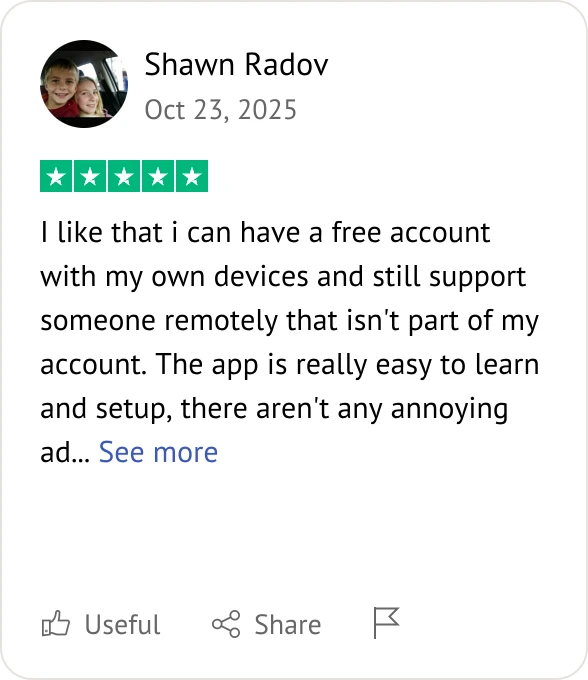
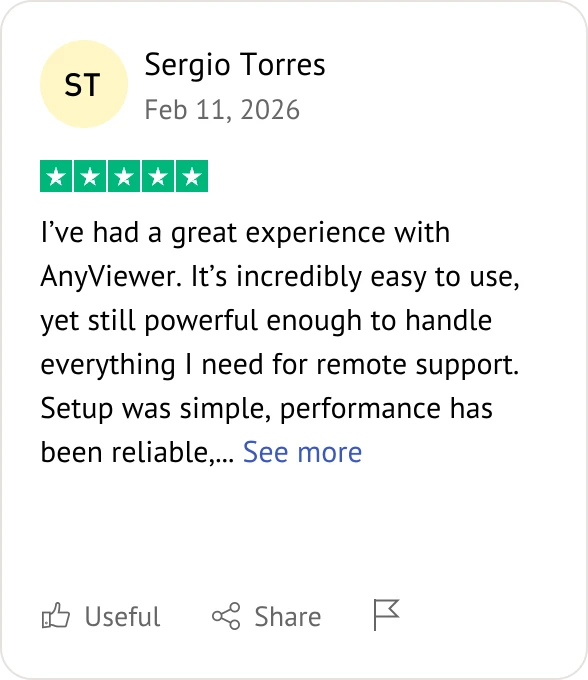
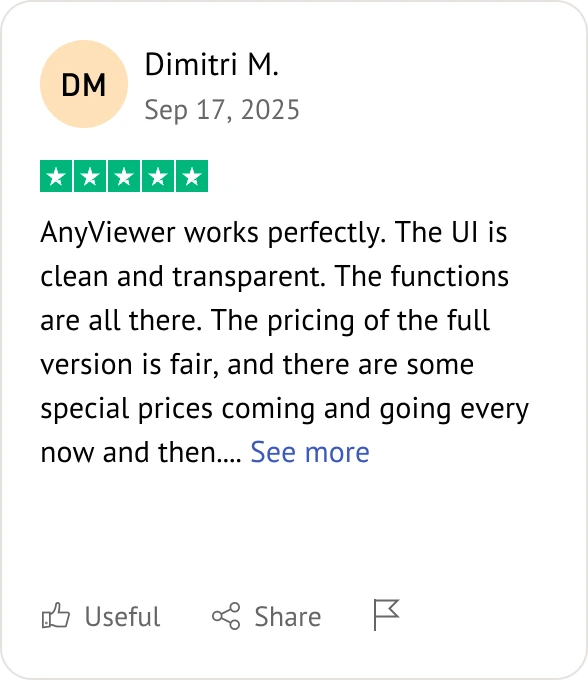
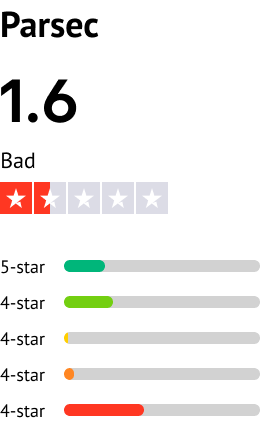
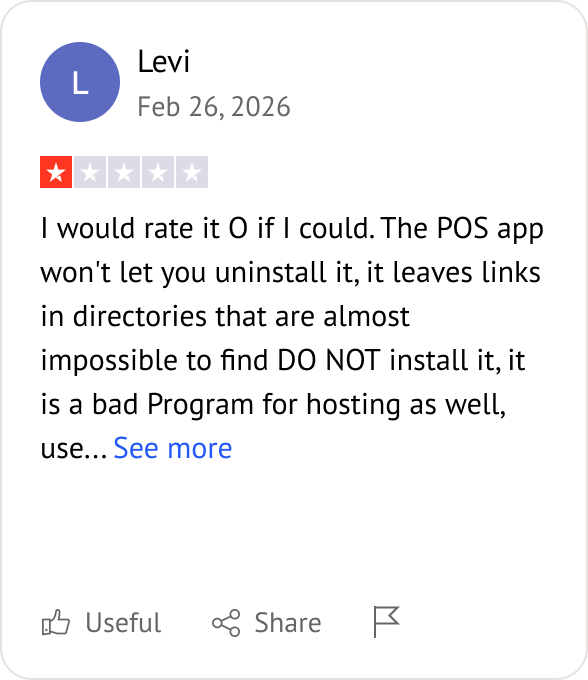
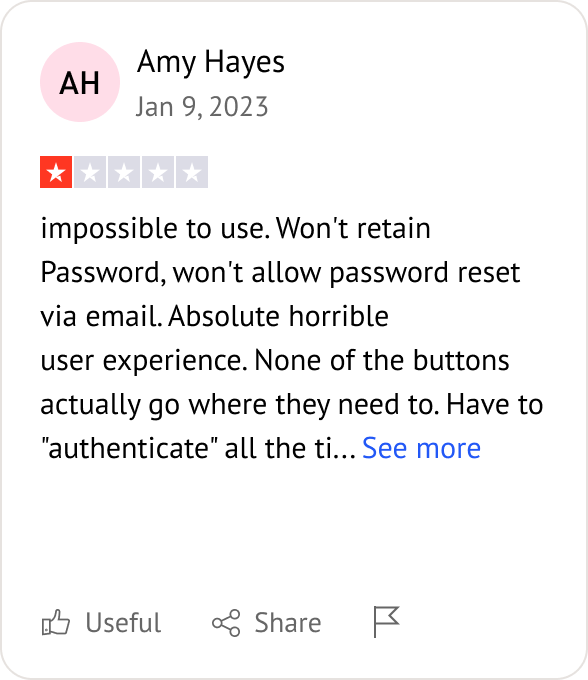
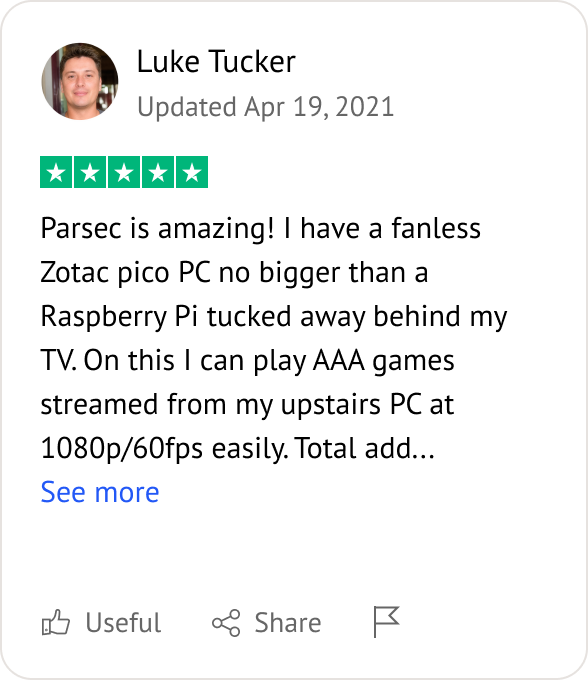
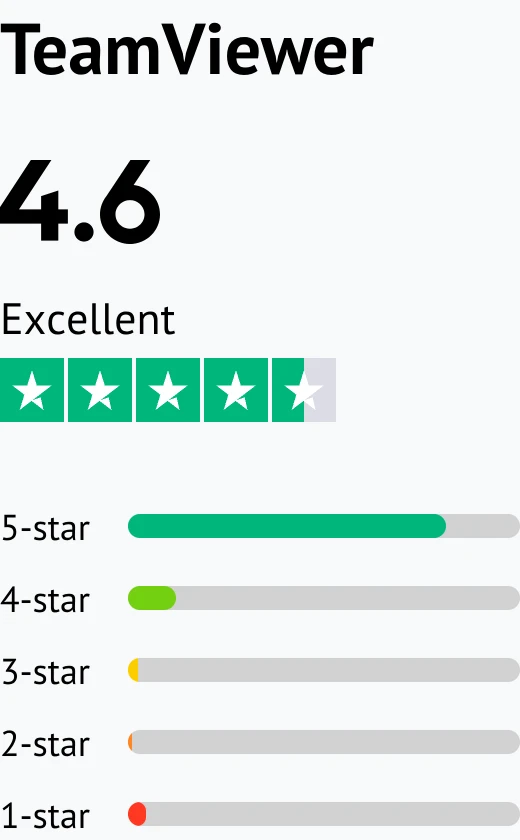
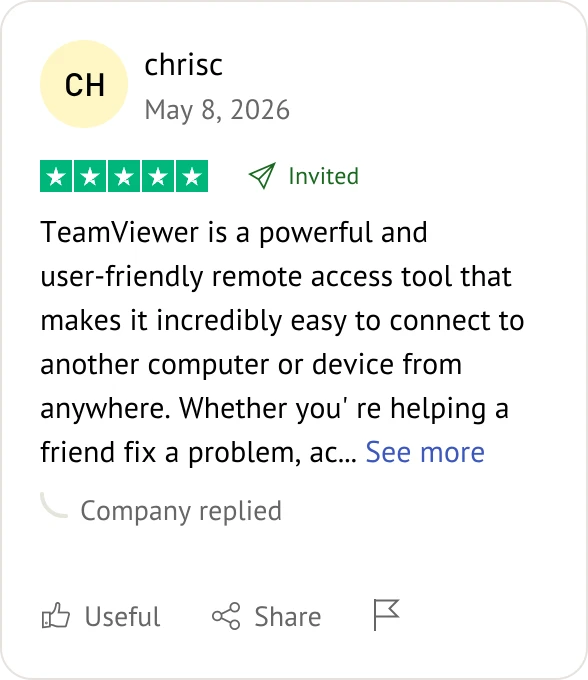
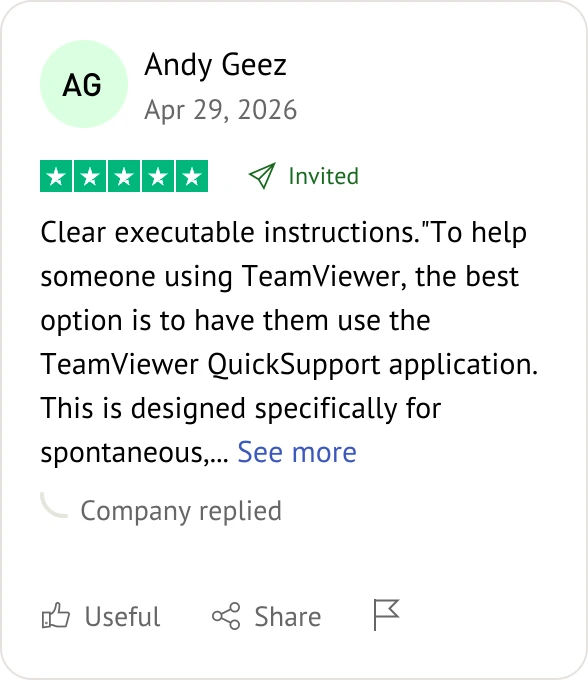
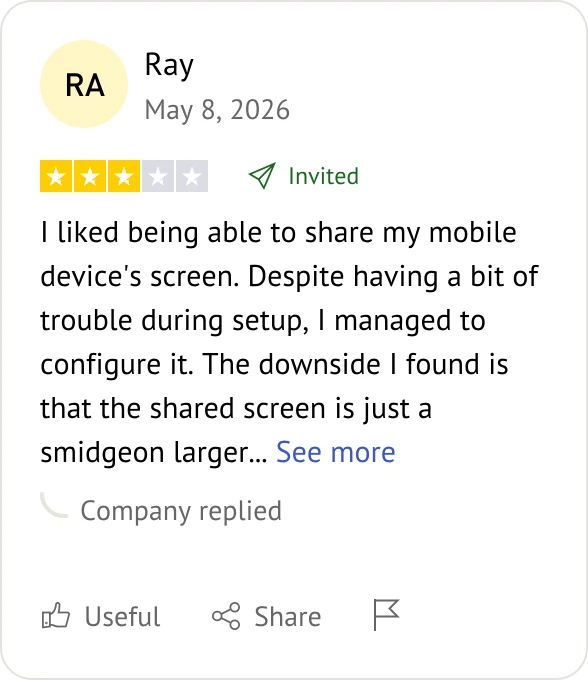
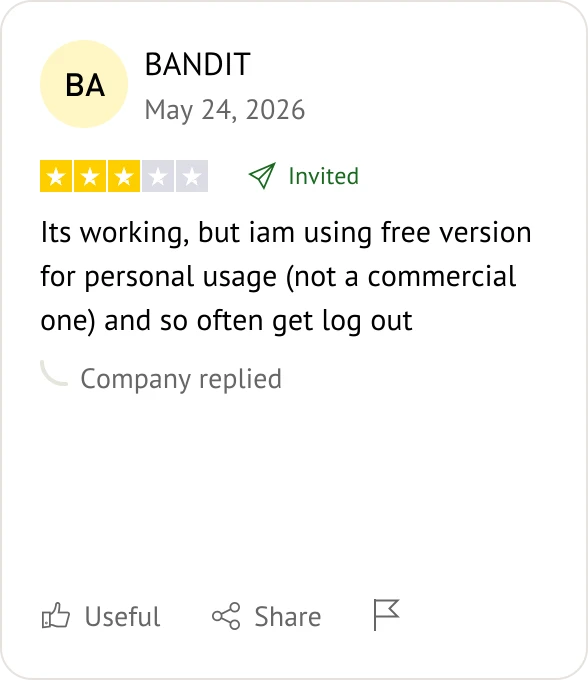
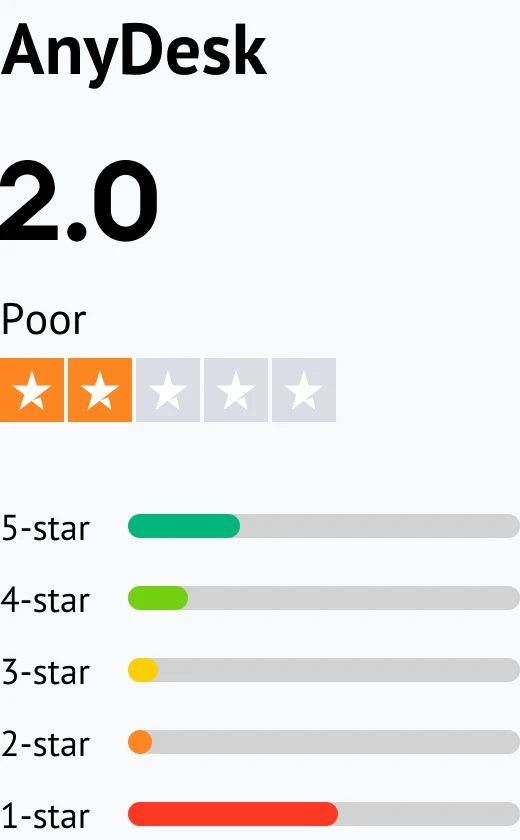
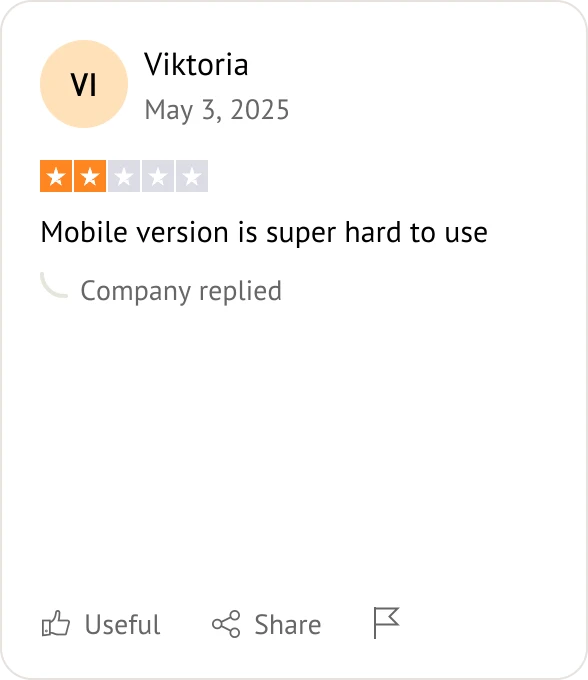
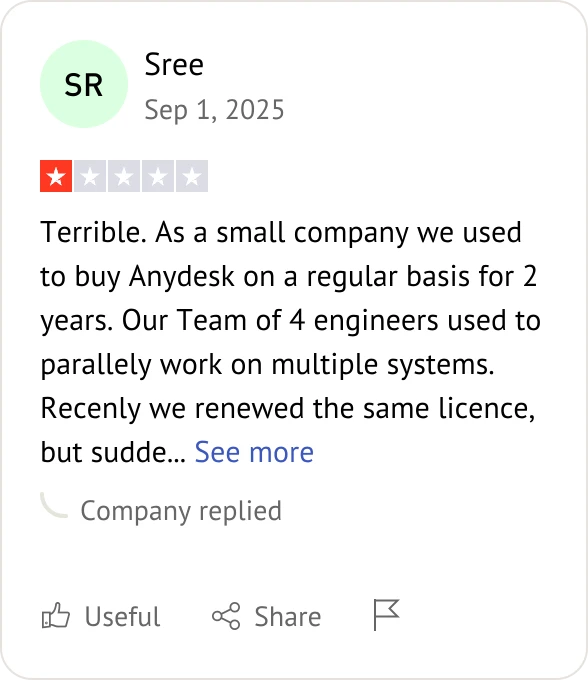
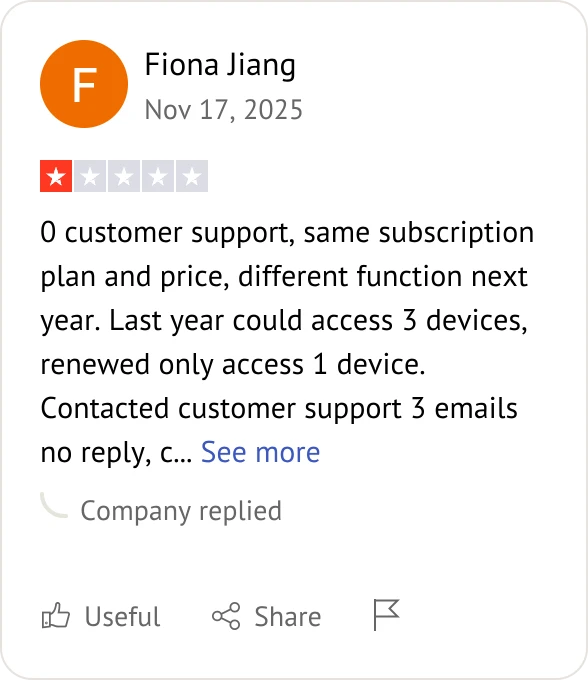
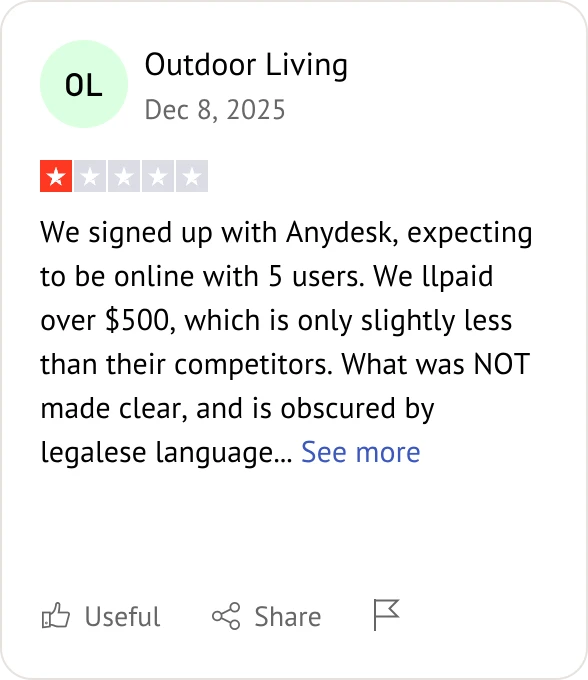
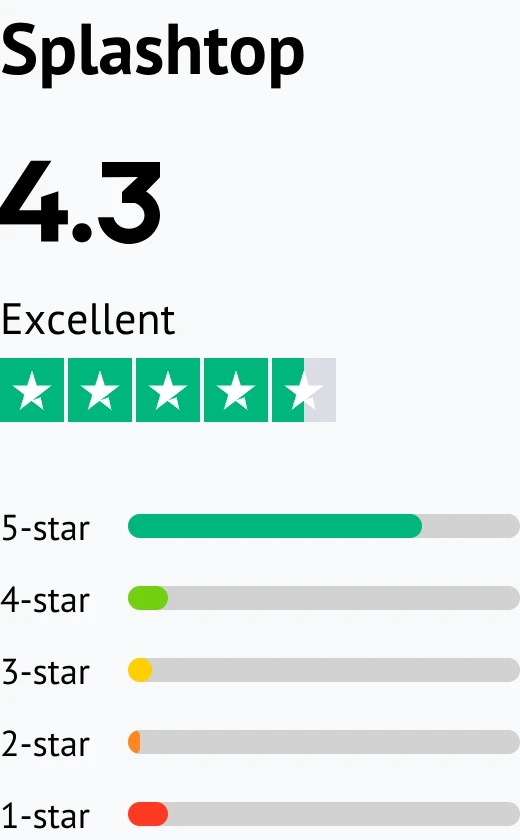
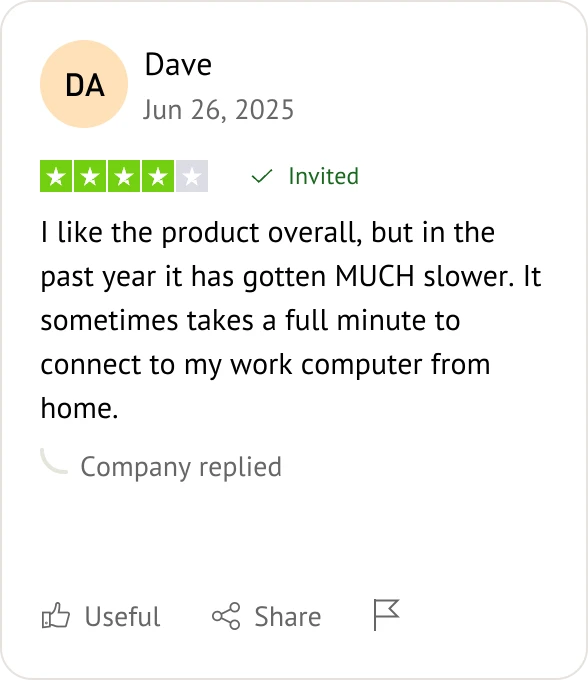
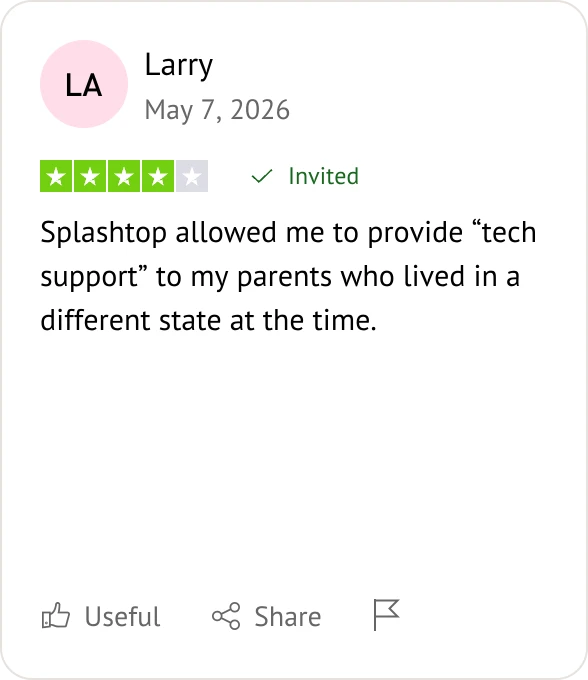
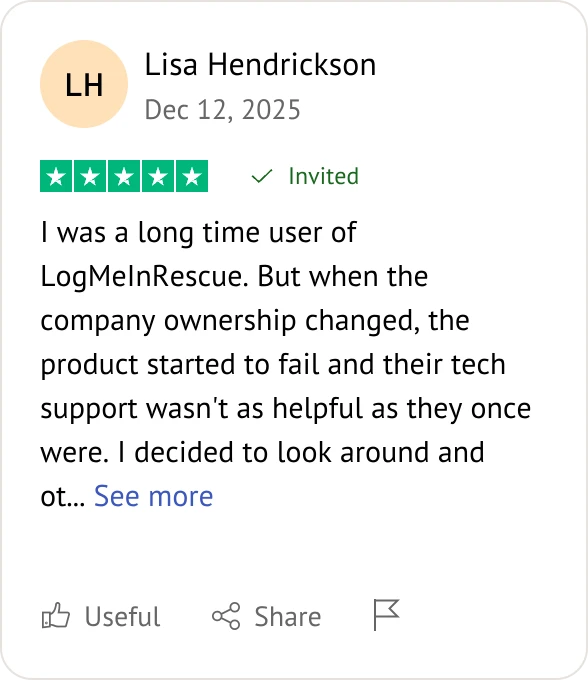
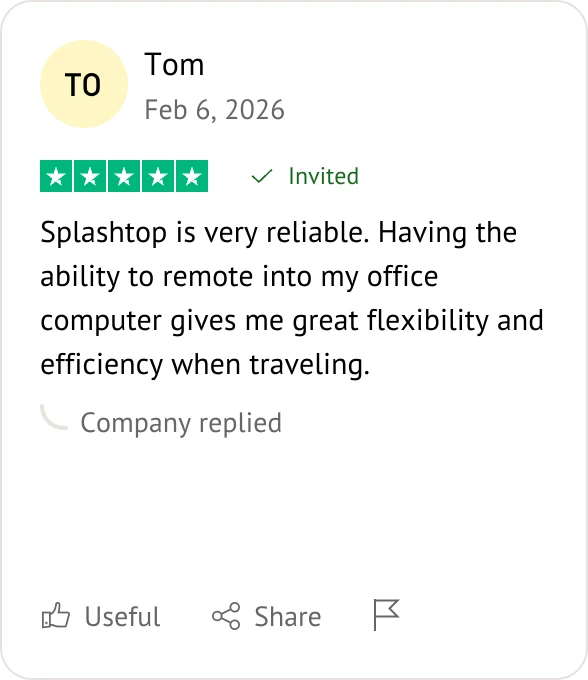
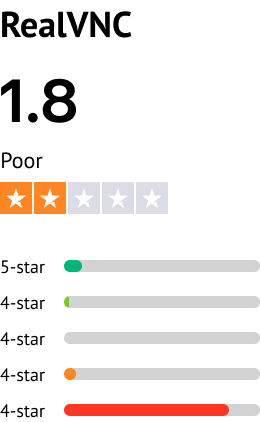
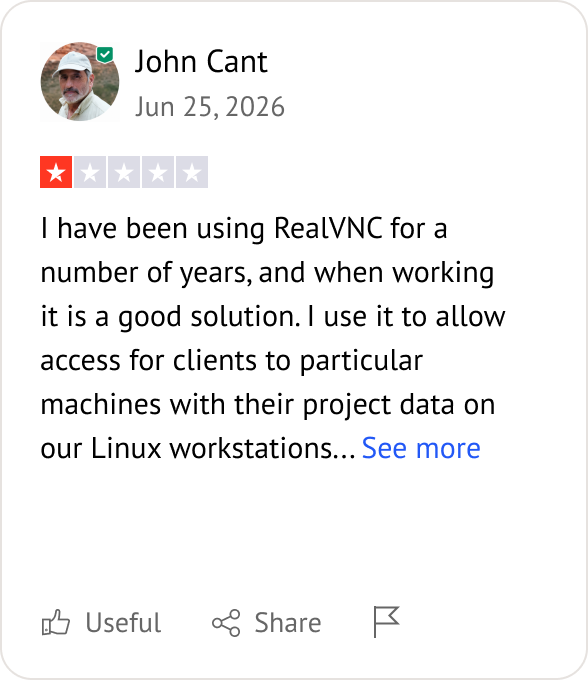
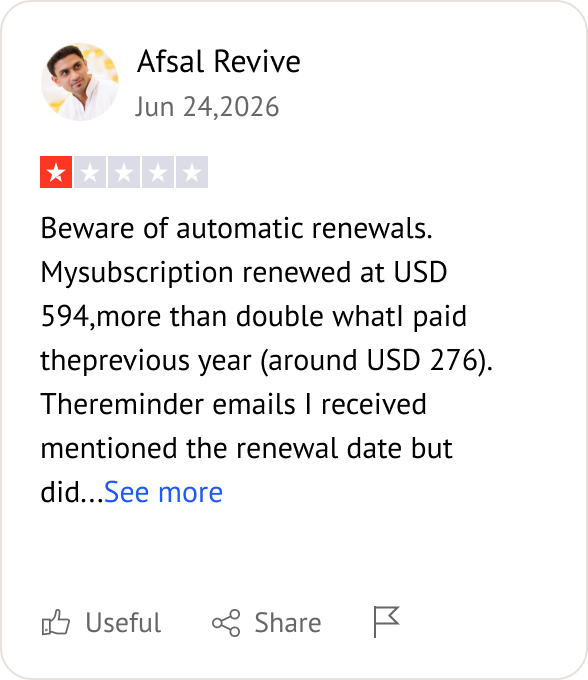
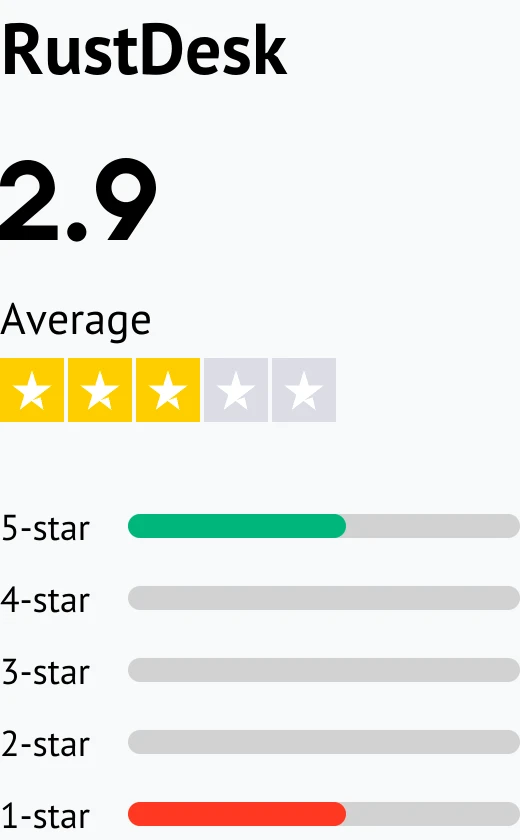
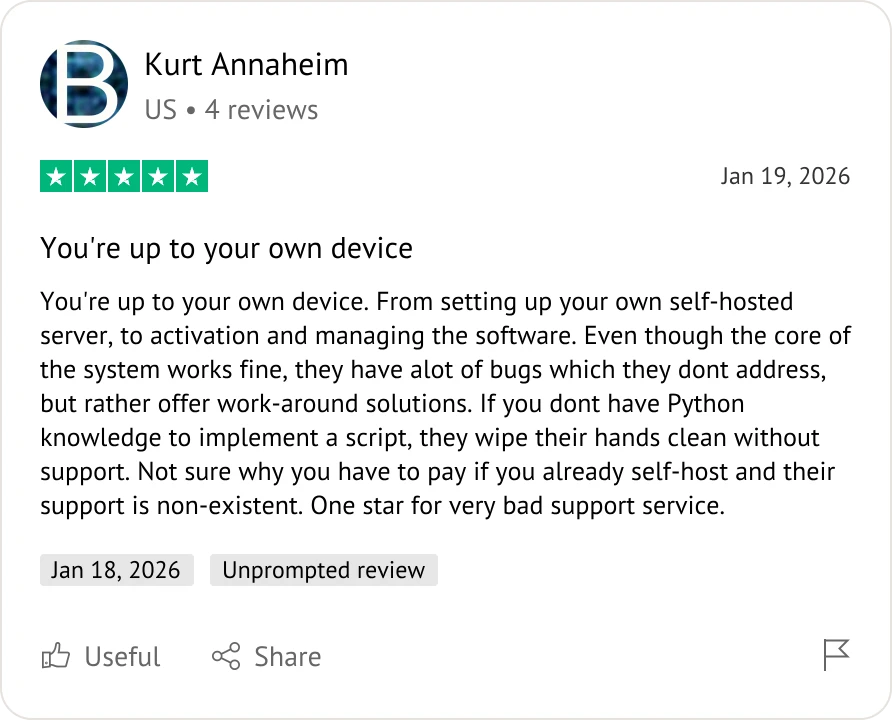
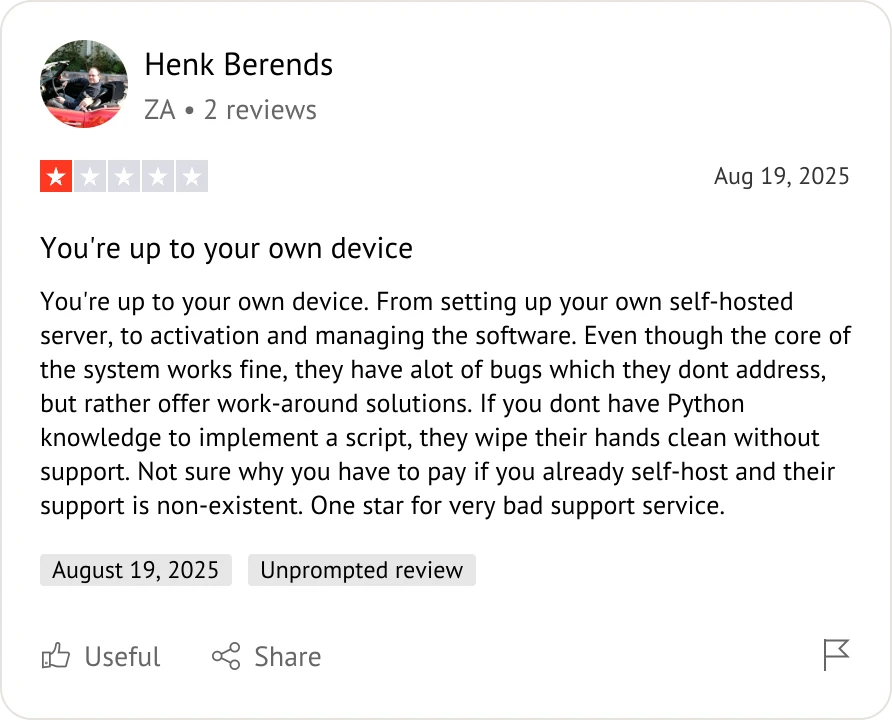
Customer reviews were taken from Trustpilot and Software Advice on July 15, 2026.

Parsec is built for gaming. If you need advanced IT support features, business-grade administration, or different security protocols, other Parsec alternatives are more suitable.
RealVNC, TeamViewer, and Splashtop are ideal Parsec alternatives, as they provide robust administrative tools, session logging, and deep-level system access.
Splashtop and AnyViewer are excellent Parsec alternatives for small businesses due to their balance of professional features and cost-effective pricing.
RustDesk is the premier open-source choice among Parsec alternatives. AnyViewer and AnyDesk also provide generous free tiers for personal or light use.
Yes. TeamViewer, AnyDesk, and Splashtop are Parsec alternatives that offer seamless connectivity across major platforms like Windows, macOS, Linux, and mobile.
RustDesk is a Parsec alternative designed for self-hosting, giving you full control over your data and infrastructure.
AnyDesk is a Parsec alternative highly regarded for its lightweight architecture and rapid, portable deployment.
Yes, Parsec alternatives like AnyViewer, Splashtop, and TeamViewer include built-in file transfer features to easily move data between devices.
RealVNC is a Parsec alternative widely used for deep-level system administration and protocol-based management.
AnyViewer and AnyDesk are Parsec alternatives that prioritize user-friendly interfaces, making them very easy to deploy for daily tasks.
Most Parsec alternatives, including TeamViewer, Splashtop, and AnyViewer, support multi-monitor setups for enhanced productivity.
AnyViewer, AnyDesk, and Splashtop are top Parsec alternatives for remote work, providing stability and reliability for daily tasks.
Choose the right solution for your specific workflow by matching your primary goals to these top-rated alternatives: