This Chrome Remote Desktop vs. TeamViewer comparison breaks down the key differences at a glance.
| Category |
|
|
|---|---|---|
| Best For | IT pros & enterprise management | Individuals & casual remote work |
| Free Plan | Highly restricted (blocks commercial use) | 100% Free (no limits) |
| Ease of Use | Moderate (steep learning curve) | Excellent (minimalist & fast) |
| Performance | Superior (low latency, high FPS) | Decent (web-browser quality) |
| Pricing | Expensive business subscriptions | Completely free |
| Security | Advanced enterprise audit & logs | Basic Google account 2FA |
Check the full feature breakdown below to see how they stack up in this Chrome Remote Desktop vs TeamViewer comparison.
| Feature |
|
|
|---|---|---|
| Unattended Access | ||
| Built-in File Manager (Dedicated transfer tab) | ||
| Drag-and-Drop File Transfer | ||
| Clipboard Synchronization | ||
| Remote Printing | ||
| Audio Transmission | ||
| Multi-Monitor Support | ||
| Remote Reboot & Reconnect | ||
| Wake-on-LAN | ||
| Session Recording | ||
| In-Session Text Chat | ||
| Whiteboard / Screen Annotation | ||
| Web-Browser Based Access | ||
| Mobile Access | iOS & Android | iOS & Android |
| Connection from | Windows, macOS, Linux, iOS, Android, Chrome OS, Raspberry Pi, Remote Web Client | Windows, macOS, iOS, Android, Linux, Chrome OS, or any web browser |
| Connection to | Windows, macOS, Linux, iOS, Android, Chrome OS, Raspberry Pi | Windows, macOS, Linux, Chrome OS |
| Security | AES-256 bit + RSA Verification + 2FA | WebRTC protocol, AES encryption, secured via Google Account 2FA, and an access PIN |
| Remote Command Line / Terminal | ||
| Centralized Device Management |
Feature Insight: While both tools offer reliable screen sharing and mobile access, TeamViewer includes advanced management tools like file transfers, remote rebooting, and session recording that CRD lacks.
Plans |
|
|
|---|---|---|
| For free |
Free for strictly non-commercial use
|
100% Free. No commercial restrictions, no pop-ups, and no enterprise licensing required. |
| For single users |
From $24.90 to $50.90/month
|
|
| For teams |
Start from $112.90/month
|
|
| For corporations |
Start from $229.90/month
|
Pricing Insight: While TeamViewer requires expensive scaled monthly subscriptions for business use, CRD is completely free forever with no commercial restrictions.
| Security Measures |
|
|
|---|---|---|
| End-to-End Encryption (AES 256-bit) | ||
| Two-Factor Authentication (2FA) | ||
| Brute-Force Protection | ||
| Encrypted Access PIN | ||
| IP Whitelisting | ||
| Detailed Connection & Audit Logs | ||
| Session Confirmation | ||
| Device Trust Authorization | ||
| Watermark & Session Banners | ||
| Compliance & Certifications | ||
| Single Sign-On (SSO) Integration | ||
| Granular Role-Based Access Control | ||
| Zero-Knowledge Account Recovery |
Security Insight: Both platforms deliver strong core encryption and 2FA, but TeamViewer provides the advanced auditing, granular access controls, and SSO integration necessary for strict corporate compliance.
| Performance Metrics |
|
|
|---|---|---|
| Frame Rate (FPS) & Smoothness | Up to 60 FPS; highly fluid. | Lower FPS; prone to stuttering. |
| Input Latency (Mouse/Keyboard) | Near real-time; minimal lag. | Noticeable mouse and keyboard delay. |
| Low-Bandwidth Adaptation | Dynamic compression; stable on weak networks. | Poor; lag spikes on limited bandwidth. |
| Resource Consumption (CPU/RAM) | Higher CPU/RAM desktop client footprint. | Ultra-lightweight browser background service. |
| Multi-Monitor Handling | Seamless multi-screen switching and rendering. | Basic; scaling multiple screens causes lag. |
| Firewall & NAT Traversal | Best-in-class; bypasses strict corporate firewalls. | Strong WebRTC traversal; blocked by some proxies. |
Insight: TeamViewer provides smooth 60 FPS performance, minimal lag, and strong network stability, while CRD is lightweight but prone to stuttering and latency under heavy workloads.
| Category |
|
|
|---|---|---|
|
Integrating corporate identity via SSO
TeamViewer natively integrates with Azure AD, Okta, and SAML
2.0; CRD forces reliance on standard Google accounts.
|
||
|
Tracking system-wide employee session
audits
TeamViewer logs granular user actions, IPs, and connection
durations; CRD offers no centralized session audit history.
|
||
|
Enforcing granular group-based access
permissions
TeamViewer allows deep role-based access control (RBAC) across
departments; CRD lacks custom tiering.
|
||
|
Hardening remote endpoints against
scams
TeamViewer includes dedicated anti-scam warnings and handshake
validation; CRD relies solely on a 6-digit PIN.
|
||
|
Automating software deployment via MSI
TeamViewer supports silent mass rollout with pre-baked security
policies; CRD management via Google Admin is very basic.
|
||
|
Securing physical host monitors
remotely
TeamViewer features a native, one-click curtain mode to black
out screens; CRD requires complex registry modifications.
|
Insight: TeamViewer offers complete corporate control with advanced auditing and user permissions, while CRD lacks the management features growing businesses need.
| Category |
|
|
|---|---|---|
|
On-premises hosting for network
isolation
TeamViewer offers true self-hosted private servers; CRD relies
entirely on Google's cloud.
|
||
|
Granular security policies for access
control
TeamViewer features detailed permission profiles; CRD offers
basic access limited to Google Account security.
|
||
|
Centralized logging for compliance
audits
TeamViewer tracks active sessions locally; CRD requires tracking
managed through complex Google Workspace logs.
|
||
|
Enterprise SSO integration for user
identity
TeamViewer supports custom SAML/Azure AD; CRD is strictly bound
to Google Identity/Workspace.
|
||
|
Bulk software deployment via MSI
packages
TeamViewer scales easily with tailored MSI installers; CRD
requires Google Chrome Enterprise policy pushes.
|
||
|
Dedicated support with corporate SLAs
TeamViewer offers dedicated enterprise account managers; CRD has
zero direct live technical support.
|
Insight: TeamViewer offers dedicated SLA support, private hosting, and custom SSO for strict compliance, while CRD relies entirely on Google's cloud with basic enterprise options.
| Category |
|
|
|---|---|---|
|
Connecting instantly without installing
software
TeamViewer QuickSupport runs instantly without installation via
a one-time ID; CRD requires setting up a Google extension.
|
||
|
Chatting with clients during sessions
TeamViewer includes native VoIP, text chat, and video calling;
CRD lacks built-in communication tools completely.
|
||
|
Troubleshooting systems during safe
mode
TeamViewer survives remote reboots and reconnects in safe mode;
CRD disconnects during OS reboots.
|
||
|
Guiding clients using screen
annotations
TeamViewer offers a whiteboard to draw and point out issues; CRD
only provides standard mouse control.
|
||
|
Managing active client support queues
TeamViewer routes incoming cases automatically to available
agents; CRD has no helpdesk or queue infrastructure.
|
||
|
Retrieving remote system diagnostic
information
TeamViewer pulls hardware, software, and process data in one
click; CRD requires manual terminal navigation.
|
Insight: TeamViewer is a complete helpdesk tool with live chat, support queues, and reboot-safe troubleshooting, while CRD lacks the basic communication and diagnostic features needed for IT support.
| Category |
|
|
|---|---|---|
|
Using remote access without license
fees
CRD is 100% free for both personal and business use; TeamViewer
strictly blocks or pop-ups on free business connections.
|
||
|
Bypassing aggressive commercial use
flags
TeamViewer uses algorithms that trigger false-positive blocks on
personal users; CRD has no commercial detection flags.
|
||
|
Passing rigorous corporate software
audits
TeamViewer provides official enterprise licensing agreements and
certificates; CRD lacks corporate compliance documentation.
|
||
|
Predicting annual software subscription
costs
CRD costs exactly zero; TeamViewer has a complex multi-tier
pricing structure that scales up with channels and users.
|
||
|
Mitigating unexpected connection
time-outs
TeamViewer premium guarantees 24/7 uptime without drops; CRD is
reliable but offers zero service-level agreements (SLA).
|
||
|
Centralizing billing across company
departments
TeamViewer allows unified invoicing and seat management; CRD
must be managed individually per Google account.
|
Insight: CRD is 100% free with no commercial restrictions or fees, while TeamViewer requires expensive subscriptions for business use but provides official billing and compliance audits.
| Category |
|
|
|---|---|---|
|
Controlling Linux machines via terminal
TeamViewer supports full GUI and headless Linux environments
natively; CRD has complex, limited Linux setup steps.
|
||
|
Navigating host PCs using mobile
gestures
TeamViewer includes advanced virtual trackpads, custom
keyboards, and zoom; CRD offers basic touch/mouse toggle.
|
||
|
Accessing remote systems via web
browsers
CRD is built entirely on native WebRTC within Chrome; TeamViewer
has a web client but works best via its desktop app.
|
||
|
Managing unattended headless server
endpoints
TeamViewer connects to servers without active displays
effortlessly; CRD requires an active user session and desktop
environment.
|
||
|
Supporting legacy operating system
versions
TeamViewer maintains dedicated installers for older
Windows/macOS versions; CRD drops support quickly as Chrome
updates.
|
||
|
Simulating multi-touch layouts on
tablets
TeamViewer optimizes resolution scaling perfectly for
iPad/Android tablets; CRD stretches desktop aspect ratios
clumsily.
|
Insight: TeamViewer excels with headless servers, older OS versions, and mobile layouts, while CRD is great for browsers but lacks advanced platform support.
| Category |
|
|
|---|---|---|
|
Streaming high frame rate gameplay
TeamViewer supports up to 60 FPS streaming with dedicated
game-mode optimization; CRD caps lower and frequently stutters.
|
||
|
Eliminating mouse input latency lag
TeamViewer's proprietary engine minimizes input delay over WAN;
CRD has noticeable cursor lag that ruins fast-paced games.
|
||
|
Passing through complex gamepad inputs
Both tools perform poorly here. Neither natively forwards USB
controllers well; both require third-party workarounds.
|
||
|
Synchronizing high-quality game audio
streams
TeamViewer passes system audio with minimal delay; CRD is prone
to audio desync and compression artifacts during heavy action.
|
||
|
Locking mouse cursor inside games
TeamViewer handles relative mouse movement better; CRD struggles
with 3D games, causing the camera to spin uncontrollably.
|
||
|
Maintaining connections on weak
networks
TeamViewer dynamically drops resolution to keep gameplay fluid;
CRD simply freezes or disconnects when bandwidth drops.
|
Insight: TeamViewer handles high frame rates, audio sync, and 3D camera controls much better than CRD, though both struggle with gamepad pass-through.
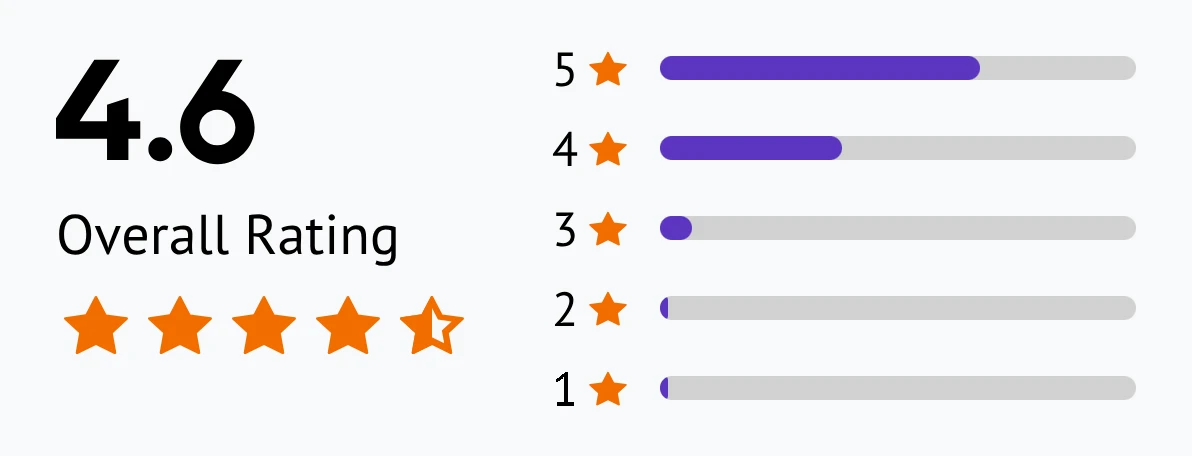
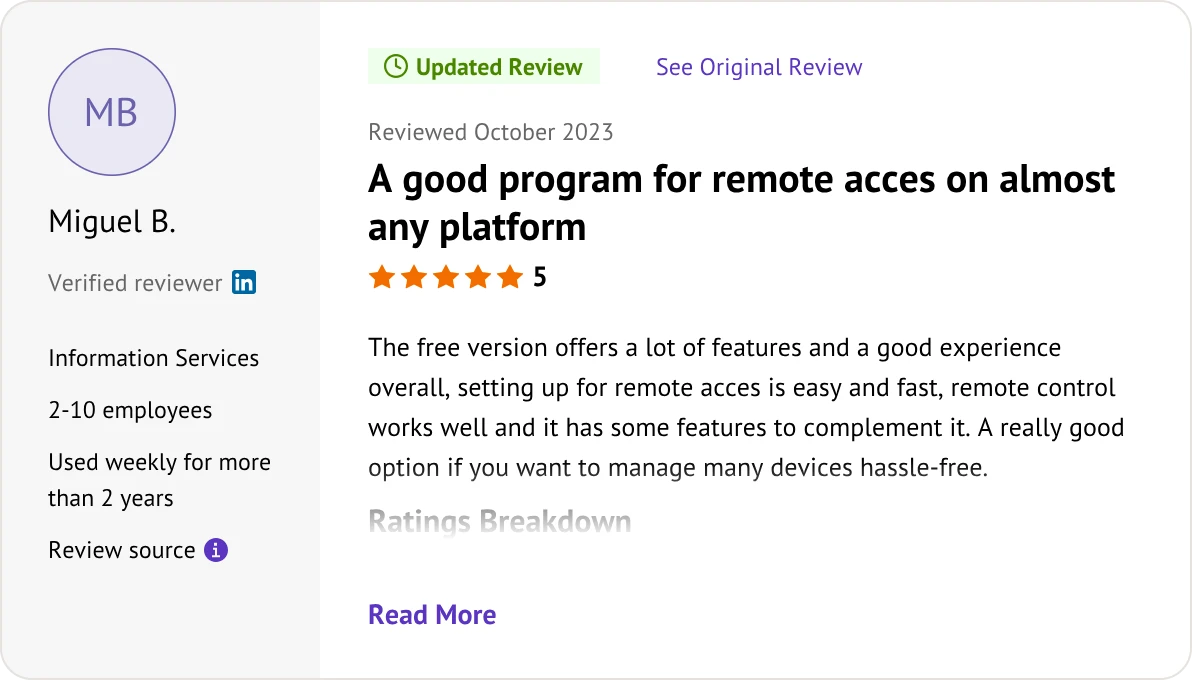
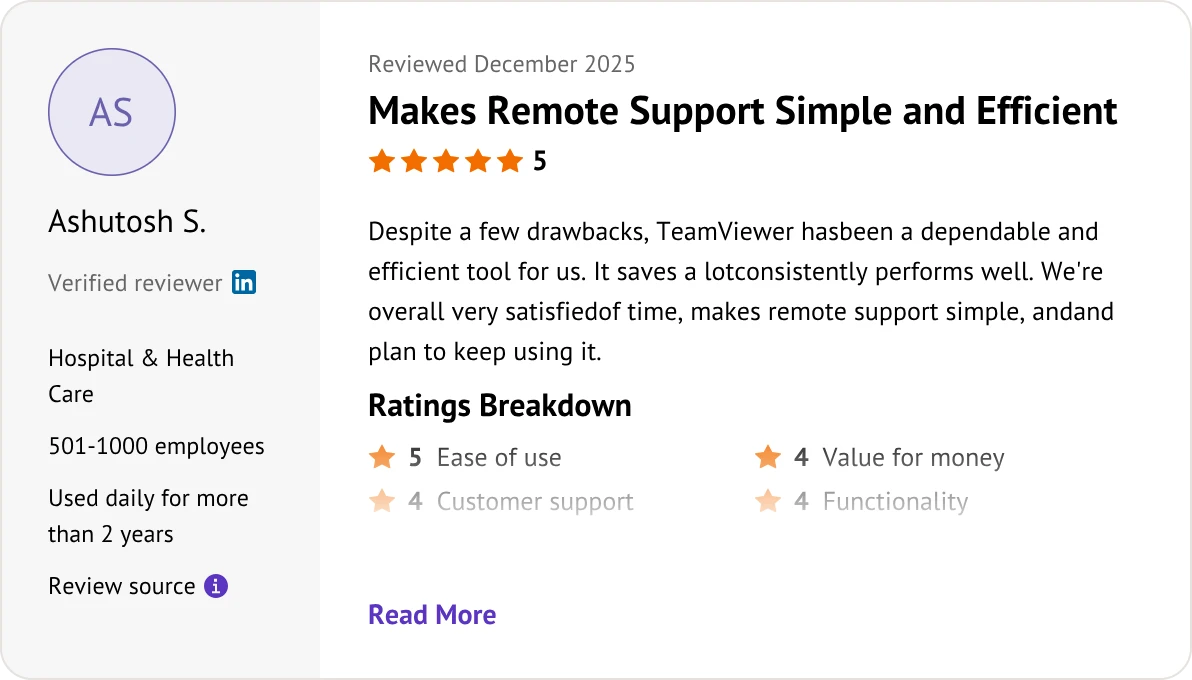
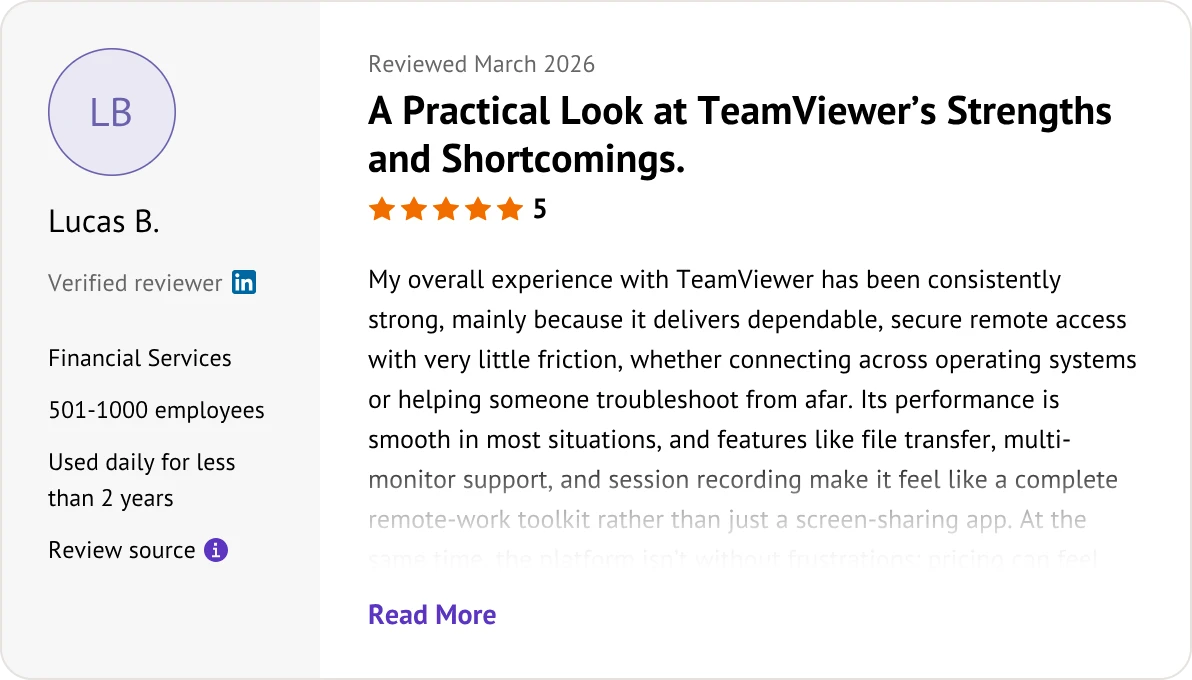
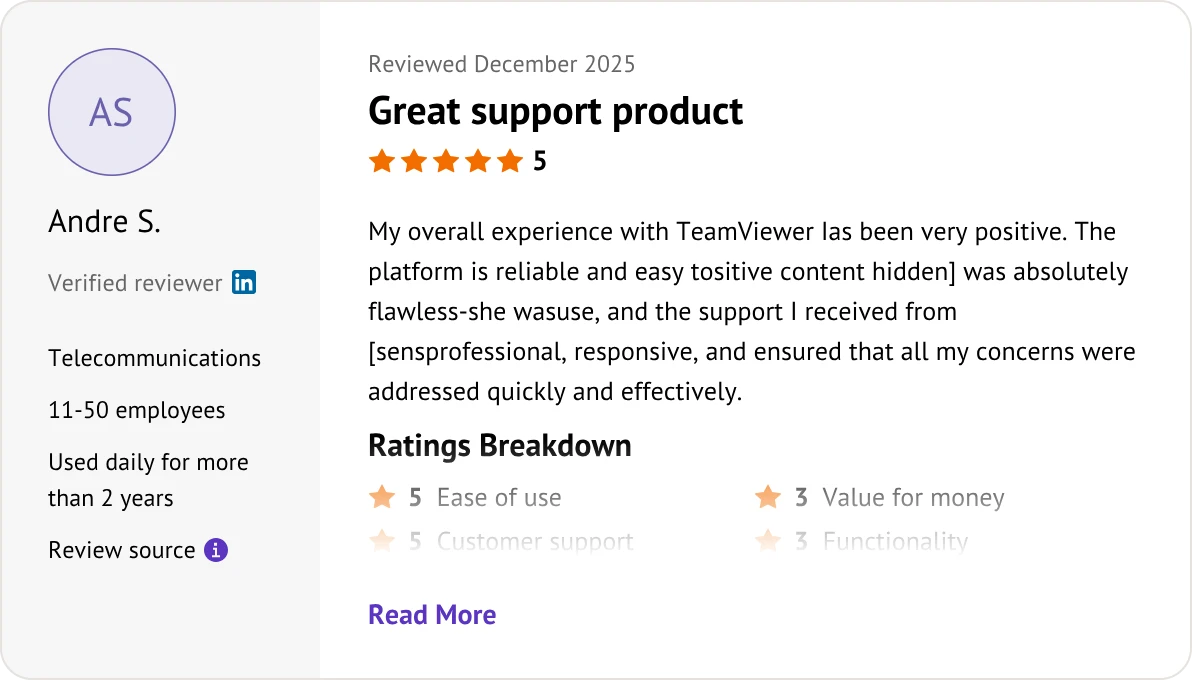
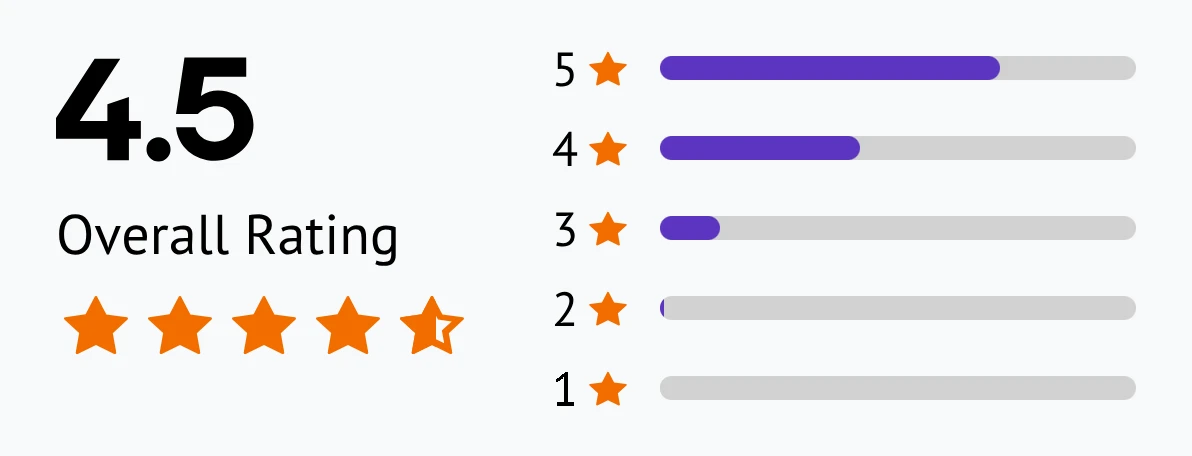
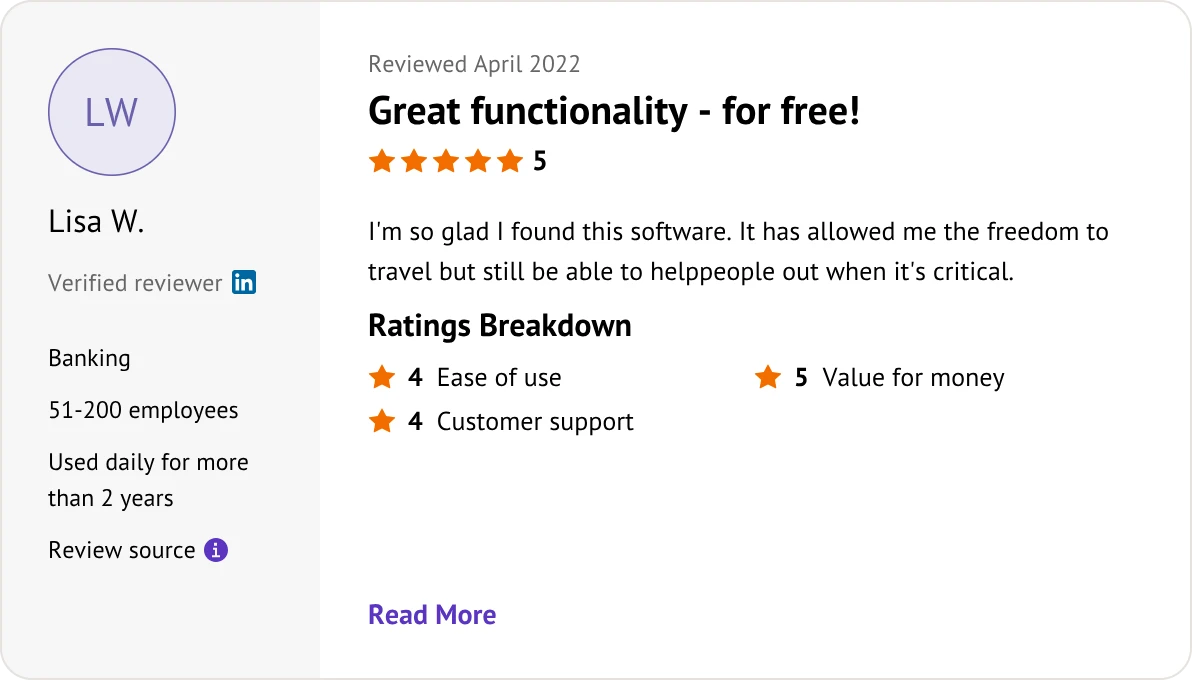
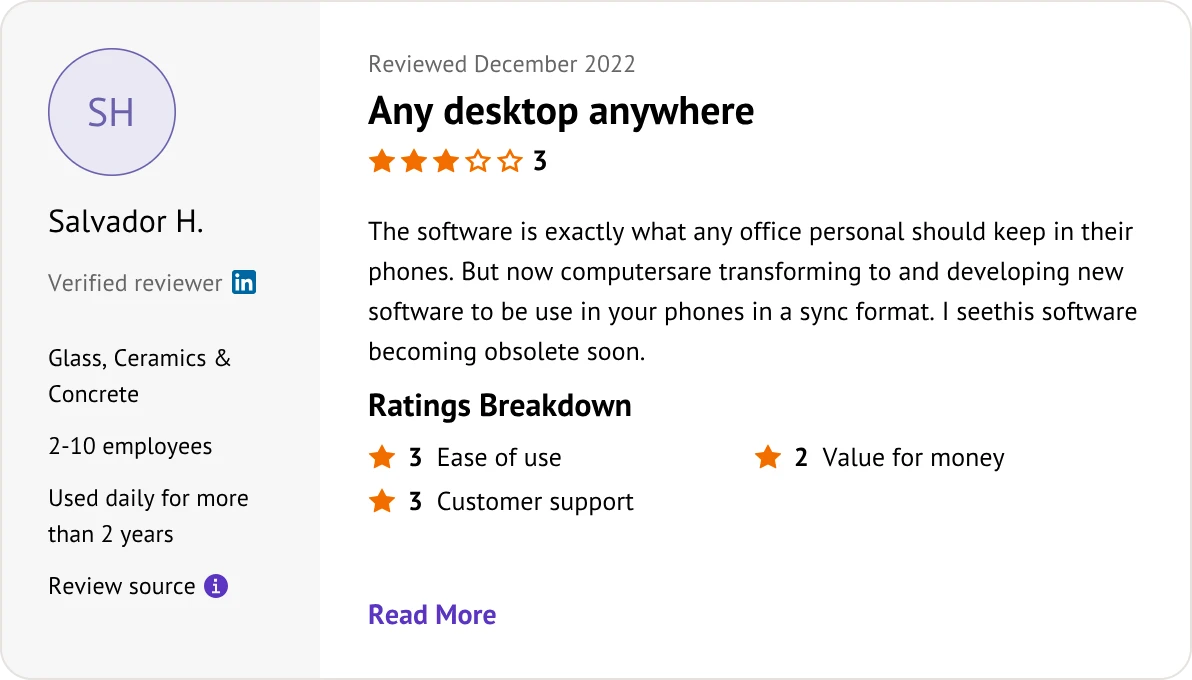
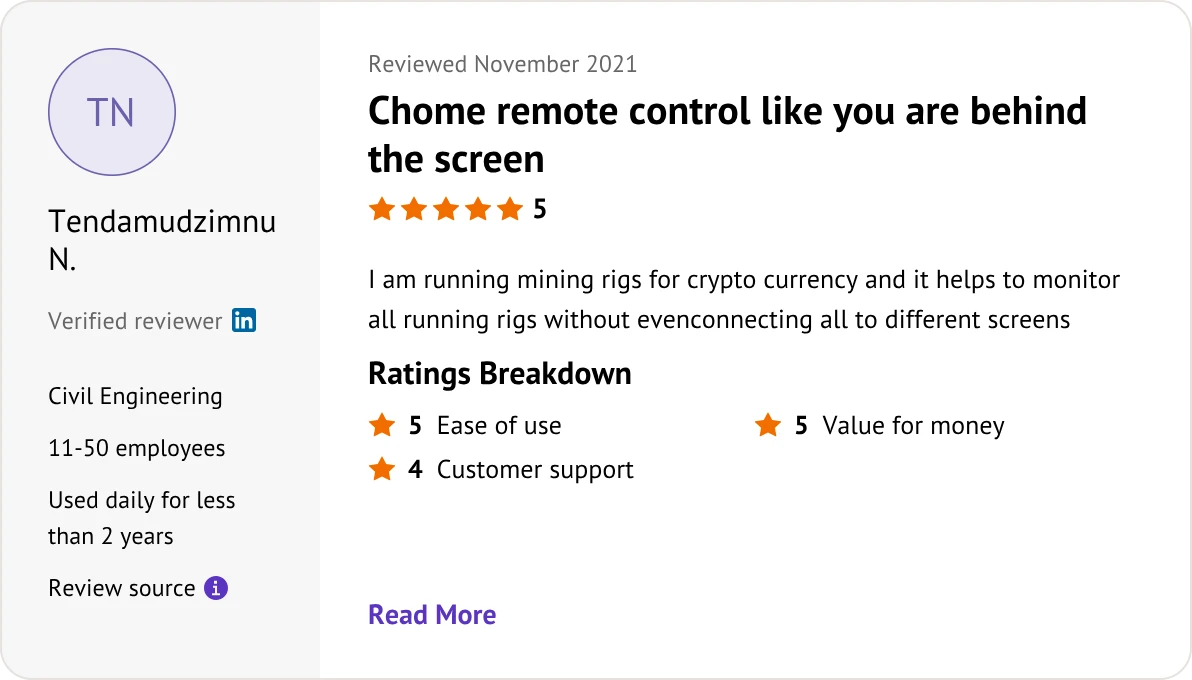
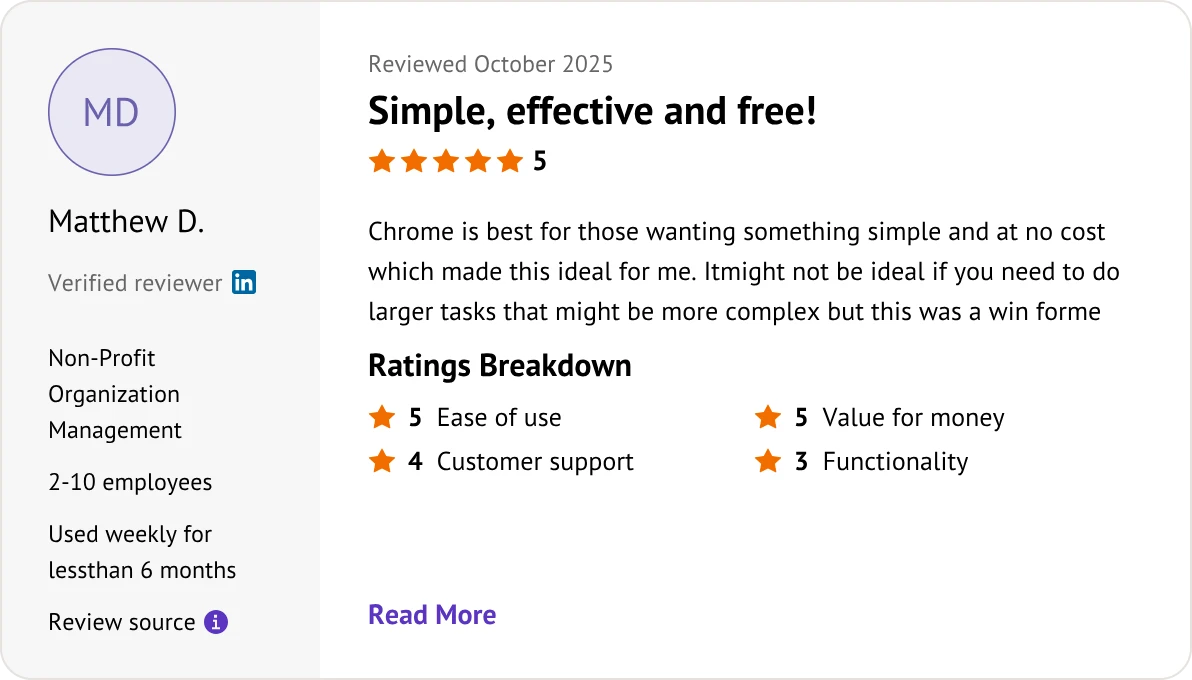
Customer reviews were taken from Software Advice on June 15, 2026.


Yes. Google provides Chrome Remote Desktop (CRD) 100% free for both personal and commercial use under the Google Terms of Service. There are no hidden fees, licensing tiers, or corporate usage flags.
Commercial use detection. TeamViewer Free is strictly for non-commercial use (e.g., helping family). Its algorithm monitors usage patterns, and if it suspects business activity, it flags the account and limits session durations to 5 minutes.
No. While you need the Chrome browser or extension to set up and initiate connections, the host machine runs a lightweight background service. It does not require the browser interface to remain active to accept connections.
Yes. TeamViewer offers a lightweight client called QuickSupport. It runs as an executable file (".exe" or ".dmg") without local installation or admin rights, generating a one-time ID and password for instant sessions.
Yes, but with limitations. CRD supports basic file sharing through a side panel menu, allowing you to upload or download one file at a time. It does not support seamless drag-and-drop file transfers or directory syncing like TeamViewer.
Yes. You can choose to view all remote monitors simultaneously scaled onto one screen, or toggle between individual displays. However, scaling multiple monitors at once in CRD often causes notable frame drops and UI lag.
Yes, on both. Both TeamViewer and Chrome Remote Desktop support audio pass-through. TeamViewer offers advanced audio/video synchronization controls to minimize delay, while CRD passes basic system audio natively via WebRTC.
No. If you reboot the host computer into Safe Mode or restart the OS, CRD will lose connection entirely. TeamViewer has built-in protocols that allow it to survive system reboots and automatically reconnect agents in Safe Mode.
TeamViewer. TeamViewer utilizes a proprietary compression engine capable of pushing up to 60 FPS, ensuring near real-time inputs. In contrast, the performance battle of TeamViewer vs Chrome Remote Desktop shows that CRD is more prone to input lag and minor stuttering because it relies entirely on browser WebRTC rendering.
Balance security risks and budget costs with the right remote choice.
Keep your business workflows moving with reliable, budget-friendly remote access.
All three platforms bridge remote computers, but they offer vastly different value: