
High operational & administrative overhead
Granular policies and audit configurations require substantial ongoing maintenance effort.

Granular policies and audit configurations require substantial ongoing maintenance effort.
Endpoint clients, identity providers, and security rules demand extensive setup time.

Custom quotes, add-ons, and service packages make budget planning difficult.
Advanced enterprise tools can slow down routine ad-hoc help desk support.

On-premises deployments place full responsibility for updates and uptime on internal IT.

Features like credential vaulting exceed the needs of teams requiring basic remote access.
The six products below represent different replacement paths rather than a single universal ranking.
| Software | Best for | Core Benefits |
|---|---|---|
 AnyViewer AnyViewer |
SMBs and teams seeking straightforward remote access | Easy cross-network access, unattended sessions, file transfer, multi-monitor use, device grouping, role permissions |
 TeamViewer Tensor TeamViewer Tensor |
Large organizations needing broad device reach and governance | SSO, conditional access, auditability, enterprise deployment, extensive endpoint coverage |
 Splashtop Enterprise Splashtop Enterprise |
Security-conscious teams that also value session performance | Remote support and work, granular access, recording, SIEM options, high-fidelity sessions |
 ConnectWise ScreenConnect ConnectWise ScreenConnect |
MSPs and technician-heavy support desks | Fast technician workflow, backstage tools, customization, cloud or self-hosted options |
 Zoho Assist Zoho Assist |
Browser-led on-demand support and distributed service teams | Quick session start, unattended access, departments, reports, recordings, help-desk integrations |
 LogMeIn Resolve LogMeIn Resolve |
Teams combining support, ticketing, RMM, and endpoint operations | Unified support plus IT management workflows |
AnyViewer is the first recommendation for organizations that primarily need authorized remote access and support without the implementation weight of a broader privileged-access stack.
Remote workers, internal support teams, families, freelancers, and cost-conscious SMBs with supported device requirements.
“Delivers massive cost savings and instant deployment for routine remote access, skipping BeyondTrust's heavy architecture. Just ensure you don't need credential vaulting, JIT elevation, or SIEM integrations.”
TeamViewer Tensor fits organizations that want enterprise remote connectivity with broad platform reach and policy controls, but prefer a widely deployed connectivity ecosystem.
Global IT organizations, large service desks, distributed enterprises, and mixed endpoint estates.
“Delivers enterprise-grade scalability with broader cross-platform and OT coverage than BeyondTrust, paired with simpler global connectivity. Before migrating, precisely model endpoint licensing, SSO integrations, and privileged access policies to ensure a seamless security transition.”
Splashtop Enterprise is a strong fit when responsive sessions, visual quality, and centralized security controls all matter.
Hybrid work, education, creative or engineering teams, and IT organizations balancing experience with governance.
“Matches BeyondTrust's enterprise security (SSO/SAML, SIEM logging) while delivering superior session performance, high frame rates, and lower overall TCO. Be sure to map out technician versus unattended endpoint counts to select the right mix of Remote Access and Remote Support licenses.”
ScreenConnect is oriented around technicians who need fast access, flexible session handling, background tools, and extensive customization.
MSPs, outsourced IT providers, and support desks where technician throughput and workflow customization dominate.
“Outperforms BeyondTrust in technician speed and daily help-desk efficiency thanks to its lightning-fast connection times and Backstage diagnostic tools. Prior to deployment, run a cross-platform PoC to establish proper extension governance and security hardening.”
Zoho Assist emphasizes low-friction on-demand support, unattended access, departmental organization, and integrations with common help-desk platforms.
SMBs, distributed help desks, customer support teams, and organizations already using the Zoho ecosystem.
“Replaces BeyondTrust's complex agent setup with seamless, browser-led support and predictable per-technician pricing that integrates cleanly into existing ITSM workflows. Validate your organization's data residency, audit log retention, and required ITSM integration tiers during evaluation.”
LogMeIn Resolve is relevant when the migration goal is not only remote support, but also consolidating ticketing, endpoint management, automation, and support operations.
SMB and mid-market IT teams that want fewer consoles across support and endpoint operations.
“Consolidates remote support, ticketing, and endpoint automation into a single platform, allowing IT teams to replace BeyondTrust alongside other fragmented management tools. Focus your trial on confirming device coverage and module licensing so you only pay for the IT management capabilities you actively use.”
Evaluate key remote support platforms against BeyondTrust across primary deployment, security, integration, and operational workflows.
| Comparison lens | BeyondTrust Remote Support | AnyViewer | TeamViewer Tensor | Splashtop Enterprise | ScreenConnect | Zoho Assist | LogMeIn Resolve |
|---|---|---|---|---|---|---|---|
| Primary fit | Secure enterprise remote support | Straightforward remote access/support | Enterprise connectivity | Performance + governance | MSP/technician workflow | Browser-led support | Unified IT operations |
| Attended support | Strong | Yes | Yes | Yes | Yes | Yes | Yes |
| Unattended access | Jump technology | Yes | Yes | Yes | Yes | Yes | Yes |
| RBAC / access policy | Granular | Role permissions; validate scope | Enterprise controls | Granular permissions | Role/security configuration | Roles and group permissions | Validate by package |
| Session recording / audit | Detailed recording and audit trail | Recording; validate centralized audit depth | Auditability; validate edition | Recording/logging; SIEM options | Recording/audit features | Recording, reports, action logs | Validate by package |
| Credential vault / injection | Core differentiator | Not positioned as equivalent | Validate enterprise/PAM options | Validate connector/workflow | Validate integrations | Not positioned as equivalent | Validate integrations |
| ITSM / SIEM integration | Broad enterprise integrations | Validate required workflow | Enterprise integrations | Ticketing/API/SIEM options | Integration ecosystem | Service desk integrations/API | Native broader IT operations |
| Deployment model | Cloud / appliance options | Vendor-hosted service | Cloud enterprise | Cloud + on-prem options | Cloud + self-hosted options | Web/cloud | Cloud platform |
| Best reason to switch | — | Lower operational friction | Broad enterprise reach | Experience + control balance | Technician productivity | Fast browser-led support | Tool consolidation |
Choose based on risk level and workflow needs: BeyondTrust leads in privileged access and strict compliance, while alternatives trade deep vaulting for faster deployment, better technician speed, or lower TCO.
Compare how BeyondTrust and top alternatives manage network exposure, access controls, endpoint safety, and privacy across your remote support infrastructure.
| Dimension | BeyondTrust Remote Support | AnyViewer | TeamViewer Tensor | Splashtop Enterprise | ScreenConnect | Zoho Assist | LogMeIn Resolve |
|---|---|---|---|---|---|---|---|
| Network Exposure | Secure Relay / Appliance (No inbound ports) | Outbound Relay (Zero open ports) | Outbound Relay (Zero open ports) | Outbound Relay (Zero open ports) | Outbound Relay / Self-Hosted Relay | Outbound Relay (Zero open ports) | Outbound Relay (Zero open ports) |
| Identity & Authentication | SAML / IdP + MFA + Credential Vault | 2FA + Device Security Code | SSO / SAML + MFA + Conditional Access | SSO / SAML + MFA + Device Binding | SSO / MFA + Internal DB / LDAP | SSO / SAML + MFA + OAuth | SSO / SAML + MFA + Zero-Trust Key |
| Authorization & Scope | Granular RBAC + JIT + Approval Chains | RBAC + Device Groups | Centralized RBAC + Dynamic Grouping | Group Access + Granular Permissions | Role-Based Controls + Scope Restrictions | Department Roles + Queue Scope | Role-Based Access + Module Scoping |
| Endpoint Security | Signed Client + Privileged Elevation Service | Signed Binary + Auto-Update Controls | Signed Agent + Mass Deployment Policies | Signed Streamer + Central Policy Controls | Signed Client + Extension Governance | Signed Agent + Unattended Service Control | Signed Agent + Automated Patching |
| Privacy & Session Control | Full Screen Blanking + Session Forensics | Black Screen + Remote Input Disable | Black Screen + Remote Input Lock | Blank Screen + Local Input Lock | Privacy Screen + Backstage Mode | Black Screen + Remote Input Lock | Blank Screen + Remote Input Disable |
| Deployment & Hosting Control | Cloud / On-Prem / Hardware Appliance | Vendor-Hosted Cloud | Vendor-Hosted Cloud | Cloud / On-Premises Options | Cloud / Self-Hosted Options | Vendor-Hosted Cloud | Vendor-Hosted Cloud |
BeyondTrust provides end-to-end privileged session control and credential isolation without port exposure. Cloud alternatives match its zero-port relay architecture, replacing heavy vaulting tools with faster, lightweight authentication, granular RBAC, and robust session privacy features.
Evaluate deployment flexibility, licensing constraints, and hidden add-on costs across BeyondTrust and top alternatives to determine true total cost of ownership.
| Dimension | BeyondTrust Remote Support | AnyViewer | TeamViewer Tensor | Splashtop Enterprise | ScreenConnect | Zoho Assist | LogMeIn Resolve |
|---|---|---|---|---|---|---|---|
| Primary Pricing Model | Concurrent Technician + Asset/Appliance tiers | Licensed Users / Channels + Device Tiers | Custom Enterprise Quote (Licensed Users / Channels) | Concurrent Technician / Named User hybrid | Concurrent Technician (Support) or Endpoint (Access) | Named Technician / Concurrent Sessions | Named Technician / Managed Endpoint packages |
| Deployment & Infrastructure | Cloud / On-Prem / Appliance (Hardware/VM) | Vendor-Hosted Cloud | Vendor-Hosted Enterprise Cloud | Cloud or On-Premises options | Cloud-Hosted or Self-Hosted server | Vendor-Hosted Cloud | Vendor-Hosted Cloud |
| Technician Licensing | Concurrent Users (Scales with peak usage) | Per User (Multi-channel options) | Enterprise Named Users + Concurrent Channels | Concurrent Technician licenses available | Concurrent Technicians (Unattended sold separately) | Named Technicians (Add-on concurrent seats) | Named Technicians / Multi-seat bundles |
| Endpoint Licensing Scope | Included per license tier (or asset-based) | Tiered Unattended Device limits | Enterprise-wide managed endpoints | Tiered managed endpoints (e.g., 10–300 per seat) | Unlimited Attended / Tiered Unattended endpoints | Tiered Unattended computers | Tiered Managed Endpoints per plan |
| Identity & SSO Costs | Native SAML / SSO included | Included in higher business tiers | Advanced SSO / Conditional Access included | Included in Enterprise edition | Native SSO in higher tiers / extensions | Included in Professional / Enterprise tiers | Included in Core / Enterprise packages |
| Hidden / Add-On Costs | Appliance hardware, Professional Services, PAM Vault | Additional Channels / Storage add-ons | Premium integrations, Deployment services | Advanced Security / SIEM add-on modules | Extension licenses, Premium Support, Self-host maintenance | Extra Concurrent Sessions, Mobile Support add-on | Advanced RMM / Patching automation modules |
| Ideal Team Profile | High-risk enterprise requiring strict PAM/appliance controls | Cost-conscious SMBs seeking low friction | Global enterprises needing massive OT/cross-platform scale | Mid-market & enterprise balancing performance and cost | MSPs & IT desks driven by technician speed and scripting | Service desks wanting browser-based, ticket-driven support | IT teams seeking to consolidate remote support with RMM |
BeyondTrust's concurrent-user model scales economically for 24/7 follow-the-sun help desks, but requires significant infrastructure and add-on investment. Alternatives optimize TCO through lower, predictable per-technician or per-endpoint pricing.
Discover tailored remote access, support, and management solutions grouped by specific organizational needs and operational workflows.
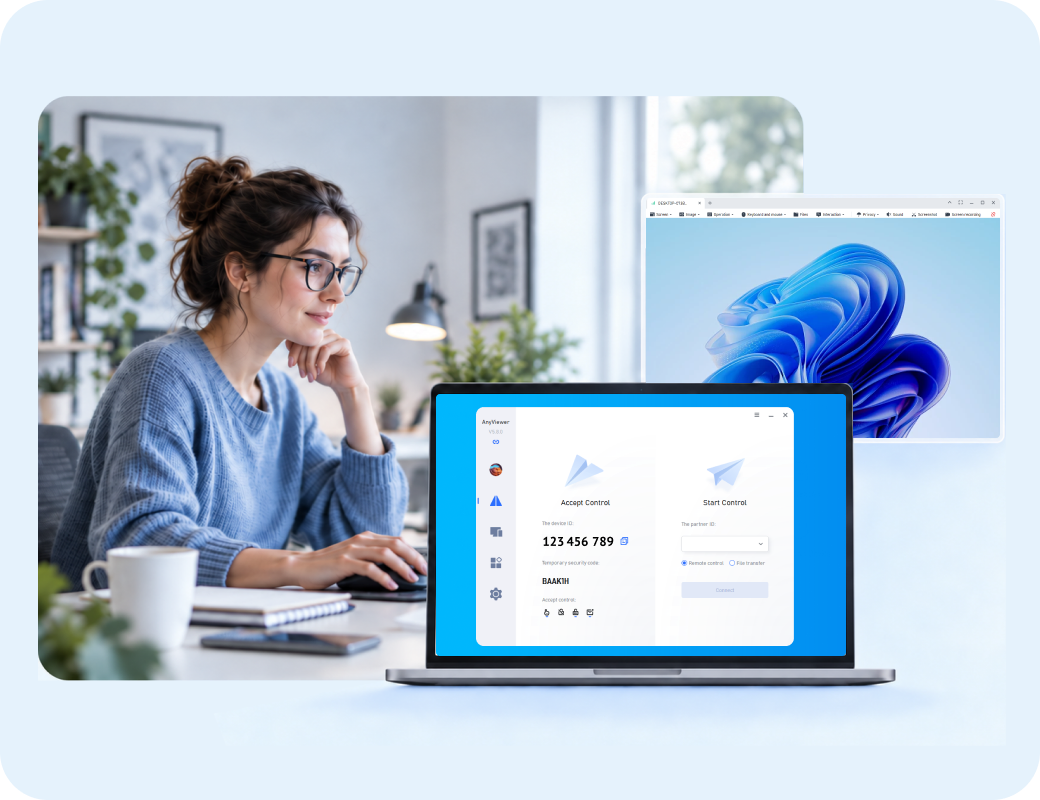
SMBs need cost-effective, out-of-the-box remote access software that is simple to manage and deploys easily without complex IT infrastructure.
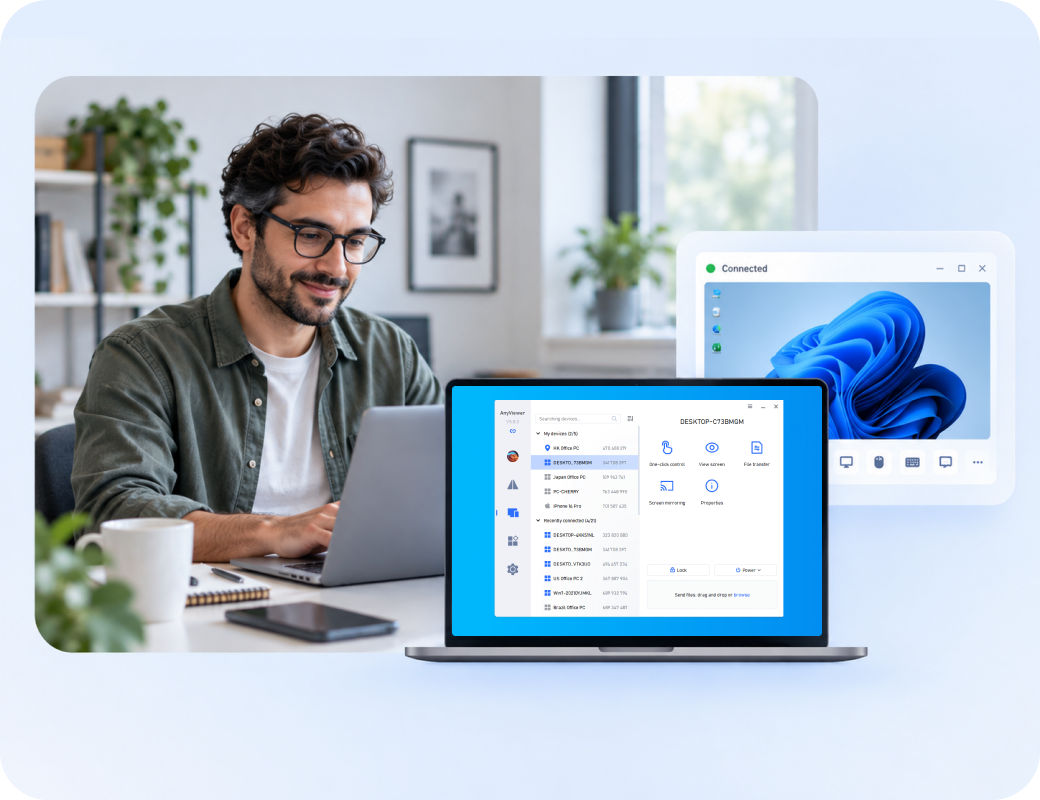
Large enterprises managing complex environments (Windows, macOS, Linux, mobile, and IoT) require broad cross-platform compatibility, high-concurrency access, and robust compliance auditing.
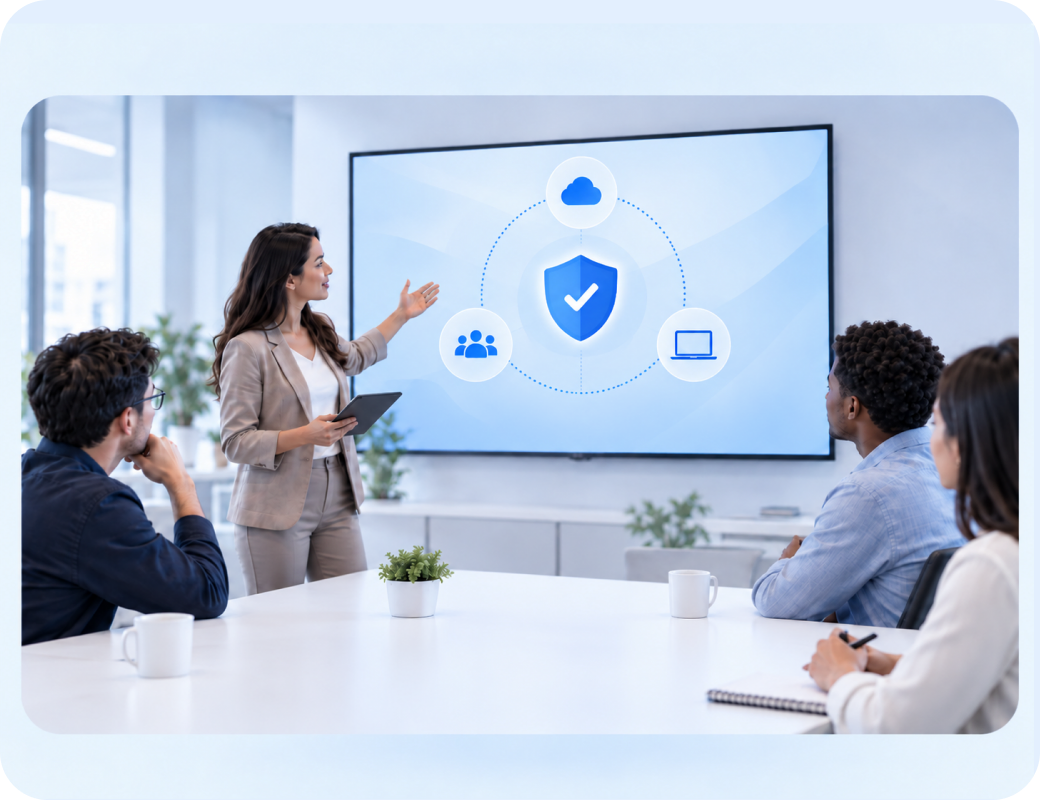
This scenario balances employee demands for high-frame-rate, low-latency display streaming (ideal for design, media editing, and heavy tasks) with powerful diagnostic tools for IT teams.
Managed Service Providers (MSPs) and high-throughput technicians require multi-session concurrent handling, lightning-fast connections, silent background maintenance, and script scheduling.

Organizations seeking to eliminate tool sprawl need a consolidated platform that unifies remote support, Remote Monitoring and Management (RMM), and service desk ticketing in a single interface.

Customer reviews were taken from Trustpilot and Software Advice on September 1, 2026.



 Useful
 Share
Share UsefulShare
UsefulShare
UsefulShare
UsefulShare
UsefulShare


 55 Ease of
use4 Value for
money5 Customer
support5 Functionality
55 Ease of
use4 Value for
money5 Customer
support5 Functionality
 44 Ease of
use3 Value for
money4 Customer
support3 Functionality
32 Ease of
use3 Value for
money2 Customer
support3 Functionality
45 Ease of
use3 Value for
money4 Customer
support3 Functionality
44 Ease of
use3 Value for
money4 Customer
support3 Functionality
32 Ease of
use3 Value for
money2 Customer
support3 Functionality
45 Ease of
use3 Value for
money4 Customer
support3 Functionality UsefulShare
UsefulShare
UsefulShare
 UsefulShare
 UsefulShare
 UsefulShare
UsefulShare
UsefulShare
 UsefulShare
UsefulShare
UsefulShare

 UsefulShare
 UsefulShare
 UsefulShare
45 Ease
of use4 Value
for money5
Customer support5
Functionality
UsefulShare
UsefulShare
45 Ease
of use4 Value
for money5
Customer support5
Functionality Computer & Network Security
11-50 employees
Used daily for more than 2 years
Review source
55 Ease
of use5 Value
for money5
Customer support5
Functionality
Non-Profit Organization Management
11-50 employees
Used daily for more than 2 years
Review source
45 Ease
of use5 Value
for money4
Customer support5
Functionality
Insurance
11-50 employees
Used daily for more than 6 months
Review source
55 Ease
of use5 Value
for money5
Customer support4
Functionality
45 Ease of
use4 Value for
money5 Customer
support4 Functionality
34 Ease of
use3 Value for
money2 Customer
support1 Functionality
55 Ease of
use5 Value for
money5 Customer
support5 Functionality
55 Ease of
use5 Value for
money5 Customer
support5 Functionality
Computer & Network Security
11-50 employees
Used daily for more than 2 years
Review source
55 Ease
of use5 Value
for money5
Customer support5
Functionality
Non-Profit Organization Management
11-50 employees
Used daily for more than 2 years
Review source
45 Ease
of use5 Value
for money4
Customer support5
Functionality
Insurance
11-50 employees
Used daily for more than 6 months
Review source
55 Ease
of use5 Value
for money5
Customer support4
Functionality
45 Ease of
use4 Value for
money5 Customer
support4 Functionality
34 Ease of
use3 Value for
money2 Customer
support1 Functionality
55 Ease of
use5 Value for
money5 Customer
support5 Functionality
55 Ease of
use5 Value for
money5 Customer
support5 FunctionalityThere is no universal replacement. AnyViewer is the lead recommendation for straightforward, authorized remote access and support; TeamViewer Tensor and Splashtop Enterprise fit broader enterprise needs; ScreenConnect suits technician-heavy workflows; Zoho Assist favors browser-led support; and LogMeIn Resolve fits teams consolidating IT operations.
It can replace many everyday remote access and support workflows on supported devices. Organizations that depend on credential vaulting, privileged-session controls, deep SIEM/ITSM integration, or specialized platform coverage should validate gaps before switching.
AnyViewer and Zoho Assist are strong starting points when easy onboarding and day-to-day support matter. Splashtop can fit teams that need a more performance-focused enterprise path. Compare the actual licensing unit and required controls.
ScreenConnect is a natural shortlist choice because its workflows center on technicians, persistent access, background tools, and customization. Splashtop and LogMeIn Resolve may also fit depending on whether the MSP prioritizes endpoint management or platform consolidation.
BeyondTrust, TeamViewer Tensor, Splashtop Enterprise, ScreenConnect, and Zoho Assist publish recording or audit capabilities in relevant editions. AnyViewer supports session recording, but teams should verify centralized audit, retention, export, and policy requirements. Check LogMeIn Resolve by package.
Not automatically. Remote control, MFA, RBAC, and session recording do not equal credential discovery, vaulting, rotation, injection, approval, or just-in-time privilege. A separate PAM layer may still be required.
No. On-premises hosting can increase control, but it also transfers patching, hardening, certificates, monitoring, backup, resilience, and incident response to your team.
Normalize by concurrent technicians, named users, managed endpoints, add-ons, hosting, integrations, recording retention, support, and three-year operating cost. A low headline price may not represent the required deployment.
Test identity enforcement, least privilege, attended and unattended access, elevation, file transfer, reboot, recording, audit export, integration, mobile and non-Windows workflows, and emergency revocation.
Keeping BeyondTrust may be sensible when its credential workflows, privileged access controls, platform reach, appliance model, audit evidence, or established integrations are more valuable than simplifying the toolset.
Choose the right BeyondTrust alternative by control model, not by feature count.