| Category |
|
|
|---|---|---|
| Best For | Individuals, small teams, and cost-conscious businesses | Large enterprises, IT departments with massive infrastructure |
| Free Plan | Available for personal and commercial use (no strict time limits or connection blocks) | Available for non-commercial use (monitored by usage detection algorithms) |
| Ease of Use | Minimalist UI; supports rapid connection via one-click login | Feature-rich; comprehensive interface with a steeper learning curve |
| Performance | Lightweight engine optimized for high frame rates and low latency | Industry standard; delivers high image clarity (requires stable bandwidth) |
| Pricing | Highly competitive rates with transparent, flat-tier structures | Premium enterprise pricing tailored for large-scale deployments |
| Security | ECC 256-bit end-to-end encryption, 256-bit AES session encryption, and 2FA | 4096-bit RSA key exchange, 256-bit AES session encryption, and 2FA |
To compare AnyViewer and TeamViewer accurately, both deliver essential remote access, but they prioritize different operational strengths.
| Feature |
|
|
|---|---|---|
| One-Click Unattended Access | ||
| File Transfer | ||
| Multiple Sessions | ||
| Multi-Monitor Support | ||
| Virtual Screen | ||
| Mobile Access | iOS & Android | iOS & Android |
| Connection from | Windows, macOS, iOS, Android | Windows, macOS, Linux, iOS, Android, Chrome OS, Raspberry Pi, Remote Web Client |
| Connection to | Windows, macOS, iOS, Android | Windows, macOS, Linux, iOS, Android, Chrome OS, Raspberry Pi |
| Security | ECC Algorithm + 2FA Security Wall | AES-256 bit + RSA Verification + 2FA |
| Proxy Server | ||
| 3D Game Mouse | ||
| Smart Frame Rate | ||
| MSI Deployment | ||
| Privacy Mode | ||
| Role Permission Management | ||
| Real-Time Chat | ||
| Whiteboard | ||
| Screen Wall | ||
| Wake-on-LAN |
Feature Insight: AnyViewer focuses on highly responsive session performance and built-in display monitoring utilities. TeamViewer excels in broad multi-platform ecosystem support and network wake-up options.
A detailed AnyViewer or TeamViewer comparison highlights how much small-to-medium businesses can save across different user seats and device limits. (Data as of May 2026)
Plans |
The smart, budget-friendly choice for growing businesses |
The powerful industry leader, but comes with a heavy price tag |
|---|---|---|
| For free |
Free for personal and business use
|
Free for strictly non-commercial use
|
| For single users |
Start from $2.19/month
|
From $24.90 to $50.90/month
|
| For teams |
Start from $7.19/month
|
Start from $112.90/month
|
| For corporations |
Start from $10.39/month
|
Start from $229.90/month
|
Pricing Insight: AnyViewer structures its entry and mid-tier plans with higher device limits and unrestricted session channels per user. TeamViewer offers larger total endpoint capacities at its highest business tiers but implements more structured device and concurrent channel limitations on its entry-level options.
Both platforms deploy enterprise-grade frameworks to encrypt data streams and secure endpoints during remote sessions.
| Security Measures |
|
|
|---|---|---|
| 256-bit AES encryption | ||
| 256-bit ECC encryption | ||
| Two-factor authentication | ||
| Permission-based access control | ||
| Remote control/file transfer permission management | ||
| Secure account-based access | ||
| Blacklist and whitelist | ||
| Privacy mode | ||
| Remote screen frame | ||
| Role permission management | ||
| GDPR compliant | ||
| Lock interface | ||
| Proxy support | ||
| Cloud Conditional Access (IP/Time restriction) |
Security Insight: Both TeamViewer and AnyViewer feature 256-bit AES encryption and multi-factor authentication. TeamViewer uses an RSA architecture with cloud access controls, while AnyViewer utilizes ECC-based handshakes.
Both platforms utilize proprietary compression algorithms to optimize frame rates, latency, and image fidelity across varying network bandwidths.
| Performance Metrics |
|
|
|---|---|---|
| Max Frame Rate | Up to 60 FPS (Supports dedicated Remote Gaming & Video Editing modes) | Up to 60 FPS (Adapts dynamically based on hardware and connection quality) |
| Latency & Responsiveness | Highly optimized for low-latency environments using efficient image compression | Low baseline latency backed by global routing infrastructure; highly stable |
| Image & Color Fidelity | Supports True Color 4:4:4 rendering for precise visual clarity and design work | High-definition display scaling with automatic or manual clarity adjustments |
| Bandwidth Adaptability | Features dedicated "Speed Mode" to maintain smooth connection on lower bandwidth | Dynamic bandwidth management that scales quality down automatically to prevent drops |
| Hardware Acceleration | Dual-side support (Preferred Hardware Encoding & Decoding options) | Full hardware acceleration leveraging local GPU resources for smoother rendering |
| File Transfer Speed | Optimized high-speed transfers (Up to 10MB/s on premium tiers) | Stable transfers, though speeds may throttle during high-load or long-distance sessions |
Insight: Both platforms deliver comparable peak performance but focus on different technical strengths; AnyViewer excels in color accuracy (4:4:4) and transfer speed, while TeamViewer offers greater dynamic stability across varying networks.
| Category |
|
|
|---|---|---|
| Price affordability for small teams AnyViewer offers budget-friendly commercial tiers, whereas TeamViewer is highly expensive and strictly limits concurrent channels. | ||
| Installation & initial configuration simplicityBoth offer effortless setup: AnyViewer uses a lightweight deployment code, and TeamViewer provides one-click Session Invitations. | ||
| Value for money (Cost vs. Features)AnyViewer packs essential features at a low cost. TeamViewer locks daily tools like privacy black screening behind expensive commercial paywalls. | ||
| Ability to support growing teams and devicesAnyViewer delivers similar managed device capacities at a small fraction of TeamViewer's exorbitant cost. | ||
| Efficiency of multi-Device routine operationsAnyViewer features a native Screen Wall to monitor 24 devices simultaneously. TeamViewer lacks a native dashboard matrix and relies on tab switching. |
Insight: AnyViewer is the smarter choice for small businesses. It delivers premium efficiency features and unblocks essential privacy tools at a fraction of TeamViewer's enterprise cost.
| Category |
|
|
|---|---|---|
| Mass automated deployment (Silent MSI) Both support silent MSI, but TeamViewer allows deeper centralized customization of policies and host settings for massive deployments. | ||
| Visual monitoring for mass unattended endpoints AnyViewer offers a native Screen Wall to monitor 24 screens simultaneously. TeamViewer lacks a macro-overview, requiring manual tab switching. | ||
| Enterprise integration & API ecosystemTeamViewer integrates natively with IT platforms like Salesforce and ServiceNow, whereas AnyViewer operates as a standalone ecosystem. | ||
| Cost scalability for mass WFH & concurrencyTeamViewer's concurrent channels are highly expensive, limiting scaling. AnyViewer provides cost-elastic, affordable concurrent sessions. | ||
| Regulatory compliance & certificationsBoth ensure top-tier security, combining 256-bit AES encryption with identical SOC 2, HIPAA, and ISO/IEC 27001 certifications. |
Insight: TeamViewer excels in ecosystem integration and policy customization, while AnyViewer leads in visual monitoring and cost scalability. Both provide identical enterprise-grade security and compliance.
| Category |
|
|
|---|---|---|
| Reducing user communication barriersAnyViewer uses fast security codes, while TeamViewer relies on one-click QuickSupport links. | ||
| Handling complex system troubleshootingTeamViewer provides advanced cloud scripts and CLI modes that AnyViewer currently lacks. | ||
| Scaling seats for concurrent support requestsAnyViewer includes unlimited channels for low fees, whereas TeamViewer charges heavily per channel. | ||
| Deploying and managing corporate endpointsBoth support MSI deployment, but TeamViewer offers more granular permission controls than AnyViewer. | ||
| Protecting the firm against liability and leaksTeamViewer delivers compliance audits (HIPAA/SOC 2) that outpace AnyViewer's standard encryption. |
Insight: AnyViewer offers a clear advantage in cost-efficiency for handling concurrent support channels, while TeamViewer excels in advanced troubleshooting scripts and enterprise regulatory compliance.
| Category |
|
|
|---|---|---|
| Accidental flags & timed dropoutsAnyViewer offers lenient usage limits, avoiding the aggressive commercial blocks and sudden timeouts found in TeamViewer. | ||
| Cost scalability per channel/seatAnyViewer includes affordable concurrent channels, whereas TeamViewer charges exorbitant fees for additional lines. | ||
| Managing users & device access tiersTeamViewer provides intricate role-based permissions, while AnyViewer keeps management simple with a flatter, intuitive portal. | ||
| Deploying across mixed OS landscapesTeamViewer dominates broader ecosystems like Linux/ChromeOS, while AnyViewer focuses primarily on a narrower core OS selection. | ||
| Subscription freedom & transparent billingAnyViewer ensures clear, hassle-free online cancellations, whereas TeamViewer is notoriously rigid with its strict subscription terms. |
Insight: AnyViewer offers superior cost scalability and flexible billing, while TeamViewer excels in complex user management and broader OS support.
| Category |
|
|
|---|---|---|
| Feature consistency across Windows & Mac TeamViewer delivers identical premium features across both platforms, while AnyViewer offers fewer advanced tools on macOS than on Windows. | ||
| Remote access into iOS & Android devices TeamViewer supports full unattended mobile control via OEM add-ons, whereas AnyViewer faces OS restrictions when a mobile device is the host. | ||
| Handling desktop GUI vs. headless servers TeamViewer supports everything from GUI desktops to headless Linux servers, while AnyViewer focuses strictly on mainstream desktop environments. | ||
| Controlling computers via phone/tablet AnyViewer provides an intuitive mobile touch interface with custom shortcut grids, while TeamViewer's mobile console feels a bit more cluttered. | ||
| Connecting remotely via web browsers TeamViewer features a mature web client for full browser-based sessions, whereas AnyViewer requires installing its native desktop applications. |
Insight: AnyViewer excels in mobile-to-desktop control, while TeamViewer offers broader cross-platform maturity, including headless server support and a web client.
| Category |
|
|
|---|---|---|
| Support for precise 3D gaming remote controlsAnyViewer includes a dedicated Game Mouse Mode for 360-degree camera rotation, which TeamViewer lacks, causing uncontrollable spinning. | ||
| Preventing blurry text & color bleedingAnyViewer delivers crisp graphics with 4:4:4 true color, while TeamViewer uses aggressive compression that causes artifacting. | ||
| Smoothness during fast-paced actionAnyViewer smoothly supports up to 60 FPS streaming, whereas TeamViewer caps frame rates dynamically, causing micro-stutters. | ||
| Reliability for AFK farming/grindingAnyViewer allows uninterrupted hours of AFK grinding, while TeamViewer's algorithm often triggers commercial use blocks during long sessions. | ||
| Sound synchronization and controller useBoth AnyViewer and TeamViewer sync low-latency audio well, though neither natively optimizes advanced gamepad controller passthrough. |
Insight: AnyViewer delivers a much smoother, uninterrupted experience built specifically for fast-paced interactive tasks, whereas TeamViewer functions as a standard remote tool for general everyday use.
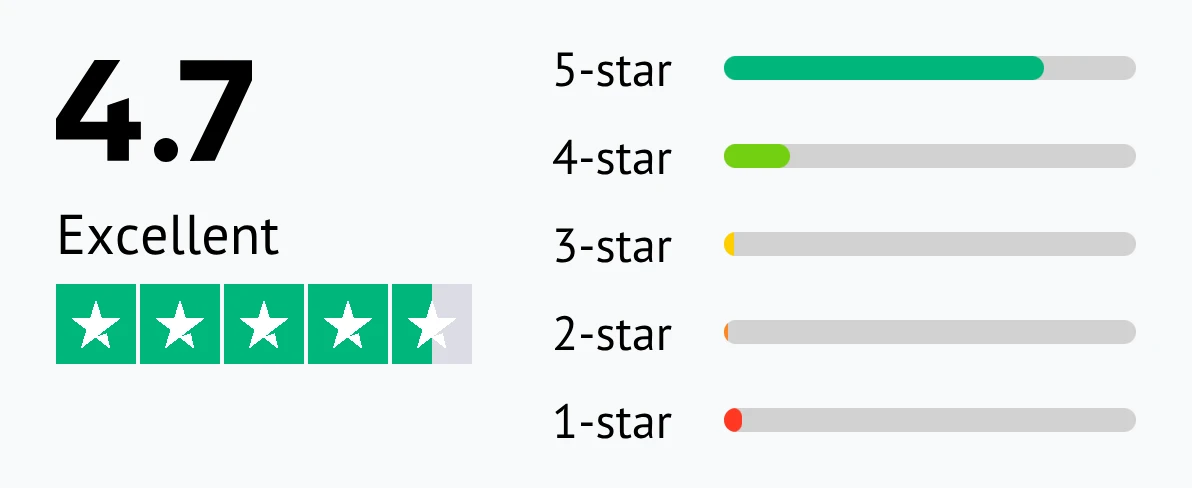
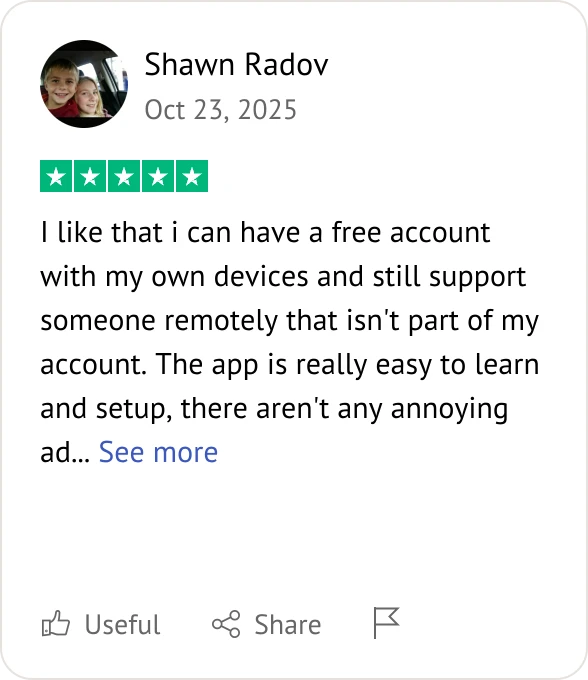
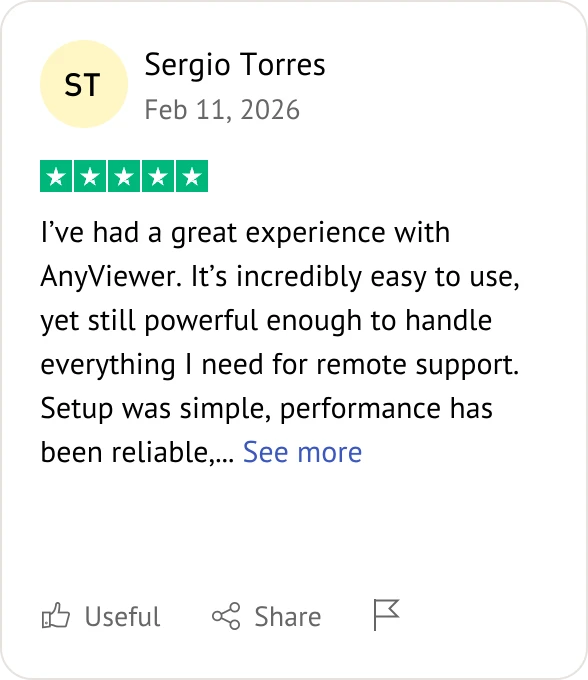
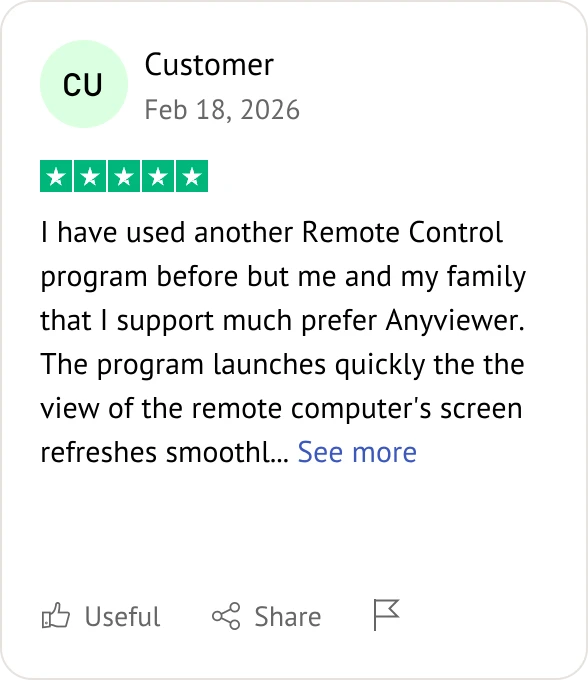
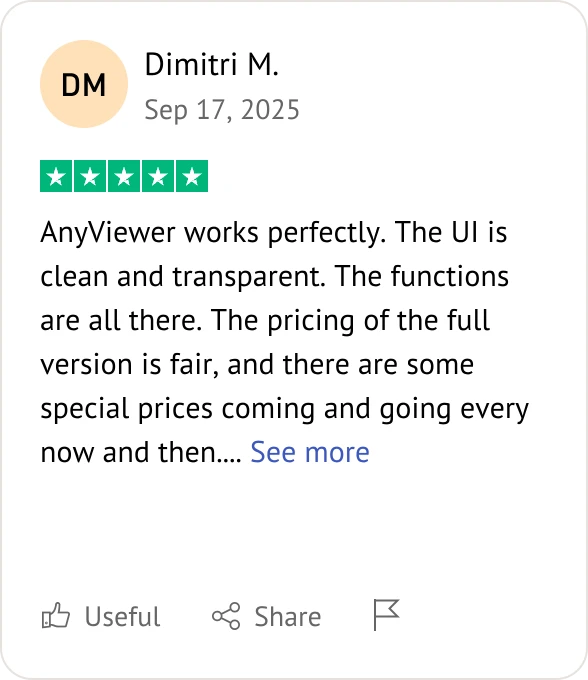
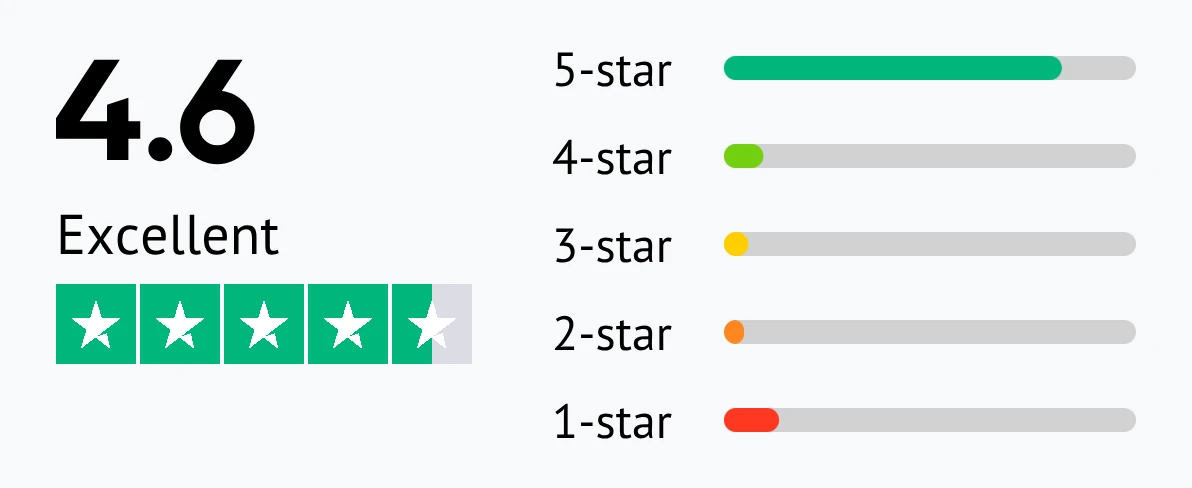
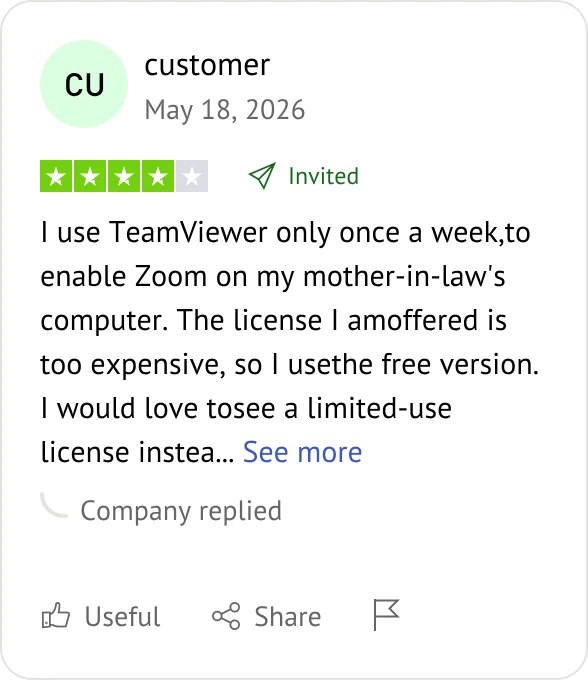
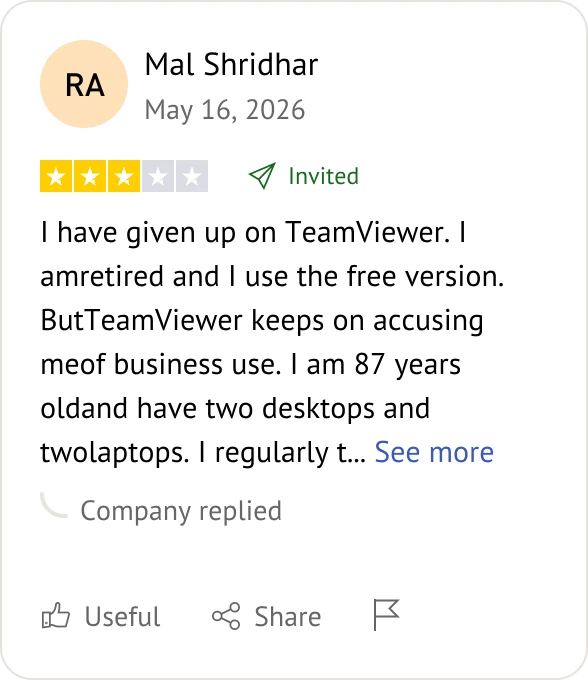
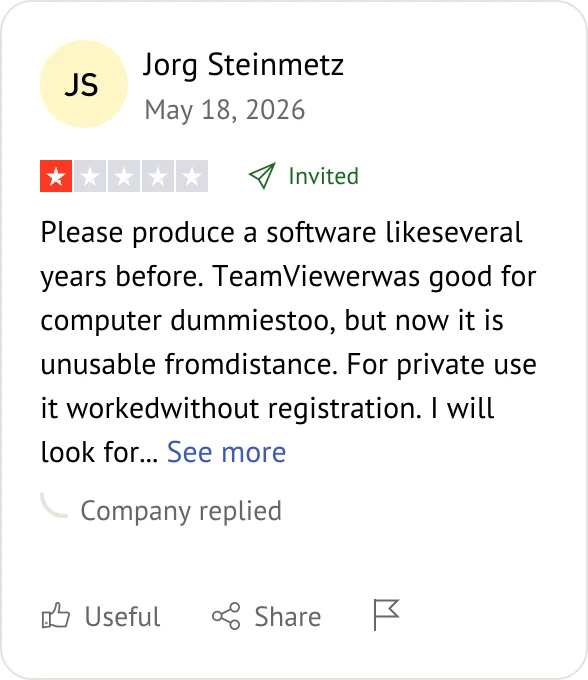
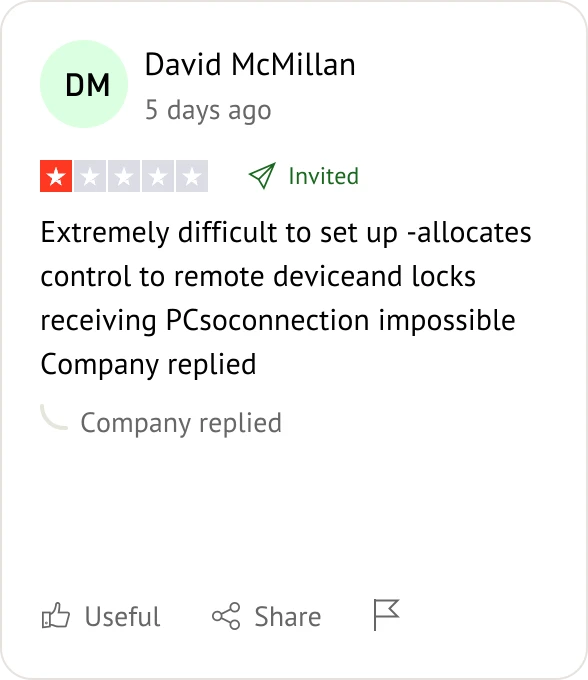
Customer reviews were taken from Trustpilot on May 26, 2026.


Yes. Unlike TeamViewer, which frequently triggers false "Commercial Use" blocks, AnyViewer's free version has no hidden time limits or sudden disconnections for personal use.
AnyViewer is highly cost-effective. It offers professional-grade features, like high-speed file transfer and multiple sessions, at a fraction of TeamViewer's premium annual cost, making it ideal for SMBs.
Both enforce Two-Factor Authentication (2FA). However, while TeamViewer uses standard AES 256-bit, AnyViewer utilizes advanced ECC (Elliptic Curve Cryptography) 256-bit encryption for superior data protection.
While both support HD streaming, AnyViewer stands out by supporting "True Color" with 4:4:4 color accuracy, making it superior for designers and editors. TeamViewer offers solid clarity but often uses higher compression that can slightly alter color fidelity.
Yes, both platforms offer excellent mobile-to-PC control. Both AnyViewer and TeamViewer provide dedicated iOS and Android apps that allow you to seamlessly connect to and control a remote Windows PC from your phone or tablet.
No, this capability is heavily restricted on both platforms. While both allow a phone to control a PC, initiating unattended control into a mobile device is blocked by both AnyViewer and TeamViewer due to strict mobile operating system limitations.
TeamViewer has the advantage here. TeamViewer natively supports Wake-on-LAN to boot up sleeping computers. AnyViewer currently does not support Wake-on-LAN, meaning the target remote computer must already be powered on and connected to the internet.
Both support MSI parameters for silent mass deployment. However, AnyViewer scales more cost-effectively by device volume, utilizing streamlined Deployment Codes to manage large device fleets. TeamViewer is equally scalable but locks advanced deployment features behind much higher enterprise pricing tiers.
Yes, both platforms include a Privacy Mode. Both AnyViewer and TeamViewer allow you to blank out the remote monitor and disable its local keyboard and mouse during a session so bystanders cannot spy on your work.
Both offer fast, drag-and-drop file transfers. However, AnyViewer includes multi-threaded, high-speed file sharing in its highly affordable tiers, whereas TeamViewer locks advanced sharing behind expensive plans.
Both support seamless multi-monitor switching. However, for mass monitoring, AnyViewer includes an advanced Screen Wall feature to view up to 24 remote screens simultaneously on one display, a capability that requires expensive enterprise licensing or complex configurations in TeamViewer.
TeamViewer is built as a broad cross-platform tool covering Windows, macOS, and Linux equally. In contrast, AnyViewer's core engine heavily prioritizes Windows PC environments, offering maximum optimization, performance, and specific features tailored for PC-centric architectures.

Select the remote desktop tool that aligns best with your specific deployment needs and budget.
Both AnyViewer and TeamViewer are reliable remote desktop solutions.