Core Comparison Quick Overview Features Pricing Security Performance Use Cases Small Business Remote Support Commercial Use Cross-Platform Remote Gaming Decision Support User Reviews FAQs How to Choose Download AnyViewer
Start with AnyViewer for easier, safer and worry-free remote access to any device.

Quick Comparison of AnyDesk vs. AnyViewer

Category AnyViewer AnyViewer AnyDesk AnyDesk
Best For Individuals, small teams Professionals, enterprises
Free Plan Available (More free features & all supports commercial use) Available (More limitations & no support for commercial use)
Ease of Use Very beginner-friendly (User feedback “Currently one of the easiest tools on the market.”) Flexible with more configuration options
Performance Stable and smooth High performance, low latency
Pricing Cost-effective (Give more without charging more) Tiered pricing for business use
Security Strong encryption and protection Strong security protocols

Which Is Better for Remote Access?

Both AnyViewer and AnyDesk provide the essential tools needed for remote access, including unattended access, file transfer, and cross-device connectivity.

Feature AnyViewer AnyDesk
Unattended Access
File Transfer
Multiple Sessions
Multi-Monitor Support
Device Management
Mobile Access iOS & Android iOS & Android
Connection from Windows, macOS, iOS, Android Windows, macOS, iOS, Android, Linux
Connection to Windows, macOS, iOS, Android Windows, macOS, iOS, Android, Linux, Chrome OS, Apple TV, Free BSD
Security ECC encryption + 2FA TLS encryption + RSA
Proxy Server
Game Mouse
Smart Frame Rate
MSI Deployment
Privacy Mode
Role Permission Management
Real-Time Chat
Whiteboard
Screen Wall
Session Invitation

Feature Insight: Both remote access tools cover core remote access needs. AnyViewer focuses on simplicity and accessibility, while AnyDesk provides more configuration and connectivity options.

AnyViewer vs. AnyDesk Pricing Comparison

Pricing is often the deciding factor when choosing remote desktop software, especially for freelancers, small businesses, and IT teams. Data as of April 2026.

Plans

AnyViewer

Offers a feature set comparable to AnyDesk, with better ease of use

AnyDesk

Well-rounded features, but generally more expensive
For free

Free for personal and business use

  • 1 licensed user
  • 10 managed devices
  • 2 channels

Commercial use requires payment

  • 1 licensed user
  • 3 managed devices
  • 1 channel
For single users

Start from $2.19/month

  • 1 licensed user
  • 30 managed devices
  • Unlimited channels

Start from $23.12/month

  • 1 licensed user
  • 100 managed devices
  • 1 channel
For teams

Start from $7.19/month

  • 10 licensed users
  • 200 managed devices
  • Unlimited channels

Start from $39.92/month

  • 20 licensed users
  • 500 managed devices
  • Start from 1 and can additionally purchase to 20 channels
For corporations

Start from $10.39/month

  • 30 licensed users
  • 500 managed devices
  • Unlimited channels

Start from $89.52/month

  • 100 licensed users
  • 1000 managed devices
  • Start from 2 and can additionally purchase to 50 channels

Pricing Insight: AnyViewer may be more accessible for budget-conscious users, while AnyDesk offers structured plans designed for professional and enterprise environments.

AnyDesk Remote Desktop vs AnyViewer on Security

Security is essential when accessing devices remotely, especially when handling sensitive data.

Security Measures AnyViewer AnyDesk
256-bit AES encryption
256-bit ECC encryption
Two-factor authentication
Permission-based access control
Remote control/file transfer permission management
Secure account-based access
Blacklist and whitelist
Privacy mode
Remote screen frame
Role permission management
GDPR compliant
Lock interface
Proxy support

Security Insight: Both AnyViewer and AnyDesk implement comprehensive security measures, including strong encryption, access control, and compliance standards, ensuring a high level of protection for remote sessions.

Performance Comparison of AnyViewer vs. AnyDesk

When choosing remote desktop software, performance goes beyond just features, which plays a key role in determining how well a tool fits your daily workflow.

Condition AnyViewer AnyDesk
Fast home connection (100 Mbps) Smooth as local desktop, minimal lag A near real-time remote control experience
Medium connection (25 Mbps) Perfectly usable, slight delay noticeable Some noticeable delay during fast interactions
Slow hotel WiFi (5 Mbps) Workable for basic tasks, video streaming struggled Responsiveness may decrease under limited bandwidth

Insight: Remote desktop performance depends on connection speed, latency, and stability under different network conditions. Both tools offer reliable performance. AnyDesk is often recognized for responsiveness, while AnyViewer focuses on stable and consistent everyday usage.

AnyDesk vs. AnyViewer for Small Business

Category AnyViewer AnyDesk
Availability for business usage without extra cost
Installation and initial configuration simplicity
Overall cost vs. features for small teams
Ability to support growing teams and devices
Ease of use for routine operations

Insight: Small businesses often need software that is easy to deploy, cost-effective, and flexible enough for daily operations. AnyViewer is often easier to adopt, while AnyDesk provides stronger scalability.

AnyViewer vs. AnyDesk for Remote Support and IT Assistance

Category AnyViewer AnyDesk
Availability for business usage without extra cost
Client-side simplicity and accessibility
Responsiveness during support sessions
Level of customization and session control
Overall speed and ease of issue resolution

Insight: AnyViewer is well-suited for fast, simple support, while AnyDesk offers more advanced control for complex IT scenarios.

AnyDesk versus AnyViewer for Commercial Use

Category AnyViewer AnyDesk
Availability of free plan for business scenarios
Long-term cost relative to features and usage
Range of tools for professional use
Options for setup across teams and environments
Ease of adoption across different users and roles

Insight: AnyViewer offers accessible and cost-effective solutions, while AnyDesk provides structured capabilities for larger-scale business use.

AnyViewer versus AnyDesk for Cross-Platform Remote Access

Category AnyViewer AnyDesk
Range of supported operating systems
Simplicity of connecting across devices
Support for different device types
Consistency across platforms

Insight: AnyViewer provides a simpler cross-platform experience, while AnyDesk supports a broader range of systems.

AnyDesk vs. AnyViewer for Remote Gaming

Category AnyViewer AnyDesk
Support for precise 3D gaming remote controls
Frame rate and screen rendering quality
Response time during real-time interaction
Consistency during longer sessions
Handling demanding applications or games

Insight: AnyViewer delivers a smooth experience with optimized frame rate and 3D game mouse, while AnyDesk performs well in latency-sensitive scenarios.

What Users Are Saying About AnyViewer and AnyDesk?

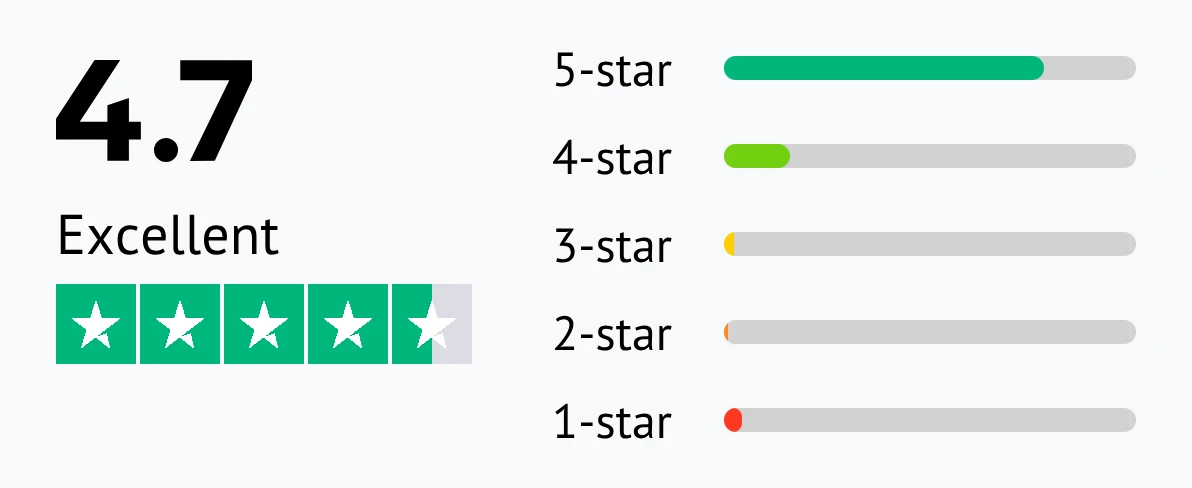
Customer reviews were taken from Trustpilot on April 16, 2026.

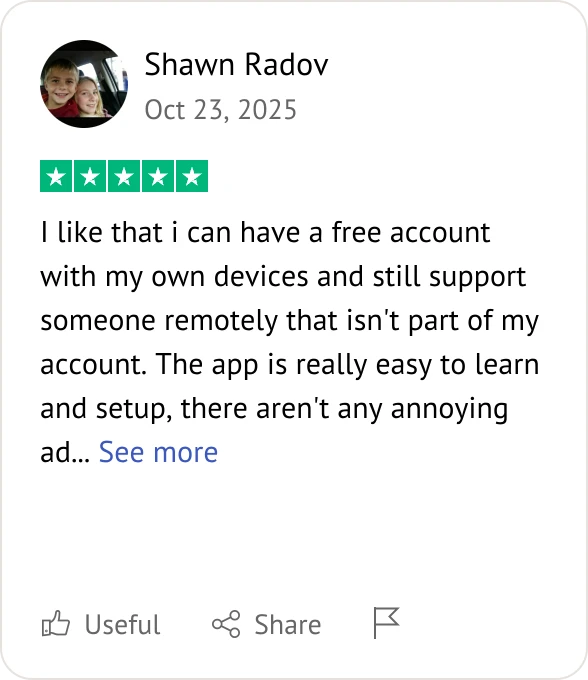
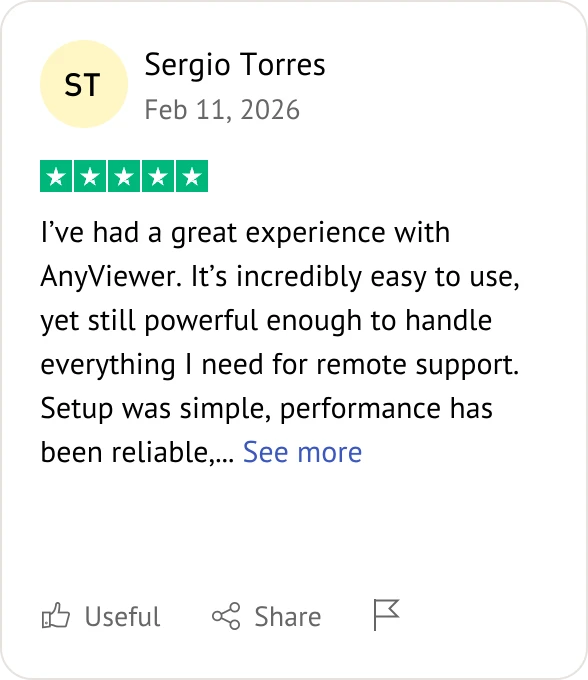
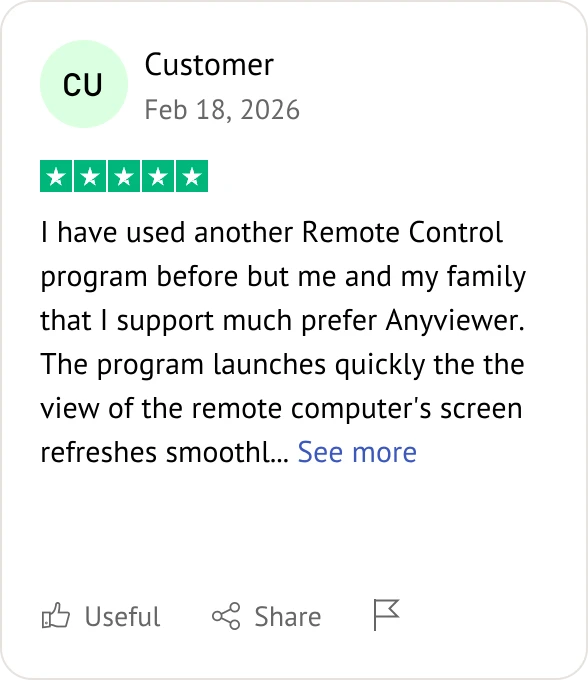
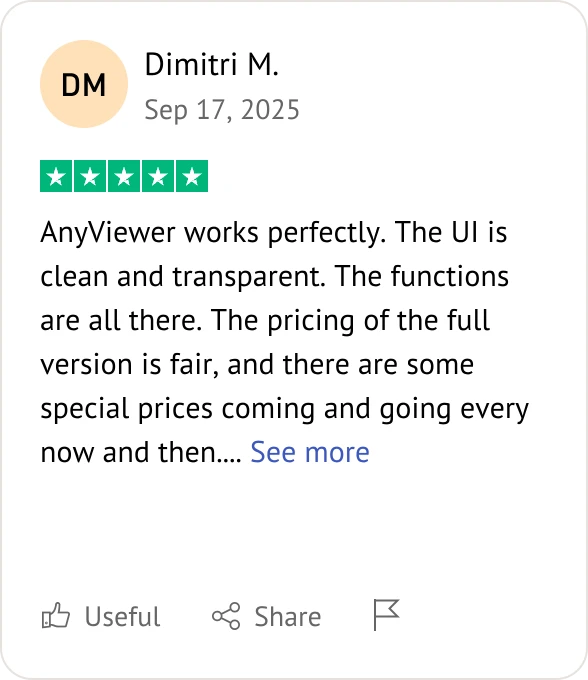
AnyViewer

AnyViewer user review

AnyDesk

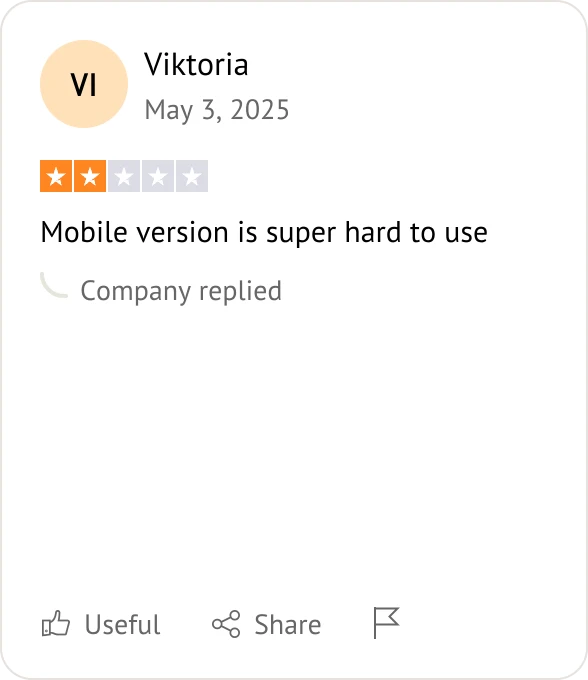
AnyDesk user review
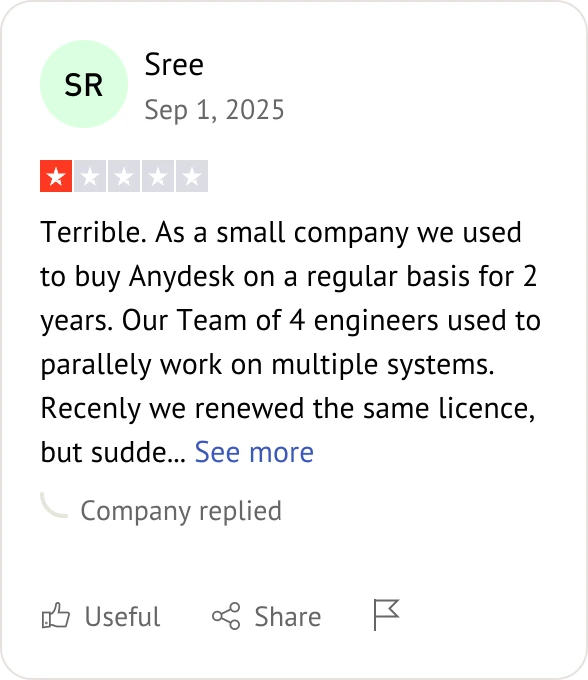
AnyDesk user review
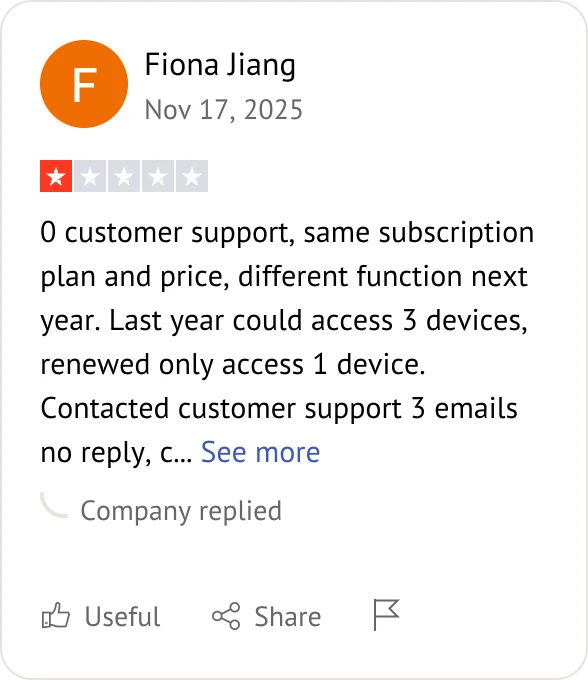
AnyDesk user review
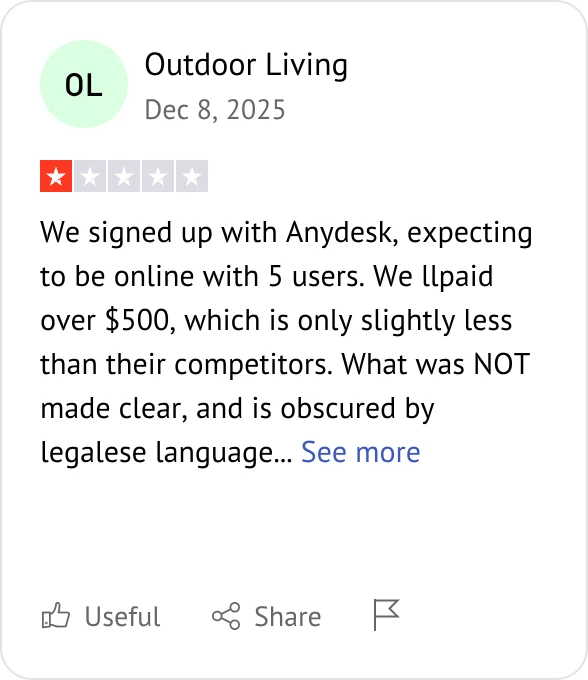
AnyDesk user review

Frequently Asked Questions When Comparing AnyViewer and AnyDesk

Which remote desktop is more secure, AnyDesk or AnyViewer?

Both AnyDesk and AnyViewer offer strong security features, including encryption and access control, making them reliable for secure remote access.

AnyDesk vs AnyViewer for unattended remote computer access and remote maintenance.

Both tools support unattended access and remote maintenance. AnyViewer is easier to set up, while AnyDesk offers more configuration flexibility.

Which remote tool has better performance, AnyDesk or AnyViewer?

Both provide solid performance. AnyDesk is known for low latency, while AnyViewer delivers stable and consistent performance for everyday use.

AnyDesk vs AnyViewer for cross platform remote desktop connections.

Both support cross-platform connections across Windows, iOS, and Android, allowing flexible remote access from different devices.

Which is easier for clients to use, AnyDesk or AnyViewer?

AnyViewer is generally easier for clients due to its simple setup and user-friendly interface, while AnyDesk offers more customization options.

AnyDesk vs AnyViewer for commercial remote IT support services.

Both can be used for IT support. AnyDesk is widely used in enterprise environments, while AnyViewer is suitable for small to medium-sized teams.

Which remote software is lighter on system resources?

Both tools are lightweight. AnyDesk is often recognized for efficient performance, while AnyViewer is optimized for smooth operation on typical systems.

Which is better for remote support, AnyViewer or AnyDesk?

Both are effective for remote support. The choice depends on whether you prioritize ease of use or advanced configuration.

How to choose between AnyViewer and AnyDesk for small business?

Small businesses should consider budget, ease of use, and required features. AnyViewer is often preferred for simplicity and cost, while AnyDesk offers scalable options.

Is AnyViewer more cost effective than AnyDesk for teams?

AnyViewer can be more cost-effective for small teams, while AnyDesk provides structured pricing for larger or more complex deployments.

Which remote tool is safer, AnyViewer or AnyDesk?

Both are safe when properly configured, offering encryption and security controls to protect remote sessions.

AnyViewer vs AnyDesk performance for low bandwidth remote sessions.

Both tools remain usable under low bandwidth. AnyViewer focuses on stable connections, while AnyDesk maintains responsive control in many scenarios.

Which Tool Fits Your Needs? AnyViewer or AnyDesk?

You can install and use both tools if needed, or simply start with one based on your personal preference and workflow.

AnyViewer Choose AnyViewer if you

  • Want a simple and quick setup
  • Need a free or cost-effective solution
  • Use remote access for personal or small team scenarios
  • Prefer an easy-to-use interface
Try for Free
Try for Free

Download on the

App Store

Download

AnyViewer

AnyDesk Choose AnyDesk if you

  • Need flexible configuration options
  • Work in IT, enterprise, or large-scale environments
  • Require detailed control over sessions and permissions
  • Prefer a highly customizable solution

Choose the Right Remote Access Tool for Your Needs

Both AnyViewer and AnyDesk are capable remote desktop solutions.

  • If you prefer a simple, smooth, and cost-effective option, AnyViewer can offer a great experience.
  • If you need more flexible customization or deployment methods, AnyDesk is also a good choice.
AnyViewer remote access