Core Comparison Quick Overview Features Pricing Security Performance Use Cases Small Business Large Enterprise Remote Support Commercial Use Cross-Platform Remote Gaming Decision Support User Reviews FAQs How to Choose Best Alternative Download AnyViewer
Start with AnyViewer for easier, safer and worry-free remote access to any device.

Quick Comparison of Chrome Remote Desktop vs. AnyDesk

This Chrome Remote Desktop vs. AnyDesk comparison breaks down the key differences at a glance.

Category AnyDesk Chrome Remote Desktop
Best For IT pros, enterprise support, and heavy remote work. Casual users and quick, light remote tasks.
Free Plan Highly restricted; strict time limits and personal-use blocks. 100% free for both personal and commercial use with zero limitations.
Ease of Use Moderate. Requires installing a standalone app with deep settings. Extremely simple. Setup takes seconds via Chrome browser.
Performance Superior. 60FPS streaming, low latency, and multi-monitor support. Basic. Good for browsing and text; lags on video and graphics.
Pricing Paid subscription. Scaled tiers based on users and enterprise features. Completely free. No hidden fees or enterprise tiers.
Security Bank-grade security (AES-256) with advanced permission controls. Securely tied to Google account 2FA and a host PIN.

Which Is Better for Remote Access?

Check the full feature breakdown below to see how they stack up in this Chrome Remote Desktop vs AnyDesk comparison.

Feature AnyDesk Chrome Remote Desktop
Unattended Access
Built-in File Manager (Dedicated transfer tab)
Clipboard Synchronization
Remote Printing
Multi-Monitor Support
Wake-on-LAN
Session Recording
In-Session Text Chat
On-Screen Whiteboard & Annotation Tools
App-Free Controlling
Mobile Access iOS & Android iOS & Android
Connection from Windows, macOS, iOS, Android, Linux Windows, macOS, iOS, Android, Linux, Chrome OS, or any web browser
Connection to Windows, macOS, iOS, Android, Linux, Chrome OS, Apple TV, Free BSD Windows, macOS, Linux, Chrome OS
Security TLS encryption + RSA WebRTC protocol, AES encryption, secured via Google Account 2FA, and an access PIN
Command Line Interface (CLI)
Mass Deployment (MSI)
On-Premises Deployment
Custom Alias & Branding
Centralized User Management
Direct IP / LAN Connection

Feature Insight: While both enable cross-platform access, AnyDesk offers advanced IT troubleshooting tools whereas Chrome Remote Desktop delivers lightweight, browser-based simplicity.

Pricing Comparison: Chrome Remote Desktop vs. AnyDesk

Plans

AnyDesk
Well-rounded features, but generally more expensive
Chrome Remote Desktop
100% free forever for both personal and business use
For free

Commercial use requires payment

  • 1 licensed user
  • 3 managed devices
  • 1 channel
100% Free. No commercial restrictions, no pop-ups, and no enterprise licensing required.
For single users

Start from $28.90/month

  • 1 licensed user
  • 100 managed devices
  • 1 channel
For teams

Start from $49.90/month

  • 20 licensed users
  • 500 managed devices
  • Start from 1 and can additionally purchase to 20 channels
For corporations

Start from $111.90/month

  • 100 licensed users
  • 1000 managed devices
  • Start from 2 and can additionally purchase to 50 channels

Pricing Insight: While AnyDesk tiers premium plans by users and channels for complex business needs, Chrome Remote Desktop remains completely free for both personal and commercial use.

Security & Compliance Comparison: AnyDesk vs. Chrome Remote Desktop

Security is essential when accessing devices remotely, especially when handling sensitive data.

Security Measures AnyDesk Chrome Remote Desktop
TLS 1.2 / TLS 1.3 Session Encryption
AES-256 Bit Encryption for Video Stream
RSA-2048 Asymmetric Key Exchange
Two-Factor Authentication (2FA)
Host Access PIN / Unattended Password Protection
Custom Permission Profiles
Trusted Device Whitelisting
Centralized Session Auditing & Connection Logs
Session Recording for Compliance & Security Audits
Integration with Enterprise Single Sign-On
Local Network Direct Connection
On-Premises Deployment
IP Access Control Lists (IP Whitelisting)

Security Insight: While both share core encryption and 2FA, AnyDesk provides advanced enterprise security controls, compliance auditing, and self-hosting options that Chrome Remote Desktop lacks.

Chrome Remote Desktop vs. AnyDesk on Performance Comparison

Remote desktop performance depends on frame rate, latency, resource usage, and network adaptability.

Performance Metrics AnyDesk Chrome Remote Desktop
Streaming Frame Rate Up to 60 FPS (Smooth video & motion) ~30 FPS (Good for text, lags on video)
Proprietary Codec / Protocol DeskRT codec (Built for remote UI) WebRTC (Standard web streaming)
Latency & Responsiveness Ultra-low (Instant mouse/keyboard response) Low (Brief micro-stutters under load)
System Resource Usage (CPU/RAM) Low (Lightweight standalone app) Moderate to High (Tied to Chrome engine)
Hardware Acceleration Excellent (Direct GPU access for high-res) Limited (Relies on browser settings)
Bandwidth Adaptability Adaptive (Auto-optimizes for slow networks) Fair (Prone to lag on weaker networks)

Insight: AnyDesk delivers smoother 60 FPS performance with lower latency, while Chrome Remote Desktop relies on a heavier browser engine prone to occasional lag.

Small Business Fit: AnyDesk vs. Chrome Remote Desktop

Category AnyDesk Chrome Remote Desktop
Business usage without extra cost
CRD is 100% free for business; AnyDesk requires pricey annual plans.
Instant connection for customer support
AnyDesk connects instantly via ID; CRD requires client Google setups.
Centralized control over user access
AnyDesk has user logs and permissions; CRD lacks central management.
Bulk deployment for fast scaling
AnyDesk supports bulk MSI installers; CRD requires manual device setups.
Silent updates with zero maintenance
CRD updates silently via Google; AnyDesk requires software version tracking.

Insight: While Chrome Remote Desktop offers zero-cost business use and silent updates, AnyDesk is superior for scaling through instant support, centralized control, and bulk deployment.

AnyDesk vs. Chrome Remote Desktop: The Enterprise Evaluation

Category AnyDesk Chrome Remote Desktop
On-premises hosting for network isolation
AnyDesk offers true self-hosted private servers; CRD relies entirely on Google's cloud.
Granular security policies for access control
AnyDesk features detailed permission profiles; CRD offers basic access limited to Google Account security.
Centralized logging for compliance audits
AnyDesk tracks active sessions locally; CRD requires tracking managed through complex Google Workspace logs.
Enterprise SSO integration for user identity
AnyDesk supports custom SAML/Azure AD; CRD is strictly bound to Google Identity/Workspace.
Bulk software deployment via MSI packages
AnyDesk scales easily with tailored MSI installers; CRD requires Google Chrome Enterprise policy pushes.
Dedicated support with corporate SLAs
AnyDesk offers dedicated enterprise account managers; CRD has zero direct live technical support.

Insight: AnyDesk provides complete enterprise control through on-premises hosting and dedicated SLAs, whereas Chrome Remote Desktop relies entirely on basic Google Workspace cloud management.

Comparing Chrome Remote Desktop vs. AnyDesk for IT Support

Category AnyDesk Chrome Remote Desktop
Instant connection without client setup
AnyDesk uses a simple 9-digit ID code; CRD forces clients to install an extension and sign in.
Admin privilege elevation during sessions
AnyDesk allows remote execution of UAC prompts; CRD blocks control on Windows system admin screens.
Built-in tools for troubleshooting
AnyDesk includes native file transfer, session chat, and whiteboards; CRD has no diagnostic utilities.
Mobile control over desktop systems
AnyDesk mobile apps feature macro keys and virtual mice; CRD mobile access is basic and cramped.
Unattended access for server maintenance
AnyDesk allows permanent password access with wake-on-LAN; CRD requires continuous browser background states.
Session recording for quality assurance
AnyDesk records sessions natively for audit trails; CRD offers no native recording functionality.

Insight: AnyDesk provides a full IT toolkit with admin elevation and diagnostics, while Chrome Remote Desktop offers only basic access lacking native troubleshooting features.

AnyDesk vs. Chrome Remote Desktop for Commercial Use

Category AnyDesk Chrome Remote Desktop
Legal compliance without extra fees
CRD is 100% free for business use; AnyDesk strictly blocks free users with commercial pop-ups.
Predictable costs during team growth
AnyDesk scales up exponentially with costly per-user licensing; CRD remains completely free ($0).
Audit trail generation for compliance
AnyDesk saves local text logs of connections; CRD requires Google Workspace enterprise logging setups.
Cross-company support for external vendors
AnyDesk connects vendor to client instantly via ID; CRD forces both sides into the Google ecosystem.
Session limits during critical operations
AnyDesk offers unlimited runtime; CRD occasionally times out and requires manual session renewal.
Contract flexibility for procurement teams
AnyDesk locks businesses into strict annual contracts; CRD requires zero procurement overhead.

Insight: While Chrome Remote Desktop offers zero-cost compliance, AnyDesk provides the continuous runtimes and flexible cross-company connections essential for complex vendor operations.

Multi-Platform Access: AnyDesk vs. Chrome Remote Desktop

Category AnyDesk Chrome Remote Desktop
OS coverage across legacy systems
AnyDesk supports Windows, Mac, Linux, Raspberry Pi, FreeBSD; CRD only supports major desktop OS.
Desktop access from mobile devices
AnyDesk offers full mobile navigation; CRD mobile apps are basic web viewports.
Mobile control from desktop clients
AnyDesk can view/control Android devices; CRD cannot view or manage mobile screens at all.
Native client experience without browsers
AnyDesk runs completely via native, lightweight applications; CRD relies heavily on Google Chrome.
Keyboard shortcut translation across OS
AnyDesk handles complex modifier mappings (CMD to CTRL); CRD often conflicts with local browser hotkeys.
Ecosystem independence across platforms
AnyDesk functions standalone via IDs; CRD strictly locks users into the Google account ecosystem.

Insight: AnyDesk provides native, standalone access across diverse desktop and mobile platforms, whereas Chrome Remote Desktop is strictly limited by the Google browser ecosystem.

Remote Gaming: Chrome Remote Desktop vs. AnyDesk

Category AnyDesk Chrome Remote Desktop
High frame rates for fast motion
AnyDesk achieves up to 60 FPS via DeskRT; CRD targets ~30 FPS and drops frames during fast action.
Input latency reduction during gameplay
AnyDesk offers lower, sharper mouse response times; CRD introduces slight micro-stutters.
GPU hardware acceleration for rendering
AnyDesk accesses local graphics cards directly; CRD relies on unstable browser-level acceleration.
Gamepad controller passthrough over networks
AnyDesk can forward basic inputs but struggles with native controllers; CRD completely lacks gamepad support.
Audio streaming quality without delay
AnyDesk syncs real-time stereoscopic sound; CRD audio stream can crackle or drift out of sync.
Dynamic resolution scaling on lag
AnyDesk automatically lowers resolution to preserve FPS; CRD stutters heavily on network dips.

Insight: AnyDesk delivers smoother 60 FPS gaming with lower latency and GPU acceleration, while Chrome Remote Desktop suffers from severe frame drops and lacks gamepad support.

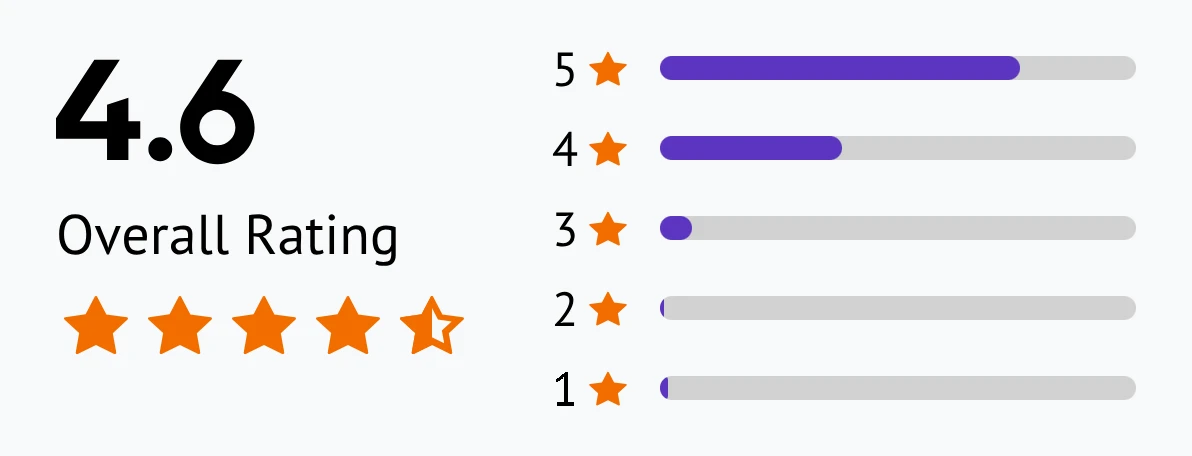
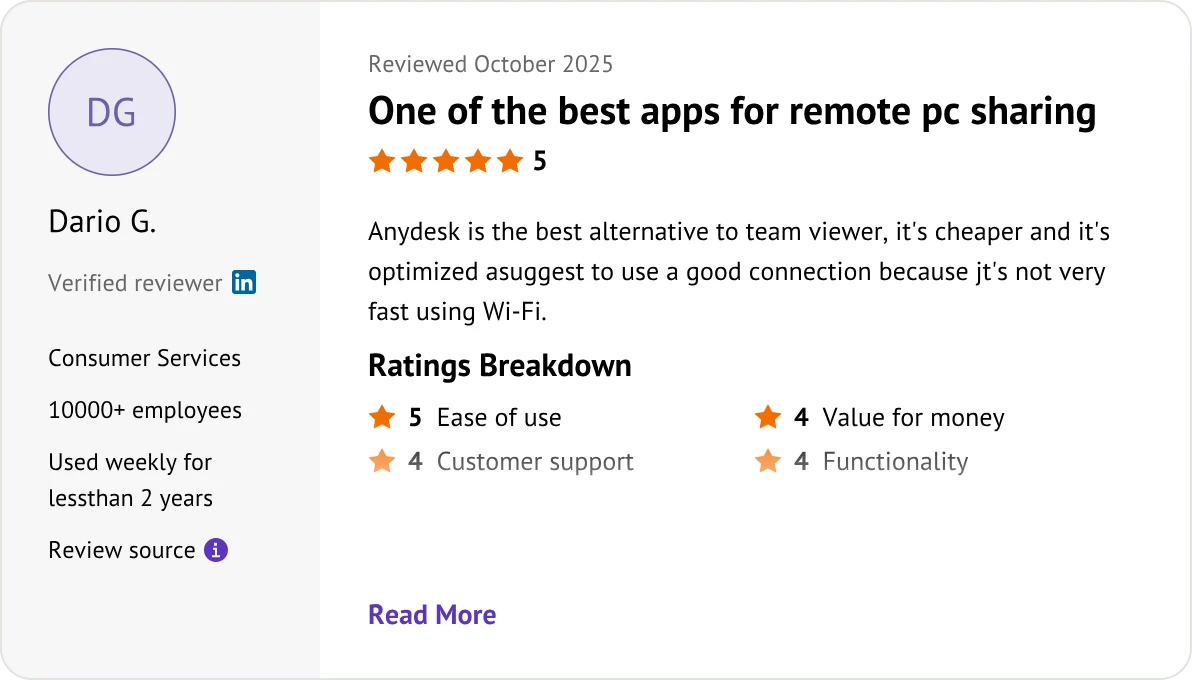
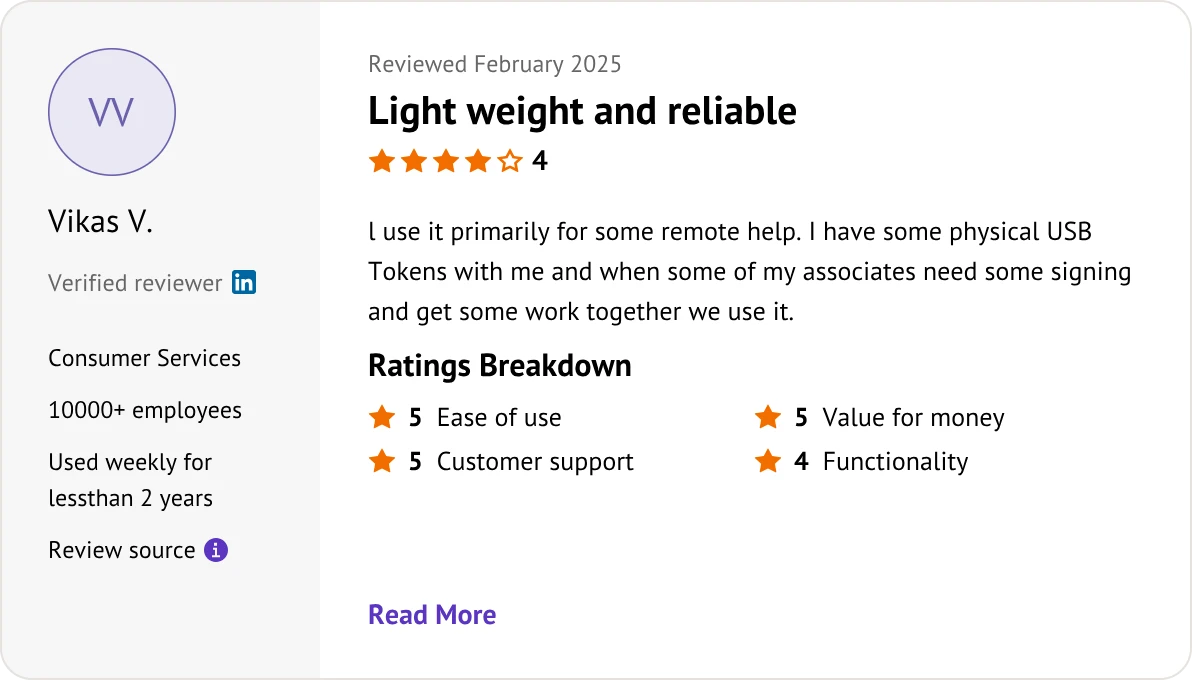
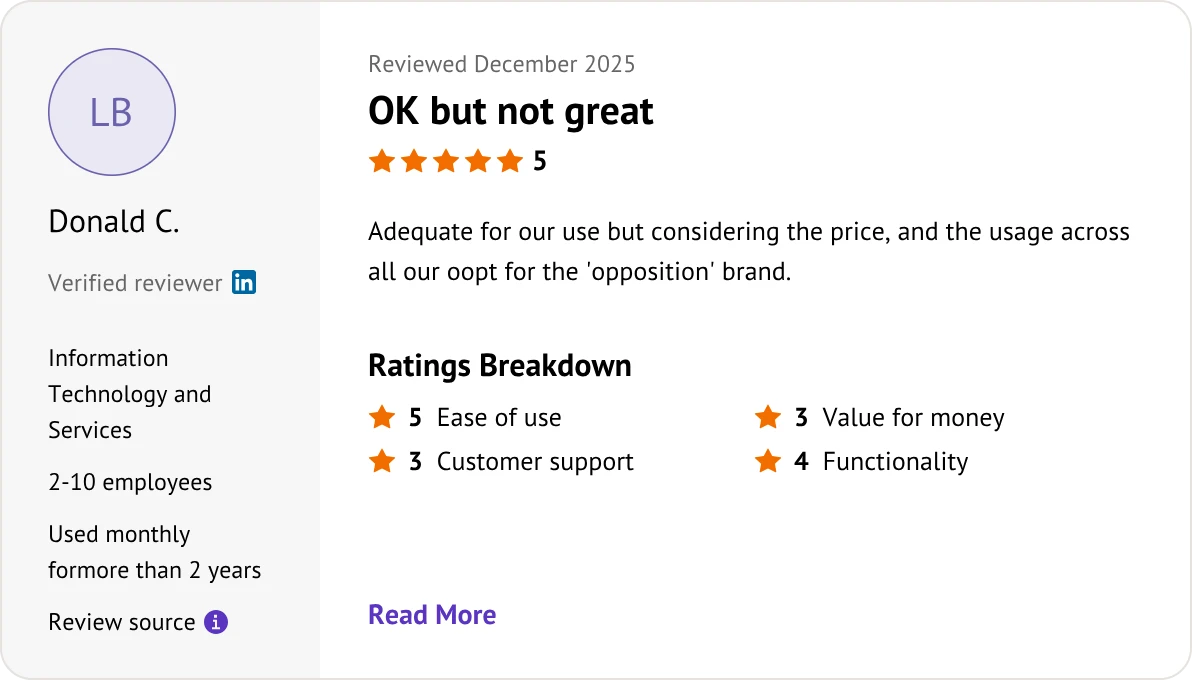
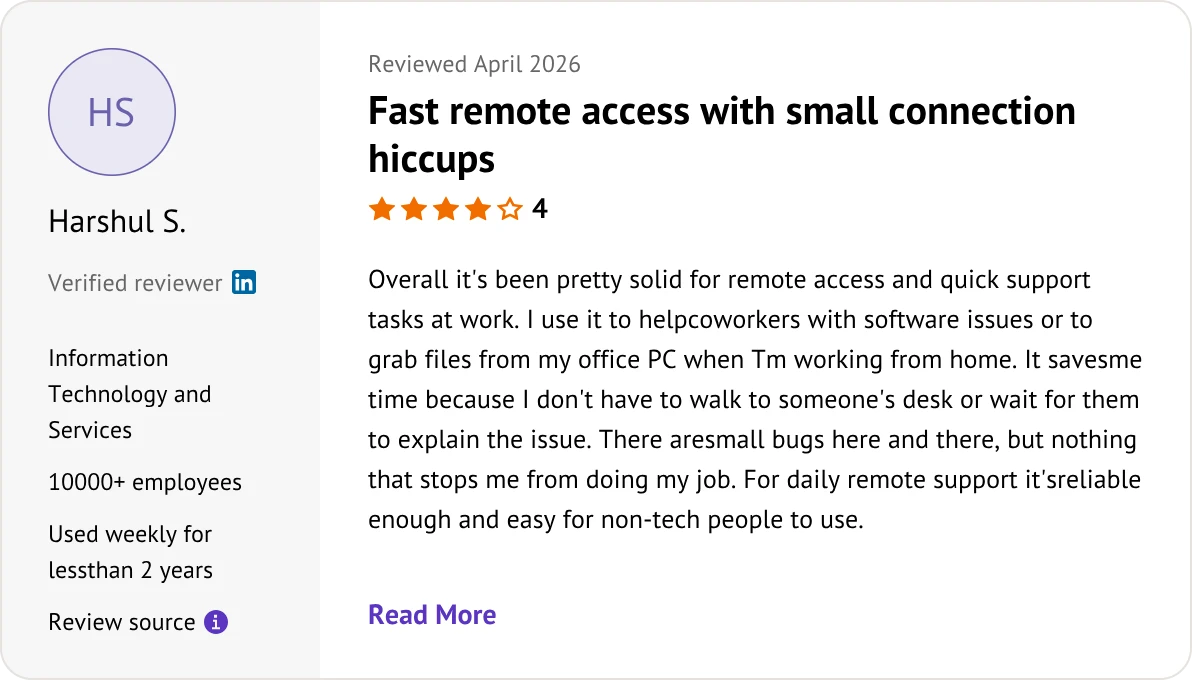
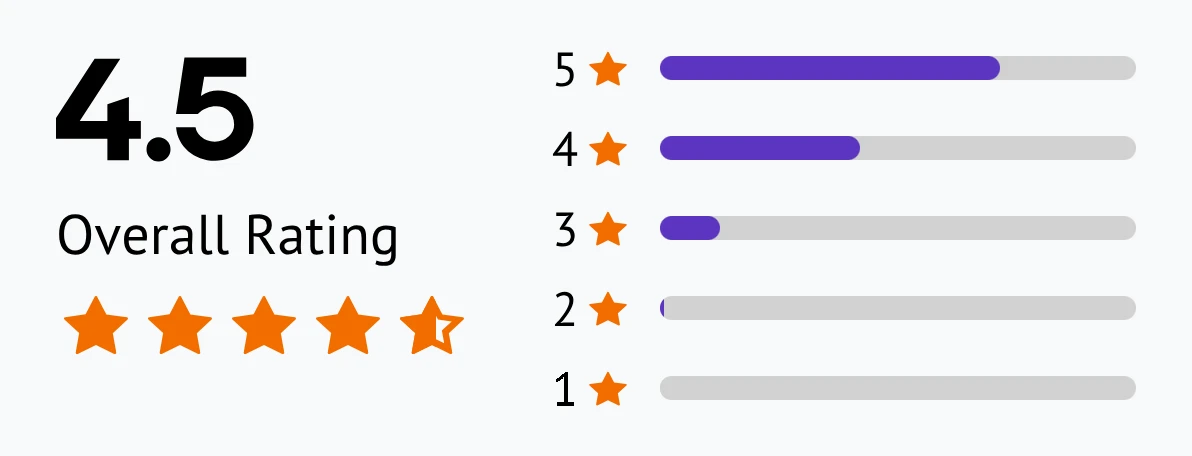
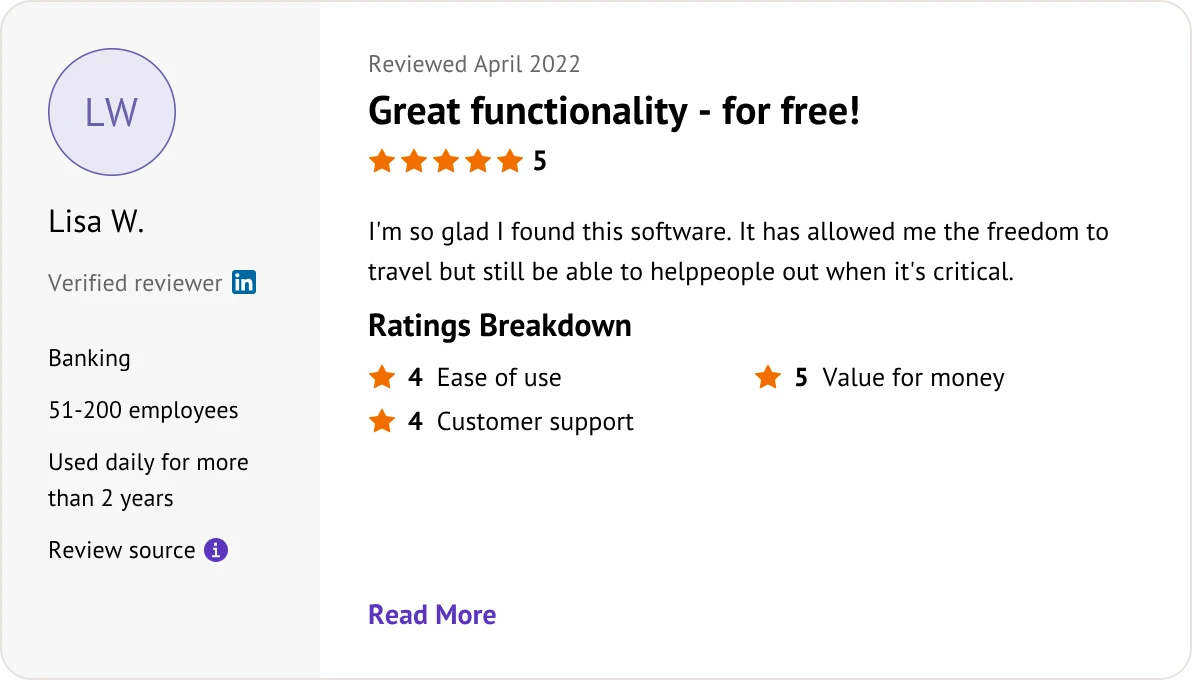
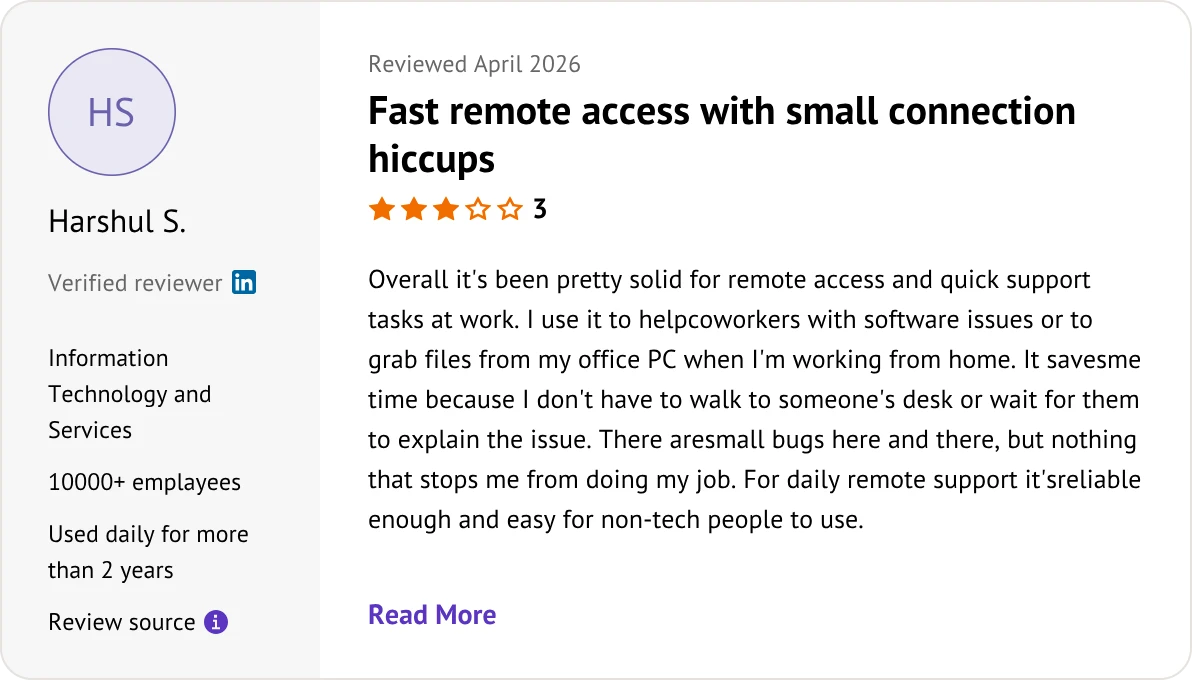
What Users Are Saying About AnyDesk and Chrome Remote Desktop?

Customer reviews were taken from Software Advice on June 11, 2026.

AnyDesk

AnyDesk user review
AnyDesk user review
AnyDesk user review
AnyDesk user review

AnyDesk

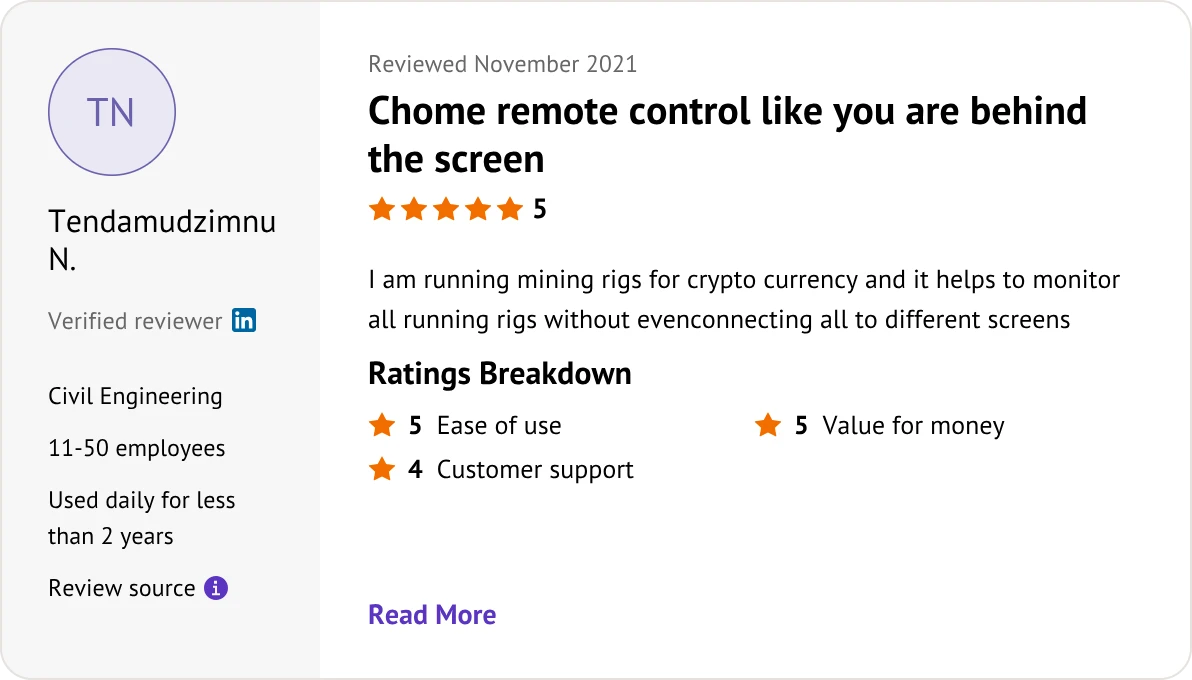
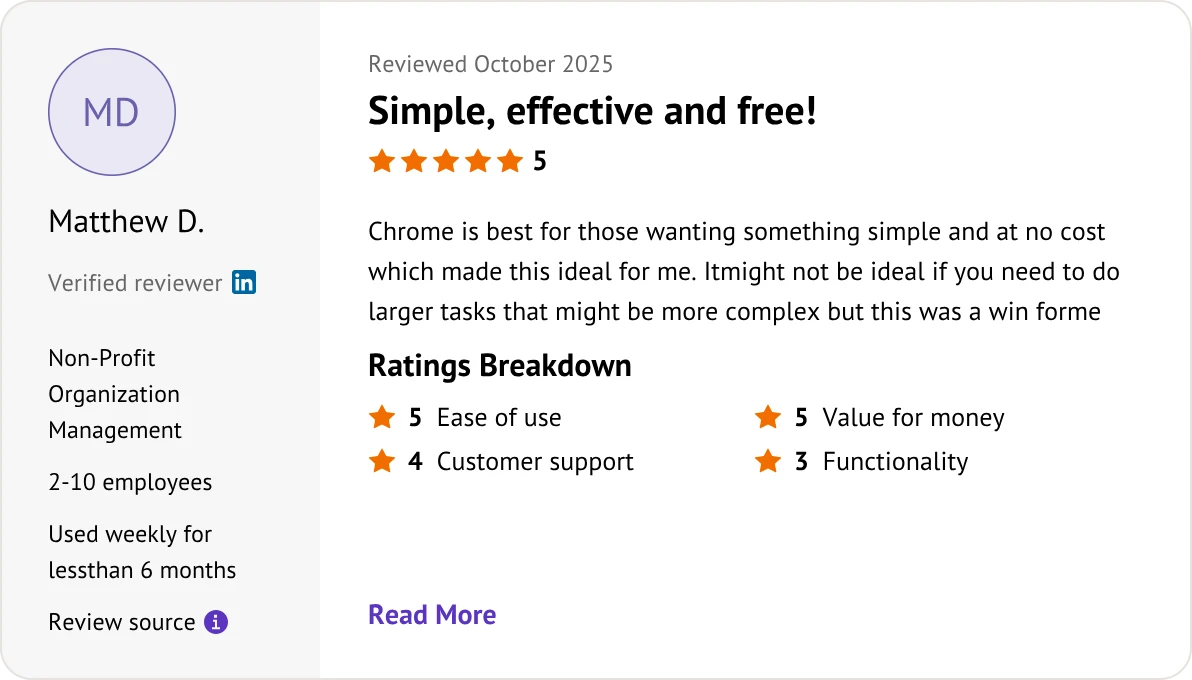
Chrome Remote Desktop user review

FAQs When Comparing Chrome Remote Desktop and AnyDesk

Is Chrome Remote Desktop completely free for business?

Yes. Google provides CRD 100% free for both personal and commercial use, with zero licensing fees or hidden upgrades.

Can I use AnyDesk for free commercially?

No. AnyDesk is free only for strictly personal use. Its system actively detects business patterns and will block your connections with commercial pop-ups until you purchase a license.

Anydesk vs Chrome Remote Desktop: Which has better FPS?

AnyDesk. Powered by the proprietary DeskRT codec, it supports up to 60 FPS and ultra-low latency, making it vastly smoother than CRD (~30 FPS) for fast video and motion.

Do I need to install software for these tools to work?

• AnyDesk: Can run instantly as a portable executable file (.exe) without any installation.
• CRD: Operates directly inside the web browser but requires a Chrome extension and a lightweight background host service installer.

Do these tools support file transfers?

• AnyDesk: Yes, via a dedicated split-screen file manager or simple copy-and-paste.
• CRD: Yes, but it is limited to uploading or downloading files one-by-one through a basic menu sidebar.

Can I access a computer if no user is present?

Yes, both support unattended access. AnyDesk allows access via a permanent password, while CRD connects securely using a preset local security PIN.

Which tool is better for managing multiple monitors?

AnyDesk. It lets you open remote monitors in separate windows or switch tabs instantly. CRD stretches all monitors into a single, cramped browser screen by default.

Do I need a Google Account to use these platforms?

• CRD: Yes, a Google account is strictly mandatory for both the host and client.
• AnyDesk: No, it operates independently using unique 9-digit numerical device IDs.

Can I control a desktop from a mobile phone?

Yes, both offer iOS and Android apps. However, AnyDesk provides better virtual mouse controls and custom keyboard modifiers, whereas CRD is a basic touch viewport.

Can I control a mobile phone from a desktop?

• AnyDesk: Yes, it supports viewing and controlling Android screens (and viewing iOS screens).
• CRD: No, it cannot view or control mobile device screens at all.

Chrome Remote Desktop vs AnyDesk: Which is safer for IT security?

AnyDesk. It offers granular security permissions, session logging, and true on-premises/private server deployment. CRD relies entirely on standard Google account security.

How do Anydesk and Chrome Remote Desktop handle administrative UAC prompts?

• AnyDesk: Can elevate privileges to view and interact with Windows system Admin/UAC screens.
• CRD: Frequently freezes or blacks out on UAC prompts unless configured as a system service.


Which Tool Fits Your Needs? AnyDesk or Chrome Remote Desktop?

Match your team's scale, security, and budget to the right remote solution.

AnyDesk Choose AnyDesk for

  • Instant on-demand customer IT helpdesks.
  • Remote troubleshooting requiring admin elevation.
  • Advanced workflows needing multi-monitor setups.
  • Enterprise security with on-premises hosting.

Chrome Remote Desktop Choose Chrome Remote Desktop for

  • Free commercial use on zero budget.
  • Secure unattended access via browser PINs.
  • Zero-maintenance infrastructure backed by Google.
  • Basic remote tasks inside web browsers.

Looking for a Budget-Friendly Alternative?

If Zoho Assist lacks the performance you need or TeamViewer is too expensive, AnyViewer offers a lightweight, high-performance alternative.

AnyViewer Interface

Choose AnyViewer for

  • Free for personal use with no commercial detection blocks
  • High-speed remote control with low latency
  • Simple, intuitive interface for quick setup
  • Secure connections with end-to-end encryption
Try for Free
Try for Free

Download on the

App Store

Find Your Perfect Remote Desktop Match

Select the ideal platform based on your primary workflow goal:

  • Go with AnyDesk for advanced multi-monitor workflows and heavy IT helpdesk troubleshooting.
  • Select Chrome Remote Desktop for 100% free commercial use backed by Google security.
  • Switch to AnyViewer for lag-free speed without session blocks or high licensing costs.