Overview Why Alternatives Best Alternatives Quick Comparison Deep Comparison Features Pricing Security Performance Test Results Decision Support Recommendation Reviews FAQs Download AnyViewer
Start with AnyViewer for easier, safer and worry-free remote access to any device.

Why Users Are Seeking Alternatives to AnyDesk?

While AnyDesk has long been a staple in the remote desktop market, recent shifts in their licensing model and technical limitations have prompted many users to explore alternatives. Based on our analysis of user feedback and technical performance, here are the core pain points.

Restrictive Free Tier

AnyDesk has significantly tightened its "free for personal use" policy. Many users report being incorrectly flagged as "commercial," leading to sudden connection termination and frustrating pop-up warnings, which disrupt critical workflows.

Persistent "Commercial Use" Errors

The algorithm used to detect commercial usage is notoriously over-sensitive. Even legitimate personal users frequently face abrupt disconnections, forcing them to spend time disputing the flag through support channels.

Rising Costs for Small Businesses

For small teams that outgrow the free version, the subscription price for AnyDesk's entry-level business tier has become less competitive, especially when compared to feature-rich alternatives that offer more seats at a lower price point.

Support Response Latency

Free-tier users often find it nearly impossible to get timely assistance, and even paid-tier users have reported significant delays when troubleshooting complex connectivity issues or account-wide permission settings.

UI/UX Complexity

For non-technical users, the latest updates have introduced a more cluttered interface, making it less intuitive to perform simple tasks like file transfers or multi-monitor switching.

Inconsistent File Transfer

Basic tasks like file transfers and multi-monitor navigation should be seamless. If your remote software struggles with simple directory copies or lags during window switching, it's time to switch to a more optimized solution.

Expert Note:

"Software reliability is never absolute. Encountering persistent bugs or connectivity issues in AnyDesk can bring your workflow to a standstill. From a professional standpoint, we highly recommend maintaining at least two remote desktop tools on your system. Having a reliable backup ensures you're never locked out, allowing these tools to complement each other and provide a redundant safety net for your remote operations."

Top AnyDesk Alternatives Worth Trying

Software Best for Key Highlight
AnyViewer Small Business & Daily Use Best free plan & usability
TeamViewer Enterprise IT Extensive management tools
RustDesk Tech-savvy/Privacy Open-source & self-hostable
Chrome Remote Desktop Casual/Quick Access Lightweight & browser-based
Splashtop Remote Work/Education Low-latency streaming
RemotePC Budget-Conscious SMBs High price-to-performance
While AnyViewer leads the pack for general-purpose utility, other solutions excel in specific niches. TeamViewer remains the benchmark for complex enterprise environments, RustDesk is the premier choice for privacy-focused self-hosting, Chrome Remote Desktop offers the best lightweight browser convenience, Splashtop dominates in high-performance streaming, and RemotePC provides the most cost-effective scalability for growing teams.
1

AnyViewer - Best AnyDesk Alternative for Small Business and Daily Remote Access

AnyViewer focuses on easier to use, safer connection, and richer free plan for personal and small businesses.

Key Advantages:

  • Free for personal and commercial use
  • Easy unattended remote access setup
  • Smooth remote gaming support
  • Multi-session and multi-monitor support
  • Beginner-friendly interface

Recommended for:

Individuals, freelancers, remote workers, IT support teams, and small businesses.

Expert Review:

“AnyViewer strikes the best balance between ease-of-use and high-performance functionality. It is our top recommendation for small to medium-sized businesses and individuals who are tired of AnyDesk's aggressive 'commercial use' flagging. It provides a seamless, stable connection without the constant fear of being locked out.”.

2

TeamViewer - Best AnyDesk Competitor for Enterprise IT Environments

TeamViewer is widely used in enterprise support and large-scale remote management scenarios.

Key Advantages:

  • Enterprise-grade deployment tools
  • Advanced device management
  • Large ecosystem and integration
  • Strong remote support capabilities

Recommended for:

Large organizations and enterprise IT teams.

Expert Review:

“TeamViewer remains the industry standard for enterprise-grade remote support. While it carries a premium price tag, its extensive administrative tools, management console, and device-agnostic capabilities make it the superior choice for large IT departments. However, for a freelance consultant or small office, it may be overkill.”.

3

RustDesk - Best Open-Source AnyDesk Alternative

RustDesk is a privacy-focused remote desktop solution that supports self-hosting and customization.

Key Advantages:

  • Open-source platform
  • Self-hosted server support
  • Flexible deployment
  • Strong privacy control

Recommended for:

Technical users and organizations that prefer self-hosted solutions.

Expert Review:

“For tech-savvy users and privacy-conscious organizations, RustDesk is a game-changer. Its open-source, self-hosted nature ensures that your data never leaves your infrastructure. It requires a steeper learning curve to set up a server, but it offers unparalleled control over your remote desktop environment.”.

4

Chrome Remote Desktop - Best Lightweight Browser-Based Alternative to AnyDesk

Chrome Remote Desktop offers simple remote access directly through the browser.

Key Advantages:

  • Completely free
  • Easy Google account integration
  • Lightweight remote access

Recommended for:

Casual users and quick remote access scenarios.

Expert Review:

“Chrome Remote Desktop lives entirely within the browser ecosystem, it eliminates the need for bulky third-party installations. It is an unbeatable choice for casual, personal use or ad-hoc support where speed and zero configuration are the primary goals. However, power users will likely find its lack of advanced administrative features, session recording, and real-time chat a significant drawback for professional IT workflows.”.

5

Splashtop - Best for Remote Work and Education

Splashtop provides stable remote desktop performance optimized for business and educational environments.

Key Advantages:

  • Good streaming quality
  • Cross-platform support
  • Education-friendly deployment

Recommended for:

Remote workers, schools, and hybrid teams.

Expert Review:

“Splashtop excels in terms of performance optimization, particularly for high-bandwidth tasks like video editing or remote workstation access. If your primary use case involves low-latency requirements or high-fidelity visual performance, Splashtop offers a smoother, more 'native' feel than most competitors.”.

6

RemotePC - Best Budget-Friendly Business Alternative

RemotePC focuses on affordable remote access plans for individuals and teams.

Key Advantages:

  • Easy device management
  • Business-friendly plans
  • Reliable unattended access

Recommended for:

Budget-conscious users and growing businesses.

Expert Review:

“RemotePC serves as a highly balanced 'work-from-anywhere' engine, particularly for small businesses that need reliable, scalable access without the enterprise-level complexity of TeamViewer. Its strength lies in its excellent price-to-performance ratio and its attentive customer support. For SMBs looking to transition away from the licensing headaches of AnyDesk, RemotePC provides a robust, professional-grade alternative that just works.”.

Quick Comparison of the Best AnyDesk Alternatives

Category AnyDesk AnyViewer TeamViewer Rusthesk Chrome Remote Desktop Splashtop RemotePC
Best for Enterprise support Daily remote access & small business Enterprise IT Open-source users Casual use Remote work Budget teams
Free Commercial Use No Yes Limited Yes Yes No No
Ease of Use Easy Very easy Medium Medium Very easy Easy Easy
Cross-Platform Support Windows, macOS, Linux, iOS, Android, ChromeOS, Raspberry Pi, Apple TV Windows, macOS, iOS, Android Windows, macOS, Linux, iOS, Android, ChromeOS, Raspberry Pi, Web access Windows, macOS, Linux, iOS, Android, Self-hosted sever deployment Browser-based remote access across Windows, macOS, Linux, iOS, Android Windows, macOS, iOS, Android, ChromeOS Windows, macOS, Linux, iOS, Android
Pricing High Low High Low Free Medium Medium

Insight:

Different remote desktop tools focus on different priorities. Some emphasize enterprise management and customization, while others focus on simplicity, affordability, or smooth remote access performance.

AnyDesk Alternatives Feature Comparison

Both AnyDesk and its alternatives offer core remote access capabilities such as unattended access, file transfer, and remote management.

Feature AnyDesk AnyViewer TeamViewer RustDesk Chrome Remote Desktop Splashtop RemotePC
Unattended Access
File Transfer
Multiple Sessions
Multi-Monitor Support
Privacy Mode Limited
Role Permission Management Limited
Remote Gaming Optimization Medium Good Limited Medium Poor Medium Medium
Mobile Access
Real-Time Chat Limited Limited
Whiteboard Limited
MSI Deployment Self-hosted/manual deployment Limited
Screen Limited

Insight:

AnyViewer focuses on accessibility and ease of deployment while still providing business-oriented functionality. Enterprise-focused tools like TeamViewer offer deeper administration capabilities, while lightweight alternatives prioritize simplicity.

Pricing Comparison of AnyDesk Alternatives

Pricing is one of the most important factors when selecting remote desktop software, especially for freelancers, startups, IT support providers, and growing teams.(Data as of May 2026)

Plans AnyDesk AnyViewer TeamViewer RustDesk Chrome Remote Desktop Splashtop RemotePC
Free Plan Personal use only Free for personal & commercial use Limited free use Free & open-source Completely free Limited trial/free use Limited trial/free use
Entry-Level Pricing Higher starting price Low-cost plans Expensive business plans Self-hosted cost only Free Medium pricing Budget-friendly
Commercial Usage Paid license required Included in free version Paid license required Included Limited business features Paid required Paid required
Managed Devices Limited on lower plans Flexible for individuals & teams High limits for enterprises Depends on self-hosted setup Basic only Business-oriented device management
Concurrent Sessions Limited by license Multiple sessions supported Multiple enterprise sessions Depends on deployment Single-session focused Multiple session support Multi-device access
Best Pricing Advantage Mature enterprise ecosystem Better value for small businesses Enterprise management capabilities Open-source flexibility Completely free Balanced remote Lower-cost business plans

Insight:

Enterprise-oriented remote desktop platforms often provide broader deployment and administration features, but may come with higher subscription costs. More lightweight alternatives usually focus on affordability, ease of use, and accessible remote access for smaller teams.

Security Comparison of Remote Desktop Software Like AnyDesk

Security is critical for remote desktop software, especially when accessing work devices, business systems, or sensitive files remotely.

Security Measures AnyDesk AnyViewer TeamViewer RustDesk Chrome Remote Desktop Splashtop RemotePC
AES Encryption
ECC / RSA Encryption RSA ECC RSA Depends on deployment Google protocol TLS/AES AES
Two-Factor Authentication Limited Google account verification
Role Permission Management Limited Limited
Remote control/file transfer permission Device Authorization Google account-based
Privacy Mode Limited
Blacklist / Whitelist Limited Limited
Remote Control Permission Settings Limited Basic only
GDPR Compliance Depends on hosting Google policy dependent
Proxy Support Limited
Lock Interface

Insight:

Most mainstream remote desktop platforms provide strong encryption and secure remote connections. Enterprise-focused tools usually offer more advanced administration and monitoring capabilities, while lightweight alternatives often focus on simpler security management and easier deployment.

Performance Comparison Under Different Network Conditions

Remote desktop performance depends on internet quality, latency optimization, rendering technology, and how efficiently a platform adapts to unstable network environments.

Condition AnyDesk AnyViewer TeamViewer RustDesk Chrome Remote Desktop Splashtop RemotePC
Fast Home Network (100 Mbps) Responsive Smooth and responsive Smooth Smooth Good Smooth Smooth
Office Network (25 Mbps) Responsive Stable with minor delay Stable Moderate Moderate Stable Stable
Slow Hotel WiFi (5 Mbps) Moderate Usable for daily tasks Noticeable delay Noticeable lag Limited Moderate Moderate
Long Remote Sessions Stable Stable and consistent Stable Moderate Basic only Stable Stable
Multi-Monitor Workflow Smooth Smooth switching Smooth Moderate Limited Smooth Smooth
High-Resolution Streaming Strong compression efficiency Good rendering quality Good Moderate Limited Good Moderate
Remote Gaming Responsive controls Optimized for smoother 3D gameplay Limited gaming optimization Moderate Poor Moderate Moderate
Real-Time Remote Support Fast remote response Stable remote troubleshooting Strong support workflow Moderate Basic only Stable Stable
File Transfer Speed Fast transfer speed Stable large-file transfer Fast Moderate Limited Fast Moderate
Mobile-to-PC Remote Access Smooth Smooth Smooth Moderate Browser dependent Smooth Smooth
Resource Consumption Lightweight Lightweight Higher resource usage Lightweight Very lightweight Moderate Moderate

Insight:

Different remote desktop tools optimize performance differently. AnyDesk is widely recognized for responsiveness and low-latency remote control, while AnyViewer focuses on balanced everyday performance, stable rendering, and smoother long-session usage. Enterprise-oriented platforms may offer more advanced optimizations but often consume more system resources.

Real-World Remote Desktop Performance Test

We tested several popular AnyDesk alternatives under real remote work conditions, including unattended access, multi-monitor control, file transfer, and unstable network environments.

Software Connect Time Average Latency 2GB File Transfer Idle RAM Usage CPU Usage During Session
AnyDesk 1.3-1.7s 45-60ms 80-95MB/s 140-180MB 7-11%
AnyViewer 1.2-1.6s 45-58ms 85-100MB/s 110-150MB 6-9%
TeamViewer 2.5-3.2s 70-95ms 55-70MB/s 280-350MB 13-20%
RustDesk 1.7-2.3s 60-85ms 60-78MB/s 180-240MB 9-15%
Chrome Remote Desktop 2.0-2.8s 80-110ms N/A 170-230MB 8-13%
Splashtop 1.5-2.0s 45-65ms 75-90MB/s 220-290MB 8-14%
RemotePC 2.3-3.0s 75-100ms 50-65MB/s 250-320MB 11-17%

Test Environment:

  • Windows 11 to Windows 11
  • 200Mbps office Wi-Fi
  • 15km remote distance
  • Dual-monitor setup
  • 1080p display
  • Average of 5 repeated tests

Observations:

  • AnyViewer and AnyDesk felt the quickest during normal office tasks and short unattended sessions.
  • Splashtop provided smoother image rendering during video playback and multi-monitor use.
  • RustDesk worked well for self-hosted remote access, though performance varied more on unstable networks.
  • RemotePC remained stable during long sessions, but reconnect speed was slightly slower than lighter alternatives.
  • TeamViewer handled multiple concurrent sessions very well, though resource usage was noticeably higher on older PCs.

Best AnyDesk Alternatives by Scenario

Different remote desktop users have different priorities. Some focus on affordability and simplicity, while others need advanced management, enterprise deployment, or gaming responsiveness.

Best AnyDesk Alternatives for Remote Work

Remote workers need reliable access to office devices, stable file transfer, and seamless cross-device compatibility. For remote work, ease of use and connection stability are often more important than advanced enterprise management features.

Recommended Tools

  • AnyViewer Simple daily remote access with a beginner-friendly interface and stable performance.
  • Splashtop Well-suited for remote collaboration and hybrid office environments.
  • Chrome Remote Desktop Convenient browser-based access for lightweight remote work scenarios.
Remote Work

Best AnyDesk Alternatives for IT Support

IT support teams typically require unattended access, permission management, remote troubleshooting tools, and stable long-session performance. And will benefit from tools that balance remote session stability with flexible management capabilities.

Recommended Tools

  • TeamViewer Widely used in enterprise support environments because of its advanced administration and deployment capabilities.
  • AnyViewer Offers quick setup and stable remote support performance for freelancers and growing IT teams.
  • RustDesk Convenient browser-based access for lightweight remote work scenarios.Provides self-hosted flexibility for technical users who prefer greater infrastructure control.
Remote Work

Best AnyDesk Alternatives for Small Business

Small businesses often need remote desktop software that is easy to deploy, affordable, and manageable without dedicated IT administrators, which is more important than enterprise-level customization.

Recommended Tools

  • AnyViewer Suitable for teams and small businesses that want stable remote access, simple onboarding, and cost-effective pricing.
  • RemotePC Provides predictable pricing and easy remote device management for growing businesses.
  • Splashtop A practical solution for hybrid work, remote collaboration, and lightweight business deployment.
Remote Work

Best AnyDesk Alternatives for Remote Gaming

Remote gaming requires responsive controls, low latency, stable rendering, and smooth frame rates during longer sessions. Gaming-oriented remote desktop software should prioritize responsiveness and rendering consistency over enterprise-oriented deployment features.

Recommended Tools

  • AnyViewer Supports optimized frame rendering and gaming-oriented 3D remote controls for smoother gameplay.
  • Splashtop Often preferred for low-latency remote gaming and real-time streaming scenarios.
  • AnyDesk Still performs well in many responsive remote control situations.
Remote Work

Best AnyDesk Alternatives for Cross-Platform Access

Cross-platform support allows users to remotely access devices from PCs, laptops, phones, and tablets across different operating systems, which is increasingly important for hybrid work and multi-device environments.

Recommended Tools

  • TeamViewer Supports a broad range of operating systems and enterprise deployment environments.
  • AnyViewer Provides a simple and consistent cross-device experience for everyday remote access.
  • Splashtop Offers stable compatibility across desktop and mobile devices.
Remote Work

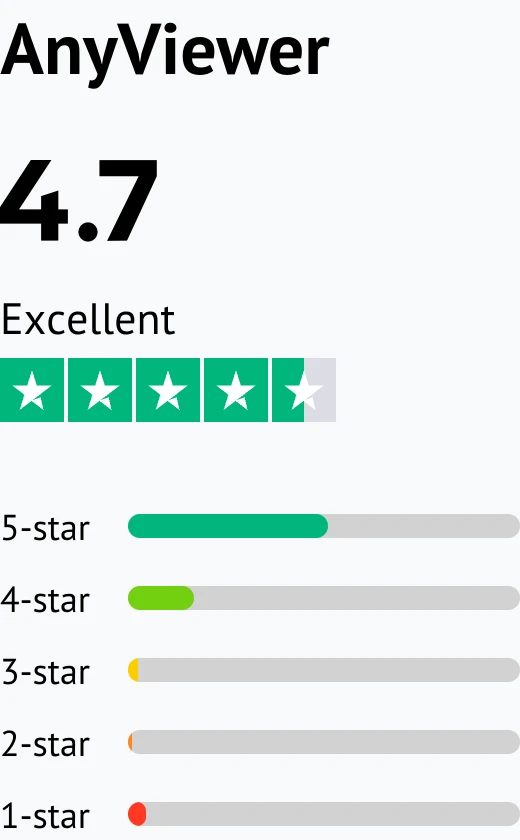
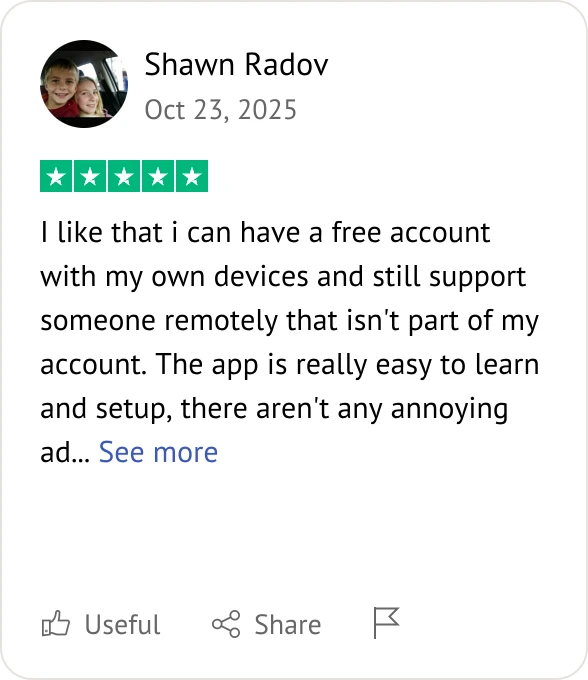
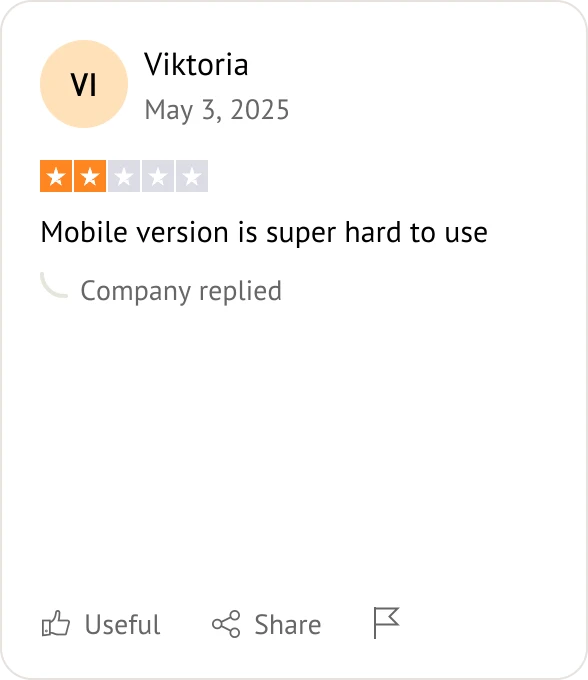
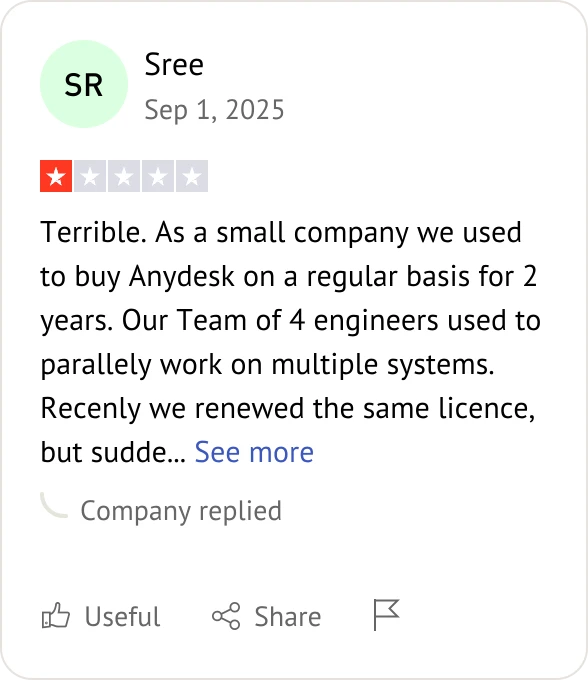
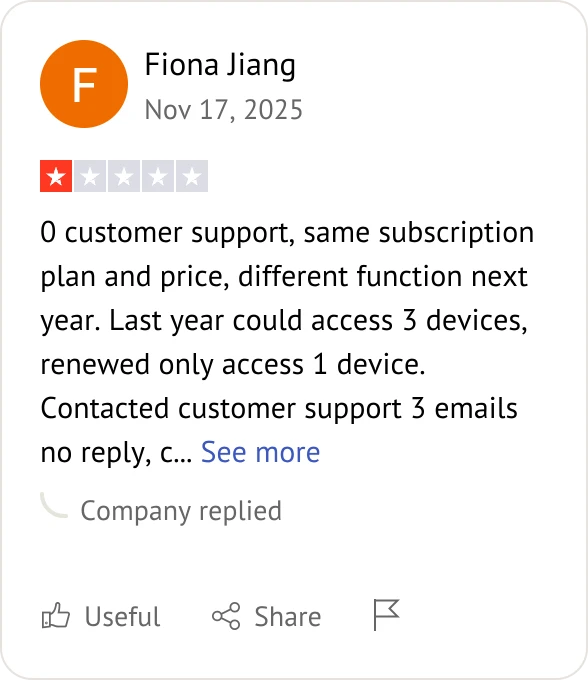
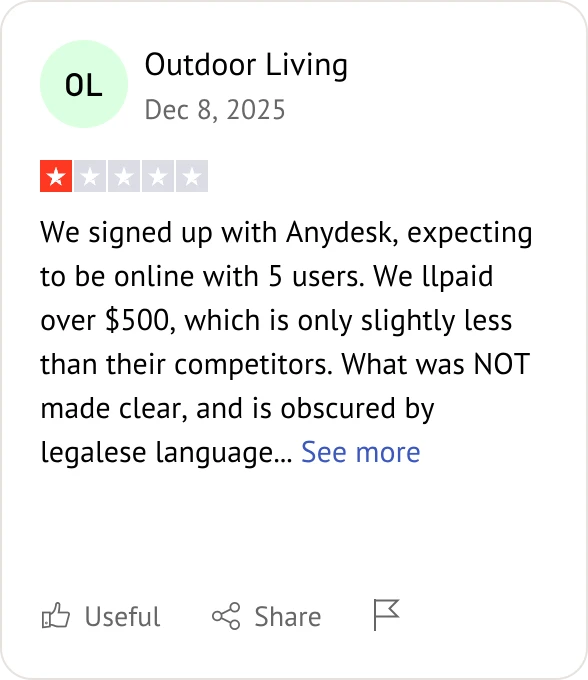
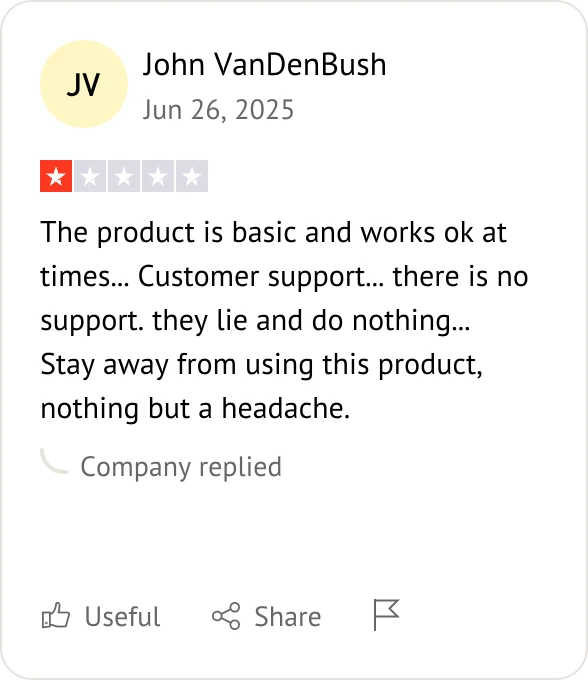
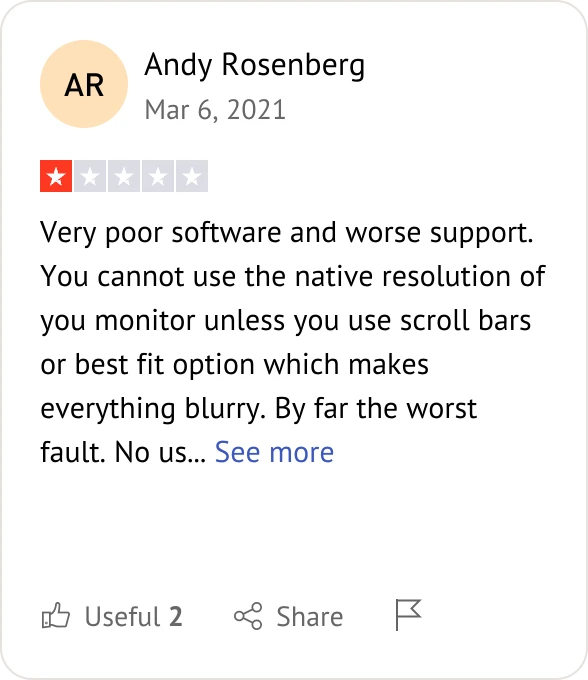
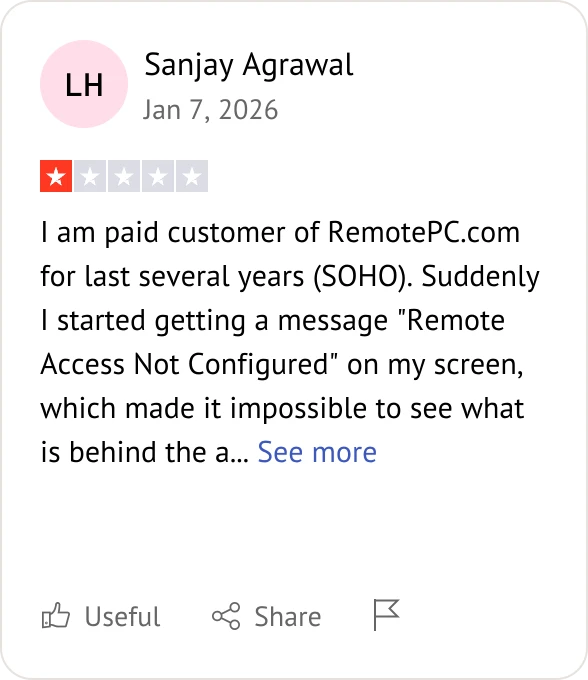
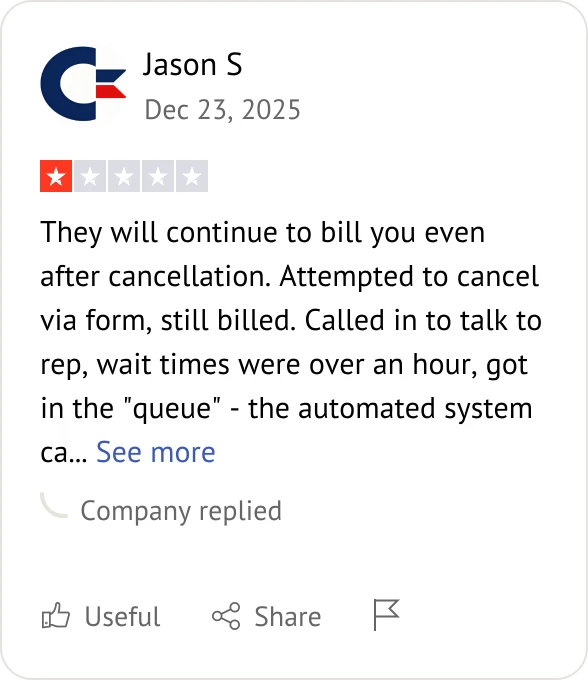
What Users Say About AnyDesk Alternatives?

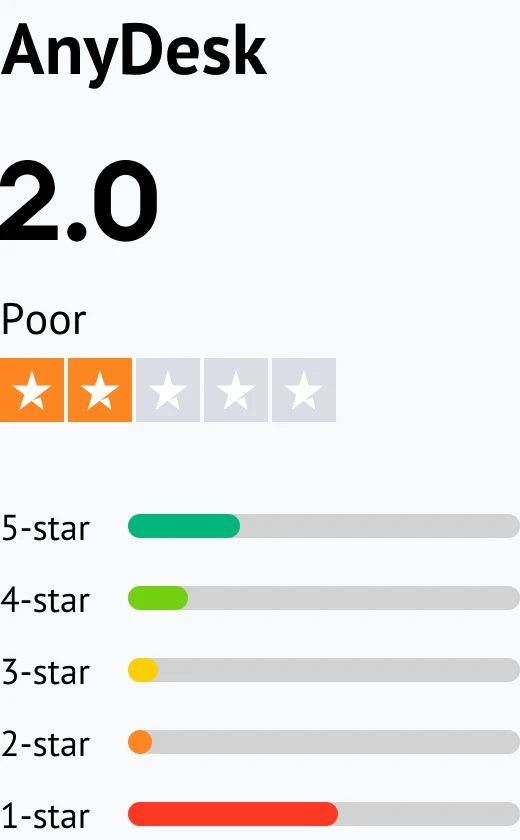
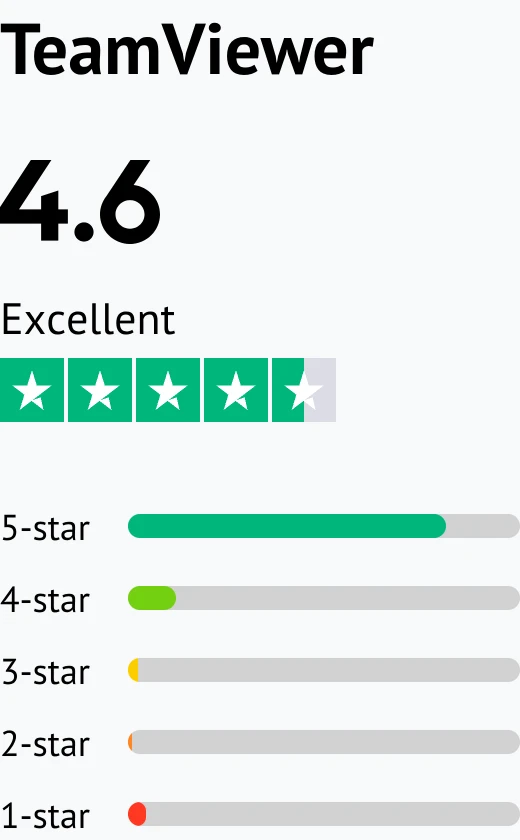
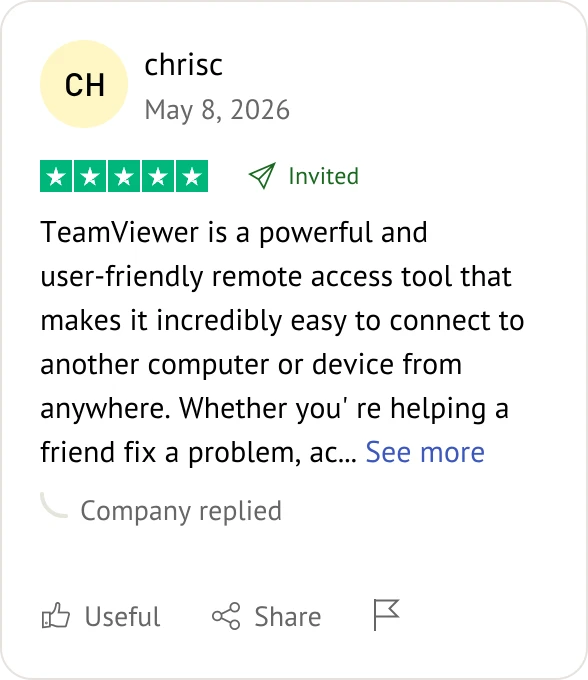
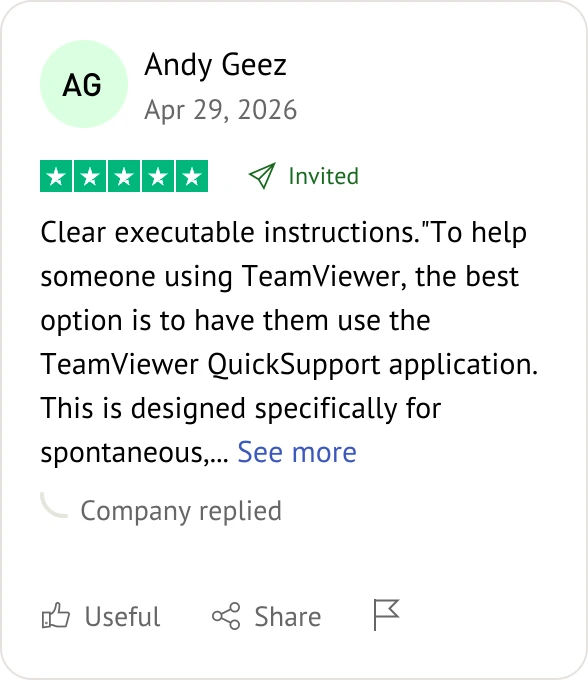
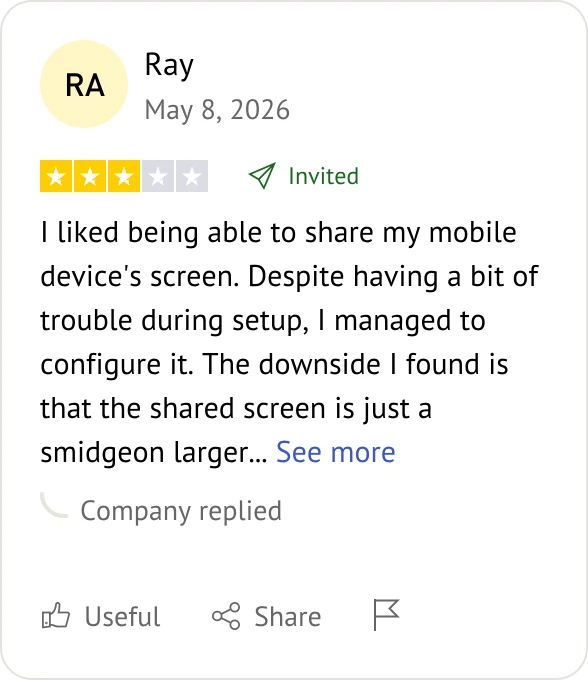
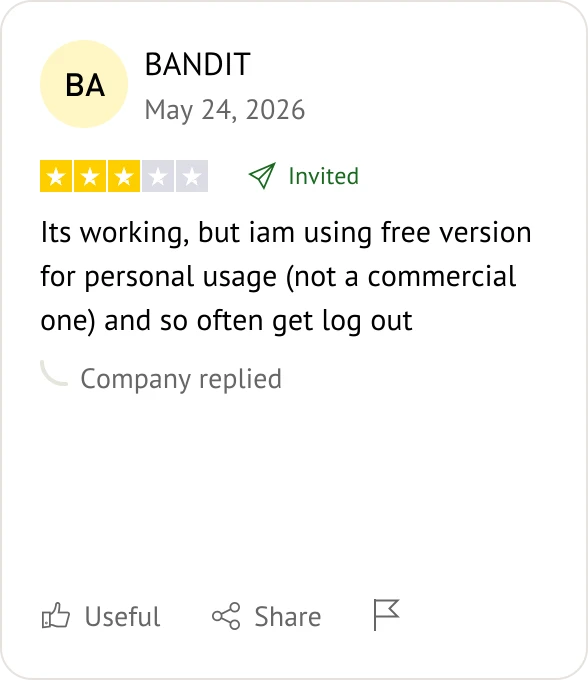
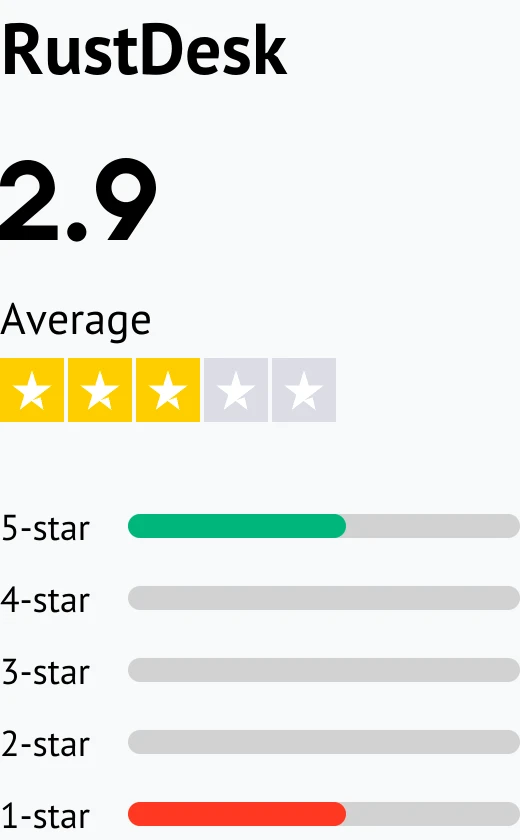
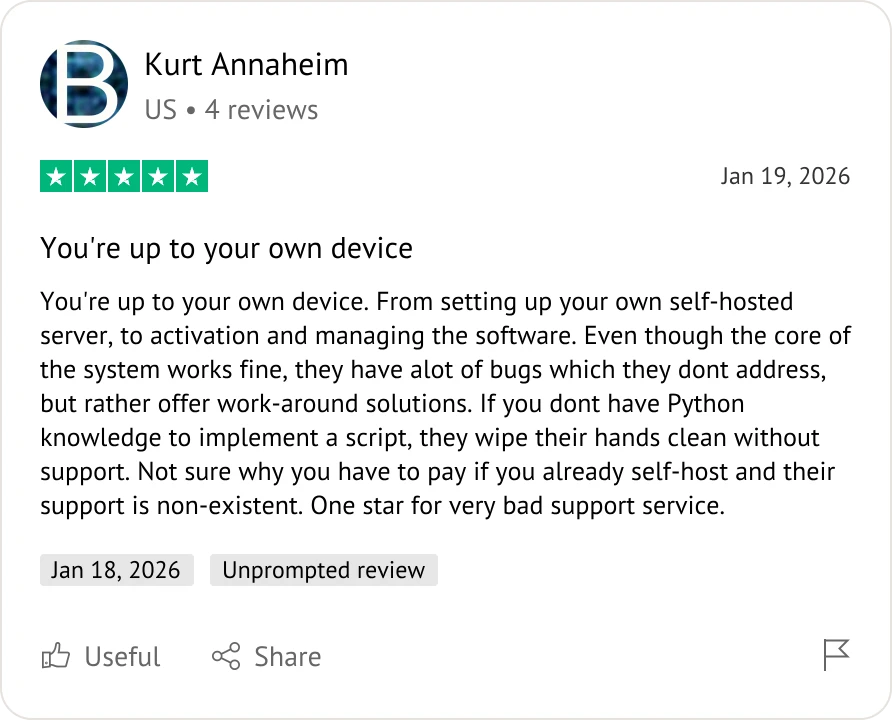
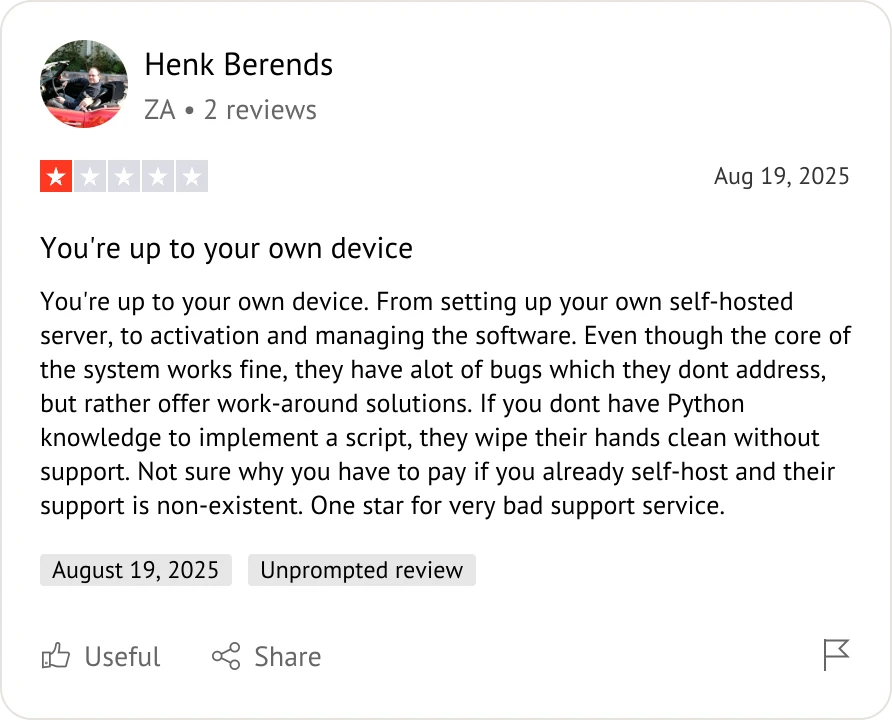
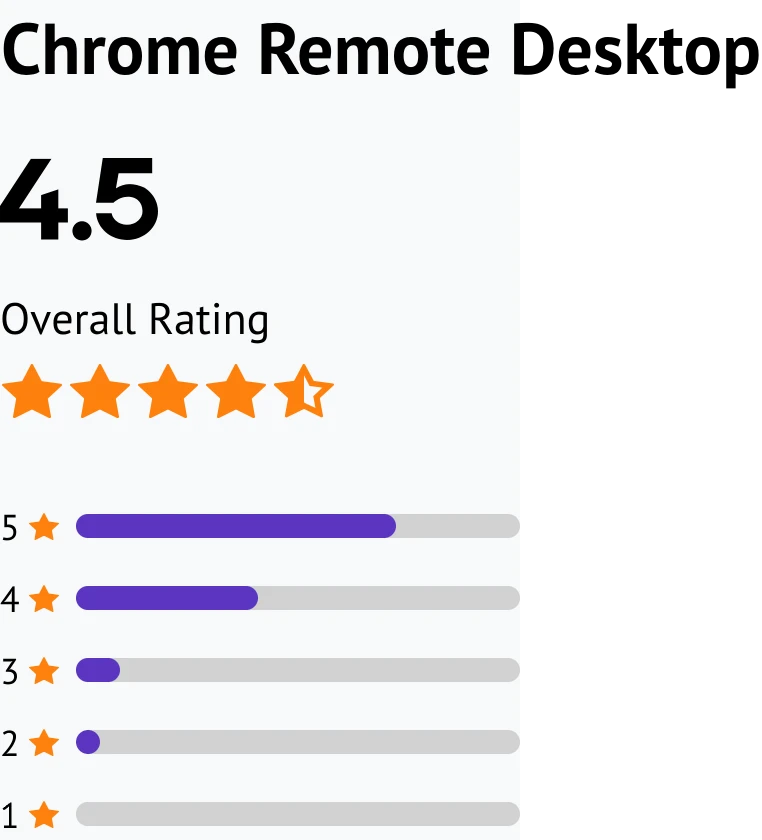
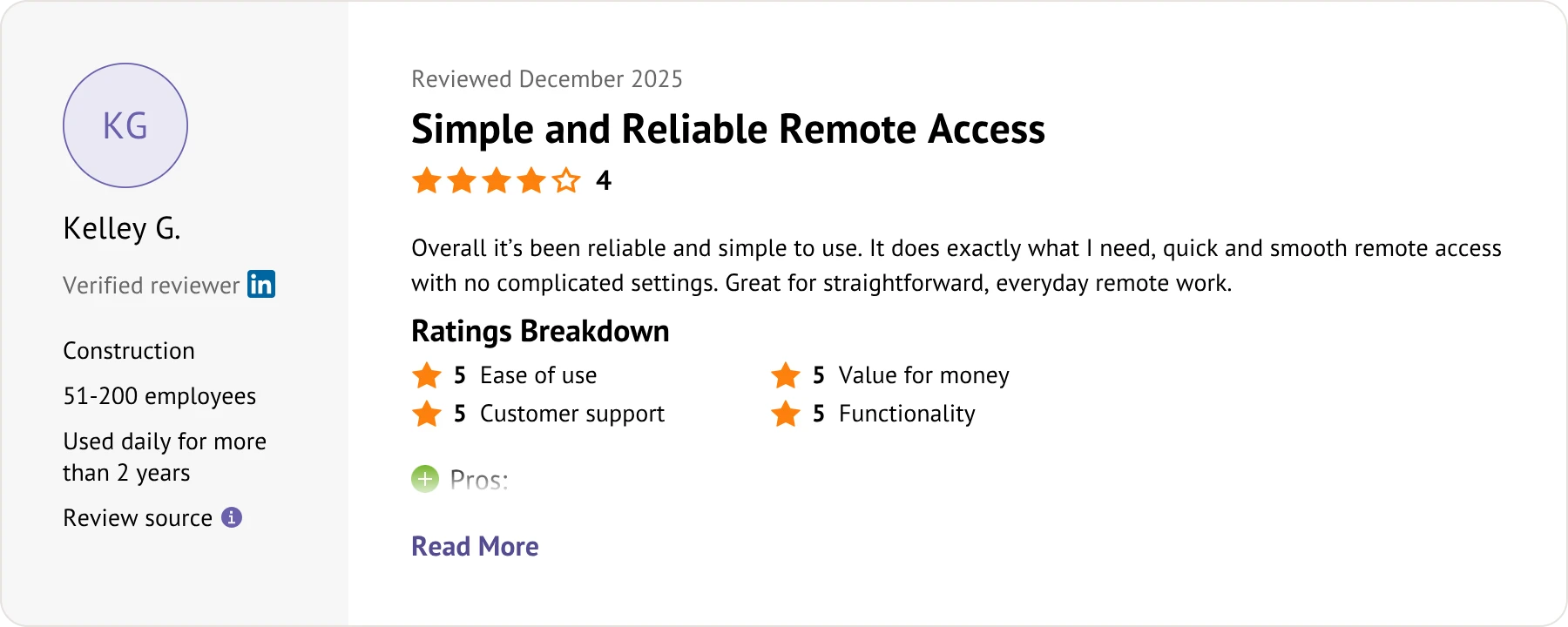
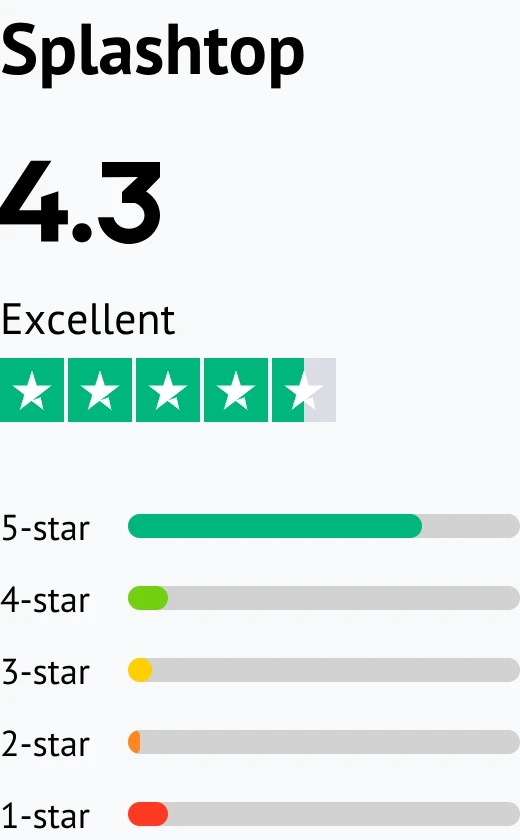
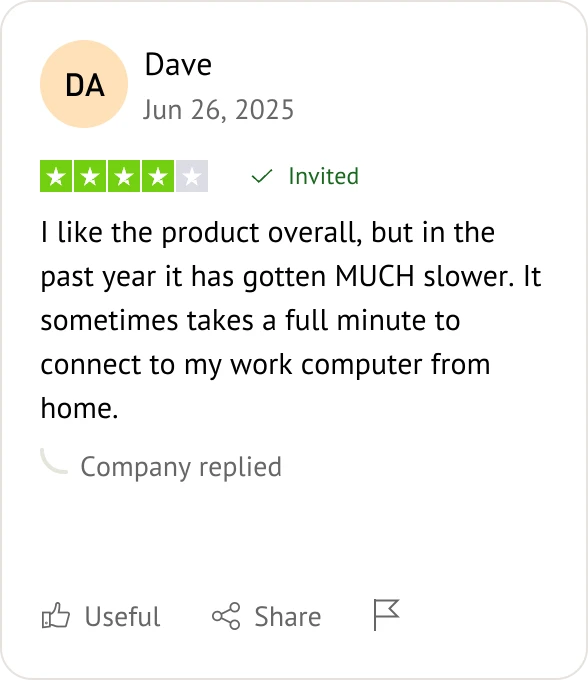
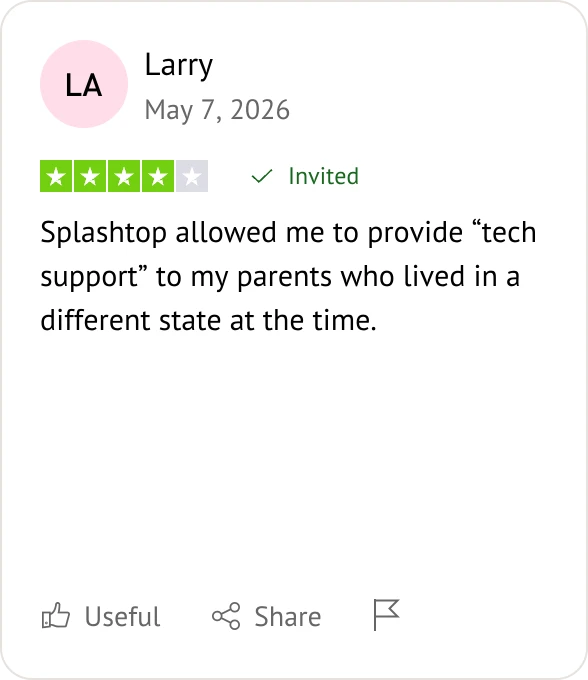
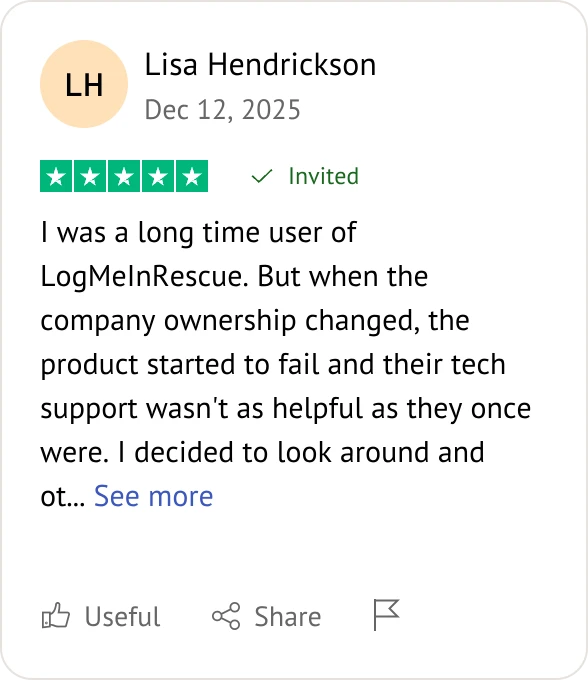
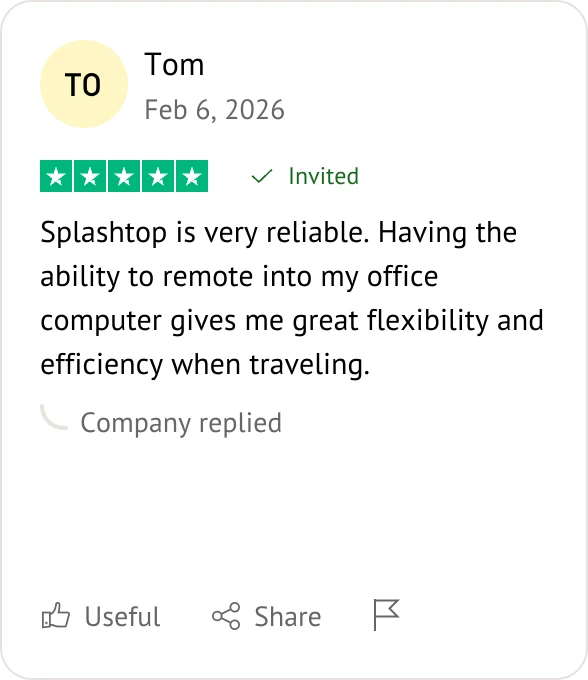
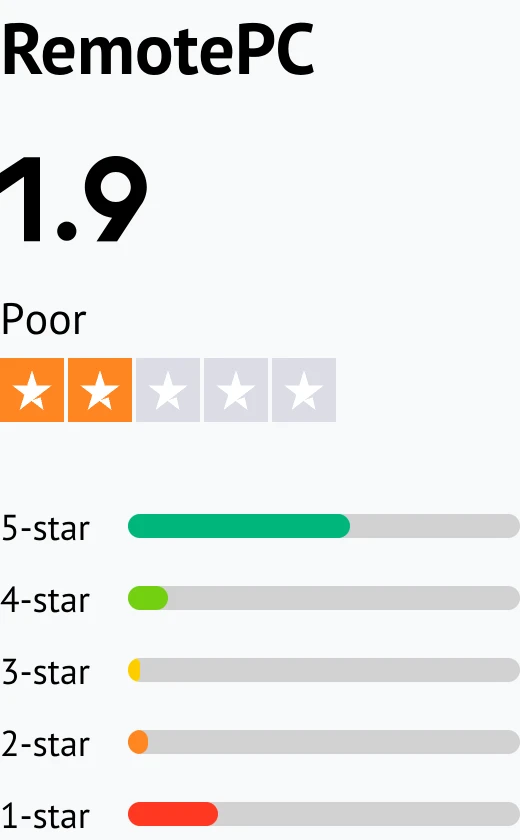
Customer reviews were taken from Trustpilot and Software Advice on May 20, 2026.

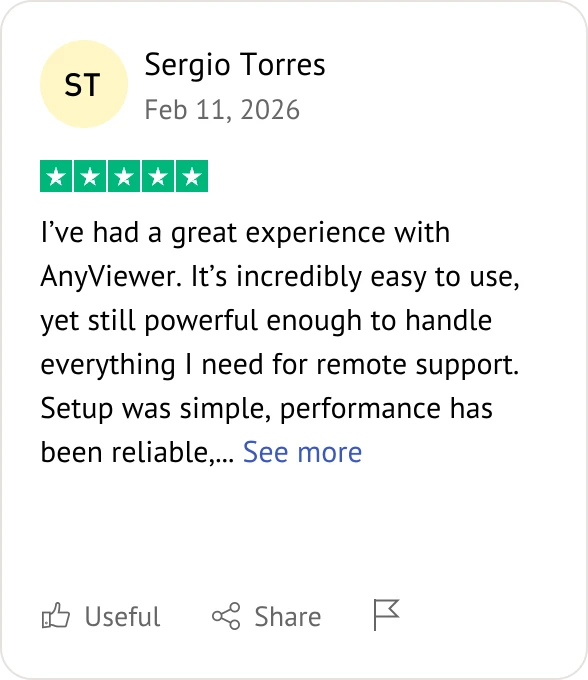
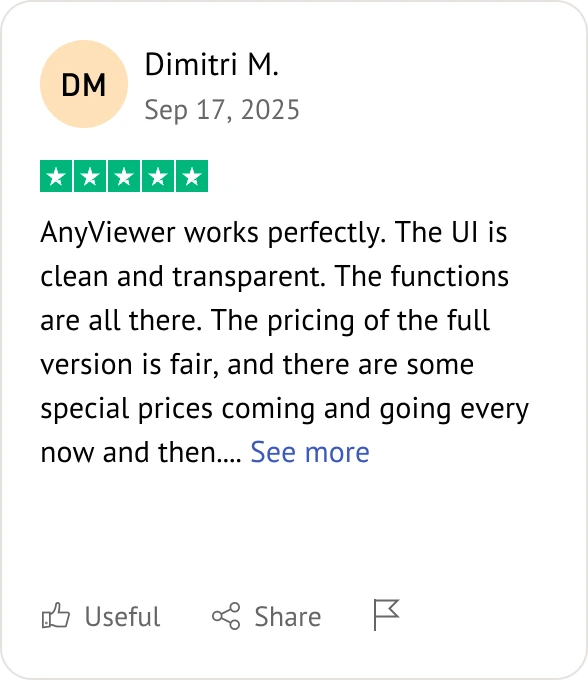
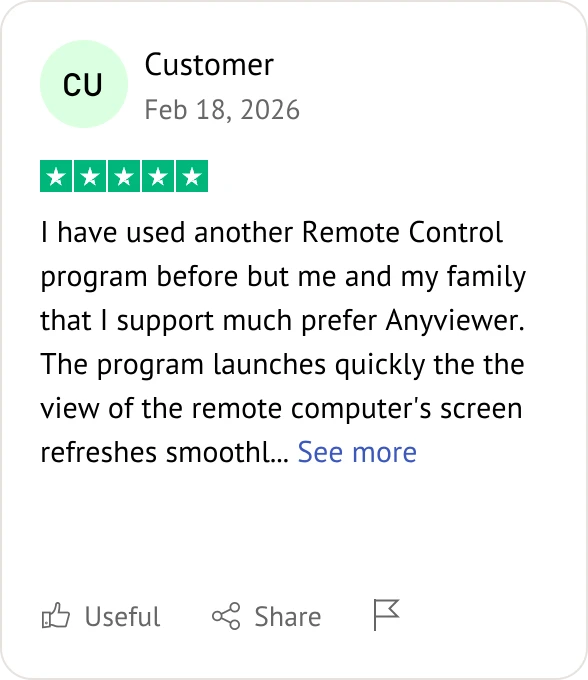
AnyViewer user review

Frequently Asked Questions When Comparing AnyViewer and AnyDesk

Which is the best AnyDesk alternative for secure remote work access?

The best choice depends on your workflow and security requirements. AnyViewer, TeamViewer, and Splashtop are commonly used for secure remote work because they provide encrypted remote sessions, permission controls, and unattended access capabilities.

Which is the affordable AnyDesk alternative for small business remote support?

Many small businesses look for remote desktop tools that balance affordability with essential support features. AnyViewer and RemotePC are often considered cost-effective options for startups, freelancers, and growing support teams.

Can you give me a fast AnyDesk alternative with low latency remote control?

AnyDesk is widely known for low-latency remote control, but alternatives such as AnyViewer and Parsec also provide responsive remote access and smooth real-time interactions under stable network conditions.

Which AnyDesk alternative with strong encryption and compliance features?

TeamViewer, Splashtop, and AnyViewer all provide encrypted remote sessions, authentication features, and permission management. Enterprise-focused platforms may also include additional compliance and monitoring capabilities.

Any AnyDesk alternative for managing multiple remote desktop sessions?

Yes. AnyViewer, TeamViewer, Splashtop, and RustDesk all support multi-session remote management to varying degrees, making them suitable for IT support and business environments.

What is the best AnyDesk alternative for freelancers?

Freelancers often prefer remote desktop tools that are easy to use, affordable, and simple to deploy. AnyViewer and Chrome Remote Desktop are popular choices for lightweight remote work scenarios.

Which AnyDesk alternative offers unattended remote access securely?

Most leading remote desktop platforms support unattended access with encrypted authentication. AnyViewer, TeamViewer, AnyDesk, and RustDesk all provide unattended remote access functionality.

What AnyDesk alternative is best for IT helpdesks?

TeamViewer is commonly used in enterprise helpdesk environments because of its advanced administration tools. AnyViewer is also suitable for smaller IT support teams that want simpler deployment and lower operational costs.

Which AnyDesk alternative has the best pricing plans?

Pricing depends on deployment scale and feature requirements. AnyViewer is often considered cost-effective for individuals and small teams, while enterprise-oriented tools typically provide broader management capabilities at higher pricing tiers.

Which AnyDesk alternative works best on slow internet?

AnyDesk is widely recognized for responsiveness under unstable network conditions, while AnyViewer and Splashtop also maintain stable remote access performance under lower bandwidth environments.

What AnyDesk alternatives are best for remote training sessions?

Remote training often benefits from tools that support screen sharing, whiteboard collaboration, and stable long sessions. TeamViewer and AnyViewer are commonly used for remote demonstrations and training workflows.

Which AnyDesk alternatives include secure file transfer options?

Most mainstream remote desktop tools support encrypted file transfer. AnyViewer, AnyDesk, TeamViewer, Splashtop, and RemotePC all include secure remote file transfer functionality.

Looking for a Better Alternative to AnyDesk?

Remote desktop software should match your workflow, budget, and technical requirements.

  • If you prefer a simple, stable, and cost-effective remote access solution, AnyViewer can be a strong choice.
  • If you require enterprise-grade deployment and administration tools, TeamViewer may better fit large organizations.
  • If you prefer open-source flexibility and self-hosted infrastructure, RustDesk is also worth considering.