

Top 6 Australia Remote Desktop Solutions
Remote desktop Australia solutions make it easy to work from anywhere. This guide covers the top AU remote desktop tools, their benefits, and how they help businesses and individuals stay connected and productive across Australia.

By Ellie / Updated on November 3, 2025


Looking for Australia Remote Desktop Solutions?
The world of work has changed forever, and Australia stands at the forefront of this transformation. The idea of being tied to a physical office is rapidly fading, and with it comes the rise of Australia remote desktop technology. Imagine sitting on a sunny beach in Queensland while managing your Sydney office’s servers; that’s the power of remote desktop Australia solutions. It’s not just a trend; it’s a revolution in productivity, accessibility, and business continuity.

In today’s digital economy, where companies rely heavily on IT infrastructure, being able to access files, applications, and systems from anywhere is crucial. Australia’s workforce is increasingly adopting hybrid and fully remote work models, making AU remote desktop software an essential part of daily operations. From large corporations to small businesses and freelancers, everyone can benefit from understanding and leveraging Australia's remote desktop tools effectively.
But here’s the catch: not all remote desktop Australia solutions are created equal. Some prioritize speed, others focus on security or affordability. Choosing the right one depends on your specific business needs, technical expertise, and budget. In this article, we’ll dive deep into everything you need to know about AU remote desktop, from how it works to choosing the best tools, optimizing performance, and ensuring your setup is secure.
Key Benefits of Using Remote Desktop in Australia
So, why are Australian professionals and companies increasingly turning to AU remote desktop solutions? The answer lies in the wealth of benefits these tools offer:
- Flexibility and Mobility
Remote desktop access gives employees the freedom to work from anywhere, at home, on the road, or even overseas. With just an internet connection, they can securely log into their work systems and continue their tasks without interruption. For businesses, this flexibility enhances employee satisfaction and retention.
- Improved Productivity
With remote desktop technology, time wasted commuting or waiting for IT support is virtually eliminated. Employees gain immediate access to work applications, files, and company networks, ensuring faster response times and smoother workflows.
- Cost-Effectiveness
Maintaining physical office infrastructure can be expensive. Remote desktop systems reduce the need for large office spaces, extensive hardware, and travel expenses. Cloud-based solutions, in particular, allow businesses to scale resources as needed, paying only for what they use.
- Centralized Management
IT administrators can manage systems, deploy software updates, and handle security policies remotely. This centralized control saves time and ensures consistent IT standards across the organization.
- Enhanced Security
Modern remote desktop platforms employ advanced encryption and authentication measures, making remote access safer than ever. Features such as multi-factor authentication (MFA) and secure tunneling keep sensitive data protected against unauthorized access.
For Australian businesses navigating the challenges of a digital-first economy, these benefits aren’t just appealing; they’re essential for staying competitive.
Top Remote Desktop Solutions in Australia
Australia has access to some of the world’s most advanced and reliable remote desktop software providers. Each platform caters to different needs, from enterprise-grade IT management to simple home-office connectivity. Below is a detailed look at the leading names dominating the Australian remote desktop market, including their standout features, pricing models, and ideal use cases.
1. AnyViewer
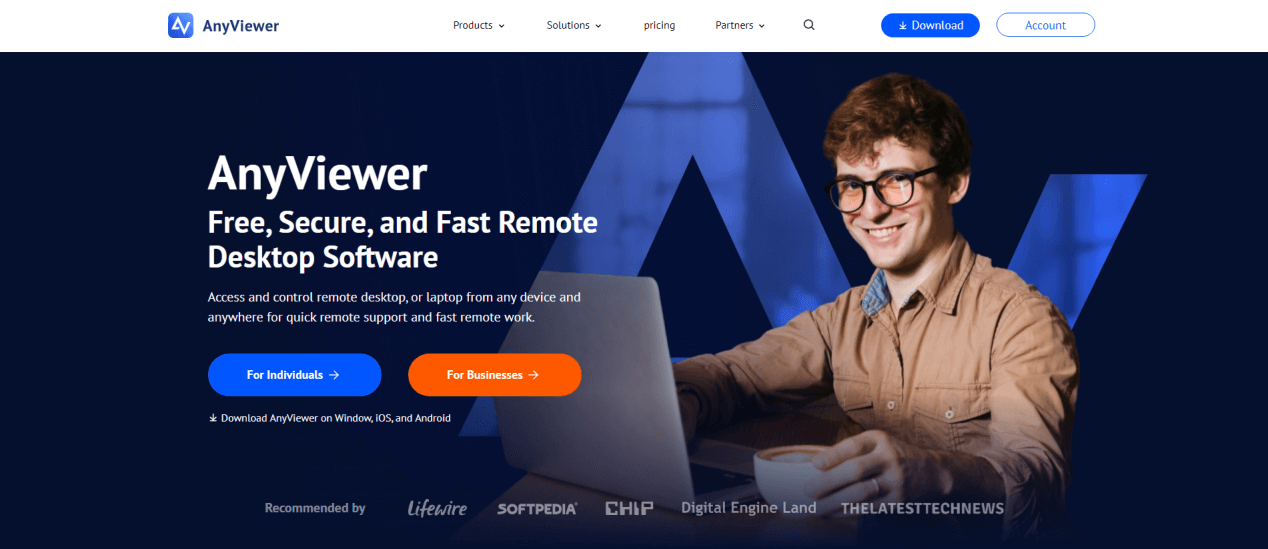
AnyViewer is one of the fastest-growing remote desktop platforms, gaining strong traction among Australian businesses for its intuitive interface and advanced remote management features. Designed with performance and security in mind, AnyViewer enables users to access, control, and manage remote computers or servers from anywhere, making it ideal for both IT administrators and end users.
Key Features:
- Unattended Access: Connect to remote devices even when no one is present at the other end, ideal for server maintenance or out-of-hours support.
- File Transfer: Transfer large files securely between devices without using third-party cloud storage.
- Multi-Session Support: Manage multiple devices simultaneously, improving workflow for IT teams.
- 256-Bit ECC Encryption: Provides military-grade security to protect sensitive data during remote sessions.
- Cross-Platform Compatibility: Works seamlessly across Windows, macOS, iOS, and Android, ensuring flexibility for mixed-device environments.
Why It’s Popular in Australia:
Australian IT companies, managed service providers (MSPs), and tech support firms appreciate AnyViewer’s speed and reliability over long distances, an essential factor considering Australia’s vast geography. Its free plan is generous for personal use, while business plans offer enhanced security, higher connection limits, and priority support at an affordable price.
Best For:
- IT support teams
- Managed service providers
- Businesses requiring remote infrastructure maintenance
2. Microsoft Remote Desktop
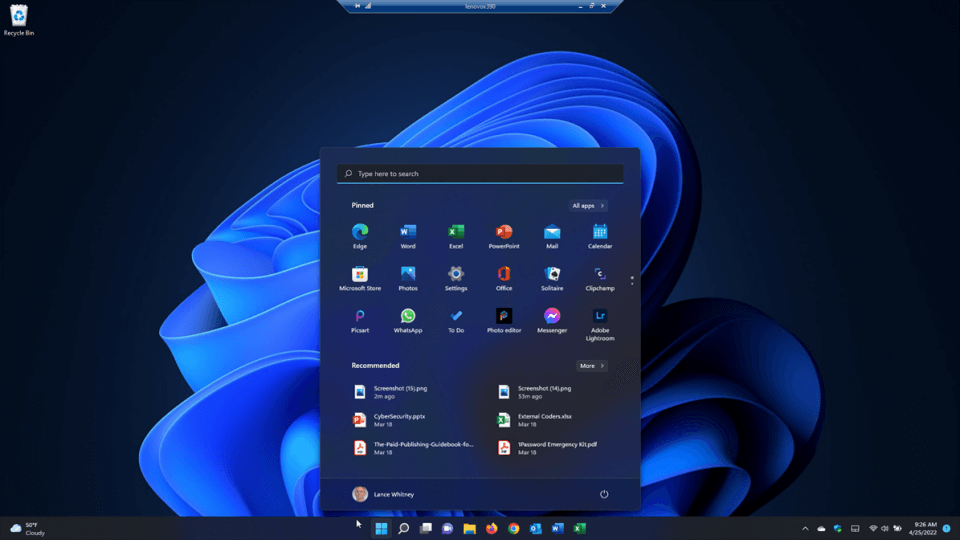
A trusted name in the industry, Microsoft Remote Desktop (RDP)integrates deeply with Windows and Azure ecosystems, offering unmatched stability and security for enterprise users. It enables employees to securely connect to Windows PCs or virtual desktops hosted on Azure, making it a top choice for large corporations in Australia.
Key Features:
- Azure Integration: Seamless connection with Azure Virtual Desktop and Microsoft 365 environments.
- Active Directory Authentication: Ensures secure login through enterprise identity management.
- Multi-Monitor Support: Offers flexibility for professionals working with complex workflows or multiple screens.
- Group Policy Control: IT administrators can enforce access restrictions and permissions remotely.
Why It’s Popular in Australia:
Given Australia’s growing cloud adoption rate, Microsoft Remote Desktop remains a natural choice for companies already embedded in the Microsoft ecosystem. It’s especially beneficial for sectors like finance, education, and government, where compliance and data security are paramount.
Best For:
- Large enterprises and corporations
- Government and education sectors
- Organizations using Microsoft Azure or Windows infrastructure
3. Chrome Remote Desktop

For individuals or small businesses seeking a simple, no-cost solution, Chrome Remote Desktopis an excellent choice. Offered by Google, it allows users to access computers through a Chrome browser or mobile device without complicated setup procedures.
Key Features:
- 100% Free: No hidden fees or licensing costs.
- Browser-Based Access: Works directly through Chrome, with no need for heavy installations.
- Cross-Platform Support: Works across Windows, macOS, Linux, iOS, and Android.
- Easy Setup: Setup takes less than five minutes, making it beginner-friendly.
Why It’s Popular in Australia:
Chrome Remote Desktop is particularly favored among freelancers, students, and small businesses that need reliable yet lightweight remote access. It’s ideal for quick tech support or accessing files from another device while traveling.
Best For:
- Freelancers and remote professionals
- Students and educators
- Small businesses with minimal IT infrastructure
4. AnyDesk
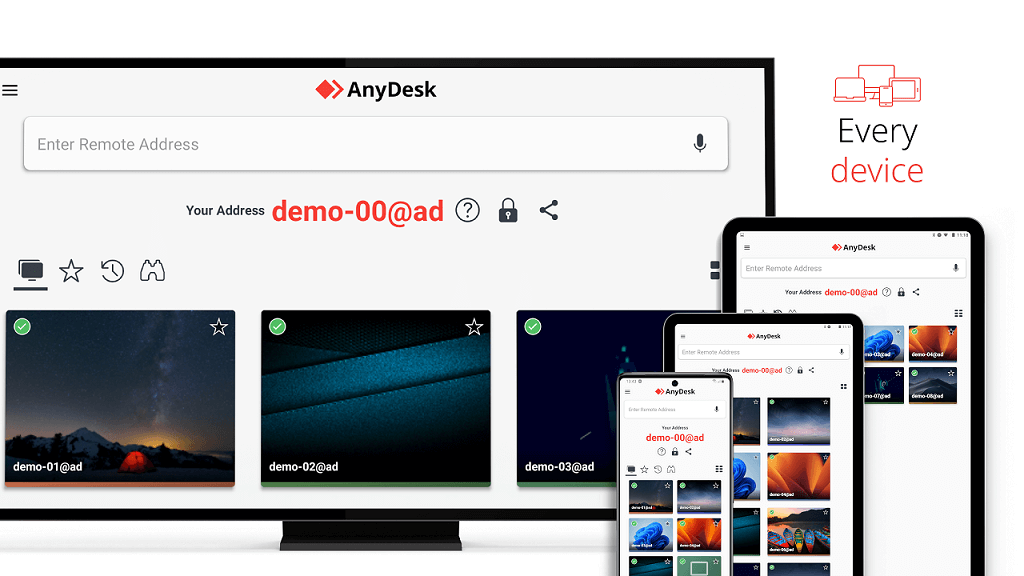
AnyDesk has established itself as one of the fastest and most efficient remote desktop tools globally. Known for its ultra-low latency, it offers a fluid user experience even over slower internet connections, a crucial advantage for Australian users in remote areas.
Key Features:
- High Performance: Uses DeskRT codec for fast data transmission and high-quality visuals.
- Customizable Interface: Allows branding for enterprise users.
- Robust Security: Employs TLS 1.2 encryption and RSA 2048 asymmetric key exchange.
- Mobile and Cross-Platform Support: Works seamlessly across desktop and mobile operating systems.
- Session Recording: Ensures accountability and transparency during remote operations.
Why It’s Popular in Australia:
Australian IT professionals favor AnyDesk for its reliability during remote troubleshooting, software deployment, and file management. Its lightweight installation file makes it easy to deploy on client machines quickly.
Best For:
- IT service providers and tech support companies
- Businesses with remote teams across states
- Professionals needing high-speed, secure access
5. TeamViewer
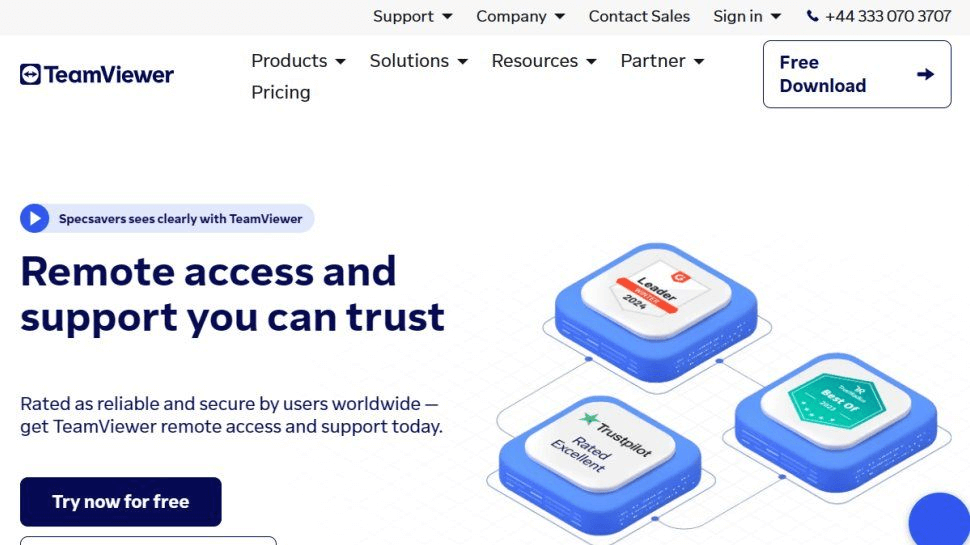
A global leader in remote connectivity, TeamViewerhas long been a trusted solution in Australia for both personal and professional use. Its feature set extends beyond traditional remote desktop functionality, including collaboration tools, IoT connectivity, and enterprise integrations.
Key Features:
- Comprehensive Remote Support: File transfer, screen sharing, and multi-user sessions.
- Cross-Platform Access: Works across Windows, macOS, Linux, iOS, Android, and even Raspberry Pi.
- Augmented Reality (AR) Support: Through TeamViewer Pilot, users can provide visual support using AR.
- Remote Printing and Wake-on-LAN: Enables remote document printing and device wake-up.
Why It’s Popular in Australia:
TeamViewer’s ease of use and reliability make it a top choice for businesses that need to manage remote support or collaborate with global teams. Its strong encryption protocols and session logging also meet compliance needs for regulated industries.
Best For:
- IT support teams and customer service departments
- Enterprises with global operations
- Businesses needing advanced collaboration tools
6. Zoho Assist
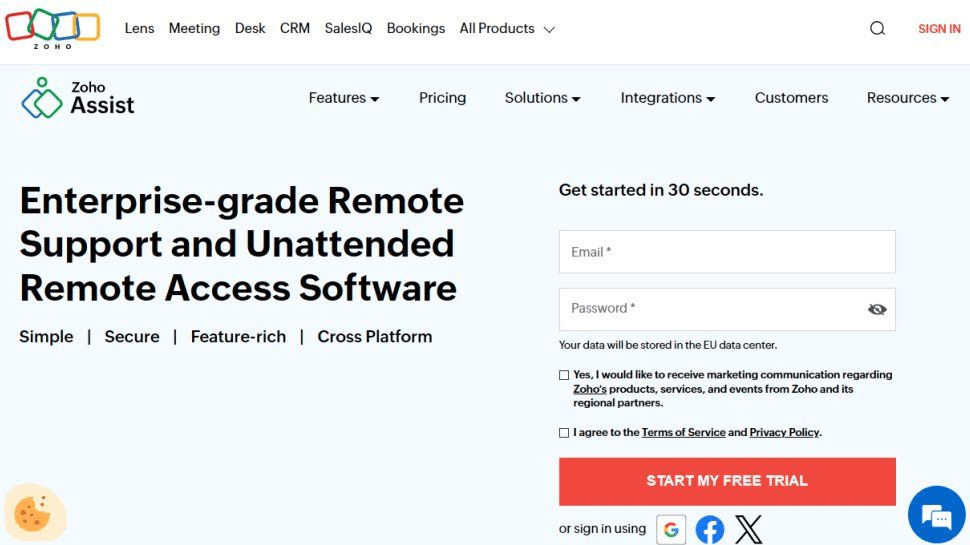
Zoho Assist is an emerging powerhouse, especially among Australian startups and SMEs seeking a balance between affordability and advanced functionality. It provides both on-demand and unattended remote access options, catering to technical support and device management needs.
Key Features:
- Unattended Access: Manage multiple systems even when they’re offline.
- Session Recording: Ideal for compliance, auditing, and training.
- Secure File Transfer: Move sensitive data safely between devices.
- Customization Options: Rebrand sessions with your company logo for a professional presentation.
- Browser-Based Access: No installations needed, perfect for quick client support.
Why It’s Popular in Australia:
Zoho Assist’s integration with the broader Zoho ecosystem, including CRM, Help Desk, and IT management tools, makes it a versatile solution for businesses focused on customer support. Its competitive pricing also appeals to budget-conscious companies.
Best For:
- Small and medium-sized enterprises (SMEs)
- Customer service and technical support teams
- Businesses using the Zoho ecosystem
When selecting a provider, Australian businesses should evaluate factors such as security requirements, budget, number of users, and integration needs. The right tool will not only enhance remote accessibility but also boost productivity, safeguard data, and streamline operations across distributed teams.
Best Practices for Remote Desktop Security
Safeguarding remote desktop connections is paramount. Implementing best practices can make the difference between a seamless remote operation and a costly data breach.
- Use Strong Authentication: Always enable multi-factor authentication (MFA). It adds an extra layer of protection beyond just passwords.
- Encrypt All Data Transfers: Ensure that data transmitted during remote sessions is encrypted using SSL/TLS protocols.
- Limit Access: Grant remote desktop access only to authorized users. Implement role-based permissions to minimize risks.
- Regularly Update Software: Outdated systems are prime targets for cyberattacks. Keep your operating systems, antivirus, and RDP software up to date.
- Monitor Activity Logs: Regularly review system logs for unusual activities, such as repeated login attempts or connections from unfamiliar IPs.
- Use VPNs: A Virtual Private Network adds an extra security layer by masking user IP addresses and encrypting network traffic.
- Educate Employees: Cybersecurity training should be a regular part of company culture. Teach staff to recognize phishing emails and suspicious login prompts.
Australia’s Cyber Security Centre (ACSC) strongly advises organizations to adhere to the Essential Eight security strategies, which include application whitelisting, patching applications, configuring Microsoft Office macros, and using MFA. Implementing these safeguards ensures compliance with local data protection laws and builds resilience against evolving cyber threats.
Optimizing Remote Desktop Performance in Australia
Performance is everything when it comes to remote desktop use. Slow connections or lagging sessions can be frustrating and counterproductive. Fortunately, there are several practical ways to optimize performance, especially within the Australian network landscape.
1. Bandwidth Considerations
Remote desktop tools rely heavily on stable internet connections. For smooth performance, aim for at least:
- 5 Mbps for basic desktop sharing
- 10–20 Mbps for HD streaming or graphics-intensive tasks
For teams spread across rural areas, consider business-grade NBN plans or 5G connections to maintain consistent bandwidth.
2. Adjust Display and Performance Settings
Most remote desktop clients allow users to tweak display settings. Lowering screen resolution, disabling background visuals, and reducing color depth can significantly enhance responsiveness.
For example, AnyDesk offers adaptive quality settings that automatically balance performance and clarity based on internet conditions.
3. Use Performance Monitoring Tools
Applications like SolarWinds RMM or Paessler PRTG can monitor network latency and resource usage. They help administrators identify bottlenecks and optimize resource allocation.
4. Optimize Server Placement
For Australian users, selecting cloud servers located in Sydney or Melbourne data centers ensures minimal latency. International servers may add unnecessary delay due to distance.
5. Enable Caching and Compression
Modern remote desktop solutions use intelligent caching to store frequently accessed data locally. This reduces bandwidth consumption and speeds up performance.
When properly optimized, remote desktop experiences can be nearly indistinguishable from working on a local machine, a testament to how far technology has evolved.
Conclusion
Australia remote desktop technology has evolved from a convenience to a necessity in Australia’s modern work environment. Whether you’re a freelancer, a startup, or a large enterprise, adopting the right remote desktop solution can unlock unparalleled productivity, flexibility, and cost savings.
From robust cloud-based systems to on-premises infrastructures, the key is to balance performance, security, and compliance. By following best practices, leveraging local providers, and staying updated with emerging trends, Australian businesses can thrive in the era of digital mobility.
Remote desktop technology isn’t just about working from anywhere; it’s about redefining how we connect, collaborate, and create value in a digital-first world.



 as a preferred
source on Google
as a preferred
source on Google