A fast connection with minimal latency. AnyViewer allows you to entertain, work, collaborate, or support others seamlessly.
Uses Elliptic Curve Cryptography(ECC) encryption. Provides the privacy mode and automatically change security codes to 100% protect user's privacy.
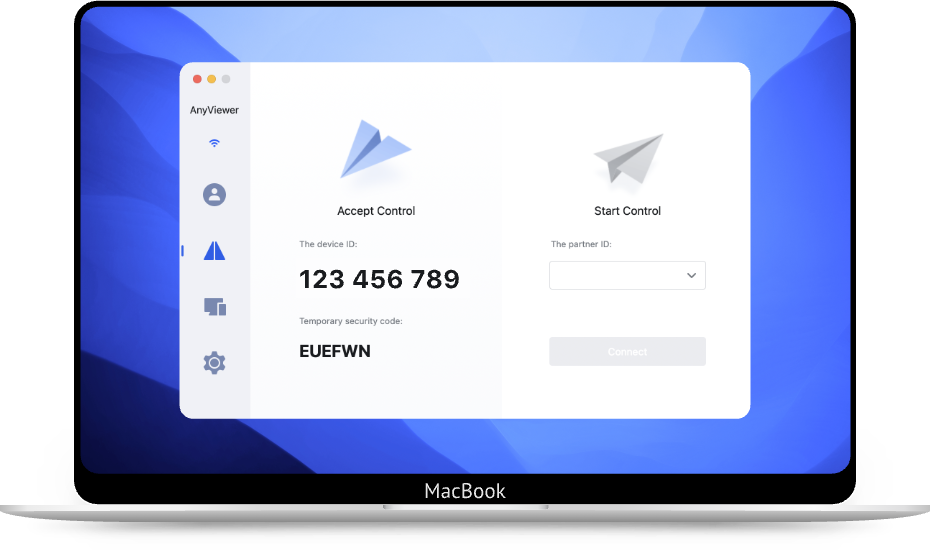
Provides an intuitive interface with a high frame-rate display. Don’t require extra configuration for remote access on a different network.
Using AnyViewer to connect to your remote devices from any location and at any time you need.
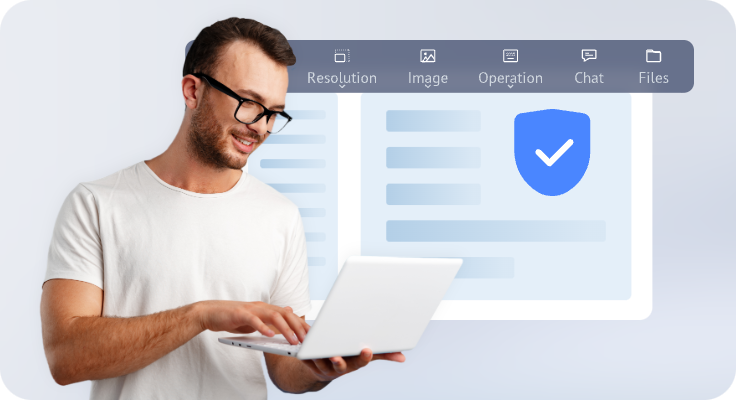
AnyViewer provide seamless work experience away from office, ensuring you can access crucial and specific data on your working PC.
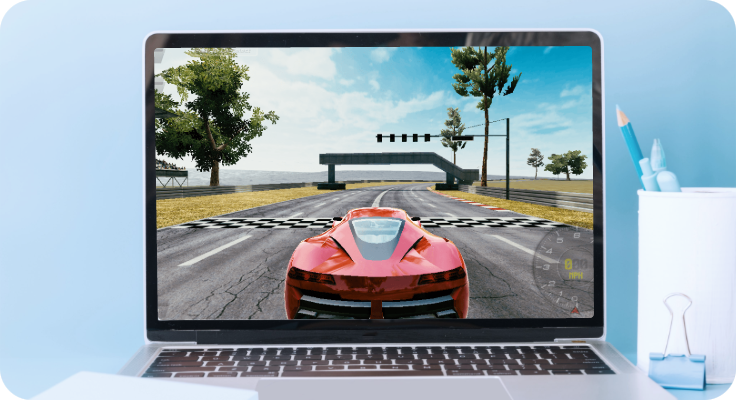
Playing Games anywhere with high FPS in remote desktop sessions, AnyViewer offers a smooth gaming experience.
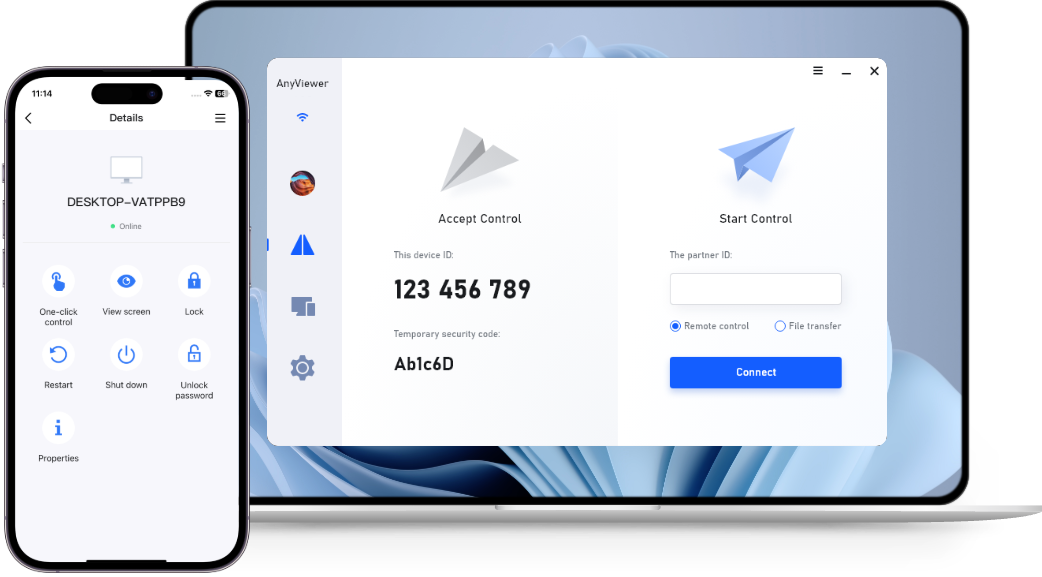
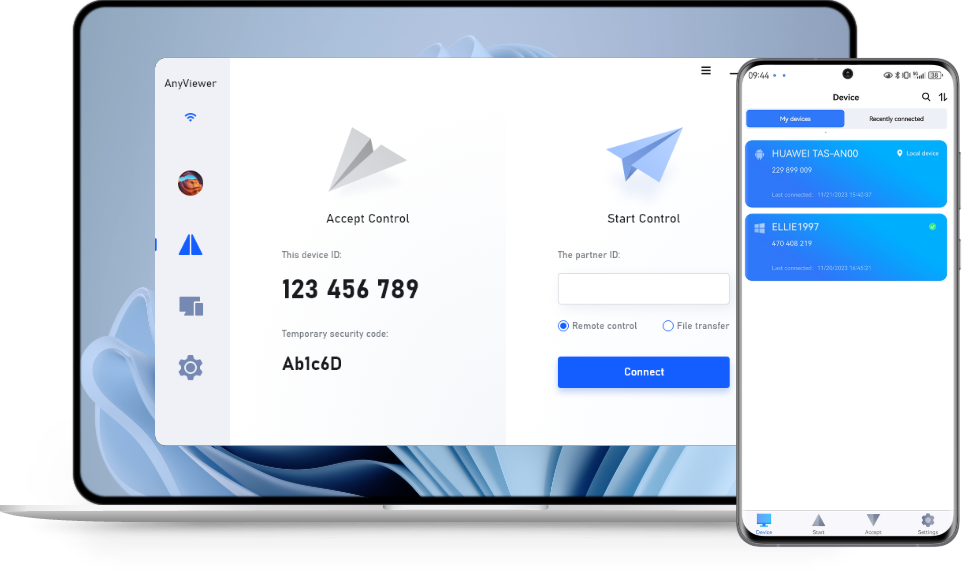
Allows PC-to-PC, iOS-to-PC, and Android-to-PC Remote Control with 100% device screen match.
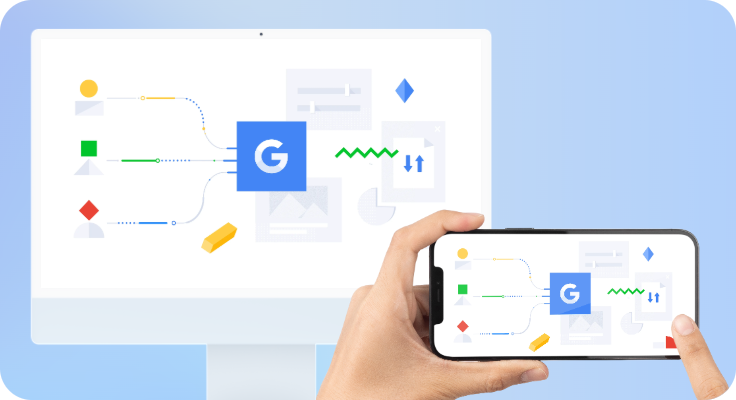
Better enjoying your films by signing your mobile device and PC to quickly view the mobile screen from your PC.
One-to-many support with instant chats. You can easy access to provide technical assistance with multiple screens in separate windows.
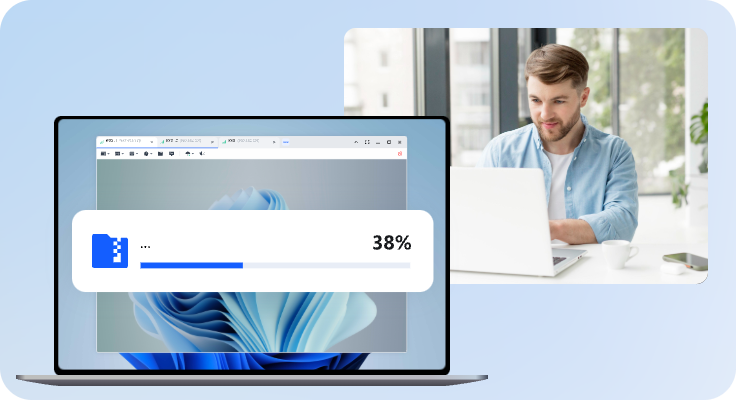
Transfer files between two remote computers and it is compatible to transfer a wide range of file types and size.
AnyViewer uses ECC 256-bit end-to-end encryption for remote sessions. This advanced technology protects your data from tampering and interception.
AnyViewer follows GDPR compliance, and its Privacy Policy explains how your data is protected. Only the information required for a specific purpose is processed by AnyViewer.
Add an extra layer of security to your account. It requires not just a password, but also a second form of verification, making it much harder for unauthorized users to gain access.
Record remote access activity to ensure security and compliance, making it easier to spot issues and track sessions.
Delete your AnyViewer account at any time. When deleted, all your account information will be removed from our database.
Manage remote access to your device by using the block and allowlist feature. This lets you block certain devices or only allow specific accounts to connect.
Every connection on AnyViewer is peer-to-peer, which means your data doesn't go through our servers. We can't see what you're doing, ensuring
By assigning role-based permissions, you can limit sub-accounts to specific functions. This helps prevent unauthorized access and reduces the risk of
Black out your remote screen and disable remote input to work privately on your device. Keep sensitive information safe from unauthorized viewers.
15 Years'Company: We are an internet company and We have been committed to remote control since established in 2010.
Experienced R&D Team: Composed by professional technicians with an average of 20-year experience each. We are exploring more potential of AnyViewer.
AnyViewer Important Pursuit: Date security is our top priority. Always maintains stability of AnyViewer and user-friendliness of its interface.
AnyViewer stands out as a competent remote access tool, balancing ease of use with a comprehensive feature set. Its ability to cater to casual and professional users makes it a versatile choice in the competitive remote-access software market.
Die "AnyViewer Remote Desktop" Software ermöglicht Ihnen die Fernsteuerung mehrerer Rechner. Dazu können Sie Ihr Smartphone oder einen beliebigen anderen Rechner benutzen.
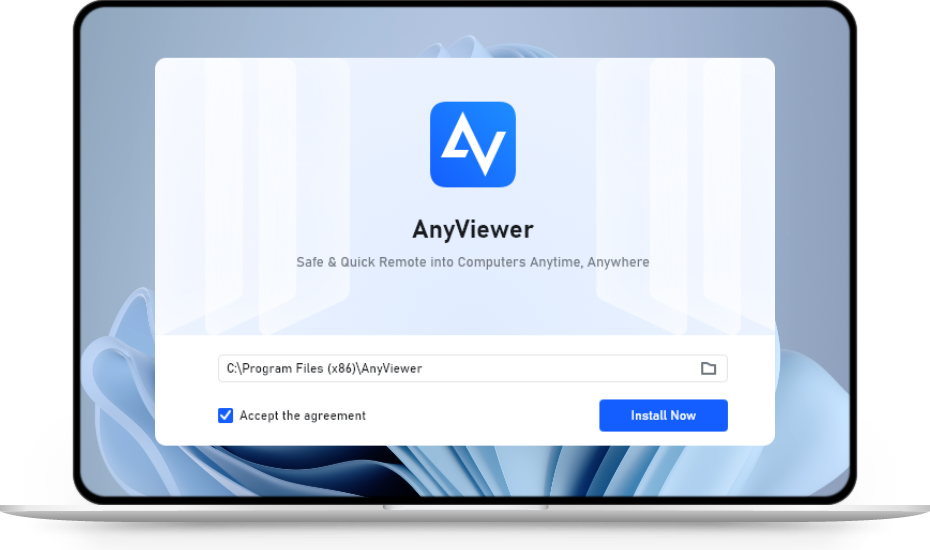
AnyViewer is installed for us in less than five seconds and has a really simple user interface that’s easy for anyone to understand right off the bat.
AnyViewer is a straightforward piece of software, packing lots of functionality in what might look like a minimal interface, thus making it a worthwhile choice for remote desktop connections.