

Portable vs. Installer: Which Version Should You Choose for Your PC?
This article compares portable and installer software, highlighting differences in mobility and system impact. It features AnyViewer's dual versions to help you choose the best format for your remote desktop and technical needs.

By Ellie / Updated on May 8, 2026


When downloading new software, you are often faced with a choice: portable vs installer. This decision might seem minor, but it fundamentally changes how you manage your storage, registry, and system performance. Whether you are a tech enthusiast carrying a toolkit on a USB drive or a professional looking for system stability, understanding the difference is key to a clean and efficient Windows environment.
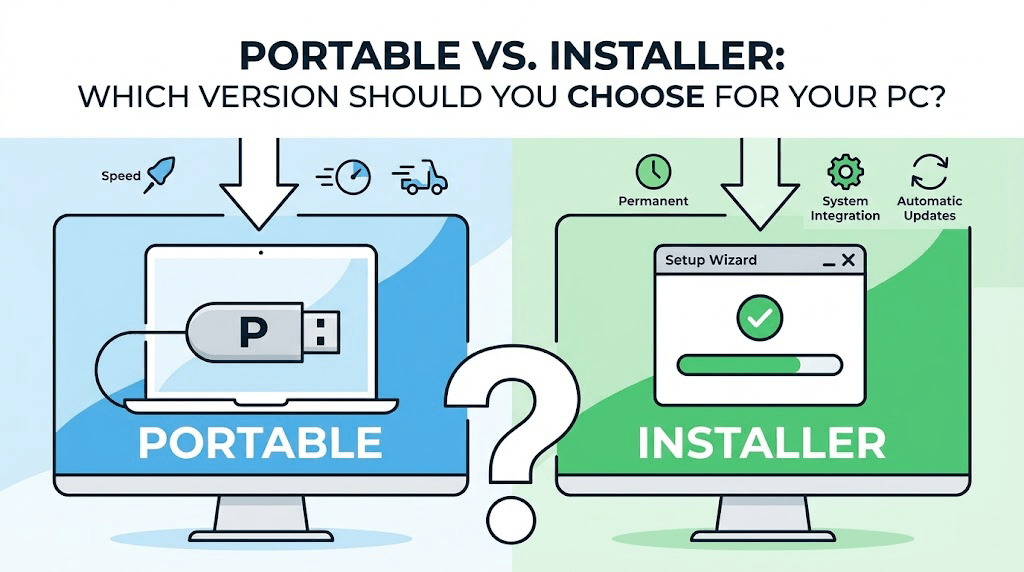
In this guide, we will break down the portable vs installer edition debate, explore the pros and cons of each, and help you decide portable vs installer which is better for your specific workflow.
Understanding Software Types: Portable Software vs. Traditional Installers
What is Portable Software?
Portable software is an application designed to run without being installed on the host operating system. All the files required to run the program are typically stored in a single folder. Because it doesn't require a traditional installation process, it does not modify the Windows Registry or leave configuration files in hidden system folders like "AppData".
What is an Installer (Setup) Version?
The installer version (often an ".exe" or ".msi" file) follows the traditional setup wizard process. When you run an installer, it extracts files to "Program Files", creates entries in the Windows Registry to tell the OS how to handle the app, and often adds shortcuts to your Start Menu and Desktop.
Portable vs. Installer: Key Differences at a Glance
| Feature | Portable Version | Installer Version |
| System Impact | Zero to minimal; no registry changes. | High; modifies registry and system paths. |
| Mobility | Run from USB, cloud, or any folder. | Tied to the local machine. |
| Updates | Usually manual (replace the folder). | Often automatic or via built-in updater. |
| Performance | Slightly slower initial launch (sometimes). | Faster integration with OS features. |
| Uninstallation | Just delete the folder. | Requires "Add or Remove Programs" utility. |
The Advantages of Portable Software and Installer Versions
The Advantages of Portable Software
Using a portable version offers several unique benefits that appeal to power users and IT professionals alike.
- No System Bloat: Standard installers scatter files across your hard drive. Over time, "leftover" files can slow down your PC. Portable apps keep everything contained in one place.
- Extreme Portability: Keep your favorite tools on a USB stick or a cloud drive. Plug it into any computer, and your settings and extensions are exactly where you left them.
- No Administrative Rights Required: Many office or school environments restrict software installation. Since portable apps don't write to protected system areas, they can often be run without admin privileges.
The Advantages of Installer Versions
Despite the rise of portable apps, the traditional installer remains the standard for deep daily usage.
- Deep OS Integration: Installers allow apps to register "file associations" (e.g., ensuring certain files always open with the correct program) and integrate with the right-click context menu.
- Multi-User Support: Installed software is generally accessible to all user accounts on a PC, whereas portable apps are often tied to the specific folder where they reside.
- Better Performance and Stability: Because installed apps use standard system paths and libraries, they often launch faster and have fewer issues with file permissions.
Case Study: AnyViewer (Portable & Installer Versions)
When it comes to high-performance software that perfectly balances the portable vs installer choice, AnyViewer stands out as a leading example. It provides both versions to ensure maximum flexibility for remote desktop tasks.
1. AnyViewer Portable Version: The Technician’s Tool
The portable edition of AnyViewer is a "zero-footprint" solution. It is ideal for:
- On-the-go Support: Carry it on a USB drive to provide instant remote assistance without needing to install software on the client's system.
- One-time Access: Perfect for users who need a quick remote session without cluttering their Windows Registry.
- Administrative Freedom: Run it directly on computers where you lack the permissions to install new software.
2. AnyViewer Installer Version: For Permanent Management
For those who require a consistent, "always-on" remote connection, the installer edition is the superior choice. It unlocks:
- Unattended Access: Set up a permanent connection to your office PC or home server, allowing you to log in anytime without someone being present.
- Auto-Start with Windows: Ensures the remote service is always running in the background for 24/7 availability.
- Maximum Stability: Features like ECC 256-bit encryption and Two-Factor Authentication (2FA) work seamlessly with the system to provide a secure, high-speed remote experience.
Portable vs Installer: Which is Better for You?
The "better" choice depends on your specific intent:
- Choose Portable if: You want to test a program without "contaminating" your PC, you need to use the app on multiple computers, or you are running low on system disk space.
- Choose Installer if: You use the application daily, it needs to start automatically with Windows, or it requires high-level system permissions (like Antivirus or VPNs).
Conclusion
In the portable vs installer standoff, there is no single winner. The portable edition is the king of flexibility and system cleanliness, while the installer edition remains the gold standard for performance and deep integration.
For your "daily driver" apps like AnyViewer, installing the full version ensures you have access to critical features like unattended access. For everything else, utilities and one-off tools, go portable to keep your PC running at peak efficiency.



 as a preferred
source on Google
as a preferred
source on Google