

Secure Remote Access Internal Applications Solutions
Remote work requires safe and seamless access to internal systems. Modern secure remote access internal applications solutions like VPNs, Zero Trust, MFA, and AnyViewer provide secure, efficient, and scalable access.

By Ellie / Updated on October 30, 2025


Introduction
The rise of remote work and cloud adoption has forever changed the way organizations connect to their internal systems. Employees, partners, and contractors now expect seamless access to corporate applications from anywhere, whether at home, on the go, or across different geographies. However, with this flexibility comes a growing challenge: maintaining security without compromising performance or user experience.
Secure remote access internal application solutions have become the cornerstone of digital transformation and cybersecurity strategy. They allow organizations to protect sensitive data while enabling legitimate users to connect securely to internal networks and applications. But what makes a remote access solution truly secure? How do businesses transition from legacy systems like VPNs to modern, scalable solutions? Let's dive deep into the world of secure remote access and uncover everything you need to know.
Understanding Secure Remote Access
Secure remote access is the practice of allowing users to access internal systems, applications, and data from outside the organization's physical network safely. It acts as a secure gateway that verifies user identity, enforces policies, and ensures encrypted communication between users and corporate resources.
Remote access used to rely heavily on Virtual Private Networks (VPNs). However, as organizations grew and adopted multi-cloud environments, traditional VPNs proved inadequate. They offered too much trust and too little visibility, often leading to overexposed networks.
Modern secure remote access internal applications solutions go far beyond VPNs. They focus on minimizing trust assumptions and reducing attack surfaces. This shift is driven by the Zero Trust principle, where every access request is continuously verified based on identity, device health, and context.
How Remote Work Has Transformed Access Needs
The pandemic accelerated the adoption of remote work, forcing organizations to rethink how employees access business-critical systems. What was once a privilege for a few has now become the standard mode of operation.
Hybrid work models demand flexible, scalable, and secure access to applications hosted on-premises, in the cloud, or across multiple data centers. Traditional VPNs can't scale efficiently, often causing latency, downtime, and security gaps.
In contrast, modern secure remote access internal applications solutions free or enterprise-grade solutions leverage cloud-native architecture and Zero Trust principles to deliver seamless connectivity. They provide per-application access rather than network-level access, meaning users only reach the specific resources they are authorized for, nothing more.
By doing so, companies reduce their attack surface while improving user experience, a win-win scenario in today's digital landscape.
Common Challenges in Securing Remote Access
Securing remote access isn't just about connecting users; it's about doing so without exposing the organization to unnecessary risks. Here are some common challenges businesses face:
- Data Breaches and Unauthorized Access: Weak authentication methods or compromised credentials can grant attackers direct access to sensitive internal systems.
- Compliance and Regulatory Risks: Many industries, such as finance and healthcare, have strict regulations regarding data access and protection. Failure to implement secure access controls can lead to hefty penalties.
- Poor User Experience: Employees expect smooth connectivity. Clunky VPN logins or frequent disconnects reduce productivity and frustrate users.
Balancing security and usability is crucial. The goal is to secure access in a way that feels invisible to the user, simple yet powerful.
Solutions for Secure Remote Access
Virtual Private Networks (VPNs)
One of the most popular solutions for secure remote access is the use of Virtual Private Networks (VPNs). A VPN encrypts the internet connection between the remote device and the company's internal network, ensuring that the data transmitted is secure and protected from eavesdropping.
How VPNs Work and Why They're Essential
VPNs create a secure “tunnel” between the user's device and the company network, masking the user's IP address and encrypting all the data exchanged between the two. This prevents unauthorized parties from intercepting sensitive information. VPNs are essential for businesses that need to ensure their employees can access company resources securely while working remotely.
VPN Security Best Practices
While VPNs provide a secure connection, they can still be vulnerable if not properly configured. To optimize VPN security, businesses should ensure that they use strong encryption protocols (e.g., AES-256), enforce multi-factor authentication (MFA) for VPN access, and regularly update their VPN software to address potential security vulnerabilities.
Zero Trust Security Models
Another highly effective solution for remote access is Zero Trust security. Zero Trust operates on the principle of “never trust, always verify.” In this model, all users, devices, and applications are continuously verified before they are granted access to any internal resources.
What is Zero Trust and How Does it Work?
Zero Trust requires that each access request be authenticated, regardless of whether the request originates from inside or outside the company network. It typically involves the use of strong identity management, device security, and continuous monitoring to ensure that only authorized users can access critical resources.
Benefits of Implementing Zero Trust
The key benefit of Zero Trust is its ability to minimize the attack surface. Even if a hacker gains access to one part of the system, they are unlikely to have access to the rest of the network. Zero Trust also helps businesses manage permissions more efficiently and reduces the risk of lateral movement within the network by threat actors.
Multi-Factor Authentication (MFA)
MFA is another critical component of secure remote access. MFA adds an extra layer of security by requiring users to authenticate their identity using more than one method of verification.
How MFA Enhances Remote Access Security
By requiring multiple forms of authentication (such as a password and a fingerprint or a password and a one-time PIN), MFA significantly reduces the risk of unauthorized access. Even if a hacker obtains a user's password, they would still need the second authentication factor to gain access.
Common MFA Methods for Remote Work
Some of the most commonly used MFA methods include:
- SMS-based authentication
- Biometric authentication (fingerprint or facial recognition)
- Authentication apps (e.g., Google Authenticator)
- Hardware tokens (e.g., YubiKey)
Best Practices for Secure Remote Access
Regular Updates and Patch Management
To ensure the continued security of remote access solutions, businesses must stay on top of software updates and patches. Outdated systems are more vulnerable to security breaches and should be regularly updated to address any newly discovered vulnerabilities.
User Access Control and Permissions Management
Controlling who has access to what resources is critical for maintaining security. Organizations should implement strict user access controls and ensure that employees can only access the resources they need to perform their jobs.
Educating Employees on Security Risks
Employee education plays a vital role in maintaining secure remote access. Businesses should regularly train employees on best practices for cybersecurity, how to recognize phishing attempts, and the importance of using strong, unique passwords.
AnyViewer: A Secure Remote Access Solution
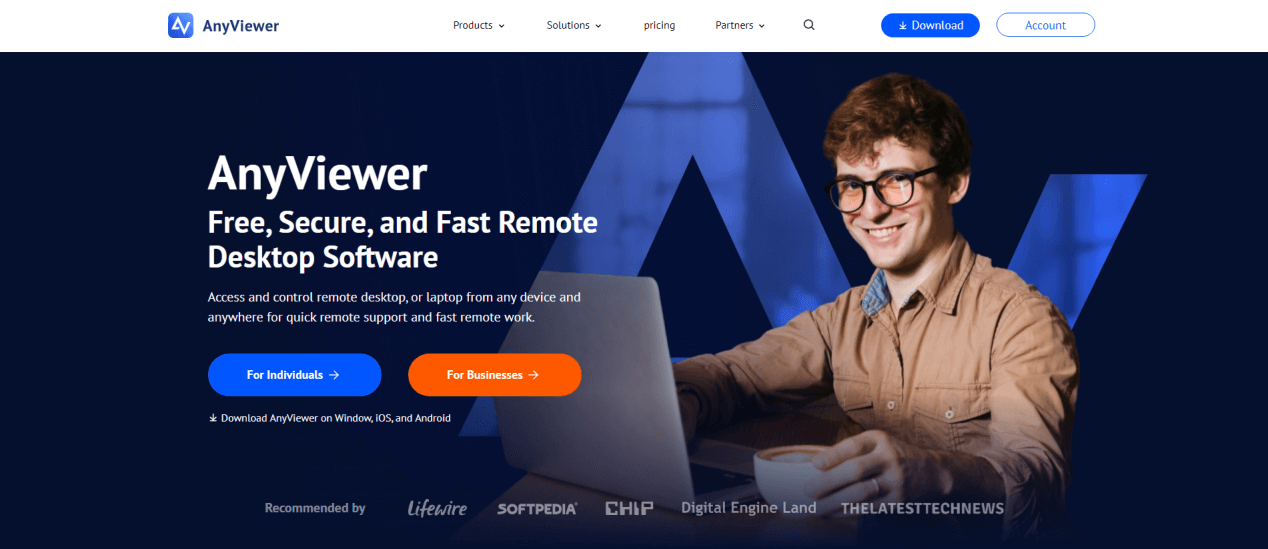
While traditional VPNs and Zero Trust frameworks provide robust security, they can be complex to configure and may require significant IT management. This is where AnyViewer comes in, a modern, user-friendly remote access solution designed for businesses and individuals alike. AnyViewer combines simplicity, speed, and security, making it ideal for secure remote access to internal applications without the usual complexity.
Key Features of AnyViewer
- Cross-Platform Access: AnyViewer supports Windows, macOS, and mobile devices, allowing users to connect from virtually any device seamlessly.
- Ultra-Secure Connections: Using advanced encryption protocols, AnyViewer ensures that all data transmitted between devices remains private and protected from interception.
- Easy File Transfer and Collaboration: Users can share files, folders, and screenshots during a session, making collaboration as efficient as working in the office.
- Screen Recording and Screenshots: New features like screen recording and instant screenshots enhance support and documentation capabilities, ideal for IT troubleshooting.
- No Network Configuration Needed: Unlike traditional VPNs that require port forwarding or firewall adjustments, AnyViewer works over the internet without complex network changes.
How AnyViewer Enhances Secure Remote Access
AnyViewer aligns well with modern security practices. It uses secure identity verification and encrypted sessions, effectively reducing the attack surface. By providing per-session access rather than full network-level access, AnyViewer adheres to the principle of least privilege, similar to Zero Trust, ensuring users only access the resources they need.
Benefits for Businesses and Remote Teams
- Increased Productivity: Employees can work from anywhere with smooth, lag-free remote sessions.
- Reduced IT Complexity: Minimal setup and easy management mean IT teams spend less time troubleshooting connectivity issues.
- Scalable Solution: Whether a small team or a global enterprise, AnyViewer scales easily to support multiple users and devices securely.
- Cost-Effective: Unlike some enterprise VPN solutions, AnyViewer provides powerful remote access capabilities at an affordable price point.
By combining security, usability, and advanced features, AnyViewer makes remote access to internal applications not only safer but also more efficient and practical for modern work environments.
Conclusion
Securing remote access to internal applications is no longer optional, it's a critical component of business continuity and data protection. By implementing secure remote access internal applications solutions, organizations can provide flexible and safe connectivity for remote teams. Whether using VPNs, Zero Trust models, MFA, or solutions like AnyViewer, businesses can maintain security without compromising productivity. For organizations seeking cost-effective options, secure remote access internal applications solutions free also offer valuable starting points for safe remote access.
FAQs
What is the best solution for secure remote access?
A combination of VPNs, Zero Trust security models, and Multi-Factor Authentication (MFA) offers the best protection for secure remote access.
How does Zero Trust work for remote access?
Zero Trust requires all users and devices to be verified before gaining access, regardless of their location, minimizing the risk of unauthorized access.
Why is Multi-Factor Authentication (MFA) necessary for remote access?
MFA adds an extra layer of security by requiring two or more verification methods, significantly reducing the chances of unauthorized access.
What are the risks of not securing remote access?
Without secure remote access, businesses face the risk of data breaches, financial losses, and reputational damage from cyberattacks.
Can cloud solutions enhance remote access security?
Yes, cloud solutions like SaaS, IaaS, and CASBs provide robust security measures to protect data and applications while allowing secure remote access.
How can businesses ensure ongoing security for remote access?
Regular updates, user education, strict access control policies, and robust monitoring can help businesses maintain a high level of security for remote access.



 as a preferred
source on Google
as a preferred
source on Google