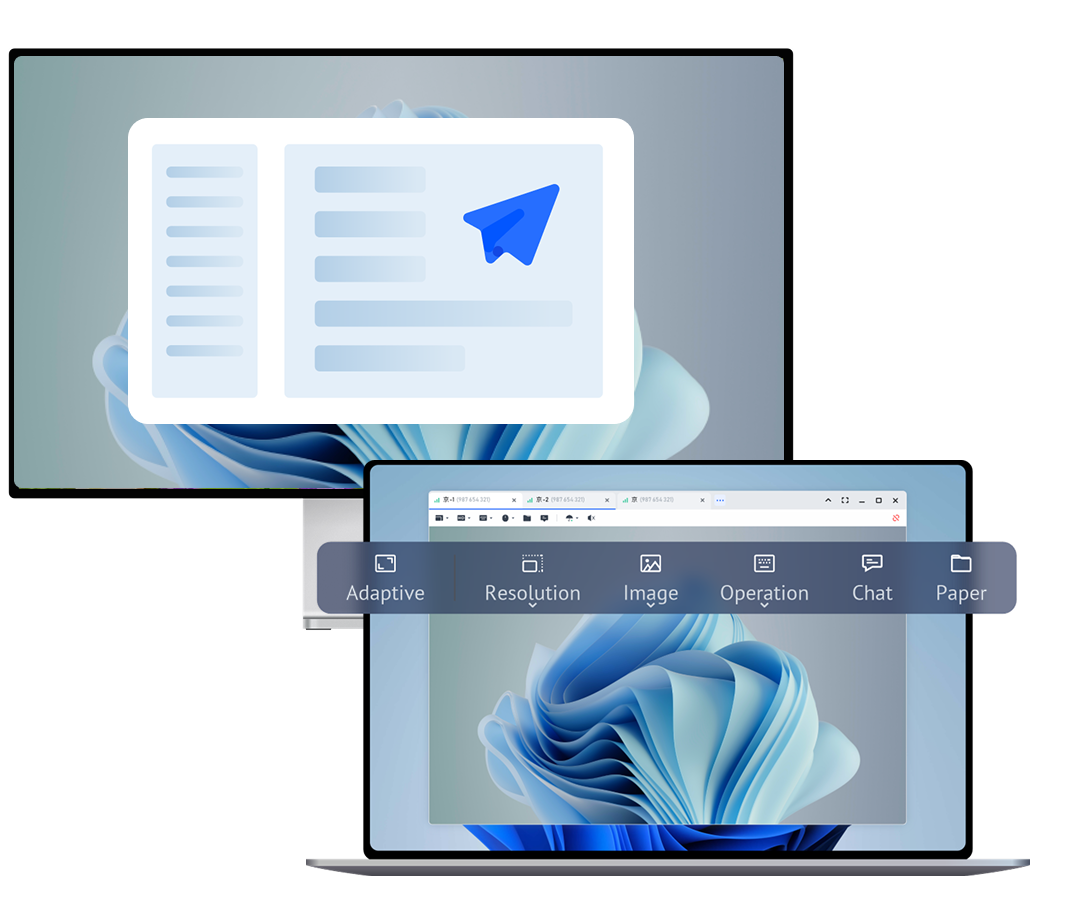
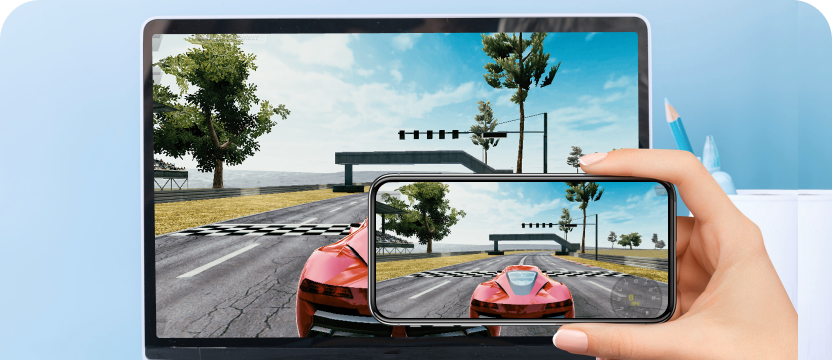
Remote support software is a technology solution that enables IT professionals, technical support teams, and individuals to provide assistance to users remotely over the internet. Unlike traditional phone-based support where technicians guide users through verbal instructions, remote support software allows the helper to directly view and control the user's computer screen, making troubleshooting faster, more accurate, and less frustrating for both parties.

According to industry research, remote technical support reduces average resolution time by 60% compared to phone-only support. For IT teams, this translates to handling more tickets per day with higher customer satisfaction. For businesses, it eliminates the cost of on-site visits while maintaining support quality. For individuals, it means getting help instantly without waiting for a technician to arrive.
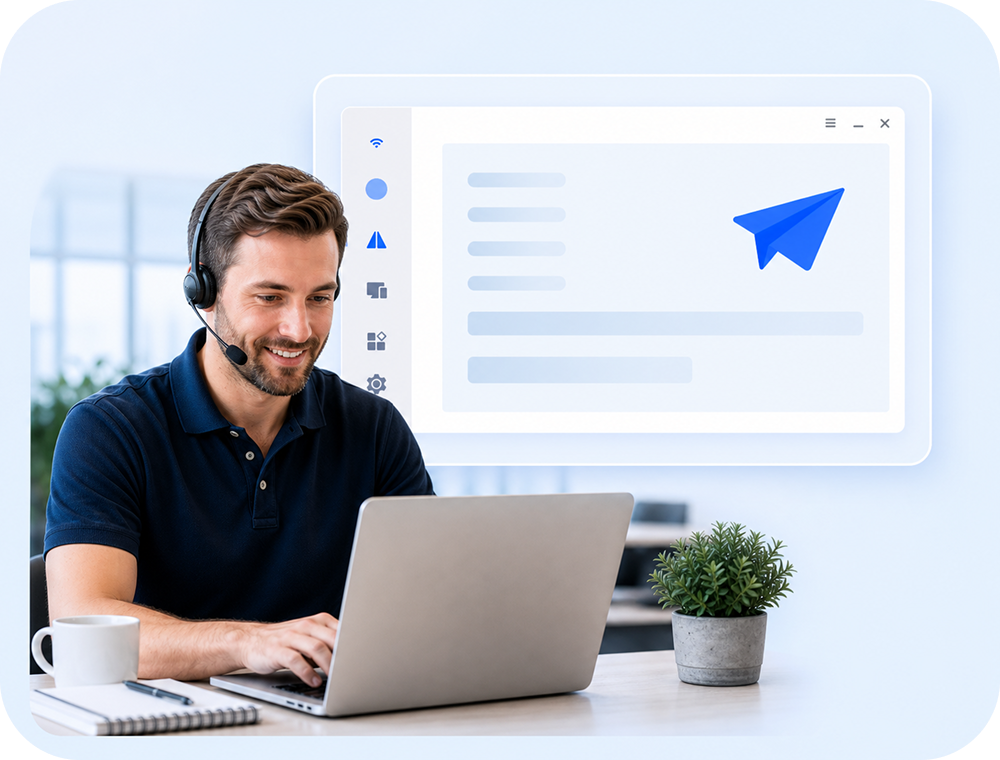
IT support teams use AnyViewer to provide instant assistance to employees and customers experiencing technical issues. Instead of walking users through complex troubleshooting steps over the phone, technicians can directly access the problematic computer and resolve issues in minutes.
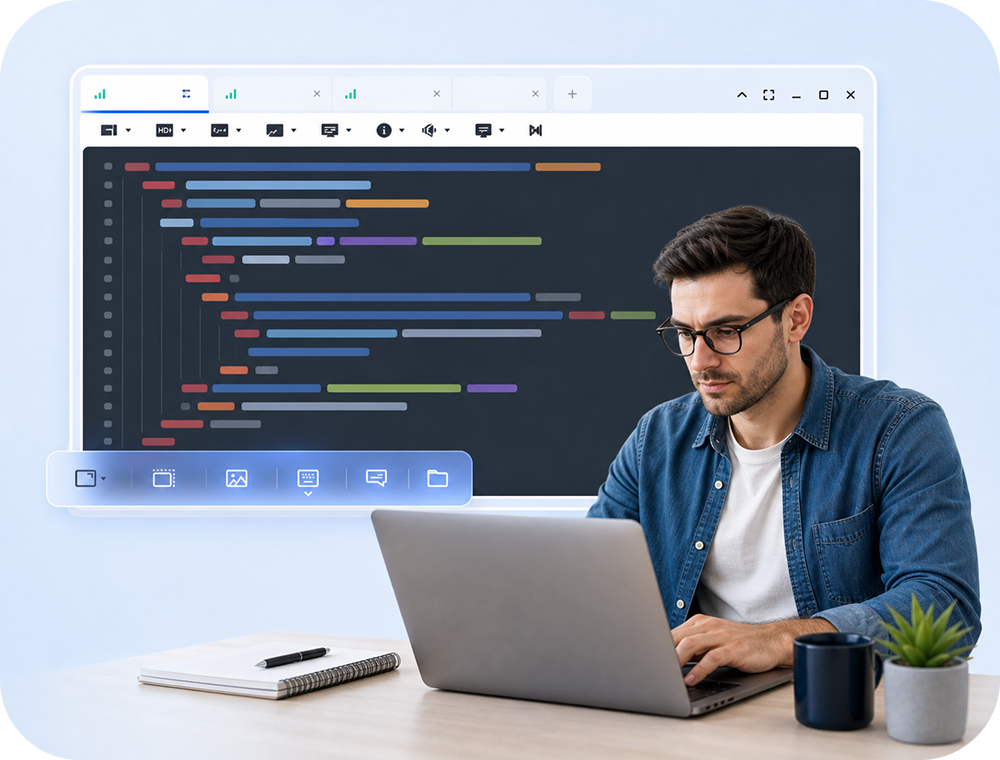
Software developers can directly view issues on client systems and debug in real-time instead of relying on screenshots or incomplete descriptions.
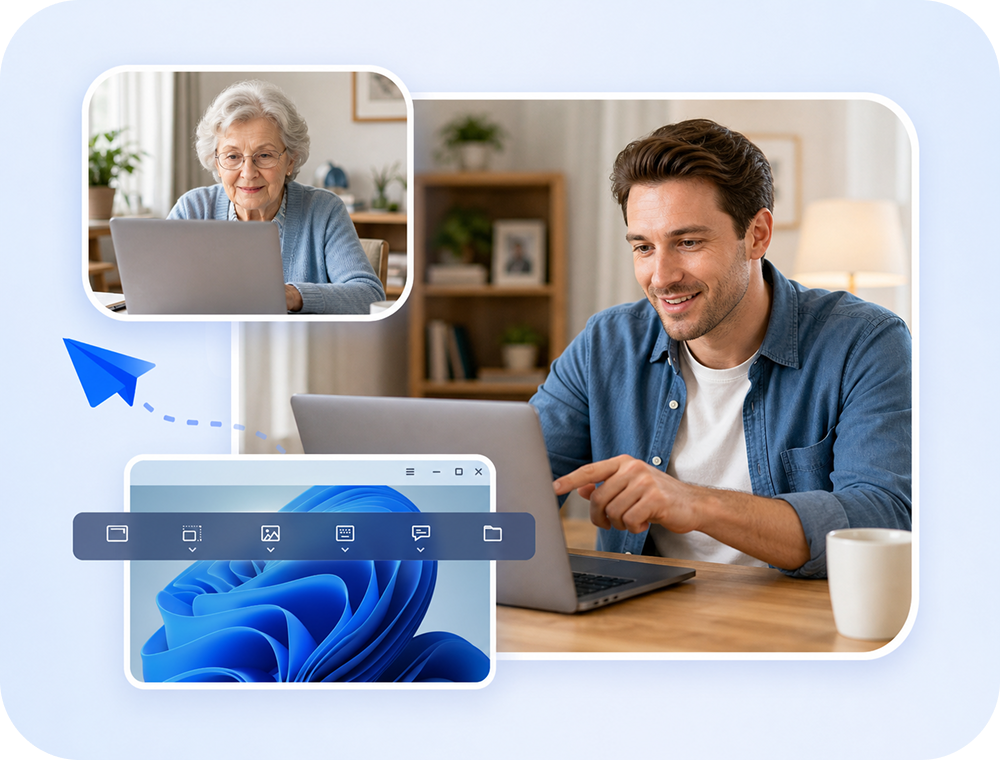
Connect to a family member's computer and fix problems directly, without frustrating phone calls trying to explain technical steps.
Guide new employees through software setup and workflows in real-time on their actual system, not just with static documentation.
| Feature | TeamViewer | Splashtop | AnyDesk | |
|---|---|---|---|---|
| Support Features | ||||
| Real-time screen sharing | Yes | Yes | Yes | |
| Remote control | Yes | Yes | Yes | |
| Instant chat | Yes | Yes | Limited | |
| File transfer | Yes | Yes | Yes | |
| One-to-many support | Limited | No | No | |
| Session recording | Yes | Yes | Limited | |
| Ease of Use | ||||
| Quick connection setup | Yes | Yes | Yes | |
| No installation for recipient | No | No | No | |
| Intuitive interface | Moderate | Yes | Yes | |
| Security | ||||
| 256-bit encryption | AES | AES | AES | |
| Keyboard/mouse lock | Yes | Yes | Yes | |
| Permission control | Yes | Yes | Yes | |
| Pricing | ||||
| Free version | 5 min limit | Trial | Limited | |
| Business pricing | Expensive | Moderate | Moderate |
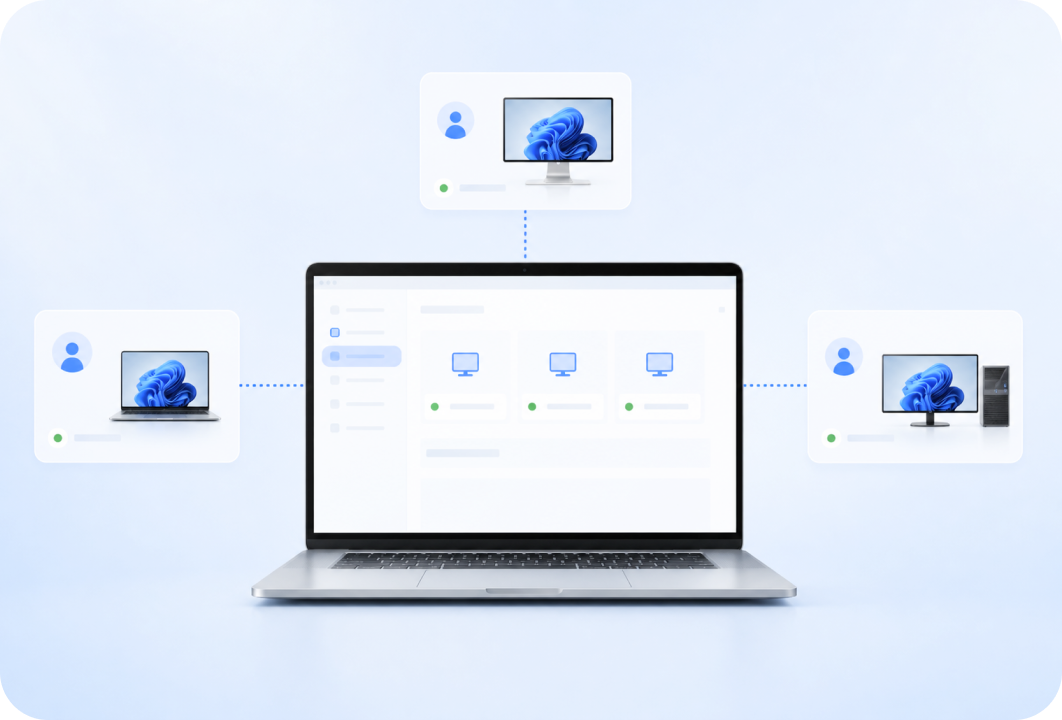
Handle multiple support requests simultaneously - perfect for busy help desks.
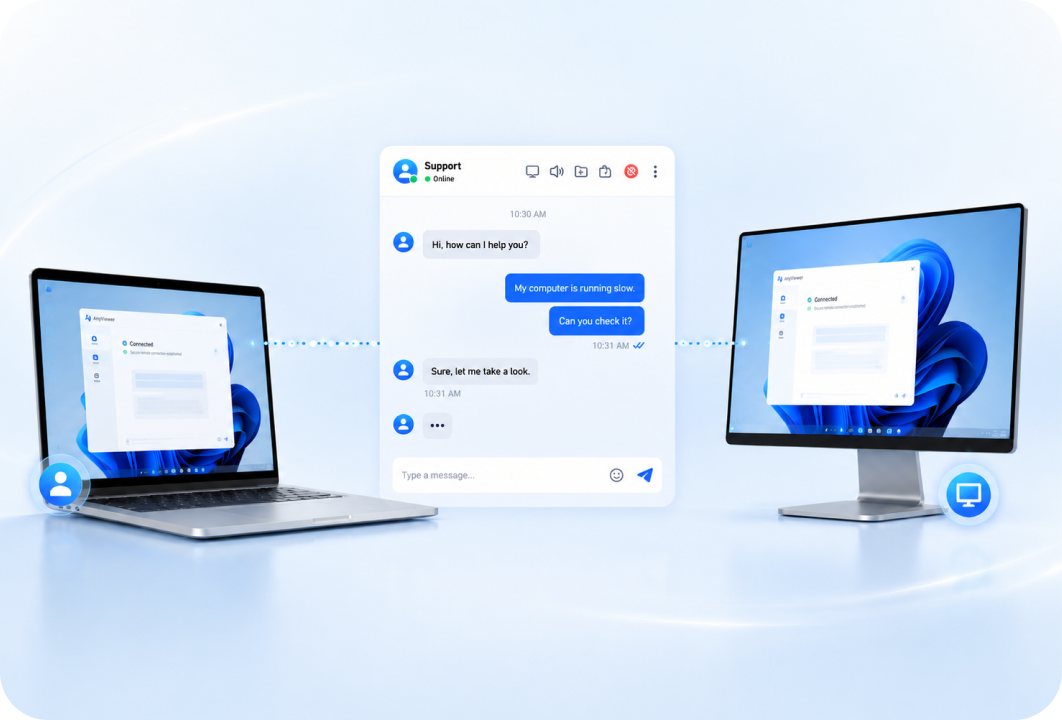
Communicate with users without switching apps.
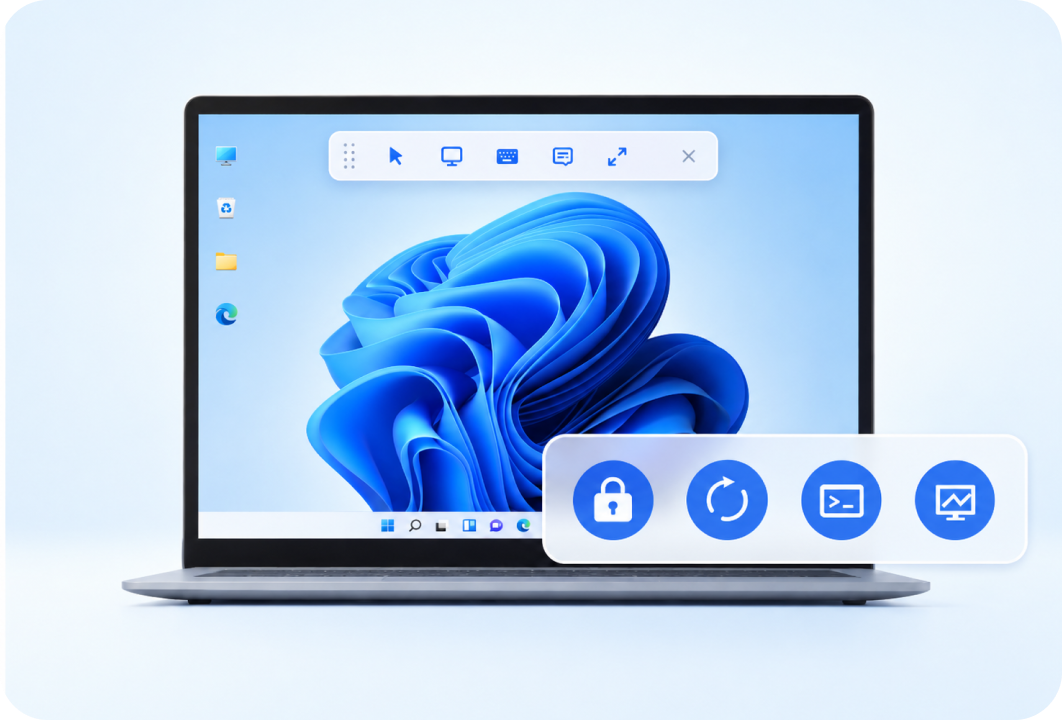
Lock, restart, CMD, and Task Manager are accessible during support sessions.
Get full support features without session time limits.
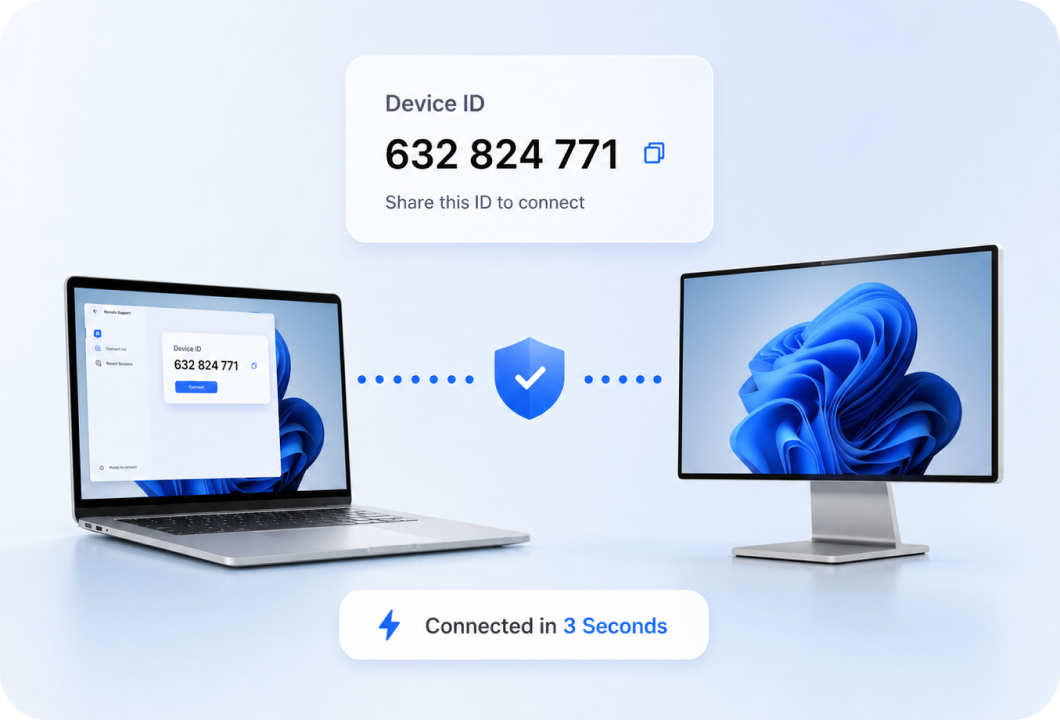
Connect to any computer in seconds using a simple device ID. No complex network configuration or VPN setup - just share the ID and connect.
Communicate with the user throughout the support session using built-in chat. Ask questions, explain steps, and confirm resolutions without phone calls.
Handle multiple support requests simultaneously. Perfect for help desk teams managing high ticket volumes.
Access essential operations directly from the toolbar: lock screen, restart computer, open Task Manager, and launch CMD without navigating through menus.
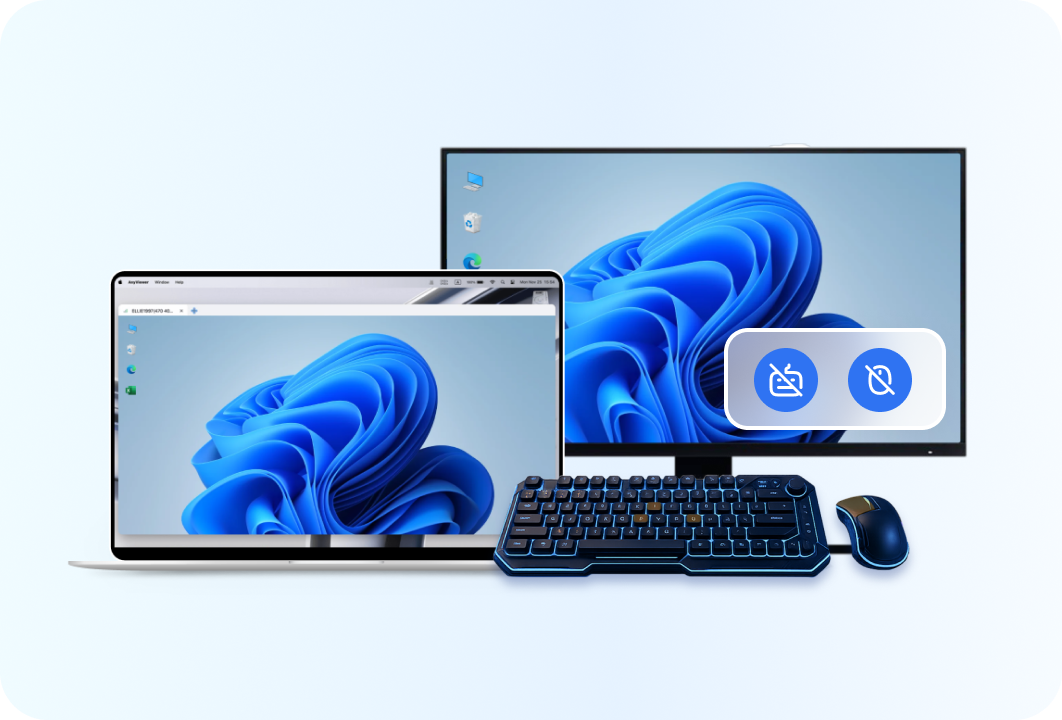
Lock the recipient's keyboard and mouse during support to prevent accidental interference. Black the screen to protect sensitive information from view.
When providing remote support, security is critical - you're accessing someone else's computer and potentially viewing sensitive information. AnyViewer provides multiple security layers.
All remote support sessions are encrypted with ECC, ensuring screen data, chat messages, and file transfers remain private.
Users must explicitly approve each support request. No connection can be established without user consent.
Technicians can lock the recipient's input devices, preventing accidental interference while troubleshooting.
Black the recipient's screen when working on sensitive areas, protecting passwords, financial data, and private information.
Users can terminate the support session at any time from their end, maintaining full control over their device.
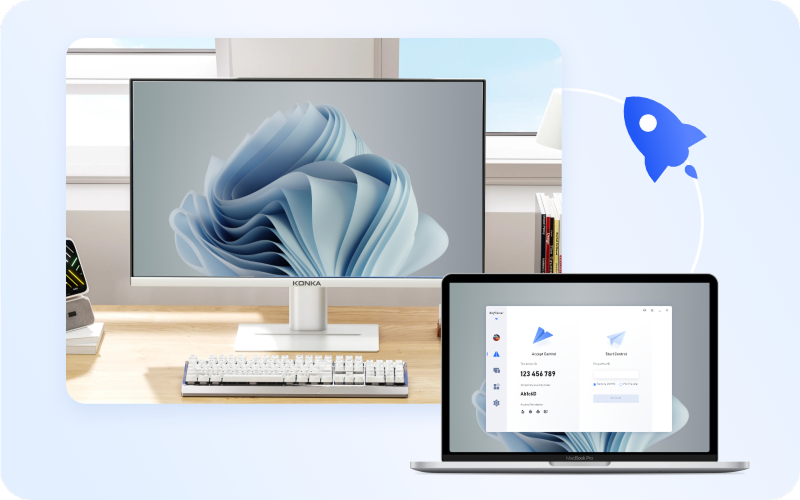
Download and install AnyViewer on both devices. Ask the person you're helping for their Device ID, then enter it on your computer and click Connect.
In the pop-up window, click "Send a control request" to request remote access. The recipient will see a notification on their screen.
Once the recipient approves, view their screen, control their computer, chat with them, and transfer files as needed.
Pro Tips for Effective Remote Support:

AnyViewer User
"AnyViewer allows me to quickly fix anything wrong with my 93-year-old mother-in-law's laptop without having to go to her house. As long as her wi-fi is on I can take command and fix anything quickly."
AnyViewer User
"This product allows me to quickly remotely control my clients' computers to troubleshoot and monitor issues. I would highly recommend this as an alternative to high-priced products."
AnyViewer User
"AnyViewer has been of great help. Most of our staff have installed this product on our computers. It is very convenient for us to control each other's computers and solve IT problems."
AnyViewer User
"I'm a computer technician. I use AnyViewer to remotely control friends' computers and provide support. This has greatly saved my time."
AnyViewer User
"AnyViewer is a worthy alternative to many priced remote access apps. It makes remote support easy with stable, fast connections and an intuitive interface."
AnyViewer User
"The thing I value the most about AnyViewer is that it is safe and secure enough. It perfectly meets customers' requirements for sensitive information."
AnyViewer is the smooth remote desktop solution that connects you to any device, from anywhere. It's fast, secure, and free.
Transform any device into a high-performance gaming setup. Access your gaming PC from anywhere and play at up to 60 FPS.
Enable secure, high-speed, and low-latency remote access for global teams to collaborate and manage devices across countries.
Remote support software enables IT professionals and technical support teams to provide assistance over the internet. It lets the helper view and control a user's computer screen directly, with real-time screen sharing, remote control, instant chat, file transfer, and session recording.
Install AnyViewer on both computers, ask the user for their Device ID, enter the ID and click Connect, then send a control request. Once the user approves, you can troubleshoot their computer and communicate through built-in chat.
AnyViewer provides real-time screen sharing, remote control, instant chat, file transfer, and one-to-many support without session time limits for personal and commercial use.
Most remote support solutions require installation on both devices. AnyViewer installs in under one minute and the recipient only needs to share their Device ID for a basic support session.
AnyViewer uses 256-bit ECC encryption, requires explicit permission before each connection, lets users terminate sessions at any time, and includes keyboard lock and screen blackout controls.
Yes. AnyViewer's one-to-many support feature lets technicians handle multiple requests simultaneously, reducing wait times and increasing productivity.
Have them install AnyViewer, ask for their Device ID, connect and request control. Once approved, you can view their screen and fix the issue directly.
Look for real-time screen viewing and control, chat, file transfer, one-to-many support, security controls, session recording, and quick connection setup.
Yes. AnyViewer includes built-in chat so technicians and users can communicate throughout the session without relying on another app.
Connections are typically established in under five seconds once the user approves the request. AnyViewer handles firewall traversal automatically.
Yes. Send patches, drivers, tools, and documents directly during a support session, without asking users to download files separately.
Both provide remote support capabilities, but AnyViewer offers a free version without session time limits and includes one-to-many support for busy help desk teams.
AnyViewer is free to download and use. Provide instant technical assistance to clients, colleagues, or family members with professional-grade remote support features.