Installation Successful
Thank you for installing AOMEI Partition Assistant Standard
Thank you for installing AOMEI Partition Assistant Standard
90-Day Unconditional Money Back Guarantee
90-Day Unconditional Money Back Guarantee
Need to manage hard drive on a remote PC without physical presence? See how to complete this task.
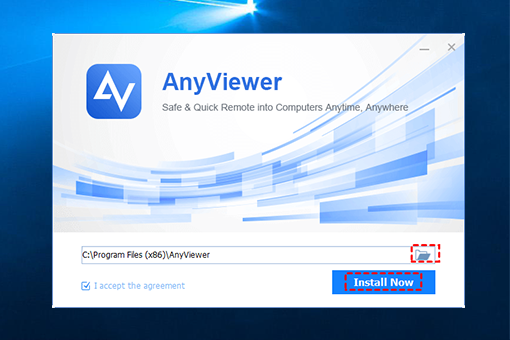
Download and run free remote access software on the 2 computers.
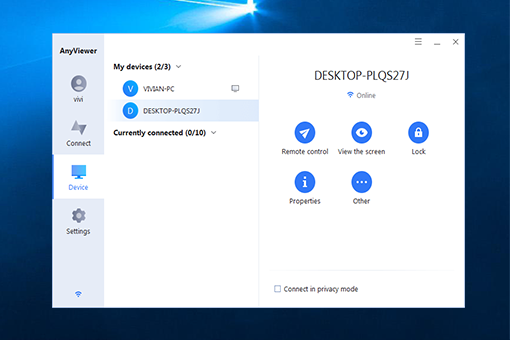
Create an AnyViewer account, log in to the same account on the 2 PCs. On the local PC, click Device and click the target PC. Then, click Remote control.
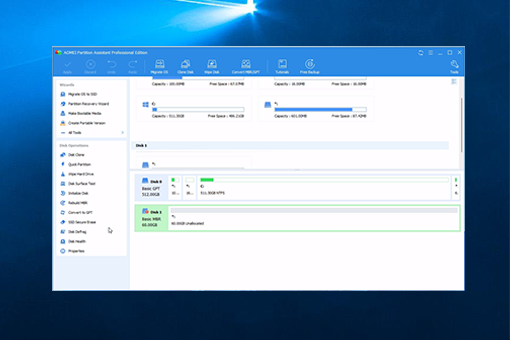
After connecting to the remote PC successfully, you can install and run PA on the remote PC to manage its disks and partitions.