AnyViewer is a straightforward piece of software, packing lots
of functionalities in what might look like a minimal interface,
thus making it a worthwhile choice for remote desktop
connections including home use including assisting your senior
family members; for business uses, the scenarios are as broad as
you can imagine.
AnyViewer is installed for us in less than five seconds and has
a really simple user interface that's easy for anyone to
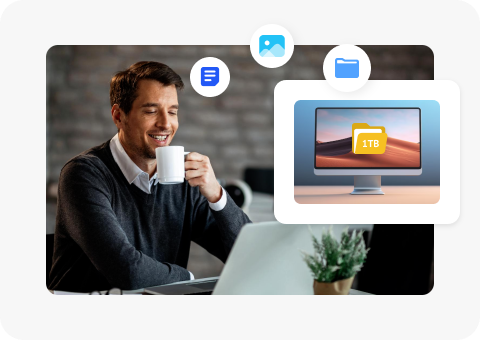
understand right off the bat. The file transfer functionality is
amazing to quickly transfer anything you want to between a home
computer and a remote one, such as your office computer.
AnyViewer is a remote desktop software that allows you to
connect PCs in a simple way. You can remotely control another
PC, for example to help your family, friends or customers to
solve some of the hardest and sophisticated Windows problems
that are difficult to describe and require in-person assistance.
AnyViewer is easy, secure, and free to use on Windows, iOS, and
Android devices. It enables PC-to-PC and Mobile-to-PC remote
control. It provides a wide range of capabilities, such as
unattended remote access, file transfer, multiple sessions, and
chat functionality.

Zoey Reeves
IT Customer Service Technician

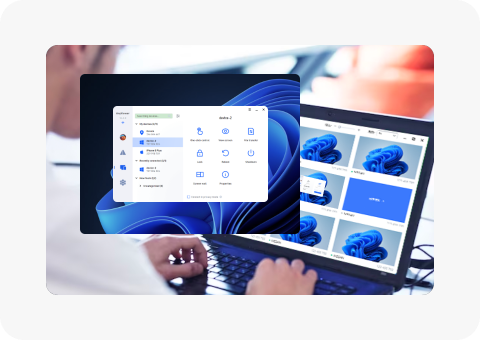
AnyViewer provides an easy way for technical support, especially
for some inexplicable problems. I send a remote control request
to my client and assist him quickly to solve the issue with live
chat in remote session. I can see the problem on his computer
like on the scene and take actions freely as I need.

Brain Duran
Web Designer & Project Supervisor
Thanks to AnyViewer a million! I don't have to stay at office
and wait others to complete their tasks and to check. I can go
home and access the work PC to check out the content with our
work software only available in office, which is usually too
substantial and expensive to install on every device.

Linda Watkins
Steam Game Enthusiast
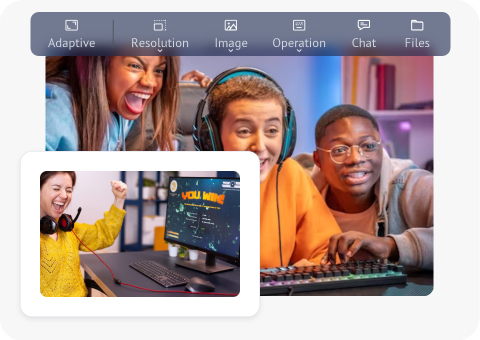
I love AnyViewer so much! It offers fast speed and high frame
rate; thus, I can play my favorite PC game with my iPhone 14
seamlessly. There is almost no delay for whatever games I play
and however the scenes change and my movements go!
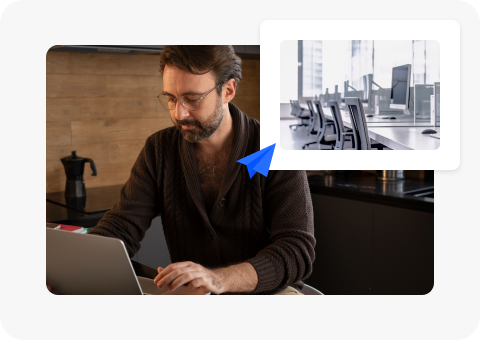
It is simple to install, setup and operate. Just within a few
seconds and clicks, I can remotely access my office computer and
run programs smoothly on the remote PC like I’m there in-person.
I’ll definitely recommend AnyViewer to all my friends and
families.